一、练习
新建文件夹14,复制练习文件夹下内容Step 12: Shell Control as Container && Step 13:Margins and Paddings 使用CSS类对页面美化-
1.1 新建style.css
首先在webapp下新建css文件夹,再在css文件下新建style.css文件
css
html .myAppDemoWT .myCustomButton.sapMBtn {
  margin-right: 10px;
  margin-left: 0.125rem;
  color: rgb(18, 92, 239);
}

.myAppDemoWT .myCustomText {
  display: inline-block;
  font-weight: bold;
  color: rgb(18, 92, 239);
}
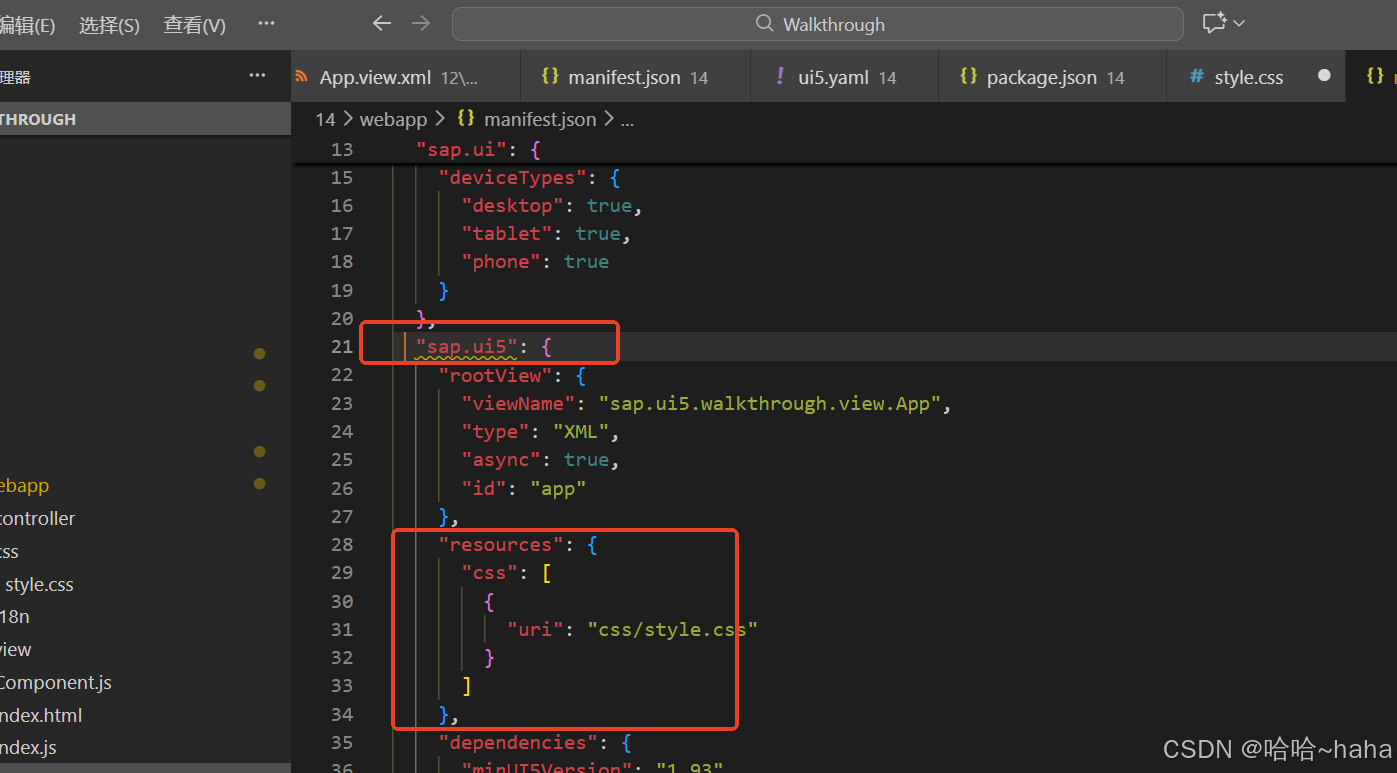
2.2manifest.json新增配置
"sap.ui5" 新增css配置如下
css
 "resources": {
      "css": [
        {
          "uri": "css/style.css"
        }
      ]
    }
2.3 App.view.xml
XML
<mvc:View
   controllerName="sap.ui5.walkthrough.controller.App"
	xmlns="sap.m"
	xmlns:mvc="sap.ui.core.mvc"
   displayBlock="true">
 <Shell>
      <App class="myAppDemoWT">
         <pages>
            <Page title="{i18n>homePageTitle}">
               <content>
                  <Panel
                     headerText="{i18n>panelTitle1}">
                     <content>
                        <Button
                        text="{i18n>ButtonText}"
                        press="onPress"
                        class="myCustomButton"/>
                        <Input
                        id="input2"
                        value="{/recipient/name}"
                        valueLiveUpdate="true"
                        width="60%"/>
                        <Text
                        text="{i18n>textDesc} {/recipient/name}"
                        class="sapUiSmallMargin myCustomText"/>
                     </content>
                  </Panel>
               </content>
            </Page>
         </pages>
      </App>
   </Shell>
</mvc:View>
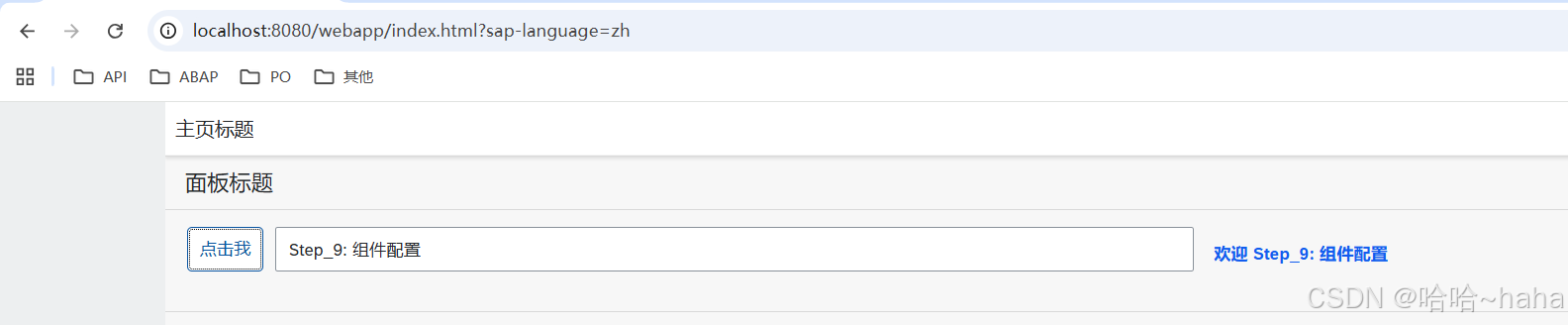
与Step12相比,
- App标签新增class="myAppDemoWT"
- Button类替换class="myCustomButton"
- Text标签类替换class="sapUiSmallMargin myCustomText"
2.4 运行结果