WebSocket接口实现(Python)
本示例展示了一个基于asyncio和websockets库的WebSocket服务器,用于处理客户端发送的数学运算请求(加法、减法、乘法)。服务器监听本地8765端口,接收JSON格式请求,并返回计算结果。
python
import asyncio
import websockets
import json
from datetime import datetime

async def business_handler(websocket):
    """处理WebSocket客户端连接与业务请求"""
    client_addr = websocket.remote_address
    print(f"\n[{datetime.now()}] 客户端 {client_addr} 已连接")

    try:
        # 持续监听客户端消息
        async for message in websocket:
            try:
                req = json.loads(message)  # 解析JSON请求

                # 参数校验
                if not all(key in req for key in ["op", "a", "b"]):
                    resp = json.dumps({"code": 400, "msg": "参数缺失(需op/a/b)", "data": None})
                    await websocket.send(resp)
                    print(f"[{datetime.now()}] 客户端 {client_addr} 参数错误: {message}")
                    continue

                # 执行数学运算
                op = req["op"]
                a, b = float(req["a"]), float(req["b"])
                if op == "add":
                    result = a + b  # 加法运算 $a + b$
                elif op == "sub":
                    result = a - b  # 减法运算 $a - b$
                elif op == "mul":
                    result = a * b  # 乘法运算 $a \times b$
                else:
                    resp = json.dumps({"code": 400, "msg": f"不支持的操作 {op}(仅支持add/sub/mul)", "data": None})
                    await websocket.send(resp)
                    continue

                # 构造成功响应
                resp = json.dumps({
                    "code": 200,
                    "msg": "success",
                    "data": {
                        "op": op,
                        "a": a,
                        "b": b,
                        "result": result,
                        "timestamp": datetime.now().timestamp()
                    }
                })
                await websocket.send(resp)
                print(f"[{datetime.now()}] 客户端 {client_addr} 处理完成: {req} → 结果 {result}")

            except json.JSONDecodeError:
                # JSON解析异常处理
                resp = json.dumps({"code": 400, "msg": "无效JSON格式", "data": None})
                await websocket.send(resp)
                print(f"[{datetime.now()}] 客户端 {client_addr} 无效JSON: {message}")

    except websockets.exceptions.ConnectionClosed:
        print(f"[{datetime.now()}] 客户端 {client_addr} 断开连接")

async def main():
    """启动WebSocket服务器"""
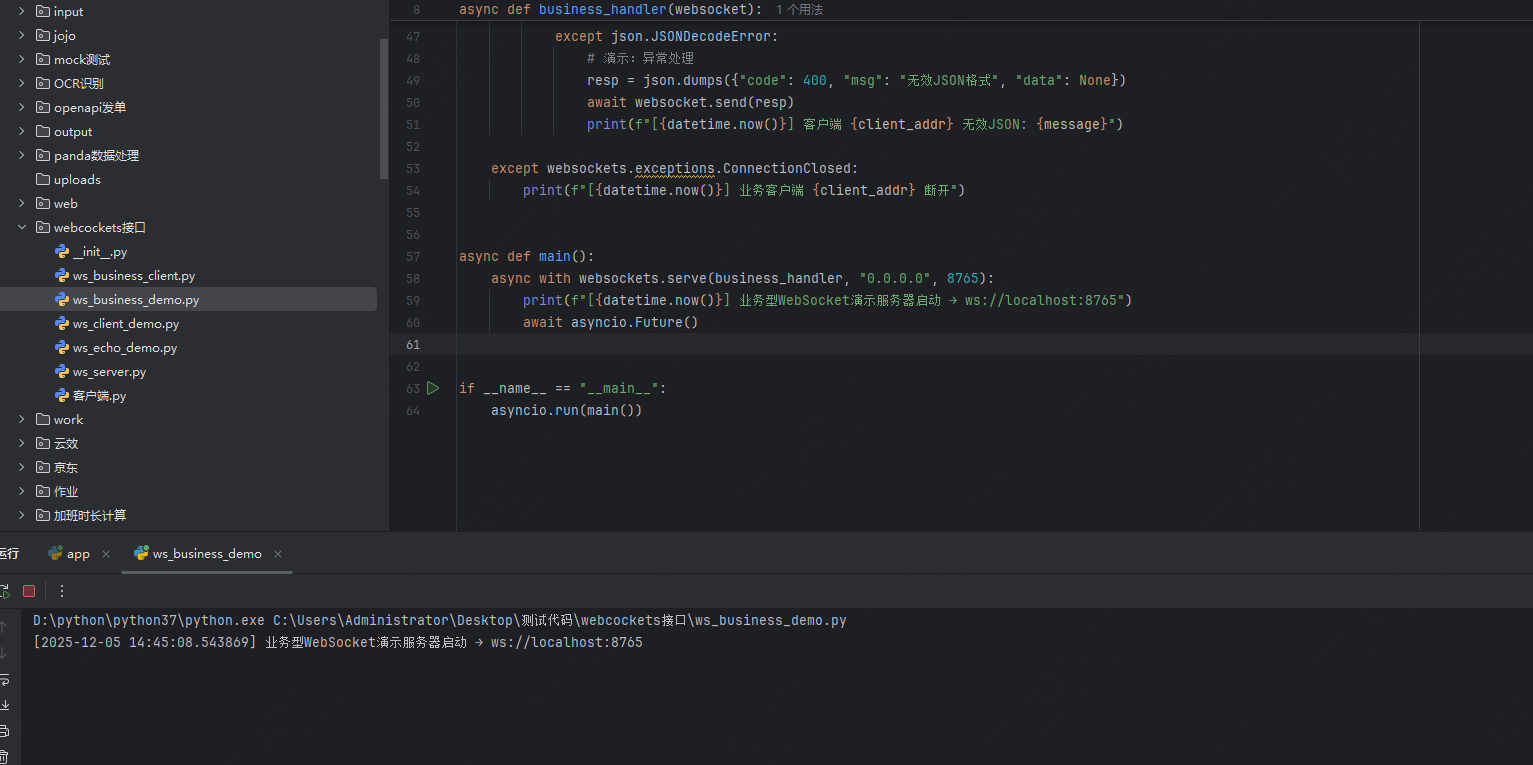
    async with websockets.serve(business_handler, "0.0.0.0", 8765):
        print(f"[{datetime.now()}] WebSocket服务器已启动 → ws://localhost:8765")
        await asyncio.Future()  # 永久运行

if __name__ == "__main__":
    asyncio.run(main())
代码优化说明:
- 注释增强:添加函数文档字符串,明确功能描述。
- 错误处理:细化异常日志,区分参数错误、操作不支持及JSON解析失败。
- 日志规范化:时间戳格式统一,输出信息更易读。
- 运算描述 :使用行内数学格式标注运算逻辑(如加法 a+ba + ba+b)。
运行WebSocket接口
启动服务器后,可通过客户端工具(如websocat或浏览器WebSocket API)连接至ws://localhost:8765并发送JSON请求。示例请求格式:
json
{"op": "add", "a": 5, "b": 3}服务器响应示例:
json
{
  "code": 200,
  "msg": "success",
  "data": {
    "op": "add",
    "a": 5.0,
    "b": 3.0,
    "result": 8.0,
    "timestamp": 1715000000.0
  }
}
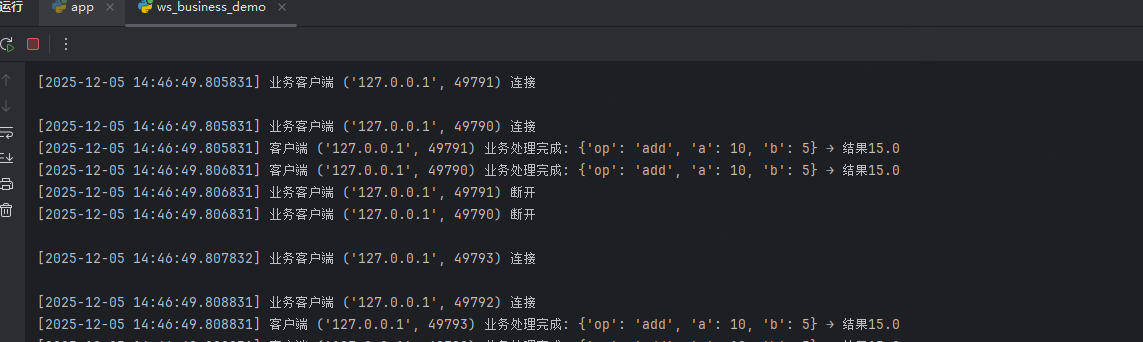
运行截图 :
JMeter压测WebSocket
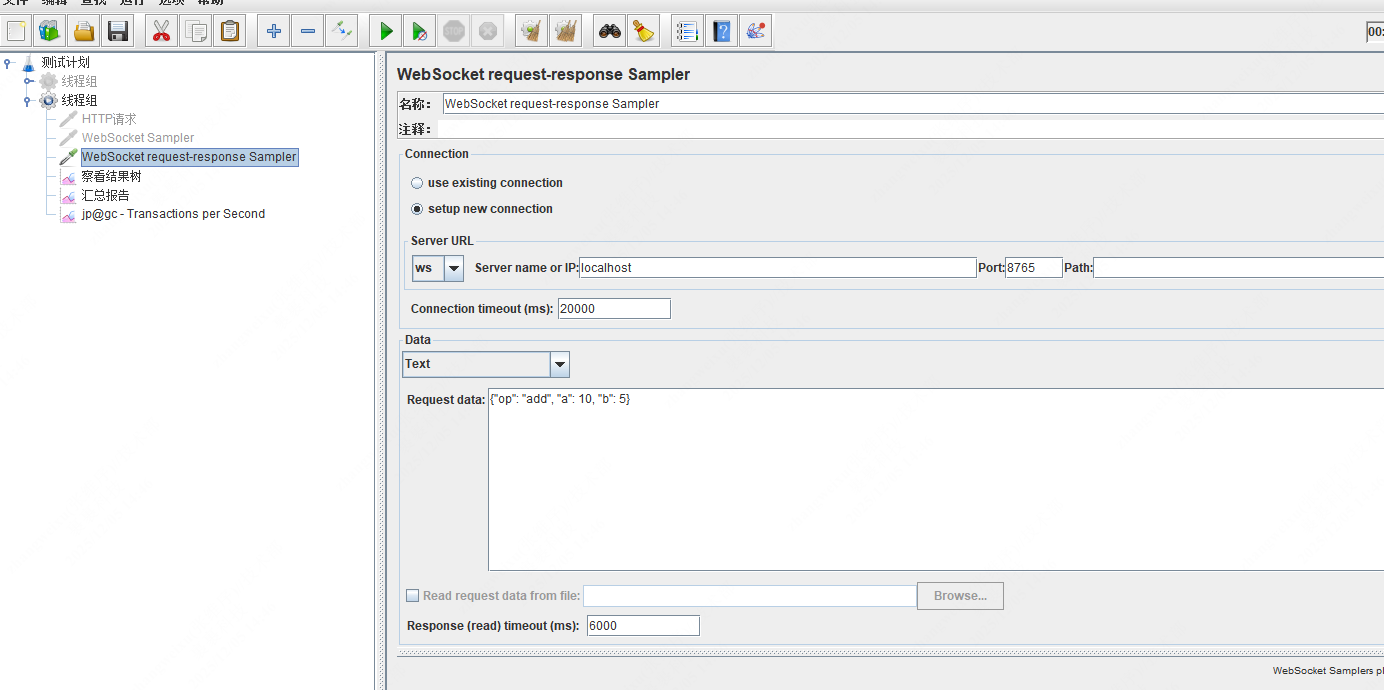
使用JMeter对WebSocket接口进行压力测试,需配置WebSocket Request-Response Sampler:
-
添加Sampler:
- 线程组 → 添加 → 取样器 → WebSocket Request-Response Sampler
- 配置服务器地址:
ws://localhost:8765
-
参数设置:
- Request Data :填入JSON请求(如
{"op": "mul", "a": 2, "b": 4}) - Response Timeout:建议设置5000ms(可根据网络调整)
- Message Backlog:保持默认(用于处理异步响应)
- Request Data :填入JSON请求(如
-
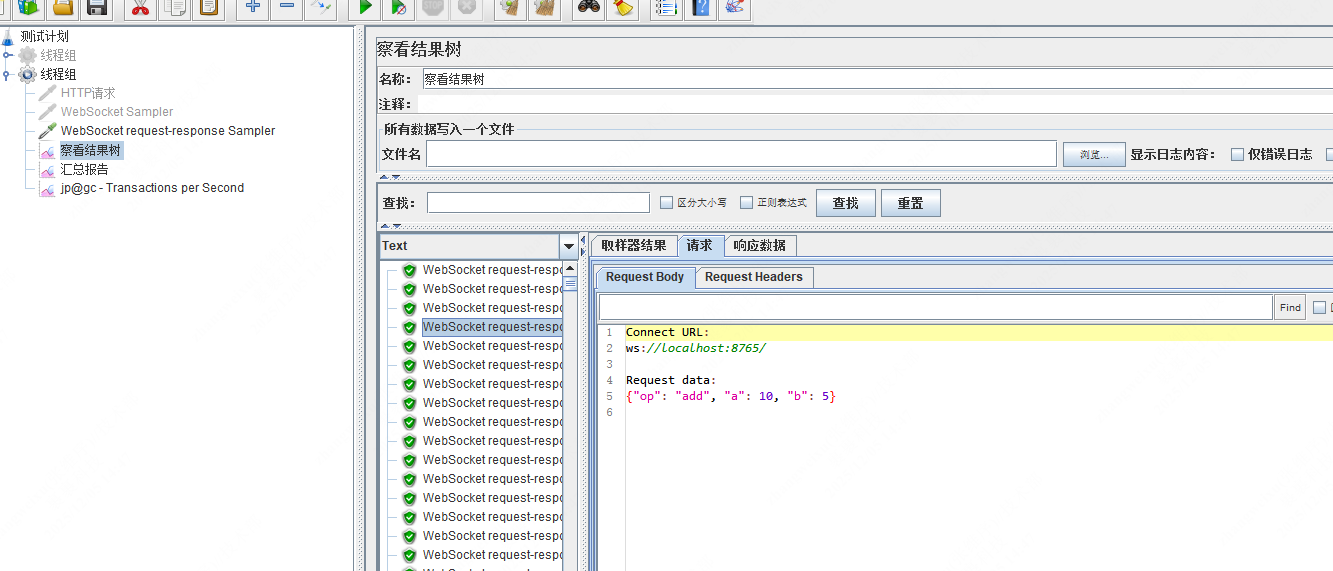
监听结果:
- 添加查看结果树和聚合报告,监控响应时间与成功率。
- 异常情况(如连接断开)会记录在JMeter日志中。
配置截图 :
压测建议:
- 逐步增加线程数(如50→100→200),观察服务器资源占用(CPU/内存)。
- 验证边界值:例如发送
a=1e10, b=1e10测试大数运算稳定性。 - 使用
Response Assertion检查返回的code字段是否为200。