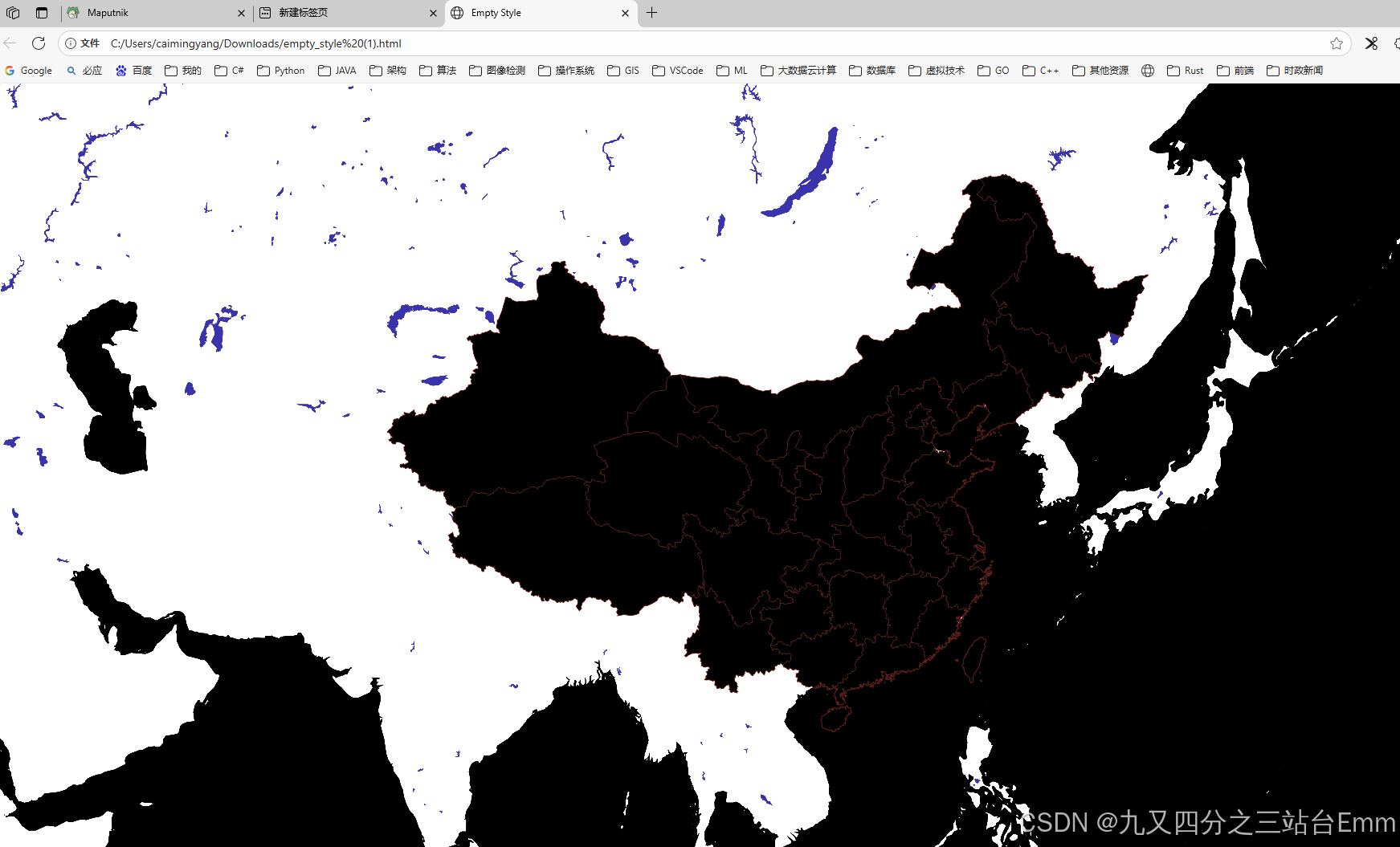
1. 安装部署
1.1. docker部署
yaml
version: "3.8"

services:
  maputnik:
    image: ghcr.io/maplibre/maputnik:main
    container_name: maputnik
    restart: unless-stopped
    ports:
      - "8888:8000"
1.2. 访问地址
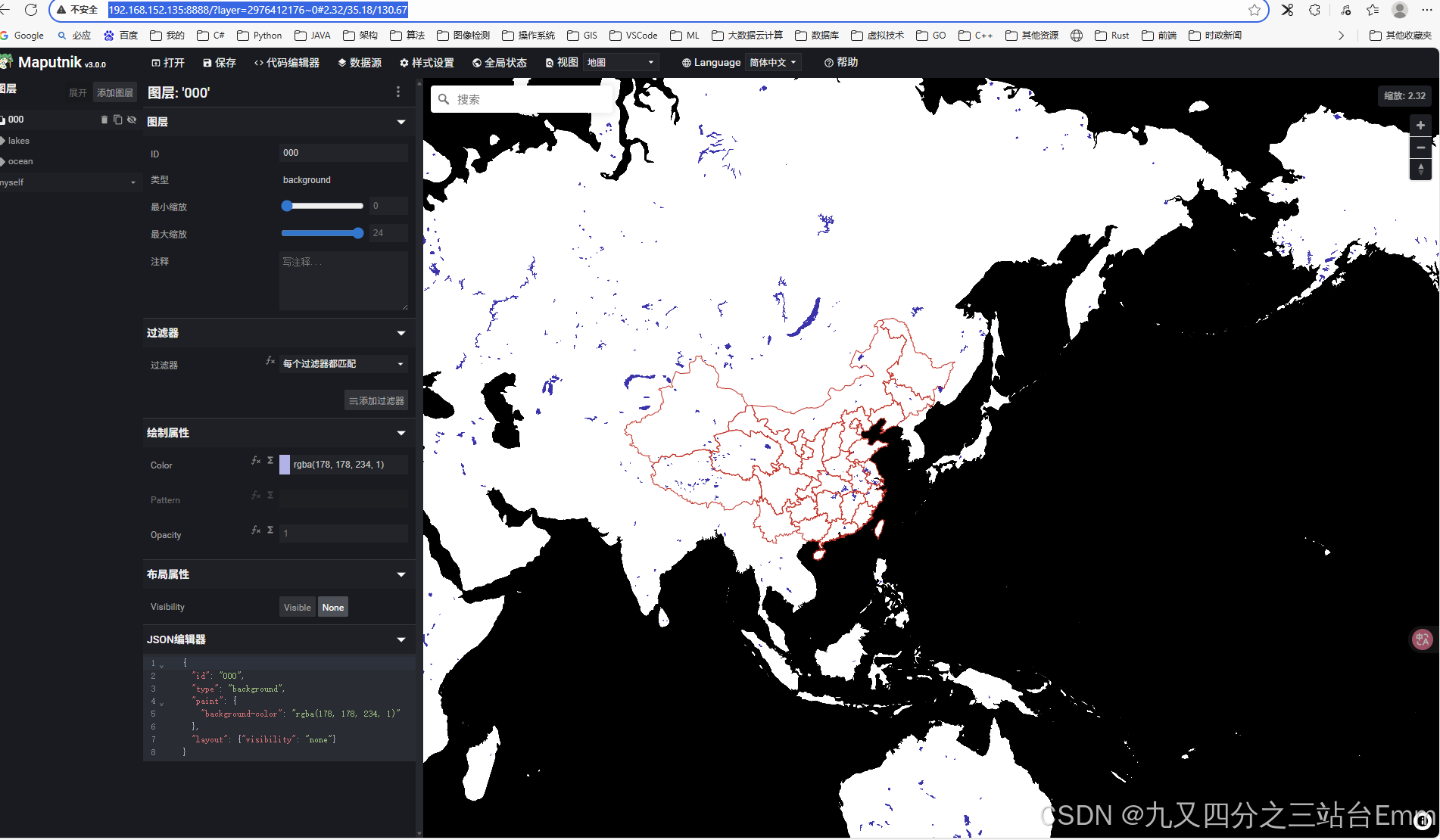
2. maputnik使用
2.1. 准备数据
2.1.1. geojson数据
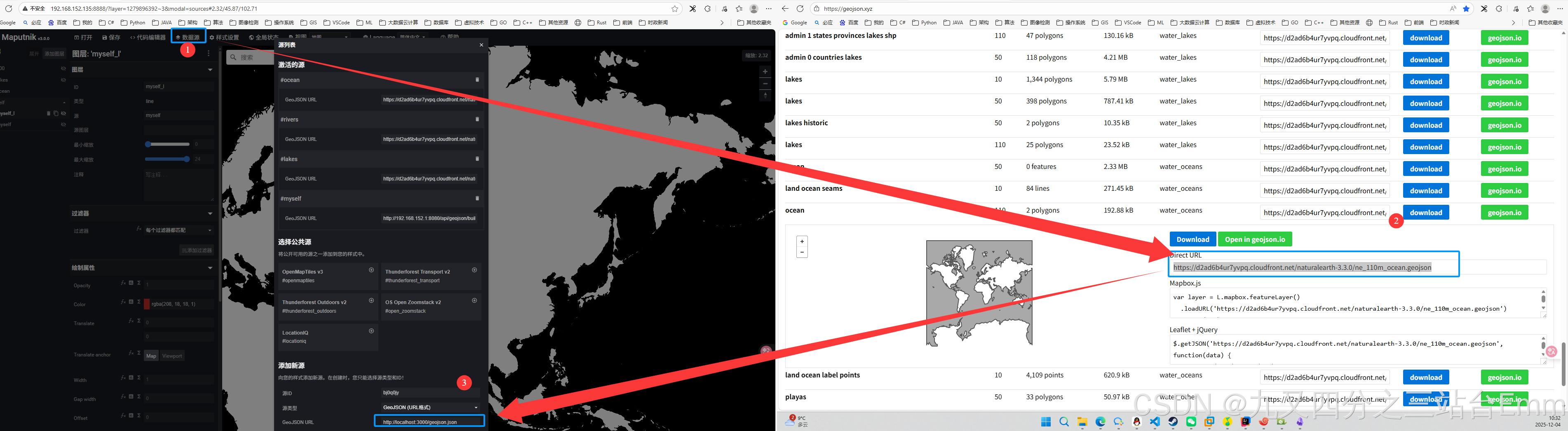
2.1.2. 空间数据库中的geojson数据
http://192.168.152.1:8080/api/geojson/buildings?bbox=73.45051018383731,6.317355183421367,135.09411098065837,53.559883747749566
java
package com.xiaocai.postgis_mvt_demo.services;

import org.springframework.jdbc.core.JdbcTemplate;
import org.springframework.stereotype.Service;

@Service
public class GeoJsonService {

    private final JdbcTemplate jdbcTemplate;

    public GeoJsonService(JdbcTemplate jdbcTemplate) {
        this.jdbcTemplate = jdbcTemplate;
    }

    public String queryBuildingsAsGeoJson(Double minLon, Double minLat,
                                          Double maxLon, Double maxLat) {

        String baseSql =
                "SELECT json_build_object(" +
                        "  'type', 'FeatureCollection'," +
                        "  'features', COALESCE(json_agg(" +
                        "    json_build_object(" +
                        "      'type',       'Feature'," +
                        "      'geometry',   ST_AsGeoJSON(ST_Transform(the_geom, 4326))::json," +
                        "      'properties', json_build_object(" +
                        "        'area', area," +
                        "        'name', name" +
                        "      )" +
                        "    )" +
                        "  ), '[]'::json)" +
                        ") AS geojson " +
                        "FROM 国界与省界_polygon ";

        if (minLon != null && minLat != null && maxLon != null && maxLat != null) {
            baseSql += "WHERE the_geom && ST_MakeEnvelope(?, ?, ?, ?, 4326)";
            return jdbcTemplate.queryForObject(
                    baseSql,
                    new Object[]{minLon, minLat, maxLon, maxLat},
                    String.class
            );
        } else {
            return jdbcTemplate.queryForObject(baseSql, String.class);
        }
    }
}
2.2. 加载效果
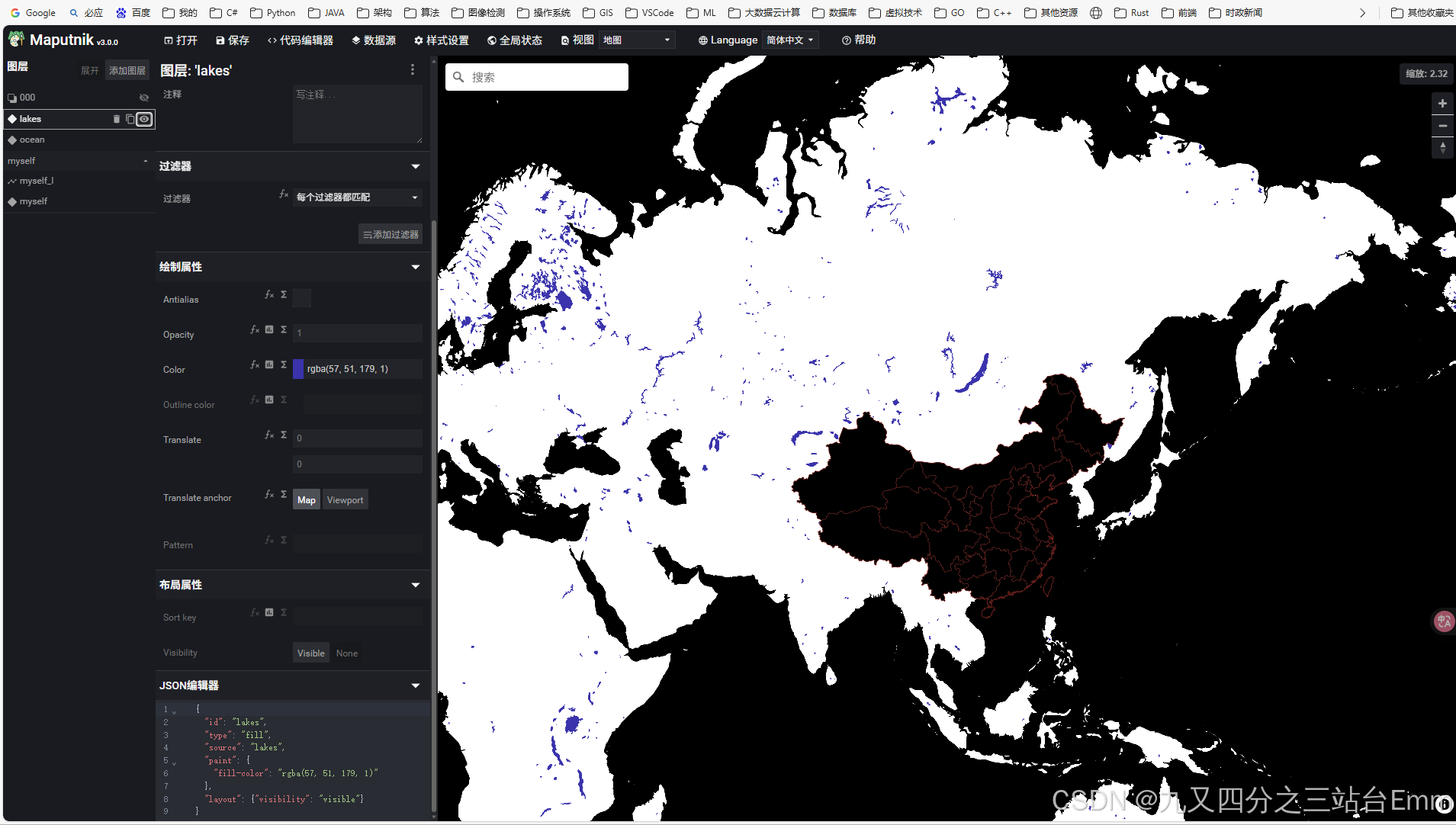
2.3. 导出单独打开加载效果
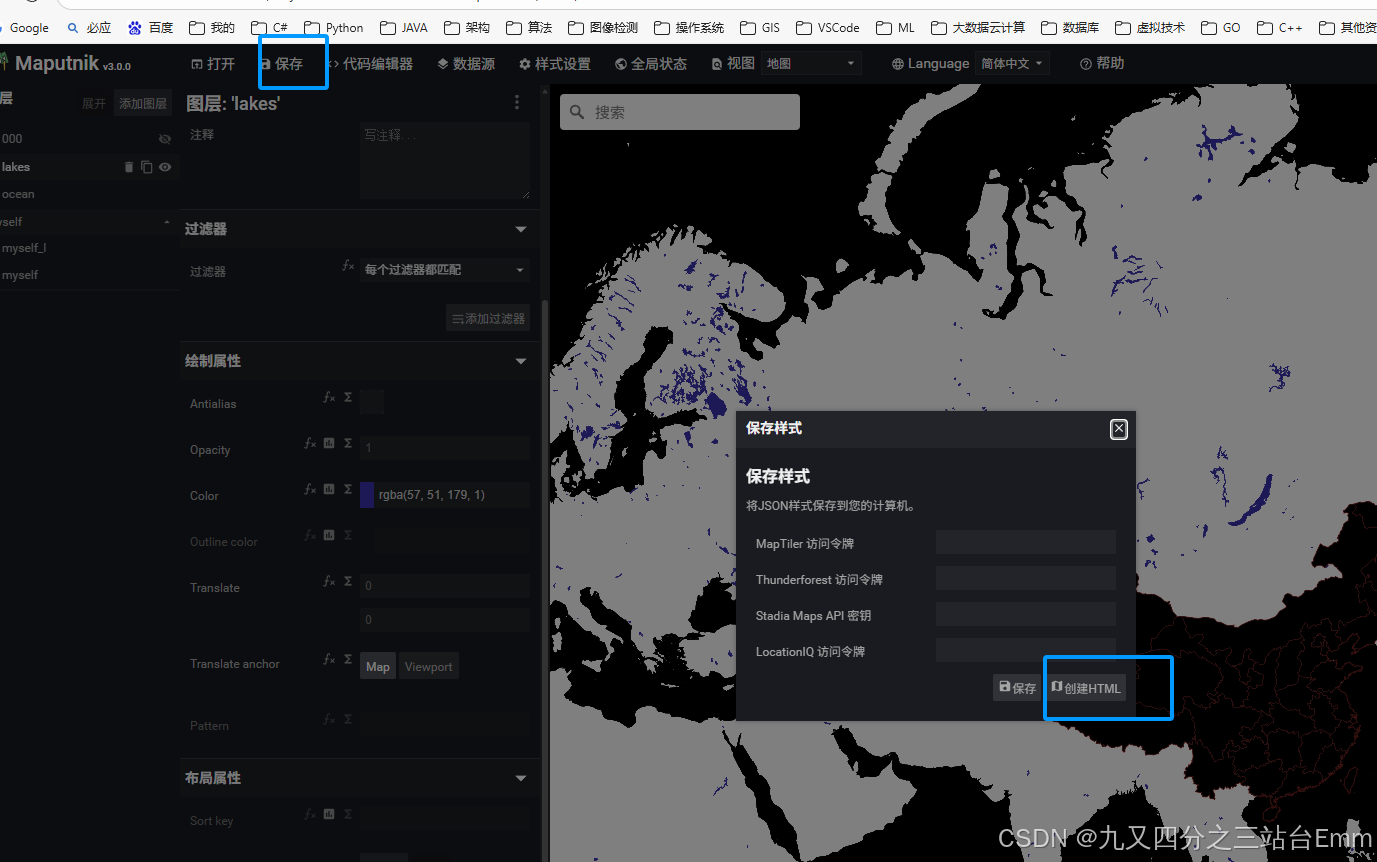
2.3.1. 导出HTML
2.3.2. html加载效果