文章目录
一、接口信息案例
xml
URL: http: //ip:端口/地址
请求参数: ZZMM_XX_DFR {
		I_ZS = 0081455477;
		I_ZF = null;
		I_PRT = 90;
		I_USRNAM = admin;
		I_TYPE = X;
	}
返回结果: ZZMM_XX_DFRResponse {
		xxxxxxx=xxxx
		......
}
二、postman调用
api调用文档:https://apifox.com/apiskills/postman-webservice-api/#apifox-调试-webservice
1.填写请求方式和地址
xml
请求方式:post
请求地址:http: //ip:端口/地址
2.填写Header
xml
Content-Type:text/xml;charset=utf-8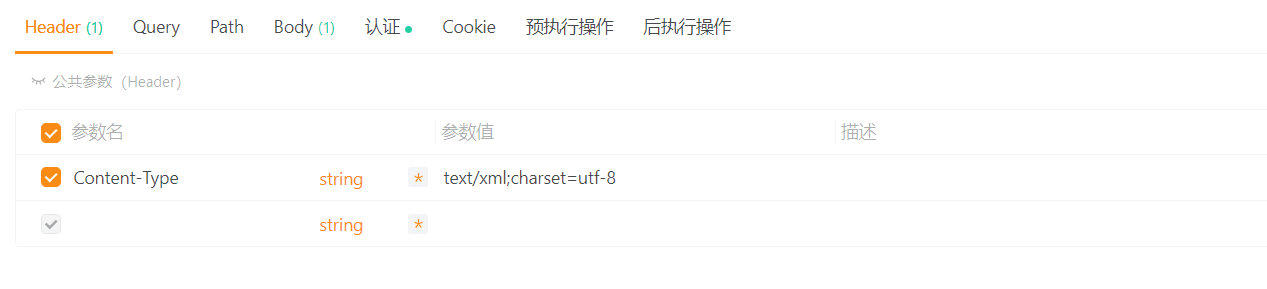
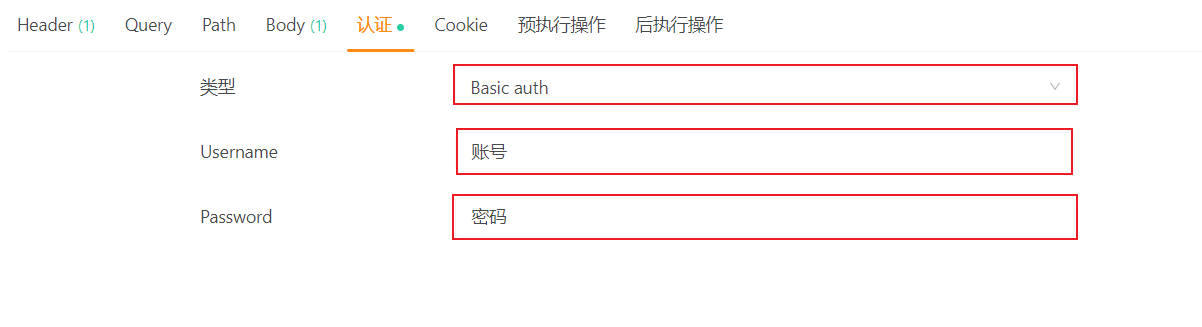
3.填写认证账号和密码
类型选择:Basic auth
4.填写body
选择:raw
选择:XML
请求体:
xml
<?xml version="1.0" encoding="utf-8"?>
<soapenv:Envelope xmlns:soapenv="http://schemas.xmlsoap.org/soap/envelope/"
                  xmlns:urn="urn:sap-com:document:sap:rfc:functions">
   <soapenv:Header/>
   <soapenv:Body>
      <urn:ZZMM_XX_DFR>
         <I_ZS>0081455477</I_ZS>
         <I_ZF xsi:nil="true" xmlns:xsi="http://www.w3.org/2001/XMLSchema-instance"/>
         <I_PRT>90</I_PRT>
         <I_USRNAM>admin</I_USRNAM>
         <I_TYPE>X</I_TYPE>
      </urn:ZZMM_XX_DFR>
   </soapenv:Body>
</soapenv:Envelope>
xml
注意:当某个字段需要填null时,需要这么填,案例:
<I_ZF xsi:nil="true" xmlns:xsi="http://www.w3.org/2001/XMLSchema-instance"/>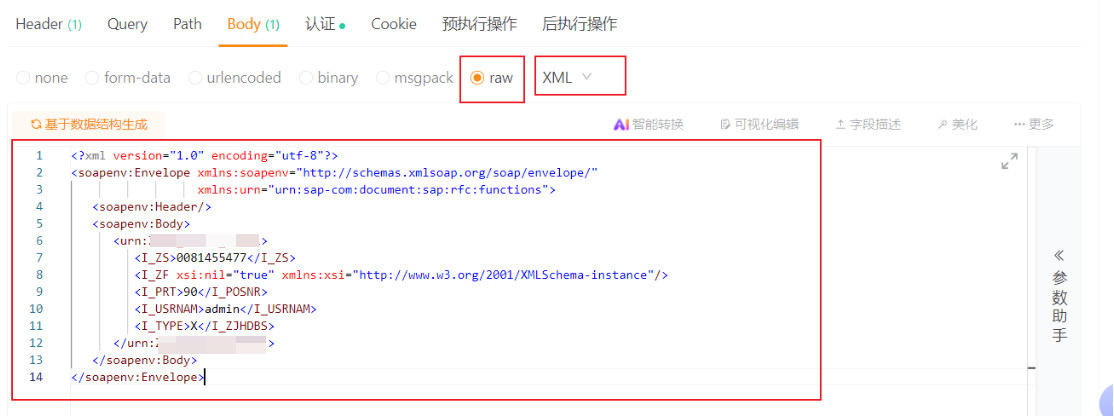
5.返回信息案例
xml
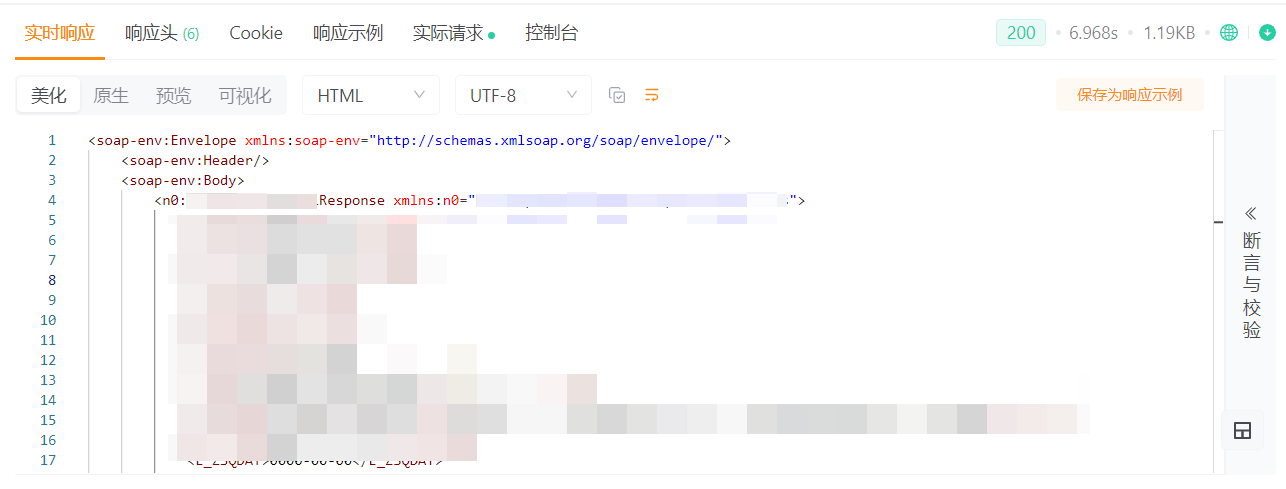
<soap-env:Envelope xmlns:soap-env="http://schemas.xmlsoap.org/soap/envelope/">
    <soap-env:Header/>
    <soap-env:Body>
        <n0:ZZMM_XX_DFRResponse xmlns:n0="urn:">
            <E_KUNNR>045</E_KUNNR>
            <E_ZZLDJ>无</E_ZZLDJ>
        </n0:ZZMM_PRINT_CARD1Response>
    </soap-env:Body>
</soap-env:Envelope>