引言
OpenHarmony 作为华为主导的开源分布式操作系统,其核心能力之一是分布式软总线(DSoftBus) ,它实现了设备间低延迟、高可靠、自发现、自组网的通信机制。然而,对于使用跨平台框架如 Flutter 开发的应用来说,原生并不支持 OpenHarmony 的分布式能力。本文将深入探讨如何在 Flutter 应用中集成 OpenHarmony 分布式软总线,并提供可运行的代码示例。
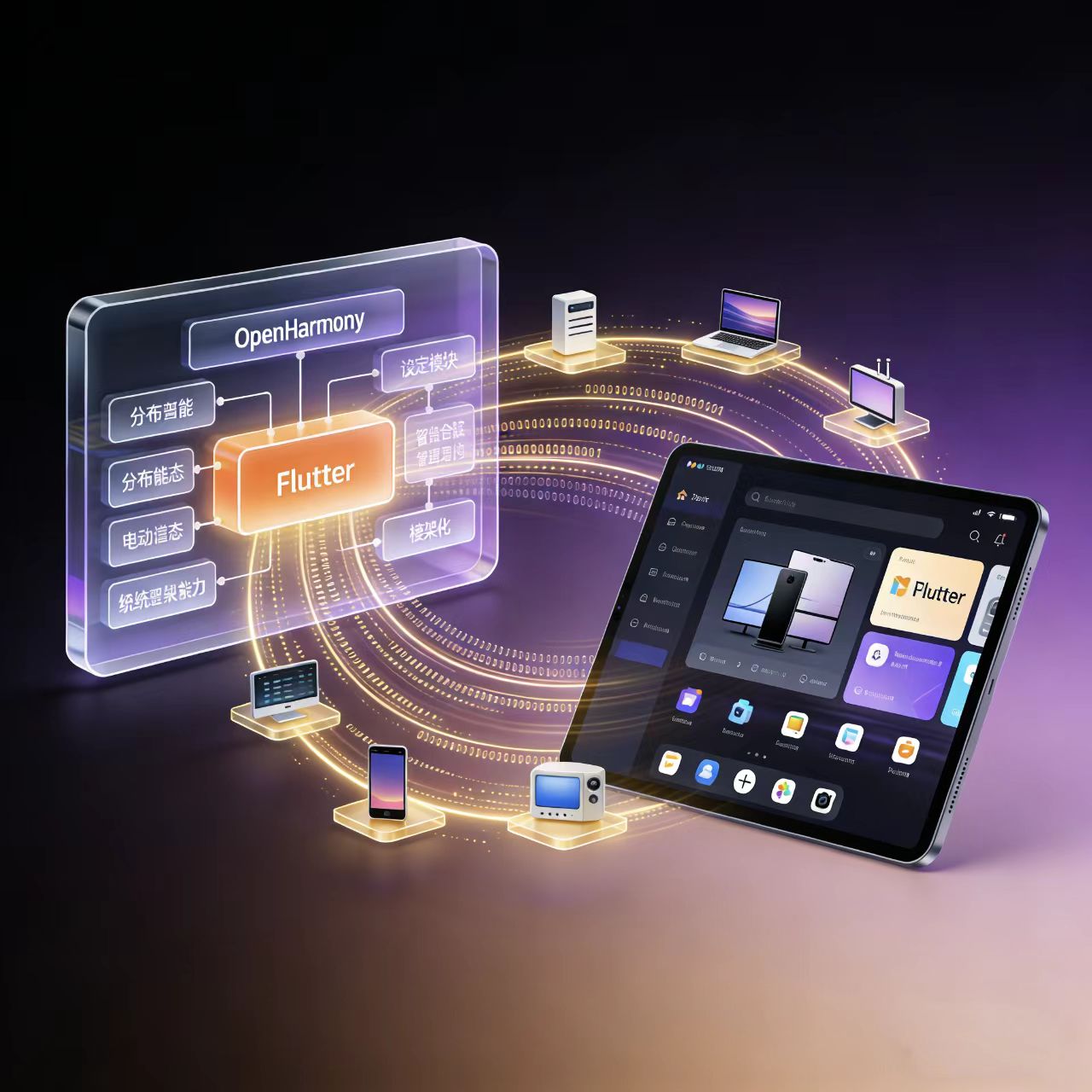
一、为什么 Flutter 不原生支持分布式软总线?
Flutter 是由 Google 主导的 UI 框架,其底层依赖于 Skia 渲染引擎和 Dart 运行时,通信层通常通过 Platform Channel 调用原生 API。而 OpenHarmony 的分布式软总线是基于其特有的 DeviceManager、SoftBus SDK、LNN(Logical Network Node) 等模块实现的,这些能力在 Android/iOS 上并不存在。
因此,要在 Flutter 中使用分布式软总线,必须:
- 在 OpenHarmony 原生侧封装软总线接口;
- 通过 Flutter 的 MethodChannel 暴露给 Dart 层;
- 在 Dart 层调用并处理跨设备通信逻辑。
二、整体架构设计
+---------------------+
|     Flutter App     |
|   (Dart 代码)       |
+----------+----------+
           |
   MethodChannel (Platform Channel)
           |
+----------v----------+
| OpenHarmony Native  |
| (ArkTS/JS/C++ 封装) |
| SoftBus API Wrapper |
+---------------------+
           |
    Distributed SoftBus
    (Device Discovery, Session, P2P)
三、开发步骤详解
步骤 1:配置 OpenHarmony 权限与依赖
在 module.json5 中添加所需权限:
json
{
  "module": {
    "requestPermissions": [
      {
        "name": "ohos.permission.DISTRIBUTED_DATASYNC"
      },
      {
        " name": "ohos.permission.GET_DISTRIBUTED_DEVICE_INFO"
      }
    ]
  }
}
同时,在 build-profile.json5 中确保启用了分布式能力。
步骤 2:原生侧封装软总线接口(以 ArkTS 为例)
创建 SoftBusManager.ets:
ts
// SoftBusManager.ets
import deviceManager from '@ohos.distributedHardware.deviceManager';
import { BusinessType } from '@ohos.distributedHardware.deviceManager';

class SoftBusManager {
  private dm: deviceManager.DeviceManager | null = null;
  private deviceIdList: string[] = [];

  async initDeviceManager(): Promise<void> {
    try {
      this.dm = deviceManager.createDeviceManager('com.example.fluttersoftbus');
      await this.registerDeviceStateCallback();
    } catch (error) {
      console.error('Failed to create DeviceManager:', error);
    }
  }

  private registerDeviceStateCallback(): void {
    if (!this.dm) return;
    this.dm.on('deviceStateChange', (data) => {
      if (data.type === deviceManager.DeviceStateChangeType.ONLINE) {
        this.deviceIdList.push(data.deviceId);
        // 可通过 EventChannel 通知 Flutter
      }
    });
  }

  getTrustedDeviceList(): string[] {
    return this.deviceIdList;
  }

  sendMessageToDevice(deviceId: string, message: string): boolean {
    // 实际可通过 session 或 publish/subscribe 实现
    // 此处简化为打印
    console.log(`Send to ${deviceId}: ${message}`);
    return true;
  }
}

const softBusManager = new SoftBusManager();
export default softBusManager;
步骤 3:通过 Platform Channel 暴露给 Flutter
在 entry/src/main/ets/pages/Index.ets 中注册 MethodChannel:
ts
// Index.ets
import flutterBridge from './FlutterBridge'; // 自定义桥接文件

@Entry
@Component
struct Index {
  build() {
    // 初始化 Flutter 引擎并绑定 channel
    flutterBridge.initSoftBusChannel();
  }
}
FlutterBridge.ets 内容如下:
ts
// FlutterBridge.ets
import softBusManager from './SoftBusManager';
import { MethodChannel } from '@flutter/engine';

const SOFTBUS_CHANNEL = 'com.example.flutter/softbus';

export function initSoftBusChannel() {
  const channel = new MethodChannel(SOFTBUS_CHANNEL);

  channel.setMethodCallHandler((call) => {
    switch (call.method) {
      case 'initSoftBus':
        softBusManager.initDeviceManager();
        return Promise.resolve({ success: true });

      case 'getDeviceList':
        const devices = softBusManager.getTrustedDeviceList();
        return Promise.resolve({ devices });

      case 'sendMessage':
        const { deviceId, message } = call.arguments as { deviceId: string; message: string };
        const result = softBusManager.sendMessageToDevice(deviceId, message);
        return Promise.resolve({ success: result });

      default:
        return Promise.reject('Method not implemented');
    }
  });
}
⚠️ 注意:上述
MethodChannel语法为示意。实际 OpenHarmony 的 Flutter 引擎需使用 OpenHarmony Flutter Engine 提供的特定桥接方式,可能需通过@ohos:plugin或自定义插件实现。
步骤 4:Dart 侧调用
在 Flutter 项目中(lib/main.dart):
dart
// lib/main.dart
import 'package:flutter/services.dart';

class SoftBusClient {
  static const _channel = MethodChannel('com.example.flutter/softbus');

  static Future<void> initSoftBus() async {
    try {
      final result = await _channel.invokeMethod('initSoftBus');
      print('SoftBus init result: $result');
    } catch (e) {
      print('Error initializing SoftBus: $e');
    }
  }

  static Future<List<String>> getDeviceList() async {
    try {
      final result = await _channel.invokeMethod('getDeviceList');
      return List<String>.from(result['devices'] ?? []);
    } catch (e) {
      print('Error getting device list: $e');
      return [];
    }
  }

  static Future<bool> sendMessage(String deviceId, String message) async {
    try {
      final result = await _channel.invokeMethod('sendMessage', {
        'deviceId': deviceId,
        'message': message,
      });
      return result['success'] == true;
    } catch (e) {
      print('Error sending message: $e');
      return false;
    }
  }
}

// 使用示例
void main() async {
  WidgetsFlutterBinding.ensureInitialized();
  await SoftBusClient.initSoftBus();

  final devices = await SoftBusClient.getDeviceList();
  print('Available devices: $devices');

  if (devices.isNotEmpty) {
    await SoftBusClient.sendMessage(devices[0], 'Hello from Flutter!');
  }

  runApp(MyApp());
}
四、当前挑战与解决方案
| 挑战 | 说明 | 建议方案 |
|---|---|---|
| Flutter 引擎适配 | 官方 Flutter 不支持 OpenHarmony,需使用社区版引擎 | 使用 OpenHarmony SIG Flutter 维护的引擎 |
| 软总线异步回调 | 设备上线/下线需实时通知 Dart 层 | 使用 EventChannel 实现双向通信 |
| 调试困难 | 跨语言调试复杂 | 使用 DevEco Studio + 日志聚合分析 |
| API 稳定性 | OpenHarmony API 版本迭代快 | 锁定 SDK 版本,封装中间层解耦 |
五、未来展望
随着 OpenHarmony 生态的成熟,社区正在推动:
- 官方 Flutter Plugin for DSoftBus :类似
flutter_dsoftbus插件; - Dart FFI 直接调用 C 接口:绕过 ArkTS,提升性能;
- DevEco 插件支持 Flutter 分布式调试。
六、结语
让 Flutter 应用支持 OpenHarmony 分布式软总线,虽面临跨平台与系统特性的双重挑战,但通过合理的桥接设计,完全可以实现"一次开发,多端协同"。这不仅拓展了 Flutter 的应用场景,也为 OpenHarmony 生态注入了更多活力。
欢迎大家加入开源鸿蒙跨平台开发者社区,一起共建开源鸿蒙跨平台生态。