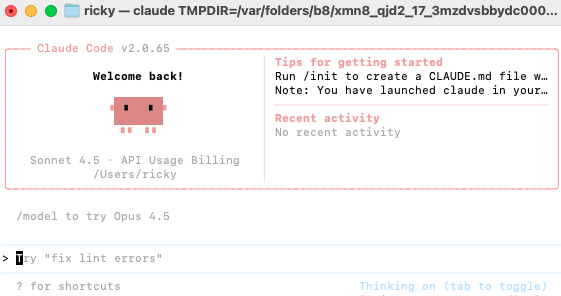
claude code报错:might not be available in your country
Mac安装claude code很简单,参考下面链接
https://blog.csdn.net/Trb201013/article/details/150266782
报错
Mac安装claude报错:Note: Claude Code might not be available in your country. Check support
问题分析
Mac安装后,在china有地区问题,所以要搜改claude配置文件json
全局搜索.claude.json文件,
一般的目录上user/.claude.json (⚠️注意文件名前面是 .)
如果在"Finder"中找不到这个文件,那么用下面命令行"全局搜索"
bash
find ~ -name "*claude*" -type f -name "*.json" 2>/dev/null
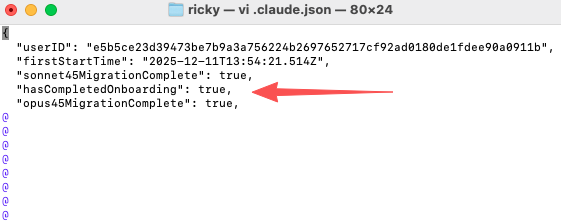
使用下面命令编辑这个配置文件vi ./claude.json
添加这个配置(输入i变为编辑模式)
bash
"hasCompletedOnboarding": true, // 这是你新增的行,末尾要加逗号然后按ESC退出编辑模式。
接着保存并退出vi模式
vi 保存文件的方式为::wq! ,即(在这个配置文件内输入这4个符号)
这时在终端输入claude,就能成功启动了