由于Minio的停止更新,推荐一款RustFS
如果还想使用minio可以看这篇文章Minio下载和使用详细教程
RustFS官方下载文档
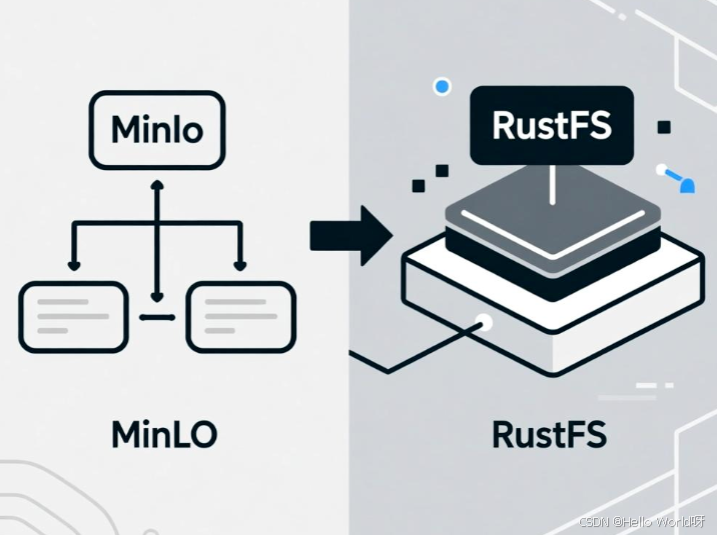
下载Windows版RustFS
使用PowerShell直接下载
sql
Invoke-WebRequest -Uri "https://dl.rustfs.com/artifacts/rustfs/release/rustfs-windows-x86_64-latest.zip" -OutFile "rustfs-windows.zip"解压到当前目录
sql
Expand-Archive -Path "rustfs-windows.zip" -DestinationPath ".\rustfs\"进入目录
sql
cd rustfs设置环境变量
sql
$env:RUSTFS_ACCESS_KEY = "rustfsadmin"
$env:RUSTFS_SECRET_KEY = "rustfsadmin"
$env:RUSTFS_ADDRESS = ":9000"
$env:RUSTFS_CONSOLE_ENABLE = "true"
$env:RUST_LOG = "warn"
启动RustFS服务(数据存储在D盘)
现在盘符里面创建文件夹
sql
.\rustfs.exe "D:\rustfs-data" --console-enable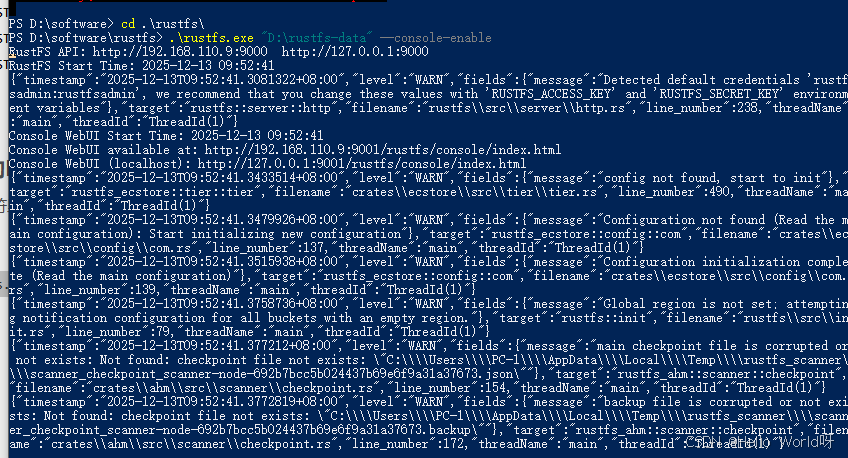
这里启动成功,访问webui控制台
http://192.168.110.9:9001/rustfs/console/auth/login
添加桶,设置密钥都可以
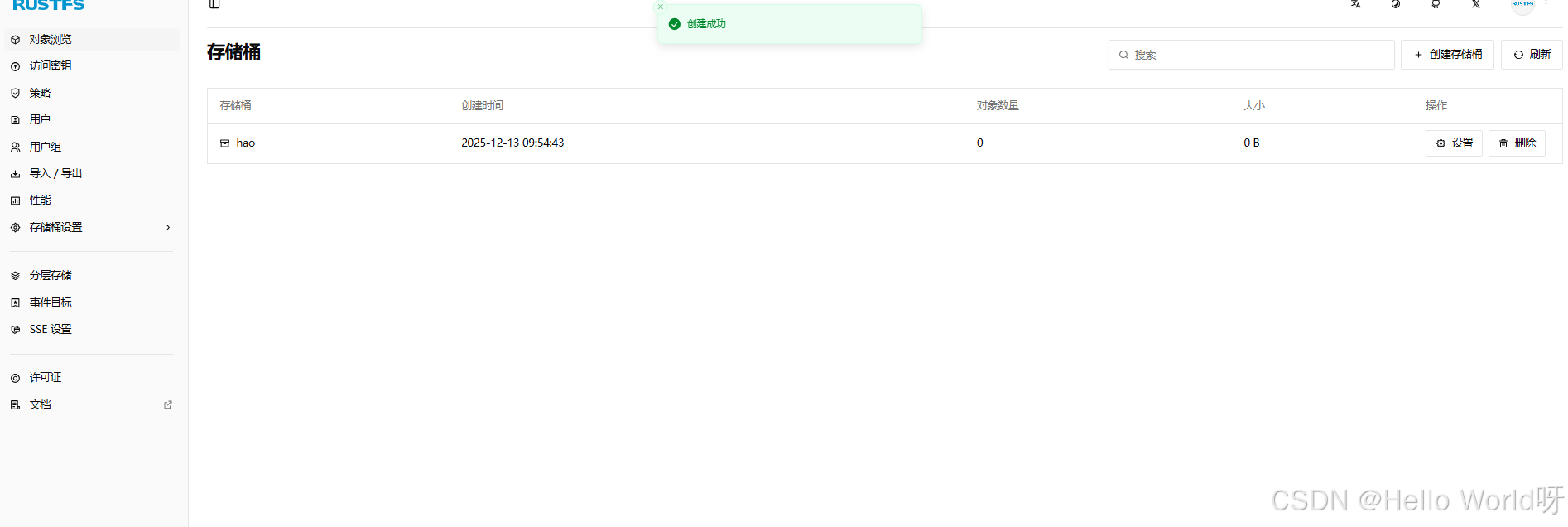
如果访问图片提示下面错误
This XML file does not appear to have any style information associated with it. The document tree is
xml
shown below.
<Error>
<Code>AccessDenied</Code>
<Message>Access Denied</Message>
</Error>
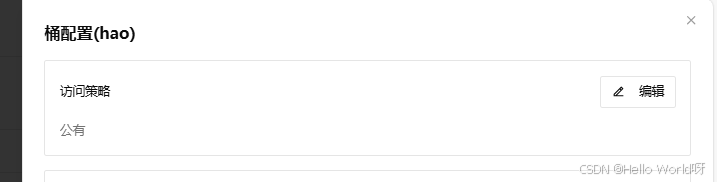
默认桶是私有的,设置成公有就可以访问了