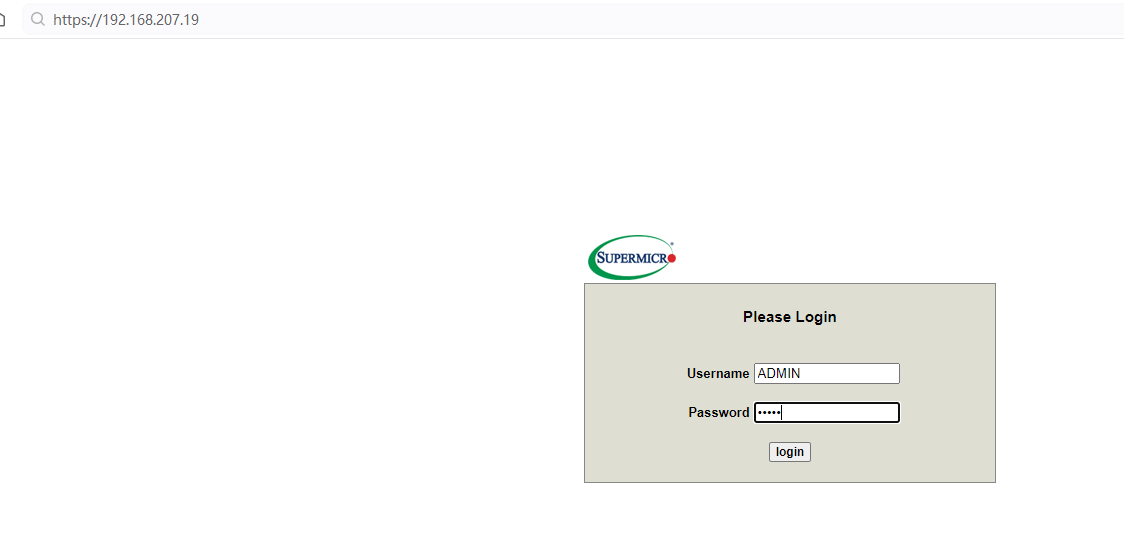
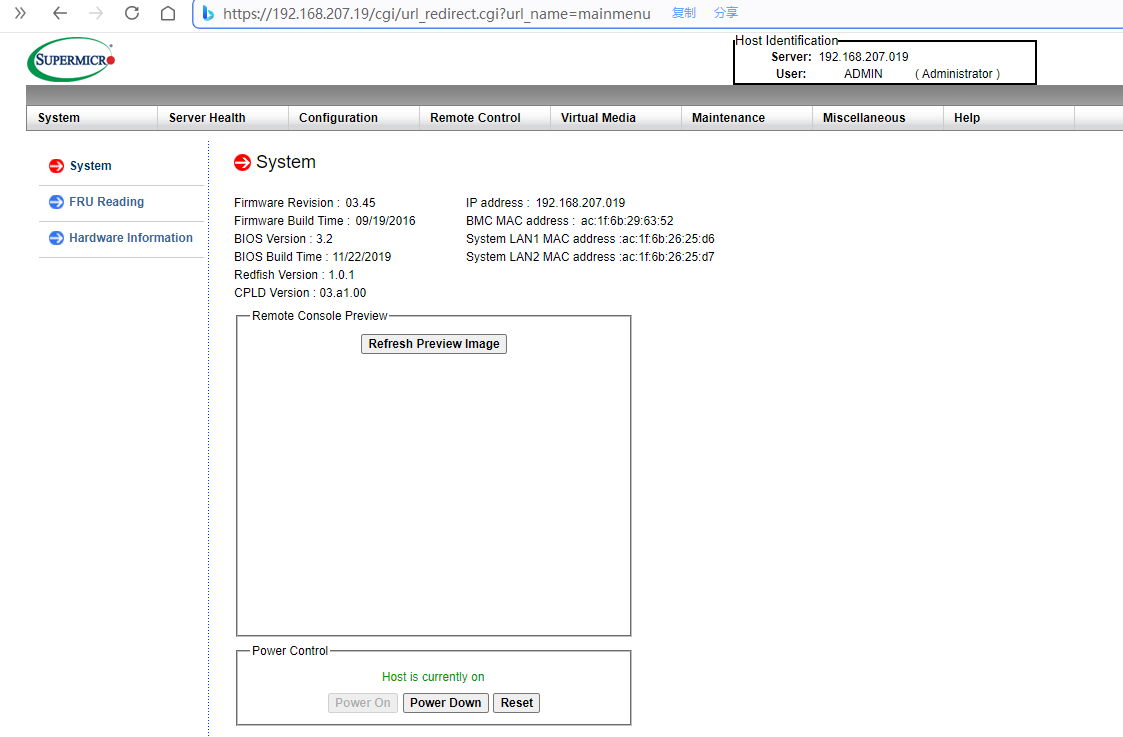
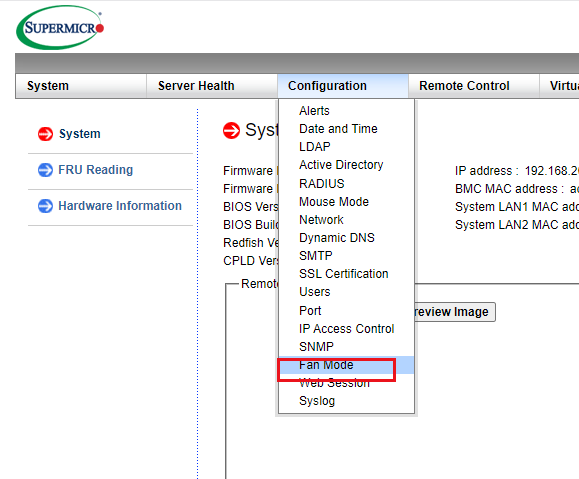
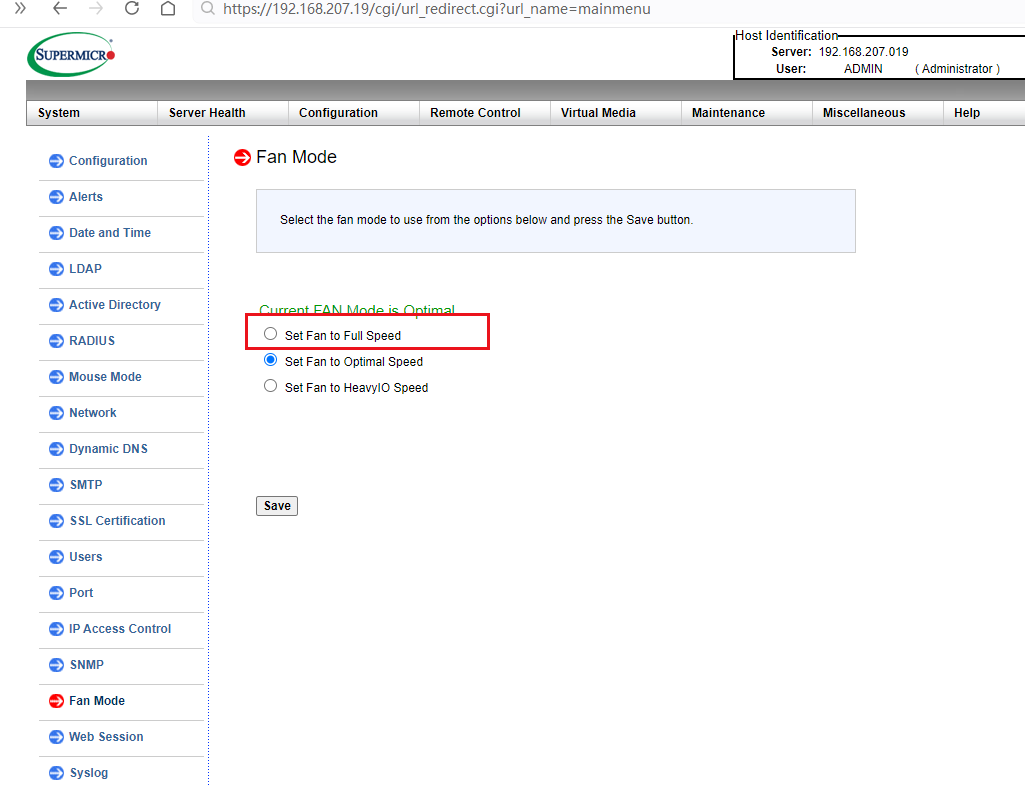
root@node15:/disk2/Qwen2.5-72B-Instruct-GPTQ-Int4# dmidecode |more
dmidecode 3.3
Getting SMBIOS data from sysfs.
SMBIOS 3.0.0 present.
Table at 0x000EC9B0.
Handle 0x0000, DMI type 0, 24 bytes
BIOS Information
Vendor: American Megatrends Inc.
Version: 3.2
Release Date: 11/22/2019
Address: 0xF0000
Runtime Size: 64 kB
ROM Size: 16 MB
Characteristics:
PCI is supported
BIOS is upgradeable
BIOS shadowing is allowed
Boot from CD is supported
Selectable boot is supported
BIOS ROM is socketed
EDD is supported
5.25"/1.2 MB floppy services are supported (int 13h)
3.5"/720 kB floppy services are supported (int 13h)
3.5"/2.88 MB floppy services are supported (int 13h)
Print screen service is supported (int 5h)
8042 keyboard services are supported (int 9h)
Serial services are supported (int 14h)
Printer services are supported (int 17h)
ACPI is supported
USB legacy is supported
BIOS boot specification is supported
Targeted content distribution is supported
UEFI is supported
BIOS Revision: 5.6
Handle 0x0001, DMI type 1, 27 bytes
System Information
Manufacturer: Supermicro
Product Name: SYS-7048GR-TR
Version: 0123456789
Serial Number: A16953527B04241
UUID: 00000000-0000-0000-0000-ac1f6b2625d6
Wake-up Type: Power Switch
SKU Number: Default string
Family: Default string
root@node15:/disk2/Qwen2.5-72B-Instruct-GPTQ-Int4# ipmitool lan print
Set in Progress : Set Complete
Auth Type Support : NONE MD2 MD5 PASSWORD
Auth Type Enable : Callback : MD2 MD5 PASSWORD
: User : MD2 MD5 PASSWORD
: Operator : MD2 MD5 PASSWORD
: Admin : MD2 MD5 PASSWORD
: OEM : MD2 MD5 PASSWORD
IP Address Source : Static Address
IP Address : 192.168.207.19
Subnet Mask : 255.255.255.0
MAC Address : ac:1f:6b:29:63:52
SNMP Community String : public
IP Header : TTL=0x00 Flags=0x00 Precedence=0x00 TOS=0x00
BMC ARP Control : ARP Responses Enabled, Gratuitous ARP Disabled
Default Gateway IP : 192.168.207.1
Default Gateway MAC : 00:00:00:00:00:00
Backup Gateway IP : 0.0.0.0
Backup Gateway MAC : 00:00:00:00:00:00
802.1q VLAN ID : Disabled
802.1q VLAN Priority : 0
RMCP+ Cipher Suites : 1,2,3,6,7,8,11,12
Cipher Suite Priv Max : XaaaXXaaaXXaaXX
: X=Cipher Suite Unused
: c=CALLBACK
: u=USER
: o=OPERATOR
: a=ADMIN
: O=OEM
Bad Password Threshold : Not Available