纯HTML 调用摄像头 获取拍照后的图片的base64
直接上代码:
html
<!DOCTYPE html>
<html>
<head>
<meta charset="utf-8">
<title>Web USB Camera</title>
</head>
<body>

<video id="video" width="400" autoplay playsinline></video>
<br>
<button id="snap">拍照</button>
<br>
<img id="photo" style="margin-top:10px; width:400px;">
<br>

<!-- ✅ 新增:用于完整显示 Base64 -->
<textarea id="output" style="width:100%;height:200px;margin-top:10px;"></textarea>

<script>
  const video = document.getElementById("video");
  const photo = document.getElementById("photo");
  const snapBtn = document.getElementById("snap");
  const output = document.getElementById("output"); // ✅ 新增引用

  // 获取摄像头
  navigator.mediaDevices.getUserMedia({ video: true })
    .then(stream => {
      video.srcObject = stream;
    })
    .catch(err => {
      alert("无法访问摄像头: " + err);
    });

  // 拍照
  snapBtn.onclick = function() {
    const canvas = document.createElement("canvas");
    canvas.width = video.videoWidth;
    canvas.height = video.videoHeight;

    const ctx = canvas.getContext("2d");
    ctx.drawImage(video, 0, 0);

    photo.src = canvas.toDataURL("image/png");

    // ✅ 新增:完整 Base64 放进 textarea
    output.value = photo.src;

    console.log("Base64 length:", photo.src.length);
  };
</script>

</body>
</html>
效果如下图所示:
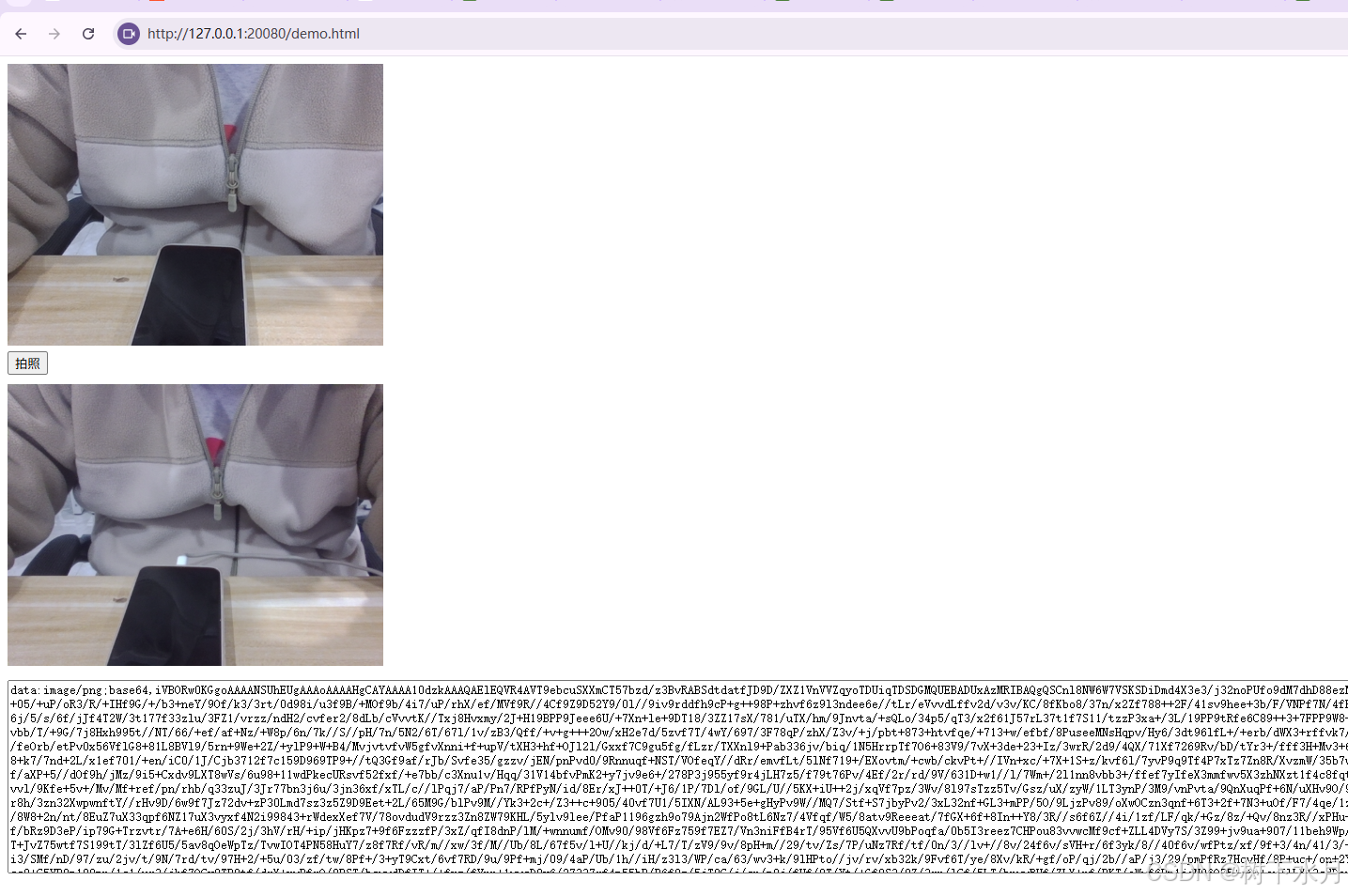
可以验证一下base64 是否正常 访问网站:
https://remeins.com/index/app/base64img
