目录
[五、🪓 代码实现](#五、🪓 代码实现)
[六、🥇 如何让学习不再盲目](#六、🥇 如何让学习不再盲目)
一、👨🎓网站题目
旅游,当地特色,历史文化,特色小吃等网站的设计与制作。
二、✍️网站描述
👨🎓静态网站的编写主要是用HTML DIV+CSS 等来完成页面的排版设计👩🎓,常用的网页设计软件有Dreamweaver、EditPlus、HBuilderX、VScode 、Webstorm、Animate等等,用的最多的还是DW,当然不同软件写出的前端Html5代码都是一致的,本网页适合修改成为各种类型的产品展示网页,比如美食、旅游、摄影、电影、音乐等等多种主题,希望对大家有所帮助。
三、📚网站介绍
📔网站布局方面:计划采用目前主流的、能兼容各大主流浏览器、显示效果稳定的浮动网页布局结构。
📓网站程序方面:计划采用最新的网页编程语言HTML5+CSS3程序语言完成网站的功能设计。并确保网站代码兼容目前市面上所有的主流浏览器,已达到打开后就能即时看到网站的效果。
📘网站素材方面:计划收集各大平台好看的图片素材,并精挑细选适合网页风格的图片,然后使用PS做出适合网页尺寸的图片。
📒网站文件方面:网站系统文件种类包含:html网页结构文件、css网页样式文件、js网页特效文件、images网页图片文件;
📙网页编辑方面:网页作品代码简单,可使用任意HTML编辑软件(如:Dreamweaver、HBuilder、Vscode 、Sublime 、Webstorm、Text 、Notepad++ 等任意html编辑软件进行运行及修改编辑等操作)。
其中:
(1)📜html文件包含:其中index.html是首页、其他html为二级页面;
(2)📑 css文件包含:css全部页面样式,文字滚动, 图片放大等;
四、🌐网站效果
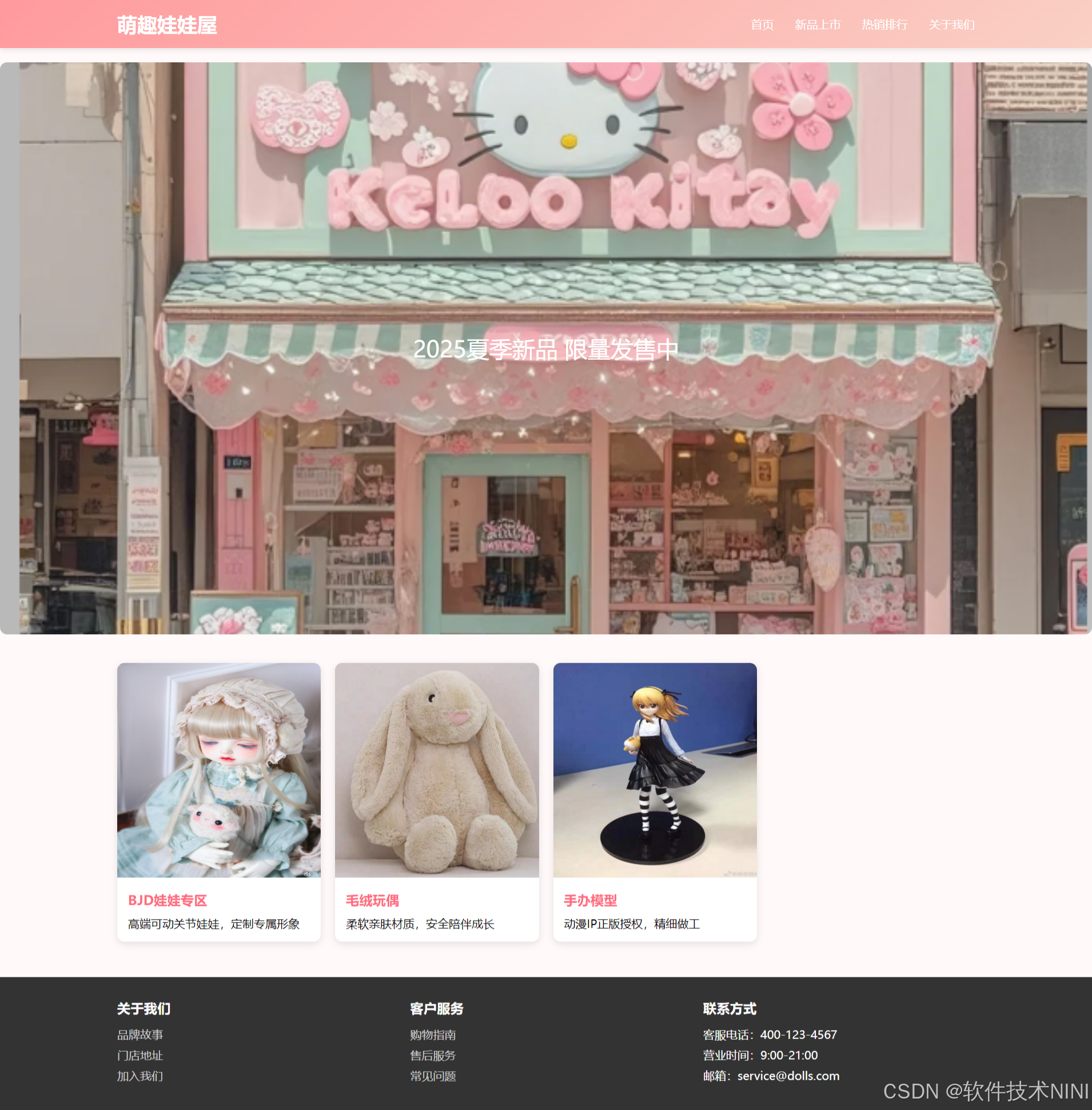
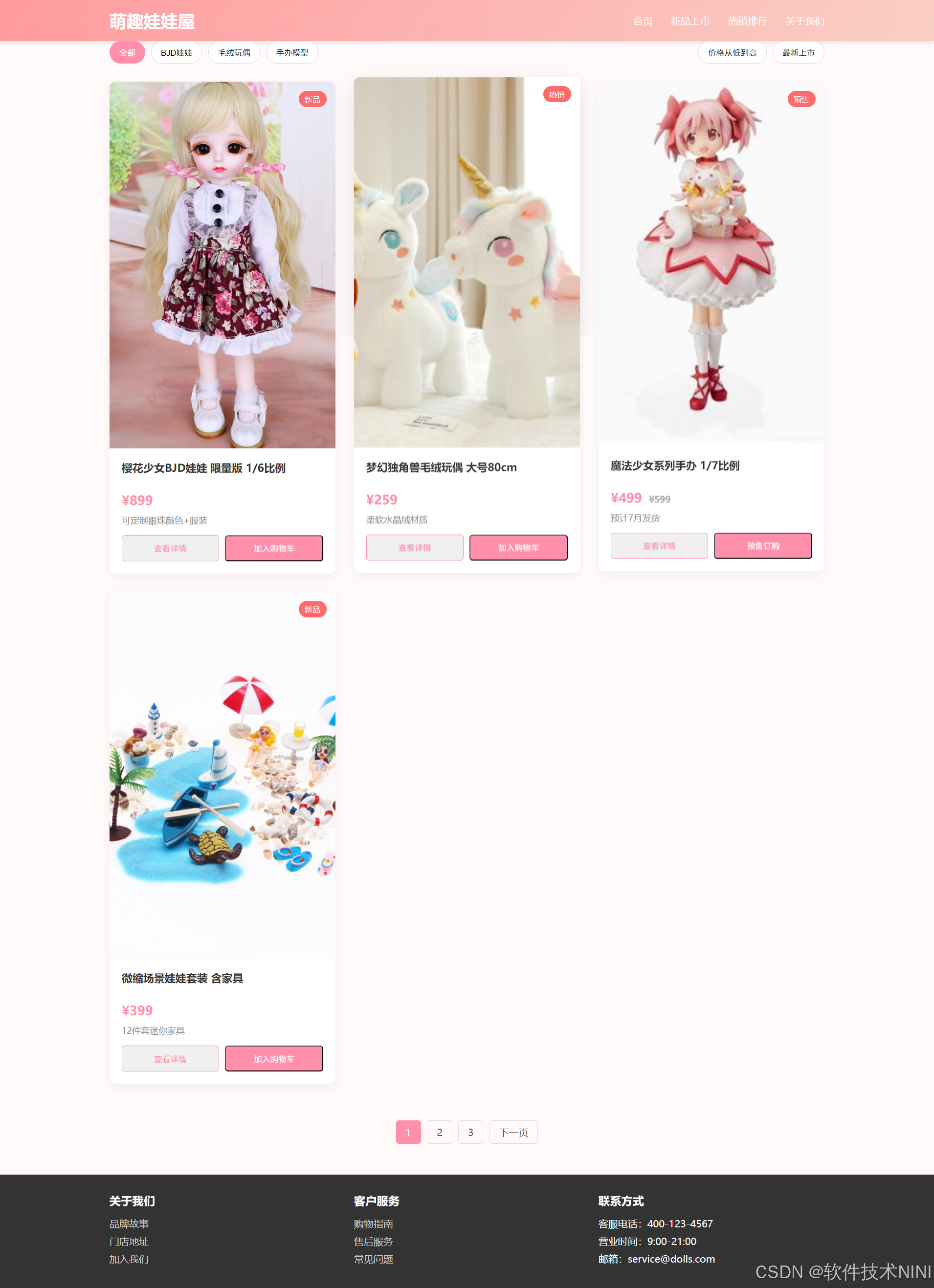
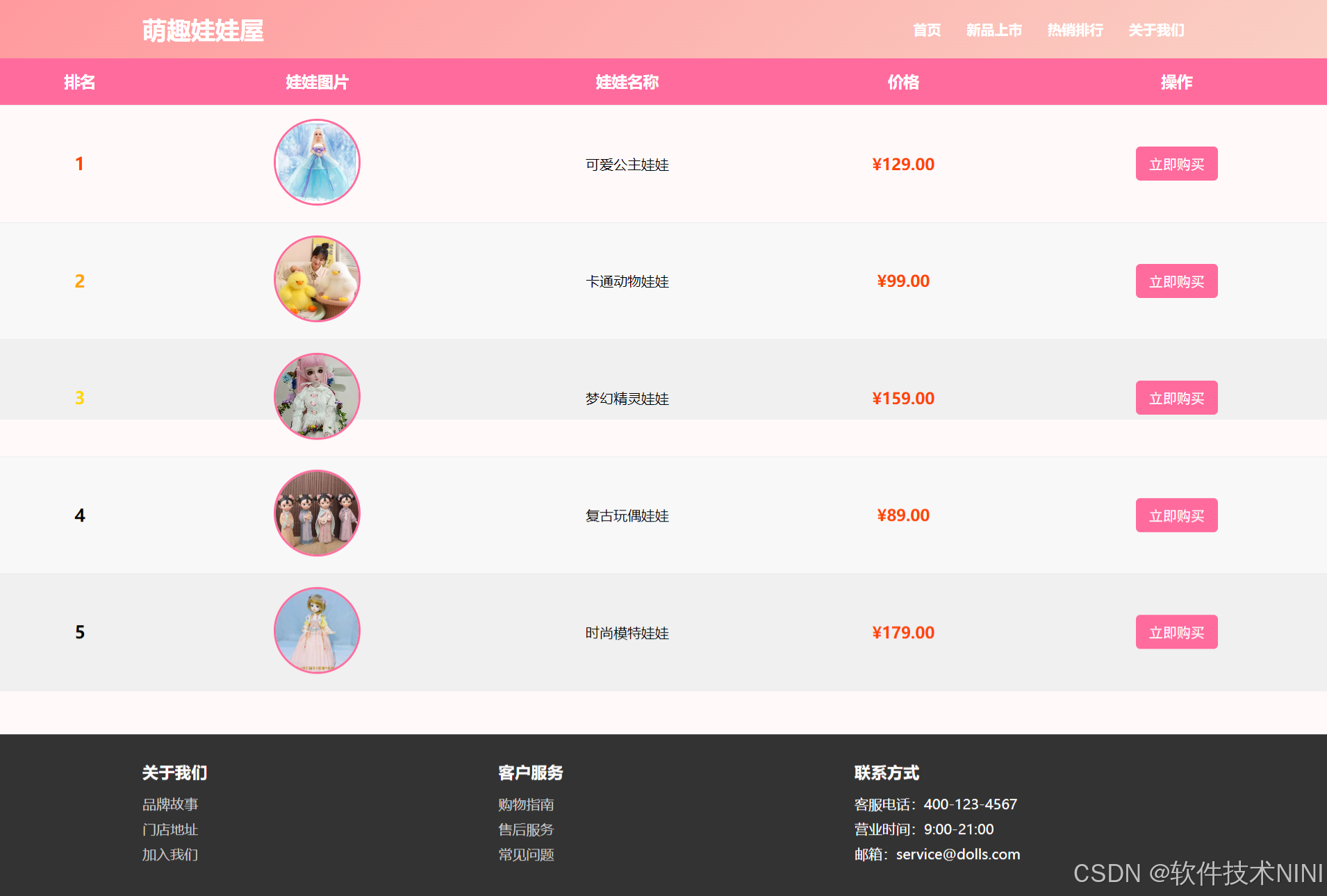
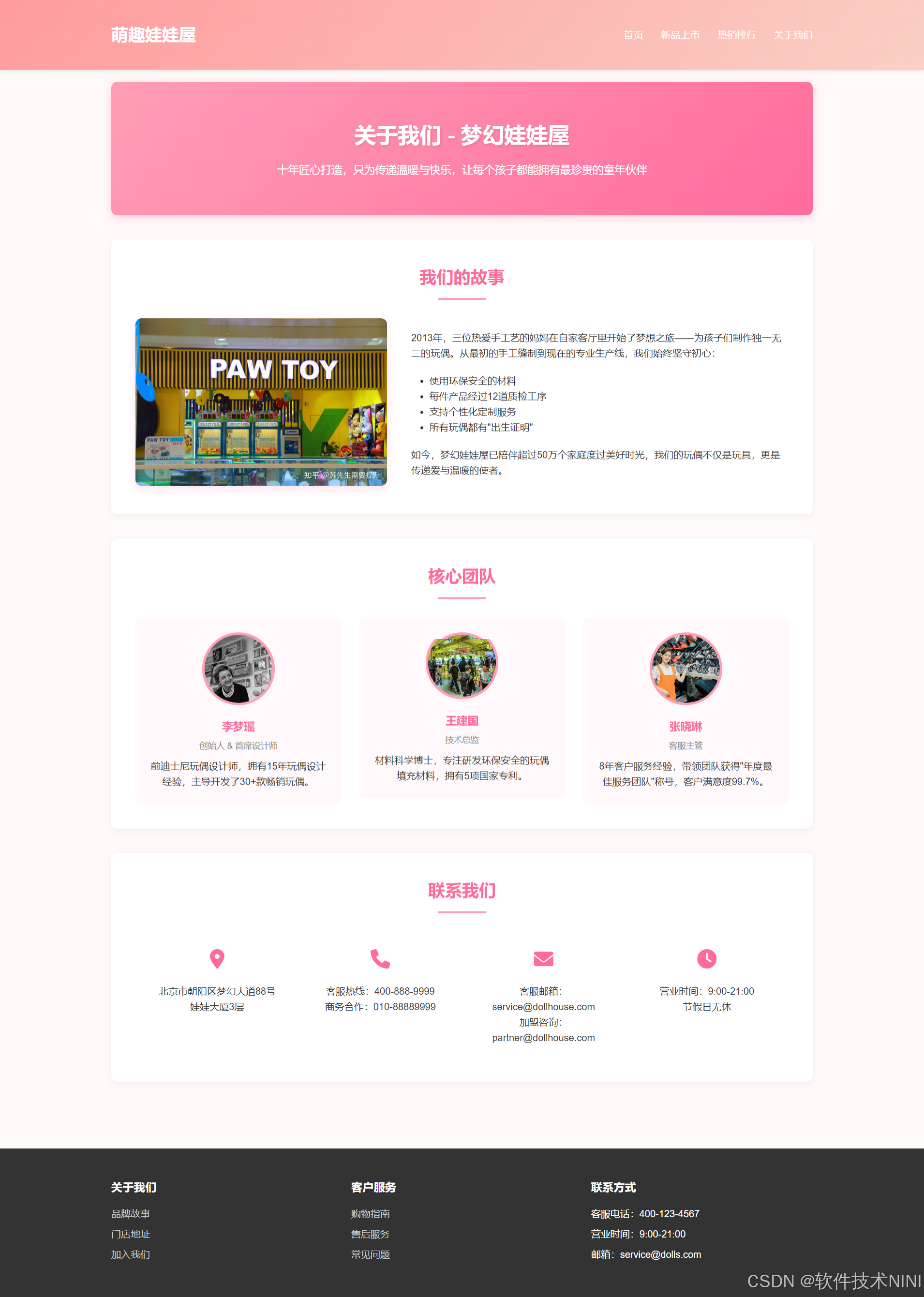
五、🪓 代码实现
🧱HTML
html
<!DOCTYPE html>
<html lang="en">
<head>
<meta charset="UTF-8">
<meta name="viewport" content="width=device-width, initial-scale=1.0">
<title>Simple Carousel</title>
<style>
.carousel {
position: relative;
width: 80%;
margin: auto;
overflow: hidden;
}
.carousel-track {
display: flex;
transition: transform 0.5s ease-in-out;
}
.carousel-slide {
min-width: 100%;
box-sizing: border-box;
}
.carousel-indicators {
position: absolute;
bottom: 10px;
left: 50%;
transform: translateX(-50%);
display: flex;
}
.carousel-indicator {
width: 10px;
height: 10px;
background-color: #fff;
border-radius: 50%;
margin: 0 5px;
cursor: pointer;
}
.carousel-indicator.active {
background-color: #333;
}
.carousel-controls {
position: absolute;
top: 50%;
transform: translateY(-50%);
display: flex;
justify-content: space-between;
width: 100%;
}
.carousel-control {
background-color: rgba(0, 0, 0, 0.5);
color: #fff;
padding: 10px;
border: none;
cursor: pointer;
}
</style>
</head>
<body>
<div class="carousel">
<div class="carousel-track">
<img src="https://via.placeholder.com/800x400?text=Slide+1" alt="Slide 1" class="carousel-slide">
<img src="https://via.placeholder.com/800x400?text=Slide+2" alt="Slide 2" class="carousel-slide">
<img src="https://via.placeholder.com/800x400?text=Slide+3" alt="Slide 3" class="carousel-slide">
</div>
<div class="carousel-indicators">
<button class="carousel-indicator active"></button>
<button class="carousel-indicator"></button>
<button class="carousel-indicator"></button>
</div>
<div class="carousel-controls">
<button class="carousel-control" onclick="prevSlide()">❮</button>
<button class="carousel-control" onclick="nextSlide()">❯</button>
</div>
</div>
<script>
let currentIndex = 0;
const slides = document.querySelectorAll('.carousel-slide');
const indicators = document.querySelectorAll('.carousel-indicator');
const totalSlides = slides.length;
function showSlide(index) {
if (index >= totalSlides) {
currentIndex = 0;
} else if (index < 0) {
currentIndex = totalSlides - 1;
} else {
currentIndex = index;
}
const offset = -currentIndex * 100;
document.querySelector('.carousel-track').style.transform = `translateX(${offset}%)`;
indicators.forEach((indicator, i) => {
indicator.classList.toggle('active', i === currentIndex);
});
}
function nextSlide() {
showSlide(currentIndex + 1);
}
function prevSlide() {
showSlide(currentIndex - 1);
}六、🥇 如何让学习不再盲目
很多刚入门编程的小白学习了基础语法,却不知道语法的用途,不知道如何加深映像,不知道如何提升自己,这个时候每天刷自主刷一些题就非常重要(百炼成神),可以去牛客网上的编程初学者入门训练。该专题为编程入门级别,适合刚学完语法的小白练习,题目涉及编程基础语法,基本结构等,每道题带有练习模式和考试模式,可还原考试模式进行模拟,也可通过练习模式进行练习。
七、🎁更多干货
1.如果我的博客对你有帮助、如果你喜欢我的博客内容,请 "👍点赞" "✍️评论" "💙收藏" 一键三连哦!
2.💗【👇🏻👇🏻👇🏻关注我| 获取更多源码 | 优质文章】 带您学习各种前端插件、3D炫酷效果、图片展示、文字效果、以及整站模板 、大学生毕业HTML模板 、期末大作业模板 、等! 「在这里有好多 前端 开发者,一起探讨 前端 Node 知识,互相学习」!
3.以上内容技术相关问题💌欢迎一起交流学习👇🏻👇🏻👇🏻🔥源代码:
4.有任何意见或者不懂得地方可以在评论区留言,也可以私信,我会认真看也会回复的哦