文章目录
背景
IIS默认会定时回收进程,这会严重影响后台应用的定时任务,接收消息队列等需要不间断运行的功能。
步骤
添加Nuget
添加Microsoft.Extensions.Hosting.WindowsServices库
powershell
NuGet\Install-Package Microsoft.Extensions.Hosting.WindowsServices修改builder
在Program.cs里修改builder创建方式,将应用路径设为项目启动路径
csharp
var builder = WebApplication.CreateBuilder(new WebApplicationOptions
{
    ContentRootPath = AppContext.BaseDirectory, // 强制绑定到发布目录
    Args = args
});
添加Windows Service
csharp
builder.Services.AddWindowsService(options =>
{
    options.ServiceName = "ASP.Net 10 Serivce";
});
发布
发布选择目标运行时为 win-x64
bash
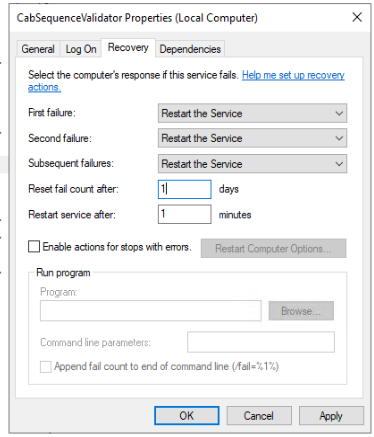
dotnet publish -c Release -r win-x64 --self-contained false -o ./publish添加到Services
通过启动参数指定启动端口
bash
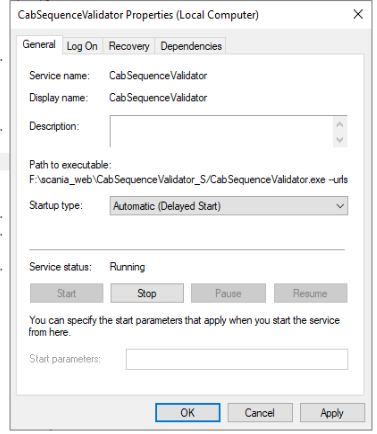
sc create "MyASPNetCoreService" binPath= "C:\MyApp\MyAspNetCoreApp.exe --urls=http://0.0.0.0:5001" start=delayed-auto- 删除服务
bash
sc delete "MyASPNetCoreService"- 开机自动启动
- 尝试重启服务