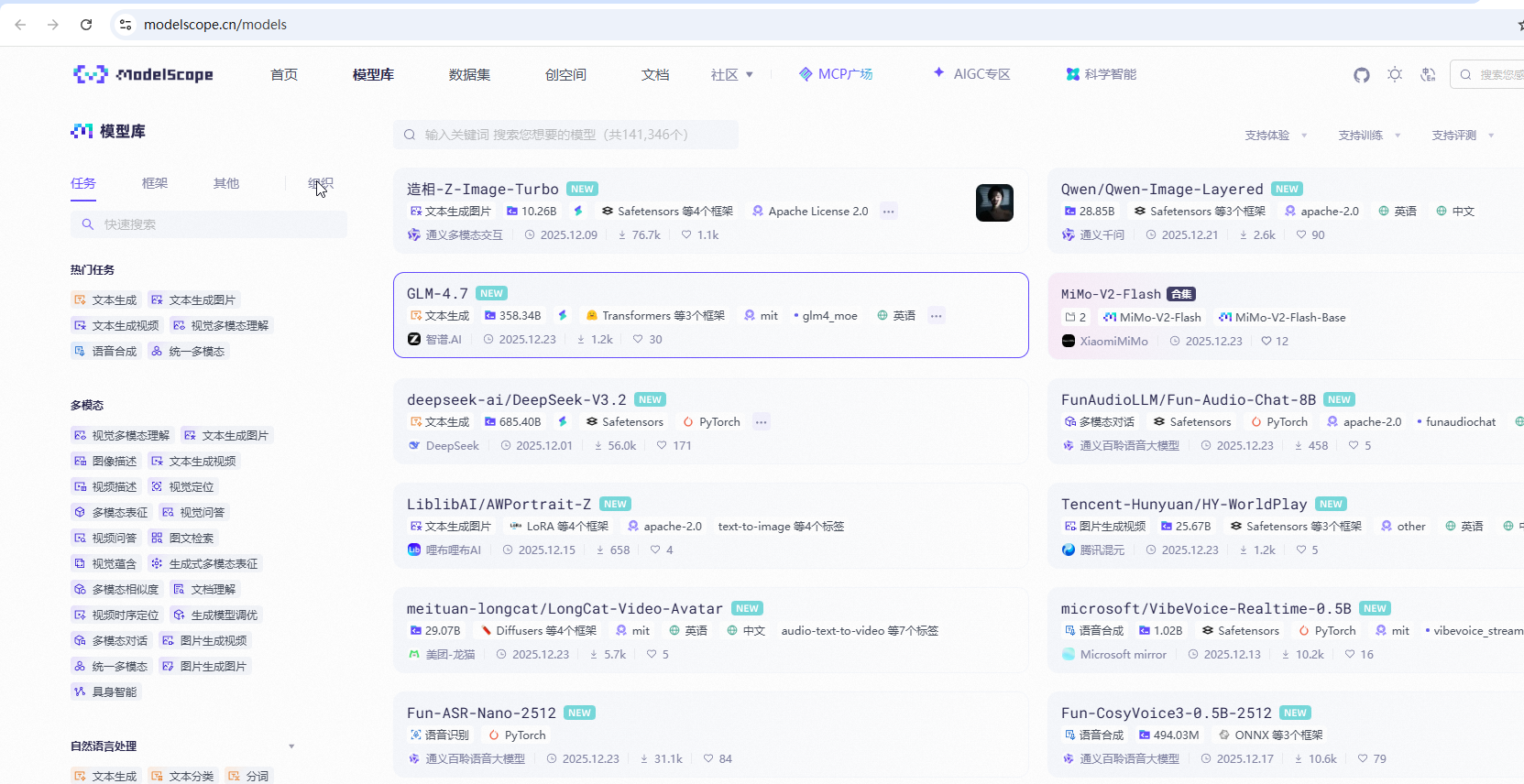
魔搭社区,类似huggingface,是中文库
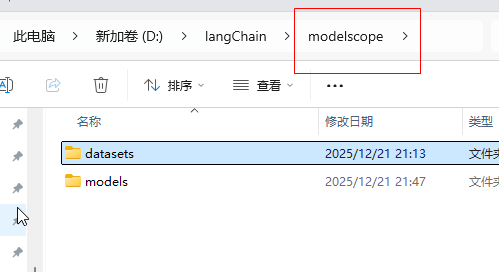
1.需要设置环境变量,和huggingface一样,这样魔搭社区的模型就会下载到下面的目录
setx MODELSCOPE_CACHE "D:\modelscope\models"
setx MODELSCOPE_DATASETS_CACHE "D:\langChain\modelscope\datasets"2.下载魔搭对应的框架modelscope , huggingface对应的框架是transformers
pip install modelscope
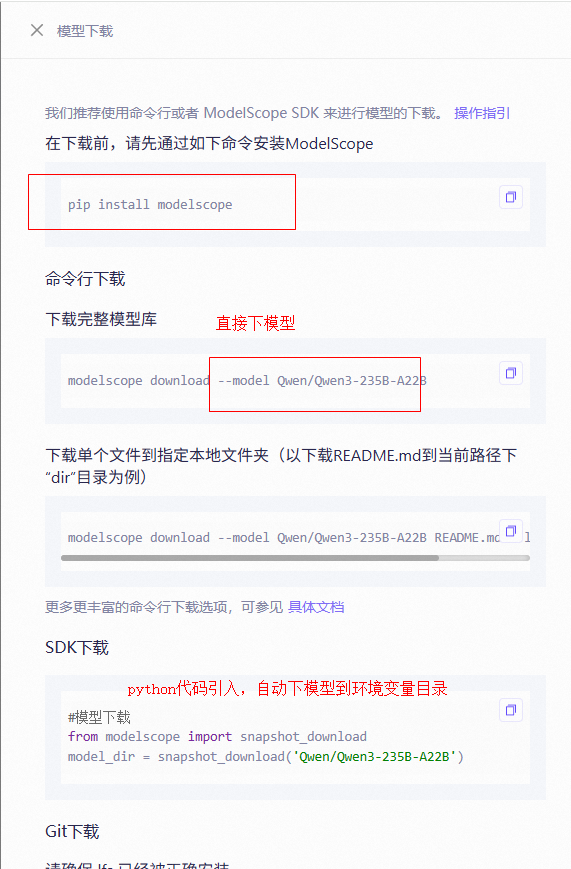
如何使用这个Qwen/Qwen3-235B-A22B模型呢。魔搭有代码,直接copy
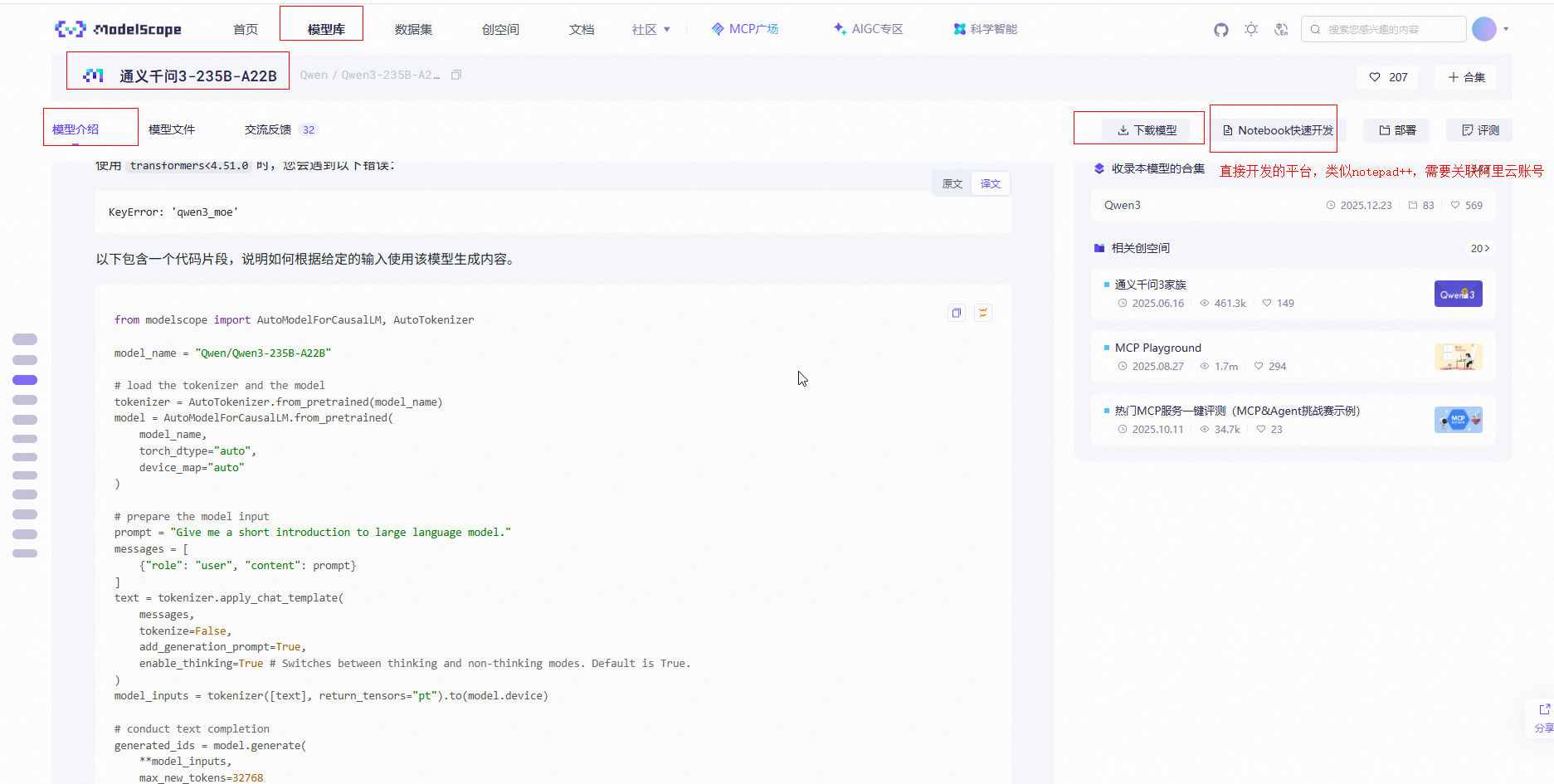
代码
python
from modelscope import AutoModelForCausalLM, AutoTokenizer

model_name = "Qwen/Qwen3-235B-A22B"

# load the tokenizer and the model
tokenizer = AutoTokenizer.from_pretrained(model_name)
model = AutoModelForCausalLM.from_pretrained(
    model_name,
    torch_dtype="auto",
    device_map="auto"
)

# prepare the model input
prompt = "Give me a short introduction to large language model."
messages = [
    {"role": "user", "content": prompt}
]
text = tokenizer.apply_chat_template(
    messages,
    tokenize=False,
    add_generation_prompt=True,
    enable_thinking=True # Switches between thinking and non-thinking modes. Default is True.
)
model_inputs = tokenizer([text], return_tensors="pt").to(model.device)

# conduct text completion
generated_ids = model.generate(
    **model_inputs,
    max_new_tokens=32768
)
output_ids = generated_ids[0][len(model_inputs.input_ids[0]):].tolist()

# parsing thinking content
try:
    # rindex finding 151668 (</think>)
    index = len(output_ids) - output_ids[::-1].index(151668)
except ValueError:
    index = 0

thinking_content = tokenizer.decode(output_ids[:index], skip_special_tokens=True).strip("\n")
content = tokenizer.decode(output_ids[index:], skip_special_tokens=True).strip("\n")

print("thinking content:", thinking_content)
print("content:", content)上面from modelscope import AutoModelForCausalLM, AutoTokenizer后,引入模型就会下载到环境变量目录