目录
ref和reactive区别
让一个普通数据转换为响应式数据,有如下两种方式
- ref函数,更适合单个变量
在script标签中操作ref响应式数据要通过.value
在template中操作ref响应式数据则无需.value - reactive函数 更适合对象
在script和template标签中操作都是直接使用对象名.属性方式即可
测试
clike
实现 + - 按钮,实现数字加1减1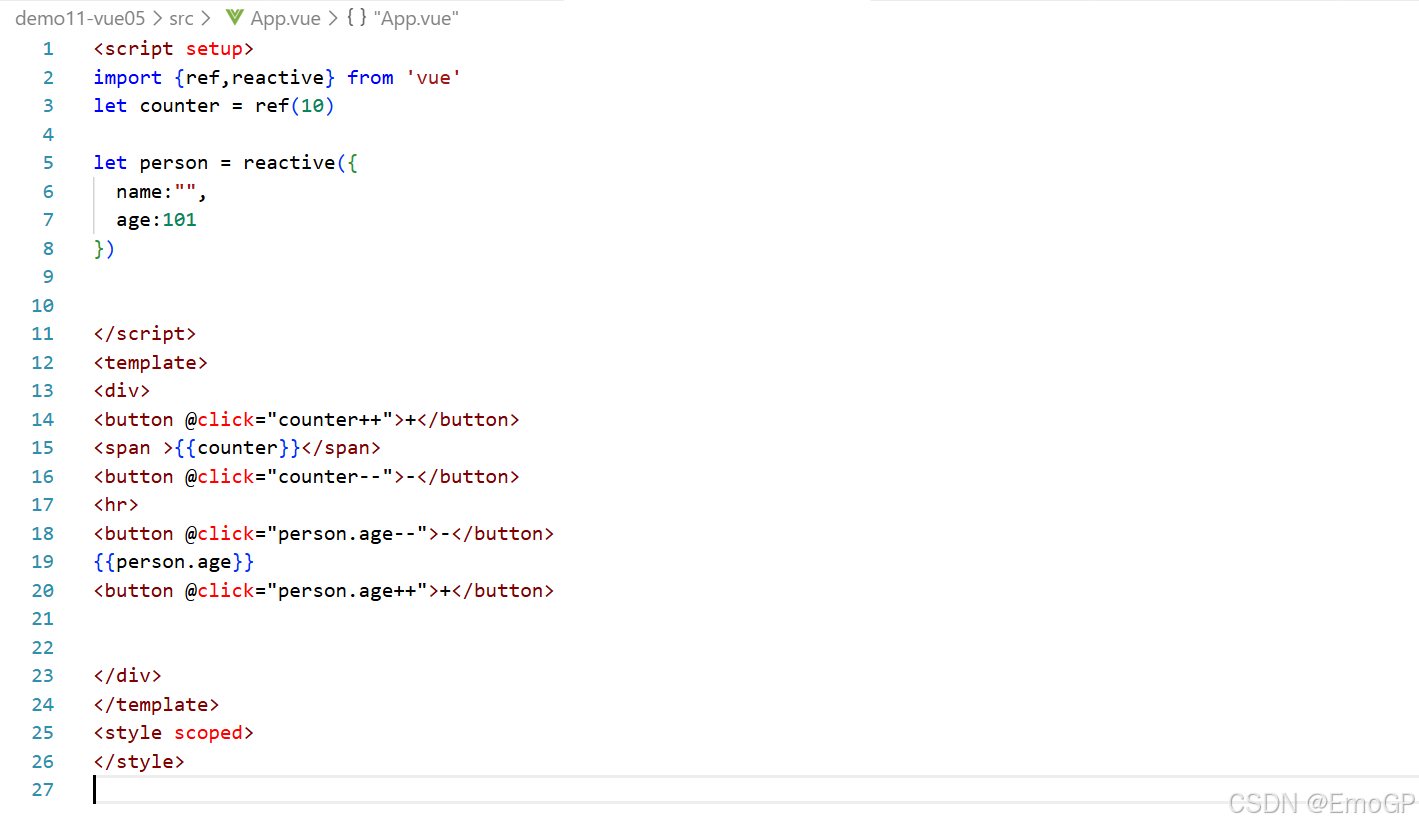
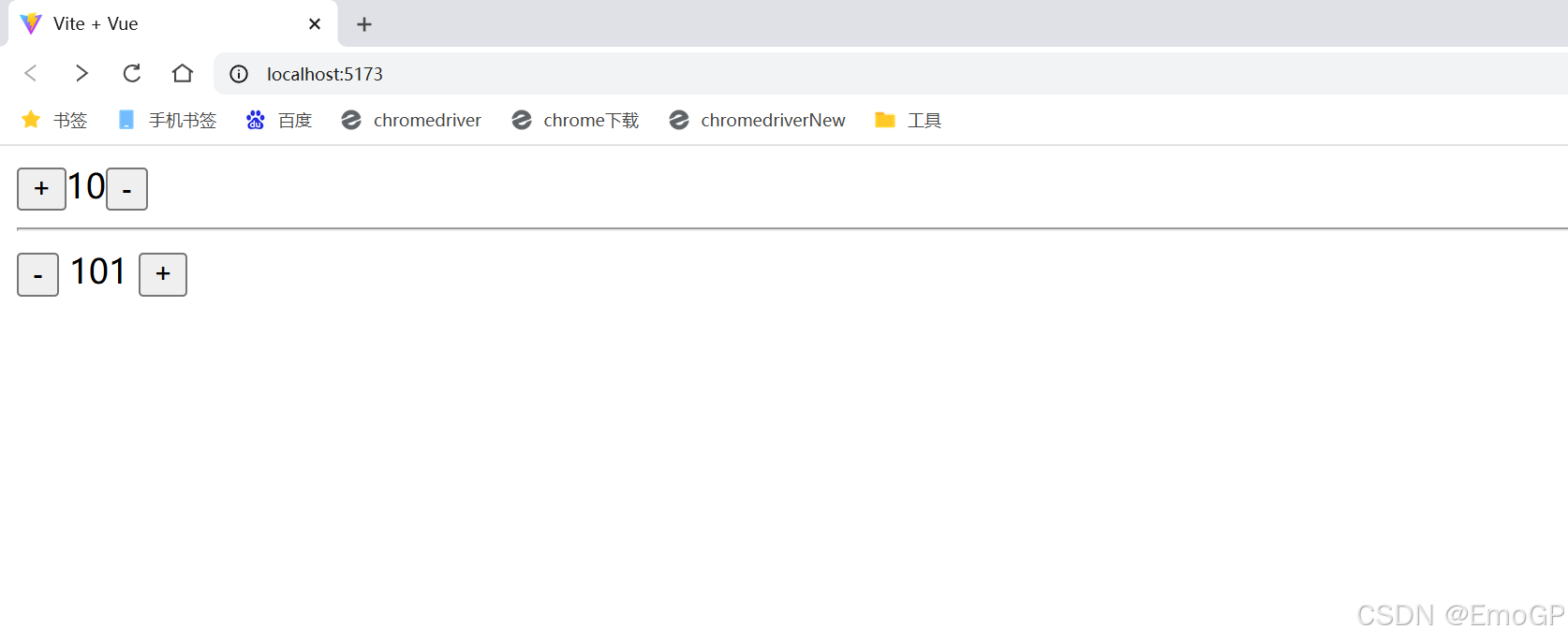
code
clike
<script setup>
import {ref,reactive} from 'vue'
let counter = ref(10)

let person = reactive({
  name:"",
  age:101
})


</script>
<template>
<div>
<button @click="counter++">+</button>
<span >{{counter}}</span>
<button @click="counter--">-</button>
<hr>
<button @click="person.age--">-</button>
{{person.age}}
<button @click="person.age++">+</button>


</div>
</template>
<style scoped>
</style>
toRef函数和ToRefs函数
toRef函数:将reactive响应式数据中的某个属性转换为ref响应式数据
toRefs函数:同时将reactive响应式数据中的多个属性转换为ref响应式数据
clike
<script setup>
import {ref,reactive,toRef,toRefs} from 'vue'
let counter = ref(10)

let person = reactive({
  name:"",
  age:101
})

let p_age = toRef(person,'age')
let {name,age} = toRefs(person)


</script>
<template>
<div>

<button @click="counter++">+</button>
<span >{{counter}}</span>
<button @click="counter--">-</button>
<hr>
<button @click="person.age--">-</button>
{{person.age}}
<button @click="person.age++">+</button>

<hr>
{{p_age}}
<button @click="p_age++">+</button>

<hr>
{{age}}
<button @click="age++">+</button>


</div>
</template>
<style scoped>
</style>