在Windows 11上安装MongoDB Server,WSL2访问该数据库,如何设置呢?
今天在win11上安装了MongoDB,但是在WSL2中始终无法连接
首先修改MongoDB的监听地址
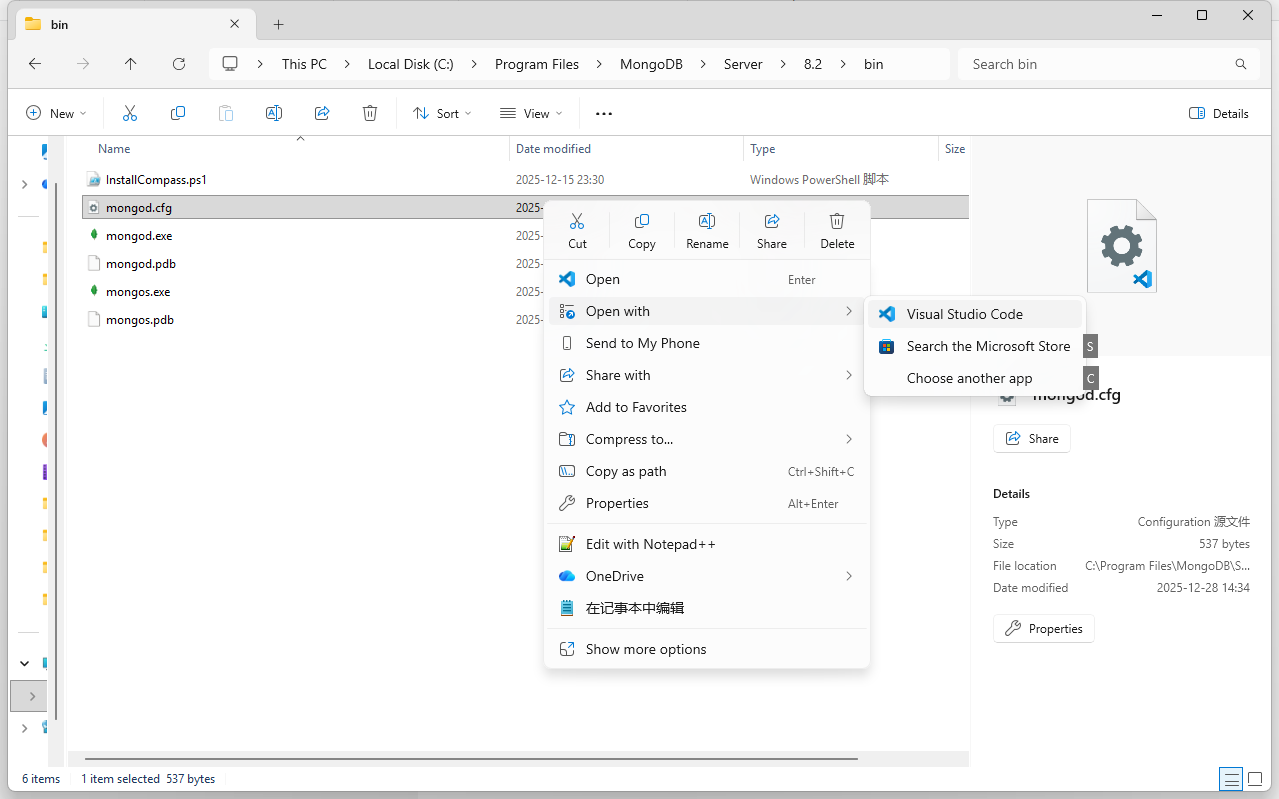
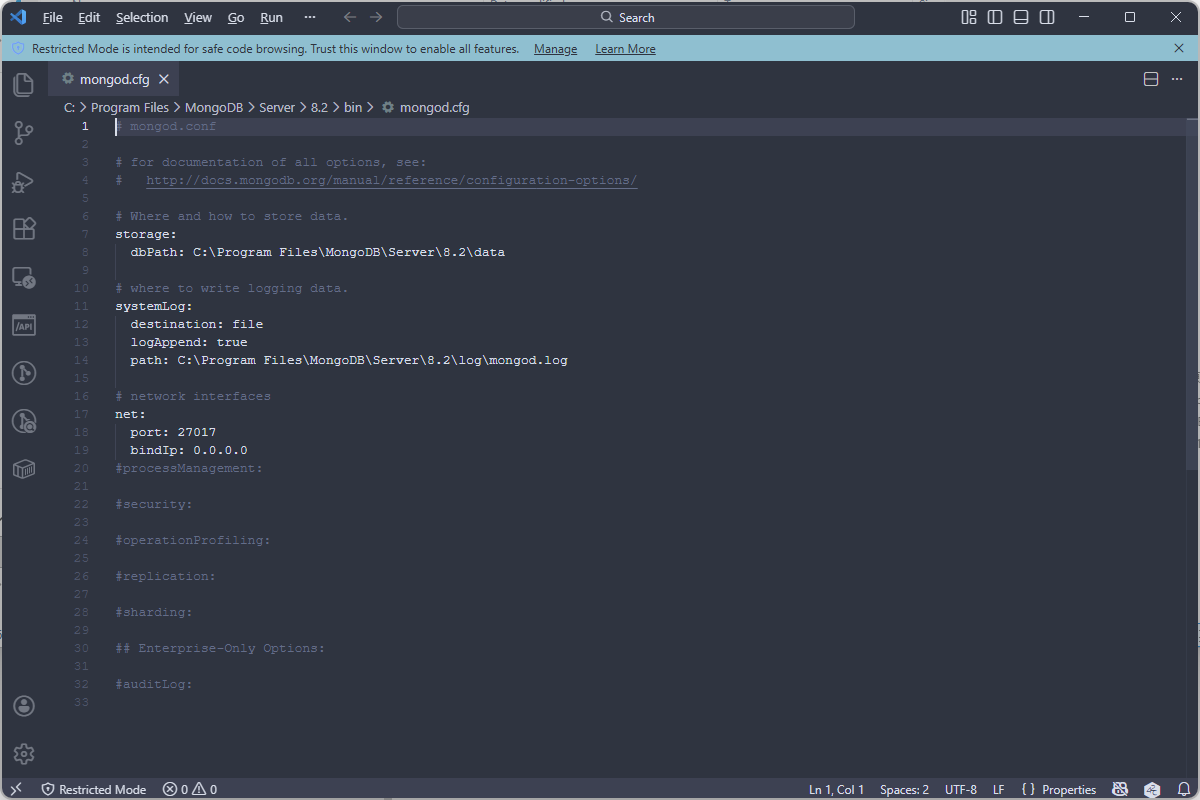
b
net:
  port: 27017
  bindIp: 0.0.0.0
管理员CMD重启MongoDB
b
>>> net stop MongoDB
>>> net start MongoDB
发现WSL中还是无法访问
bash
>>> nc -zv 192.168.128.1 27017我尝试关闭防火墙
b
>>> netsh advfirewall set allprofiles state off发现可以访问了
bash
>>> nc -zv 192.168.128.1 27017
Connection to 192.168.128.1 27017 port [tcp/*] succeeded!
但是防火墙完全打开有风险,所以可以只开27017端口,而且只给WSL2的网段192.168.128.0/20打开
b
netsh advfirewall firewall add rule `
	name="MongoDB 27017 from WSL" `
	dir=in `
	action=allow `
	protocol=TCP `
	localport=27017 `
	remoteip=192.168.128.0/20
192.168.128.0这个可以通过在WSL中确定
bash
>>> cat /etc/resolv.conf
# This file was automatically generated by WSL. To stop automatic generation of this file, add the following entry to /etc/wsl.conf:
# [network]
# generateResolvConf = false
nameserver 192.168.128.1