静态导出SSG
Next.js 支持静态站点生成(SSG,Static Site Generation),可以在构建时预先生成所有页面的静态 HTML 文件。这种方式特别适合内容相对固定的站点,如官网 、博客 、文档等,能够提供最佳的性能和 SEO 表现。
配置静态导出
需要在next.config.js文件中配置output为export,表示导出静态站点。distDir表示导出目录,默认为out。
tsx
import type { NextConfig } from "next";
const nextConfig: NextConfig = {
  /* config options here */
  output: "export", // 导出静态站点
  distDir: "dist", // 导出目录
};

export default nextConfig;接着我们执行npm run build命令,构建静态站点。
构建完成之后,我们安装http-server来启动静态站点。
bash
npm install http-server -g #安装http-server
cd dist #进入导出目录
http-server -p 3000 #启动静态站点
启动完成之后发现点击a标签无法进行跳转,是因为打完包之后的页面叫about.html,而我们的跳转链接是/about,所以需要修改配置项。

修改配置项
需要在next.config.js文件中配置trailingSlash为true,表示添加尾部斜杠,生成/about/index.html而不是/about.html。
tsx
import type { NextConfig } from "next";

const nextConfig: NextConfig = {
  /* config options here */
  output: "export", // 导出静态站点
  distDir: "dist", // 导出目录
  trailingSlash: true, // 添加尾部斜杠,生成 /about/index.html 而不是 /about.html
};

export default nextConfig;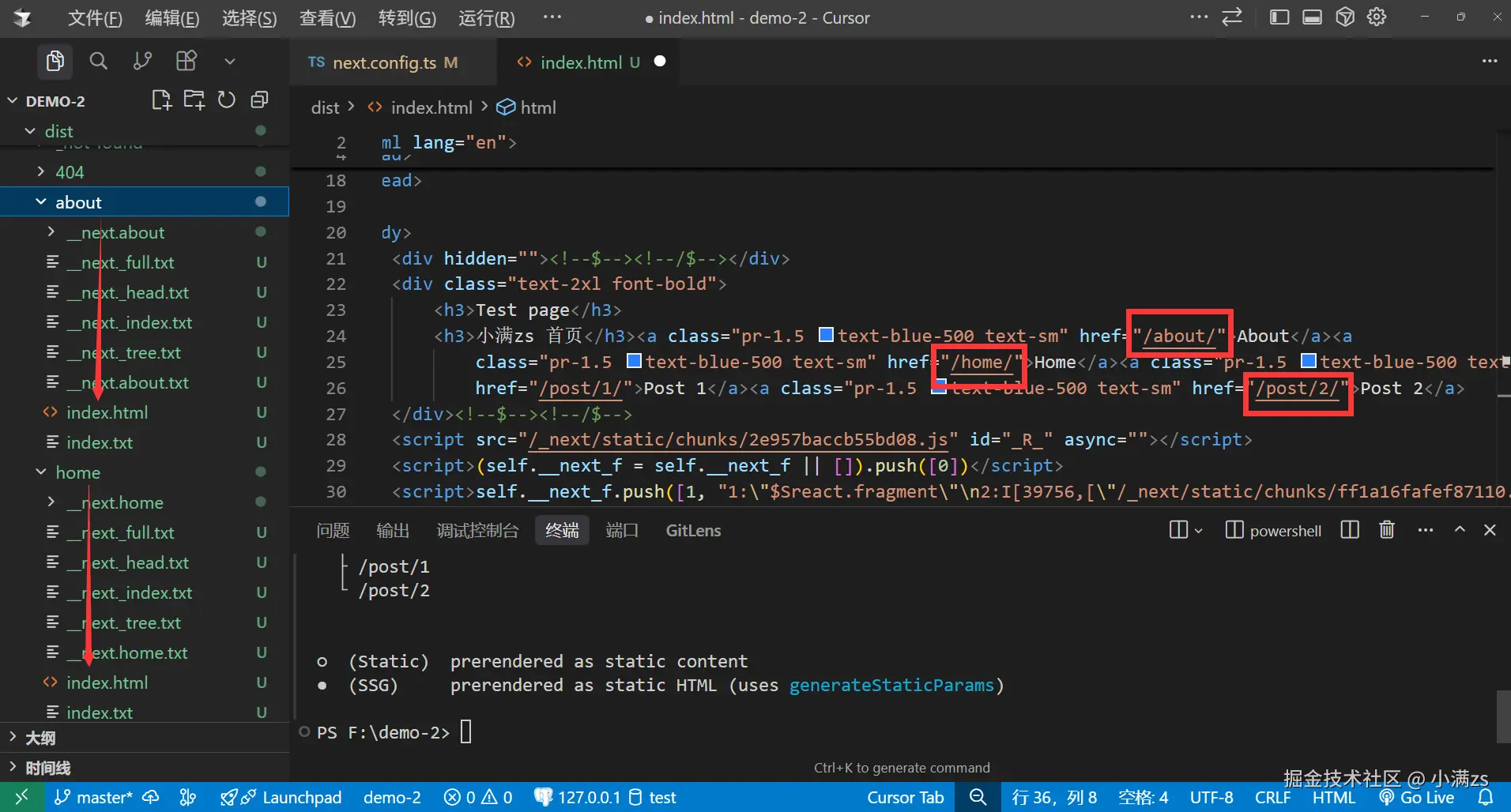
此时重新点击a标签就可以进行跳转了。
动态路由处理
新建目录: src/app/posts/[id]/page.tsx
如果要使用动态路由,则需要使用generateStaticParams函数来生成有多少个动态路由,这个函数需要返回一个数组,数组中包含所有动态路由的参数,例如{ id: '1' }表示对应id为1的详情页。
tsx
export async function generateStaticParams() {
    //支持调用接口请求详情id列表 const res = await fetch('https://api.example.com/posts')
    return [
        { id: '1' }, //返回对应的详情id
        { id: '2' },
    ]
}

export default async function Post({ params }: { params: Promise<{ id: string }> }) {
    const { id } = await params
    return (
        <div>
            <h1>Post {id}</h1>
        </div>
    )
}
图片优化
如果使用Image组件优化图片,在开发模式会进行报错
⚠️ 警告
get-img-props.ts 442 Uncaught Error: Image Optimization using the default loader is not compatible with { output: 'export' }.
可能的解决方案:
- 移除
{ output: 'export' }并运行 "next start" 以启用包含图片优化 API 的服务器模式。 - 在
next.config.js中配置{ images: { unoptimized: true } }来禁用图片优化 API。 - 使用自定义loader实现
了解更多:nextjs.org/docs/messag...
tsx
import Image from "next/image"
import test from '@/public/1.png'
export default function About() {
    return (
        <div>
            <h1>About</h1>
            <Image  loading="eager" src={test} alt="logo" width={250 * 3} height={131 * 3} />
        </div>
    )
}我们使用自定义loader来实现图片优化,要求我们通过一个图床托管图片。路过图床 是一个免费的图床,我们可以使用它来托管图片。

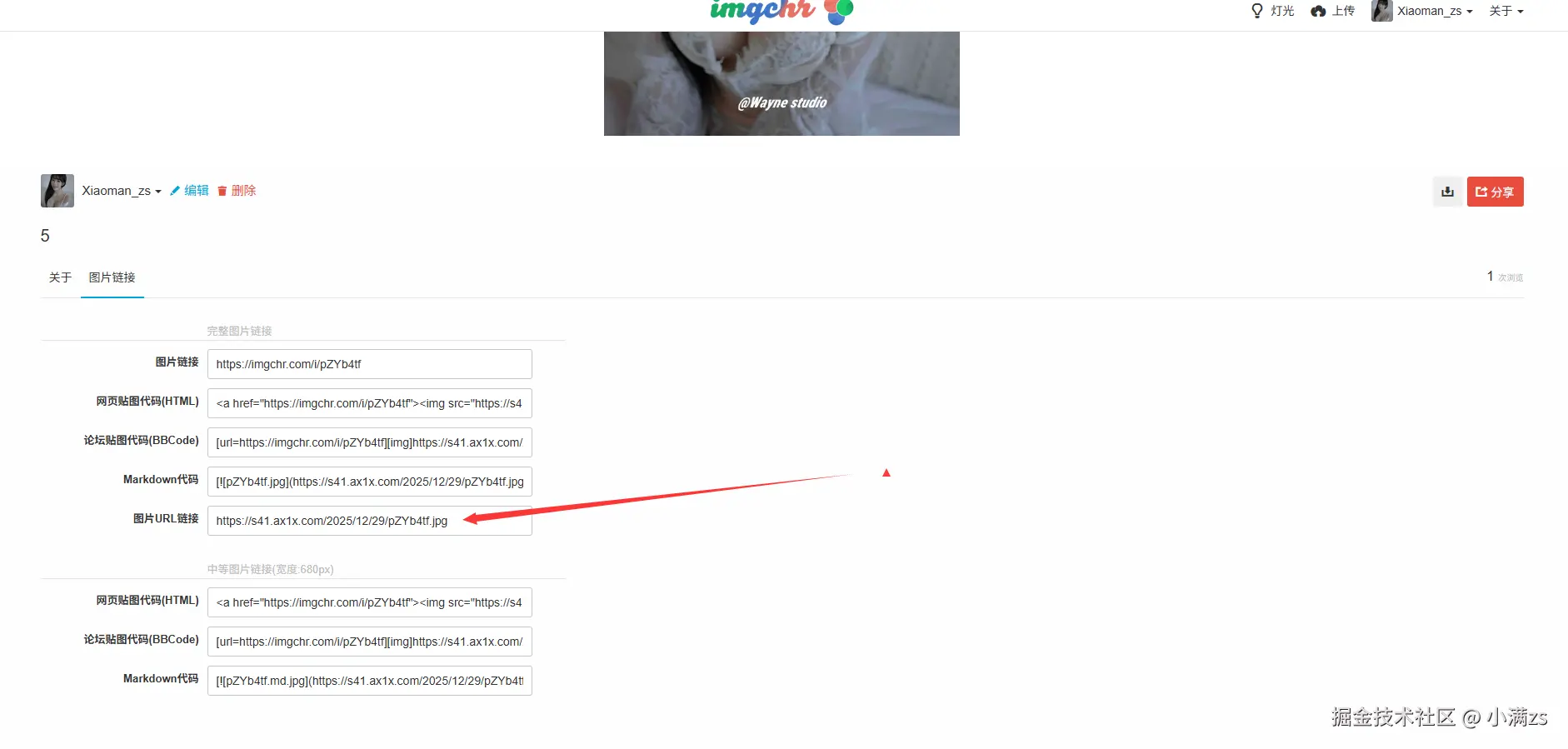
tsx
import type { NextConfig } from "next";

const nextConfig: NextConfig = {
  /* config options here */
  output: "export", // 导出静态站点
  distDir: "dist", // 导出目录
  trailingSlash: true, // 添加尾部斜杠,生成 /about/index.html 而不是 /about.html
  images: {
    loader: 'custom', // 自定义loader
    loaderFile: './image-loader.ts', // 自定义loader文件
  },
};

export default nextConfig;根目录:/image-loader.ts
tsx
export default function imageLoader({ src, width, quality }: { src: string, width: number, quality: number }) {
    return `https://s41.ax1x.com${src}`
}
src/app/about/page.tsx
tsx
import Image from "next/image"

export default function About() {
    return (
        <div>
            <h1>About</h1>
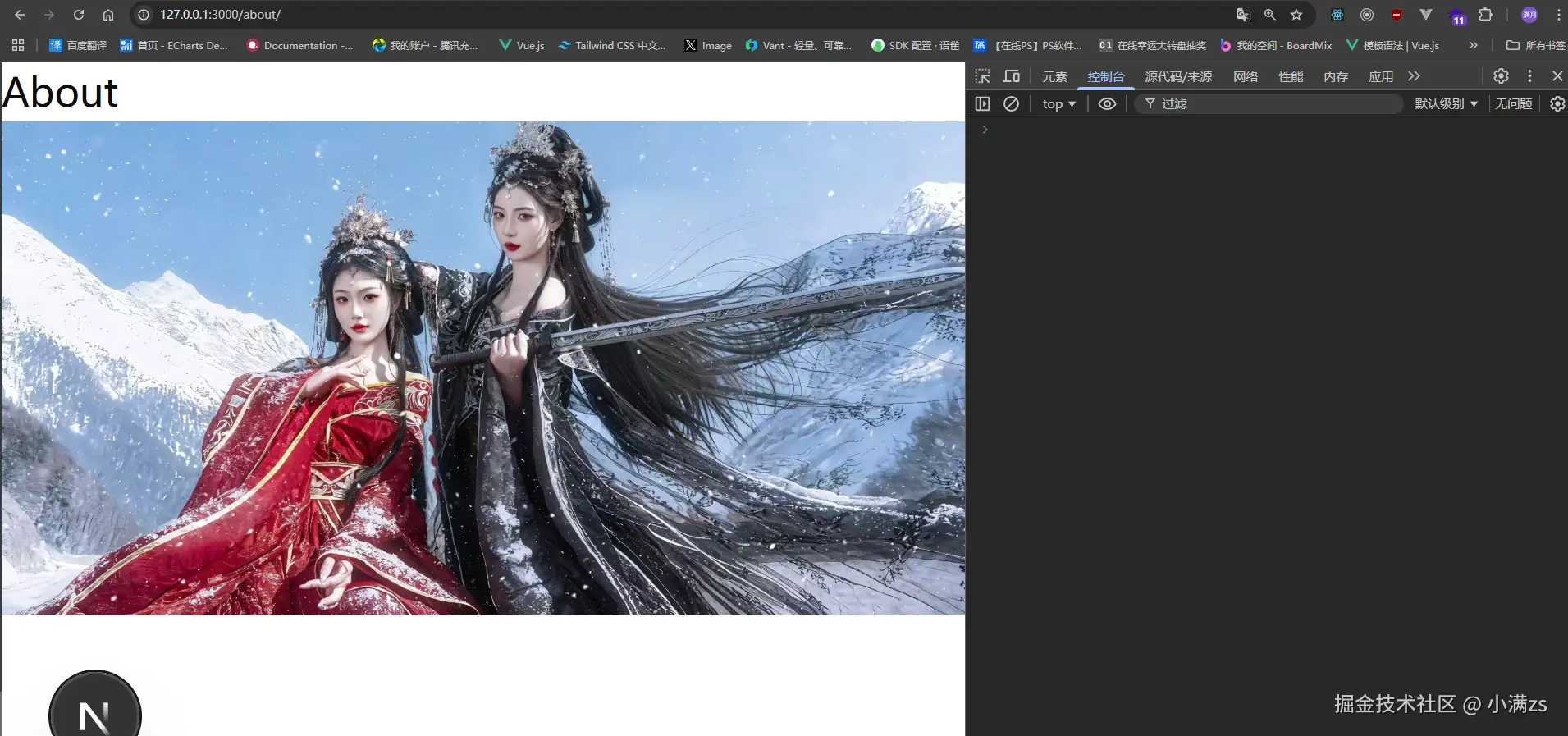
            <Image loading="eager" src='/2025/12/29/pZYbW7t.jpg' alt="logo" width={250 * 3} height={131 * 3} />
        </div>
    )
}
注意事项
以下功能在SSG中不支持,请勿使用:
- Dynamic Routes with dynamicParams: true
- 动态路由没有使用generateStaticParams()
- 路由处理器依赖于Request
- Cookies
- Rewrites重写
- Redirects重定向
- Headers头
- Proxy代理
- Incremental Static Regeneration增量静态再生
- Image Optimization with the default loader默认加载器的图像优化
- Draft Mode草稿模式
- Server Actions服务器操作
- Intercepting Routes拦截路由