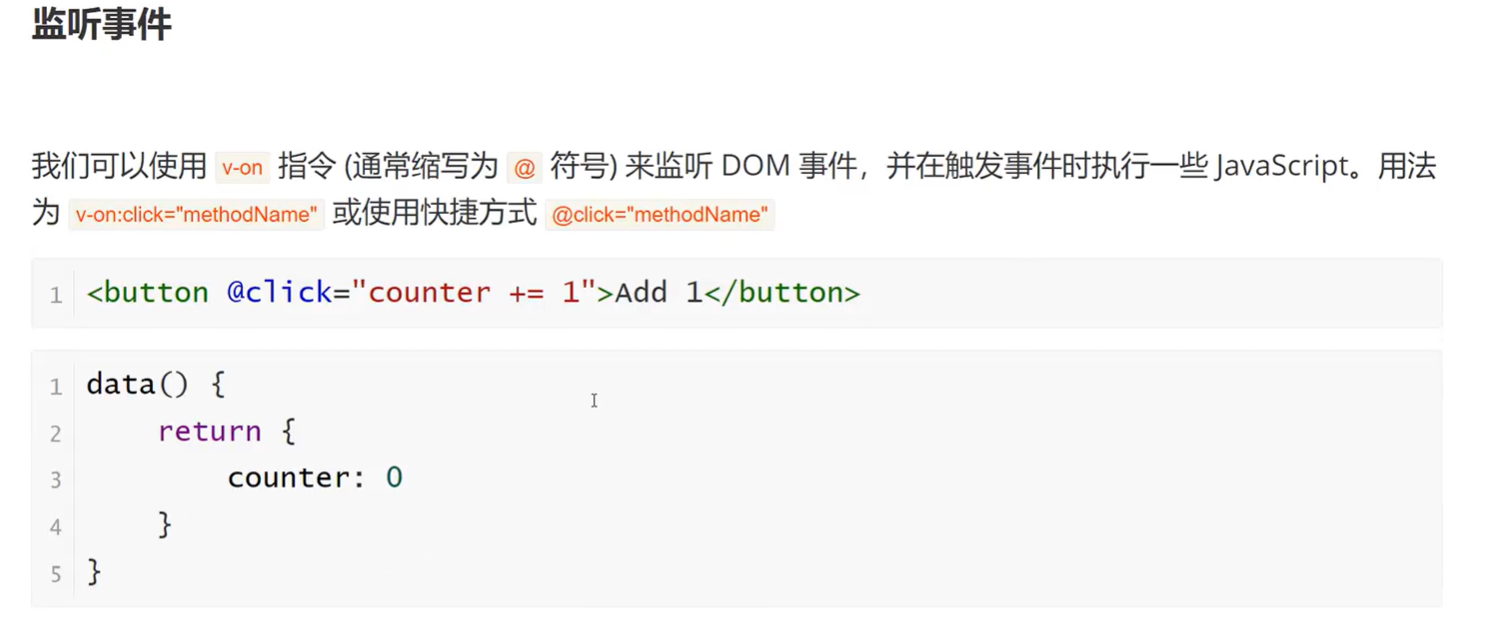
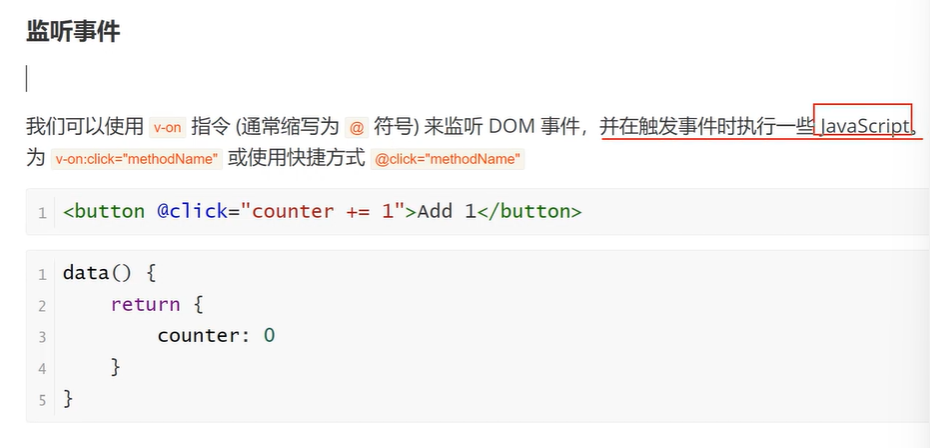
监听事件
html
<template>
  <div>
    <button @click="counter0+=1">加一:{{ counter0 }}</button>
    <br>
    <!-- //下面这个add方法是不能使用的,必须加上v-on:注意没有@ -->
    <button v-on:click="add">加二:{{ counter }}</button>
  </div>
</template>

<script>
export default {
  data() {
    return {
      counter0:0,
      counter:1
    }
  },
  methods: {
    add(){
      this.counter += 2;
    }
  }
}
</script>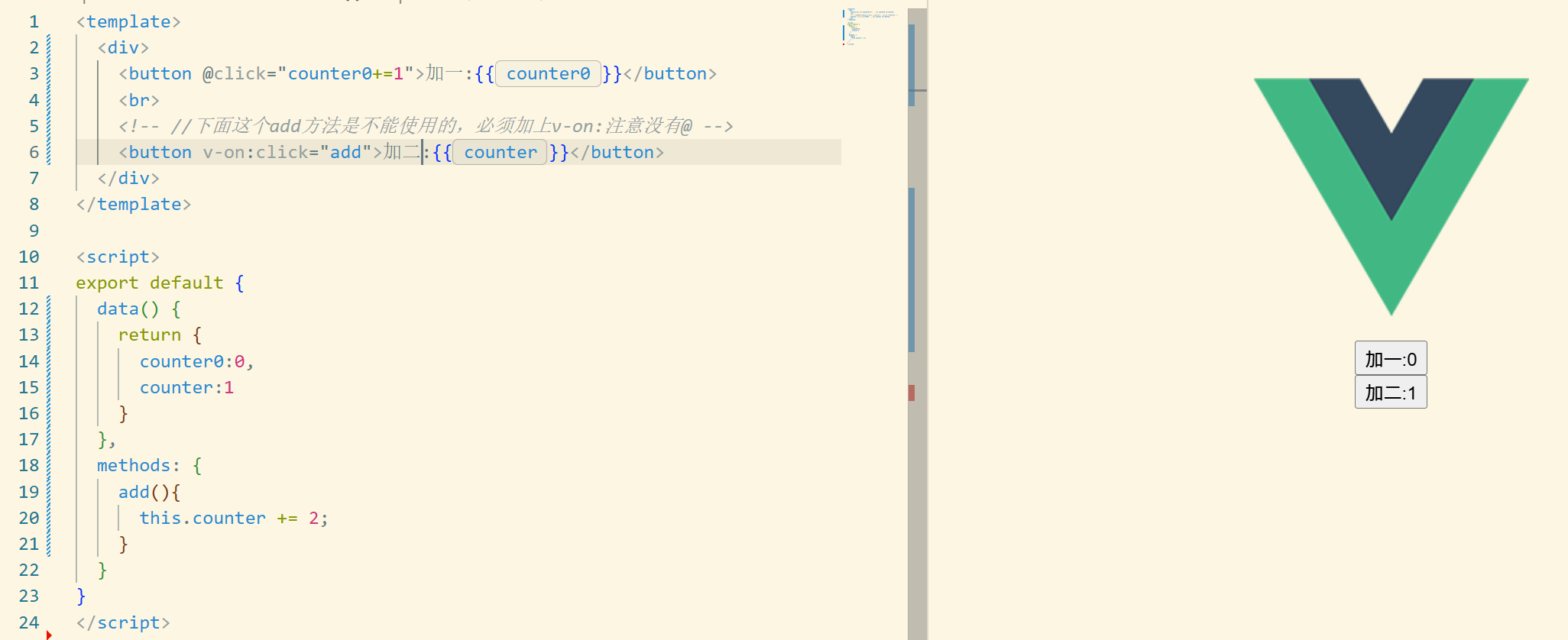
反正就是说v-on里面可以直接写就是js代码是吧,但****只能写"一条表达式",不能写多条语句(比如
a++; b++就不行),除非你用内联箭头函数或调用方法。是带"固定语法结构"或"无值"的指令**(
v-for、v-slot、v-pre...)**就不能随意写 JS。
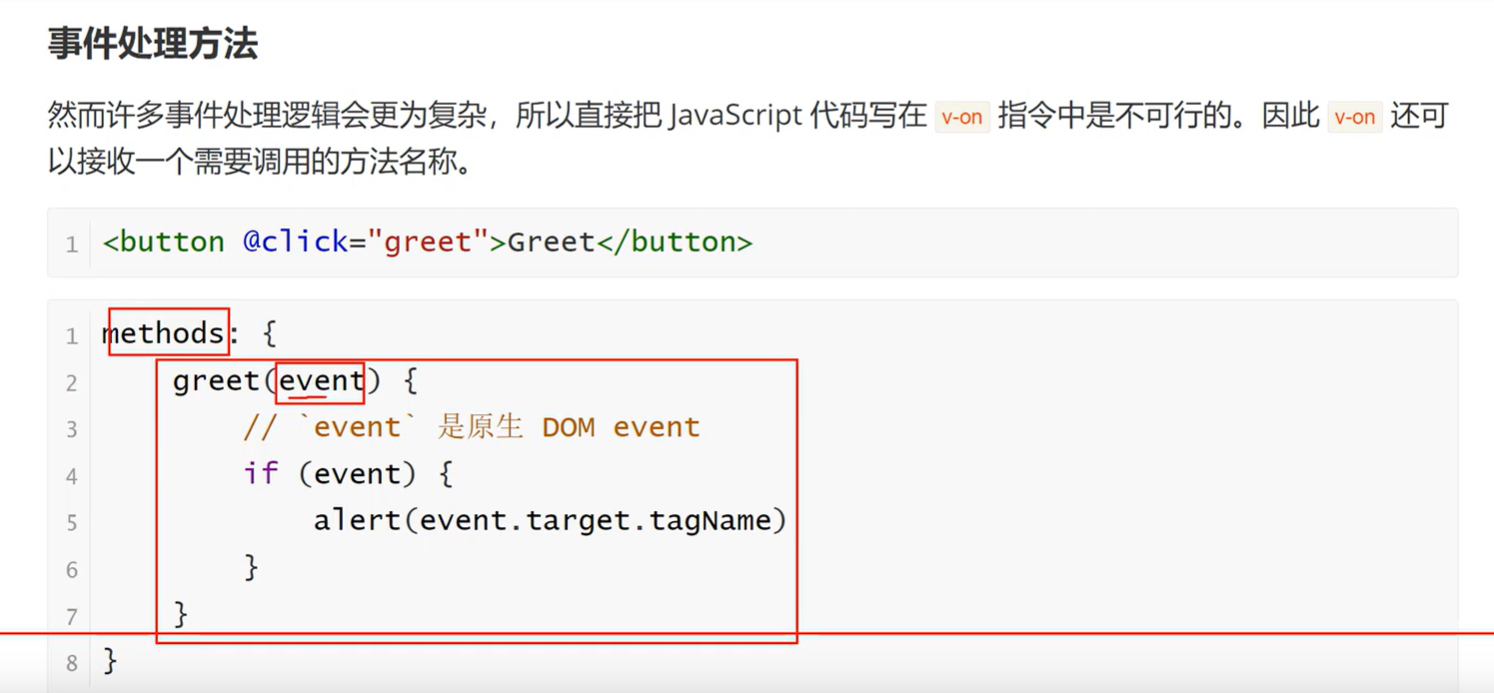
事件处理方法
然而许多事件处理逻辑会更为复杂,所以直接把JavaScript 代码写在 von 指令中是不可行的。因此 von以接收一个需要调用的方法名称。
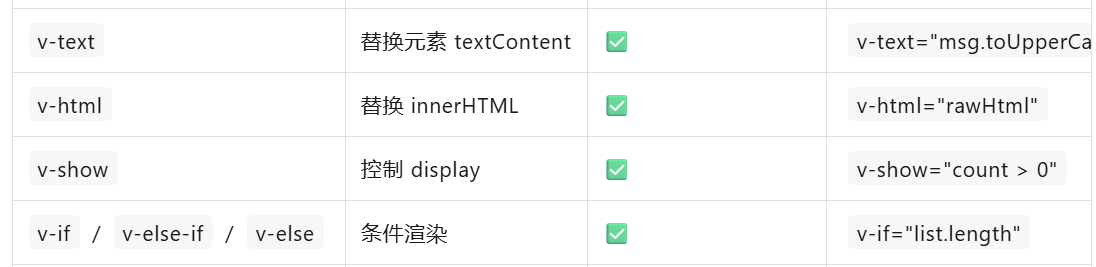

写复杂逻辑时,统一抽成 computed / methods 最省心,模板里只留"表达式"即可。
html
<template>
  <div id="hello">
    <button @click="counter += 1">counter={{ counter }}</button>
    <button @click="add">{{ counter }}</button>
    <button @click="cancel">{{msg}}</button>
  </div>
</template>

<script>

export default {
  name: 'HelloComponent',
  data(){
    return{
      counter:1,
      msg:'Hello shanshan'
    }
  },
  methods: {
   add(){
    // this.counter += 1;
    document.write("你好")
   },
   cancel(){
    this.msg = '消息已撤回'
   }
  },
};
</script>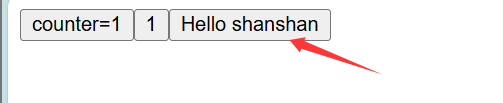
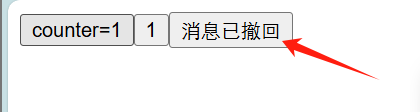
html
<template>
  <div id="hello">
    <!-- <button @click="counter += 1">counter={{ counter }}</button>
    <button @click="add">{{ counter }}</button>
    <button @click="cancel">{{msg}}</button> -->


    <button>{{ msg }}</button>
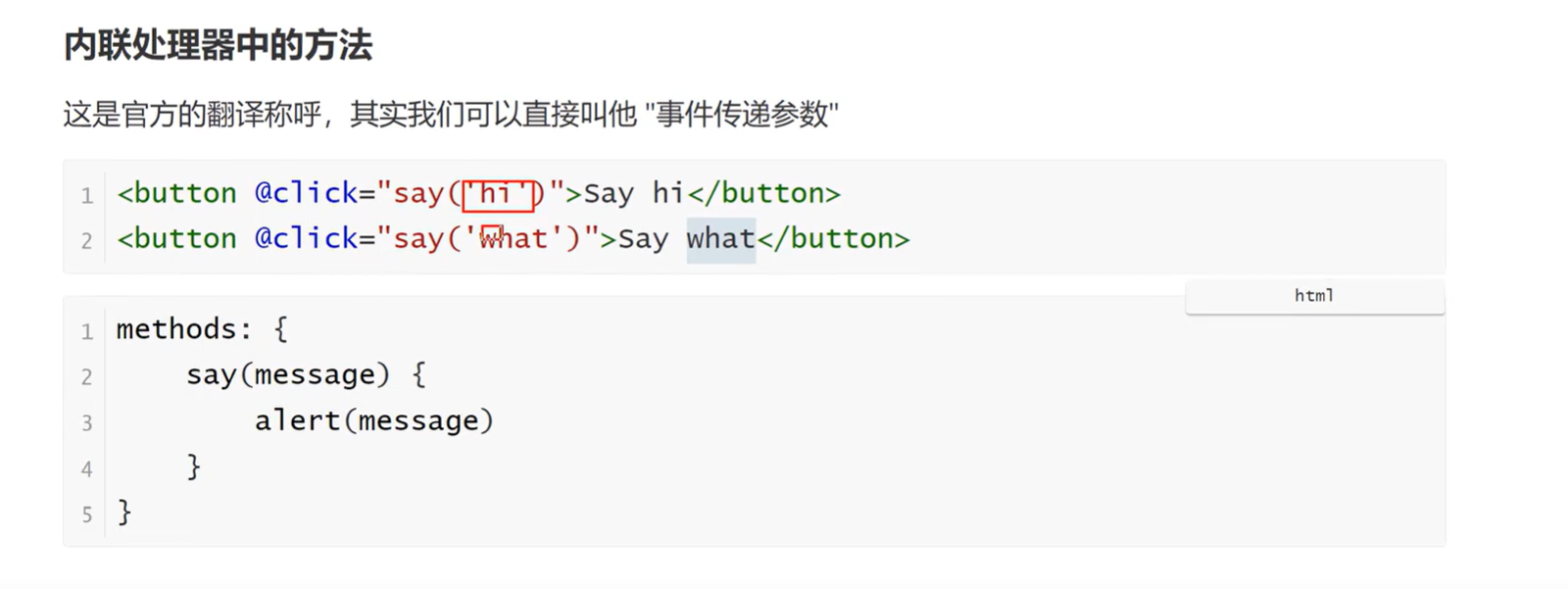
    <button @click="say('hi')">say hi</button>
    <button @click="say('hello')">say hello</button>
    <ul>
      <li @click="clickItemHandle(item)" v-for="(item,index) in character" key="index">{{ item }}</li>
    </ul>
  </div>
</template>

<script>

export default {
  name: 'HelloComponent',
  data(){
    return{
      counter:1,
      msg:'Hello shanshan',
      character:['a','b','c']
    }
  },
  methods: {
   add(){
    // this.counter += 1;
    document.write("你好")
   },
   cancel(){
    this.msg = '消息已撤回'
   },
   clickHandle(event){
    this.msg = '消息已撤回',
    console.log(event);//event:原生DOM
    event.target.innerHTML = "点击之后";
   },
   say(data){
    console.log(data);
   },
   clickItemHandle(item){
    console.log(item);

   }
  },
};
</script>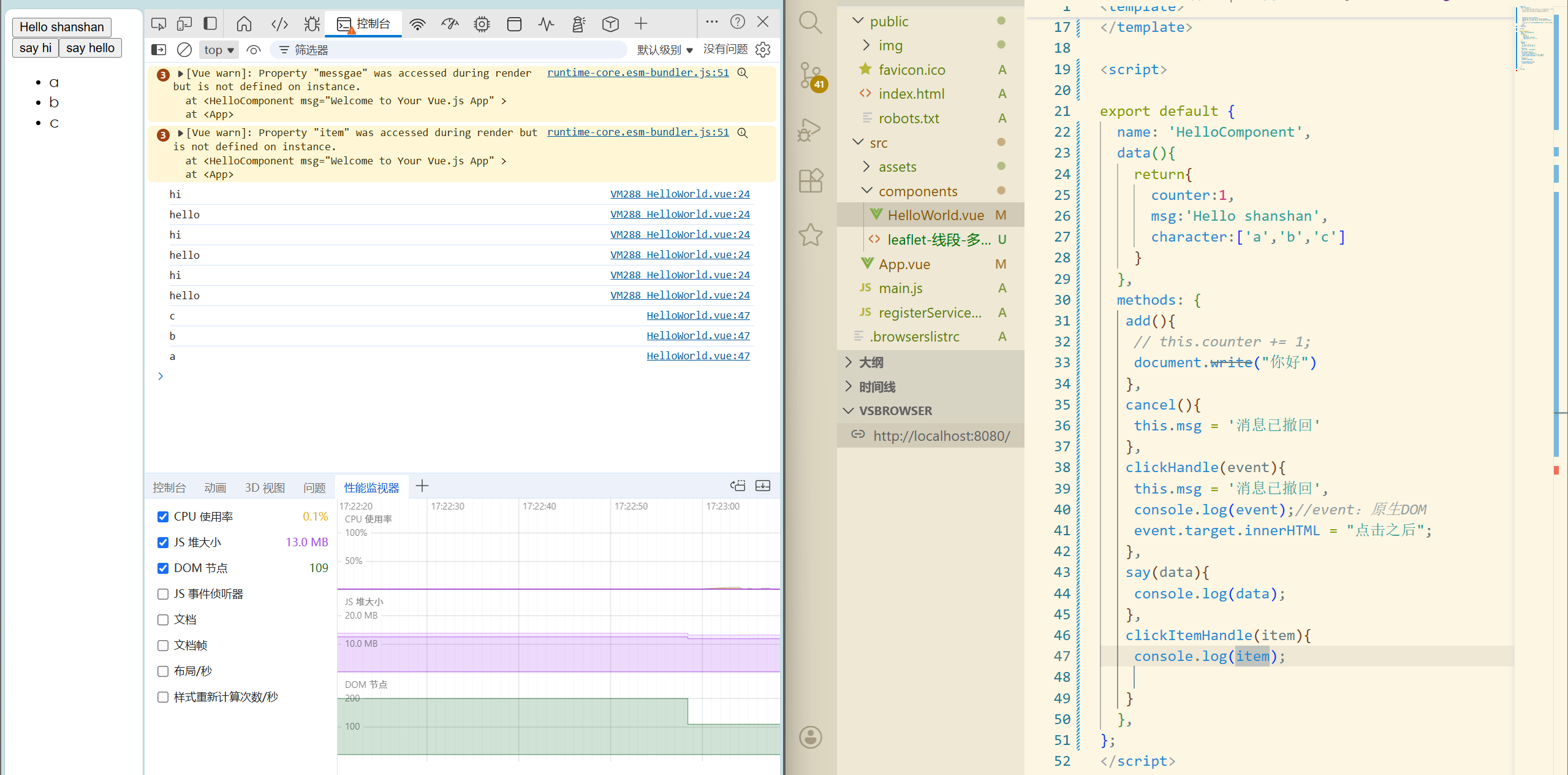
总结: