先安装依赖
java
npm install leaflet.markercluster --save
npm install patch-package --save-dev
npm install @supermap/iclient-leaflet --save
npm install @supermap/iclient-vue
直接cv就可以
javascript
<template>
  <!-- 地图容器,必须设置宽高 -->
  <div id="map" style="width: 100vw; height: 100vh;"></div>
</template>

<script setup>
import { onMounted } from 'vue';
// 1. 引入核心依赖(只保留必要的)
import L from 'leaflet';
import 'leaflet.markercluster'; // 通用聚合插件
import '@supermap/iclient-leaflet'; // 仅用于加载SuperMap底图

let map = null;

// 2. 生成测试用的点数据(标准GeoJSON,无需转换)
const getTestPointData = () => {
  const features = [];
  // 生成100个北京周边的随机点
  for (let i = 0; i < 100; i++) {
    const lng = 116.39 + (Math.random() - 0.5) * 0.5; // 经度范围
    const lat = 39.9 + (Math.random() - 0.5) * 0.5;   // 纬度范围
    features.push({
      type: 'Feature',
      geometry: { type: 'Point', coordinates: [lng, lat] },
      properties: { name: `点位${i + 1}`, id: i }
    });
  }
  return { type: 'FeatureCollection', features };
};

// 3. 初始化地图和聚合
const initMap = () => {
  // 初始化地图(坐标系匹配SuperMap底图)
  map = L.map('map', {
    crs: L.CRS.EPSG3857, // Web墨卡托,必须和底图一致
    center: [39.9, 116.39], // 北京中心点
    zoom: 12, // 初始缩放级别
    zoomControl: true
  });

  // 加载SuperMap底图(确保地址正确)
  L.supermap.tiledMapLayer(
      'http://support.supermap.com.cn:8090/iserver/services/map-china400/rest/maps/China',
      { noWrap: true }
  ).addTo(map);
  // L.supermap.tiledMapLayer(
  //     'https://iserver.supermap.io/iserver/services/map-china400/rest/maps/China', // 服务根地址(不带tileImage)
  //     {
  //       noWrap: true,
  //       tileSize: 256 // 瓦片尺寸与服务一致
  //     }
  // ).addTo(map);
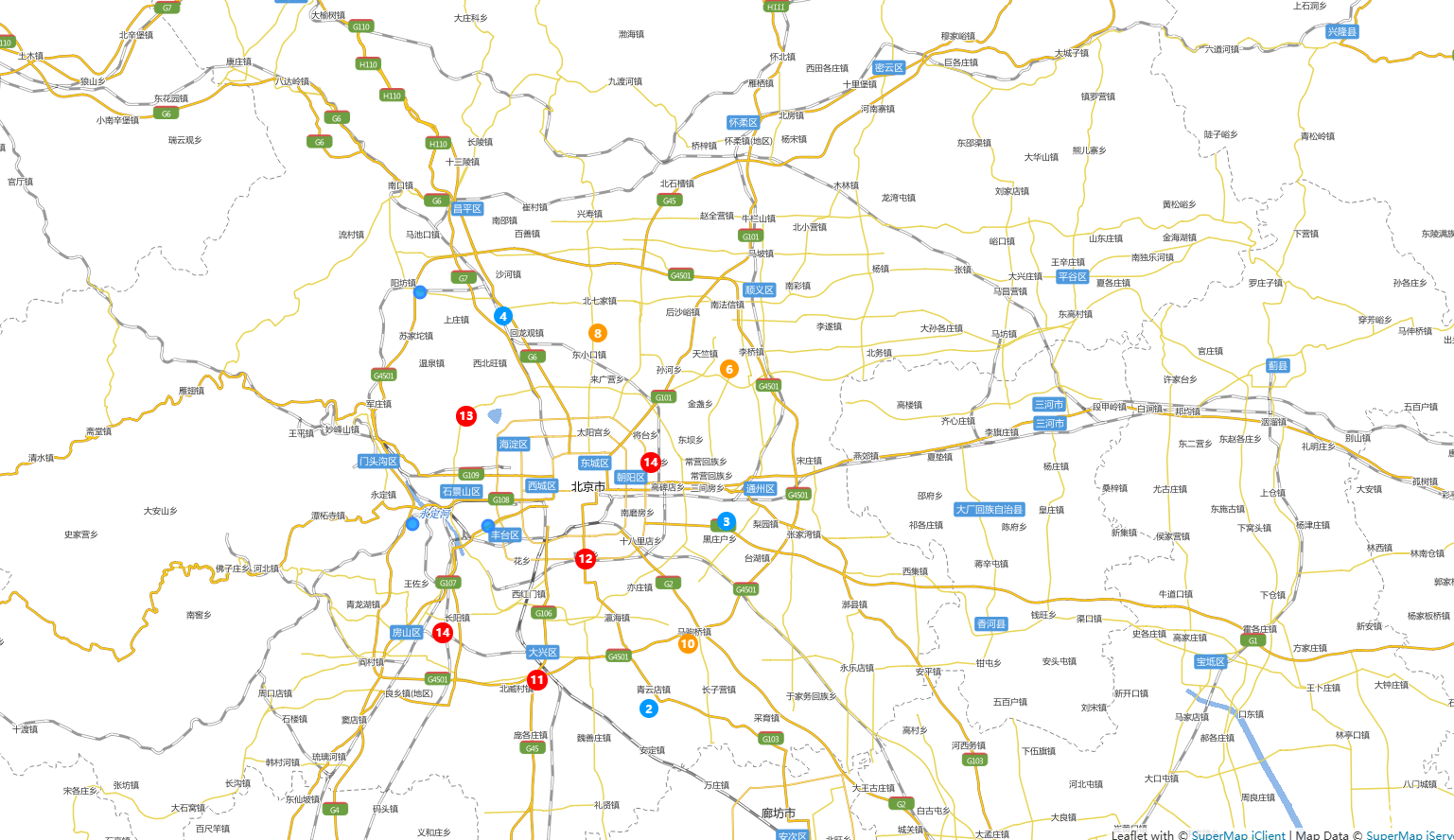
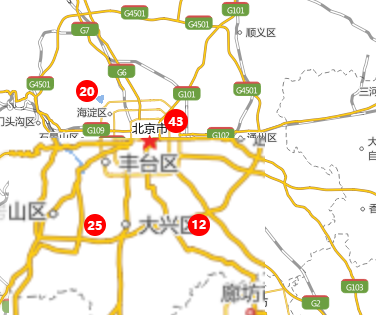
  // 4. 创建聚合组(核心:通用聚合方案,无SuperMap依赖)
  const clusterGroup = L.markerClusterGroup({
    distance: 50, // 聚合距离(像素),值越小聚合越精细
    minClusterSize: 2, // 最少2个点才聚合
    maxZoom: 18, // 缩放超过18级则取消聚合
    // 自定义聚合点样式(数字气泡)
    iconCreateFunction: (cluster) => {
      const count = cluster.getChildCount(); // 获取聚合内的点数
      // 动态调整颜色和大小
      const color = count > 10 ? '#ff0000' : count > 5 ? '#ff9900' : '#0099ff';
      const size = 20 + Math.min(count / 10, 10); // 最大不超过30px

      return L.divIcon({
        html: `<div style="
          width: ${size}px; height: ${size}px;
          border-radius: 50%; background: ${color};
          color: white; text-align: center; line-height: ${size}px;
          font-size: 12px; font-weight: bold;
        ">${count}</div>`,
        className: 'custom-cluster',
        iconSize: [size, size]
      });
    }
  });

  // 5. 处理点数据并加入聚合组
  const pointData = getTestPointData();
  L.geoJSON(pointData, {
    // 自定义单个点的样式(圆形标记)
    pointToLayer: (feature, latlng) => {
      return L.circleMarker(latlng, {
        radius: 6,
        fillColor: '#0099ff',
        fillOpacity: 0.8,
        stroke: true,
        strokeColor: '#fff',
        strokeWidth: 1
      }).bindPopup(`<div>${feature.properties.name}</div>`); // 单个点弹窗
    }
  }).eachLayer(layer => clusterGroup.addLayer(layer));

  // 6. 将聚合组添加到地图
  map.addLayer(clusterGroup);

  // 可选:聚合点点击事件(点击放大)
  clusterGroup.on('click', (e) => {
    if (e.layer.getChildCount) { // 判断是否是聚合点
      map.flyTo(e.layer.getLatLng(), map.getZoom() + 1);
    }
  });
};

// 组件挂载后初始化
onMounted(() => {
  initMap();
});
</script>

<style scoped>
/* 必须引入所有样式,否则地图/聚合点样式错乱 */
@import 'leaflet/dist/leaflet.css';
@import 'leaflet.markercluster/dist/MarkerCluster.css';
@import 'leaflet.markercluster/dist/MarkerCluster.Default.css';
@import '@supermap/iclient-leaflet/dist/iclient-leaflet.css';

/* 修复聚合点样式穿透(Vue3 scoped 必须加:deep) */
:deep(.custom-cluster) {
  background: transparent !important;
  border: none !important;
  box-shadow: none !important;
}

/* 确保地图容器层级正常 */
#map {
  z-index: 1;
}
</style>