scrcpy 编译在ubuntu2404 和UOS上

复制代码
增加代理
export http_proxy=http://10.10.10.215:7897
export https_proxy=http://10.10.10.215:7897
 
 
或者
export http_proxy=http://localhost:7897
export https_proxy=http://localhost:7897
 
下载代码
git clone https://github.com/Genymobile/scrcpy.git
cd scrcpy

安装相关编译环境

sudo apt install -y meson ninja-build pkg-config

sudo apt install -y \
  libavdevice-dev \
  libavfilter-dev \
  libavformat-dev \
  libavcodec-dev \
  libavutil-dev \
  libswresample-dev \
  libsdl2-dev \
  cmake

sudo apt install -y libusb-1.0-0-dev

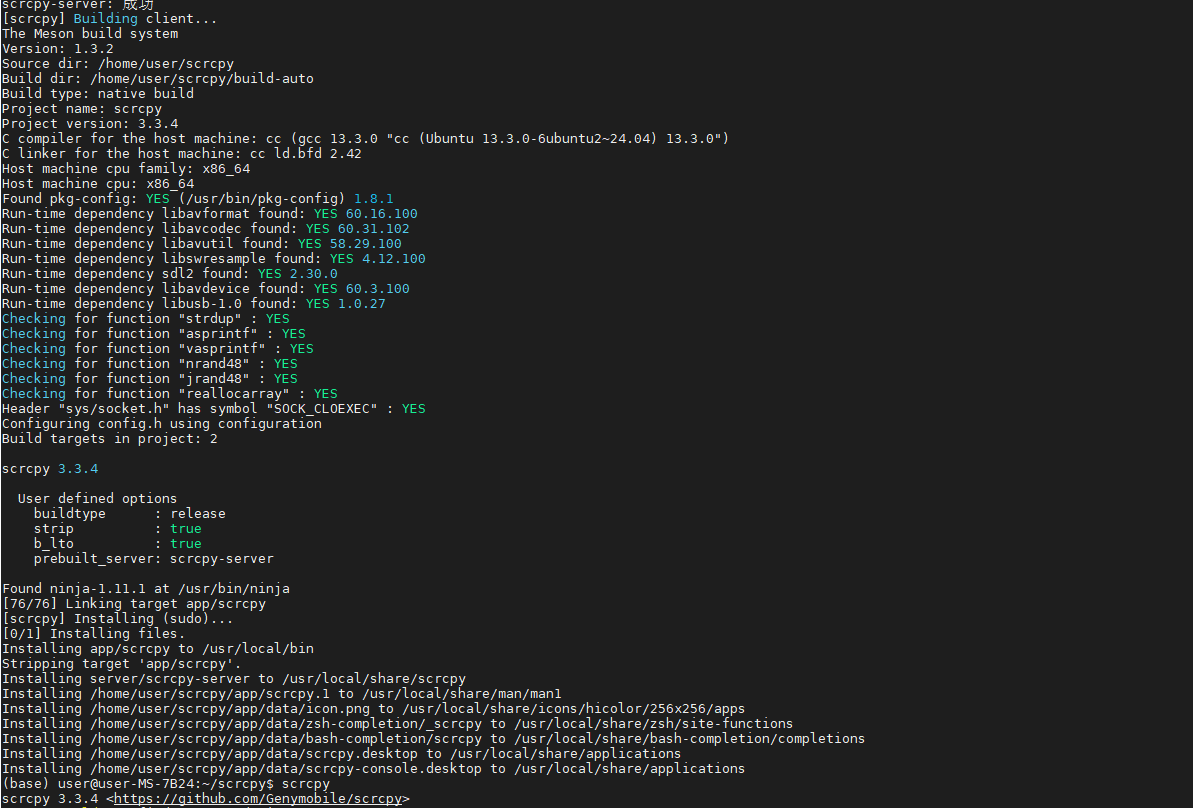
然后运行scrcpy文件下的./install_release.sh
相关推荐
内卷焦虑人士8 小时前
Windows安装WSL2+Ubuntu 22.04
linux·windows·ubuntu
门豪杰10 小时前
Ubuntu下安装Claude Code
linux·运维·ubuntu·claude·claude code
深蓝轨迹12 小时前
彻底删除VMware虚拟机并清理残留,解决虚拟网卡消失问题
windows·ubuntu·centos
²º²²এ松15 小时前
vs code连接ubuntu esp项目
linux·数据库·ubuntu
徒 花16 小时前
ubuntu远程连接ssh及VSCode配置远程ssh连接ubuntu
vscode·ubuntu·ssh
i建模17 小时前
在Ubuntu中解压ZIP文件
linux·chrome·ubuntu
林鸿群19 小时前
Ubuntu 26.04 本地安装 GitLab CE 完整教程(非 Docker 方式)
linux·ubuntu·gitlab·私有部署·代码托管·ubuntu 26.04·omnibus
YuQiao030319 小时前
国内安装claude code
ubuntu·claude·vibe coding
Jiozg19 小时前
ES安装到linux(ubuntu)
linux·ubuntu·elasticsearch
returnthem19 小时前
Ubuntu 22.04 + XFCE4 + 非 Snap 版 Firefox + VNC/noVNC 部署全步骤
linux·ubuntu·firefox