CentOS上搭建时间同步服务器
→在CentOS上搭建时间同步服务器可以通过安装NTP(Network Time Protocol)来完成。
- 首先,确保已经连接到互联网并登录到CentOS系统的root用户或有管理员权限的账号。
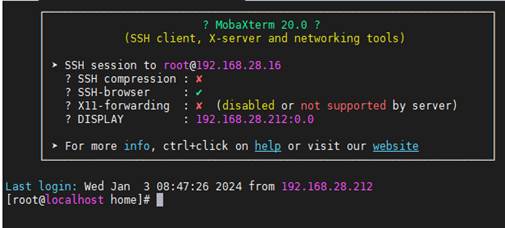
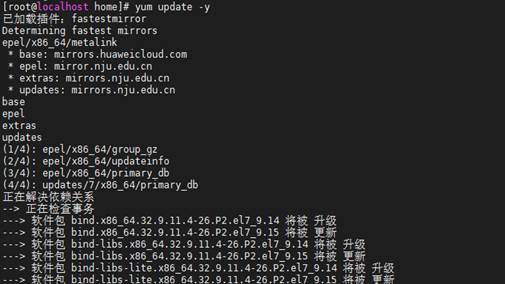
- 打开终端,运行以下命令更新系统软件包列表:
yum update -y
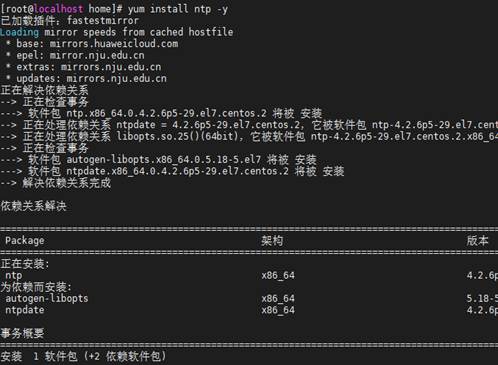
- 使用以下命令安装NTP服务:
yum install ntp -y
- 安装完成后,编辑NTP配置文件/etc/ntp.conf,将其中的server行注释取消,然后添加合适的时间源地址。常用的公共时间服务器如下所示:
vim /etc/ntp.conf
server cn.pool.ntp.org iburst
server time.windows.com iburst
server 210.72.145.44 iburst
server ntp.aliyun.com iburst
server ntp1.aliyun.com iburst

修改完成,保存该配置文件。
- 使硬件时间和系统时间一致,修改配置文件 vim /etc/sysconfig/ntpd 添加:SYNC_HWCLOCK=yes
- 保存修改后的配置文件,并重启NTP服务:
systemctl restart ntpd
- 设置NTP服务自动启动:
systemctl enable ntpd

- 最后,查看当前系统与时间服务器之间的时间差异:
ntpq -p

输出结果应该显示正常的时间同步状态。
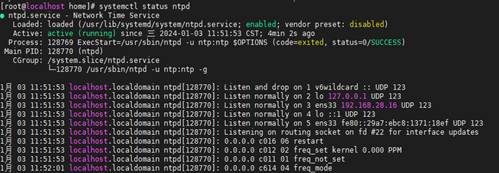
- 查看运行状态
systemctl status ntpd
完成搭建!