文章目录
- [1. 问题](#1. 问题)
- [2. 解决方法](#2. 解决方法)
更多Git相关知识: Git专栏
1. 问题
查看远程分支的情况,我们可以发现,部分分支已经是stale状态。stale状态的分支就是已经被我们删除了的分支,但是我们查看分支时依旧能看到这些分支。
bash
root@VM-0-3-ubuntu:~/remote-gitcode# git branch -a
* feature-1
  feature-2
  master
  remotes/origin/HEAD -> origin/master
  remotes/origin/dev
  remotes/origin/feature-1
  remotes/origin/feature-2
  remotes/origin/master
  remotes/origin/mater

root@VM-0-3-ubuntu:~/remote-gitcode# git remote show origin
* remote origin
  Fetch URL: git@gitee.com:pepper-cloth/remote-gitcode.git
  Push  URL: git@gitee.com:pepper-cloth/remote-gitcode.git
  HEAD branch: master
  Remote branches:
    master                        tracked
    refs/remotes/origin/dev       stale (use 'git remote prune' to remove)
    refs/remotes/origin/feature-1 stale (use 'git remote prune' to remove)
    refs/remotes/origin/feature-2 stale (use 'git remote prune' to remove)
    refs/remotes/origin/mater     stale (use 'git remote prune' to remove)
  Local branches configured for 'git pull':
    feature-2 merges with remote feature-2
    master    merges with remote master
  Local ref configured for 'git push':
    master pushes to master (local out of date)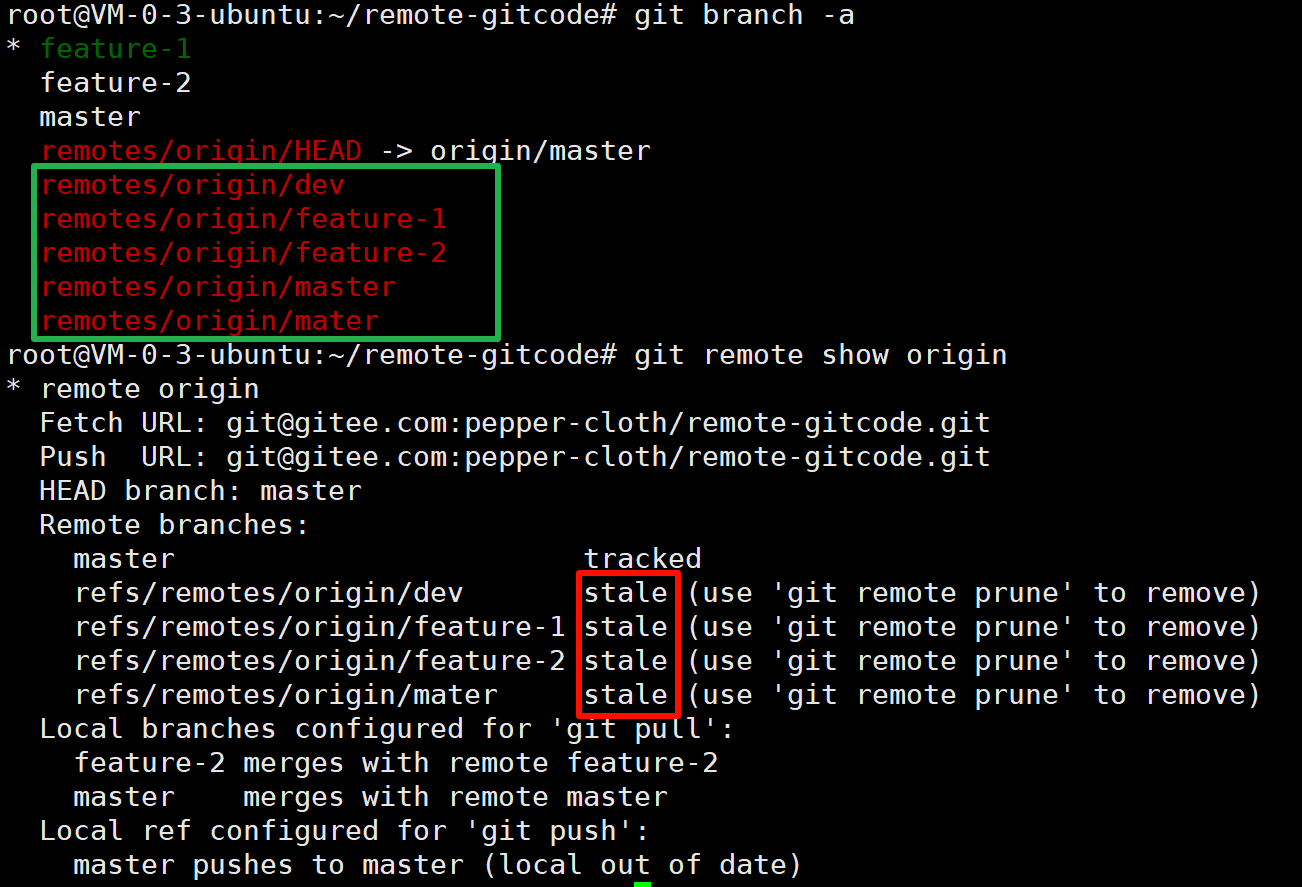
2. 解决方法
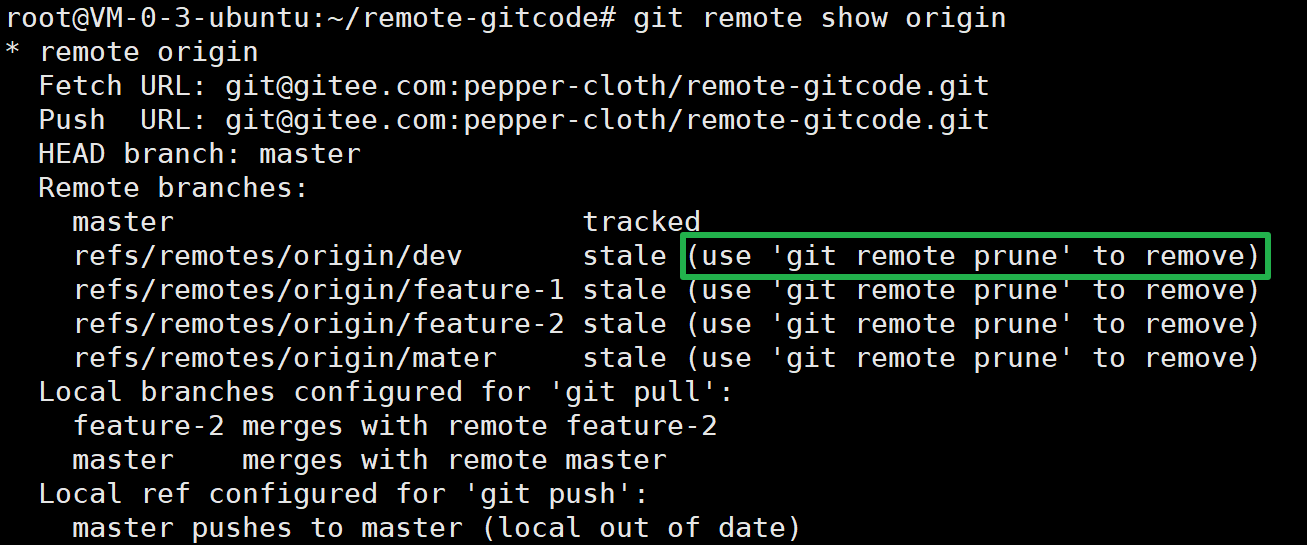
git给我们也有一些如何删除的提示:
bash
root@VM-0-3-ubuntu:~/remote-gitcode# git remote prune origin
Pruning origin
URL: git@gitee.com:pepper-cloth/remote-gitcode.git
 * [pruned] origin/dev
 * [pruned] origin/feature-1
 * [pruned] origin/feature-2
 * [pruned] origin/mater

root@VM-0-3-ubuntu:~/remote-gitcode# git branch -a
* feature-1
  feature-2
  master
  remotes/origin/HEAD -> origin/master
  remotes/origin/master
此时,就可以看到这些stale状态的分支已经"被修剪"了。
但是本地的分支依旧存在,使用git branch -d 分支名删除即可。