一、安装NodeJS
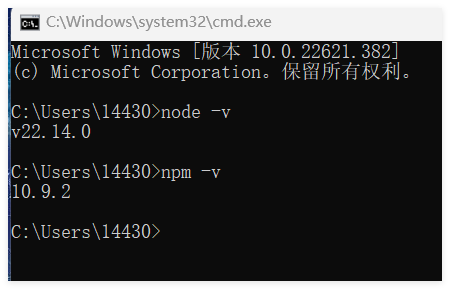
1.安装使用nodejs--->v22.14.0-x64
https://blog.csdn.net/web15185420056/article/details/144251082
2.npm配置使用淘宝镜像
npm config set registry https://registry.npmmirror.com
查看镜像:
npm config get registry
二、创建Vue项目
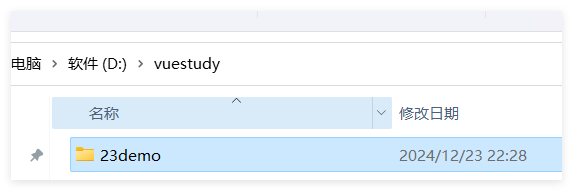
首先创建一个文件夹:
执行以下命令:
npm init vue@latest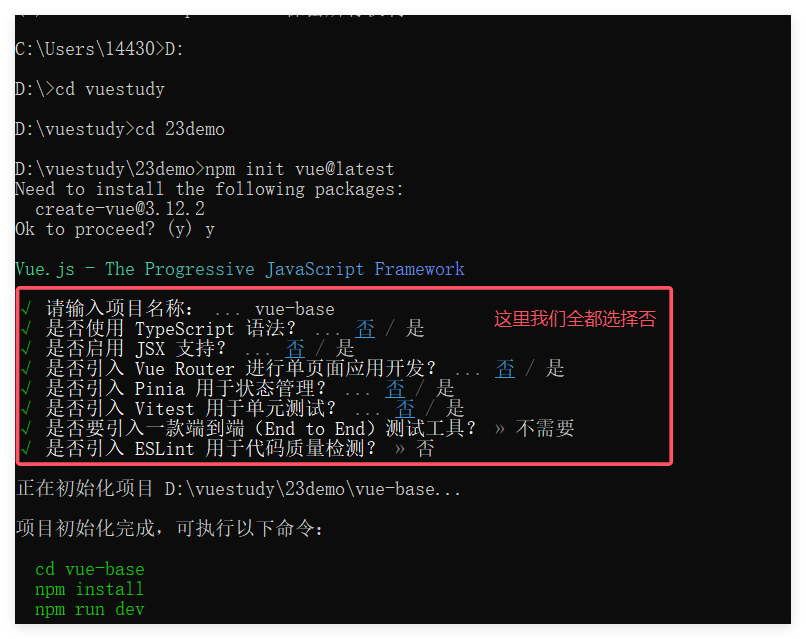
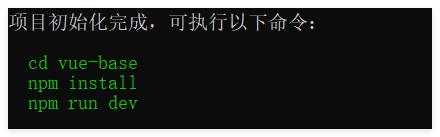
继续执行这三个命令
打开该链接进入
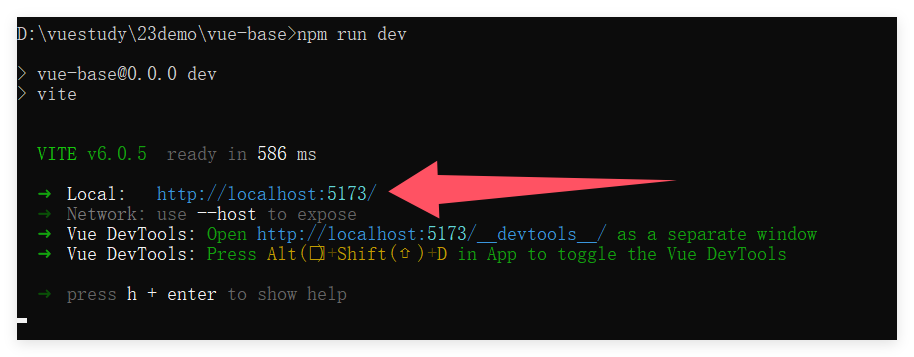
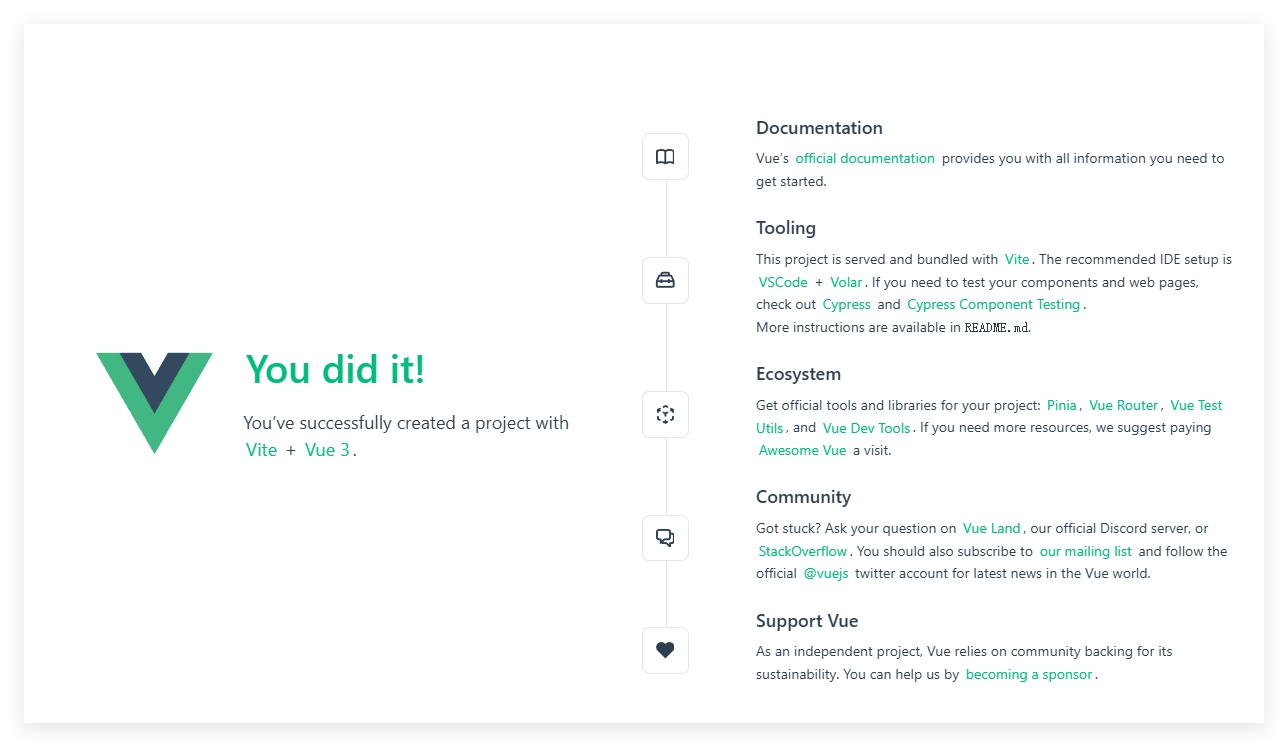
在CDM命令行里面按两次Ctrl+C就可以关闭正在运行的VUE工程。
三、vue的目录结构
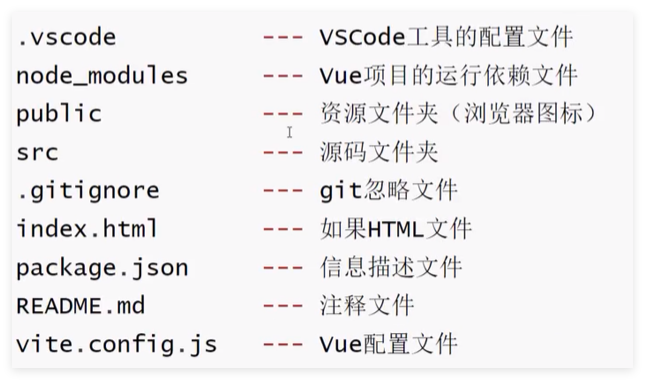
四、重新构建vue项目
将以下两个模块中的内容删除掉
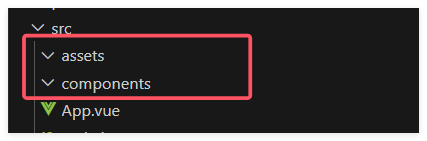
将App.vue文件改成如下
<template>
  <RouterView />  //作为一个占位符,用来渲染当前路由匹配到的组件。
                  //当URL改变时,Vue Router会根据路由配置找到对应的组件
</template>
新建views文件夹,并新建Home.vue文件
<template>
  <div>
    主页
  </div>
</template>
<script setup>
</script>
新建router文件夹,并新建index.js文件 (注意:需要导入vue-router模块)
npm install vue-router

// 从 vue-router 库中导入创建路由实例和历史模式的函数
// createRouter 用于创建路由实例,createWebHistory 用于创建 HTML5 历史模式的路由
import { createRouter, createWebHistory } from 'vue-router'

// 创建路由实例
const router = createRouter({
  // 配置路由的历史模式为 HTML5 历史模式
  // import.meta.env.BASE_URL 是应用的基础路径,从环境变量中获取
  history: createWebHistory(import.meta.env.BASE_URL),

  // 配置路由规则数组,每个对象代表一个路由配置
  routes: [
    // 定义首页路由规则
    {
      path: '/',               // 路由路径,'/' 表示应用的根路径
      name: 'home',            // 路由名称,用于通过名称跳转路由
      component: import('../views/Home.vue'),  // 路由对应的组件,使用动态导入方式加载
    },
  ],
})

// 导出路由实例,供应用实例使用
export default router
在main.js文件当中进行修改
// 从 Vue 库中导入 createApp 函数,用于创建 Vue 应用实例
import { createApp } from 'vue'
// 导入根组件 App,应用的所有内容都将通过这个组件进行组织
import App from './App.vue'
// 导入路由配置实例,用于实现单页应用的路由功能
import router from './router'
// 使用 createApp 函数创建应用实例,并将根组件 App 作为参数传入
const app = createApp(App)
// 将路由实例安装到应用中,使应用具备路由功能
app.use(router)
// 将应用实例挂载到页面中 id 为 app 的 DOM 元素上,完成应用的渲染
app.mount('#app')
五、vue 工程目录解读
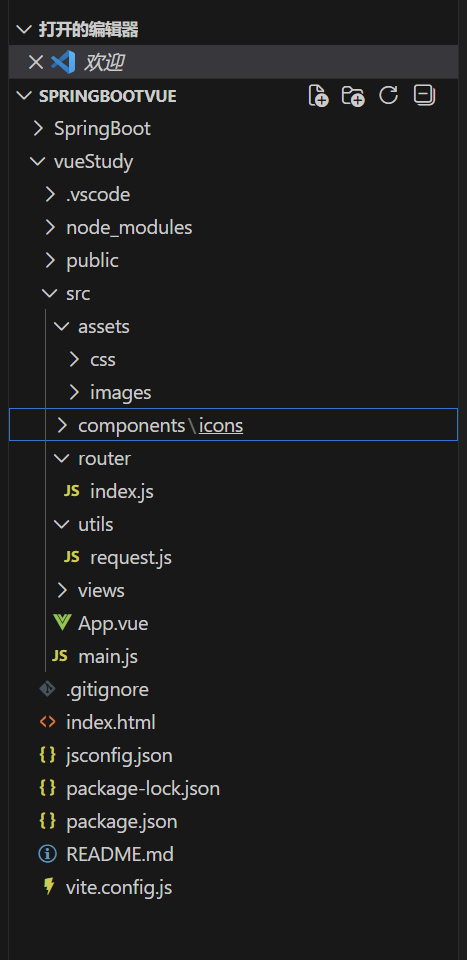
node_modules:不是我们的源码文件,这个是依赖包下载之后的存放目录
public:存放全局的静态文件,比如说网页的 icon
src
- assets:一般是存放代码引用的静态文件,比如:css、js、img
- components:放一下 vue 的组件(可复用的代码块,就叫组件)
- router:定义路由文件的目录
- views:存放 vue 网页文件的目录
- App.vue:vue 页面全局的入口,所有 vue 文件的父级
- main.js:代码的配置文件,引入第三方的组件或者我们自己定义的一些组件、css、js 等
index.html:vue编译成网页才能在浏览器渲染
jsconfig.json:内部配置文件
package.json:定义依赖库的文件
package-lock.json:在你下载依赖的时候锁定版本的一个文件
vite.config.js:全局的配置文件
六、设置404页面

将404图片放入到imgs目录当中去
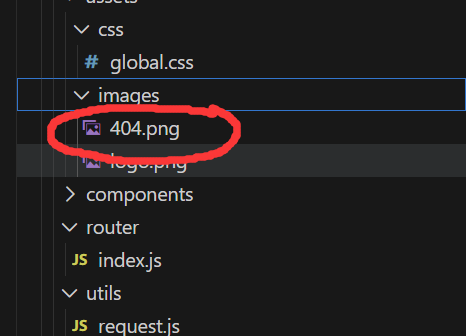
在views文件当中新建404.vue页面
<template>
  <div style="height: 100vh; display: flex; align-items: center; justify-content: center">
    <div style="width: 50%">
      <img style="width: 100%" src="@/assets/imgs/404.jpg" alt="">
      <div style="text-align: center; padding: 20px 0; font-size: 20px;"><a style="color: #3741fb" href="/">返回主页</a></div>
    </div>
  </div>
</template>
在router文件夹下的index.js文件下面设置路由
{ path: '/notFound', name: '404', component: import('../views/404.vue'),},访问页面:http://localhost:5173/notFound,就看到这个页面
最后设置如果没有路径则直接返回404页面,在router文件夹下的index.js文件下设置
import { createRouter, createWebHistory } from 'vue-router'
const router = createRouter({
    history: createWebHistory(import.meta.env.BASE_URL),
    routes: [
        { path: '/', name: 'home', component: import('../views/Home.vue'),},
        { path: '/notFound', name: '404', component: import('../views/404.vue'),},
        { path: '/:pathMatch(.*)', redirect: '/notFound' }, //如果找不到路径,就返回404页面
    ],
})
export default router