VSCODE,ctrl+shift+v
Mermaid 是一种使用文本生成流程图、饼状图、甘特图等图表的描述语言,它可以帮助用户以简单、直观的方式创建各种类型的图表,包括流程图、时序图、甘特图等。
1)
cpp
```mermaid
graph LR
   A-->B;
   B-->C;
   C-->D;
```
cpp
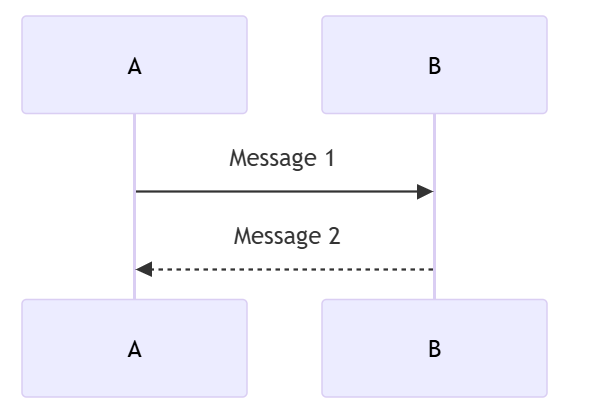
```mermaid
sequenceDiagram
   A->>B: Message 1
   B-->>A: Message 2
```

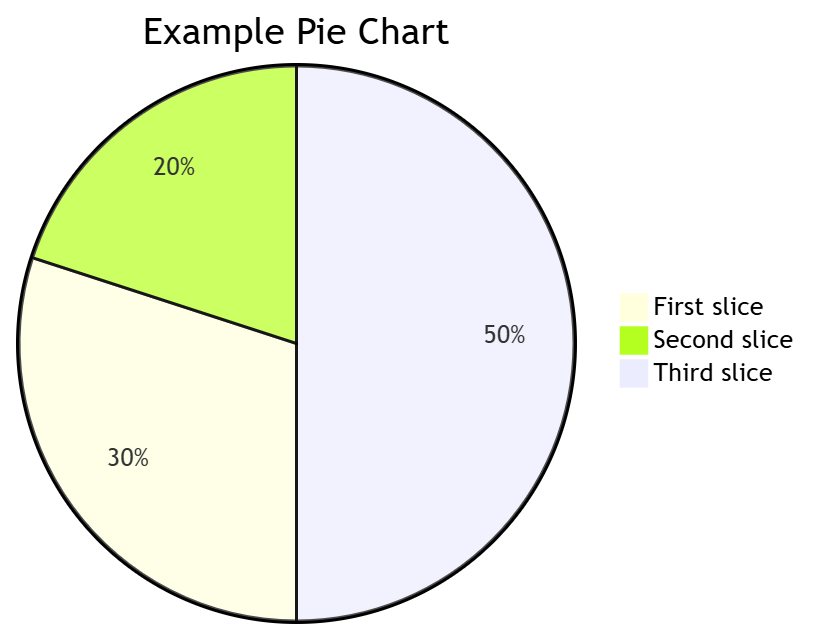
```mermaid
graph LR
A --> B
B --> C
C --> D
subgraph Subgraph A
B1 --> C1
C1 --> D1
end
subgraph Subgraph B
B2 --> C2
C2 --> D2
end
```
图截不完
5)
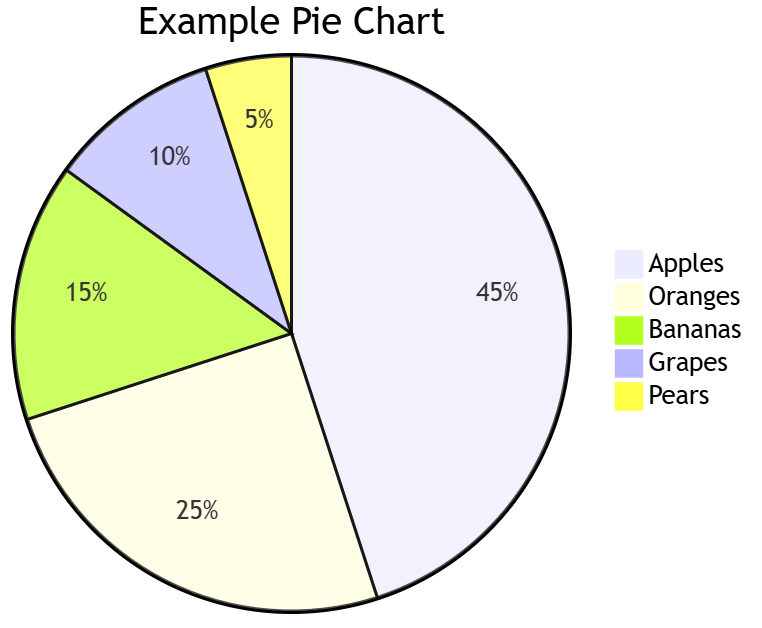
pie
  title Example Pie Chart
  "Apples" : 45.0
  "Oranges" : 25.0
  "Bananas" : 15.0
  "Grapes" : 10.0
  "Pears" : 5.0
6)
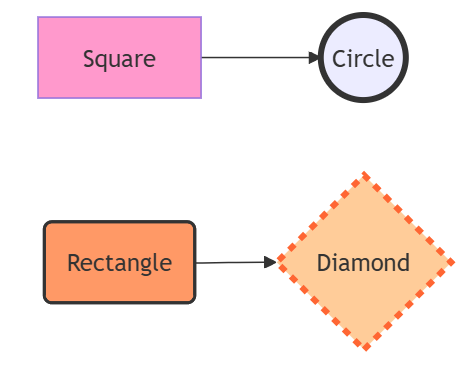
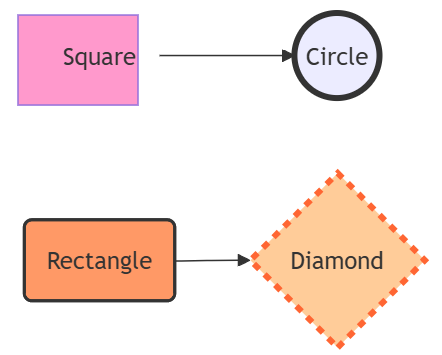
```mermaid
graph LR;
ASquare --> B((Circle));
C(Rectangle) --> D{Diamond};
style A fill:#f9c;
style B stroke:#333,stroke-width:4px;
style C fill:#f96,stroke:#333,stroke-width:2px;
style D fill:#fc9,stroke:#f63,stroke-width:4px,stroke-dasharray: 5 5;
```
7)
```mermaid
graph LR;
ASquare --> B((Circle));
C(Rectangle) --> D{Diamond};
style A fill:#f9c, width:80px, height:60px;
style B stroke:#333,stroke-width:4px, width:60px, height:60px;
style C fill:#f96,stroke:#333,stroke-width:2px, width:100px, height:80px;
style D fill:#fc9,stroke:#f63,stroke-width:4px,stroke-dasharray: 5 5, width:80px, height:80px;
```
8)
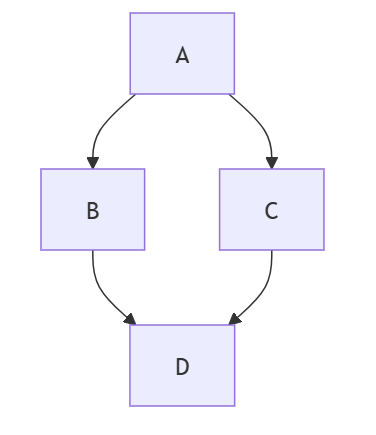
```mermaid
graph TD;
A-->B;
A-->C;
B-->D;
C-->D;
```
9)
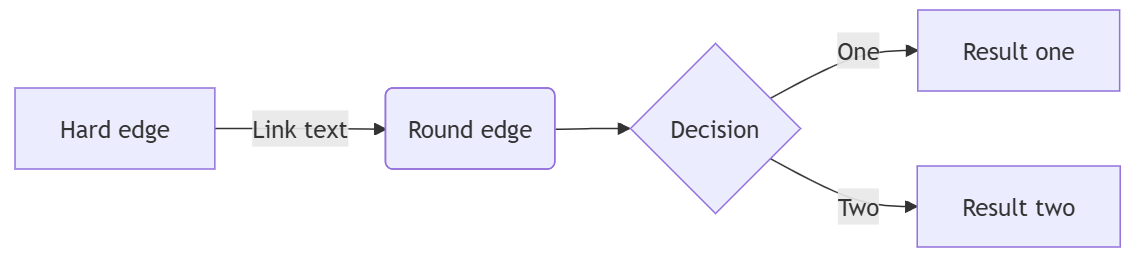
```mermaid
flowchart LR
AHard edge -->|Link text| B(Round edge)
B --> C{Decision}
C -->|One| DResult one
C -->|Two| EResult two
```
10)
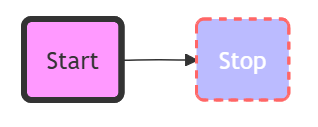
```mermaid
flowchart LR
id1(Start)-->id2(Stop)
style id1 fill:#f9f,stroke:#333,stroke-width:4px
style id2 fill:#bbf,stroke:#f66,stroke-width:2px,color:#fff,stroke-dasharray: 5 5
```
11)
```mermaid
sequenceDiagram
participant Alice
participant Bob
Alice->>John: Hello John, how are you?
loop Healthcheck
John->>John: Fight against hypochondria
end
Note right of John: Rational thoughts <br/>prevail!
John-->>Alice: Great!
John->>Bob: How about you?
Bob-->>John: Jolly good!
```
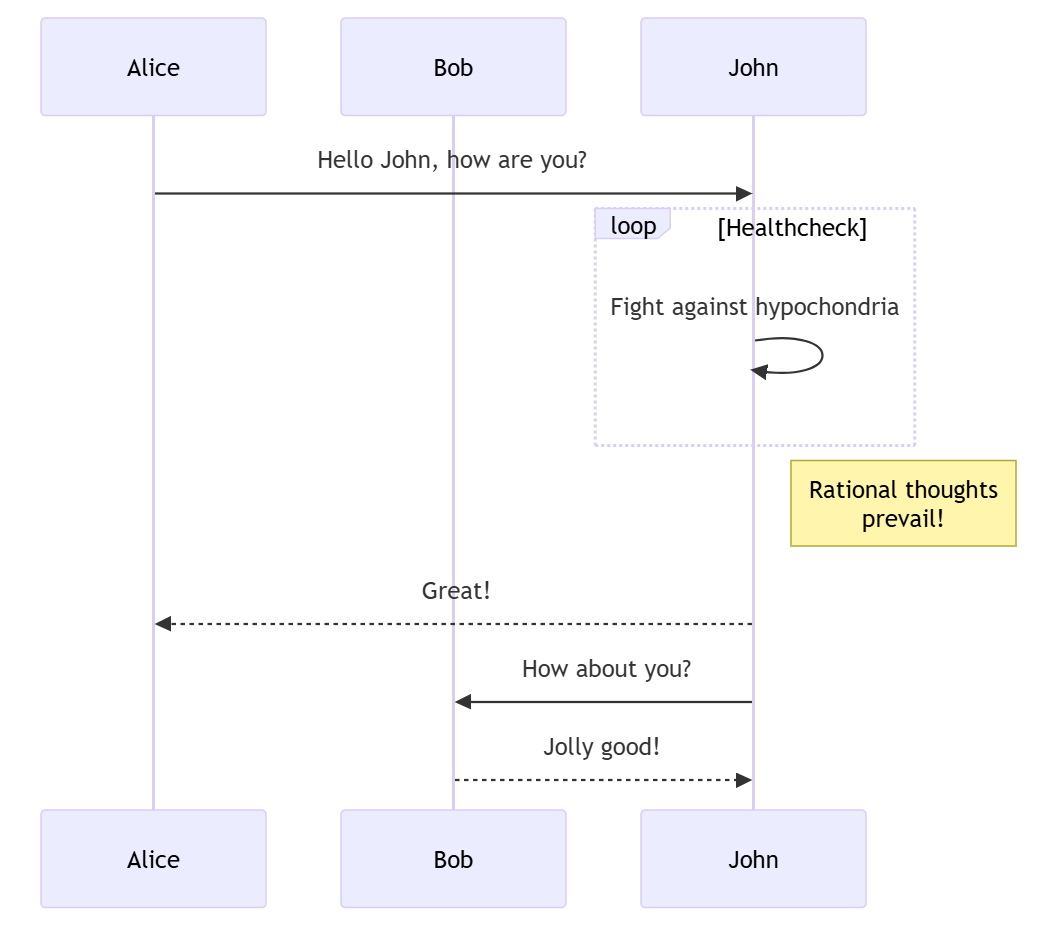
11)
```mermaid
sequenceDiagram
participant Alice
participant John
rect rgb(191, 223, 255)
note right of Alice: Alice calls John.
Alice->>+John: Hello John, how are you?
rect rgb(200, 150, 255)
Alice->>+John: John, can you hear me?
John-->>-Alice: Hi Alice, I can hear you!
end
John-->>-Alice: I feel great!
end
Alice ->>+ John: Did you want to go to the game tonight?
John -->>- Alice: Yeah! See you there.
```
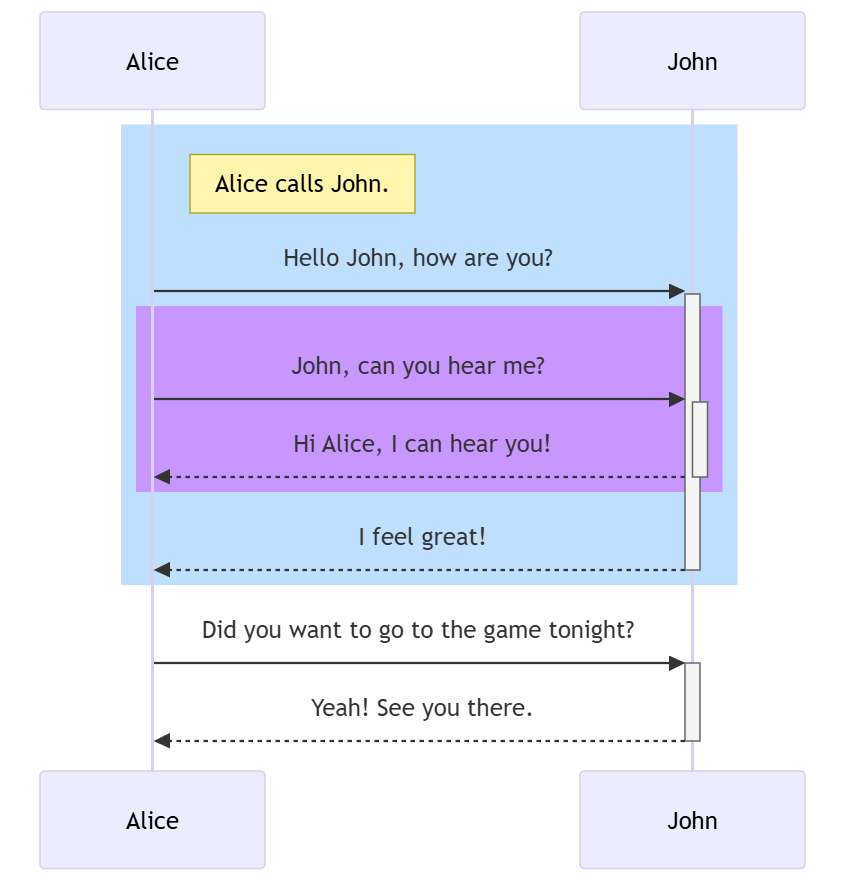
12)
```mermaid
classDiagram
Class01 <|-- AveryLongClass : Cool
Class03 *-- Class04
Class05 o-- Class06
Class07 .. Class08
Class09 --> C2 : Where am i?
Class09 --* C3
Class09 --|> Class07
Class07 : equals()
Class07 : Object\[\] elementData
Class01 : size()
Class01 : int chimp
Class01 : int gorilla
Class08 <--> C2: Cool label
```
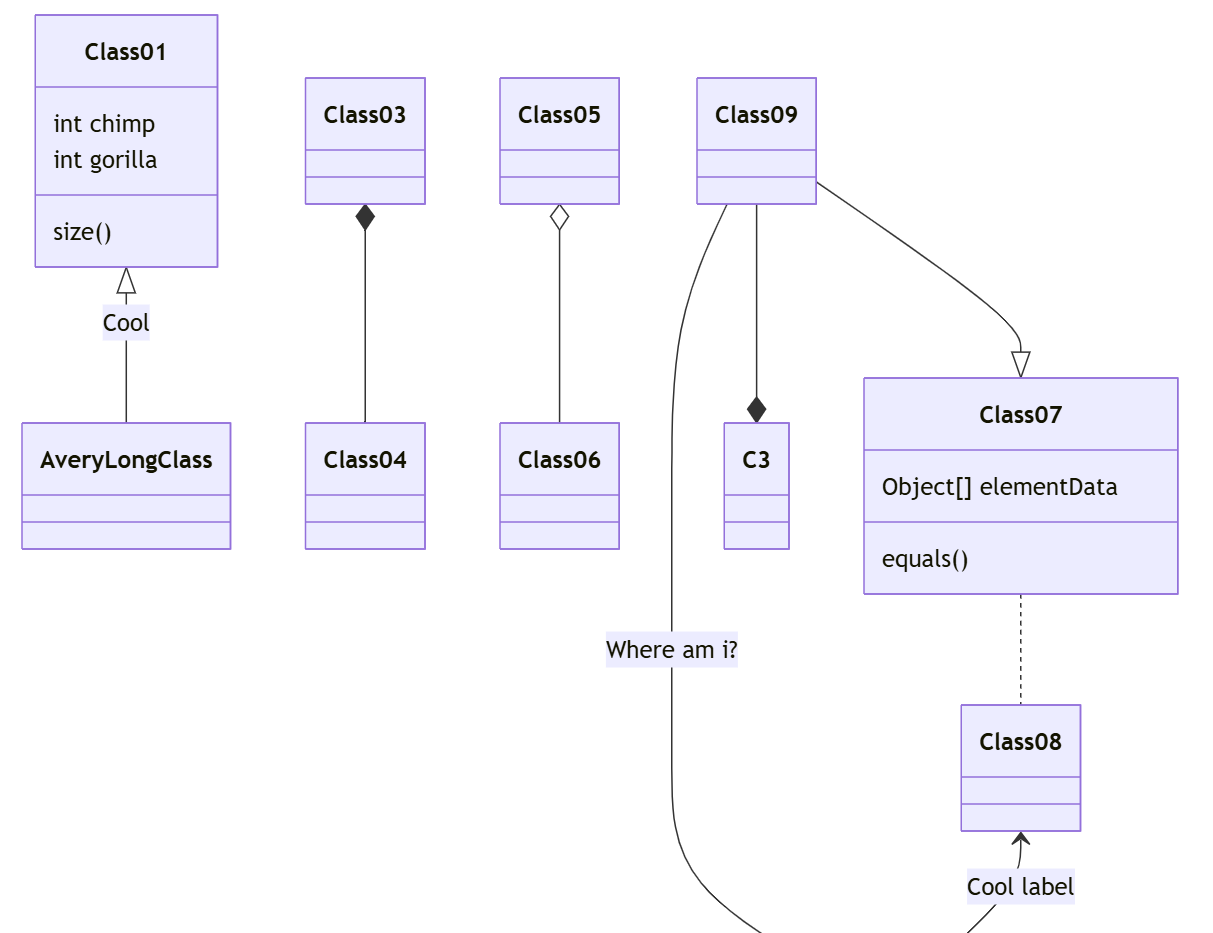
13)
```mermaid
classDiagram
classA <|-- classB
classC *-- classD
classE o-- classF
classG <-- classH
classI -- classJ
classK <.. classL
classM <|.. classN
classO .. classP
```
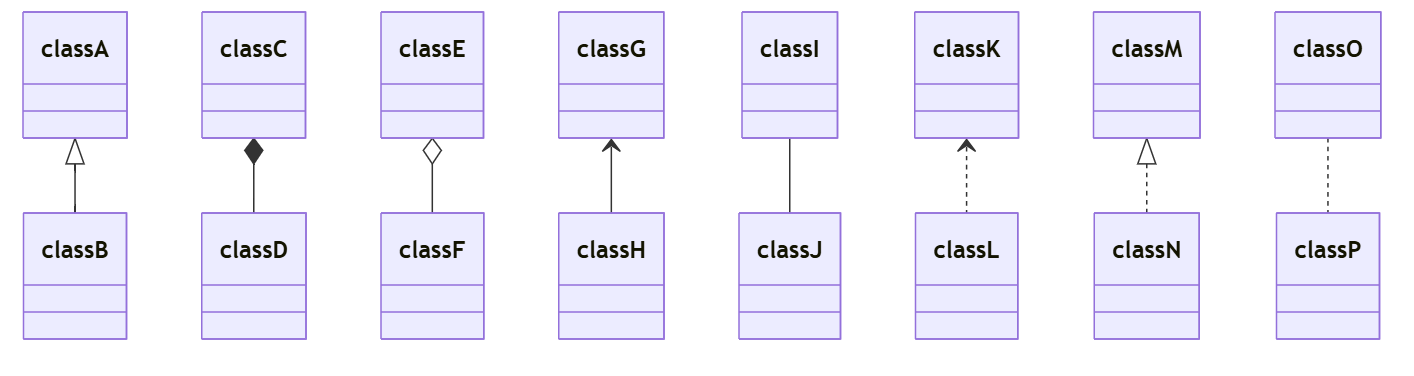
14)
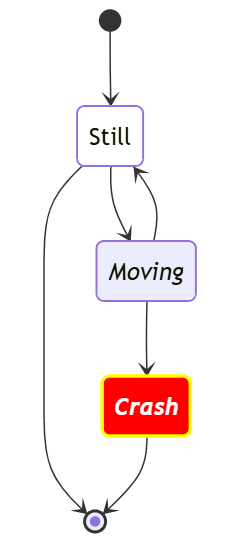
```mermaid
stateDiagram
direction TB
accTitle: This is the accessible title
accDescr: This is an accessible description
classDef notMoving fill:white
classDef movement font-style:italic;
classDef badBadEvent fill:#f00,color:white,font-weight:bold,stroke-width:2px,stroke:yellow
\* --> Still:::notMoving
Still --> \*
Still --> Moving:::movement
Moving --> Still
Moving --> Crash:::movement
Crash:::badBadEvent --> \*
```
16)
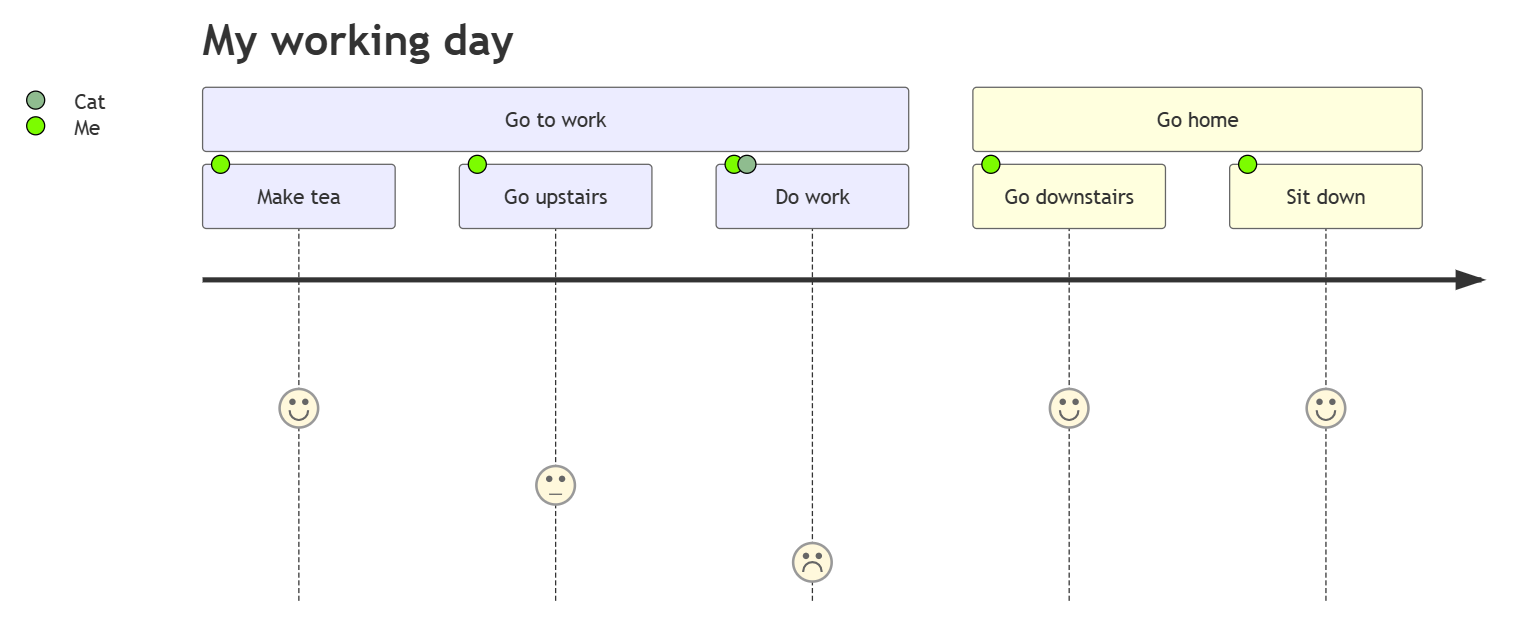
```mermaid
journey
title My working day
section Go to work
Make tea: 5: Me
Go upstairs: 3: Me
Do work: 1: Me, Cat
section Go home
Go downstairs: 5: Me
Sit down: 5: Me
```
17)
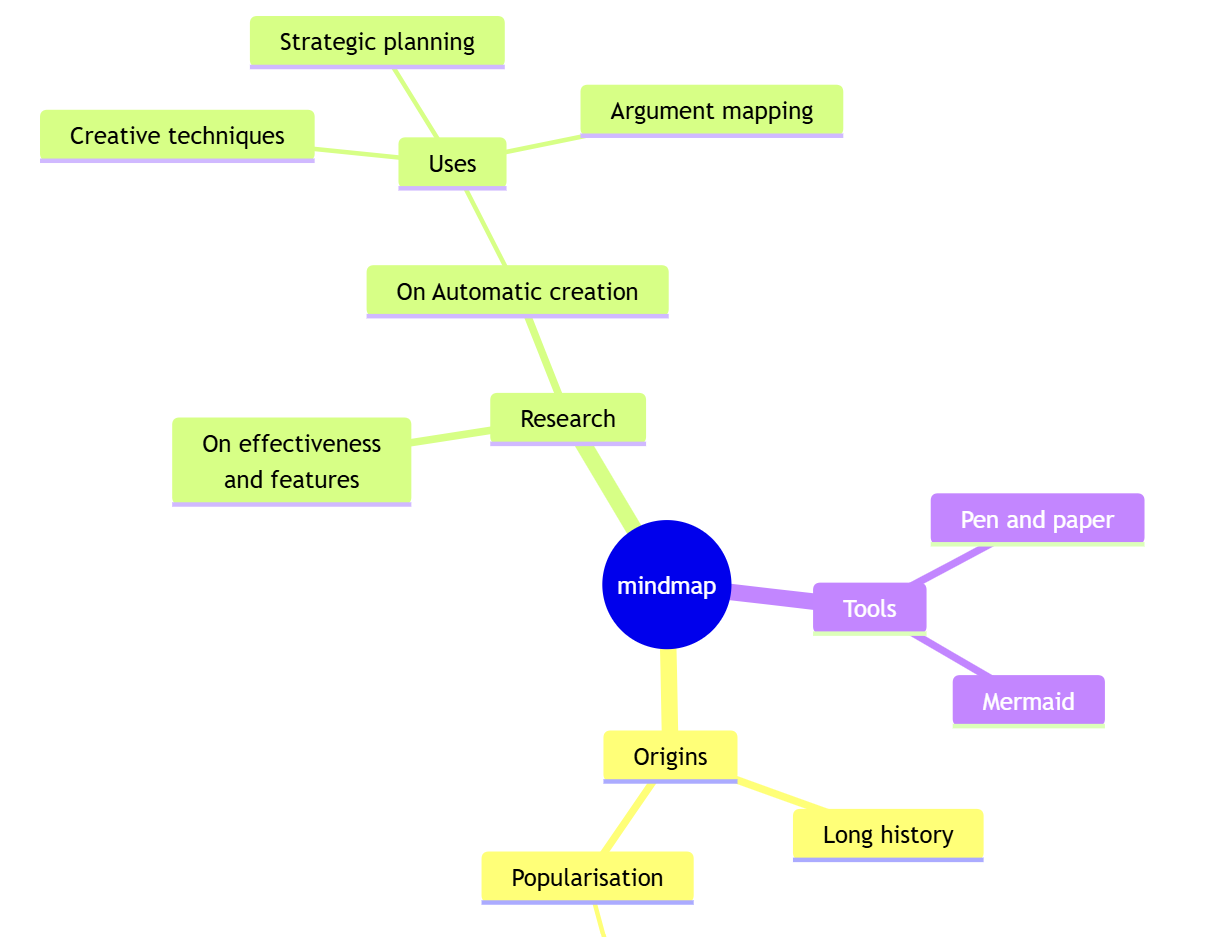
```mermaid
mindmap
root((mindmap))
Origins
Long history
::icon(fa fa-book)
Popularisation
British popular psychology author Tony Buzan
Research
On effectiveness<br/>and features
On Automatic creation
Uses
Creative techniques
Strategic planning
Argument mapping
Tools
Pen and paper
Mermaid
```
18)