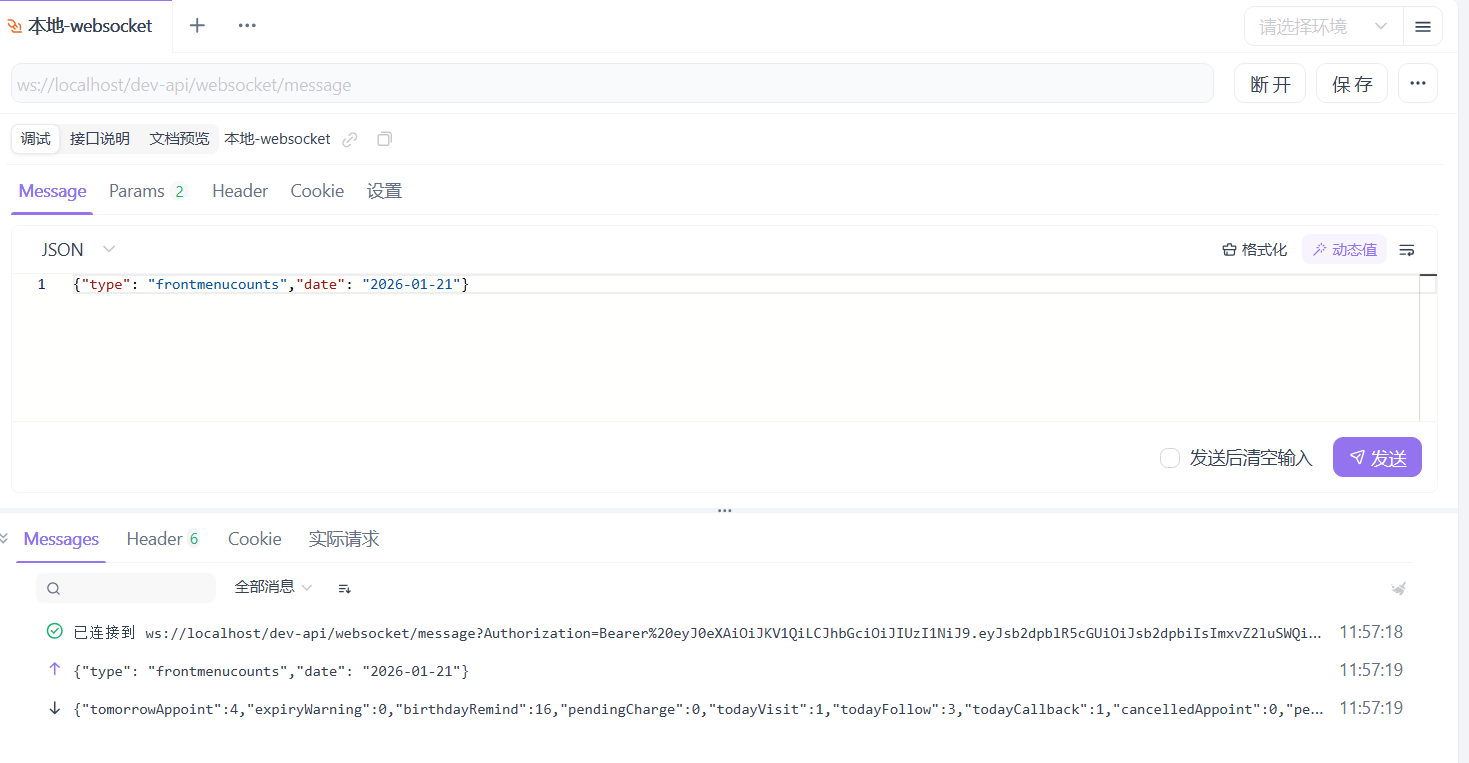
下载: Apifox
下载安装后,需要登录才能使用 WebSocket 功能。
1. 新建websocket请求
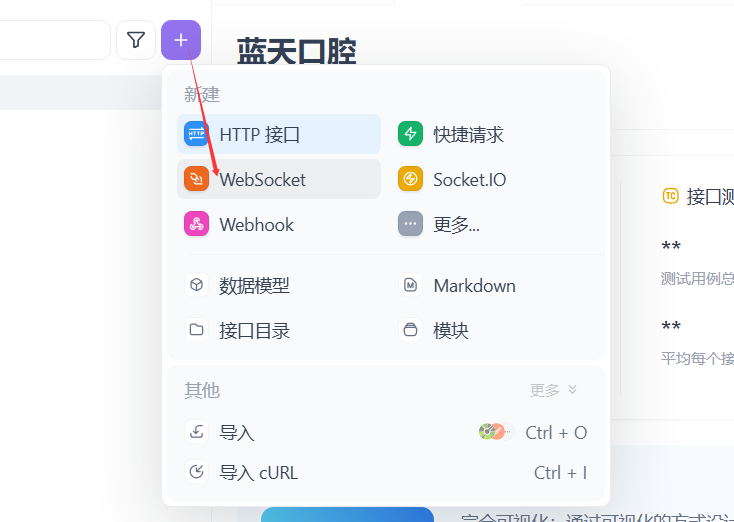
- 请求
(1)在地址了中输入请求地址
如:ws://localhost/dev-api/websocket/message
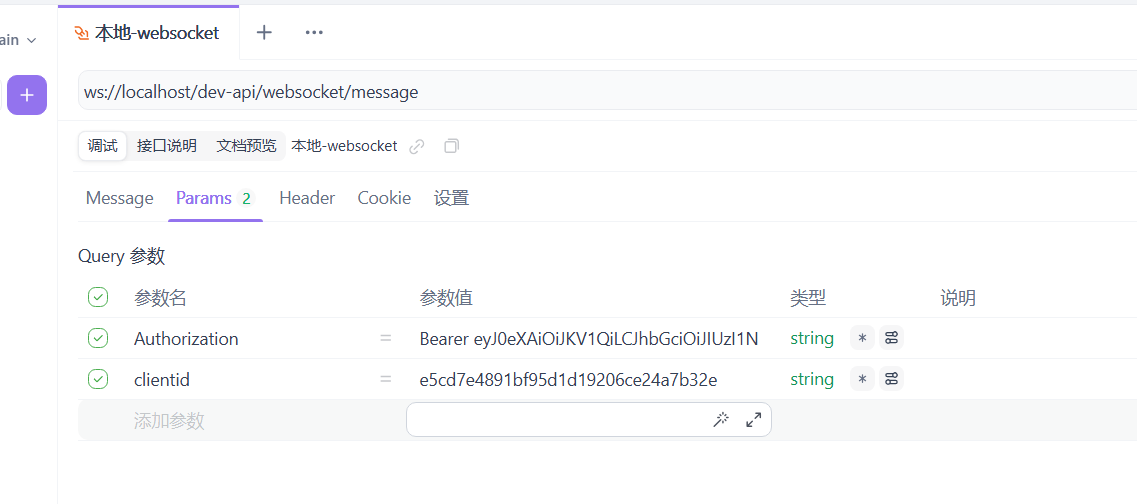
(2)授权参数
在一般的API接口中,如果需要授权访问,授权参数一般是放在请求头Headers中,websocket的授权参数是跟在url后面的,如:
ws://localhost/dev-api/websocket/message?Authorization=123456&clientid=7895
Apifox 会自动将授权参数放在 Params 下。
(3)前端请求消息
前端请求消息,放在 Message 下。
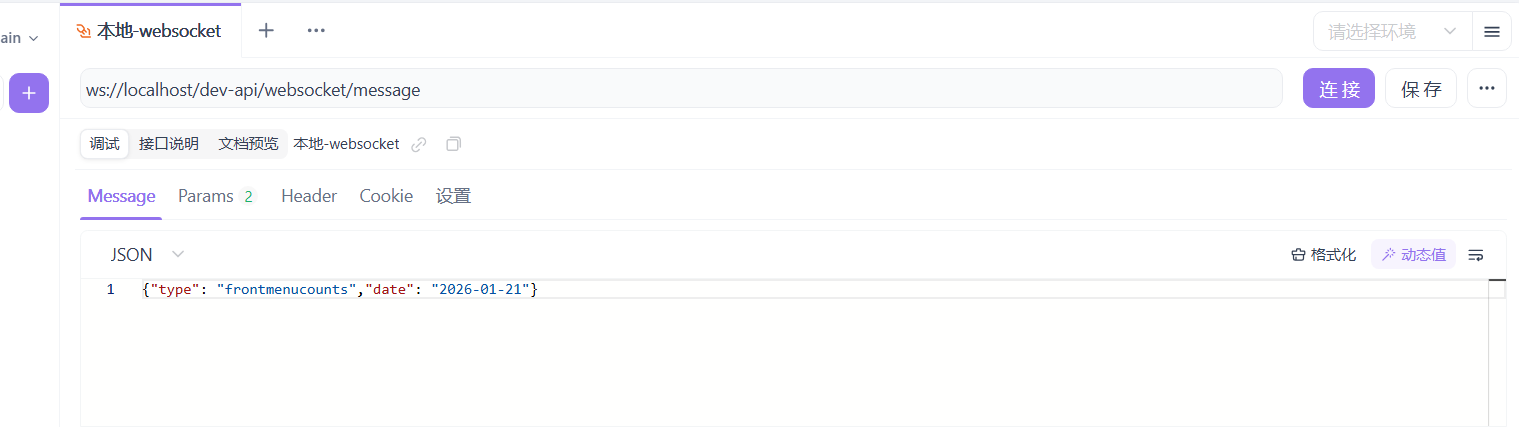
前端请求消息,就是前面文章 若依(RuoYi-Vue-Plus)框架使用WebSocket(1)
中的 HisWebSocketServer 的方法 onMessage 参数 String message
(4)连接
点击 连接 按钮,可测试websocket是否通。
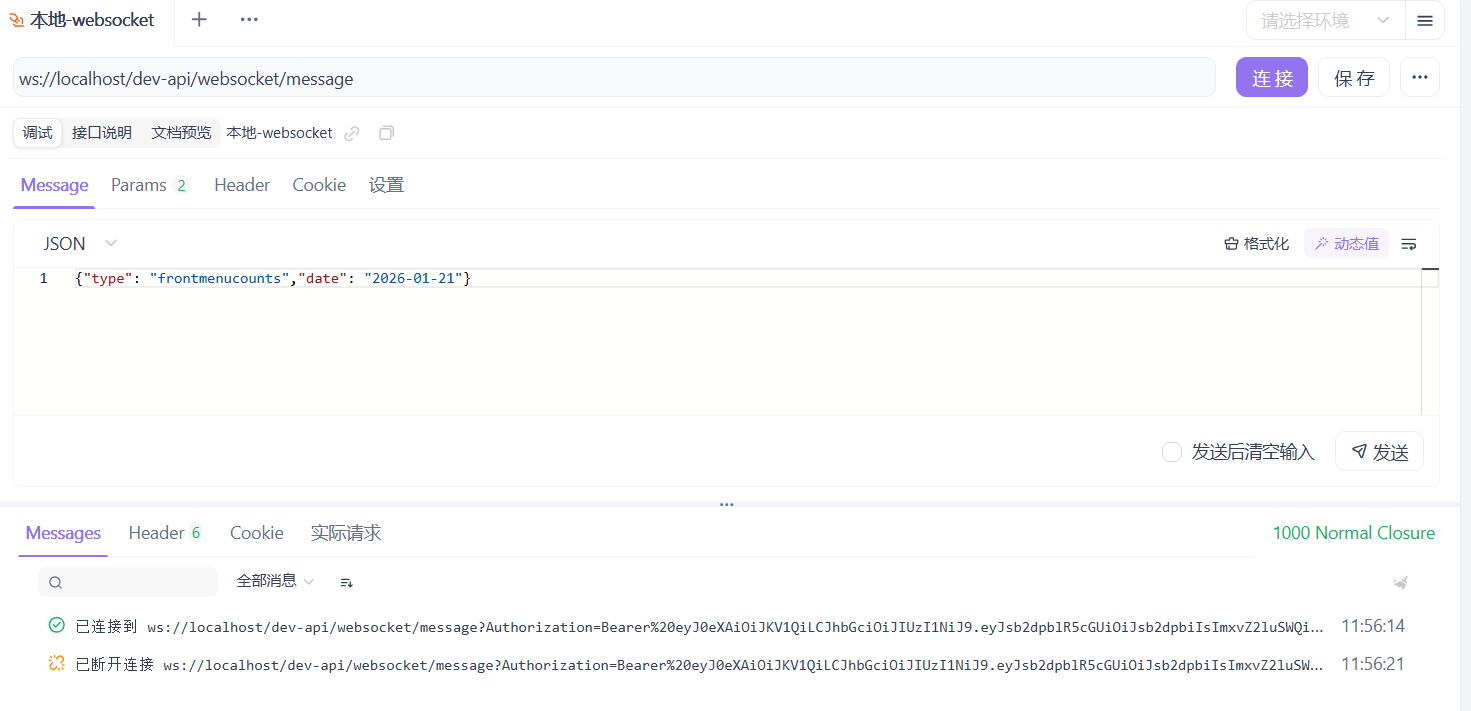
(5)发送
点击 发送 按钮,可测试websocket推送数据。