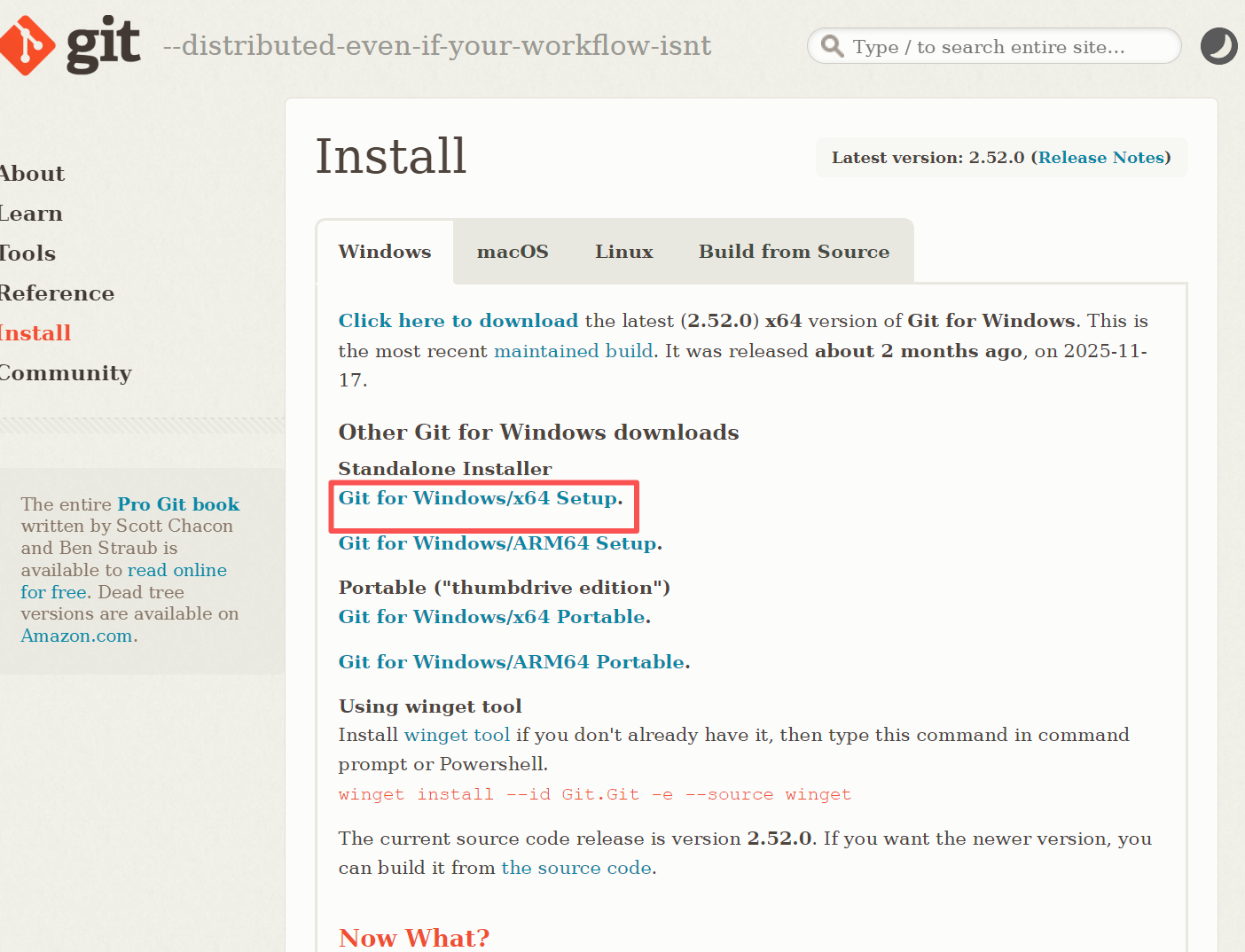
1 .在windows系统上 安装git
https://git-scm.com/install/windows
2 . 生成本地SSH密钥
ssh-keygen -t ed25519 -C "你的邮箱@example.com"
复制公钥,进入Gitlab --settings---SSH keys 把公钥粘贴进去。
在 Git Bash 中:
cat ~/.ssh/id_ed25519.pub
在 Windows PowerShell 中:
Get-Content C:\Users\你的用户名\.ssh\id_ed25519.pub
3 测试链接
ssh -T git@gitlab.com
成功应该提示 :Welcome to GitLab, @你的用户名!