创建项目
vue3和uniapp是我最常用的框架
无论是不是vue3或uniapp都没有区别,因为这是配置eslint+prettier
创建uniapp项目
bash
npx degit dcloudio/uni-preset-vue#vite-ts my-vue3-project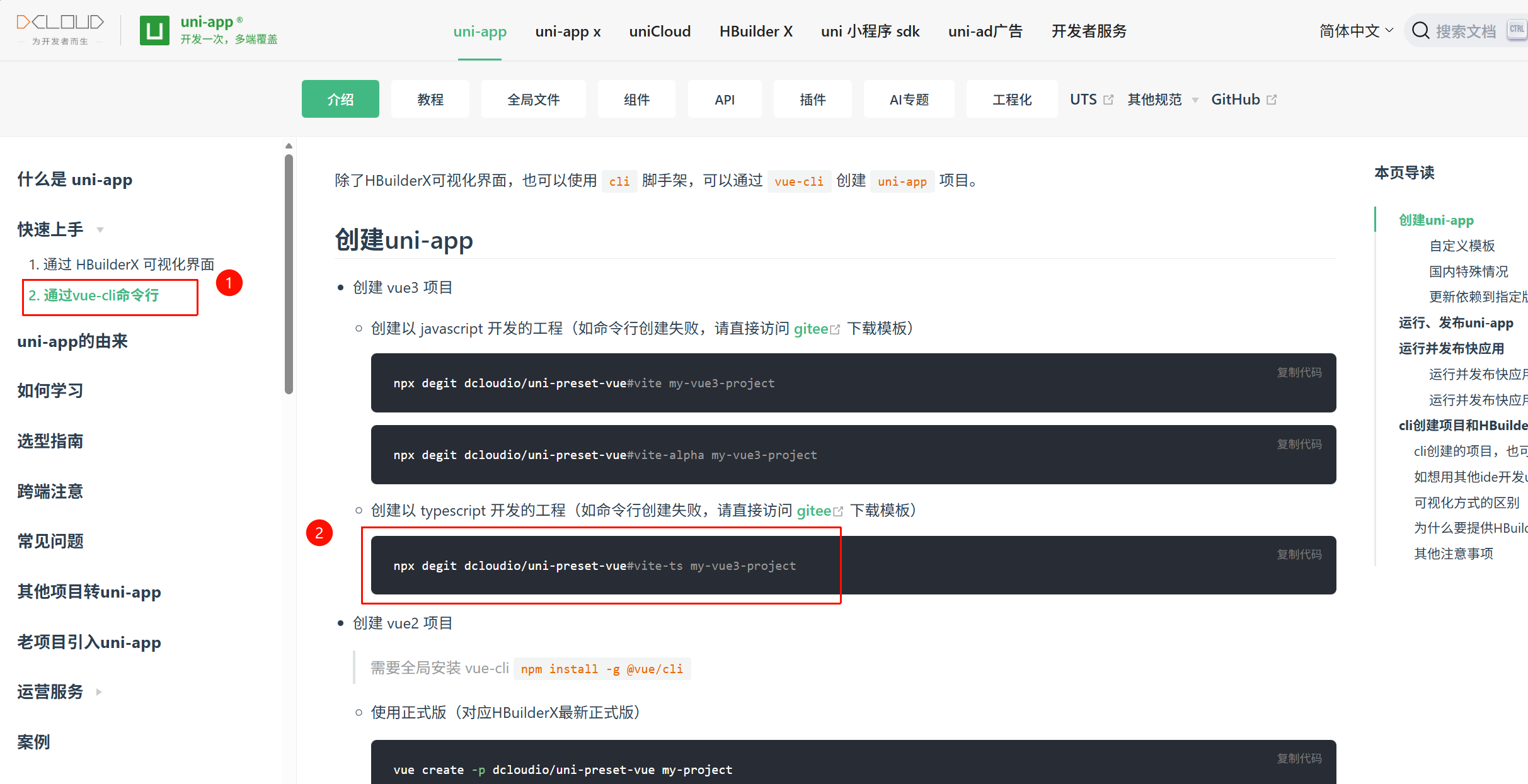
或者创建vue3项目
bash
pnpm create vite
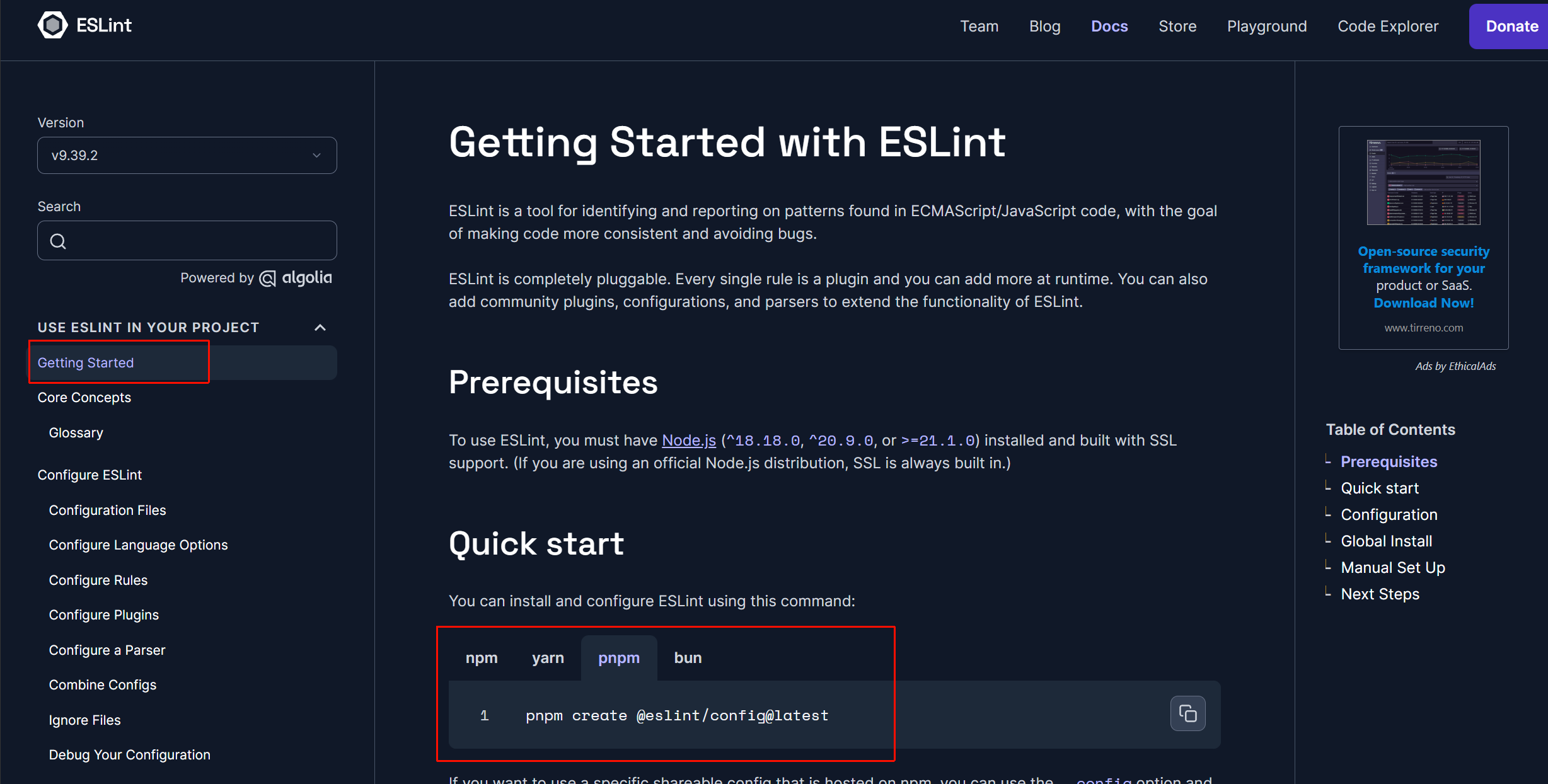
包管理器下载eslint
bash
pnpm create @eslint/config@latest选项
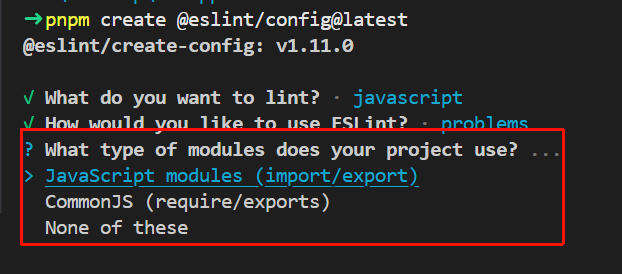
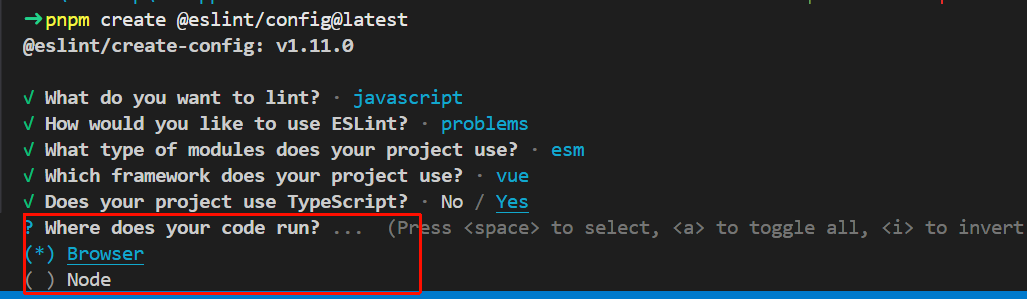
What type of modules does your project use?(你的项目使用什么模块系统?)
一般是JavaScript modules(import/export),也就是esm
Where does your code run?(你的代码运行在什么环境?)
- browser:浏览器环境(会启用 window、document 等全局变量)
- node:Node.js 环境(会启用module、require等全局变量)
勾选后,eslint就不会认为这些环境的变量是错误的语法
配置文件用js语法就行
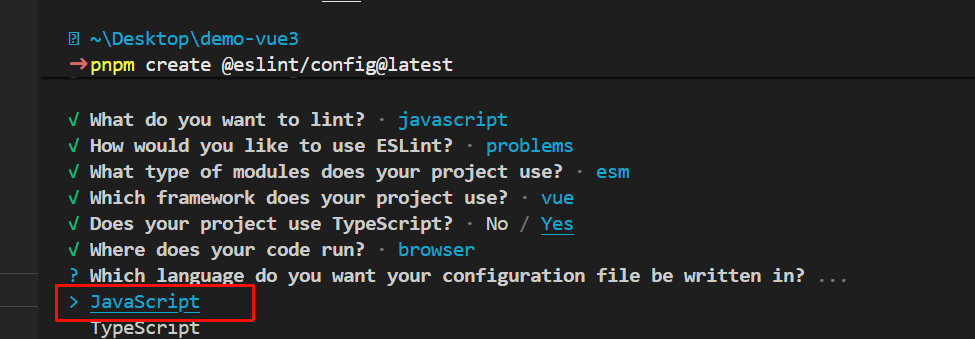
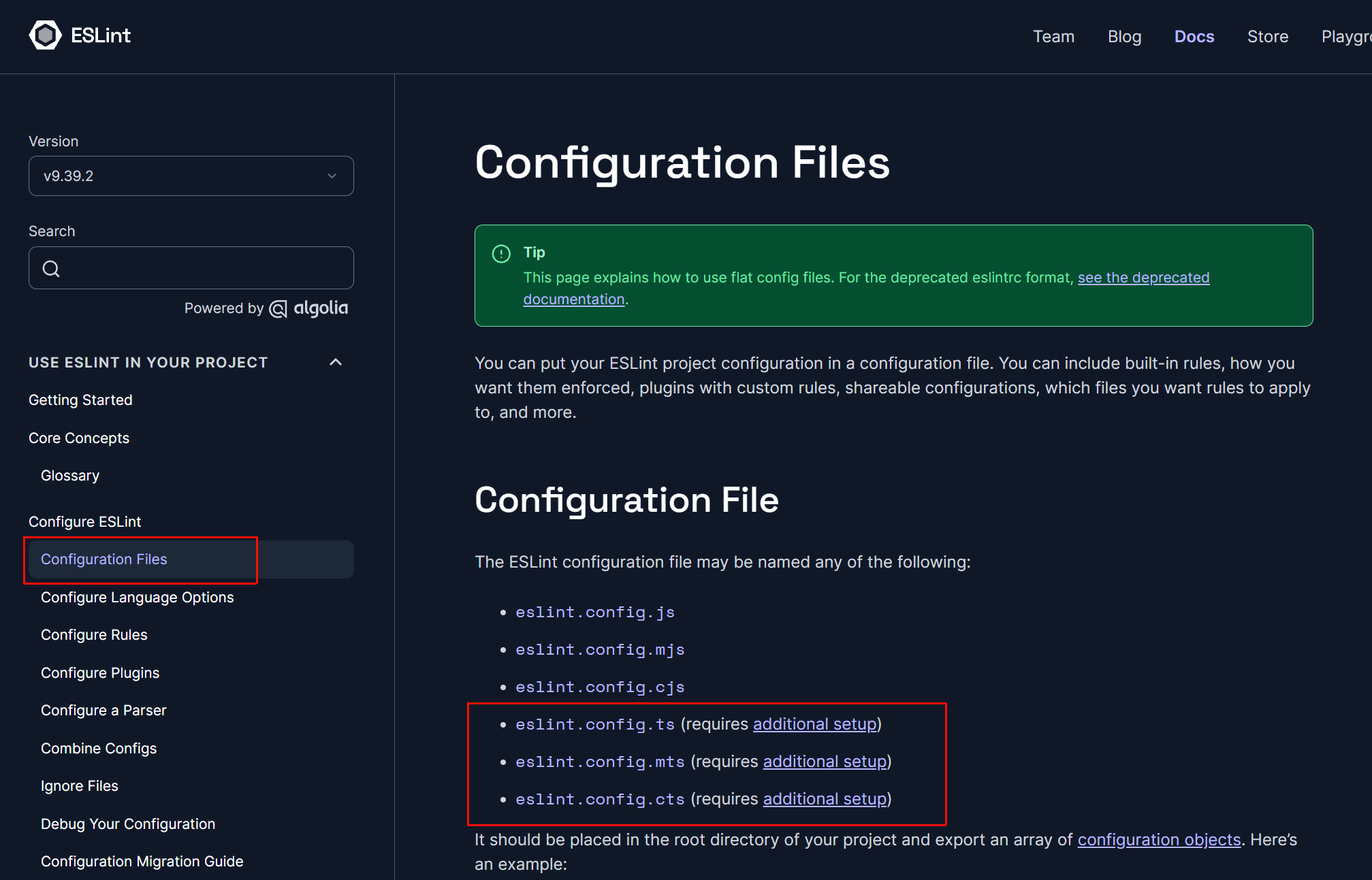
https://eslint.org/docs/latest/use/configure/configuration-files#typescript-configuration-files
因为官方文档说明,ts的配置文件,需要额外配置
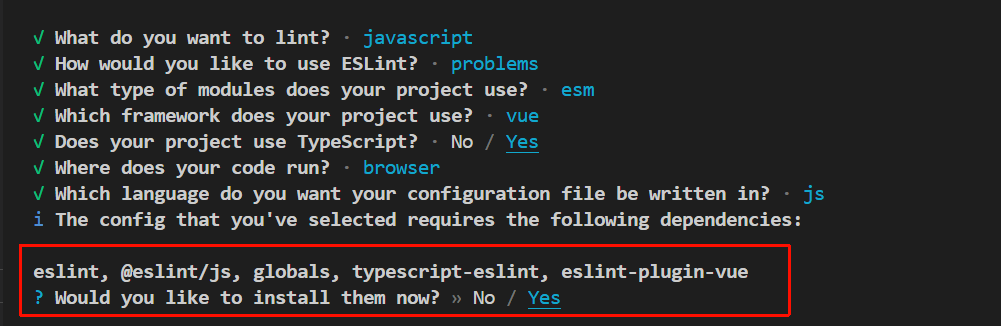
最后安装依赖包
自动生成的配置文件
uniapp项目自动生成的是eslint.config.mjs文件
vue3项目自动生成的是eslint.config.js文件
但内容是一致的
这是ESLint v9的扁平配置(Flat Config) 格式,取代了旧的.eslintrc.*(比如.eslintrc.js等)和.eslintrc
javascript
import js from "@eslint/js" // 导入推荐的js规范
import globals from "globals" // 导入各环境全局变量定义
import tseslint from "typescript-eslint" // 导入ts规范和解析器
import pluginVue from "eslint-plugin-vue"  // 导入vue的eslint插件(包含.vue文件解析和vue规范)
import { defineConfig } from "eslint/config" // 导入eslint9的配置辅助函数

// 导出一组配置对象
export default defineConfig([
  {
    // mjs/mts,js/ts版的esmodule文件
    // cjs/cts,js/ts版的commonjs文件
    files: ["**/*.{js,mjs,cjs,ts,mts,cts,vue}"],
    plugins: { js }, // 指定插件
    extends: ["js/recommended"], // 加载来自@eslint/js的recommended的配置
    languageOptions: {
      // 使用全局变量
      globals: globals.browser
    }
  },
  // typescript-eslint配置
  tseslint.configs.recommended,
  // eslint-plugin-vue配置
  pluginVue.configs["flat/essential"],
  {
    // 在vue文件中使用ts
    files: ["**/*.vue"],
    languageOptions: {
      // 配置ts的解析器
      parserOptions: {
        parser: tseslint.parser
      }
    }
  },
])
文件扩展名说明
eslint.config.mjs,强制ESM,必须用import
eslint.config.cjs,强制CommonJS,必须用require
eslint.config.js,看 package.json 里有没有 "type": "module",有就是ESM。没有 "type" 或 "type": "commonjs"就是CommonJS
eslint.config.ts、eslint.config.mts、eslint.config.cts同理,只是ts版
而且需要额外配置
https://eslint.org/docs/latest/use/configure/configuration-files
内容说明
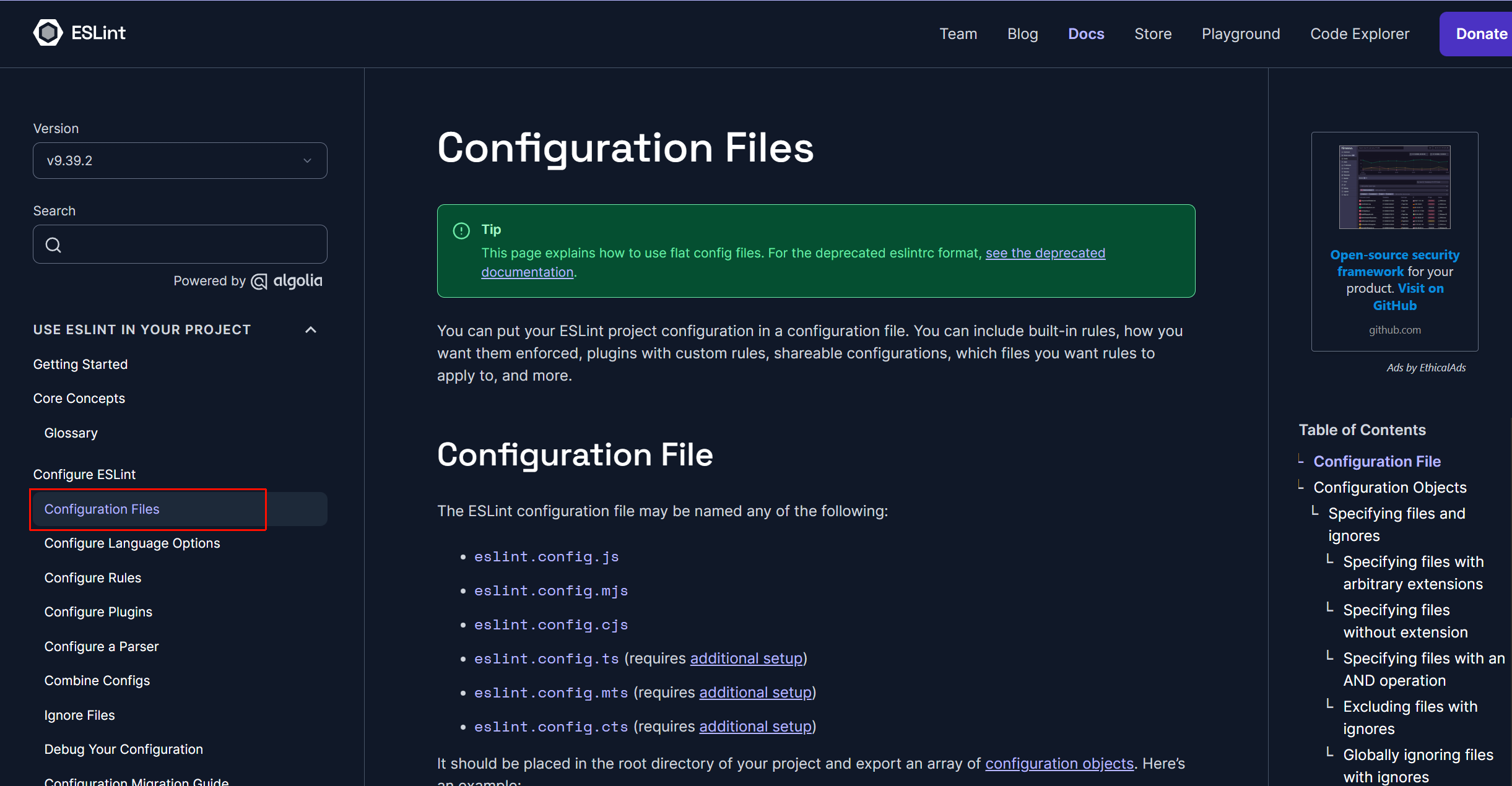
大部分内容可以了解官方文档的「Configuration Files」(配置文件)后,看懂配置
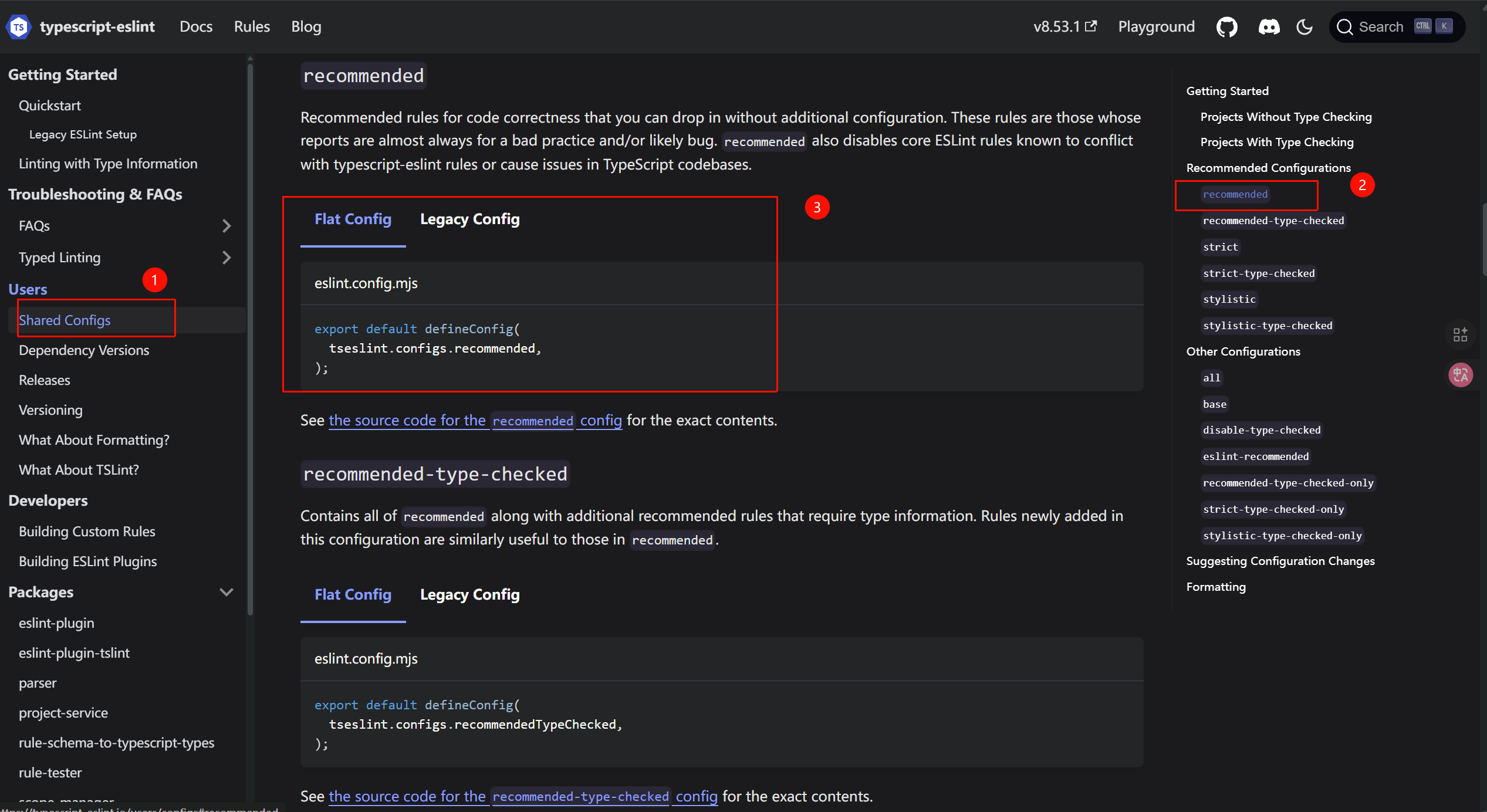
typescript-eslint官方文档:
https://typescript-eslint.io/users/configs#recommended
typescript-eslint依赖的配置如下:
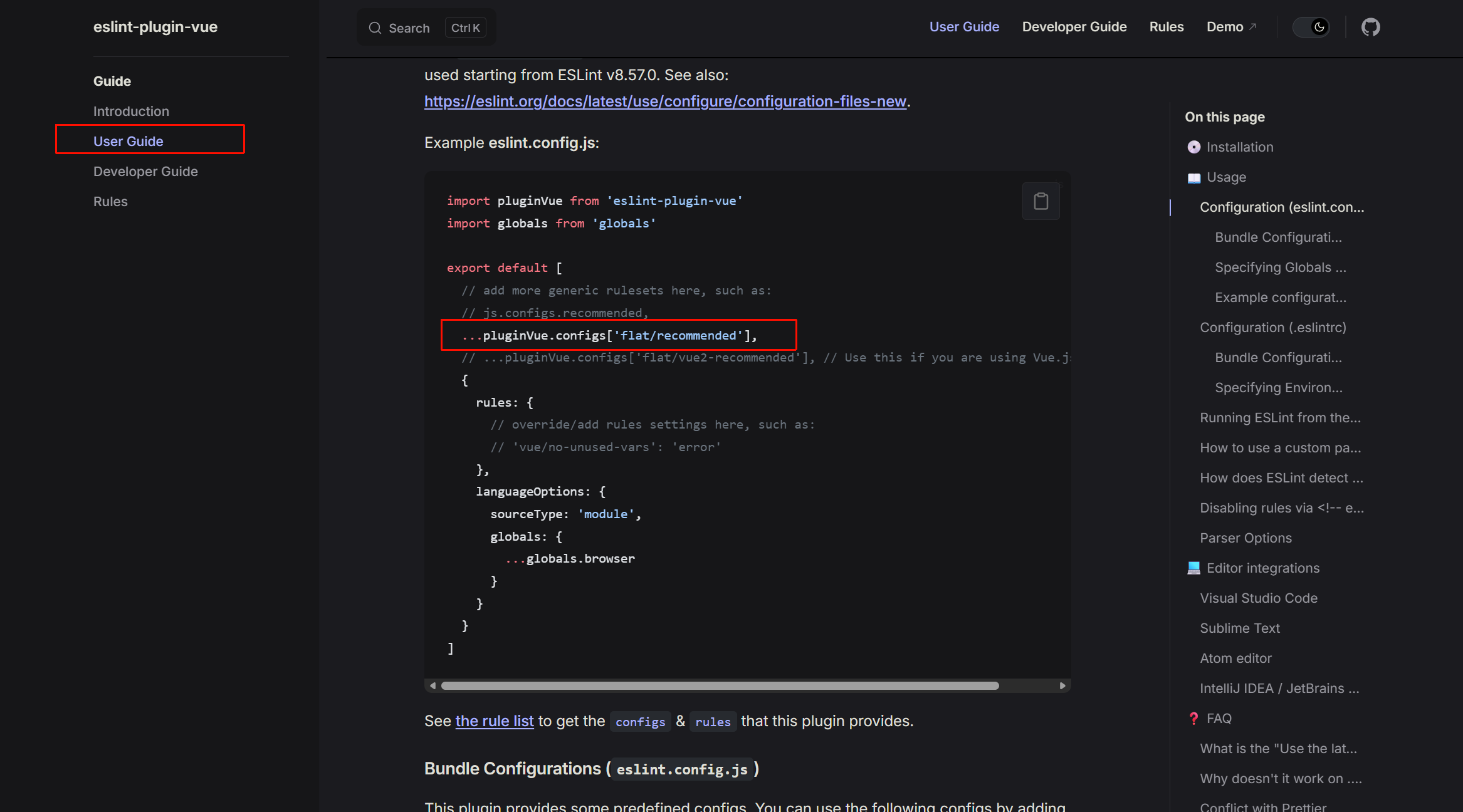
eslint-plugin-vue官方文档:
eslint-plugin-vue的配置如下:
官方文档里,使用了...展开运算符,但是自动生成的eslint.config.js配置文件中,是没有用这个扩展语法的
因为ESLint v9的defineConfig() 会自动将所有元素扁平化(flatten),ESLint在解析配置时会把每个元素都展开为独立的配置对象,所以即使不加...,也能生效
添加ignores
bash
export default defineConfig([
  {

  // 其他...

  {
    // 忽略css文件和声明文件
    ignores: ['.css', '*.d.ts']
  },

  // 其他...
])
创建忽略文件
创建**.eslintignore**文件
bash
// vue
// .eslintignore文件

node_modules/

pnpm=lock.yaml
bash
// uniapp
// .eslintignore文件

node_modules/

pnpm=lock.yaml

src/uni_modules/*

dist/*
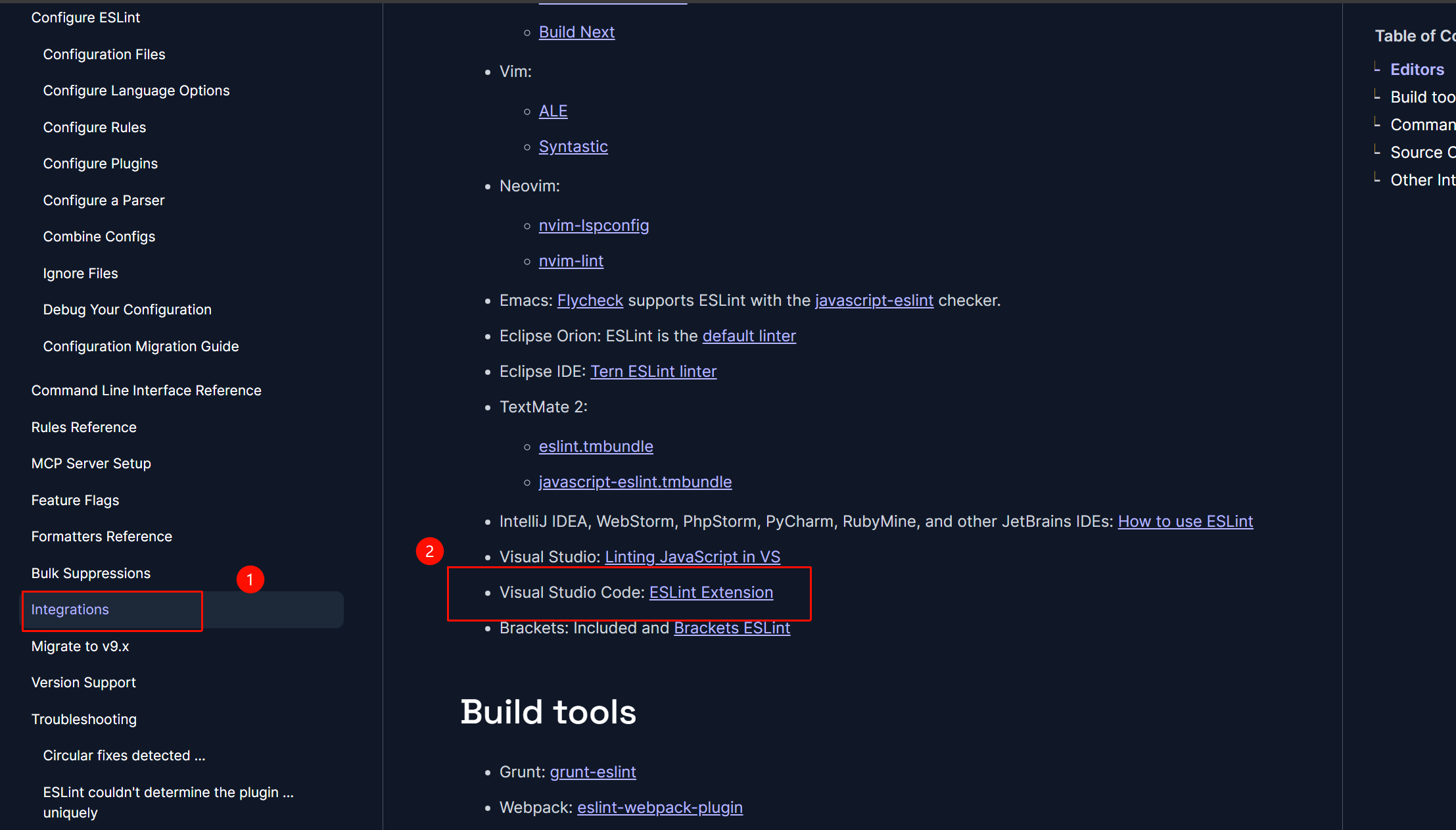
安装eslint插件
安装插件后,可以自动检测代码规范
而不是手动命令行
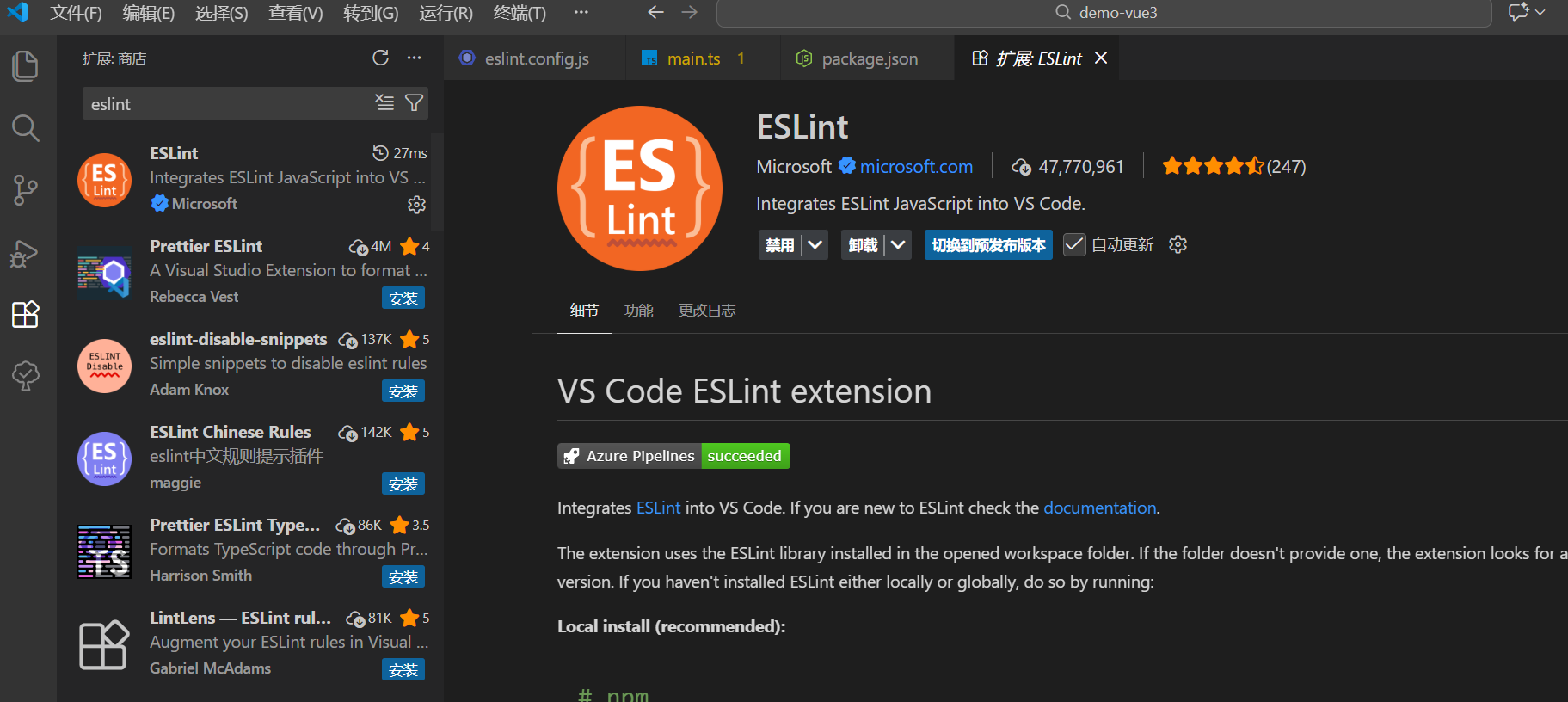
这也是官方文档中说明的插件
Integrations - ESLint - Pluggable JavaScript Linter
包管理器下载prettier
eslint进行代码质量和格式检查,也可以进行一定的自动格式化,但这不是eslint的侧重点
所以引入prettier,进行自动格式化以统一代码风格
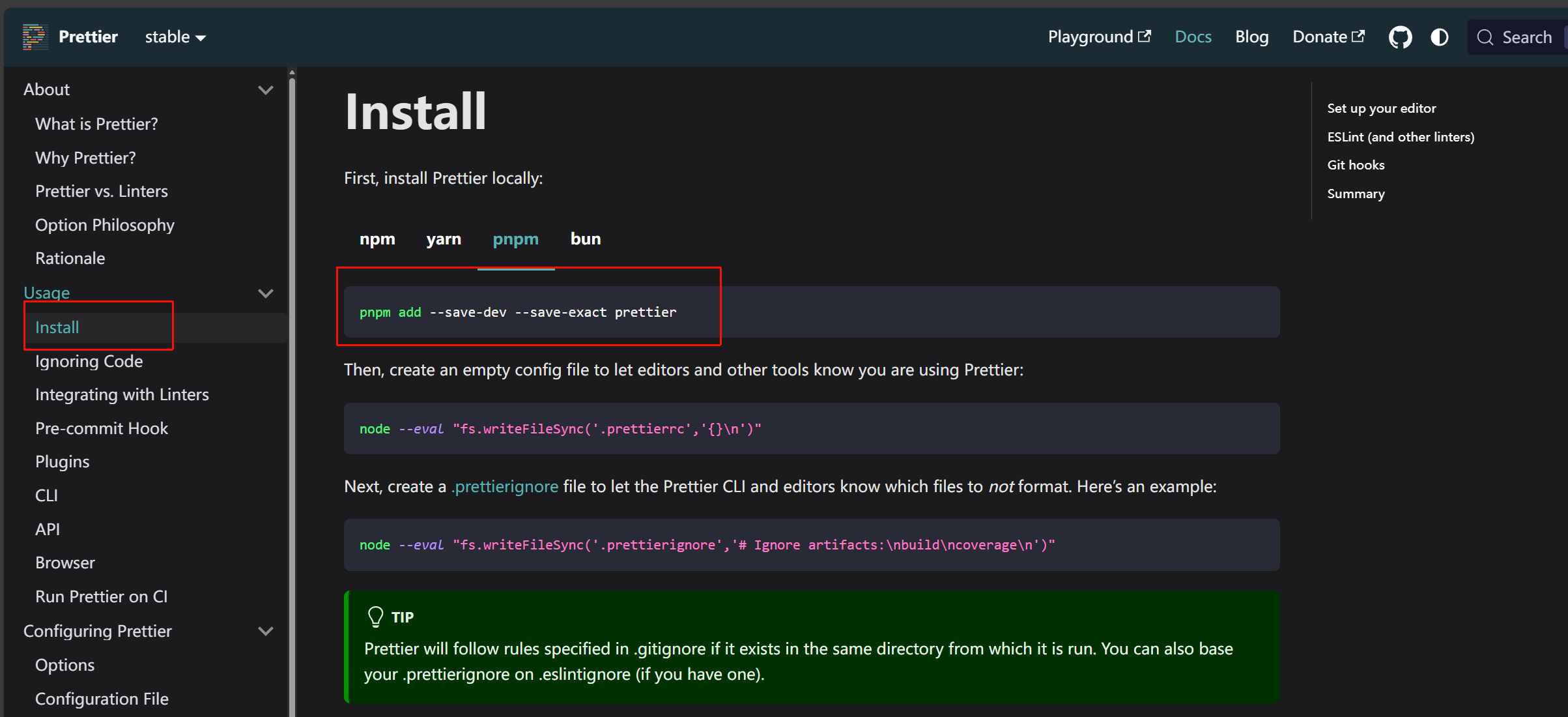
官方文档中:
--save-dev(简写-D)
- 将包安装为开发依赖
--save-exact(简写 -E)
- 精确保存版本号,不带任何版本前缀(如^)
- 比如,默认pnpm add 会保存为^3.2.0(表示兼容 3.x 的最新版本)。加了 --save-exact 后,会保存为3.2.0(严格锁定版本)
- 避免自动升级
- 让所有人的开发环境的工具版本保持一致
bash
pnpm add -D prettier创建配置文件
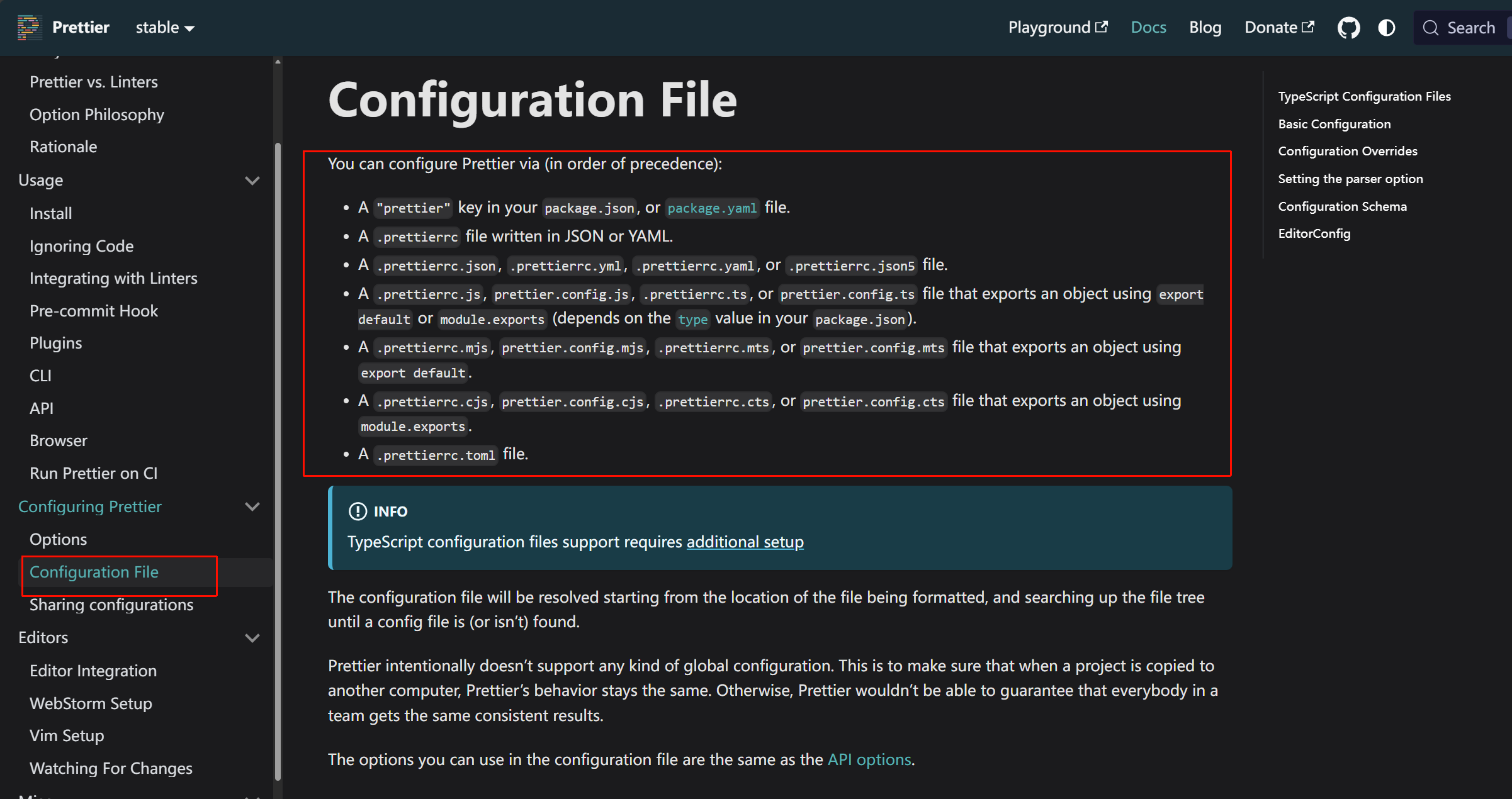
配置文件,我不喜欢采用yaml(配置起来有缩进问题)、json(写注释有问题),比较喜欢js
我这里采用prettier.config.js,因为已经有了eslint.config.js,为了统一所以选这个
这是prettier的配置文件
进行配置
这里直接复制基本的配置
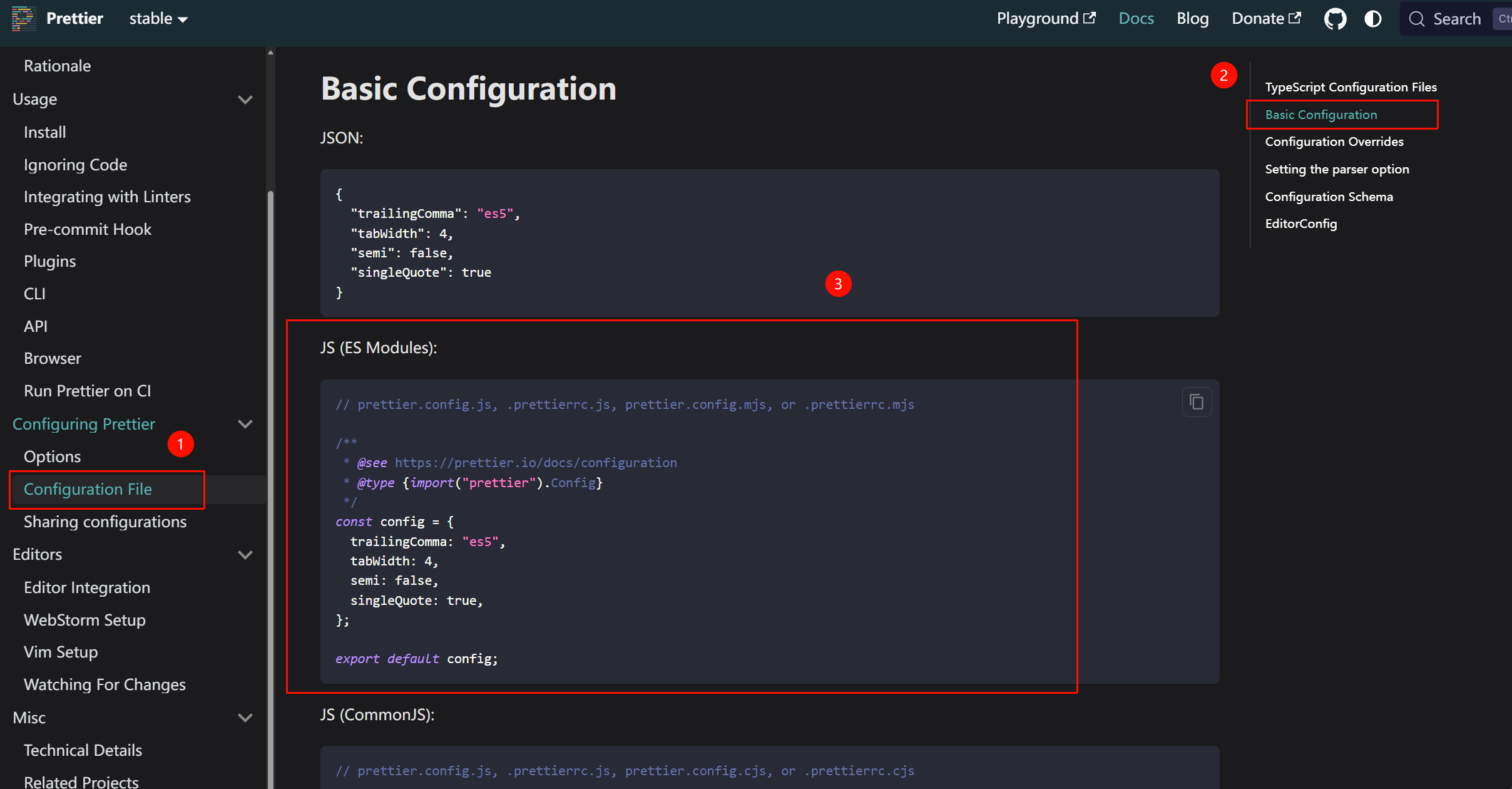
可以在「Options」中查找自己想要的配置,然后添加上
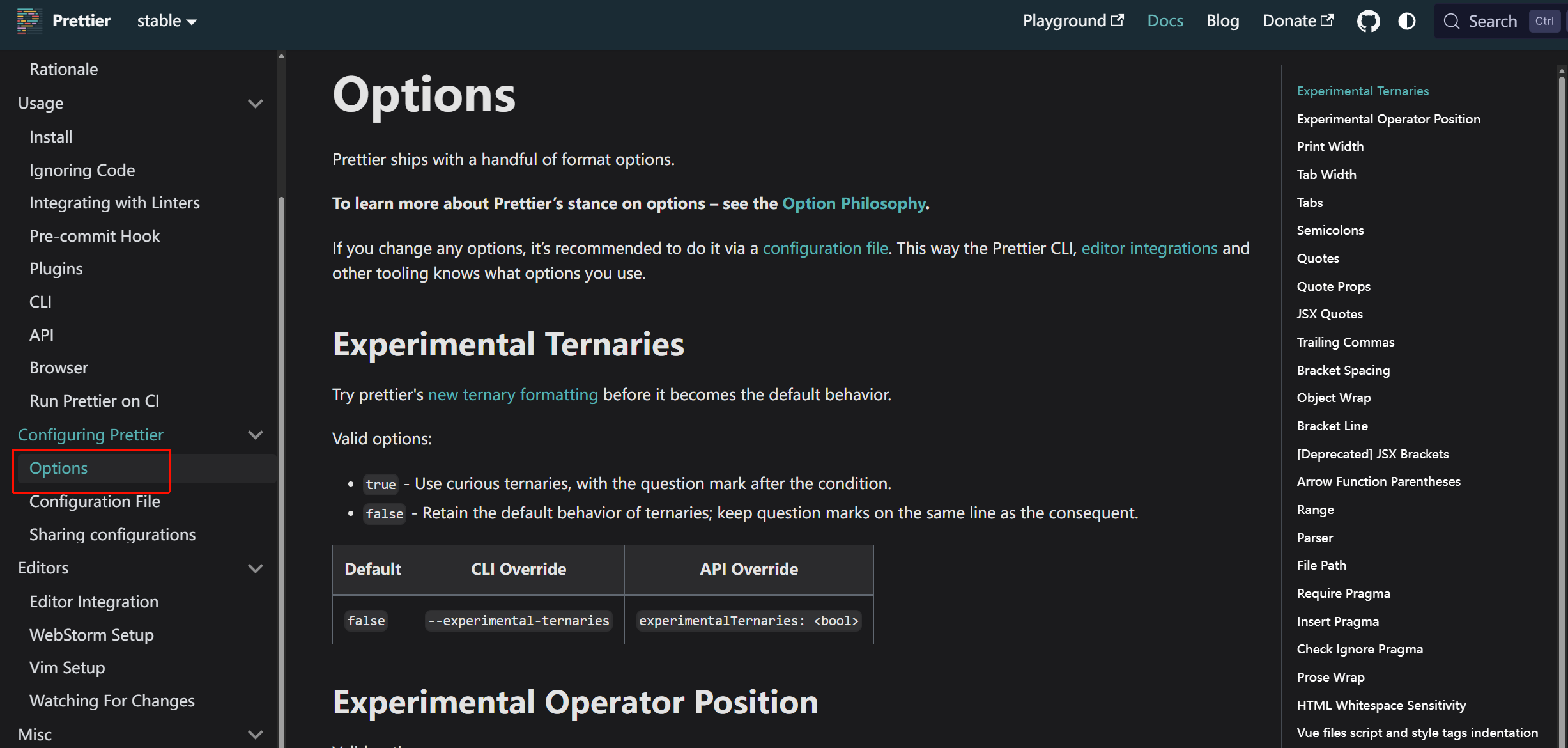
个人配置
创建忽略文件
创建**.prettierignore**文件
bash
// vue
// .prettierignore文件

node_modules/

pnpm=lock.yaml
bash
// uniapp
// .prettierignore文件

node_modules/

pnpm=lock.yaml

src/uni_modules/*

dist/*
安装prettier插件
和eslint一样
通过下载插件,让编辑器自动检测,而不是手动输入命令行
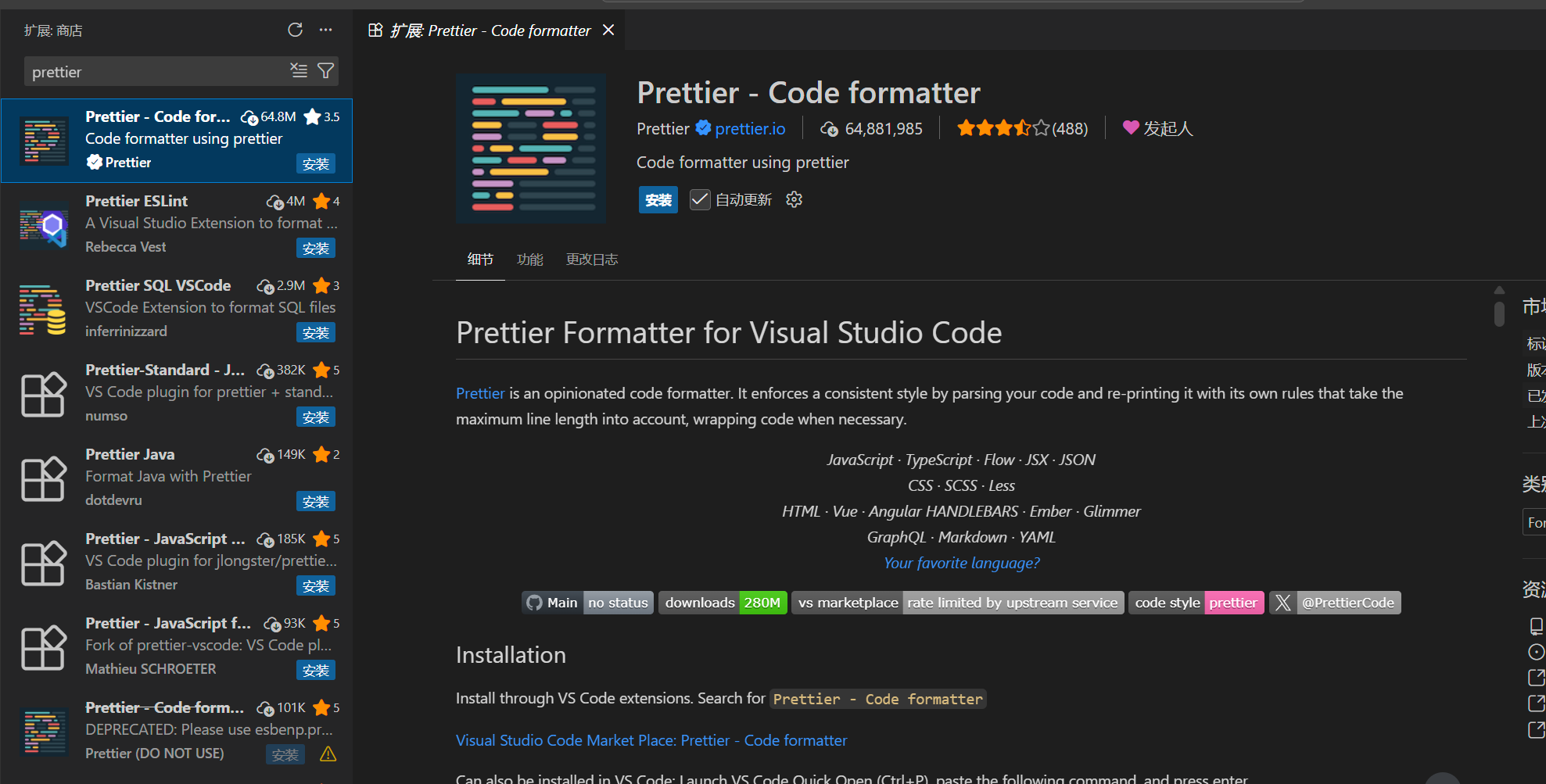
这也是官方文档中说明的插件
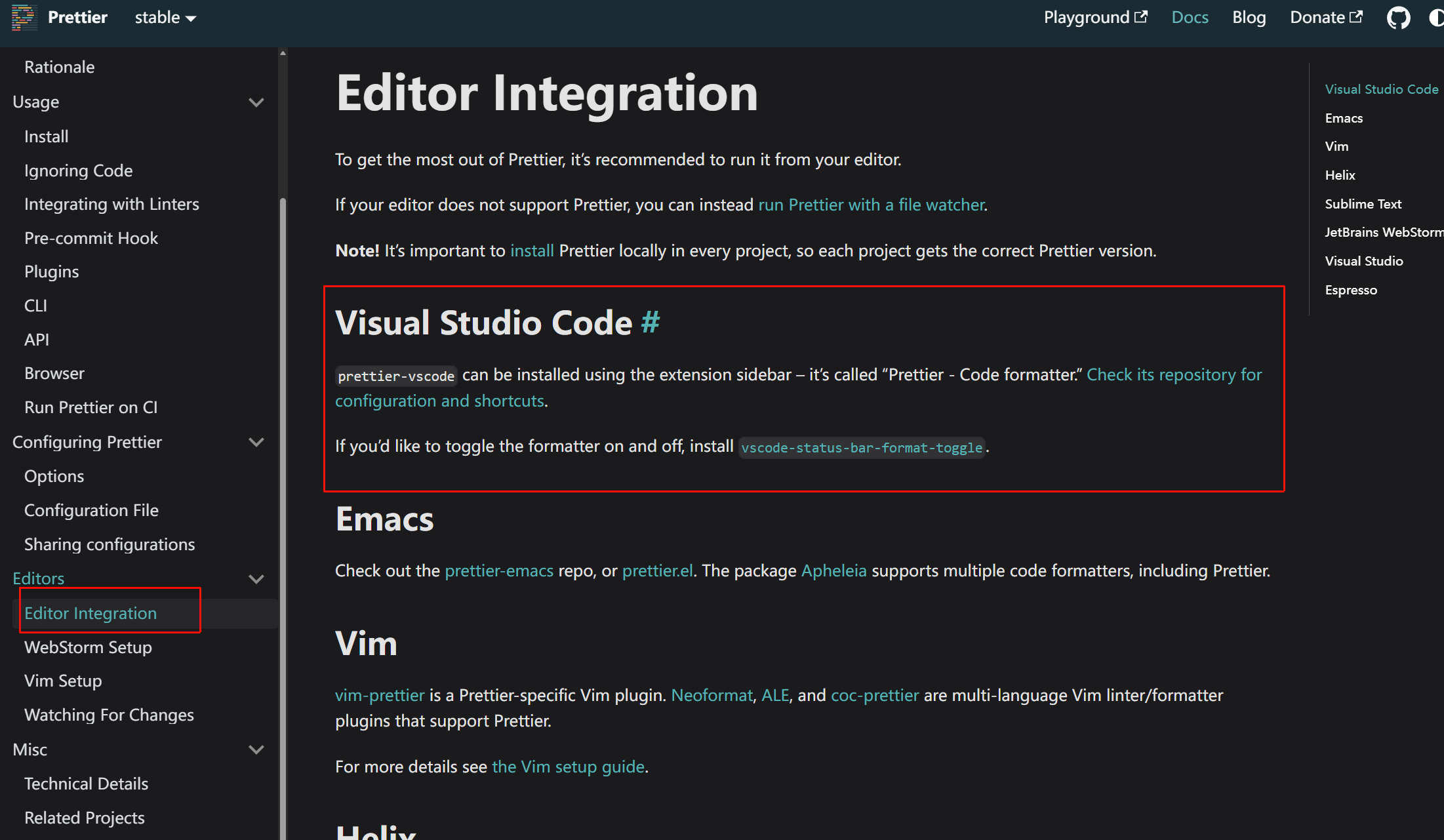
包管理器下载eslint-config-prettier和eslint-plugin-prettier
eslint即包含代码质量规则,也包含代码风格规则。使用prettier对代码进行格式化时,eslint大部分代码风格的规则其实是不必要的
更糟的是,eslint的代码风格规则往往会和prettier发生冲突
所以要使用eslint的配置集,来关闭与prettier冲突或不必要的规则,并将prettier的规则转换为eslint的规则,从而让eslint能够完全按照我们的诉求,提供错误或警告
使用eslint-config-prettier和eslint-plugin-prettier(前者是关闭所有可能干扰prettier规则的eslint规则。将其放在最后,通过覆盖其他配置集来关闭;后者是将prettier规则转换为eslint规则,可以统一工具链,运行eslint也可以检查由prettier定义的代码格式问题)
Integrating with Linters · Prettier
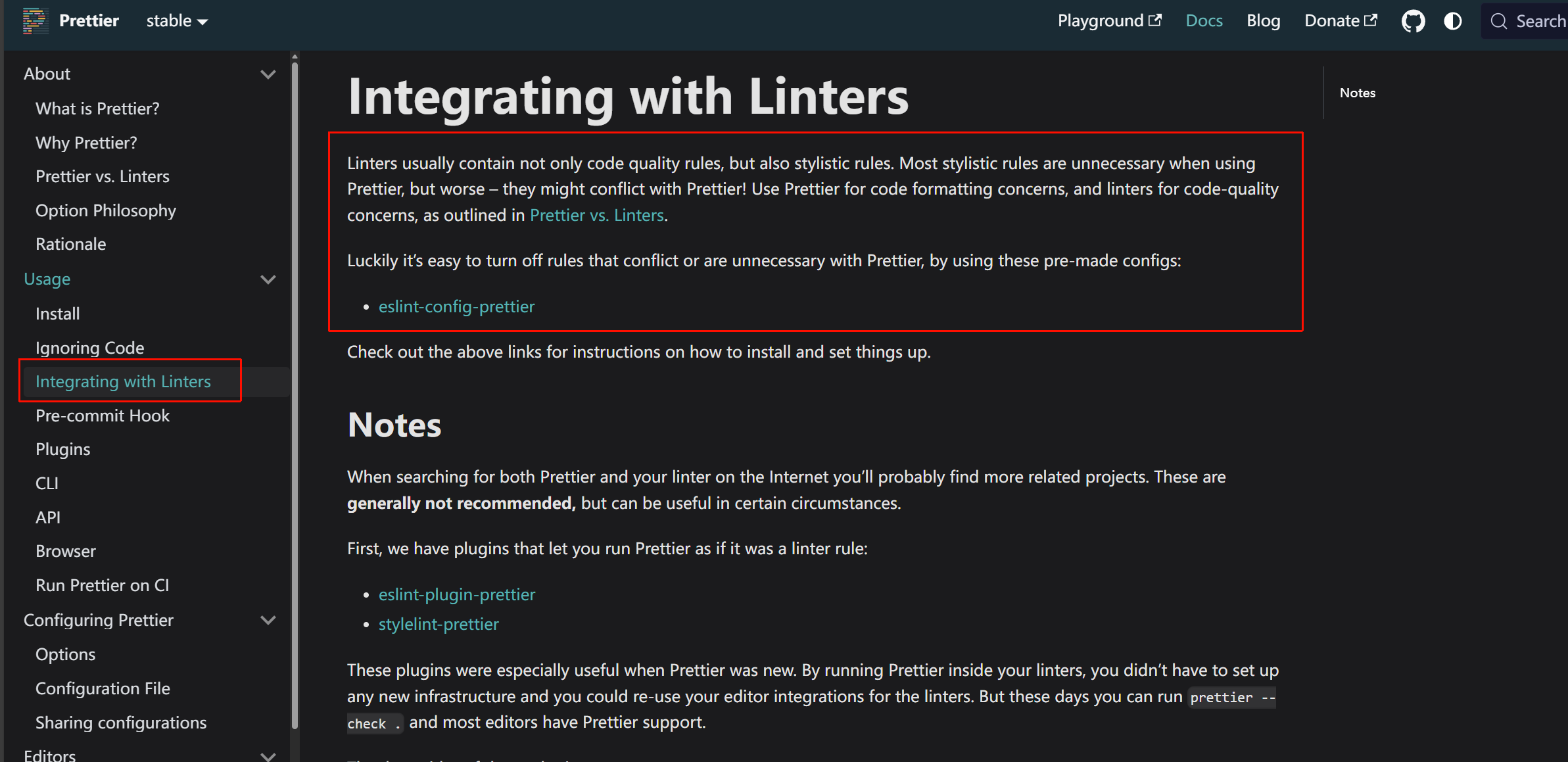
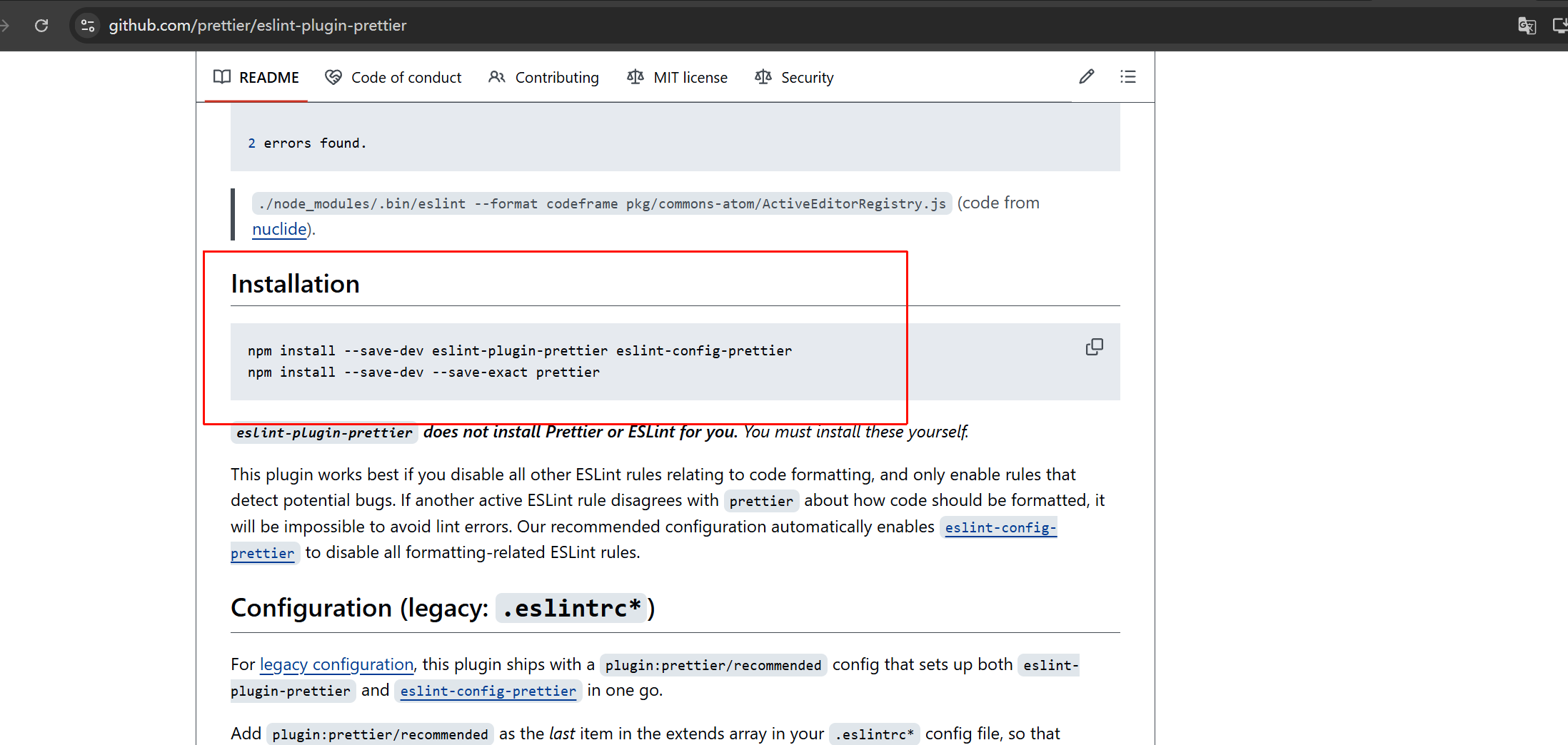
通过pnpm命令安装:
bash
pnpm add -D eslint-plugin-prettier eslint-config-prettier仓库地址
配置
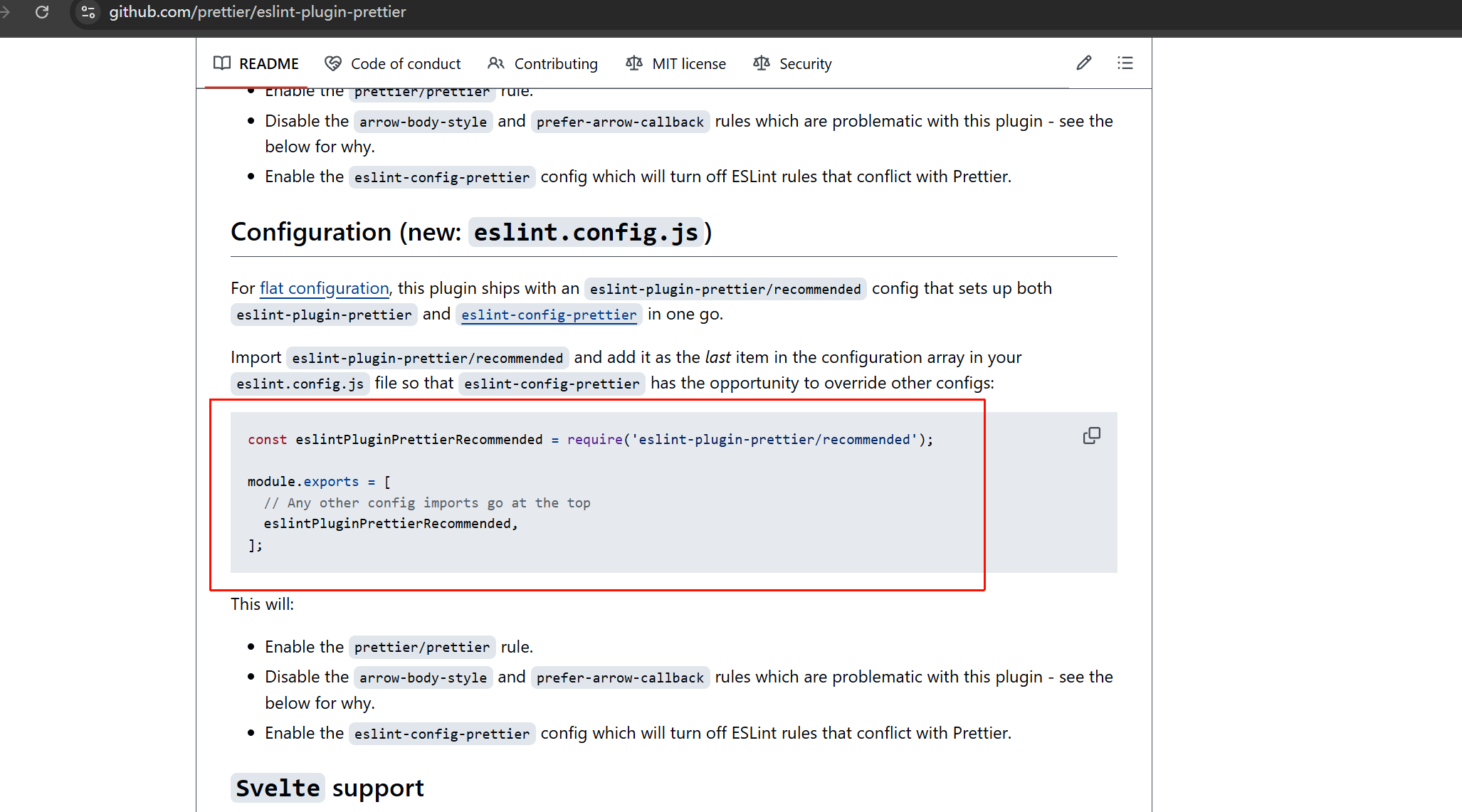
仓库的文档中给出的是CommonJS写法,我使用的是ESM:
javascript
// 其他import
import eslintPluginPrettierRecommended from 'eslint-plugin-prettier/recommended'

export default defineConfig([
  {

  // 其他配置
  // 将 prettier 配置放在最后,确保它能覆盖其他规则
  eslintPluginPrettierRecommended

])
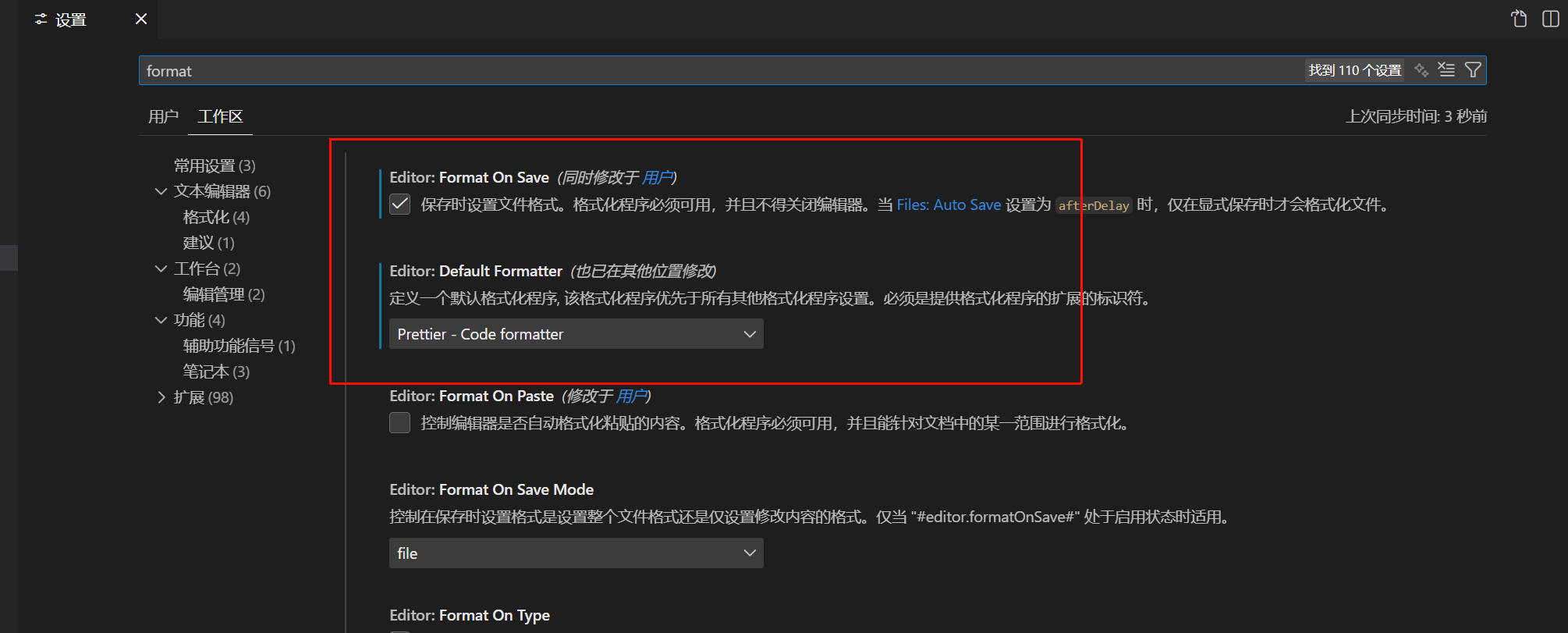
修改vscode格式化设置
选择prettier作为格式化的设置
同时设置保存时格式化文件
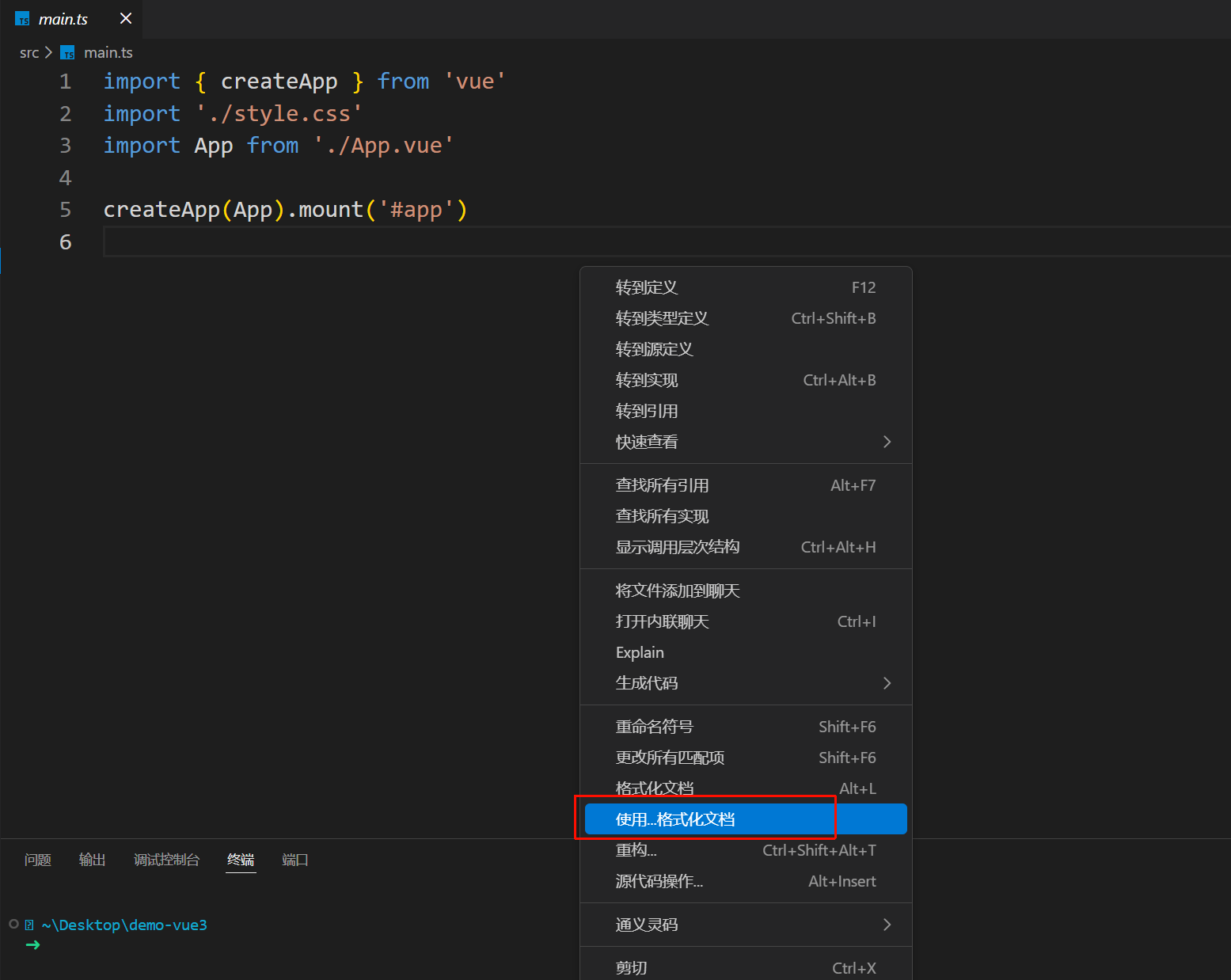
如果不起作用,可以右键:
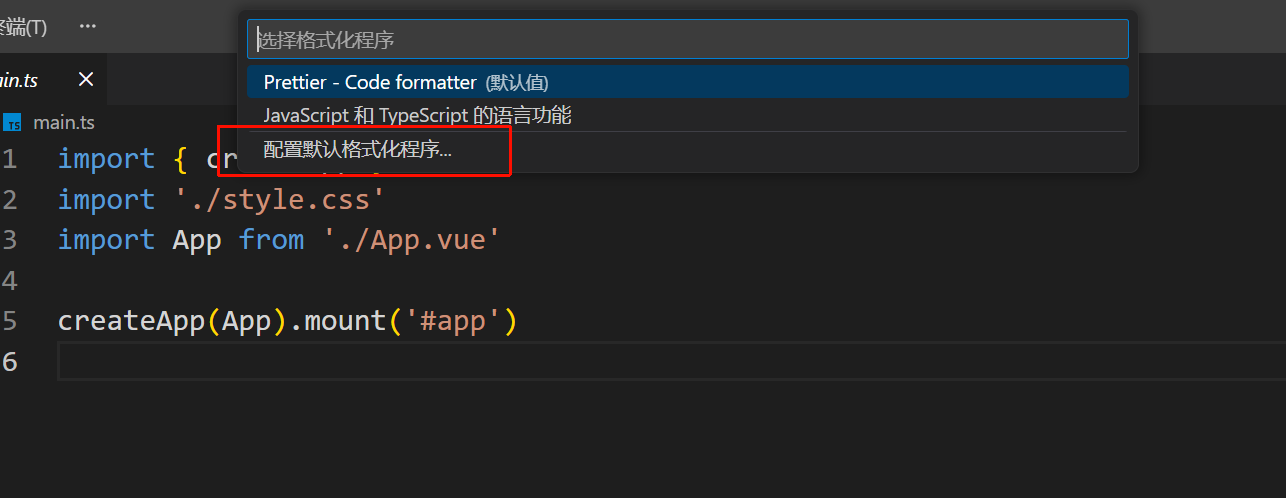
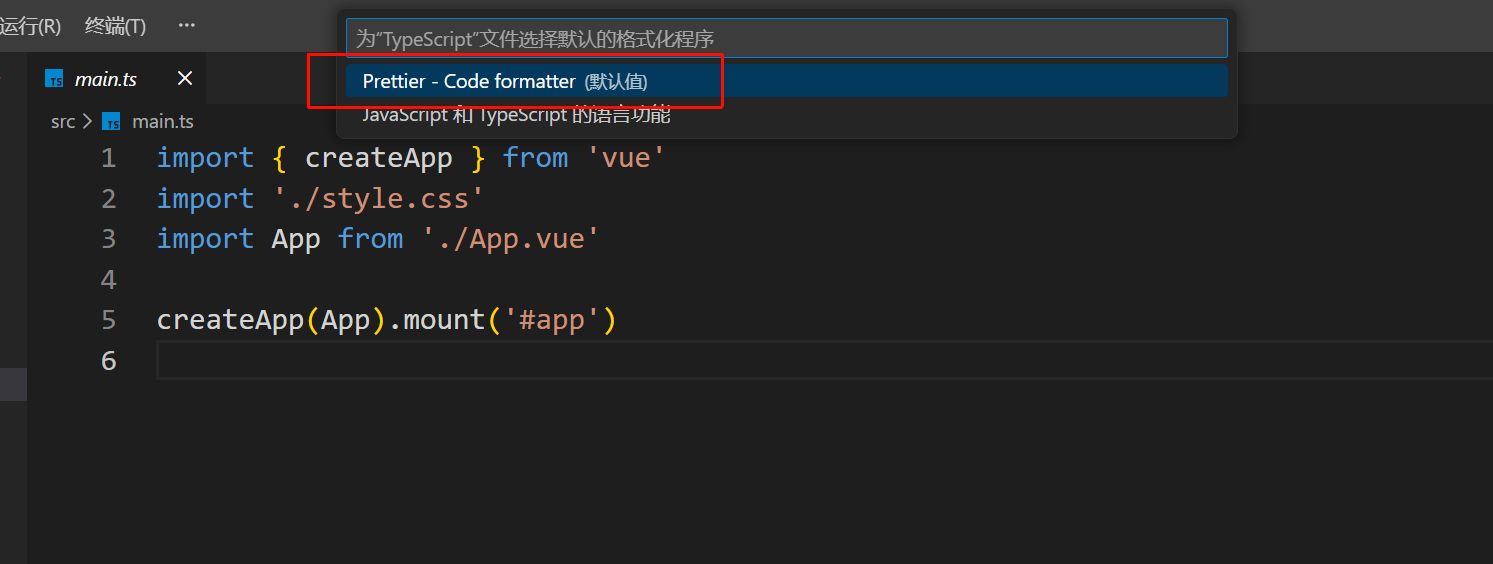
husky和lint-staged
huksy:
希望代码里面有错误的时候,不能git提交代码。可以使用git的hook,为git命令创建钩子
用husky管理代码仓库中所有的git hooks
lint-staged:
随着代码存储库的代码量增多,如果每一次提交代码时,都对存储库内的全量代码执行prettier和eslint命令,会性能吃紧
希望提交代码时,只对当前发生了代码变更的文件执行prettier和eslint命令
下载husky
文档:
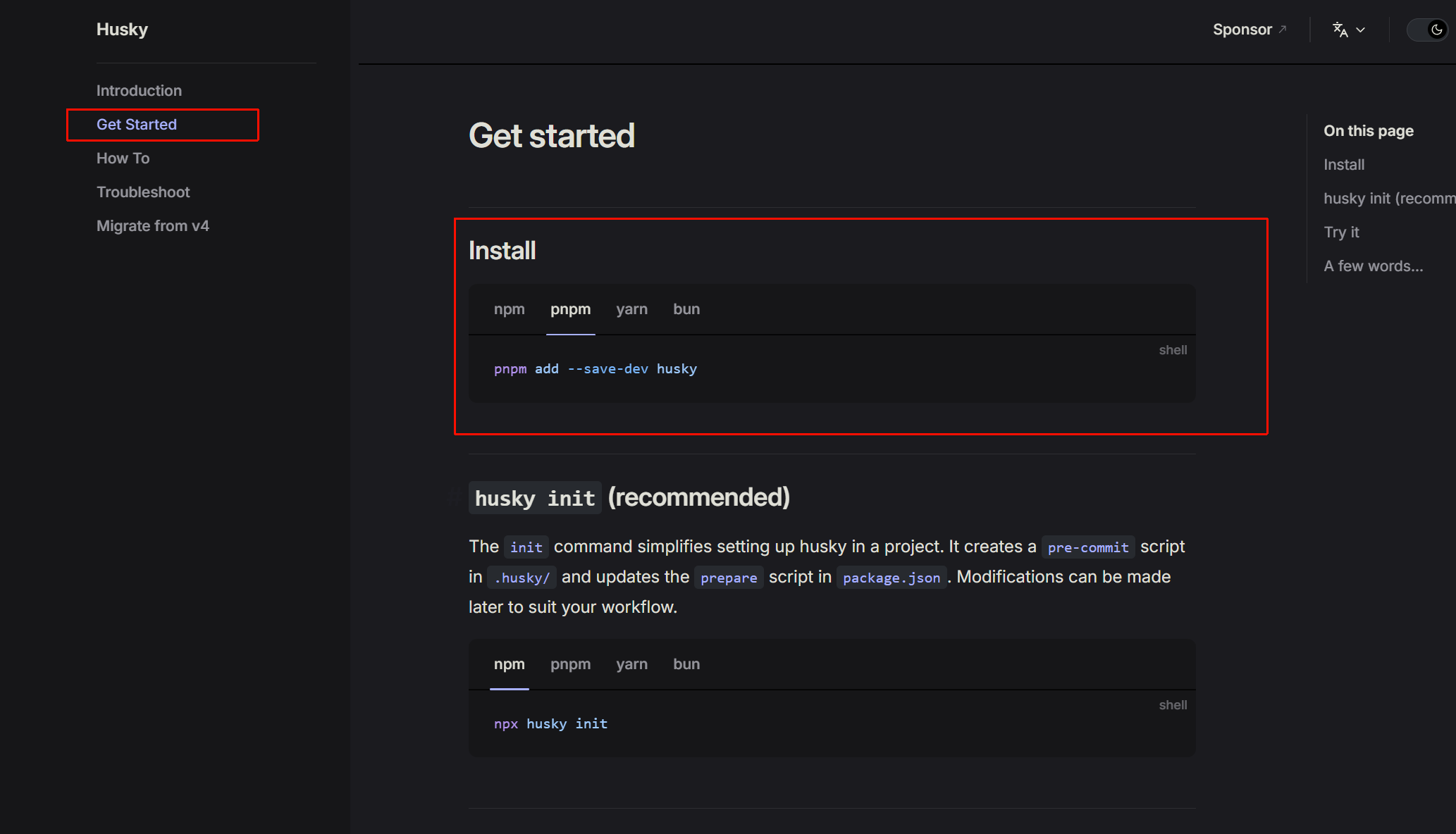
bash
pnpm add -D husky初始化husky
bash
pnpm exec husky init自动生成.husky文件夹和pre-commit文件
在里面添加每次git commit之前执行的脚本
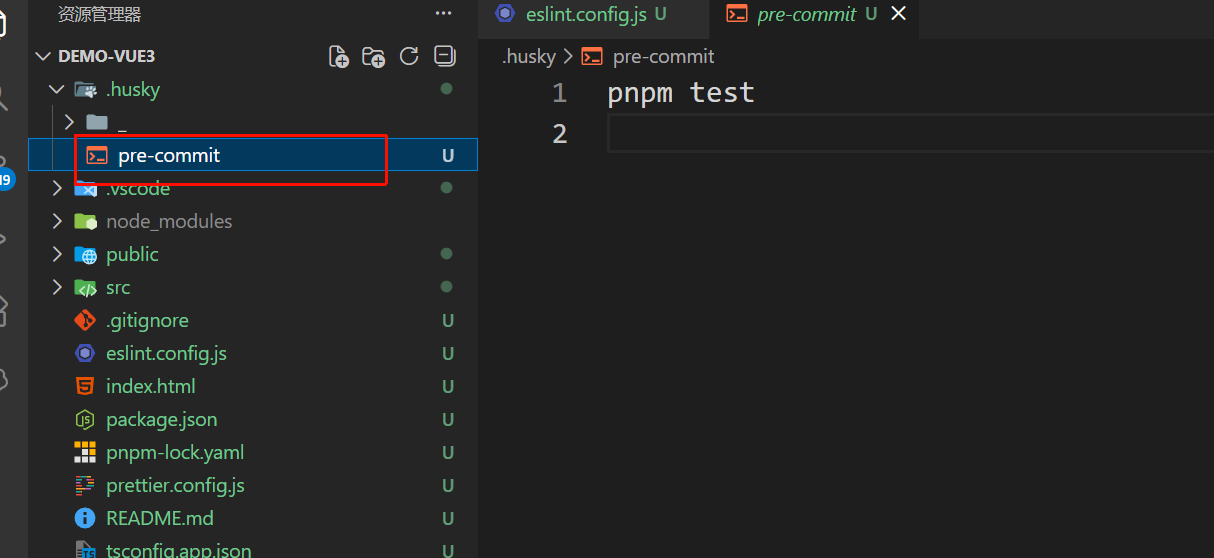
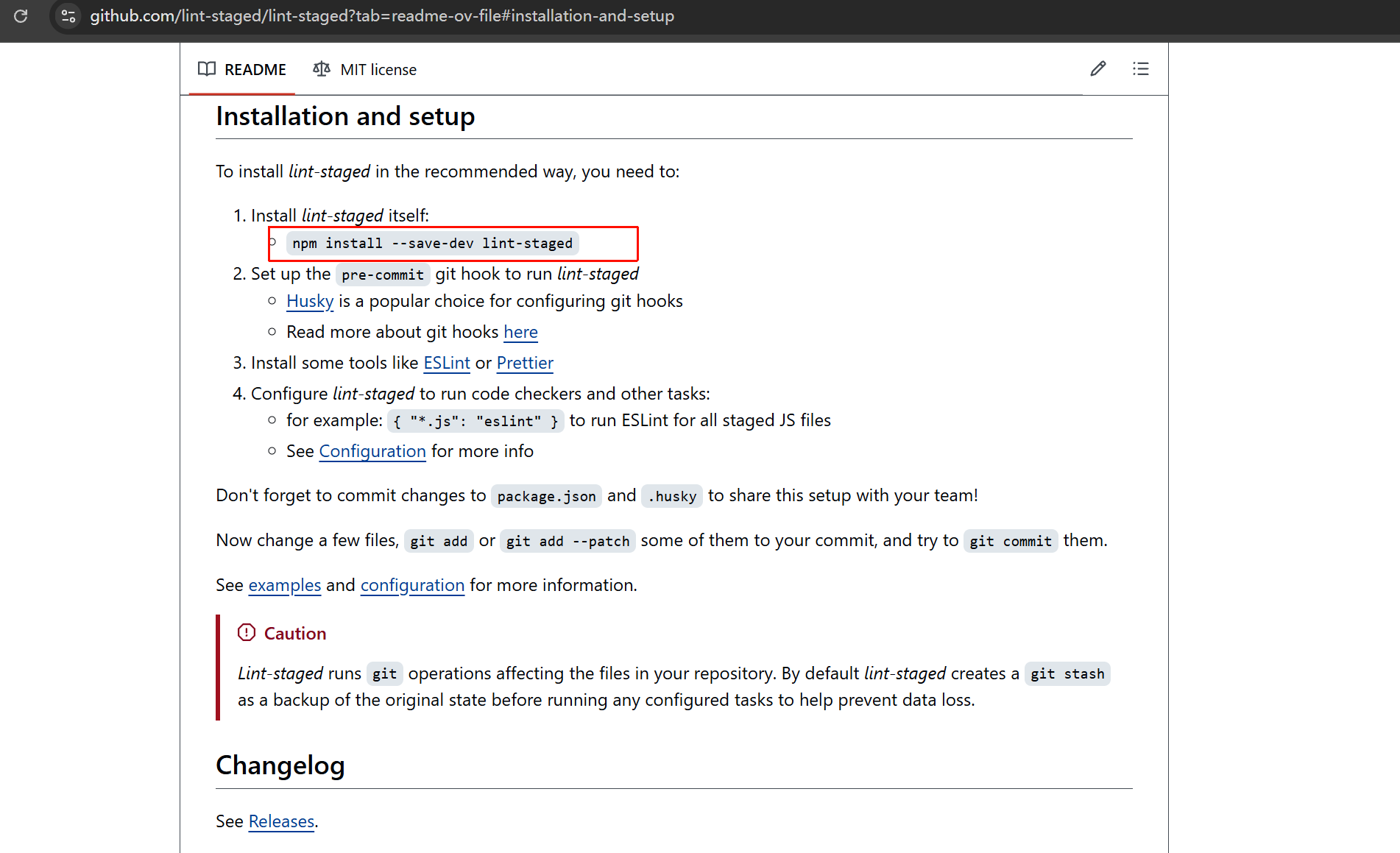
下载lint-staged
仓库:
https://github.com/lint-staged/lint-staged?tab=readme-ov-file#installation-and-setup
bash
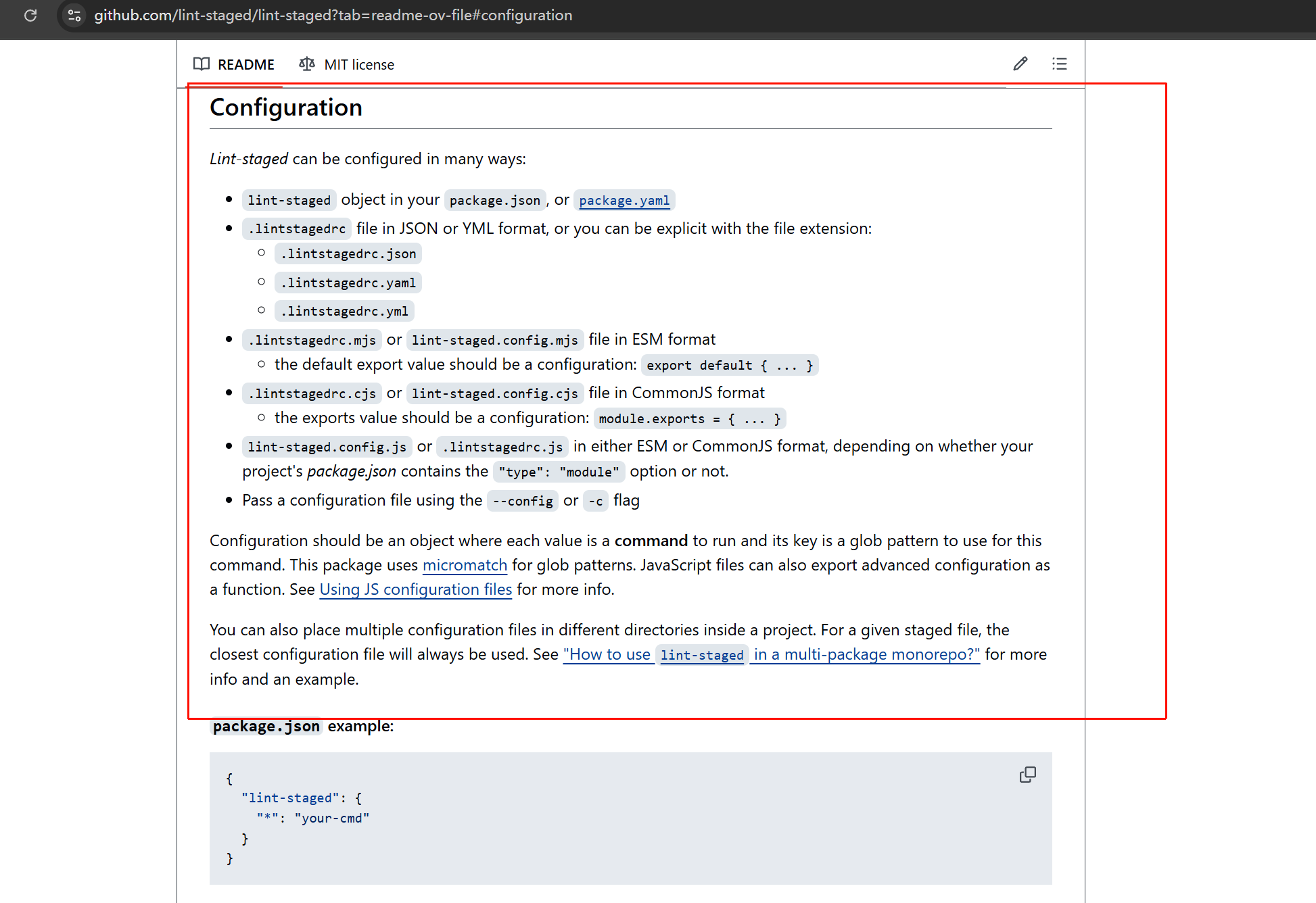
pnpm add -D lint-staged创建配置文件
可以创建很多类型的配置文件,为了和其他配置文件一致
我创建了lint-staged.config.js文件
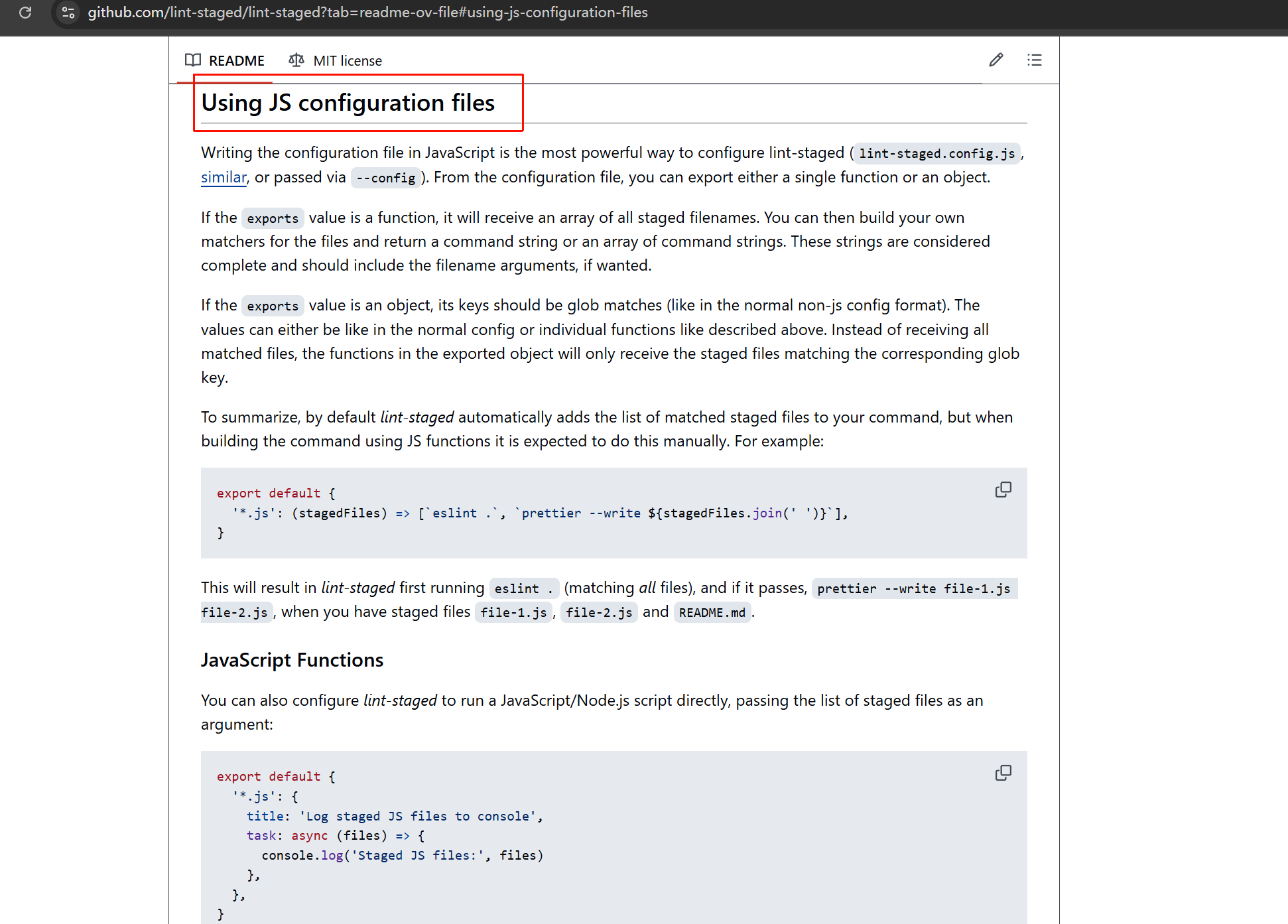
了解lint-staged如何用js编写代码,eslint的api和参数
https://github.com/lint-staged/lint-staged?tab=readme-ov-file#using-js-configuration-files
lint-staged的js配置文件,接收
Node.js API Reference - ESLint - Pluggable JavaScript Linter
使用eslint类
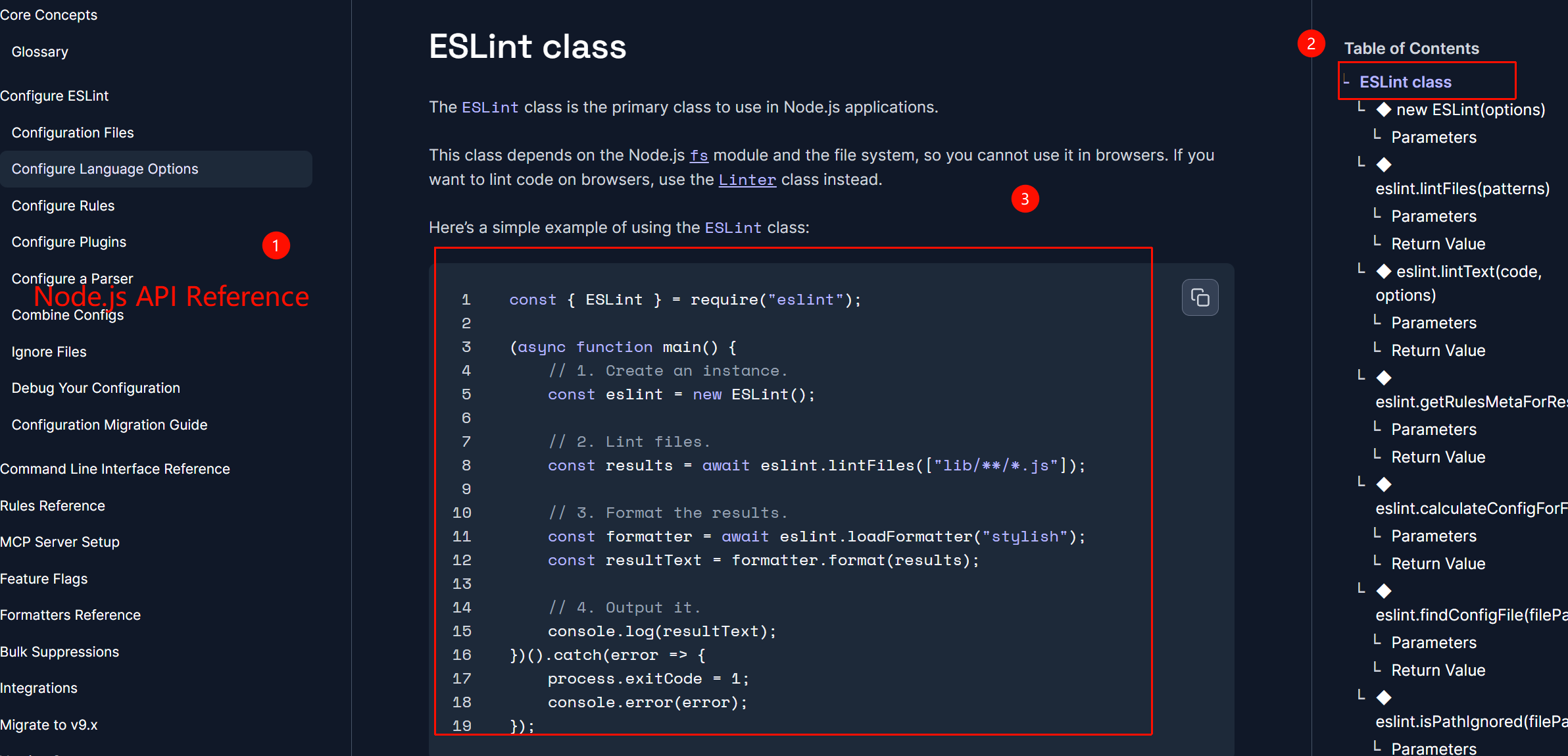
找到api
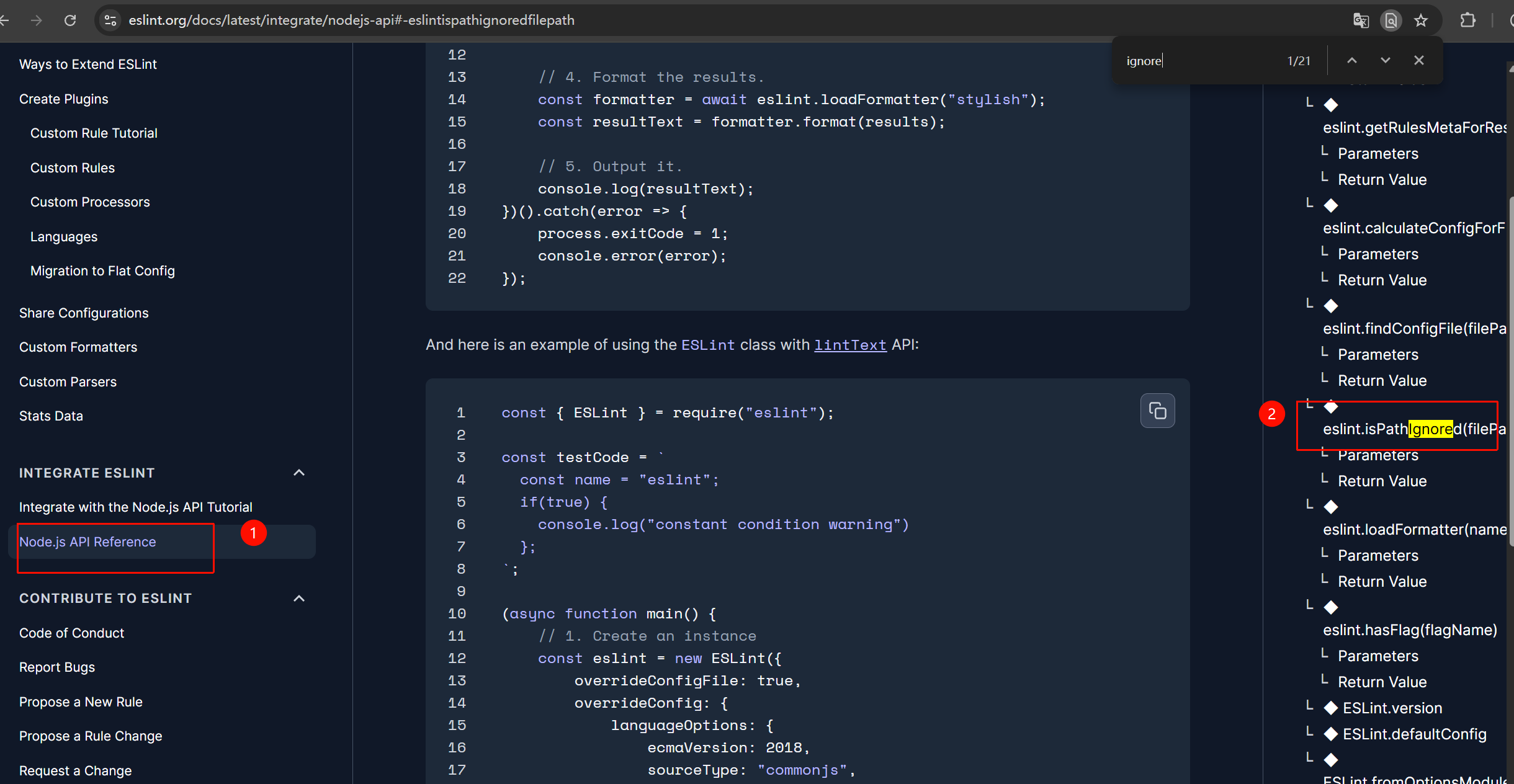
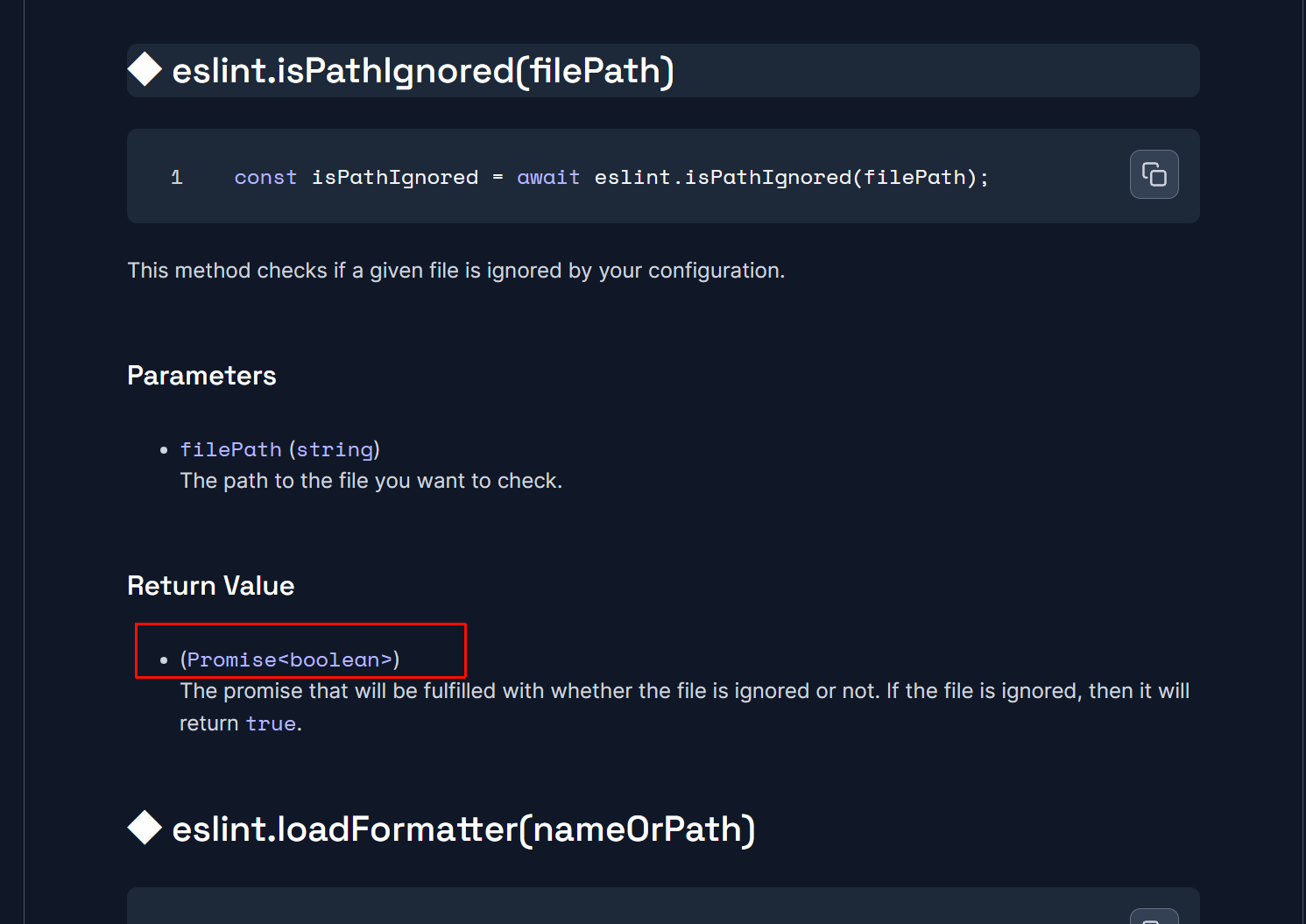
检查某个文件是否被 .eslintignore 忽略
因为返回值是Promise,所以isPathIgnored() 是异步方法
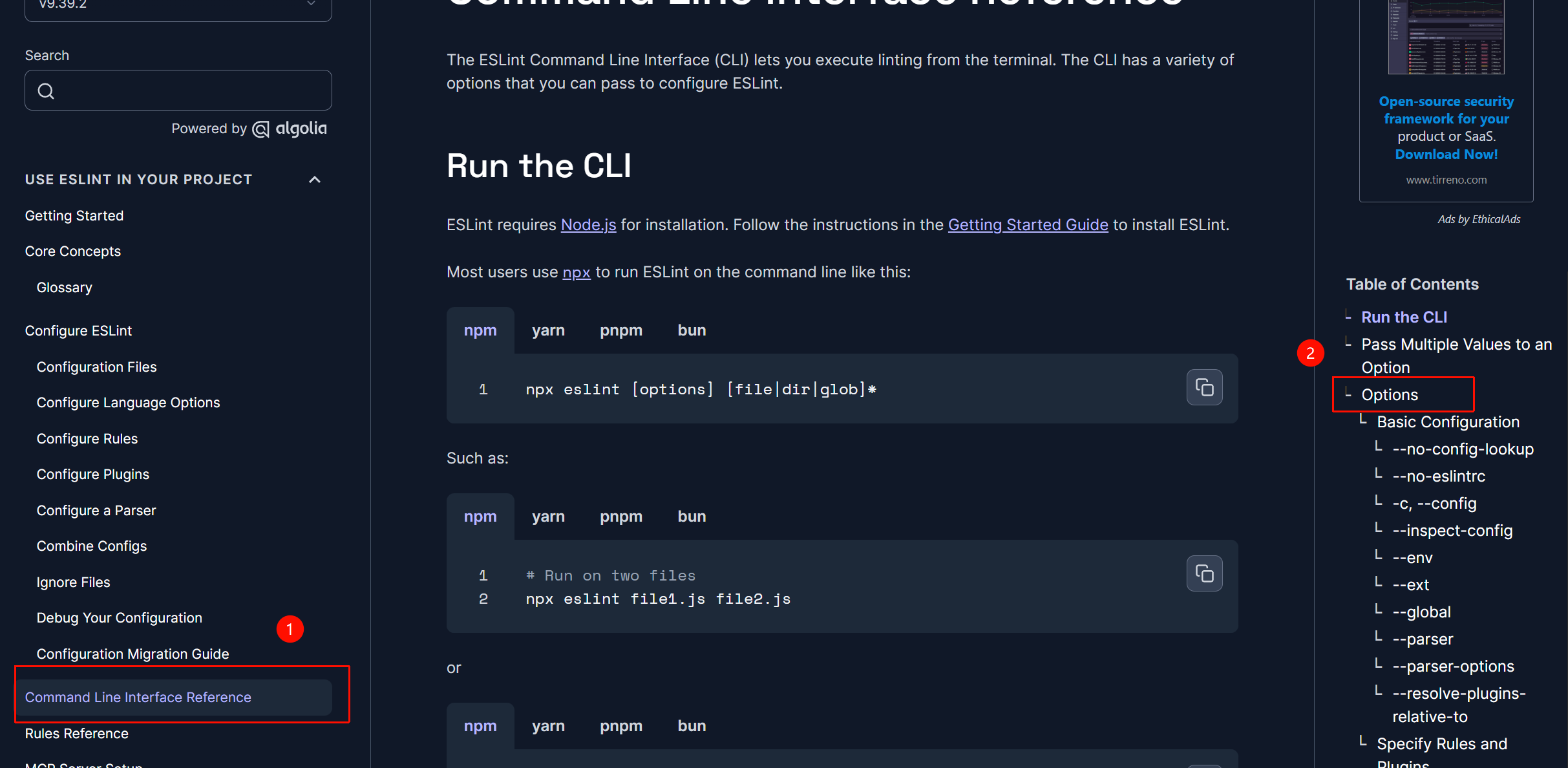
可以查看命令行的参数接口
Command Line Interface Reference - ESLint - Pluggable JavaScript Linter
编写代码
代码参考:
nodejs项目工程化 eslint prettier husky lint-staged commitlint commitizen_哔哩哔哩_bilibili
javascript
import { ESLint } from 'eslint'

const removeIgnoredFiles = async (files) => {
  const eslint = new ESLint()

  // eslint.isPathIgnored(file) 返回 Promise<boolean>
  // Promise.all() 将所有检查并行执行,提升性能
  const ignoredFiles = await Promise.all(
    files.map((file) => eslint.isPathIgnored(file))
  )

  // 过滤出未被忽略的文件:
  // ignoredFiles[i] 为 true 表示该文件被忽略
  // !ignoredFiles[i] 为 true 表示保留该文件
  // 使用下划线 _ 表示不使用 file 参数,仅用索引 i
  const filteredFiles = files.filter((_, i) => !ignoredFiles[i])

  // 将文件路径数组转为字符串,用空格分隔,便于拼接到命令行中
  return filteredFiles.join(' ')
}

// 导出 lint-staged 的配置对象
export default {
  // '*' 表示匹配所有文件类型(.js, .ts, .vue 等)
  // lint-staged 会将匹配到的暂存文件列表传入此函数
  '*': async (files) => {
    // 先过滤掉被 .eslintignore 忽略的文件
    const filesToLint = await removeIgnoredFiles(files)

    // 返回要执行的 shell 命令数组
    // --max-warnings=0 表示:即使只有警告(warning),也视为错误,阻止提交
    return [`eslint ${filesToLint} --max-warnings=0`]
  }
}
修改git hook
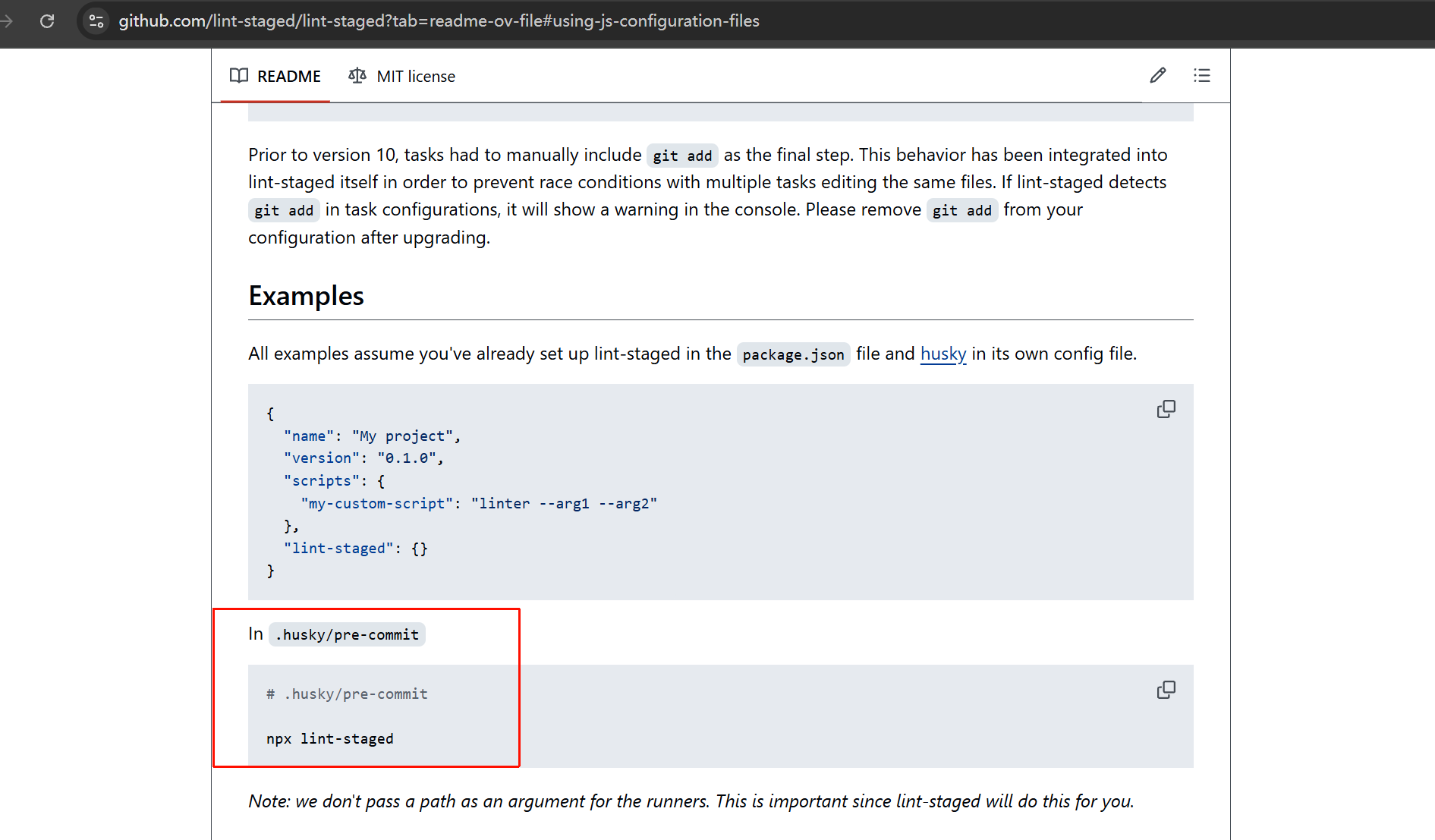
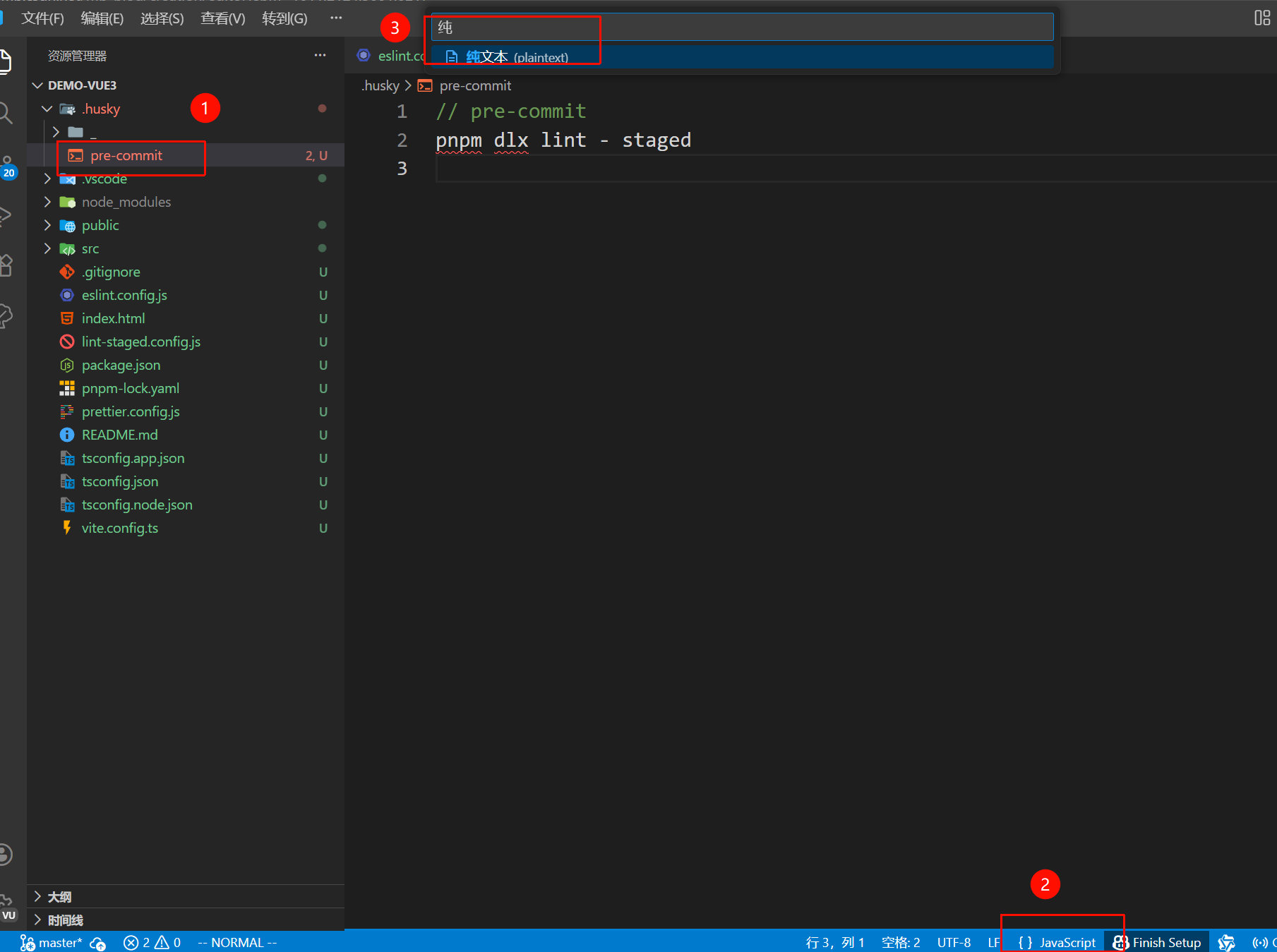
在.husky的pre-commit文件中写入:
javascript
#!/bin/sh

pnpm dlx lint-staged
如果报错,可能是文件格式的问题
修改成「纯文本」
运行
javascript
git add .然后提交
javascript
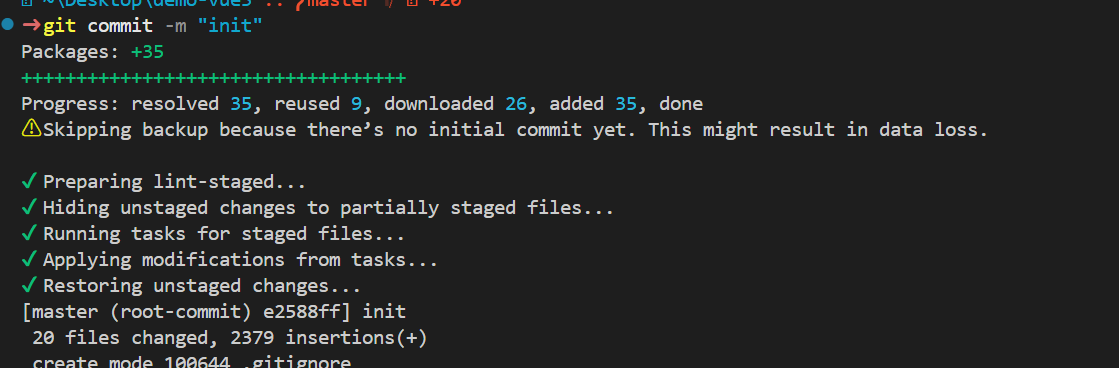
git commit -m "init"