settings.json中编辑
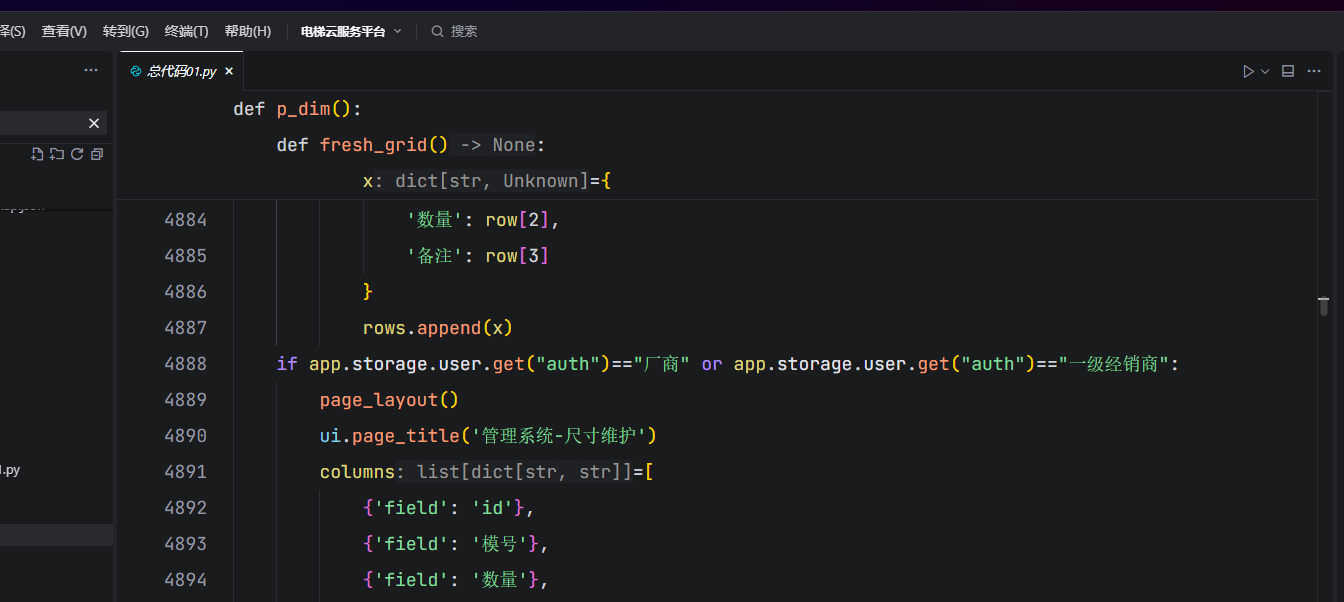
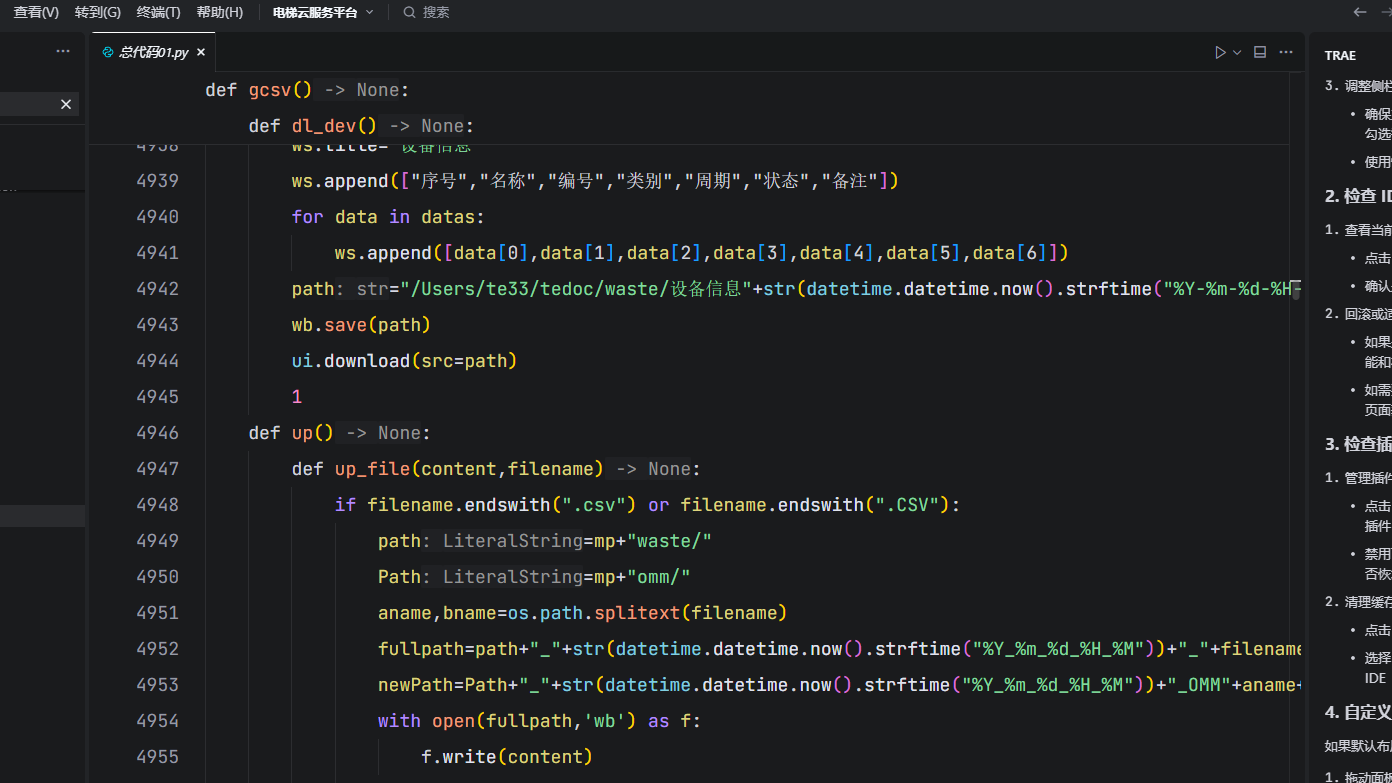
python
{
    /* ===================== Python 语言专属配置(优先级高于全局) ===================== */
    "[python]": {
        // 对比Python代码差异时,不忽略首尾的空白字符(便于检查空格相关的代码问题)
        "diffEditor.ignoreTrimWhitespace": false,
        // 禁用Python文件中的颜色装饰器(不显示颜色值对应的小色块预览)
        "editor.defaultColorDecorators": "never",
        // 在Python文件中输入代码时(如按回车),自动格式化当前行代码
        "editor.formatOnType": true,
        // Python文件的代码自动提示规则配置
        "editor.quickSuggestions": {
            // 普通代码区域(非注释/字符串)开启自动提示
            "other": "on",
            // 注释区域关闭自动提示(避免干扰注释编写)
            "comments": "off",
            // 字符串区域开启自动提示(如字符串拼接时的提示)
            "strings": "on"
        },
        // 关闭基于单词的模糊提示,只显示语法/库相关的精准提示
        "editor.wordBasedSuggestions": "off"
    },
    /* ===================== 编辑器全局基础配置 ===================== */
    // 全局默认字体大小(后续被内层editor配置覆盖为18,仅作保留)
    "editor.fontSize": 23,
    // 配置文件关联:.xlsx文件使用默认编辑器打开
    "workbench.editorAssociations": {
        "*.xlsx": "default"
    },
    // 删除文件时不弹出确认对话框(简化操作流程)
    "explorer.confirmDelete": false,
    // 文件自动保存规则:切换窗口/标签页焦点时自动保存
    "files.autoSave": "onFocusChange",
    // 粘贴文件到资源管理器时不弹出确认对话框
    "explorer.confirmPasteNative": false,
    // 启用Database Client插件的自动同步功能
    "database-client.autoSync": true,
    // 终端中粘贴多行内容时,永不显示粘贴警告提示
    "terminal.integrated.enableMultiLinePasteWarning": "never",
    // 信任策略:直接打开未受信任的工作区文件(不弹窗提示)
    "security.workspace.trust.untrustedFiles": "open",
    // AI工具调用白名单:仅允许执行python、netstat、findstr、pip命令
    "AI.toolcall.v2.command.allowList": "[\"python\",\"netstat\",\"findstr\",\"pip\"]",
    // AI工具调用规则:始终自动运行MCP(模型控制协议)相关指令
    "AI.toolcall.v2.ide.mcp.autoRun": "alwaysRun",
    // 禁用Python语言服务器(关闭语法检查、智能提示等语言服务)
    "python.languageServer": "None",
    // 禁用basedpyright插件的语言服务功能
    "basedpyright.disableLanguageServices": true,
    // 禁用windsurfPyright插件的语言服务功能
    "windsurfPyright.disableLanguageServices": true,
    // 关闭VS Code的扩展推荐提示(不主动推荐安装扩展)
    "extensions.ignoreRecommendations": true,
    // AI工具调用模式:始终自动运行IDE相关命令
    "AI.toolcall.v2.ide.command.mode": "alwaysRun",
    // 粘贴代码时自动格式化(适配编辑器的代码格式规则)
    "editor.formatOnPaste": true,
    // 粘贴代码时自动适配目标位置的缩进格式
    "editor.autoIndentOnPaste": true,
    // 保存文件时自动格式化整个文件的代码
    "editor.formatOnSave": true,
    // 点击行尾后自动展开折叠的代码块
    "editor.unfoldOnClickAfterEndOfLine": true,
    // 内联建议编辑时,默认显示折叠状态的建议内容
    "editor.inlineSuggest.edits.showCollapsed": true,
    // 关闭Python环境创建的自动触发提示(不主动提示创建虚拟环境)
    "python.createEnvironment.trigger": "off",
    // 差异编辑器计算时间:无限制(0表示不限制计算时长)
    "diffEditor.maxComputationTime": 0,
    // 关闭编辑器顶部的面包屑导航栏(节省界面空间)
    "breadcrumbs.enabled": false,
    // 关闭粘性滚动(函数/类名不会固定在编辑器顶部)
    "editor.stickyScroll.enabled": false,
    // 启用trae插件的标签页摘要自动显示功能
    "trae.tab.enableSummaryAutoDisplay": true,
    // Python文件中默认折叠导入语句(import部分)
    "editor.foldingImportsByDefault": true,
    // 代码折叠策略:基于缩进(Python默认的折叠方式)
    "editor.foldingStrategy": "indentation",
    // 差异编辑器支持的最大文件大小:无限制(0表示不限制)
    "diffEditor.maxFileSize": 0,
    // 笔记本文件备份大小限制:无限制(0表示不限制)
    "notebook.backup.sizeLimit": 0,
    // 工作区本地历史记录的单个文件最大大小:2560KB
    "workbench.localHistory.maxFileSize": 2560,
    // 编辑器最多可同时打开的标签页数量:10000个
    "workbench.editor.limit.value": 10000,
    // 括号对颜色高亮:每种类型的括号使用独立的颜色池(避免颜色重复)
    "editor.bracketPairColorization.independentColorPoolPerBracketType": true,
    // 编辑器标题栏滚动条尺寸:大尺寸
    "workbench.editor.titleScrollbarSizing": "large",
    // 始终显示编辑器标题栏的滚动条
    "workbench.editor.titleScrollbarVisibility": "visible",
    // 始终显示编辑器的操作按钮(如保存、关闭等)
    "workbench.editor.alwaysShowEditorActions": true,
    // 启用鼠标滚轮缩放字体(需配合Ctrl键)
    "editor.mouseWheelZoom": true,
    // 启用粘性制表位(Tab键缩进位置固定)
    "editor.stickyTabStops": true,
    // 启用编辑器右侧的迷你地图(代码缩略图)
    "editor.minimap.enabled": true,
    // trae插件预览权限配置:空对象(默认权限)
    "trae.preview.permission": {},
    // 编辑器核心样式配置(覆盖全局配置)
    "editor": {
        // 代码折叠功能总开关:启用
        "codeFolding": {
            "enabled": true,
            // 代码折叠细分规则
            "settings": {
                // 函数块不自动折叠
                "functions": false,
                // 类块不自动折叠
                "classes": false
            }
        },
        // 最终生效的编辑器字体大小:18号
        "fontSize": 18,
        // 代码行高:2.0倍(默认1.6,更宽松)
        "lineHeight": 2.0
    },
    // JSON模式配置:空数组(无自定义JSON模式)
    "json.schemas": []
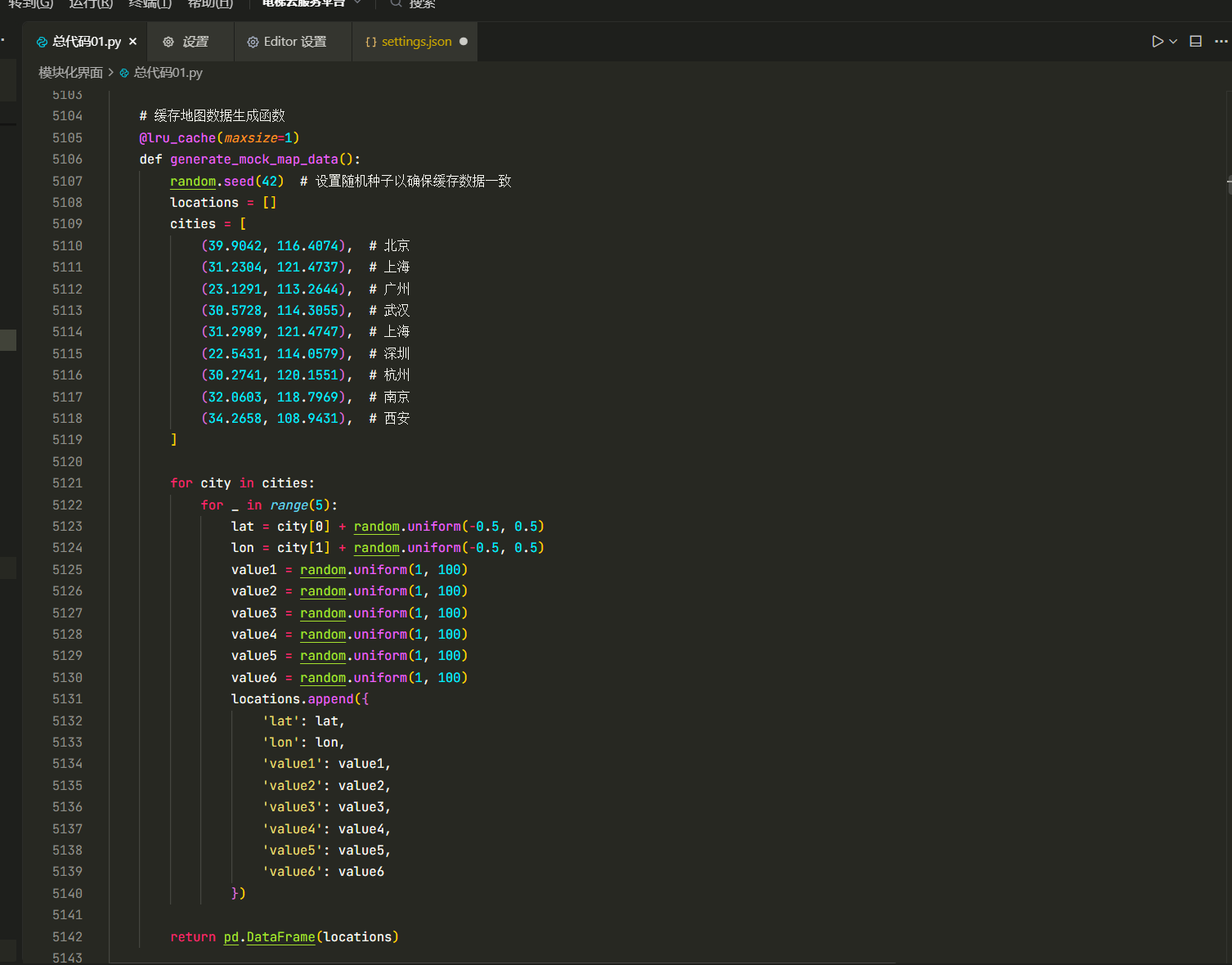
}
python
{
    "security.workspace.trust.untrustedFiles": "open",
    "workbench.colorTheme": "Oceanic Next (dimmed bg)",
    "workbench.iconTheme": "material-icon-theme",
    "bracket-pair-colorizer-2.depreciation-notice": false,
    "editor.lineHeight": 24,      //控制行间距
    "editor.fontWeight": "normal",    // 控制字体粗细
    "editor.tokenColorCustomizations": {"comments": "#00ff7f",
    "keywords": "#eb6689",
    "numbers": "#00eeff",
    "functions": "#ea65f9"
    },  //控制字体颜色
    "python.defaultInterpreterPath": "D:\\soft\\Anaconda3\\python.exe",
    //"python.linting.flake8Enabled": true,
    //"python.formatting.provider": "yapf",
    //"python.linting.flake8Args": ["--max-line-length=248"],
    //"python.linting.pylintEnabled": false,
    "python.autoComplete.extraPaths": ["D:/soft/Anaconda3/lib/site-packages",],
    "python.analysis.extraPaths": ["D:/soft/Anaconda3",],
    //"vsicons.dontShowNewVersionMessage": true,
    // 配置python语言正常输出中文的环境
    "code-runner.executorMap": {
    "python":"set PYTHONIOENCODING=utf8 && $pythonPath -u $fullFileName"},
    "code-runner.respectShebang": false,
    "editor.unicodeHighlight.includeStrings": false,
    "editor.unicodeHighlight.includeComments": false,
//终端颜色配置
    "terminal.integrated.inheritEnv": false,
    "workbench.colorCustomizations": {
        "terminal.background": "#200707",
        "terminal.foreground": "#b4d6af",
        "terminalCursor.background": "#D8D8D8",
        "terminalCursor.foreground": "#D8D8D8",
        "terminal.ansiBlack": "#181818",
        "terminal.ansiBlue": "#0b5e7c",
        "terminal.ansiBrightBlack": "#585858",

// 终端命令行  lm@os:
        "terminal.ansiBrightBlue": "#39b9e7",
        "terminal.ansiBrightCyan": "#86C1B9",
        "terminal.ansiBrightGreen": "#ca530f",
        "terminal.ansiBrightMagenta": "#BA8BAF",
        "terminal.ansiBrightRed": "#AB4642",
        "terminal.ansiBrightWhite": "#F8F8F8",
        "terminal.ansiBrightYellow": "#f788f7",
        "terminal.ansiCyan": "#86C1B9",
        "terminal.ansiGreen": "#b57b6c",
        "terminal.ansiMagenta": "#BA8BAF",
        "terminal.ansiRed": "#AB4642",
        "terminal.ansiWhite": "#D8D8D8",
        "terminal.ansiYellow": "#F7CA88",
        "terminal.integrated.cursorBlinking": true,
        "terminal.integrated.lineHeight": 1.6,
        "terminal.integrated.letterSpacing": 0.1,
        "terminal.integrated.fontFamily": "Lucida Console", //字体设置
        "terminal.integrated.shell.linux": "/bin/zsh",
    },
    "[python]": {
        "editor.formatOnType": true
    },
    "vsicons.dontShowNewVersionMessage": true,
    "settingsSync.ignoredExtensions": [

    ],
    "settingsSync.ignoredSettings": [

    ],
    "window.zoomLevel": -1,
    "editor.codeActionsOnSave": {

    }
}