CentOS 7 初始化脚本

环境说明

我在VMware中运行

我使用的镜像是【CentOS-7-x86_64-DVD-2009.iso】

我选择最小化安装,没有图形界面

我以 root 身份登录

我的系统信息如下
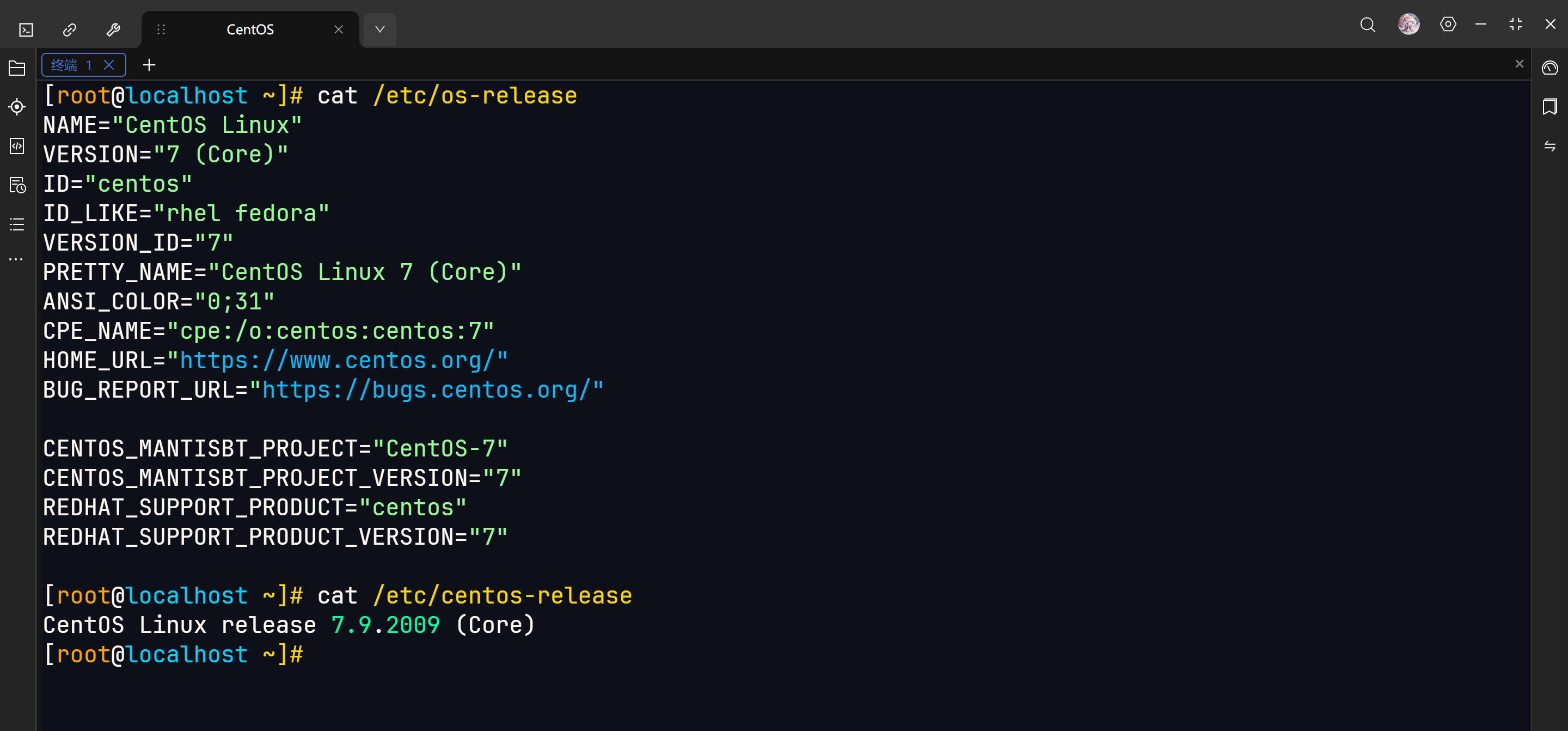
SSH 连接

使用【ifconfig】命令会失败,可以使用【ip a】命令查看IP地址
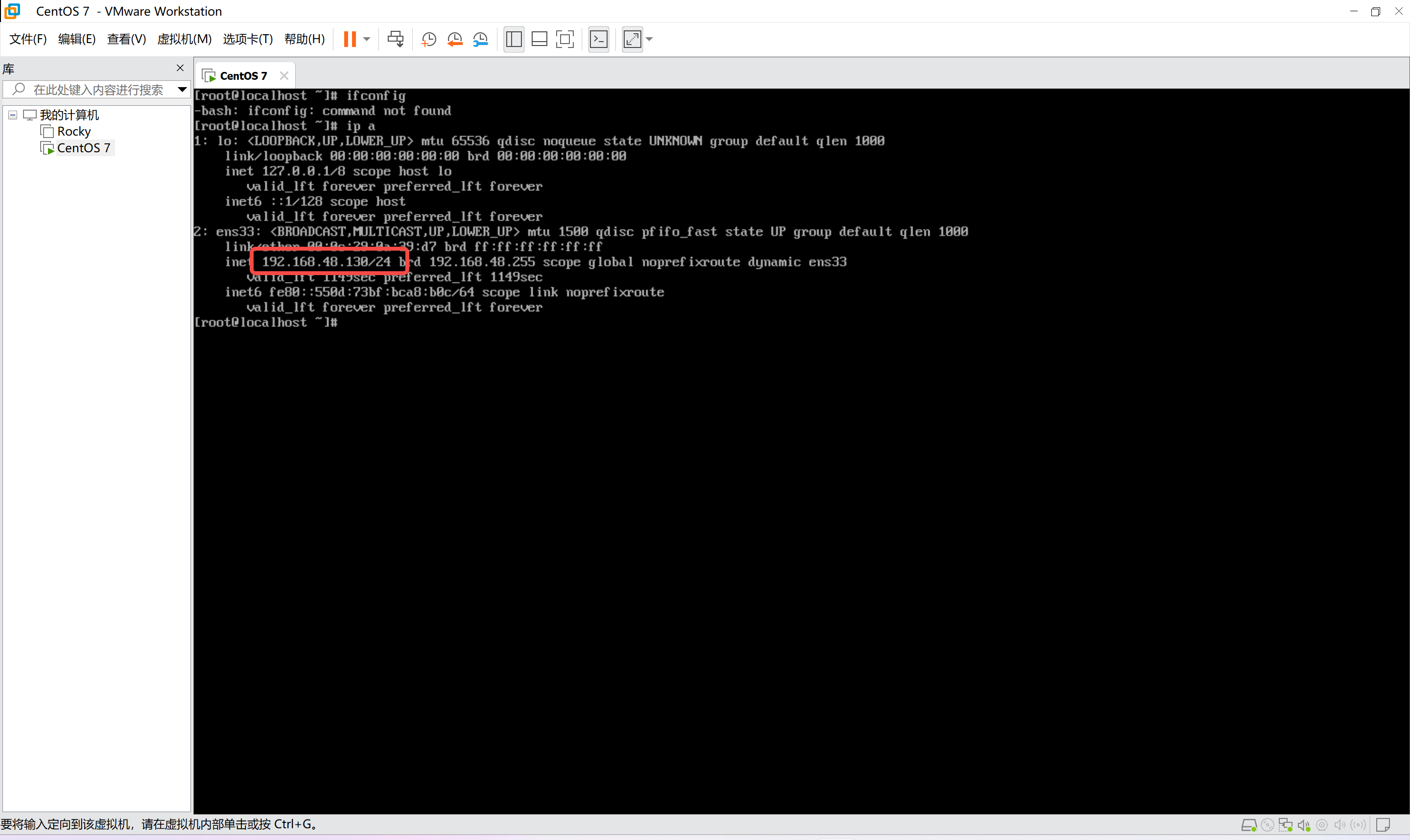
知道IP地址之后就可以 SSH 连接了

脚本

我把脚本上传到 GitCode 了,地址如下

https://gitcode.com/SmallSnow/Linux-install-script/blob/main/docker/CentOS-7.sh

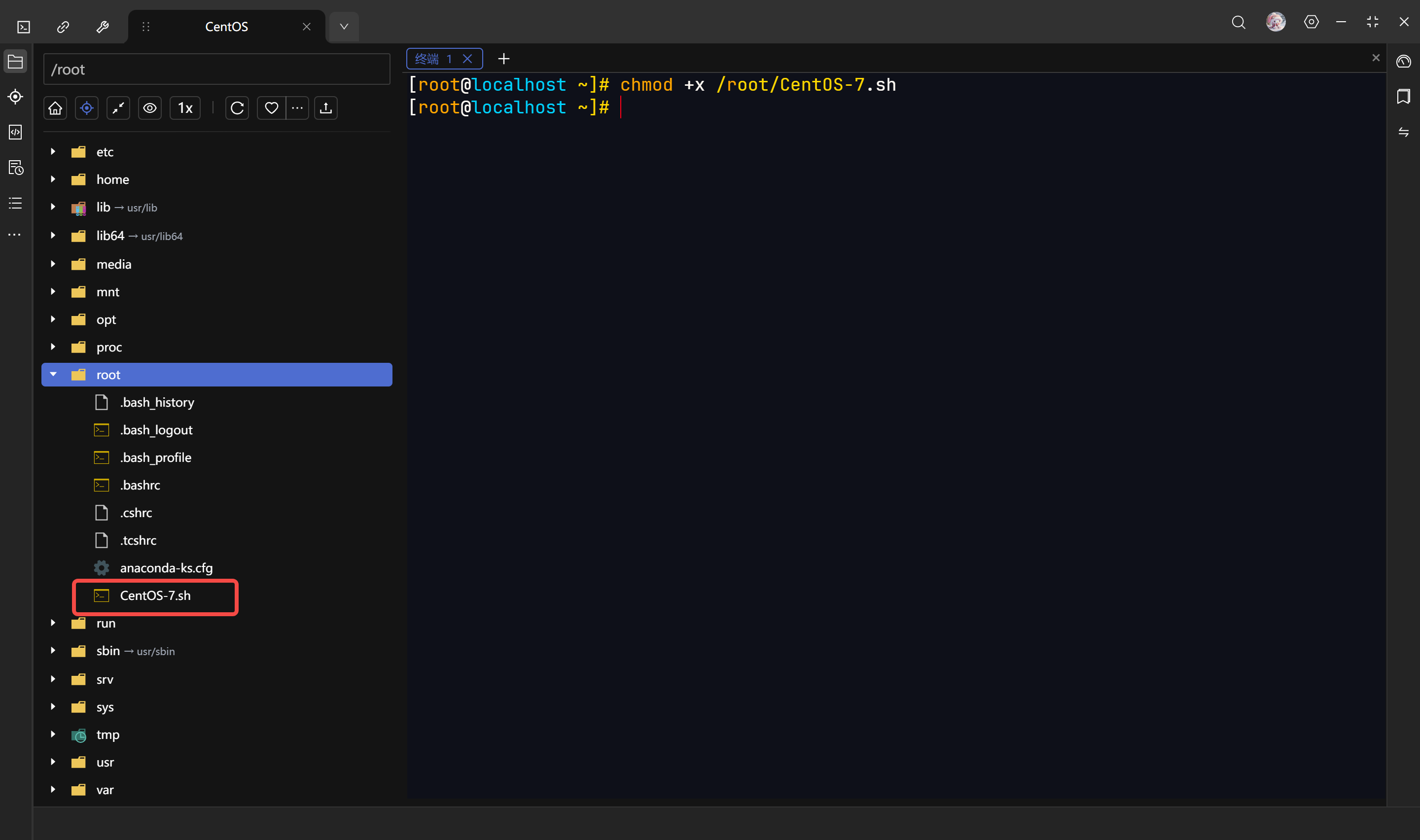
把这个【.sh】文件下载,传到【root】目录下

给脚本加权限

复制代码
chmod +x /root/CentOS-7.sh

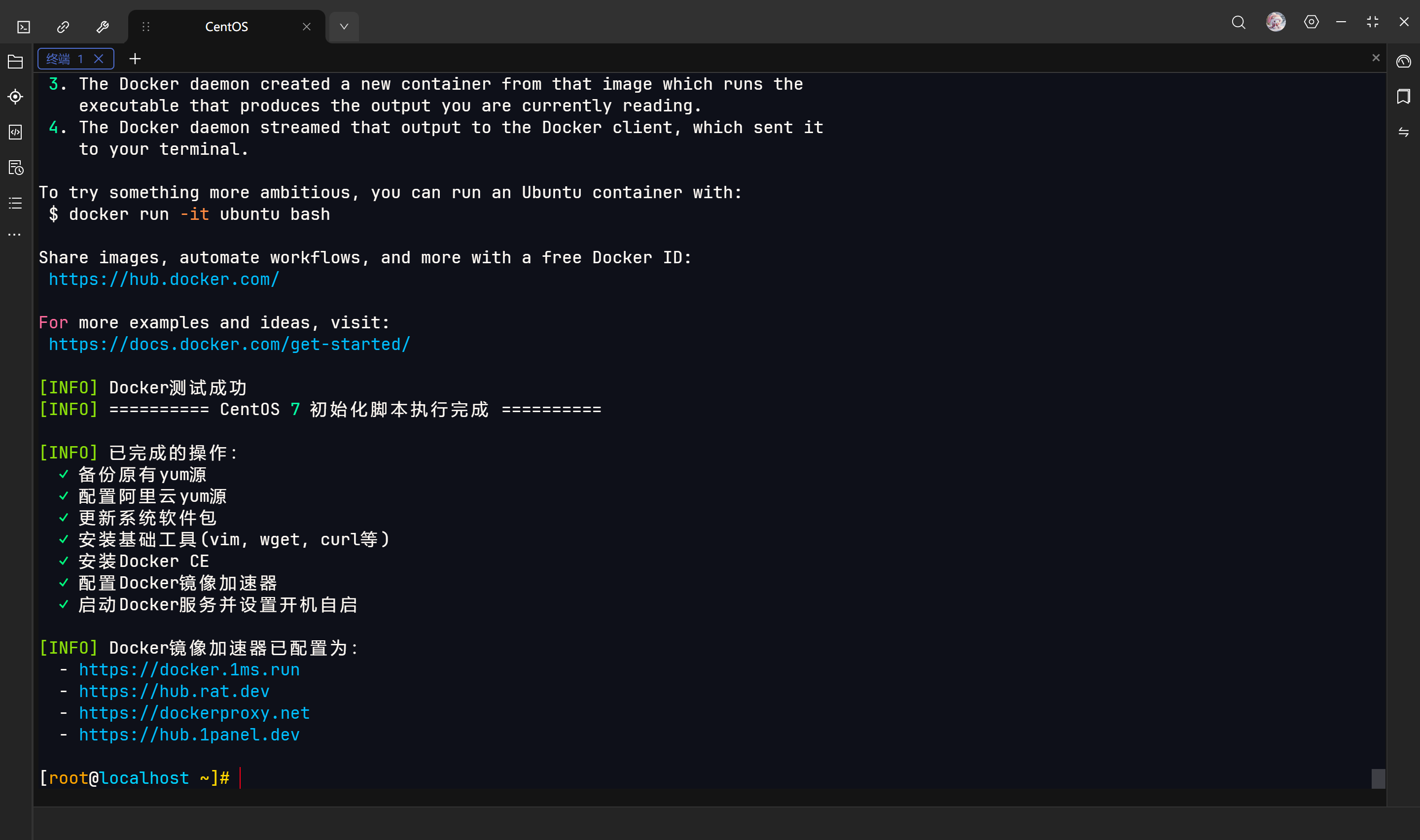
执行脚本

复制代码
bash /root/CentOS-7.sh

我测试没什么问题

相关推荐
confiself8 小时前
GO环境配置
linux·运维·centos
_叶小格_1 天前
cp、scp、rsync命令详解
linux·运维·服务器·ubuntu·centos·运维开发
小天源1 天前
CentOS 7介绍及其下载
linux·运维·ubuntu·centos·麒麟·windows11·windows10
nangonghen1 天前
centos 7.9安装postman v9.31.0
centos·api·postman
黑色的山岗在沉睡2 天前
CentOS 10 Stream 配置远程桌面,基于HeadLess gnome-remote-desktop。
linux·运维·centos
独自归家的兔2 天前
CentOS 8 系统下的包依赖冲突问题
linux·运维·centos
xuefuhe3 天前
RHEL9 yum install etcd Error: Unable to find a match: etcd
linux·运维·centos
顾西爵霞3 天前
远程访问centos7并连接Mariadb
数据库·centos·mariadb
码农不惑3 天前
systemd升级造成的centos-bootc系统的内核故障
linux·centos·bootc