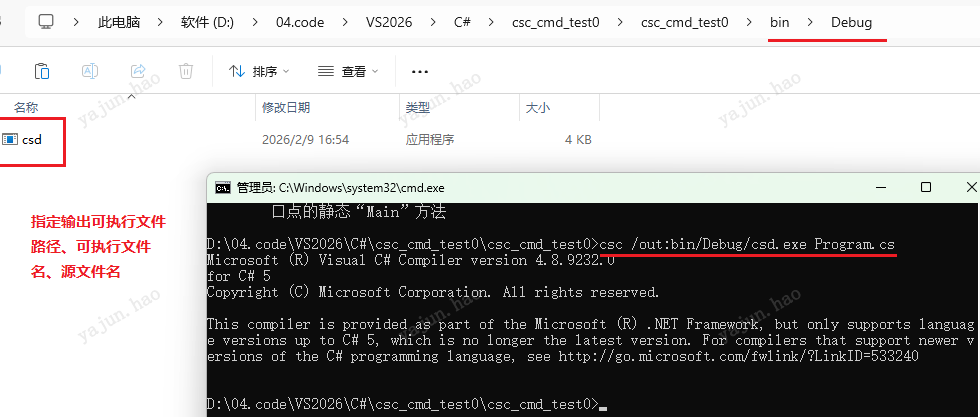
VS2019/22需要手动添加环境变量,否则用不了win10/11的命令编译。
用c#写代码:
cs
using System;
using System.Collections.Generic;
using System.Linq;
using System.Text;
using System.Threading.Tasks;

namespace csc_cmd_test0
{
    internal class Program
    {
        static void Main(string[] args)
        {
            Console.WriteLine("Hello world!");
        }
    }
}
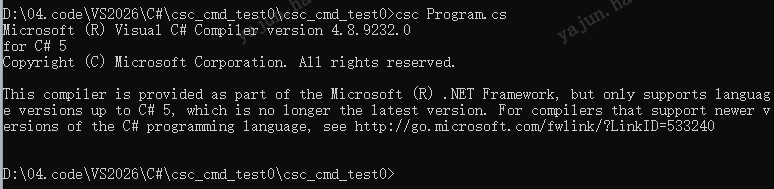
正常添加了环境变量后,编译通过的输出信息如下:
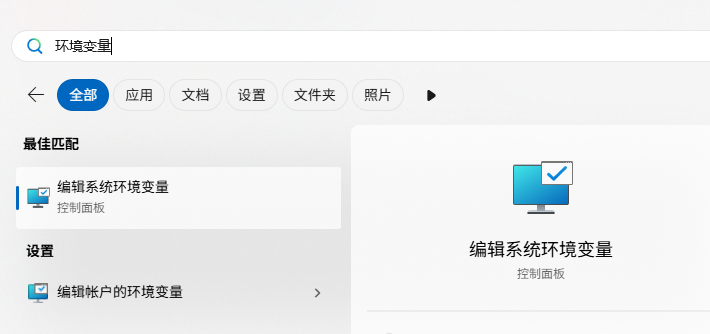
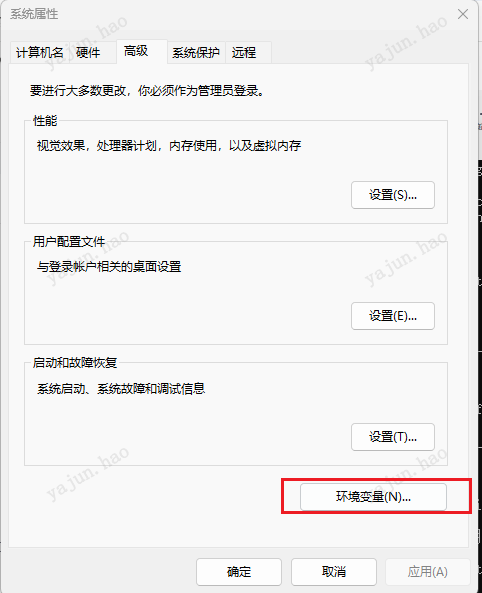
添加环境变量的步骤:
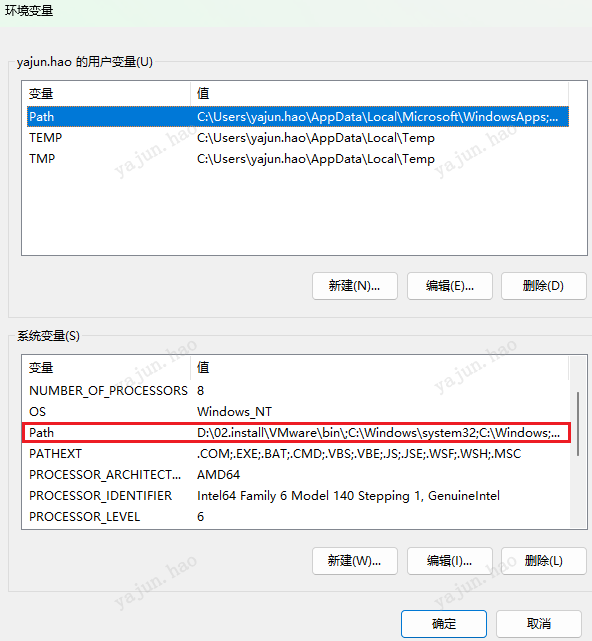
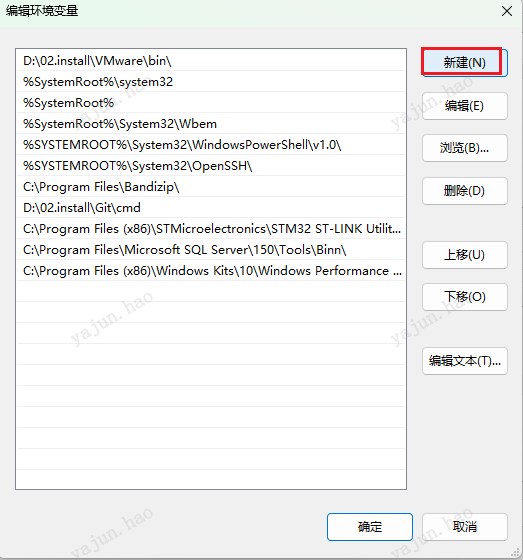
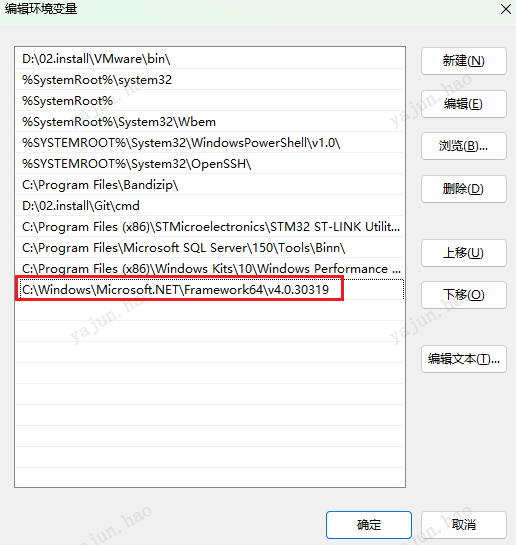
设置了环境变量后,编译的文件和*.cs在一个目录下。
运行程序: