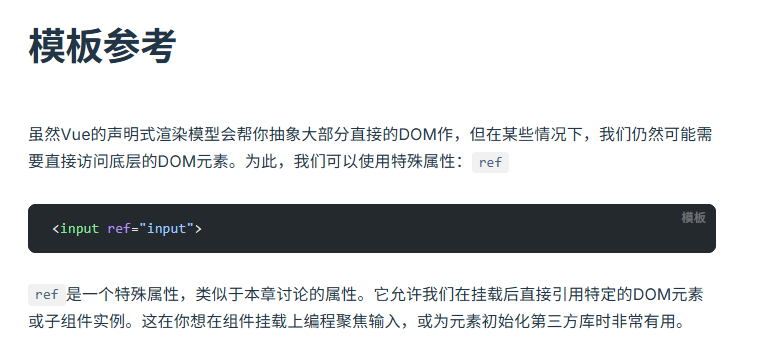
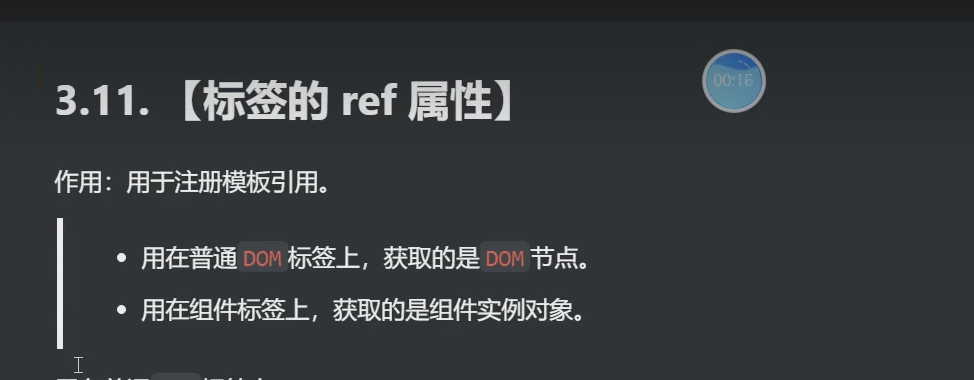
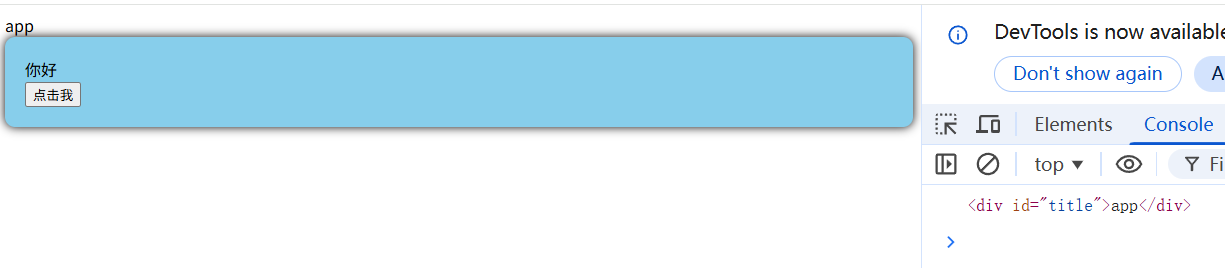
如果想获取一个dom元素,但是两个组件都有相同的id就会优先加载第一个的,ref就是为了解决这个问题的
html
<template>
<div class="person">
<div id="title">你好</div>
<button @click="handleClick">点击我</button>
</div>
</template>
<script setup>
const handleClick = () => {
console.log(document.getElementById('title'))
}
</script>
<style lang="scss" scoped>
.person {
background-color: skyblue;
box-shadow: 0 0 10px;
border-radius: 10px;
padding: 20px;
}
button {
margin-right: 10px;
}
</style>
html
<template>
      <div id="title">app</div>
      <Person/>

</template>

<script setup name="App">
   import Person from './componets/person.vue'
   // export default {
   //    name:'App',//组件名
   //    components:{Person}//注册组件
   // }
</script>
<!-- <style>
 .app {
      background-color: #ddd;
      box-shadow: 0 0 10px;
      border-radius: 10px;
      padding: 20px;
   }
</style>
   -->
ref加在html标签上

html
<template>
<div class="person">
<div ref="title">你好</div>
<button @click="handleClick">点击我</button>
</div>
</template>
<script setup>
import{ref} from 'vue'
const title=ref()
const handleClick = () => {
console.log(title.value);
}
</script>
<style lang="scss" scoped>
.person {
background-color: skyblue;
box-shadow: 0 0 10px;
border-radius: 10px;
padding: 20px;
}
button {
margin-right: 10px;
}
</style>
html
<template>
      <div ref="title">app</div>
      <button @click="handleClick">点击我</button>
      <Person/>
</template>

<script lang="ts"  setup name="App">
   import Person from './componets/Person.vue'
   import {ref} from 'vue'
   const title=ref()
   const handleClick = () => {
      console.log(title.value);
   }

   // export default {
   //    name:'App',//组件名
   //    components:{Person}//注册组件
   // }
</script>
<!-- <style>
 .app {
      background-color: #ddd;
      box-shadow: 0 0 10px;
      border-radius: 10px;
      padding: 20px;
   }
</style>
   -->
ref加在组件标签上
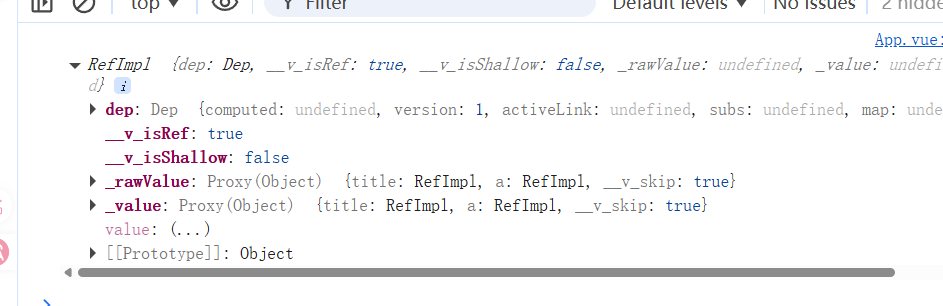
出现组件实例
html
<template>
      <div ref="title">app</div>
      <button @click="handleClick">点击我</button>
      <Person ref="ren"/>
</template>

<script lang="ts"  setup name="App">
   import Person from './componets/Person.vue'
   import {ref} from 'vue'
   const title=ref()
   const handleClick = () => {
      console.log(title.value);
   }
   const ren=ref()
   console.log(ren);
   // export default {
   //    name:'App',//组件名
   //    components:{Person}//注册组件
   // }
</script>
<!-- <style>
 .app {
      background-color: #ddd;
      box-shadow: 0 0 10px;
      border-radius: 10px;
      padding: 20px;
   }
</style>
   -->