一、环境介绍
原系统版本:centos 7
原gitlab版本: 17.7.7-jh
新系统版本:Anolis OS23.4GA
升级后gitlab版本:18.9.1-jh
二、原系统备份
1、备份gitlab
bash
gitlab-backup create备份文件目录
bash
/var/opt/gitlab/backups/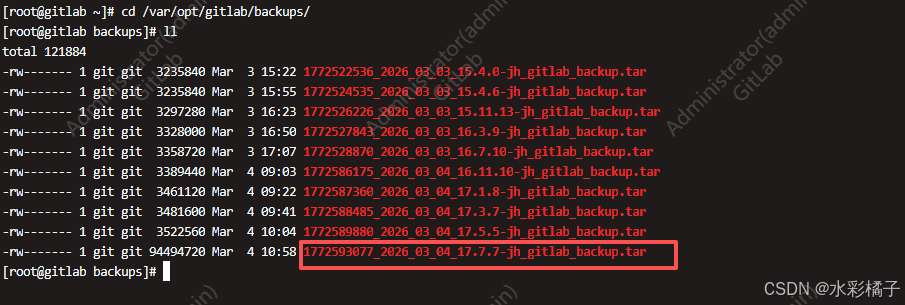
2、备份配置文件
bash
cp /etc/gitlab/gitlab.rb /root/gitlab.rb.bak
cp /etc/gitlab/gitlab-secrets.json /root/gitlab-secrets.json.bak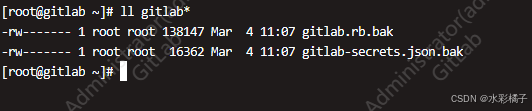
三、在新服务器上安装"同版本"GitLab
软件列表:
https://packages.gitlab.cn/#browse/browse

下载:
bash
wget https://packages.gitlab.cn/repository/el/9/gitlab-jh-17.7.7-jh.0.el9.x86_64.rpm安装:
bash
EXTERNAL_URL="http://your-gitlab-domain.com" dnf localinstall gitlab-jh-17.7.7-jh.0.el9.x86_64.rpm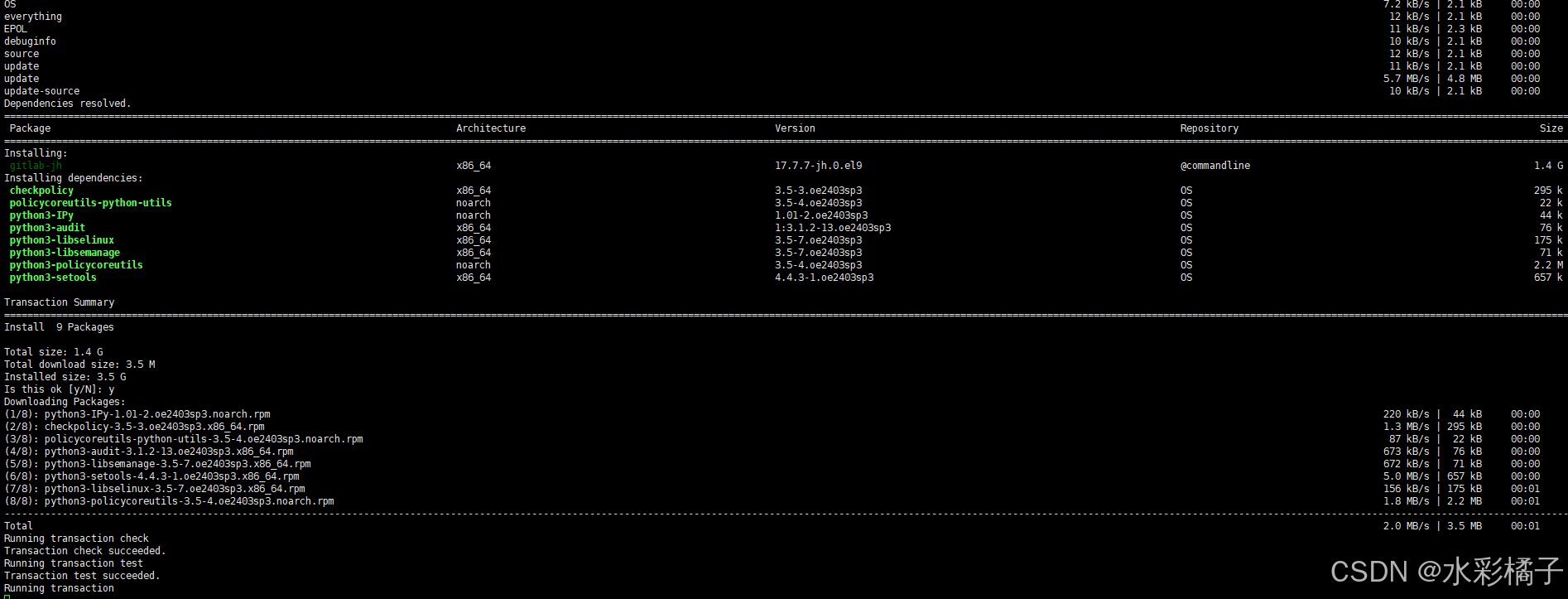
四、迁移恢复
1、复制备份
bash
scp /var/opt/gitlab/backups/1772593077_2026_03_04_17.7.7-jh_gitlab_backup.tar root@10.99.50.140:/var/opt/gitlab/backups/1772593077_gitlab_backup.tar
scp /root/gitlab.rb.bak root@10.99.50.140:/etc/gitlab/gitlab.rb
scp /root/gitlab-secrets.json.bak root@10.99.50.140:/etc/gitlab/gitlab-secrets.json
2、停止数据写入
bash
gitlab-ctl stop sidekiq
gitlab-ctl stop puma
3、恢复备份
bash
# 执行恢复命令 (只填时间戳!)
gitlab-backup restore BACKUP=1772593077
4、重新配置和启动
bash
gitlab-ctl reconfigure
gitlab-ctl restart
五、升级
1、确定升级路线
https://gitlab-com.gitlab.io/support/toolbox/upgrade-path/
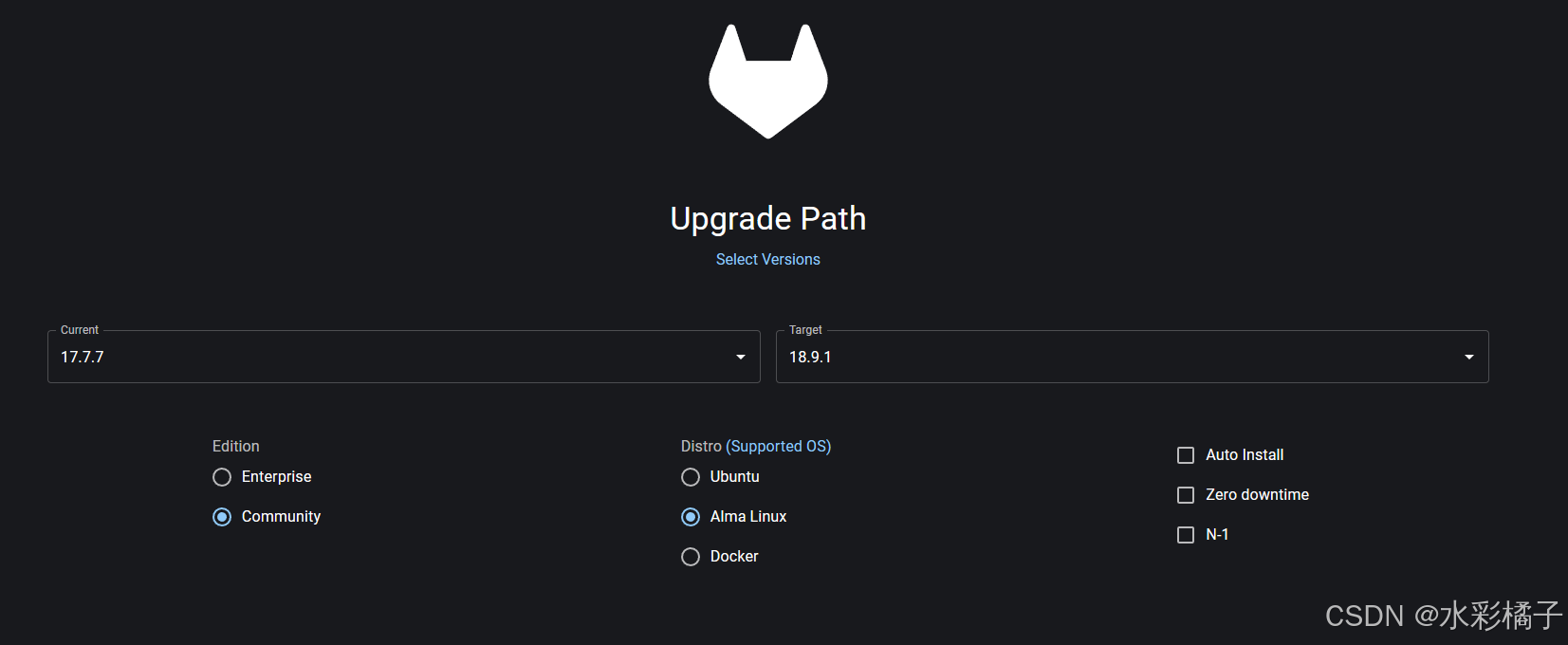
安装此版本顺序依次升级
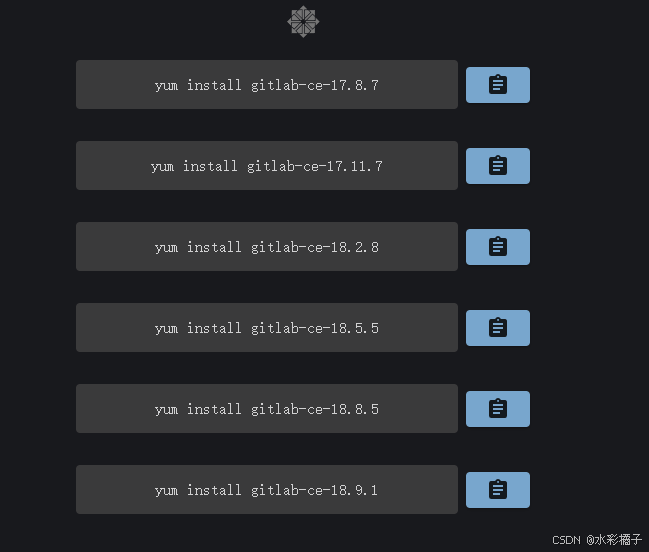
2、下载软件包依次升级
https://packages.gitlab.cn/#browse/browse
bash
wget https://packages.gitlab.cn/repository/el/9/gitlab-jh-17.8.7-jh.0.el9.x86_64.rpm升级:
bash
dnf localinstall gitlab-jh-17.8.7-jh.0.el9.x86_64.rpm3、重新配置和启动
bash
gitlab-ctl reconfigure
gitlab-ctl restart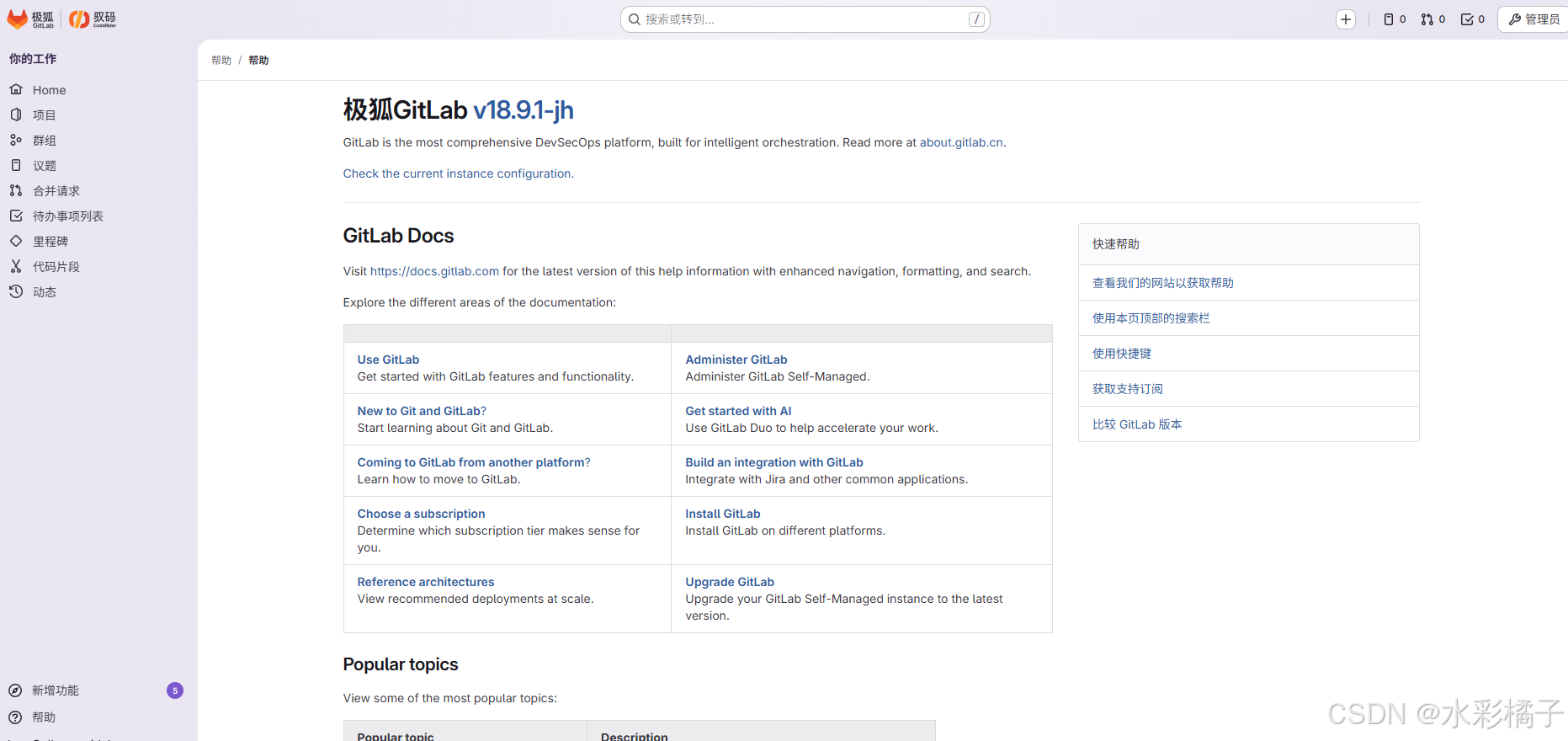
六、CI runner 部署(可选)
1、安装
bash
# Download the binary for your system
sudo curl -L --output /usr/local/bin/gitlab-runner https://gitlab-runner-downloads.gitlab.cn/latest/binaries/gitlab-runner-linux-amd64

# Give it permission to execute
sudo chmod +x /usr/local/bin/gitlab-runner

# Create a GitLab Runner user
sudo useradd --comment 'GitLab Runner' --create-home gitlab-runner --shell /bin/bash

# Install and run as a service
sudo gitlab-runner install --user=gitlab-runner --working-directory=/home/gitlab-runner
sudo gitlab-runner start
2、注册
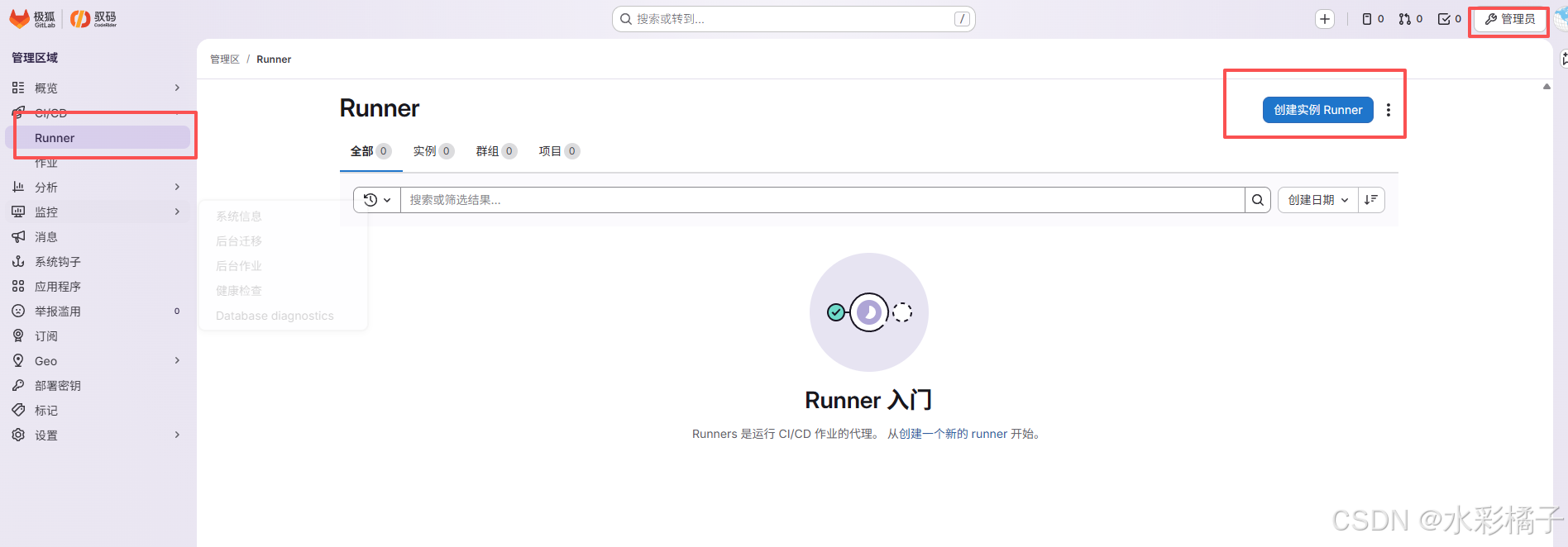
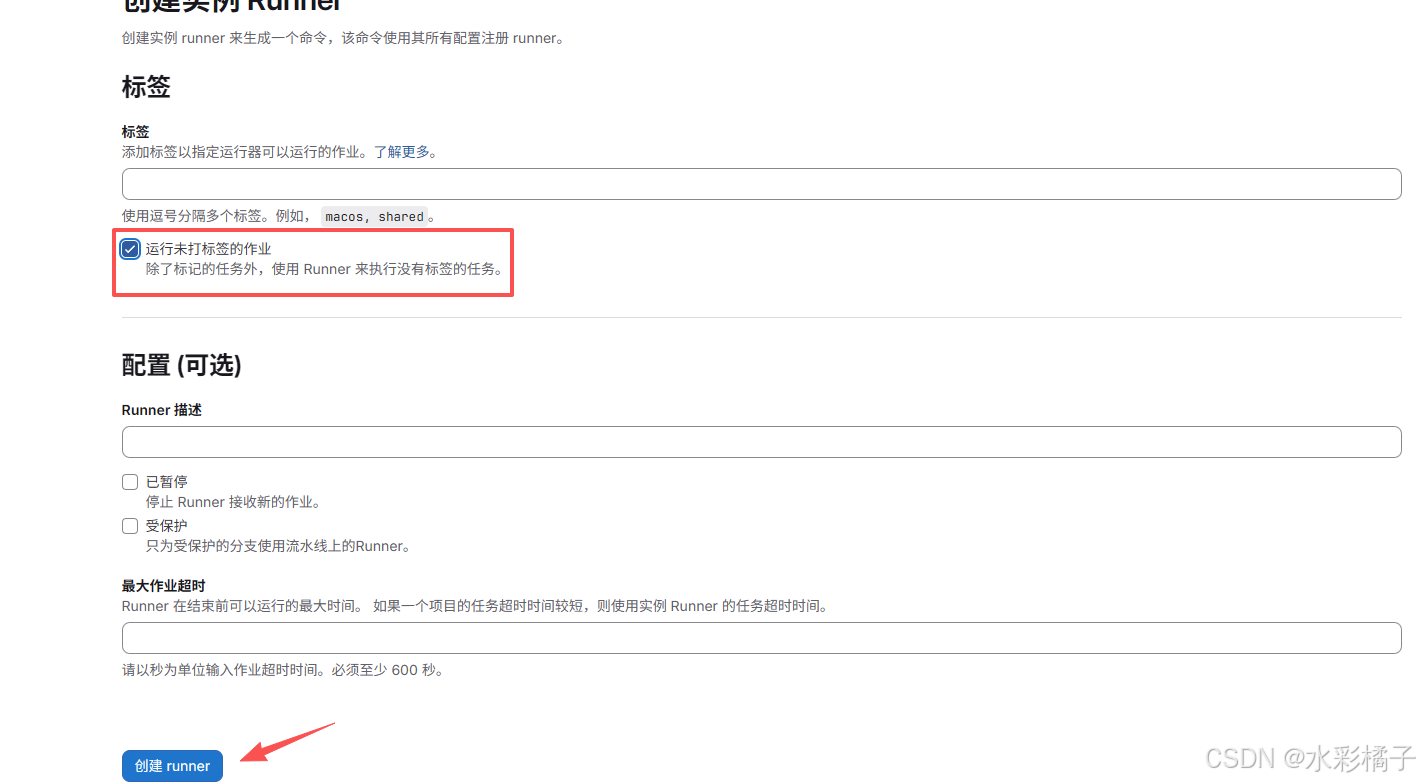
运行注册
bash
gitlab-runner register --url http://xxx.com --token glrt-lMVZAlo2wRB-aZKXN-Vi3m86MQp0OjEKdToxCw.01.1211tvl50