CentOS 7 已于2024 年 6 月 30 日结束生命周期。
如果在正式环境升级,请做好数据备份以及重要配置备份!
注意:升级前请备份好数据,升级可能会导致ssh的root用户无法登陆、网卡名称发生改变、引导丢失无法开机等问题。
By------云南乐嘟信息技术有限公司------
有.问.题.进.来.咨.询:831037125
1.安装epel源
curl -o /etc/yum.repos.d/CentOS-Base.repo https://mirrors.aliyun.com/repo/Centos-7.repo
yum -y install epel-release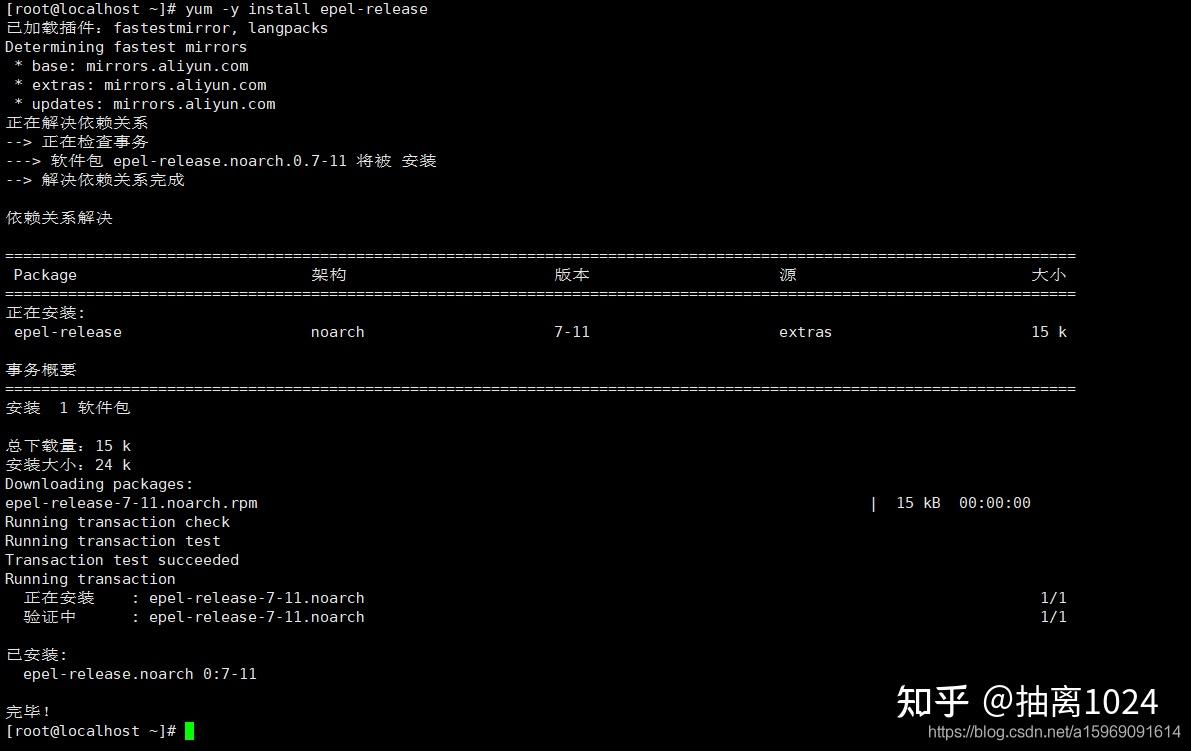
2.更新系统至最新版本,防止升级时出现各种奇葩问题
yum -y update3.重启系统
reboot4.安装dnf
yum -y install dnf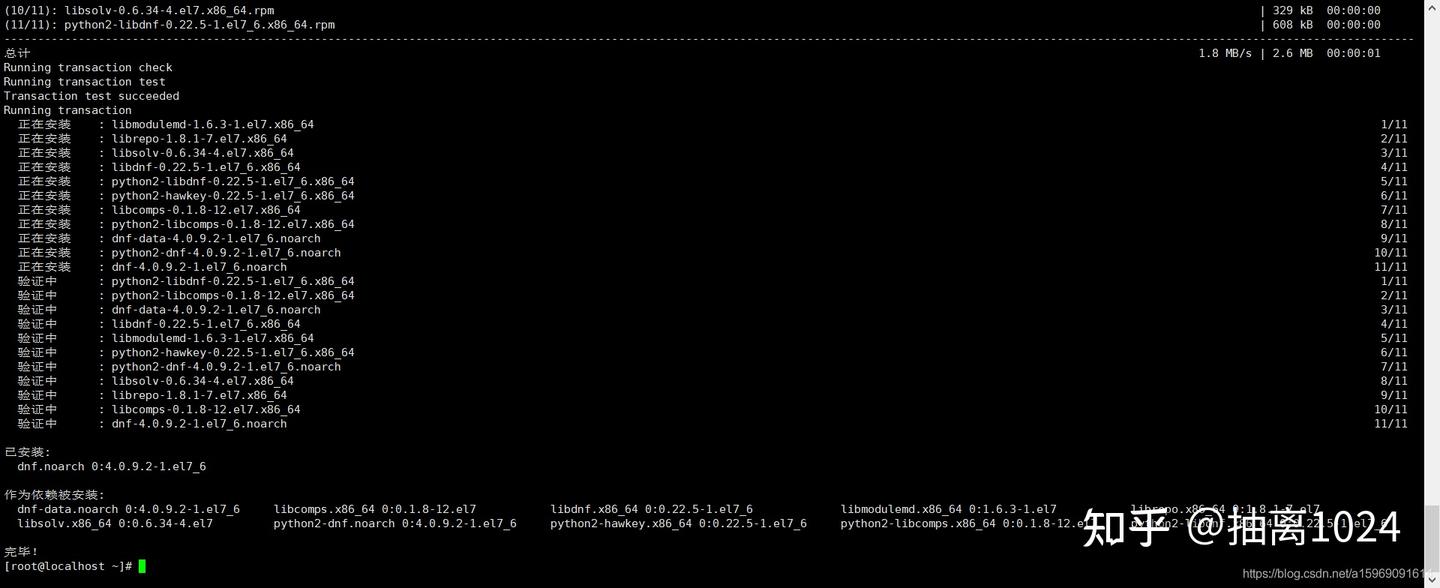
5.移除repo源
bash
cp -r /etc/yum.repos.d/ /etc/yum.repos.d.bak/

dnf remove epel-release -y

rm -rf /etc/yum.repos.d/*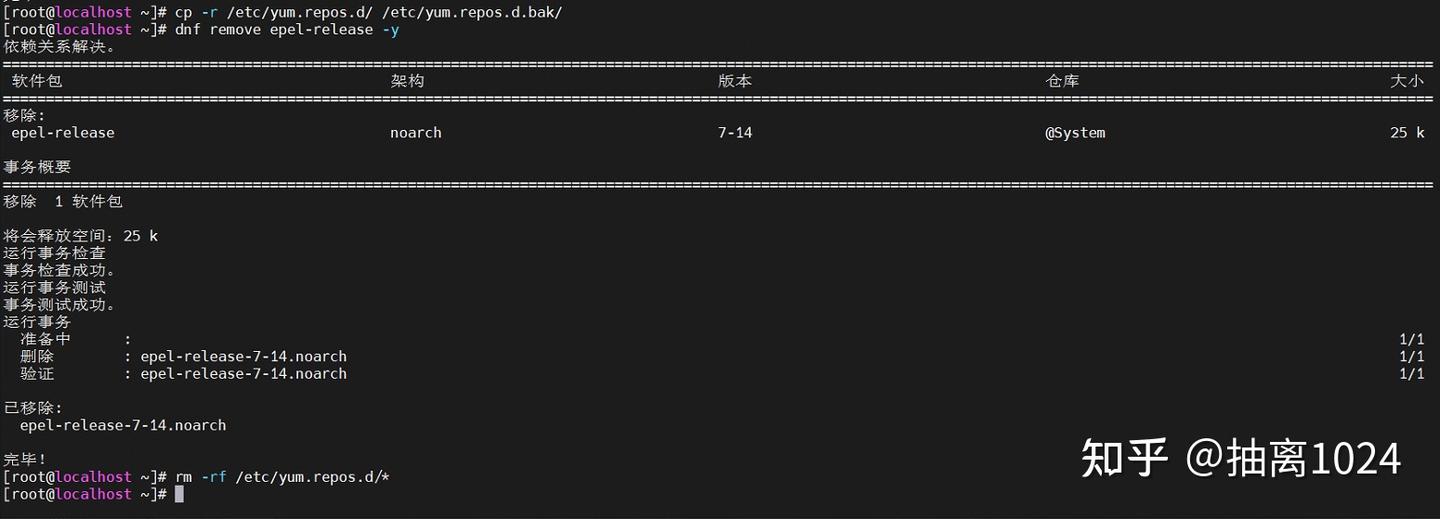
6.安装Kylin源
bash
rpm -e --nodeps $(rpm -qa|grep centos-)
rpm -ivh --nodeps --force https://update.cs2c.com.cn/NS/V7/V7SP1/os/adv/lic/base/x86_64/Packages/kylin-release-7-24.6.p706.ky10.x86_64.rpm
rpm -ivh --nodeps --force https://update.cs2c.com.cn/NS/V7/V7SP1/os/adv/lic/base/x86_64/Packages/kylin-repos-1.0-2.4.p705.ky10.x86_64.rpm
rpm -ivh --nodeps --force https://update.cs2c.com.cn/NS/V7/V7SP1/os/adv/lic/base/x86_64/Packages/kylin-gpg-keys-1.0-2.4.p705.ky10.x86_64.rpm
dnf clean all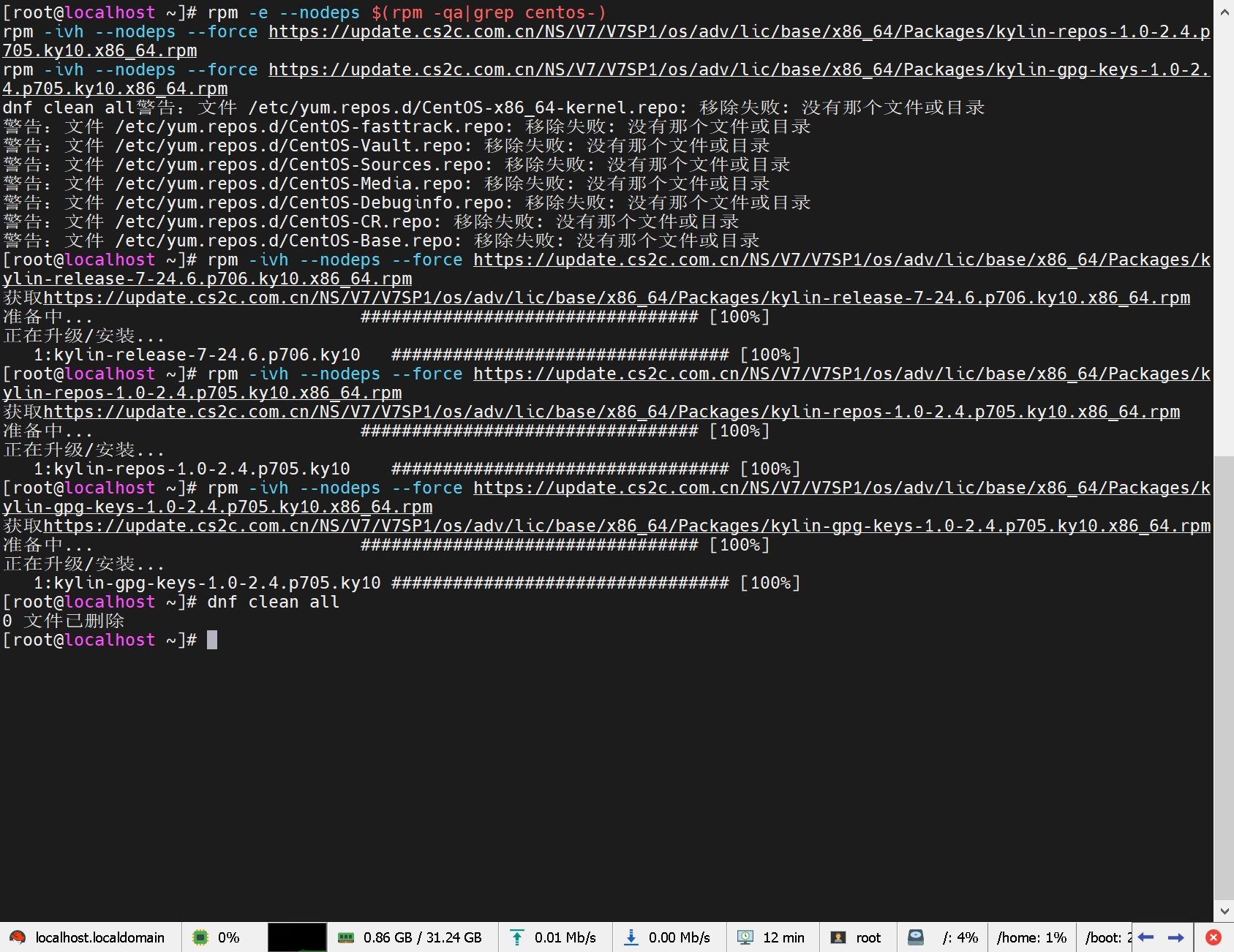
7.下载升级包
bash
dnf -y --allowerasing --setopt=deltarpm=false distro-sync --nogpgcheck --downloadonly --downloaddir=/tmp/rpm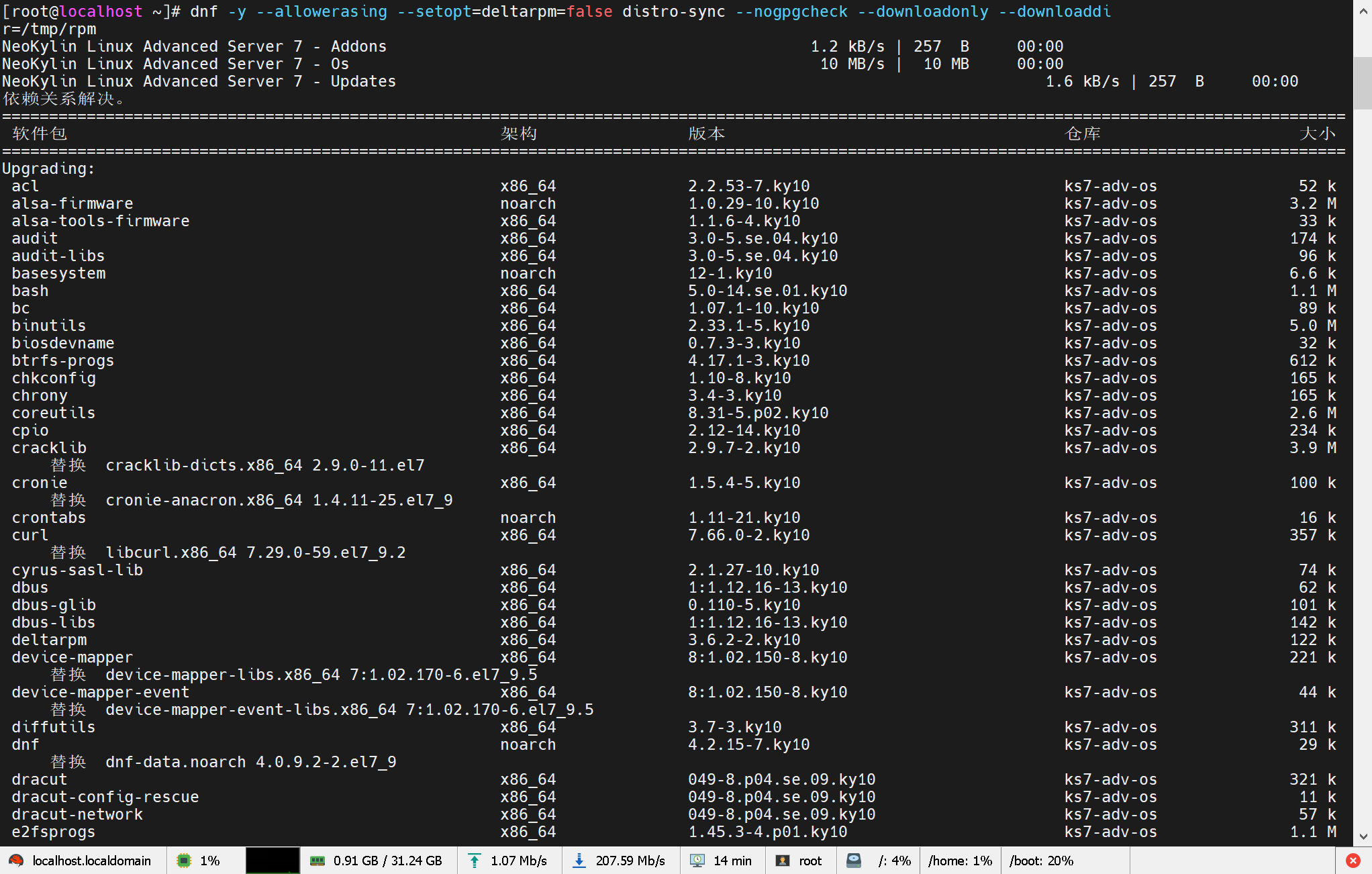
8.迁移系统
bash
yum -y remove dnf
rm -rf /etc/yum
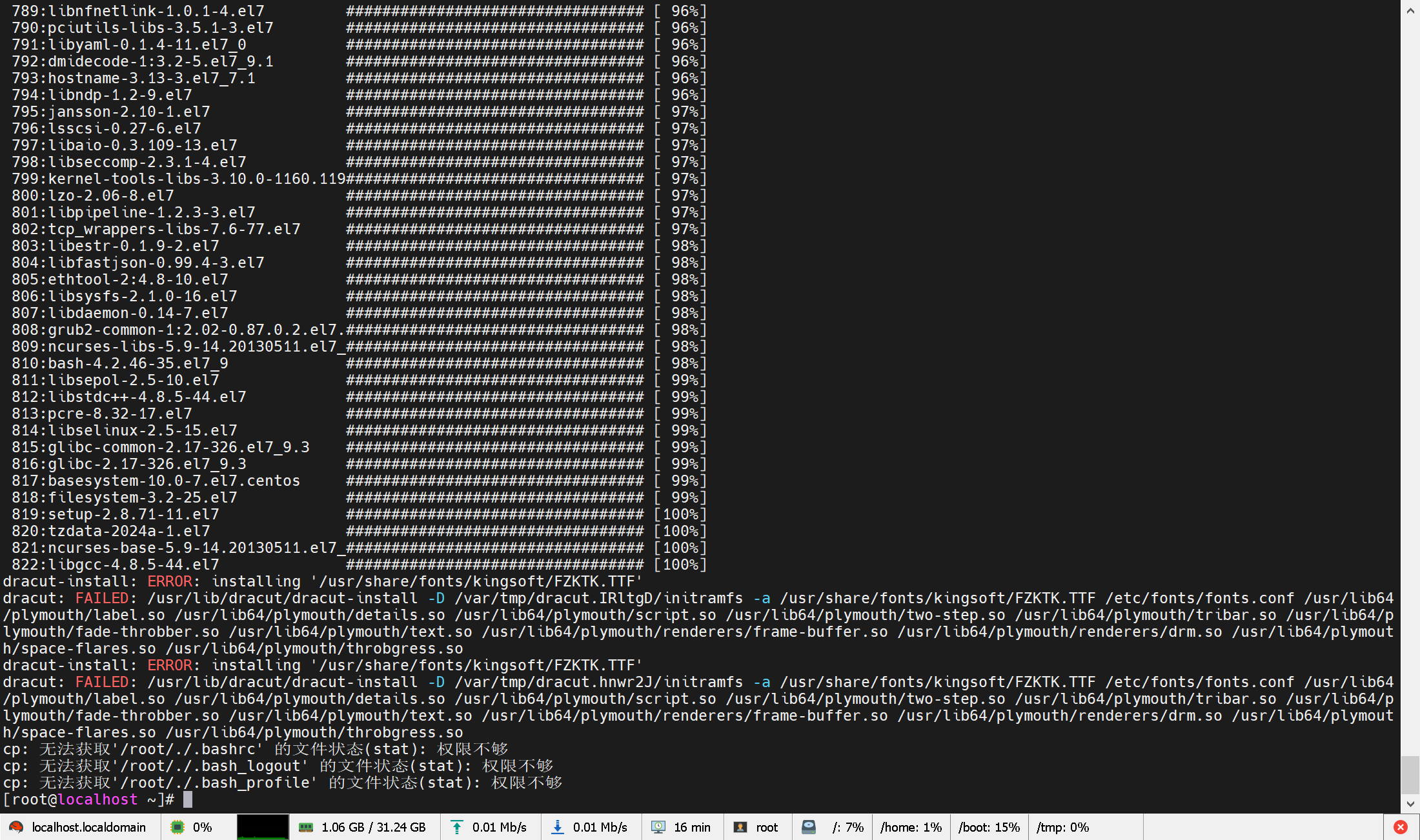
rpm -Uvh --nodeps --force /tmp/rpm/*.rpm出现以下报错不用管
9.重装缺失组件
bash
dnf remove systemd-sysv -y
dnf group install "Minimal Install" -y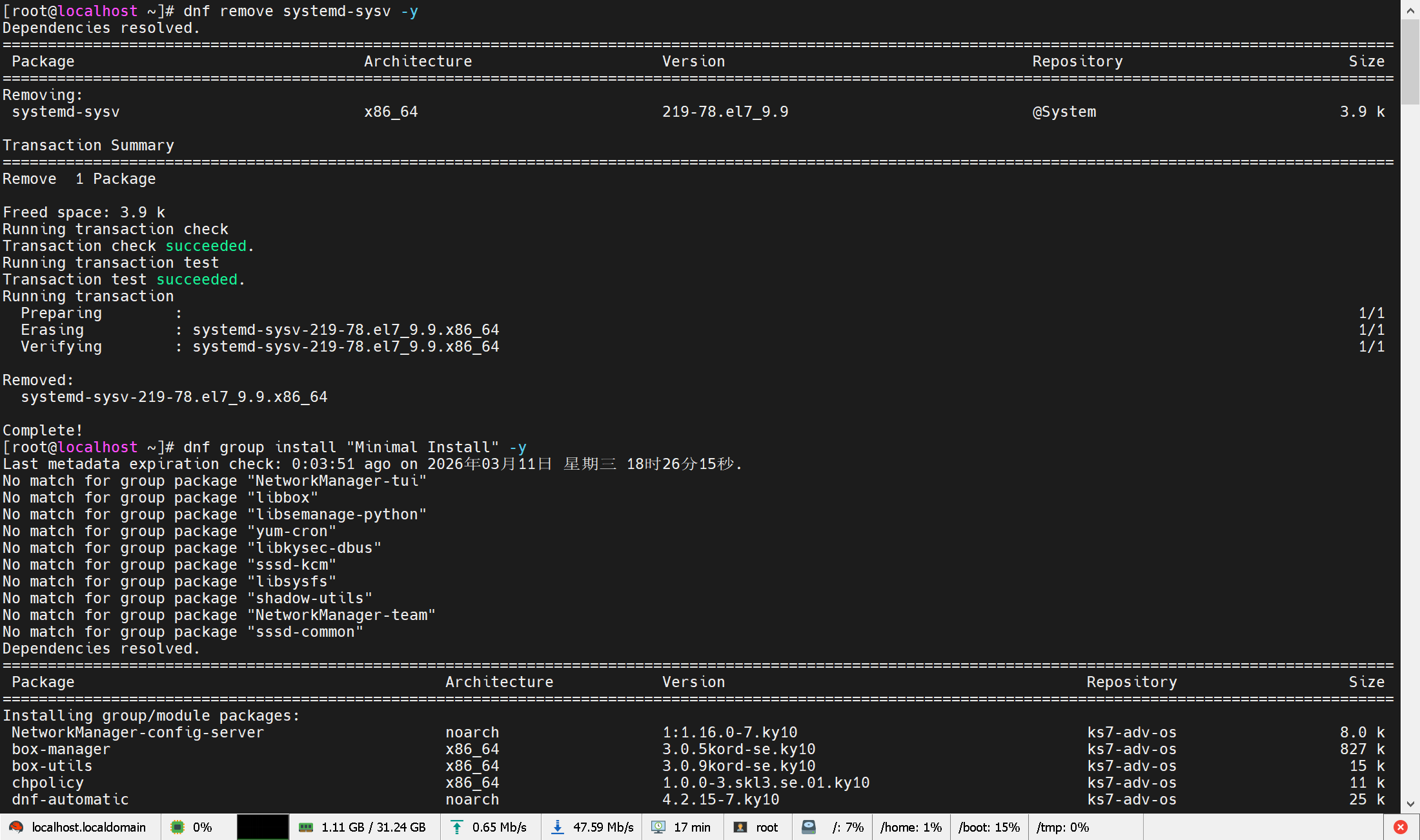
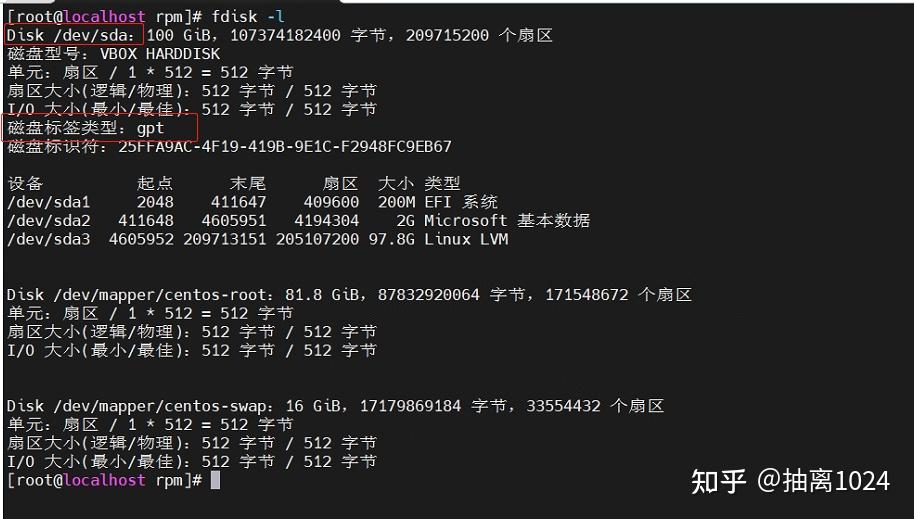
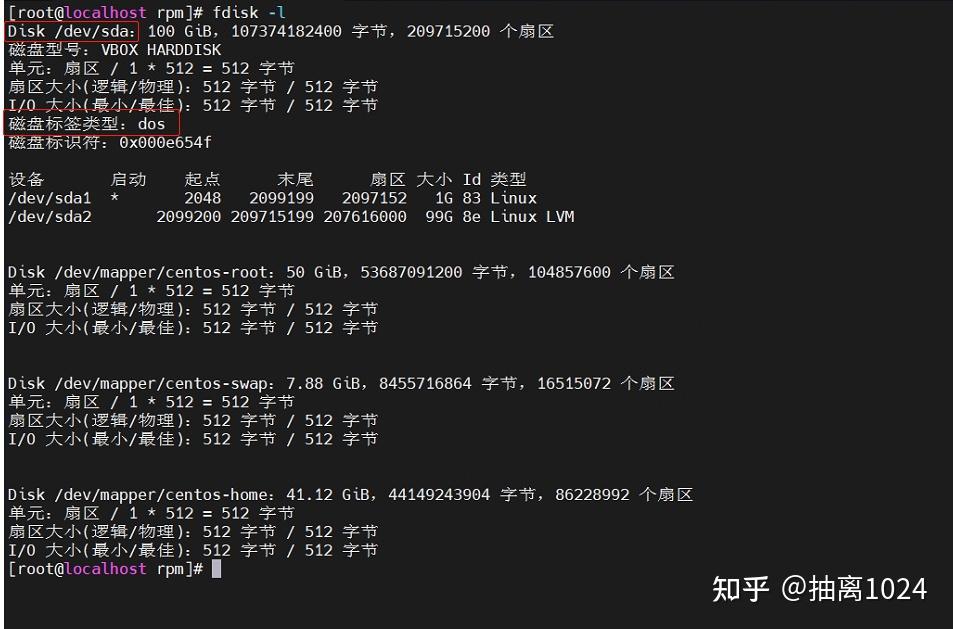
10.执行下面的命令,防止迁移完成后找不到引导,重启开不了机,根据以下命令选择分区表类型,根据分区表类型执行相关命令
查看分区表类型
fdisk -l一键获取完整项目代码
GPT分区表
MBR分区表
GPT分区(UFFI的BIOS)
bash
export grubcfg=$(find /boot/ -name kylin)

grub2-mkconfig -o $grubcfg/grub.cfg

rm -rf `find /boot/ -name centos`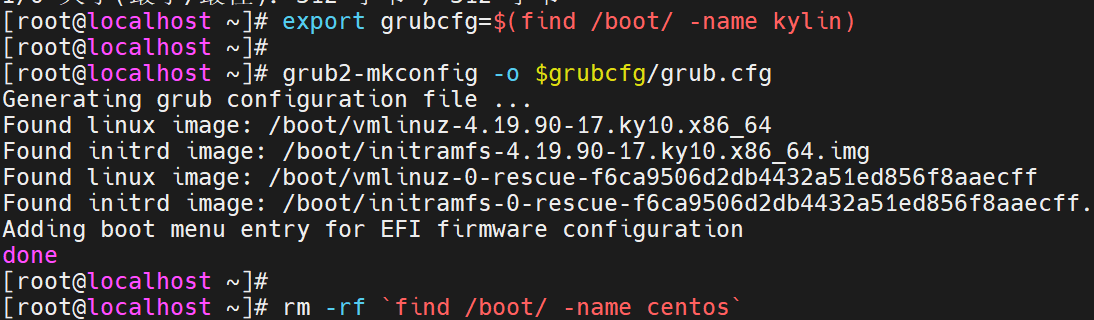
添加UEFI启动项(注意/dev/sda为efi分区所在磁盘,需根据实际情况自行选择磁盘路径,具体参考上图,-p后面是分区位置(默认为1),efi分区为/dev/sda值就是1,efi分区为/dev/sda值就是2)
efibootmgr -c -w -L "Kylin" -d /dev/sda -p 1 -l \\EFI\\kylin\\shimx64.efi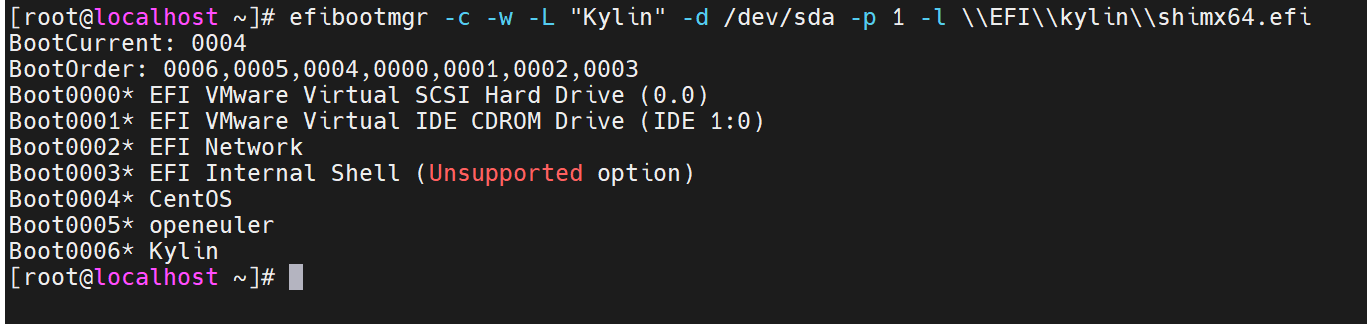
MBR分区(传统的BIOS、dos、msdos)(注意/dev/sda需根据实际情况自行选择磁盘路径,具体参考上图)
bash
grub2-mkconfig -o /boot/grub2/grub.cfg

grub2-install /dev/sda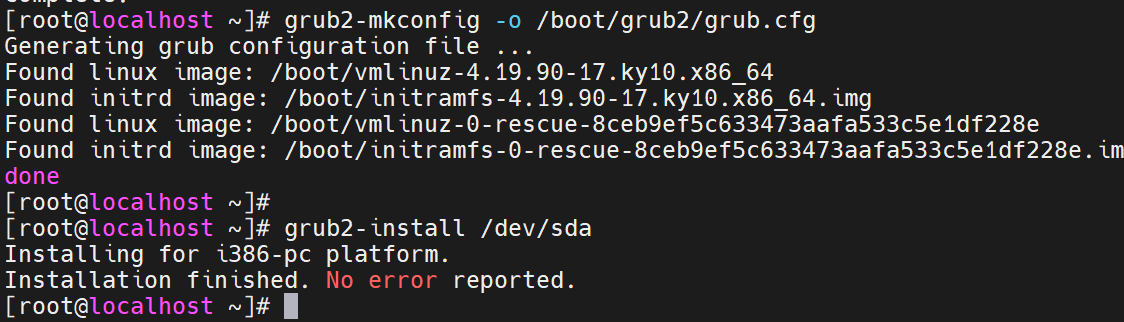
11.重装systemd(重要操作,请仔细操作)
bash
dnf reinstall systemd systemd-libs systemd-udev systemd-help systemd-container -y

reboot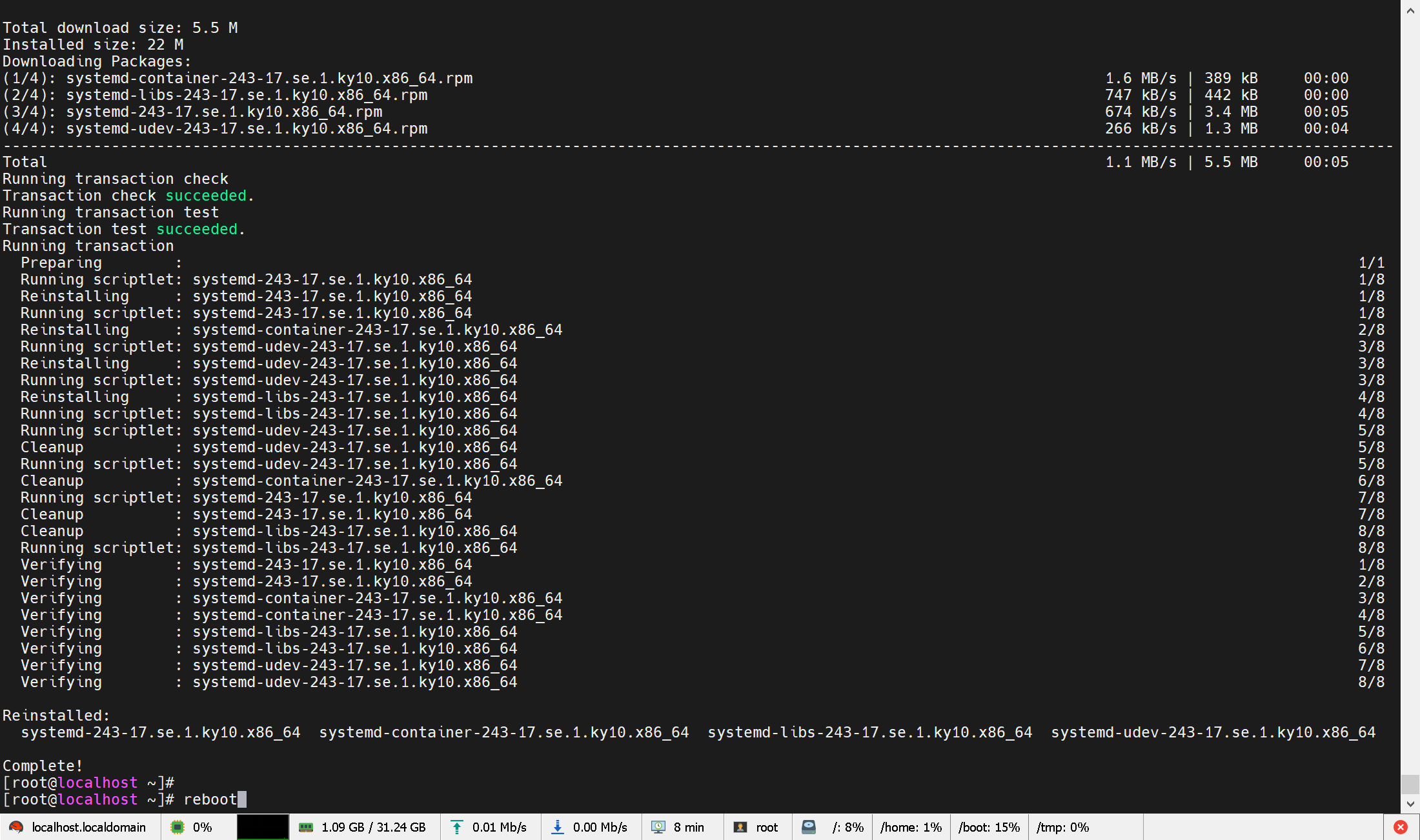
12.移除迁移完之后多余的包(可选操作,请谨慎操作)
bash
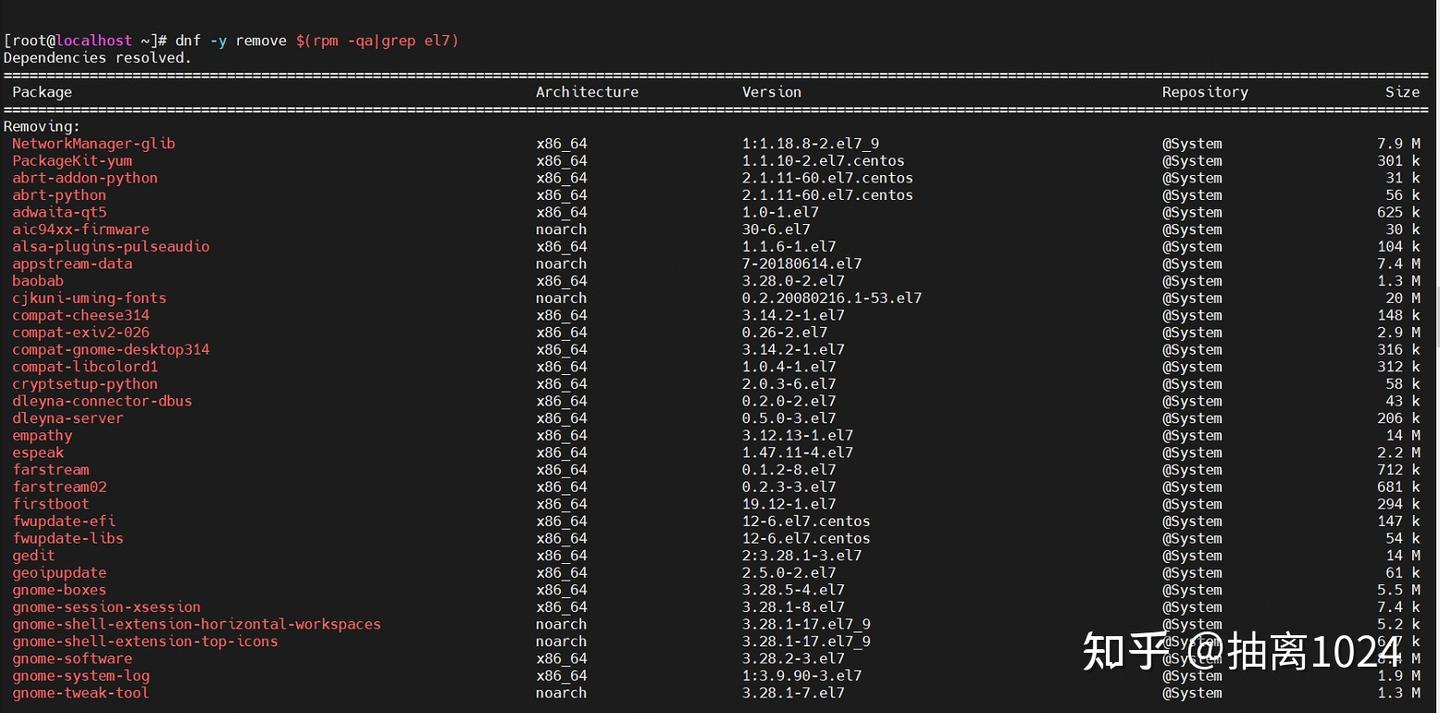
dnf -y remove $(rpm -qa|grep el7)
systemctl enable sshd