IMathTransform Interface - 2025 - SOLIDWORKS Design Help
Transformation matrix data:
变换矩阵数据:
|a b c . n |
|d e f . o |
|g h i . p |
|j k l . m |
The SOLIDWORKS transformation matrix is stored as a homogeneous matrix of 16 elements, ordered as shown. The first 9 elements (a to i) are elements of a 3x3 rotational sub-matrix, the next 3 elements (j,k,l) define a translation vector, and the next 1 element (m) is a scaling factor. The last 3 elements (n,o,p) are unused in this context.
SOLIDWORKS 变换矩阵以 16 个元素的齐次矩阵形式存储,按所示顺序排列。前 9 个元素(a 到 i)是一个 3x3 旋转子矩阵的元素,接下来的 3 个元素(j,k,l)定义一个平移向量,接下来的 1 个元素(m)是一个缩放因子。最后 3 个元素(n,o,p)在此上下文中未使用。
The 3x3 rotational sub-matrix represents 3 axis sets:
3x3 旋转子矩阵表示 3 组轴:
- row 1 for x-axis components of rotation
第 1 行表示 x 轴的旋转分量 - row 2 for y-axis components of rotation
第 2 行表示 y 轴的旋转分量 - row 3 for z-axis components of rotation
第 3 行表示 z 轴的旋转分量
The 3 axes are constrained to be orthogonal and unified so that they produce a pure rotational transformation. Reflections can also be added to these axes by setting the components to negative. The rotation sub-matrix coupled with the lower-left translation vector and the lower-right corner scaling factor creates an affine transformation, which is a transformation that preserves lines and parallelism; i.e., maps parallel lines to parallel lines.
三个轴被约束为正交和统一,以便它们产生一个纯旋转变换。通过将组件设置为负值,也可以向这些轴添加反射。旋转子矩阵与左下角平移向量和右下角缩放因子结合,创建了一个仿射变换,这是一种保持直线和平行性的变换;即,将平行线映射为平行线。
If the 3 axis sets of the 3x3 rotational sub-matrix are not orthogonal or unified, then they are automatically corrected according to the following rules:
如果 3x3 旋转子矩阵的三个轴集不正交或不统一,则根据以下规则自动进行校正:
-
If any axis is 0, or any two axes are parallel, or all axes are coplanar, then an identity matrix replaces the rotational sub-matrix.
如果任何轴为 0,或者任何两个轴平行,或者所有轴共面,则用单位矩阵替换旋转子矩阵。
-
All axes are corrected to be of unit length.
所有轴都被校正为单位长度。
-
The axes are built to be orthogonal to each other in the prioritized order of Z, X, Y (X is orthogonal to Z, Y is orthogonal to Z and X).
坐标轴按优先顺序 Z、X、Y 建立为相互正交(X 与 Z 正交,Y 与 Z 和 X 正交)。
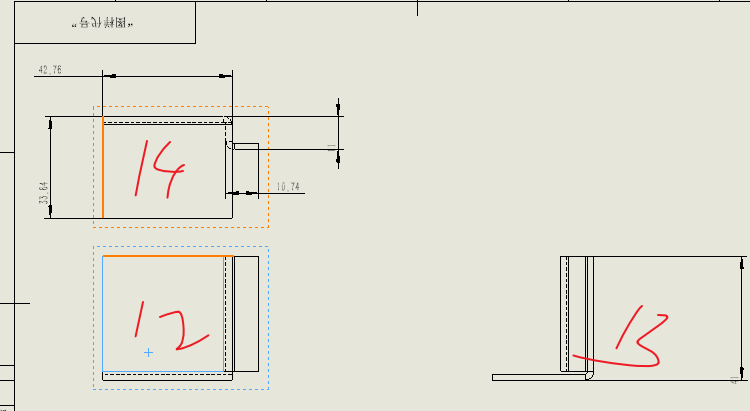
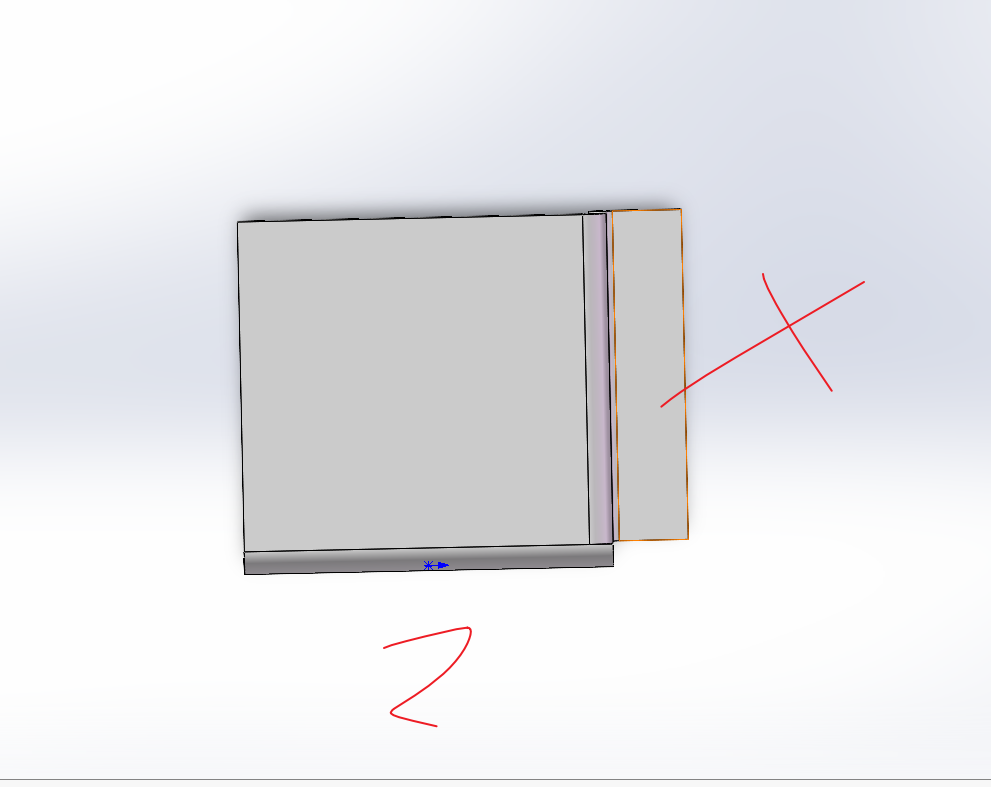
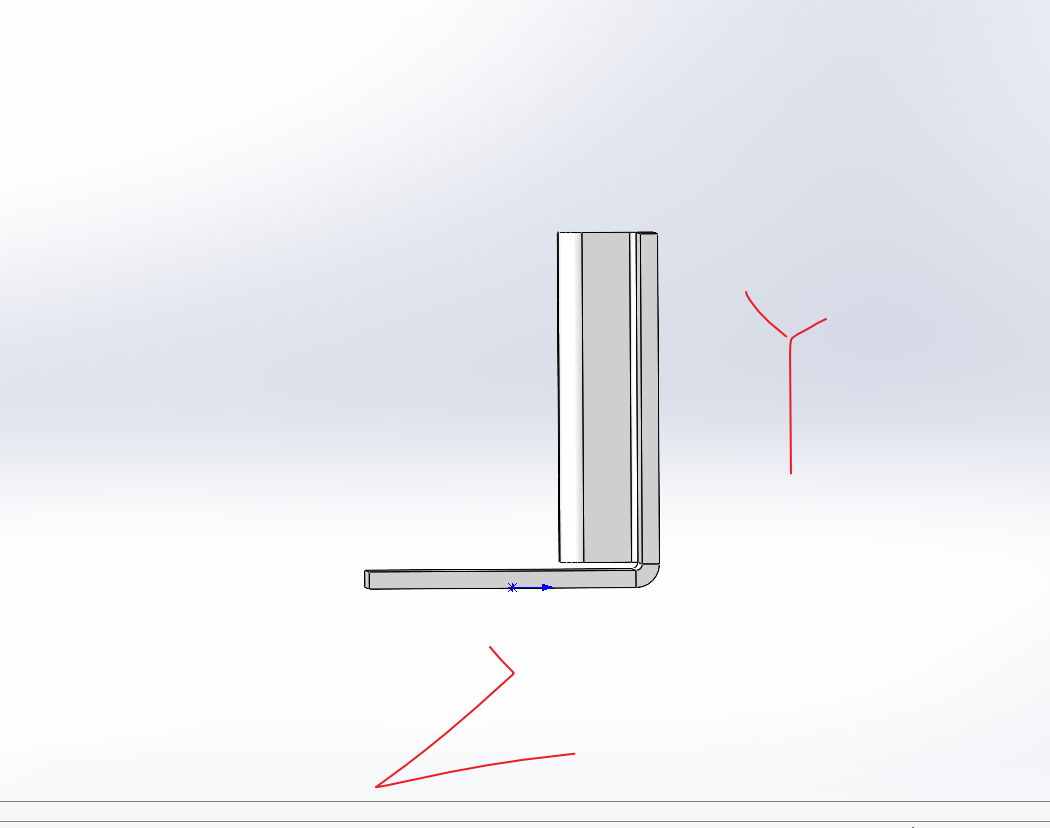
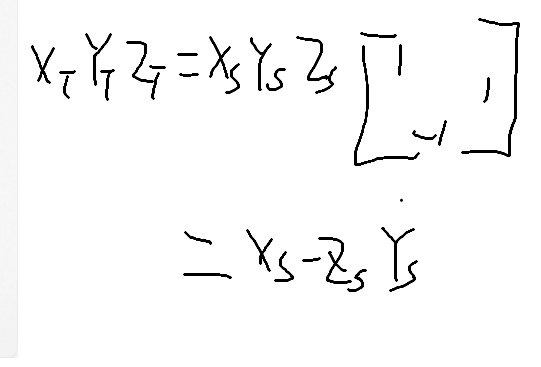
投影坐标=输入坐标x投影矩阵
cs
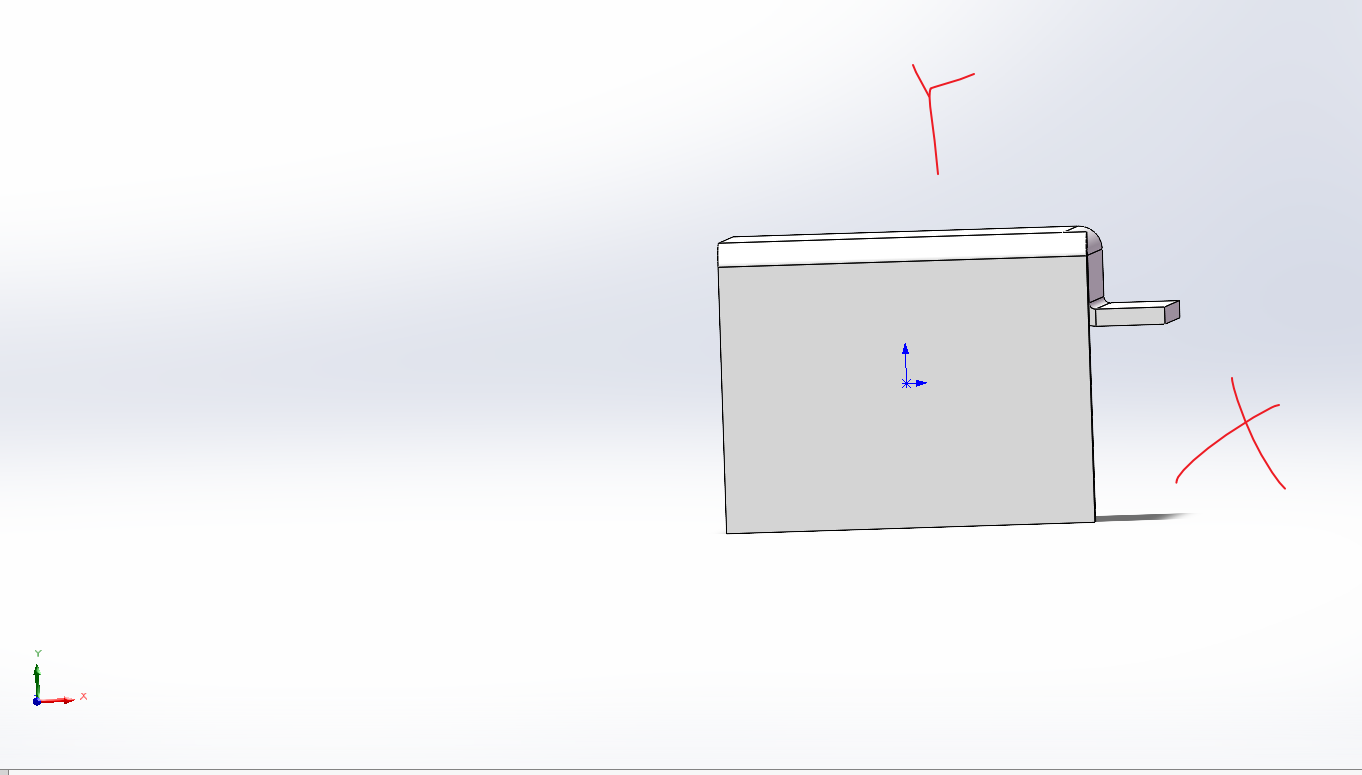
视图名称为:工程图视图12,  视图方向*上视
:1,0,0,0
:0,0,1,0
:0,-1,0,0
:0.08,0.08,-0,1
view.GetDisplayMode()=1
vAffectedFaces.Length=31
视图名称为:工程图视图13,  视图方向
:-0,0,-1,0
:1,0,-0,0
:0,-1,0,0
:0.2,0.08,0,1
view.GetDisplayMode()=1
vAffectedFaces.Length=31
视图名称为:工程图视图14,  视图方向
:1,0,0,0
:0,1,0,0
:0,0,1,0
:0.08,0.15,0.02,1
view.GetDisplayMode()=1
vAffectedFaces.Length=31
cs
using System;
using System.IO;
using System.Runtime.InteropServices;
using SolidWorks.Interop.sldworks;
using SolidWorks.Interop.swconst;
using View=SolidWorks.Interop.sldworks.View;

namespace tools
{
    class get_views_graph
    {

        /// <summary>
        /// 获取工程图中的尺寸信息
        /// </summary>
        static public void run()
        {
            // 连接到 SolidWorks 应用程序
            SldWorks? swApp = Connect.run();
            if (swApp == null)
            {
                Console.WriteLine("错误:无法连接到 SolidWorks 应用程序。");
                return;
            }

           var swMathUtils = swApp.IGetMathUtility();

            // 获取活动文档并转换为 DrawingDoc 类型
            ModelDoc2 swModel = (ModelDoc2)swApp.ActiveDoc;
            if (swModel == null)
            {
                Console.WriteLine("错误:没有打开的活动文档。");
                return;
            }

            var drawingDoc = (DrawingDoc)swModel;

            // 获取当前图纸
            var swSheet = (Sheet)drawingDoc.GetCurrentSheet();
            if (swSheet == null)
            {
                Console.WriteLine("错误:无法获取当前图纸。");
                return;
            }

            // 获取图纸上的所有视图
            object[] objViews = (object[])swSheet.GetViews();

            if (objViews == null)
            {
                Console.WriteLine("警告:当前图纸上没有视图。");
                return;
            }

            // 遍历每个视图
    foreach (var objView in objViews)
      {
          View view = (View)objView;


          if (view.GetName2().Contains("图") || view.GetName2().Contains("Drawing View"))

          {

              string viewname = view.GetName2();
              Console.WriteLine("视图名称为:" + viewname + ",  视图方向" + view.GetOrientationName());
              var swViewXform = (MathTransform)view.ModelToViewTransform;
              var ViewTransformDATA = (double[])swViewXform.ArrayData;

              Console.WriteLine($":{Math.Round(ViewTransformDATA[0], 2)},{Math.Round(ViewTransformDATA[1], 2)},{Math.Round(ViewTransformDATA[2], 2)},{Math.Round(ViewTransformDATA[13], 2)}");
              Console.WriteLine($":{Math.Round(ViewTransformDATA[3], 2)},{Math.Round(ViewTransformDATA[4], 2)},{Math.Round(ViewTransformDATA[5], 2)},{Math.Round(ViewTransformDATA[14], 2)}");
              Console.WriteLine($":{Math.Round(ViewTransformDATA[6], 2)},{Math.Round(ViewTransformDATA[7], 2)},{Math.Round(ViewTransformDATA[8], 2)},{Math.Round(ViewTransformDATA[15], 2)}");
              Console.WriteLine($":{Math.Round(ViewTransformDATA[9], 2)},{Math.Round(ViewTransformDATA[10], 2)},{Math.Round(ViewTransformDATA[11], 2)},{Math.Round(ViewTransformDATA[12], 2)}");


              var vBounds = (double[])view.GetOutline();
              view.SetDisplayMode3(false, (int)swDisplayMode_e.swFACETED_HIDDEN_GREYED, false, true);
              Console.WriteLine("view.GetDisplayMode()=" + view.GetDisplayMode());
              swModel.EditRebuild3();
              PartDoc partDoc = (PartDoc)view.ReferencedDocument;
              object[] vBodies = (object[])partDoc.GetBodies2((int)swBodyType_e.swSolidBody, false);
              Body2 body = (Body2)vBodies[0];
              object[] vAffectedFaces = (object[])body.GetFaces();


             Console.WriteLine("vAffectedFaces.Length=" + vAffectedFaces.Length);
              foreach (Face face in vAffectedFaces)
              {

                  var surface = face.IGetSurface();


              }


          }
      }
    }}}