⑴
And let me go ahead, and let's create a cat that allows us to pet it by moving my cursor over the cat. And maybe it likes that, so it'll meow when I do that.
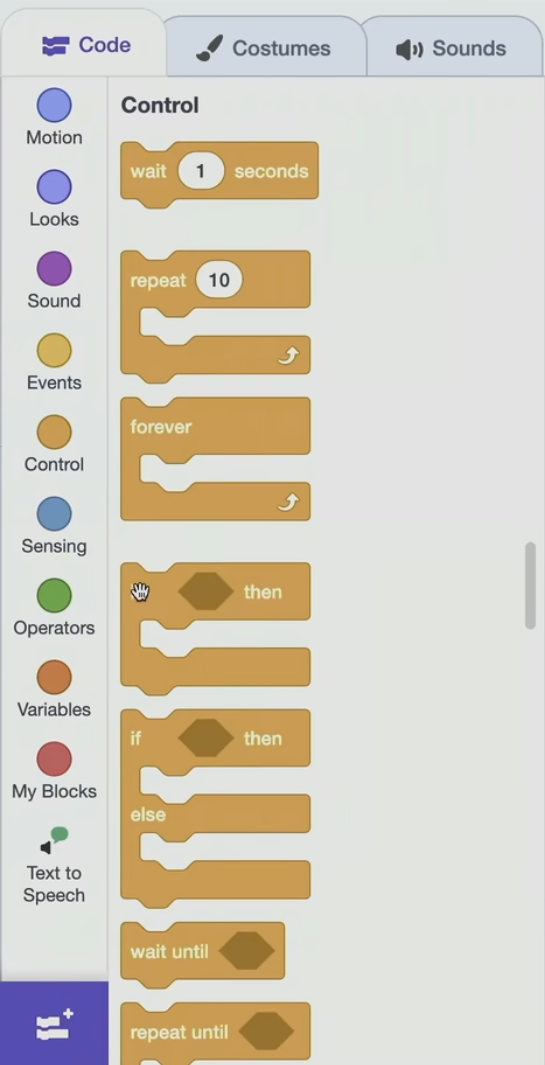
So let me go under Control and let me grab this if conditional, which we talked about as a building block earkier.
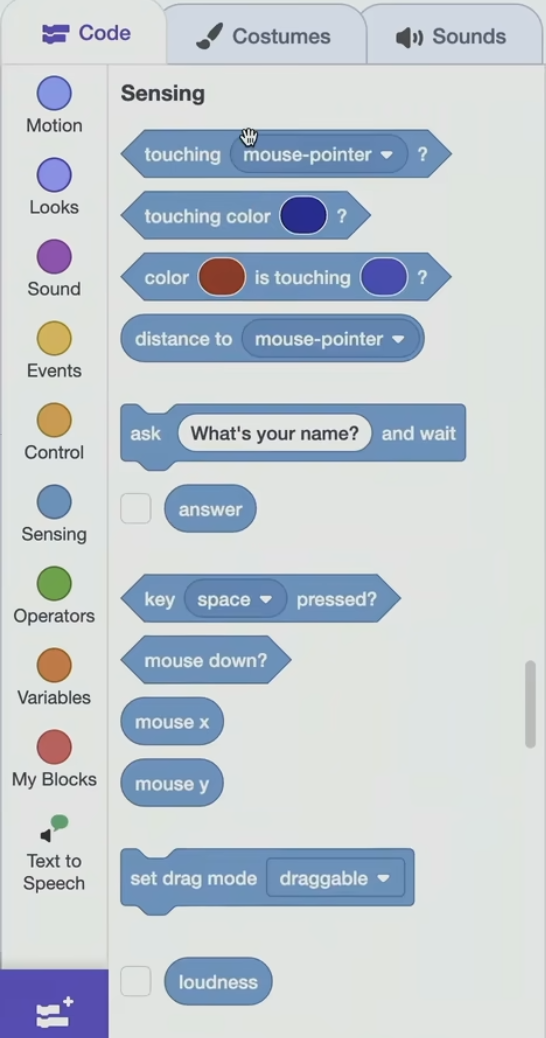
Let me go to Sensing and we haven't used this before. But here is a weird sort of diagonal shape that says touching mouse pointer question mark ? So that's a Boolean expression.
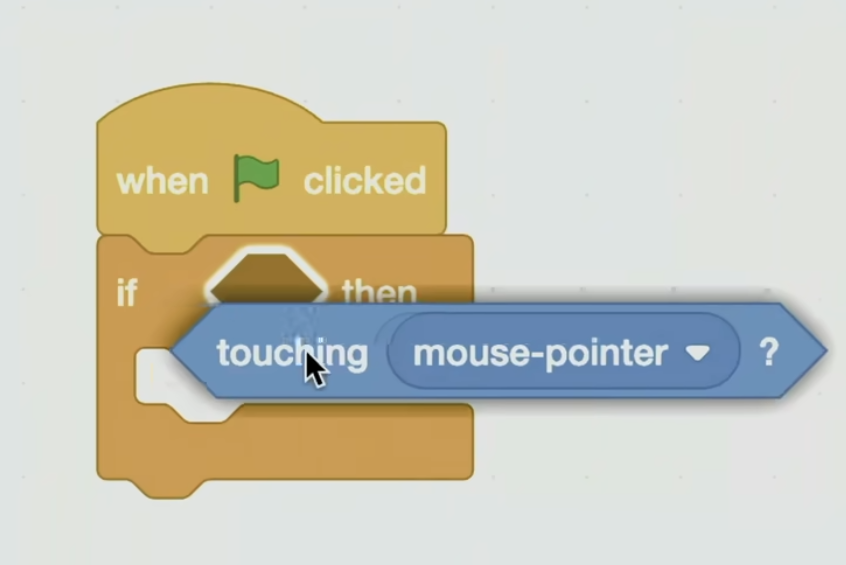
So I'm going to drag that, and it's definitely the wrong size.
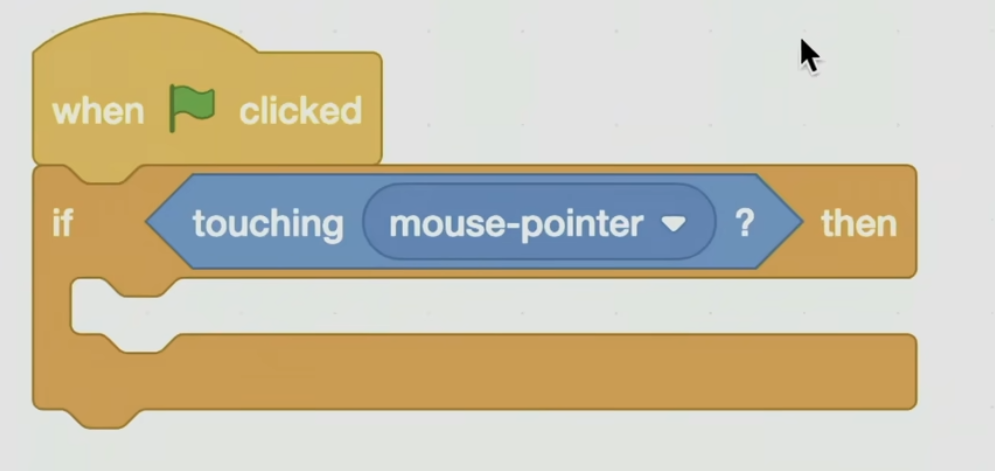
But it's the right shape, so it will grow to fill. And the question I want to ask is if the cat is touching the mouse pointer then go ahead and meow happily.
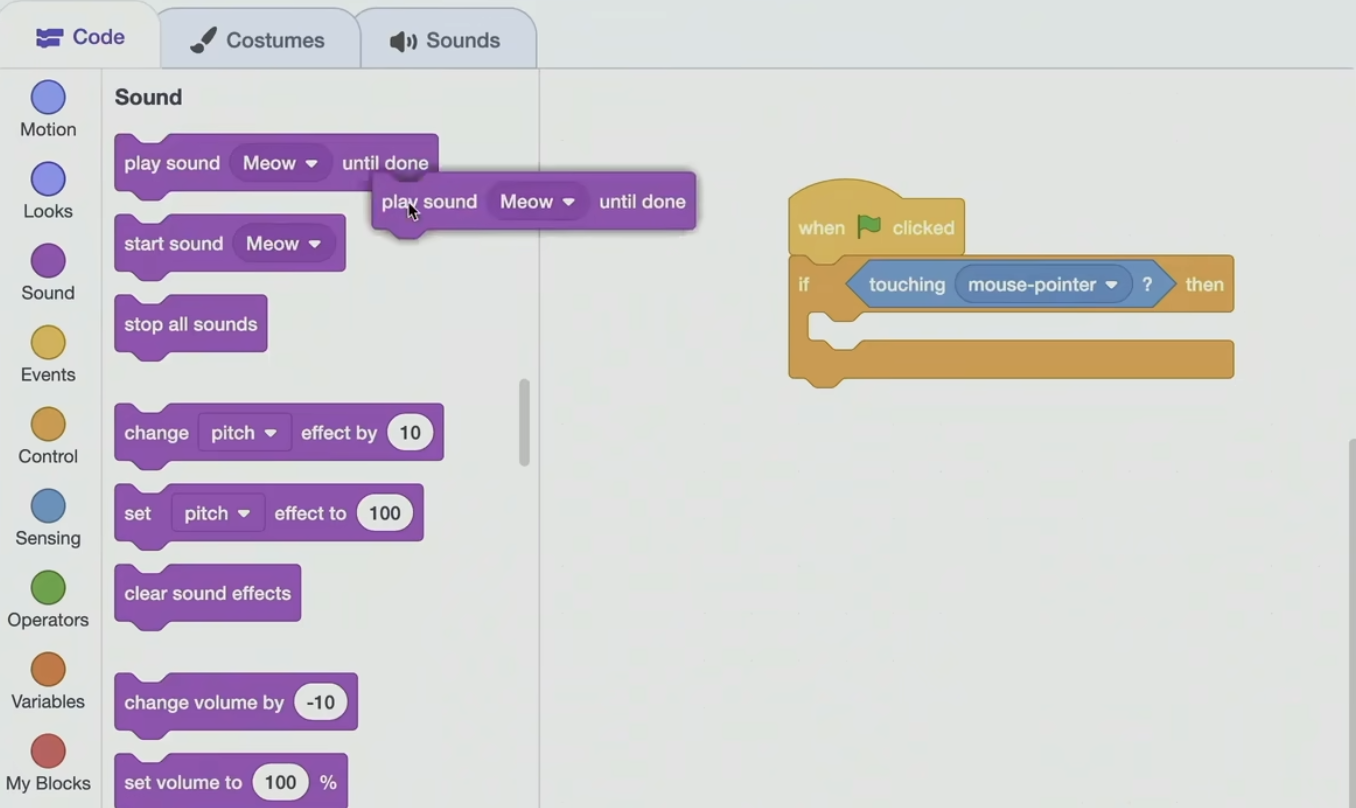
So let me grab the meow sound put it in there.
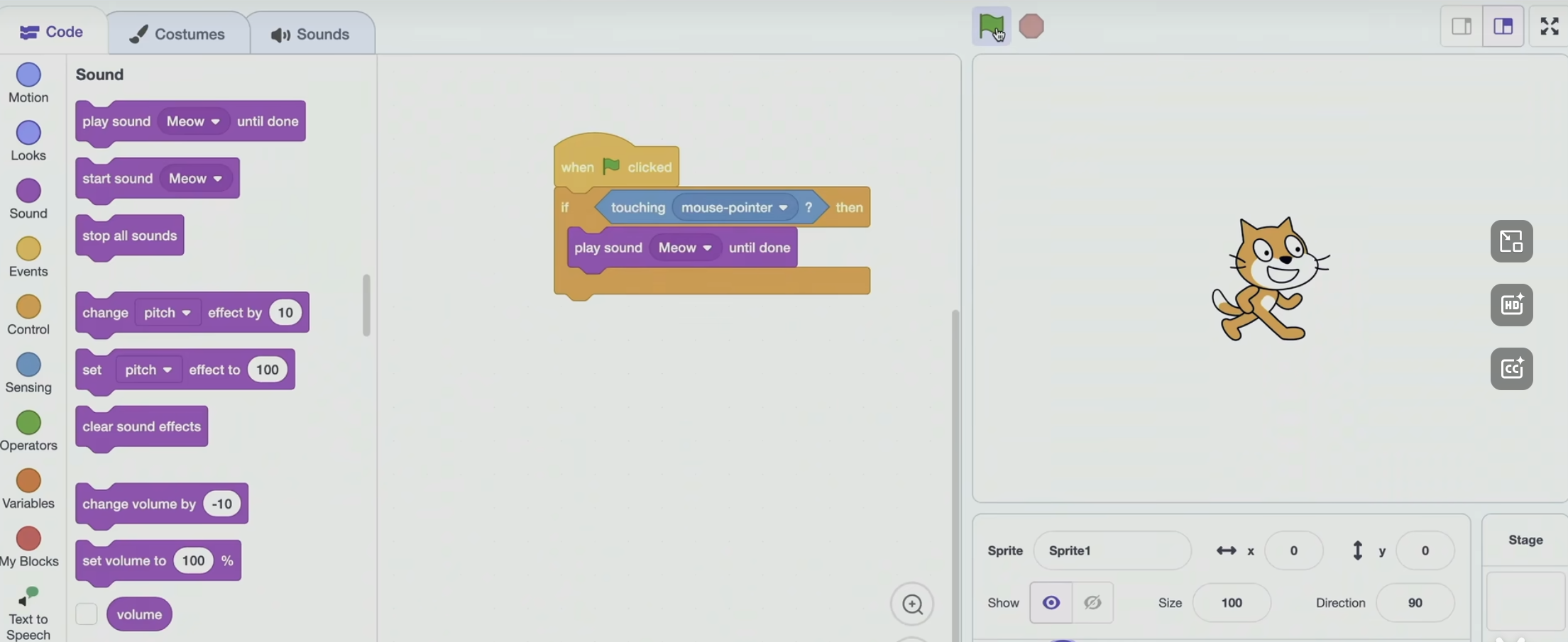
And so I think when I click the green flag to start the program and now I let the mouse point touch the cat, we should hear - - Doesn't seem to be wrong. There's a bug or a mistake in this program too. I don't need to specify the sprite explicity because a detail I didn't discuss earlier.
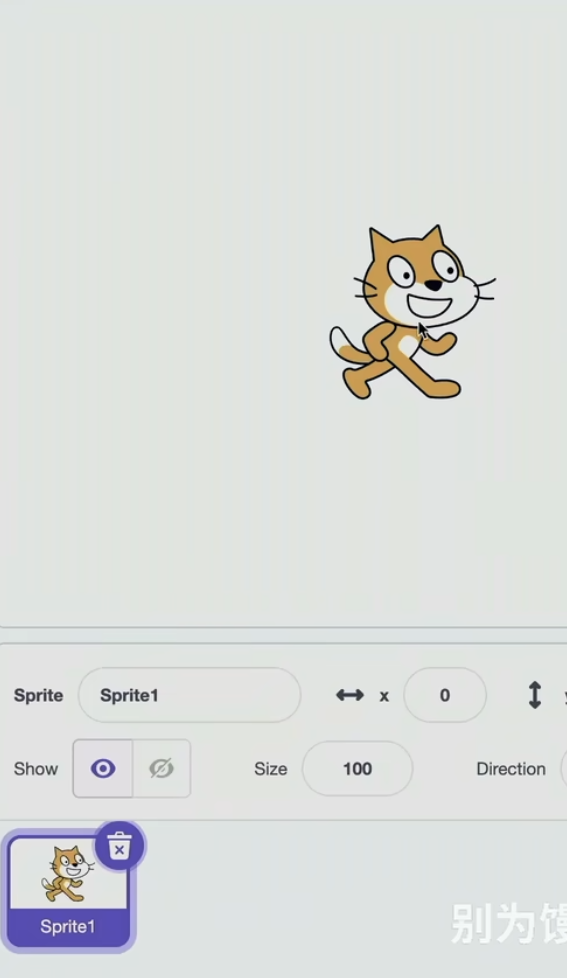
In the bottom right of the screen, notice that the cat is already selected. So this code relates to that cat. So your instinct is good if we had two or more sprites but I just have one, so I'm covered there. It only check out one ? So I click the green flag. The computer did what I told it to do. The more pointer was not touching the cat at that moment because it was touching the green flag. So, of course, it didn't meow. So what maybe is the fix here ? What puzzle piece can we add ?
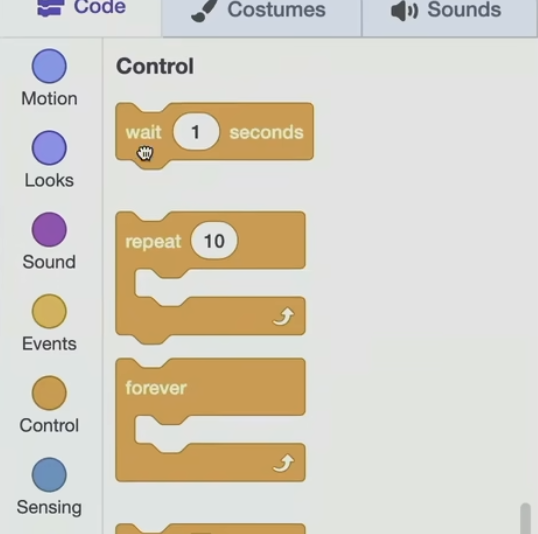
So let me go ahead and under Control let me grab a - - wait one second.
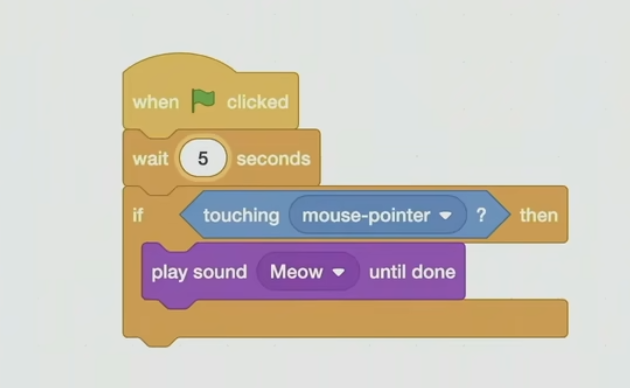
I'm going to change the 1 to 5 and now I'm going to click the green flag. So here we go. It didn't work. Oh, maybe forever ? So your approach would work but it's very much a hack, if you will. Like, I would have to time it perfectly so that the mouse pointer is touching it, or conversely, I have to drag it there and just leave it there for five seconds. And that's a little weird because you don't just touch a cat and then five seconds later it meows at you. Like, presumably, we want it to be more interactive. So I like this idea of a loop.
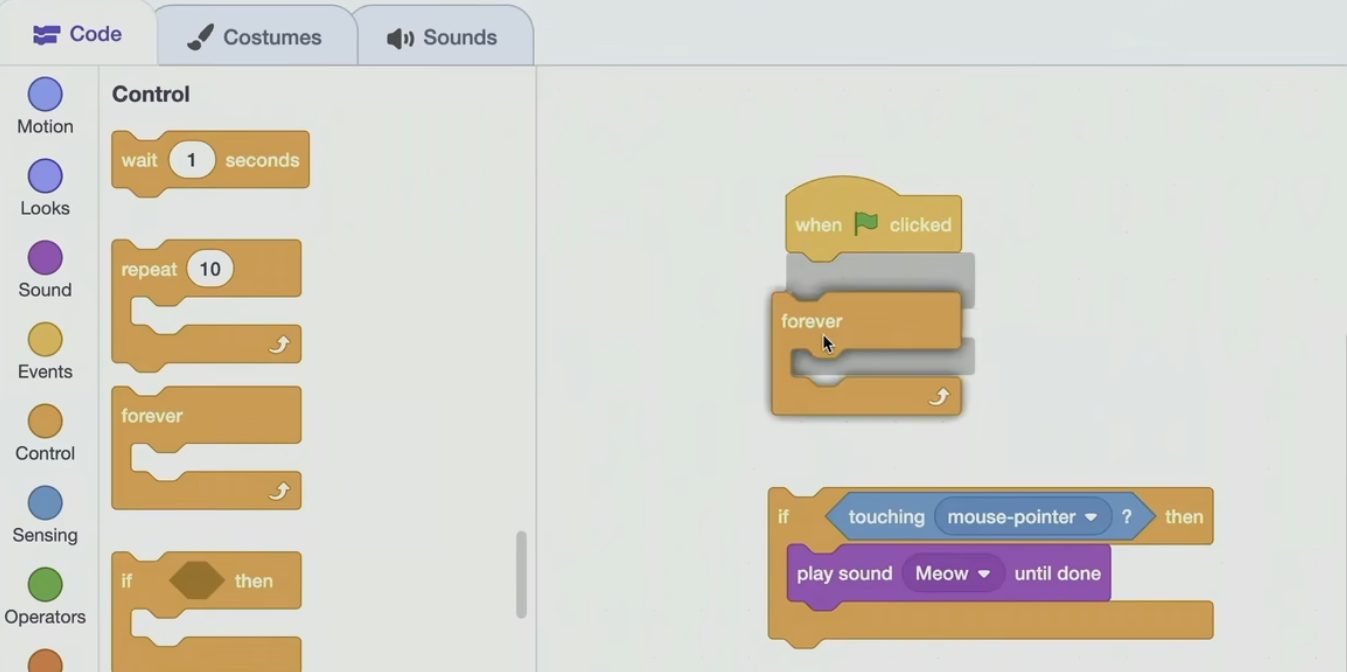
Why don't we just tell the cat to forever listen for the cursor as by using not repeat but forever ?
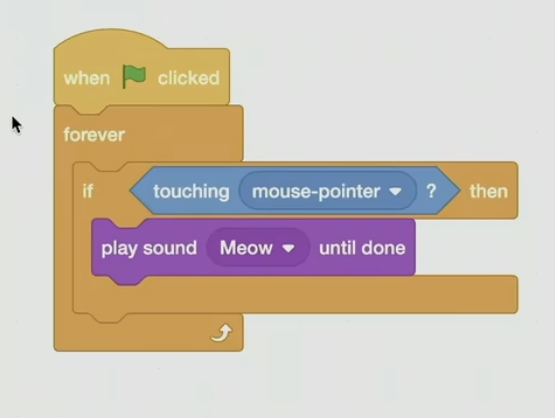
Let me move this in here, so now the cat's going to be told when the green flag is clicked just forever, if touching, if touching, if touching. Oh meow when actually touched. So now if I zoom out and hit Play, nothing's happening. I don't have to wait any number of seconds. But when I do touch the cat - - So now it's actually working quite well.
⑵
So there we have sort of a logical bug. But it does make sense if you think about what it was you told the computer to actually do. Well, let's make things even more interesting by using one of these extensions.
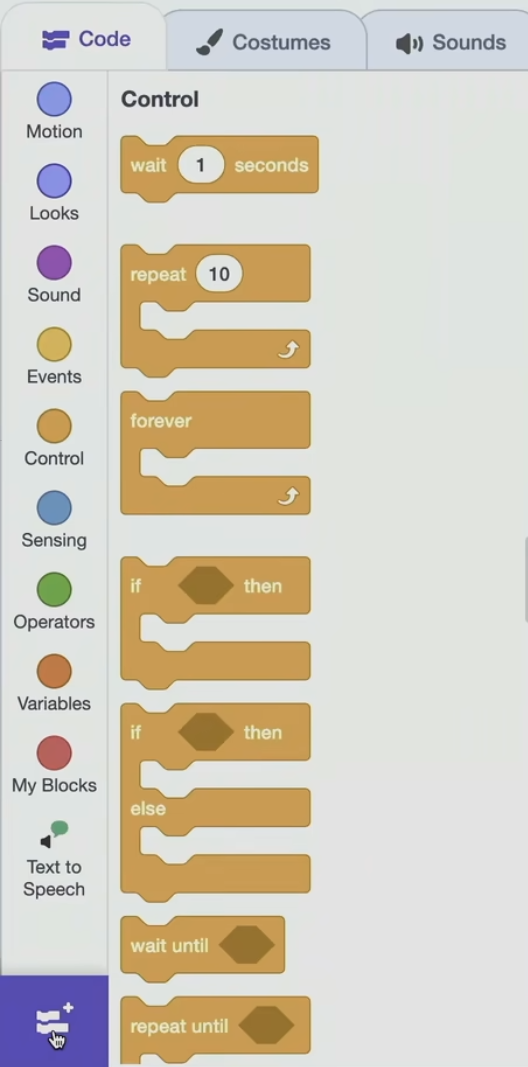
In this bottom left corner, this is how I got to text - to - speech earlier.
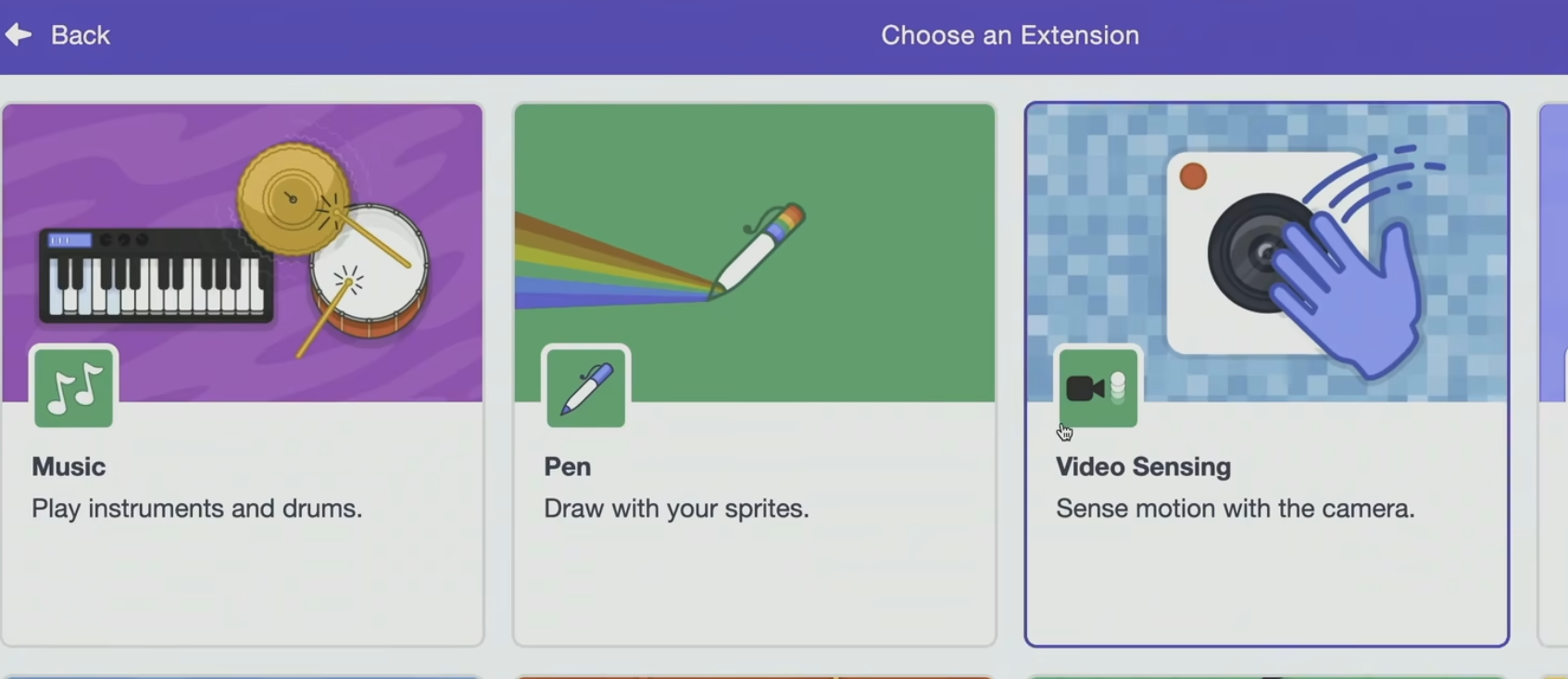
Let me go to Video Sensing over here too.
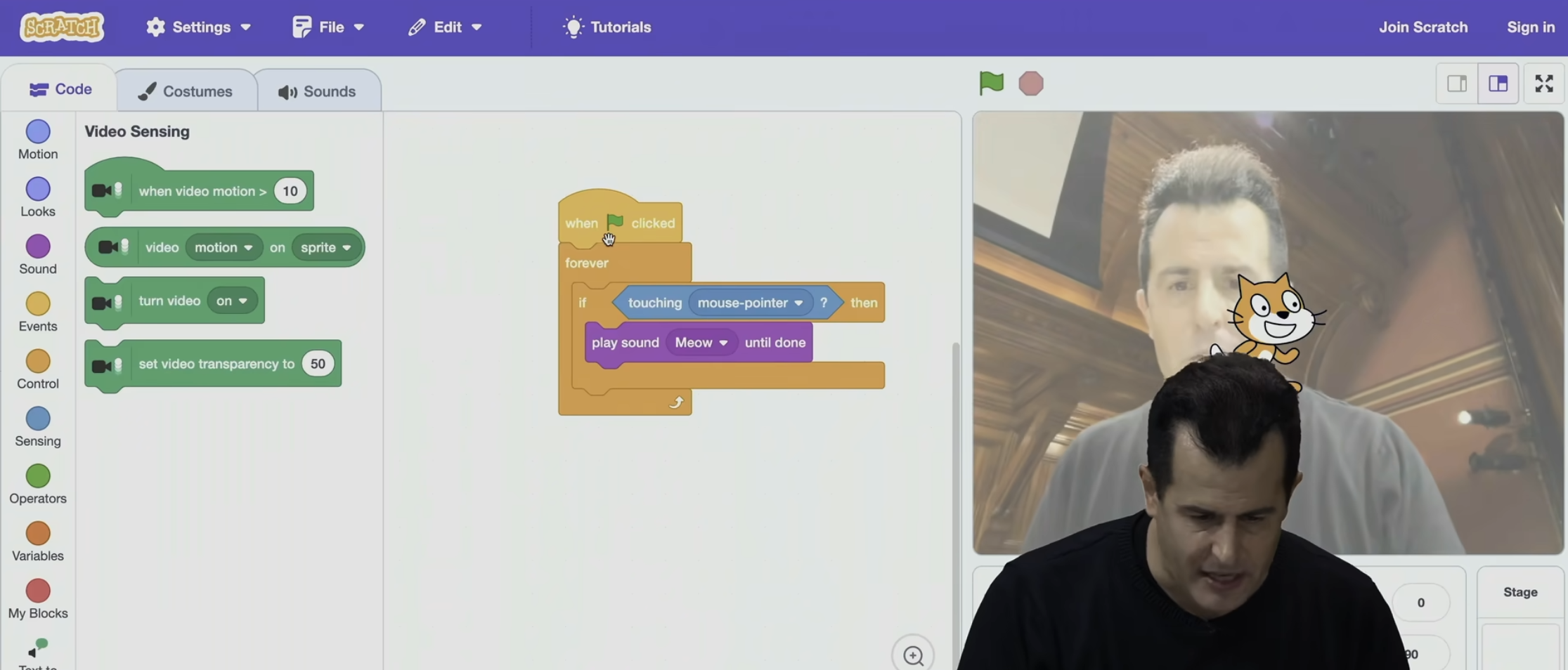
And I can actually - - there we go - - literally, the video has come on.
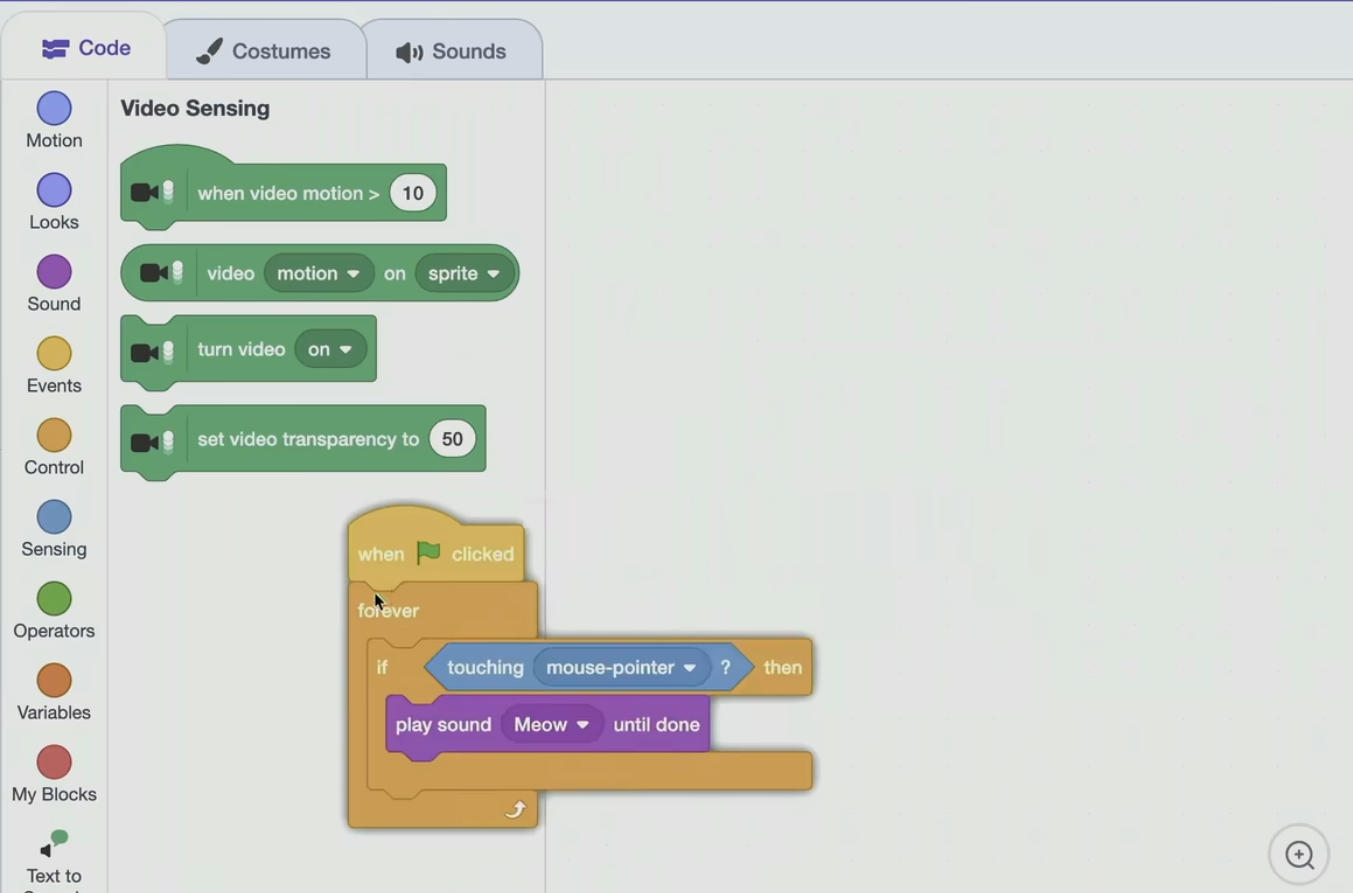
Let me go ahead and do this, get ride of this code,
and let me step out of the frame.
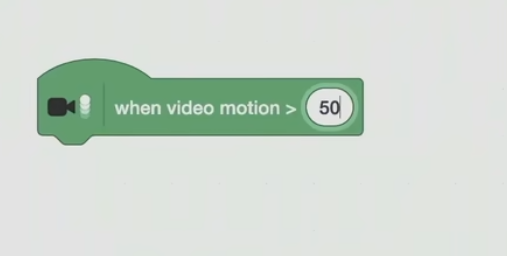
When video motion is greater than - - Well, this is CS50, so let's just type in 50, which is just a measure of motion.
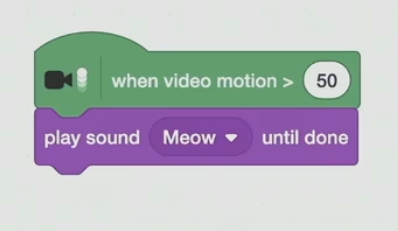
Let me go and play sound meow. Ok, and let me stop and restart.
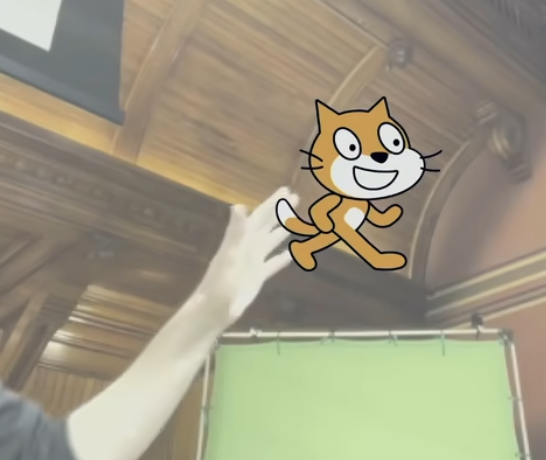
So there's the cat. MEOWING Ok, it worked. The cat's a little insensitive. Actually, you know what ? Maybe it's just - - let me put - - let's change it. 20.
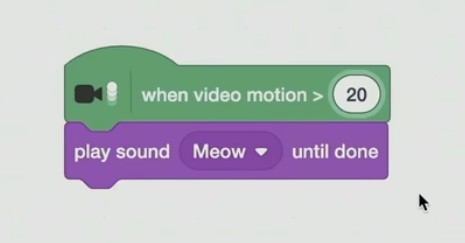
So now it's a little more sensitive to the petting by using the camera. Now this is kind of a weird example. And if I just start moving around crazily like it's just going to meow incessantly, which was what was happening - -
MEOWING \] \[ MEOWING
So now we're back to where we wanted to be. But where can we now use these kinds of building blocks? Like, we were doing such tiny little programs.
⑶
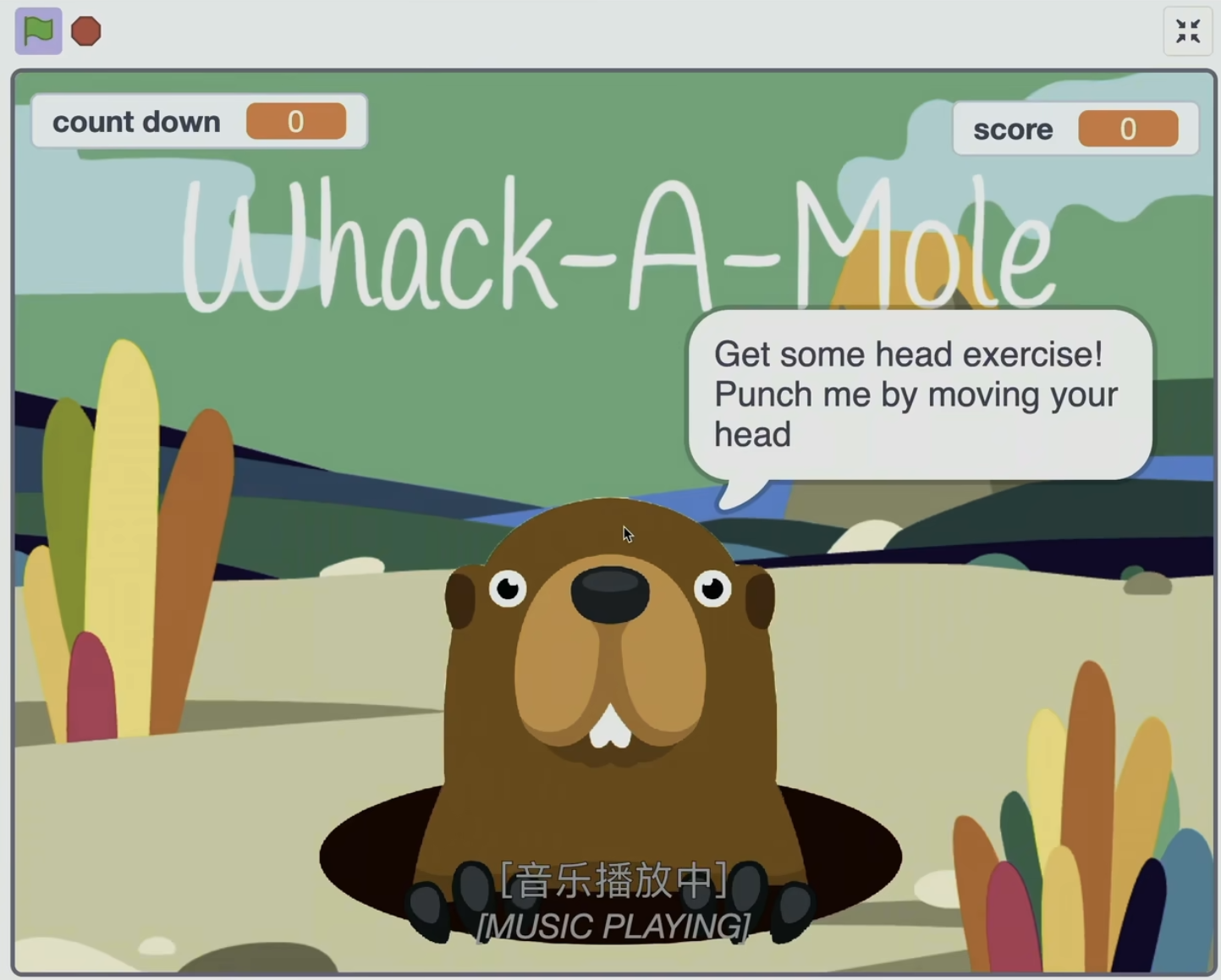
So we won't look at the code for that actual game. It was written by one of your predecessors. And you can see it online if you're curious. But you can think about now with our functions, conditionals, Boolean expressions, loops how you could kind of compose that kind of program. So odds are there was a loop that was just constantly listening for that kind of connectivity, or it was one of those extensions that was waiting for motion to go touch one of those sprites.
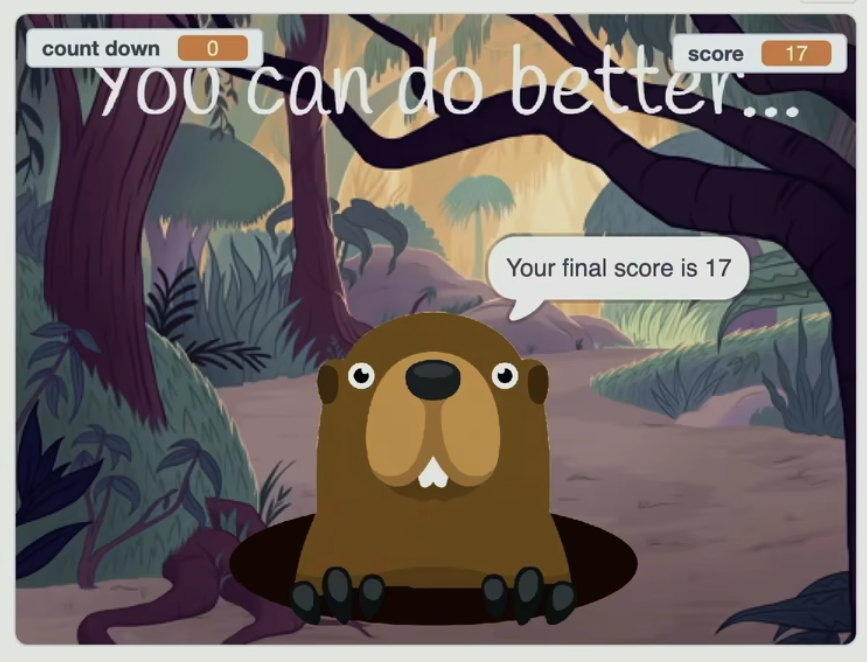
Notice that there's these numbers up here. And we haven't talked about this yet. But just like in math, where you can have variables x, y, and z, in programming, you can create variables using other puzzle pieces in Scratch that
just keep track of how many seconds are left,
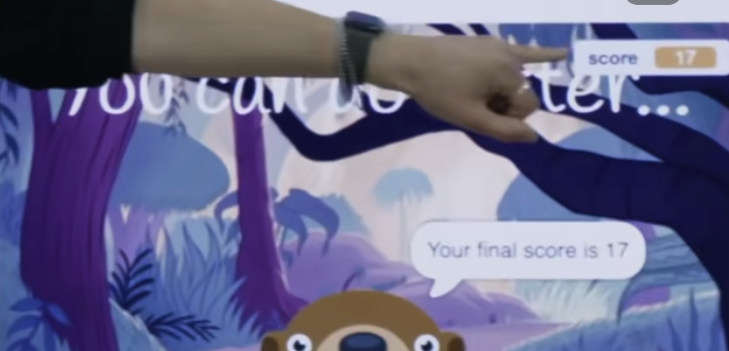
that keeps track of how many times her head hit one of the moles. And so you can implement the mechanics of games using very simple building blocks. But how do you go about building something that's more interesting and interactive like that ? And the game I made was this one here. Let me find the right version of " Oscartime ".
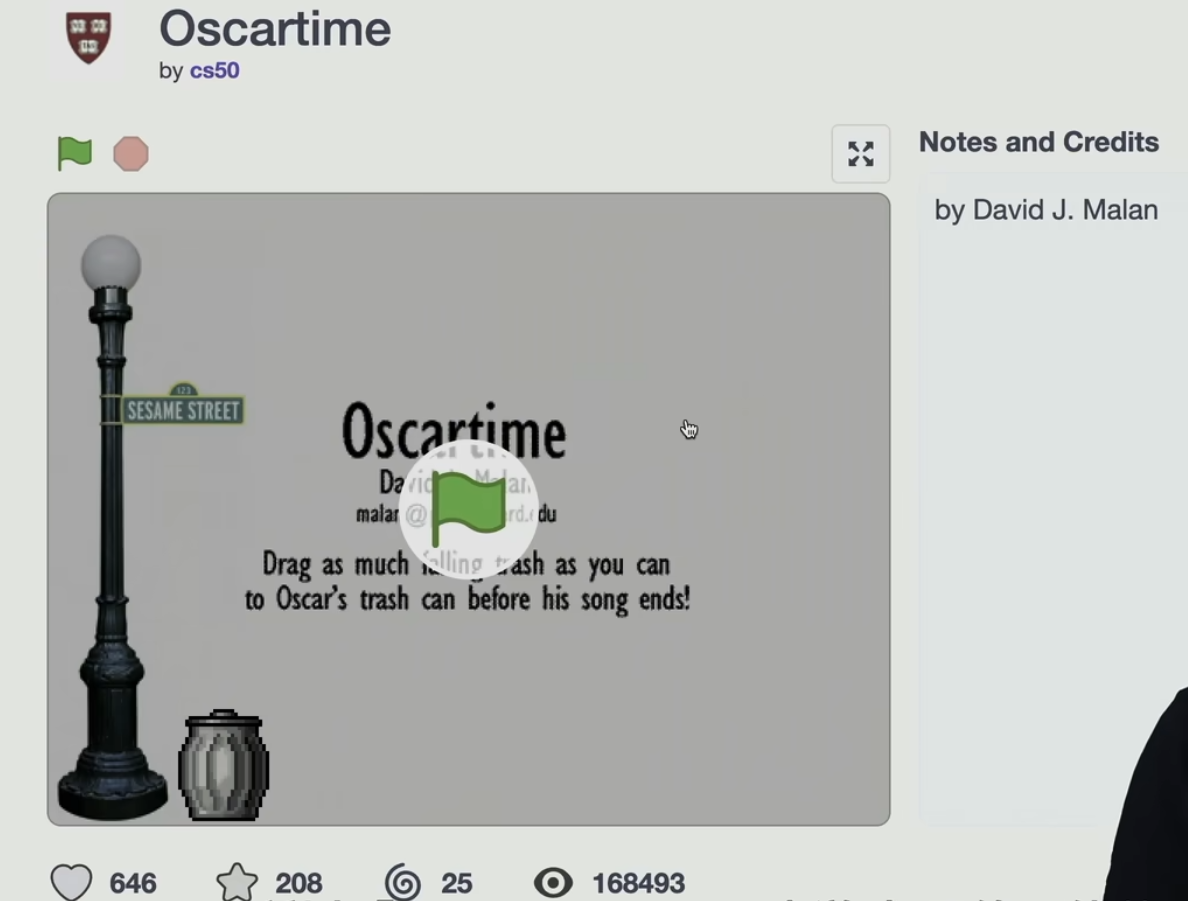
So " Oscartime " is a game that took me tens of hours probably in the end
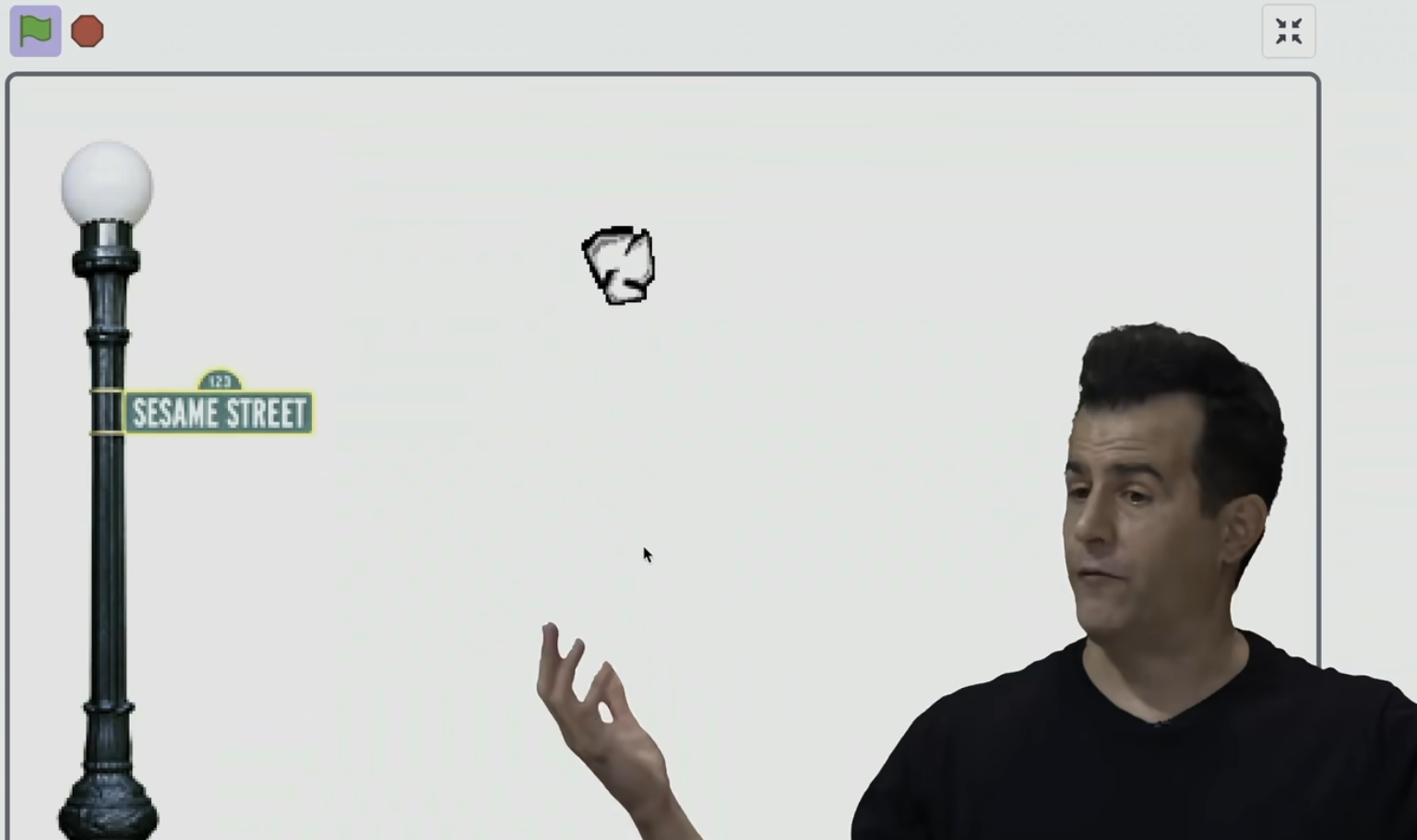
where a trash is falling from the sky. And I can click on it and drag it.
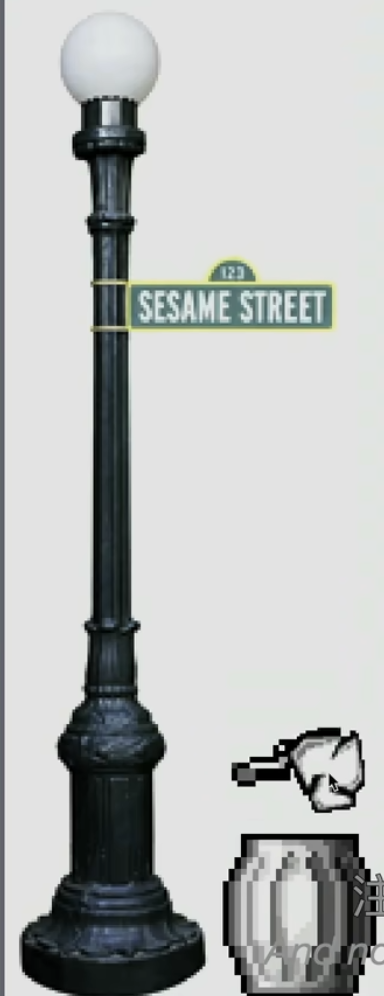
And notice as I get close, the lid opens up like this. And if I let it keep falling, it goes in,
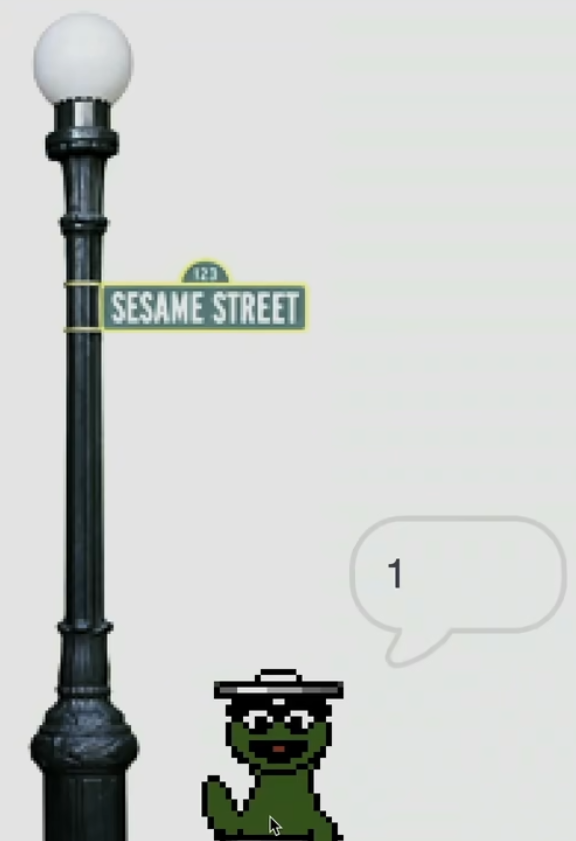
and Oscar gives me a point.
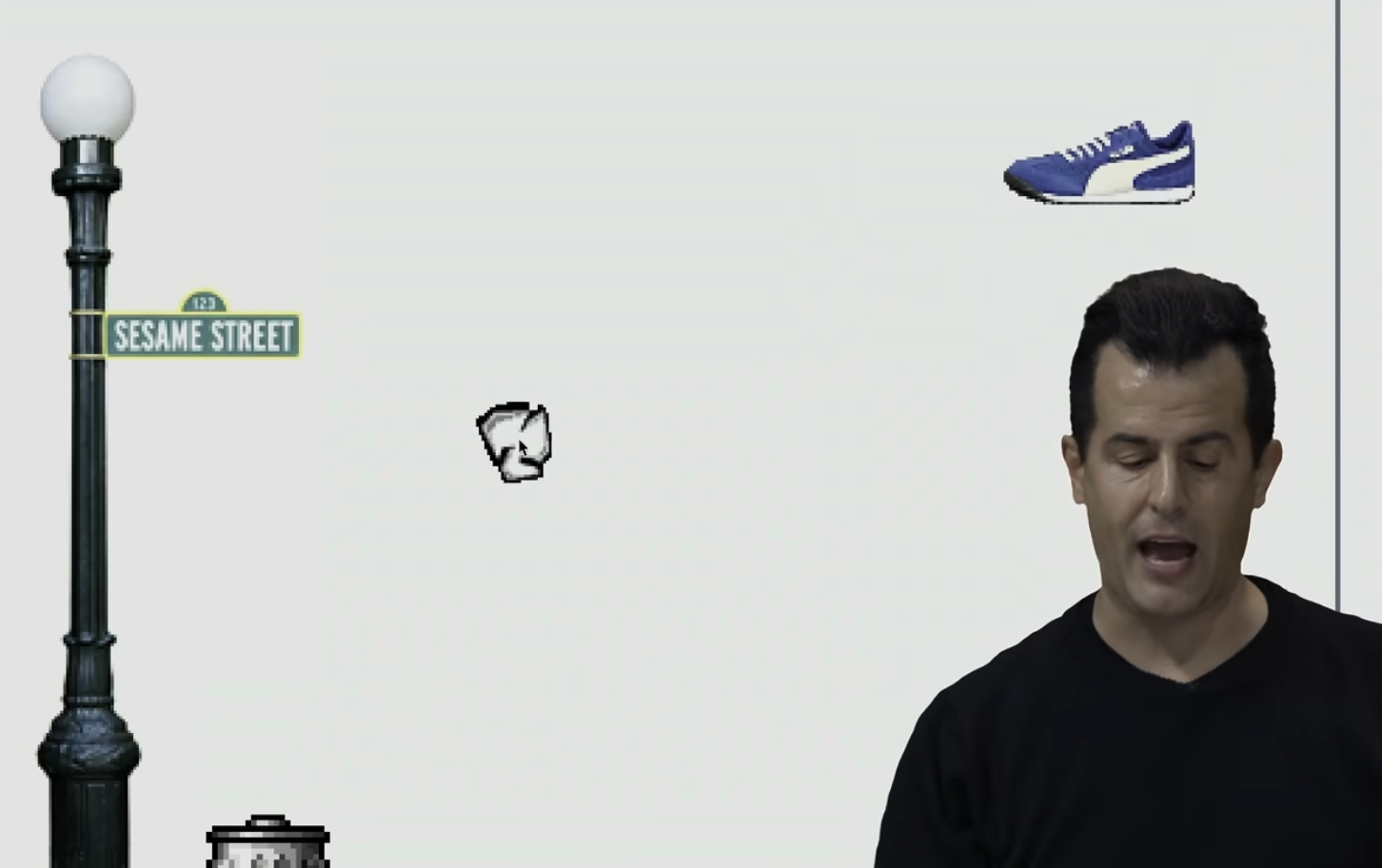
So now there's two pieces of trash. And it just keeps going, and going, and going. And if we can lower the volume for just a moment, we'll let more trash fall. But to your comment earlier about one sprite or more sprites, that's what we're seeing here. Even though our examples thus far are just one cat, one or two puzzle pieces, or a few puzzle pieces.
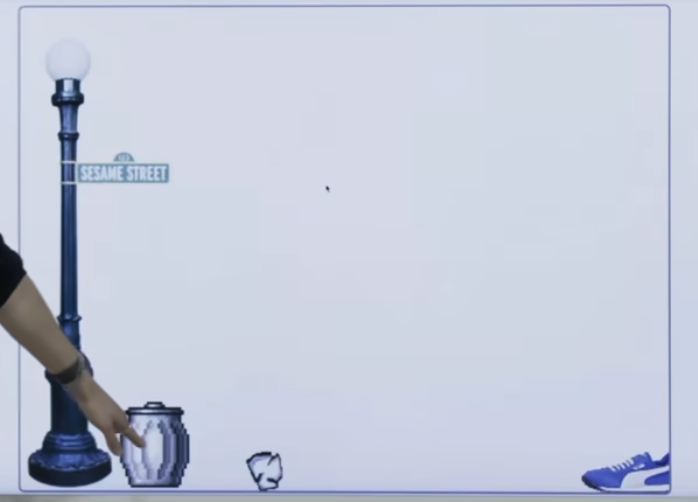
Here is, I claim, a sprite.
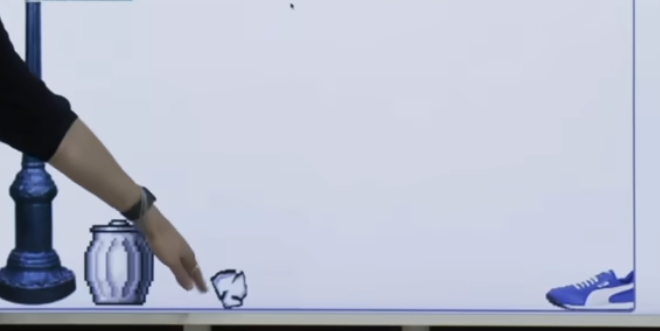
Here is another sprite.
Here is another sprite. And by toggling among them in that bottom right-hand corner, I can just associate different puzzle pieces with each of these sprites. Now, I didn't start off by implementing this whole game. And in just a moment, if we can raise the volume a little bit, we'll see even more trash is falling. But it brings to life all of these different sprites. And if you play it again and again, it's always a little bit different because I'm using some randomness.
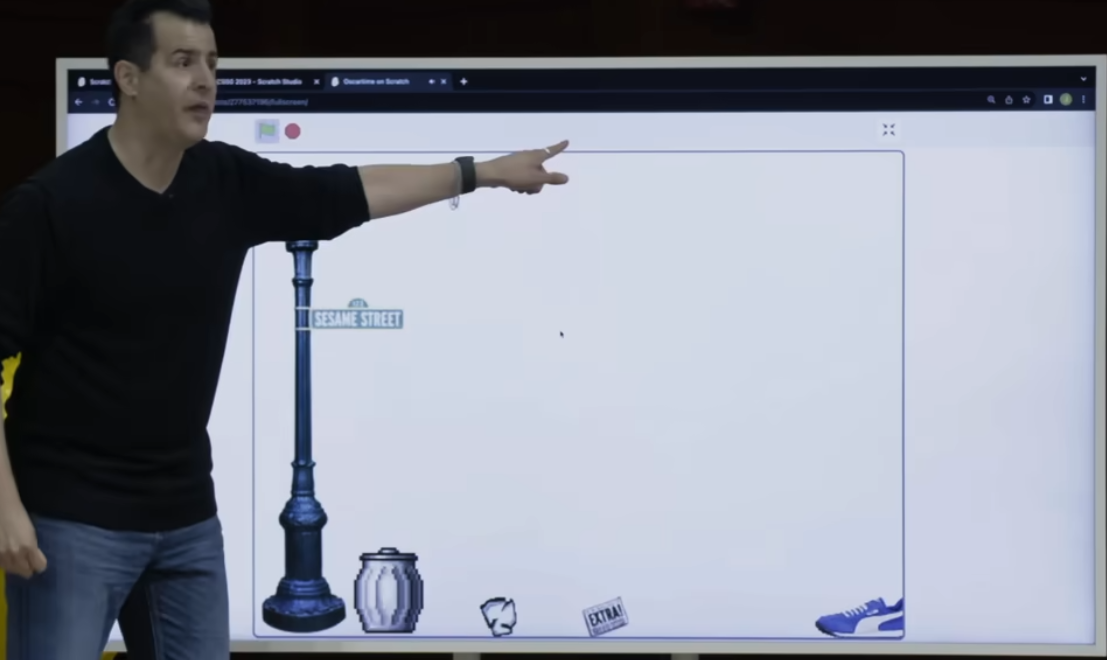
So this newspaper doesn't always fall from there.
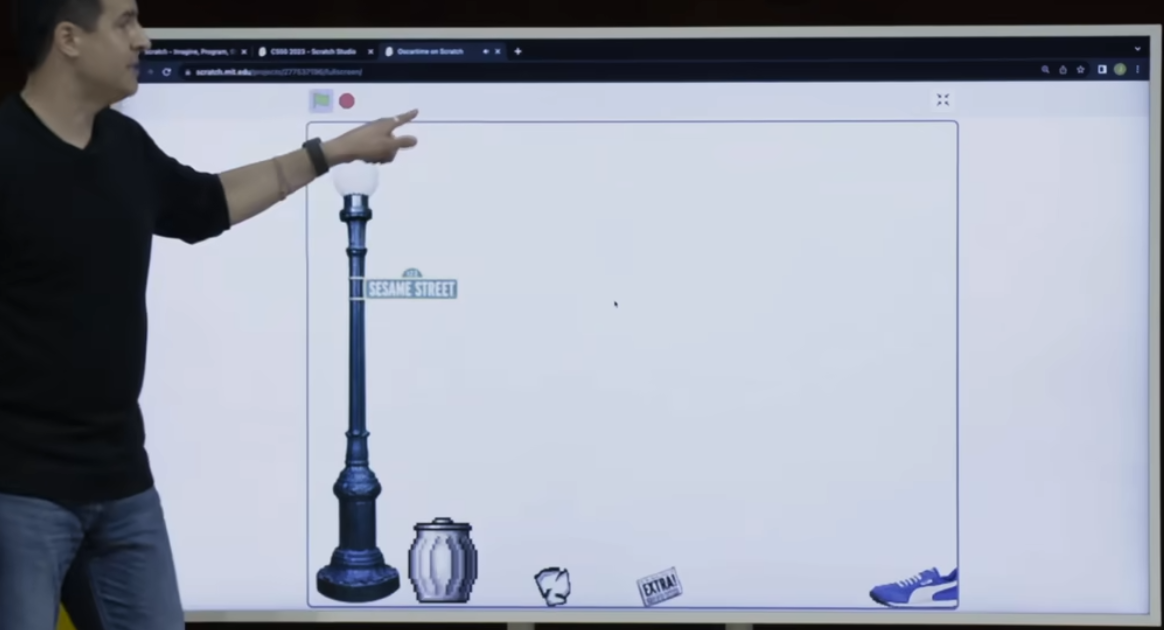
Sometimes is here.
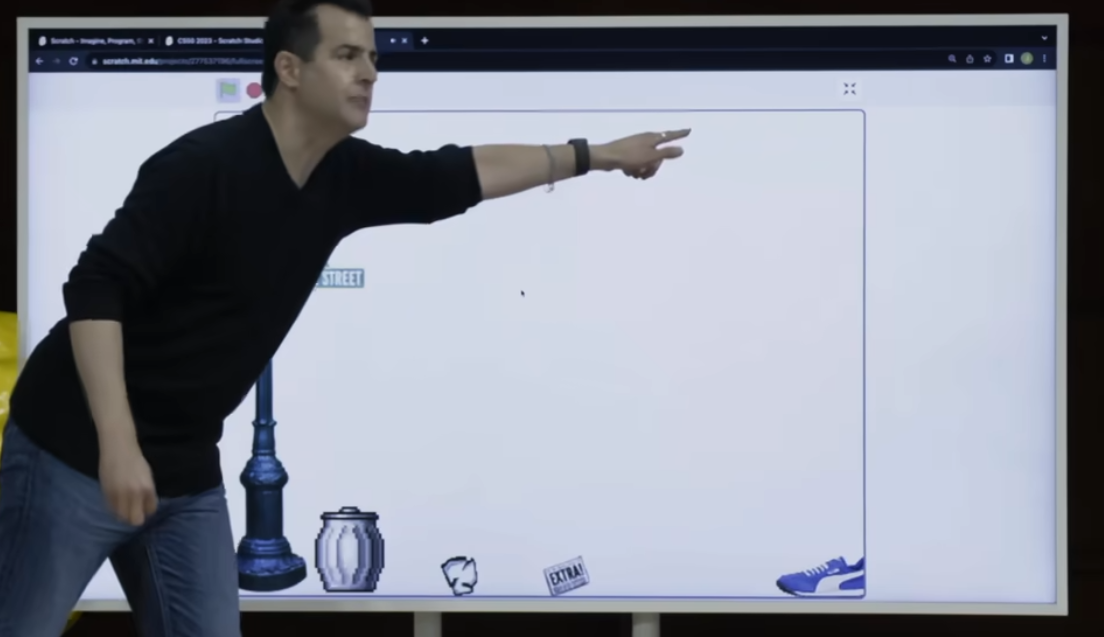
Sometimes is here. And so here, again, we have mechanics of a game where things are being perturbed a little, randomized a little bit to keep things more interesting. And let me go ahead and consider. How I went about implementing that from the get-go.
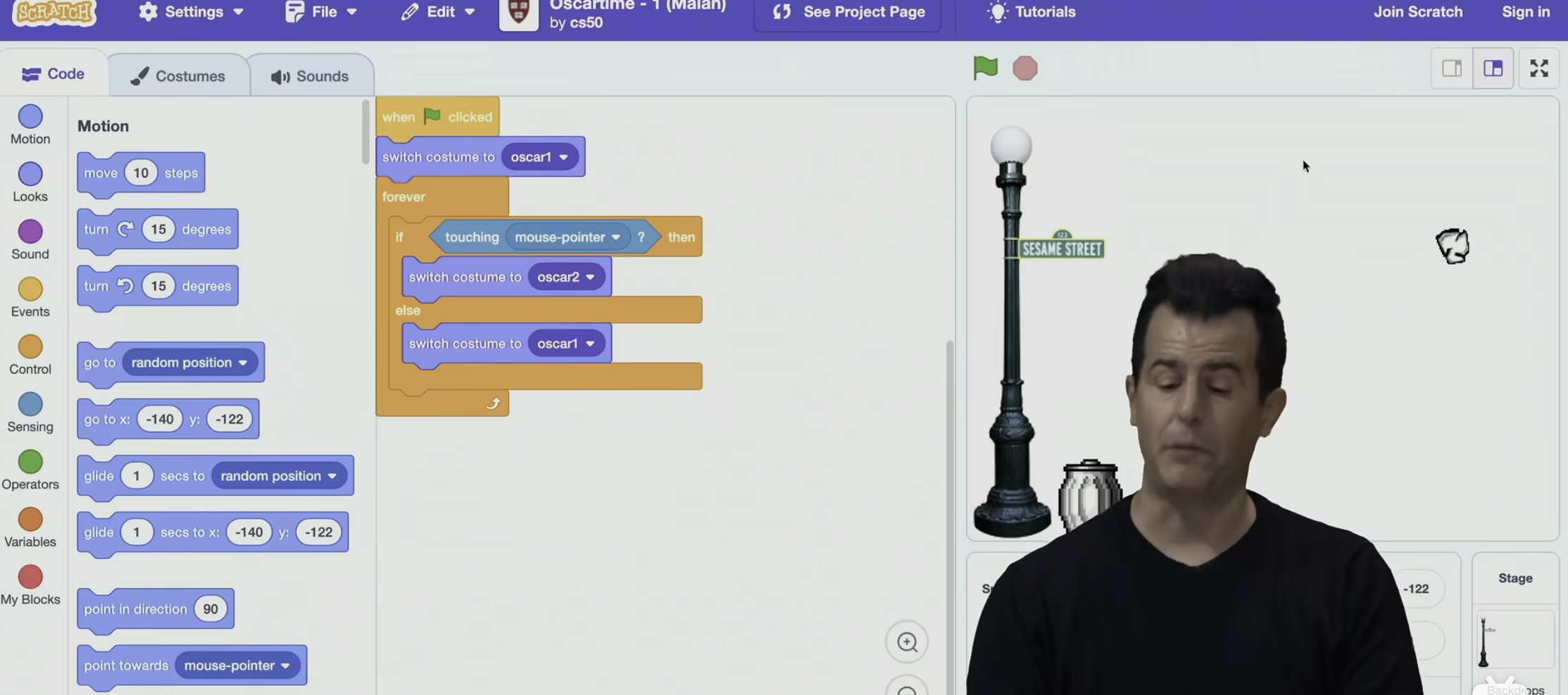
So I will stipulate - - let me open a few of these versions here - - that the very first thing I did was pretty much just implement the stage. I was kind of procrastinating, so I poked around.
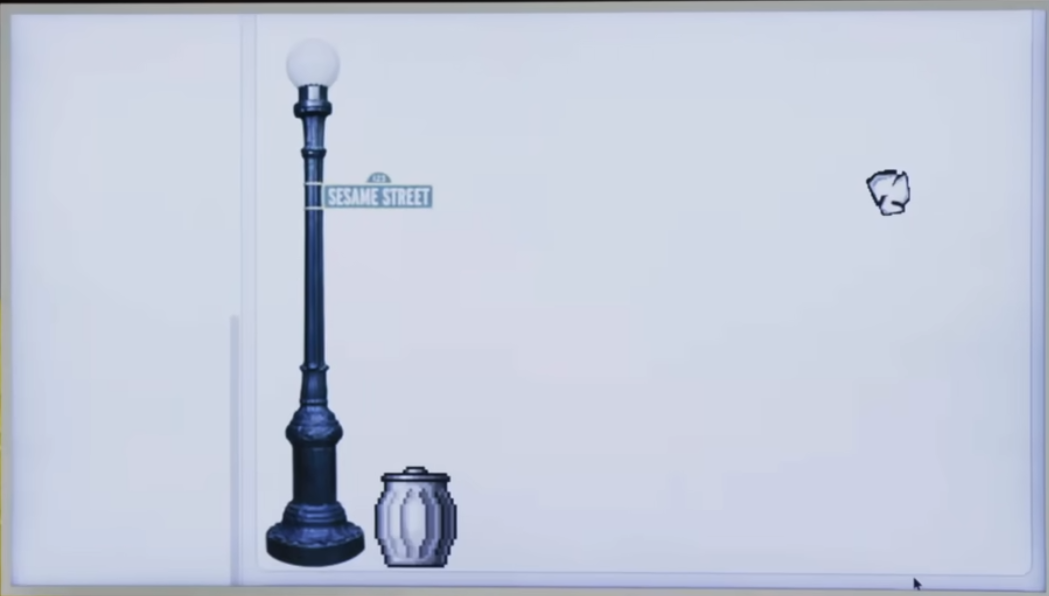
I found the Sesame Street Lamppost, and I dragged it into the world. And done, version one is done. I didn't do anything but at least I had the world sort of laid out. That is to say I took a baby step toward my goal. Then I started thinking about, all right, how do I bring the trash to life, even if it doesn't do much of anything else ? And so I created another sprite by clicking the appropriate button in that bottom right-hand corner. And I thought about, well, what do I want this trash to do ? I want it to just kind of fall from the sky. And so what I did here was the following what I actually did first was I didn't even have the trash fall.
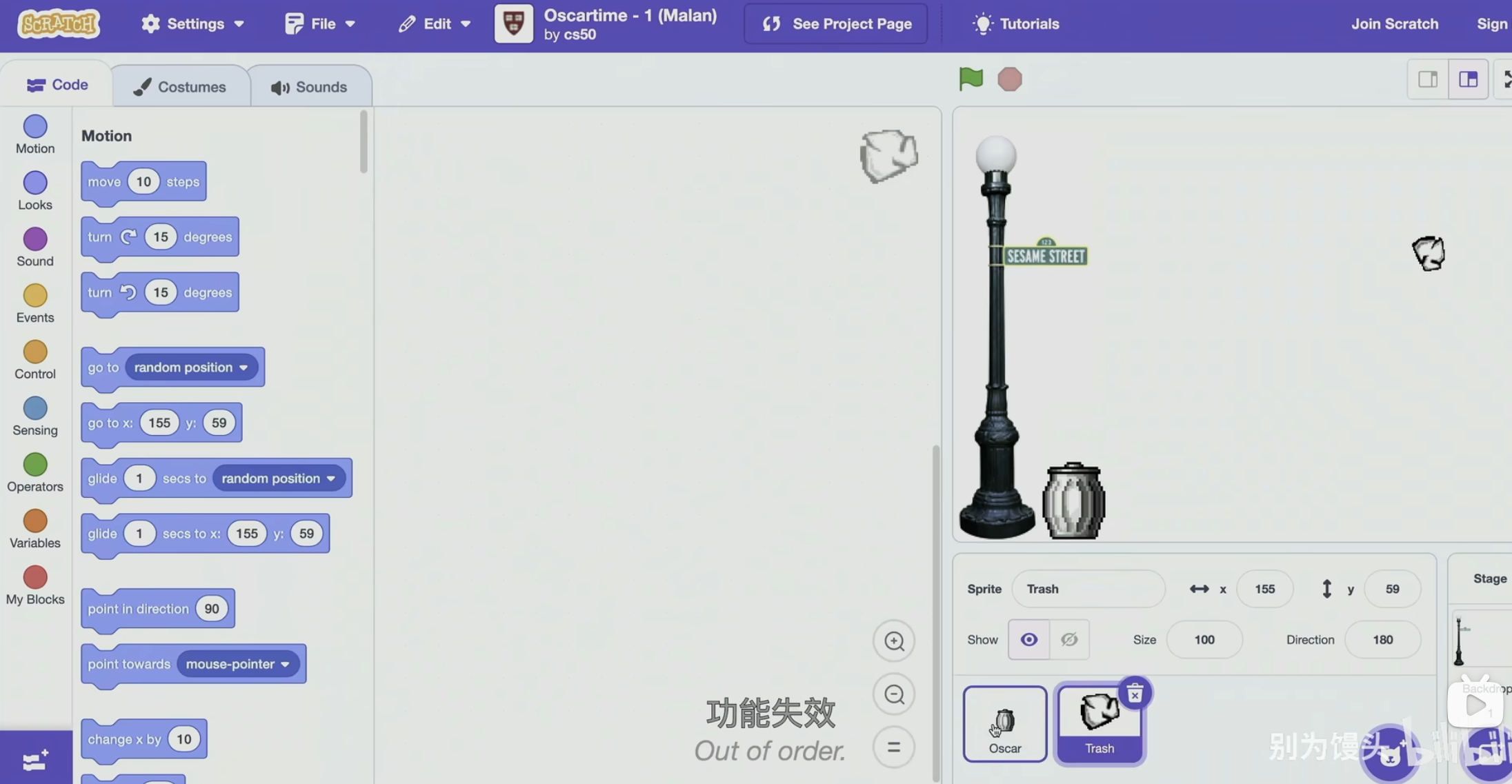
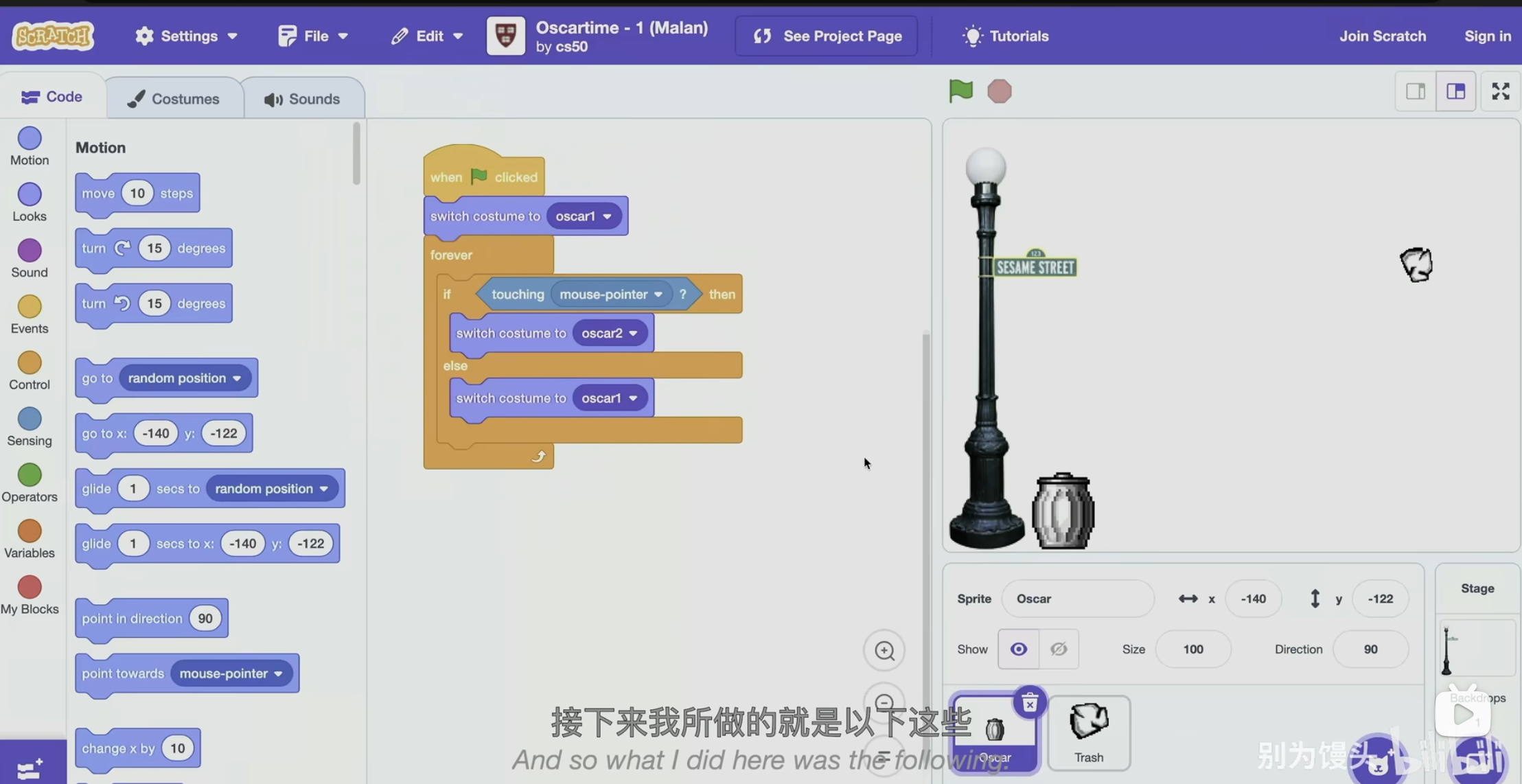
If I play this game, the trash just stays there in the air.
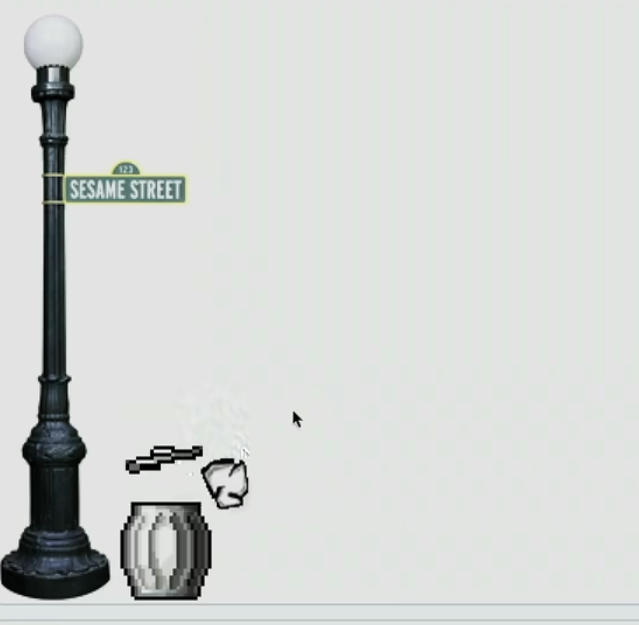
But I can do this, I can drag it and as before, as I touch the other sprite. I get the trash can lid to go up. So how do I do that ?
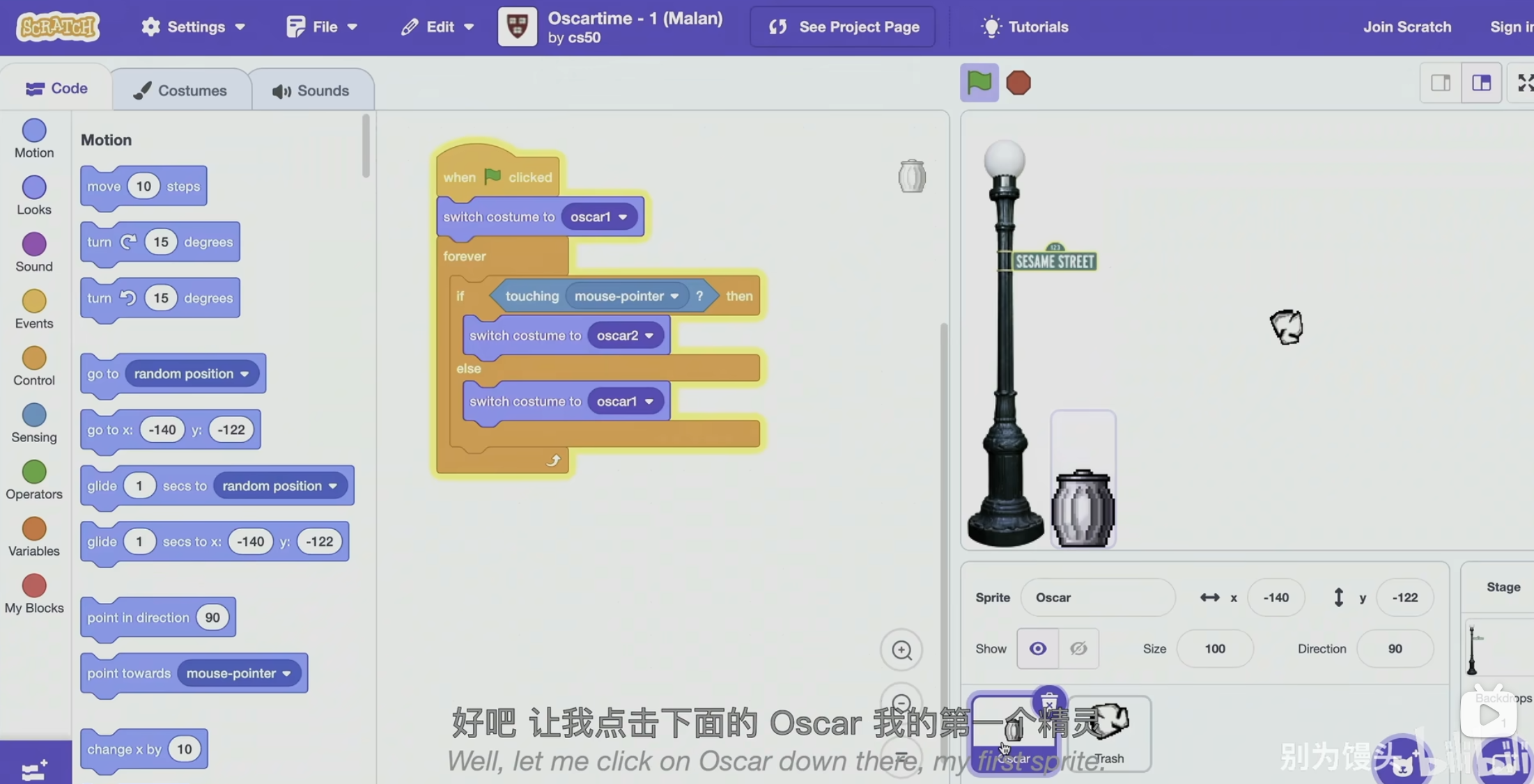
Well, let me click on Oscar down here, my first sprite.
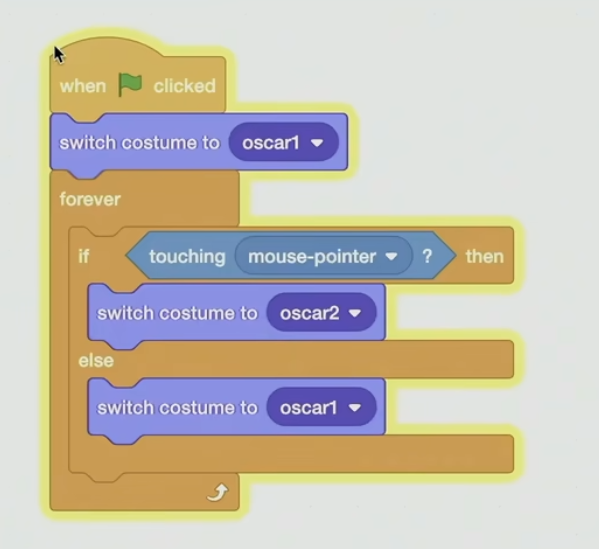
And here are the puzzle pieces via which I implemented this idea.
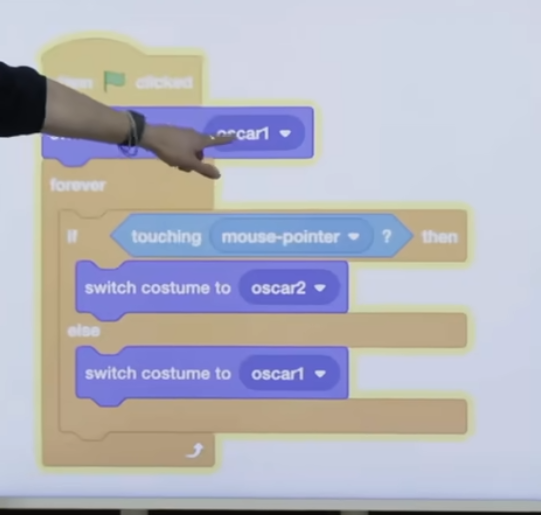
I change Oscar's costume, his appearance, to be just number one, which was one of the images I imported into the program.
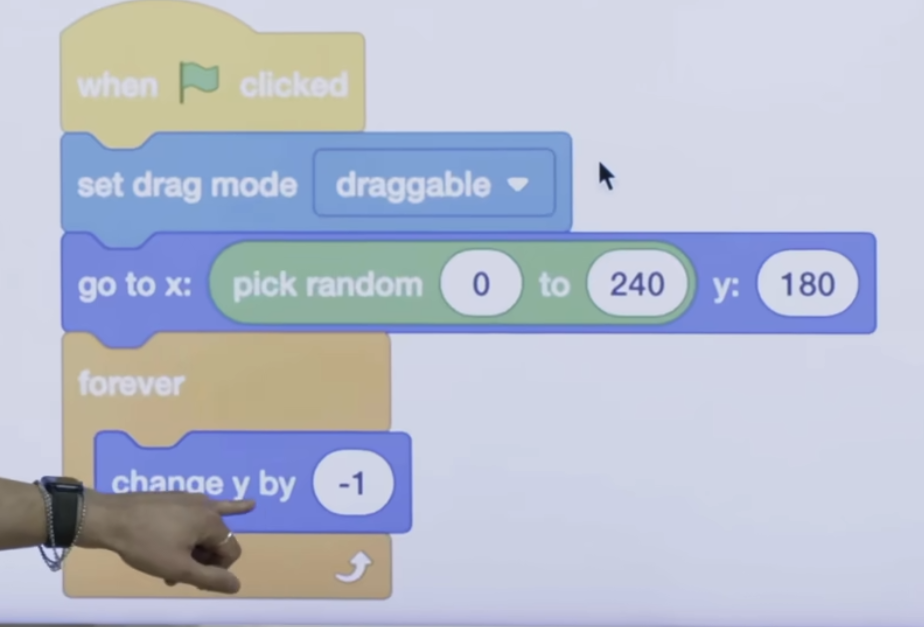
And then I forever did this. I told the trash to forever change its y-coordinate, its vertical coordinate, by negative 1, negative 1, negative 1, one pixel at a time, which creates the illusion of it falling from the sky. But I needed to do one other thing, and let me scroll up.
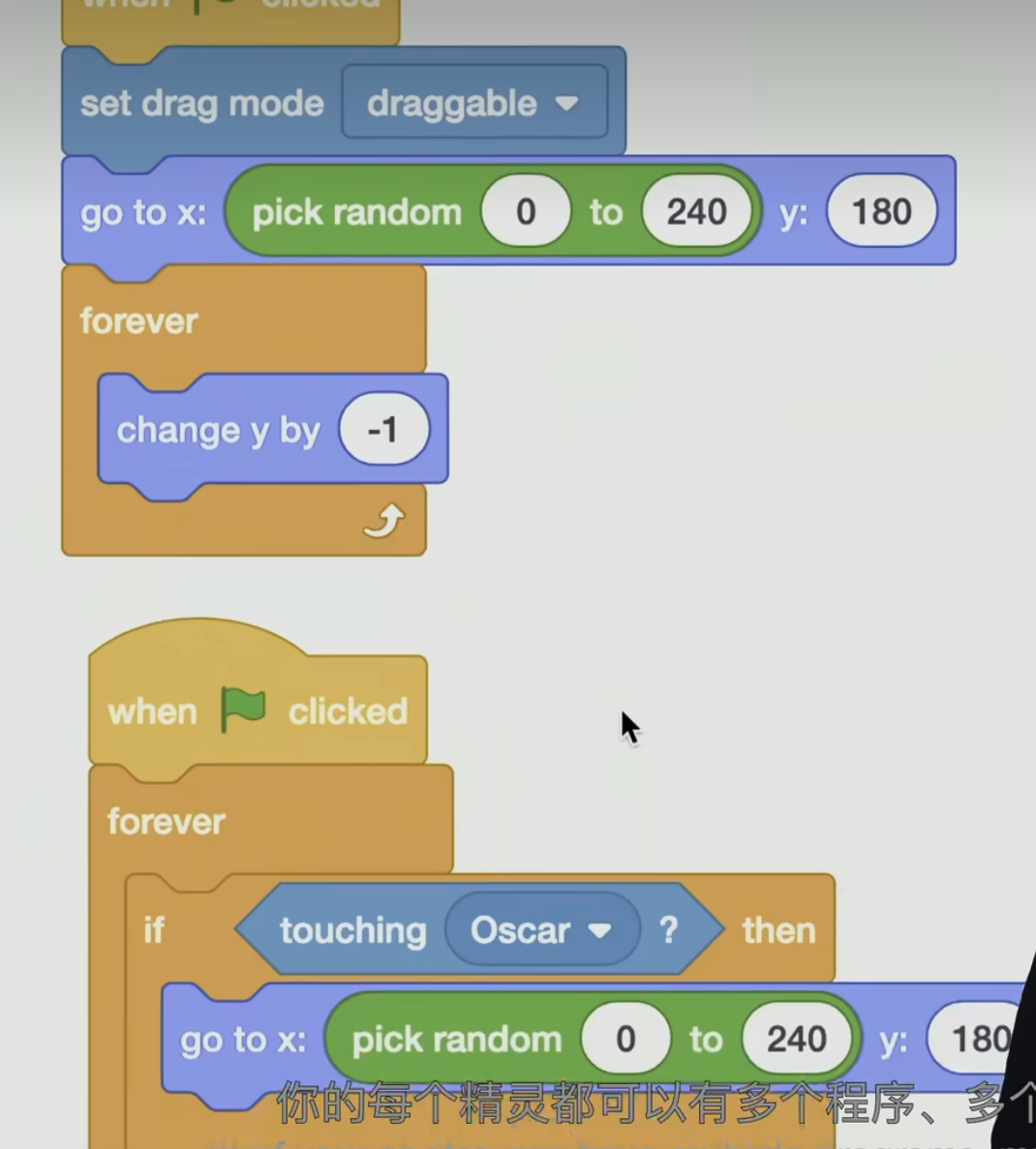
Each of your sprites can have multiple programs, multiple scripts, so to speak, that are not attached to one another. They will happen in parallel for you.
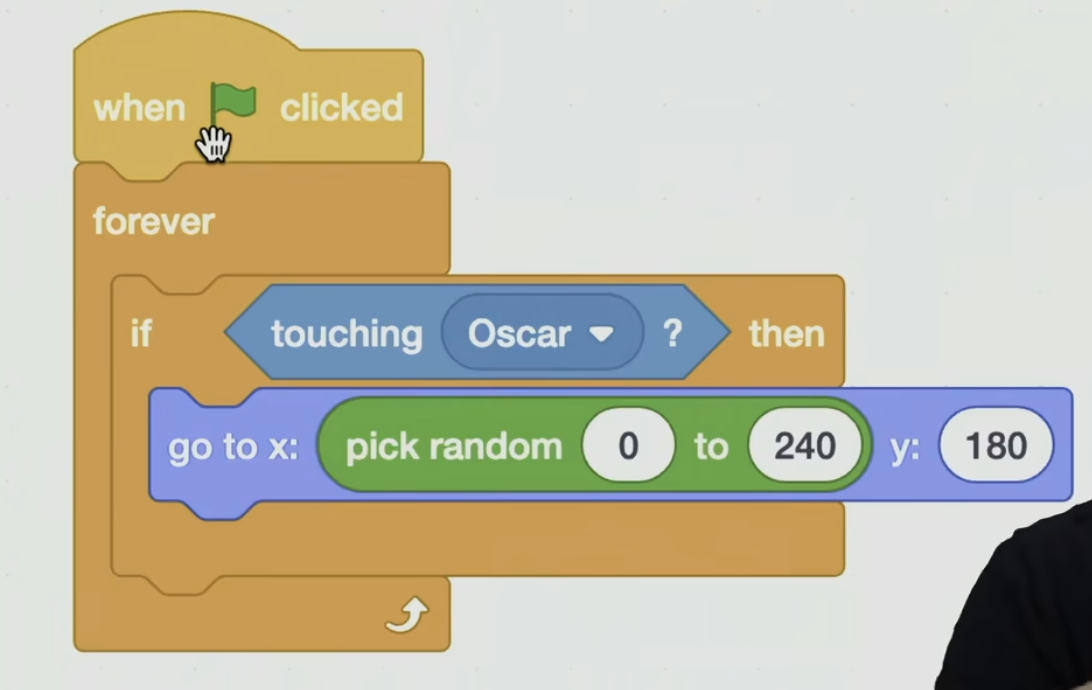
The second one is saying this. Forever if the trash is touching Oscar, what should it do ? Go to a completely different x and y location at the very top. Why ? Well, as soon as I drag the trash over the Oscar, I want it to disappear as though it's going into the can. And I then want it to reappear at the top, so more trash falls. So I just though about what would it mean for the trash to go into the trash can. Well, who cares ? What really matters to the human user is that it just disappears and teleports elsewhere. And so that's the idea I implemented here. So if you can reduce intuitive ideas to just basic building blocks like this, you can start to make things much more interavtive.