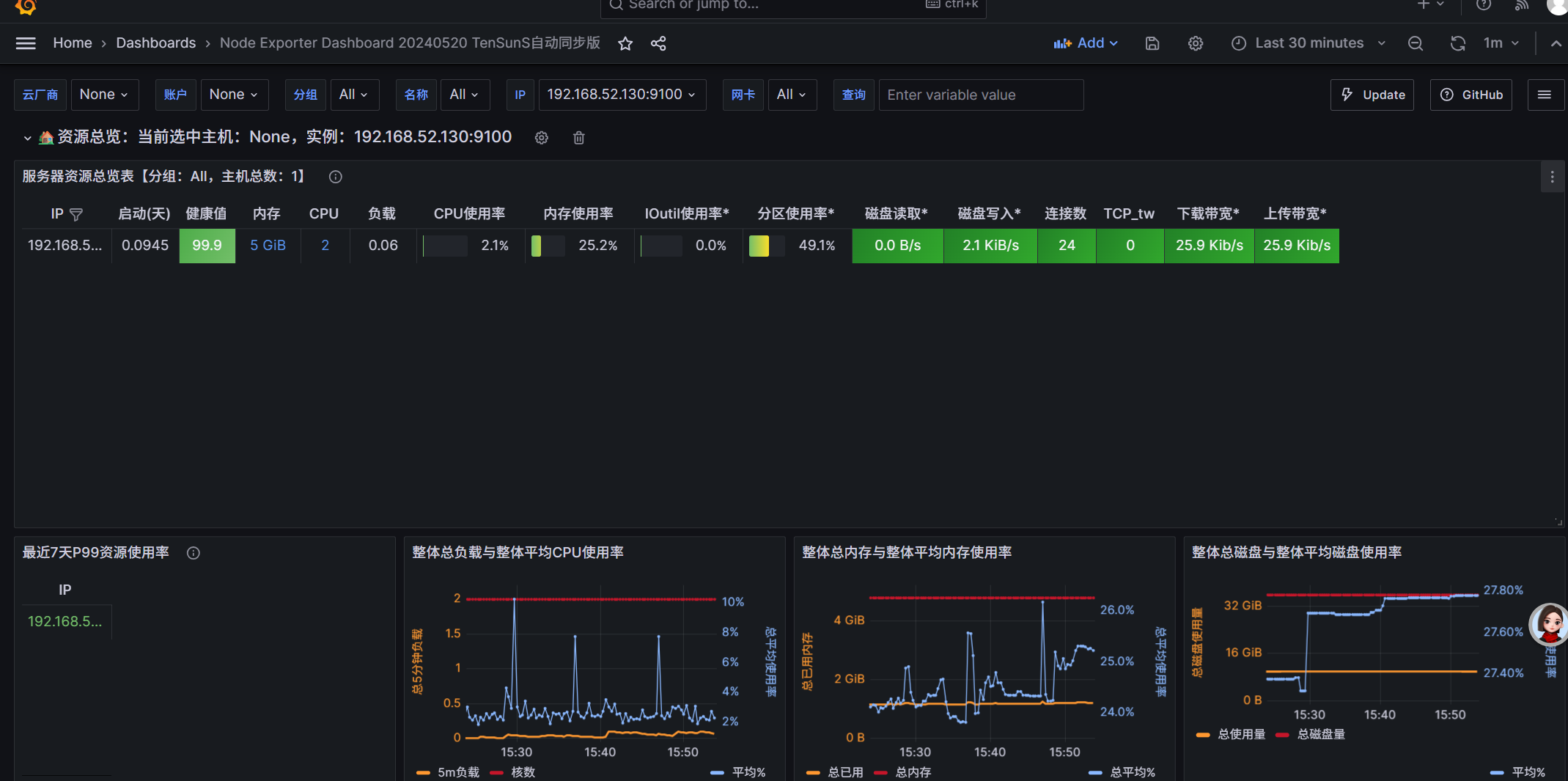
1. 下载 cAdvisor 二进制
cd /usr/local
wget https://github.com/google/cadvisor/releases/download/v0.49.1/cadvisor-v0.49.1-linux-amd64 -O cadvisor
chmod +x cadvisor
2. 后台启动 cAdvisor(教材端口:8080)
nohup /usr/local/cadvisor \
--port=8080 \
--docker=/var/run/docker.sock \
>/dev/null 2>&1 &
3. 验证成功
curl 127.0.0.1:8080/metrics出现一大段指标 = 成功。
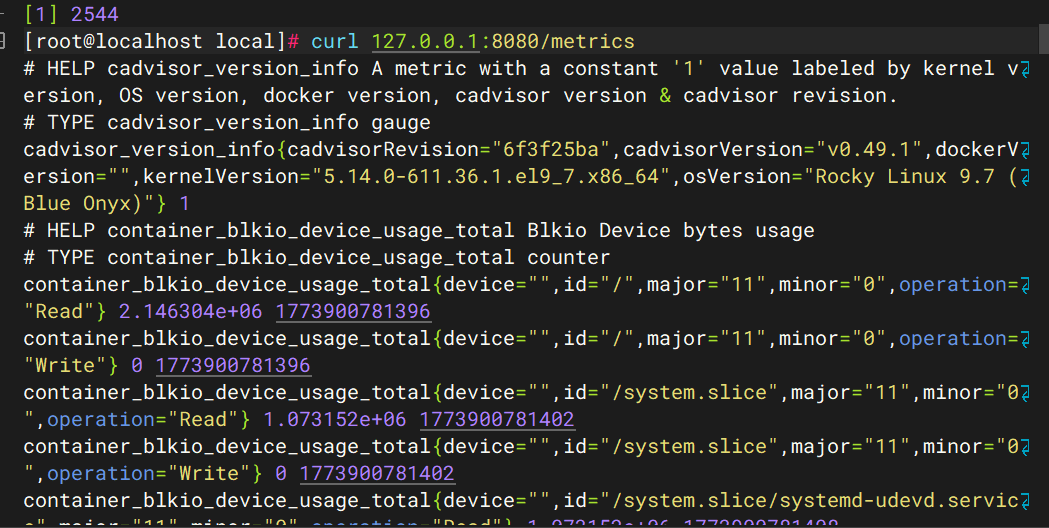
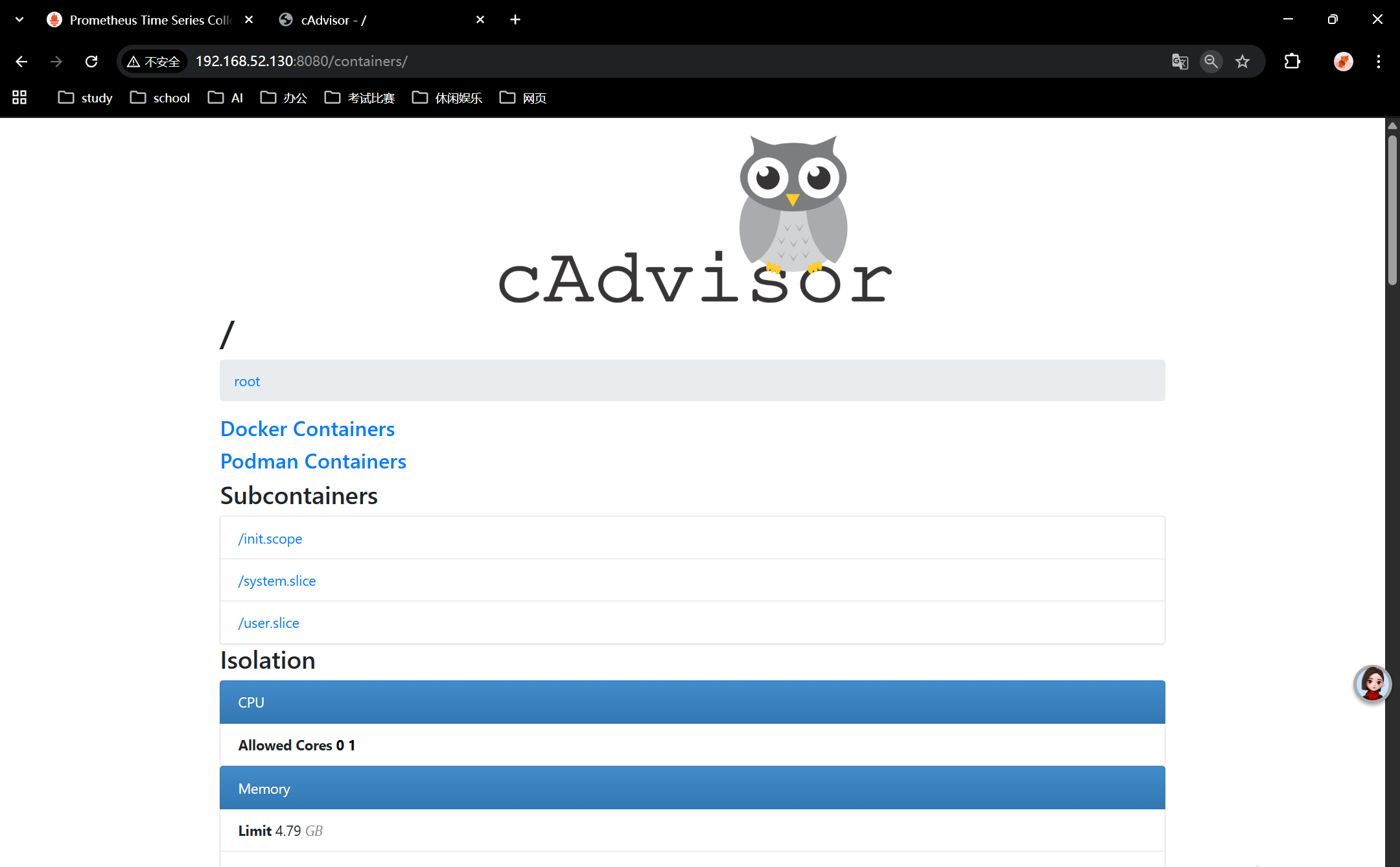
cAdvisor查询界⾯和http接⼝,可访问ip:8080打开web界⾯:
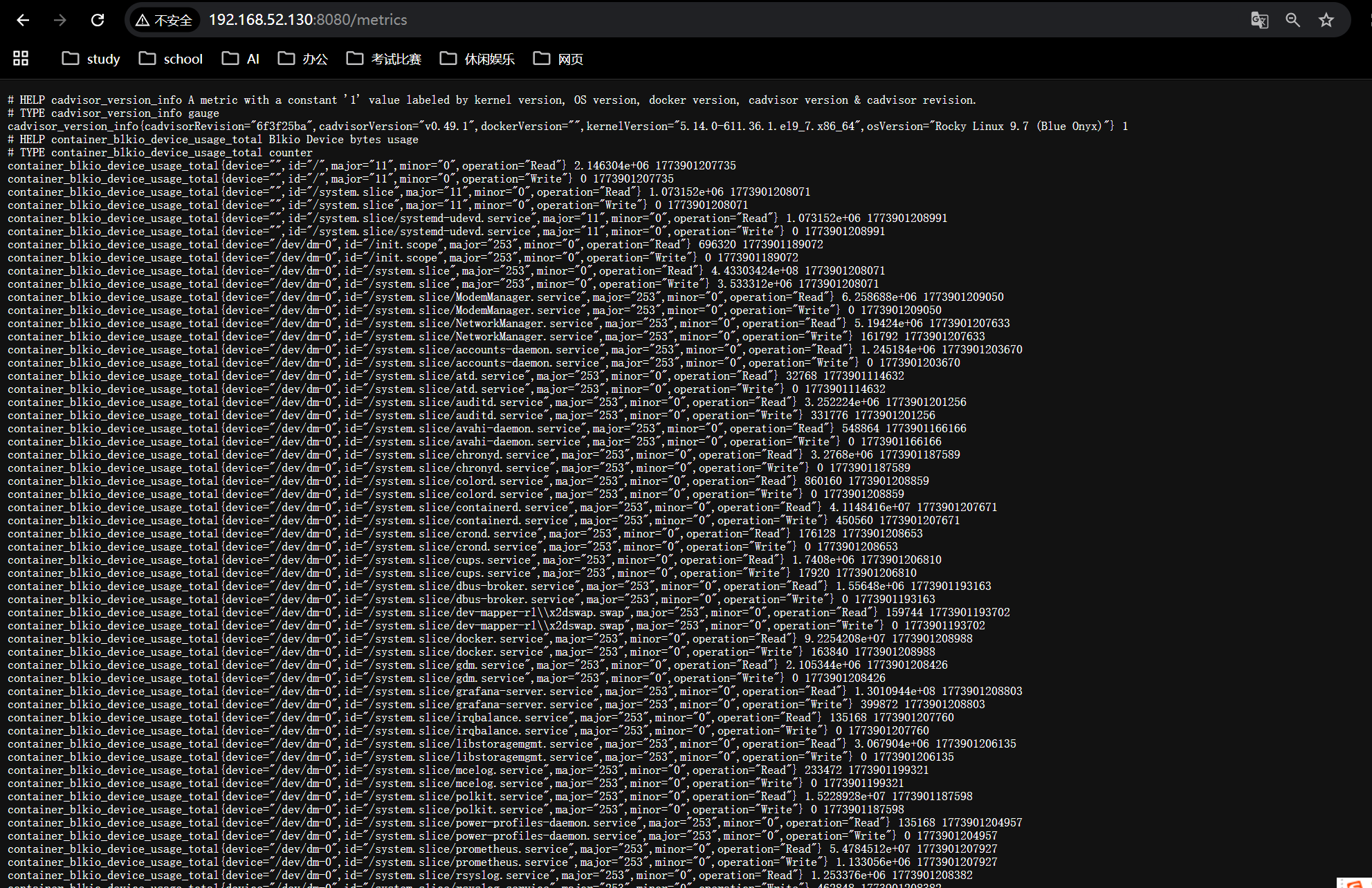
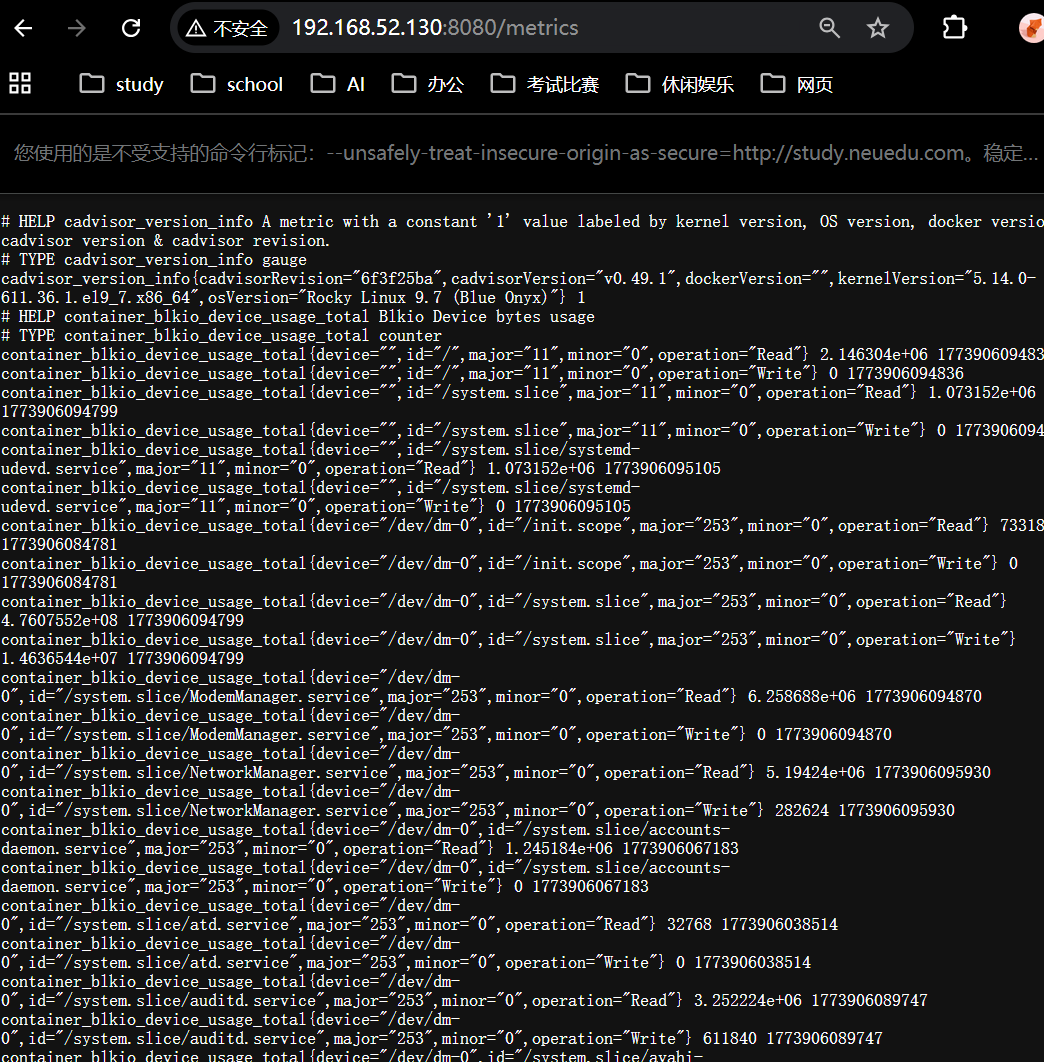
cAdvisor也提供了供prometheus访问的接⼝,可访问ip:8080/metrics,如下图所⽰:
二、部署 node_exporter(二进制,不用 Docker)
cd /usr/local
wget https://github.com/prometheus/node_exporter/releases/download/v1.5.0/node_exporter-1.5.0.linux-amd64.tar.gz
tar zxvf node_exporter-1.5.0.linux-amd64.tar.gz
mv node_exporter-1.5.0.linux-amd64 node_exporter
启动:
nohup /usr/local/node_exporter/node_exporter >/dev/null 2>&1 &验证:
curl 127.0.0.1:9100/metrics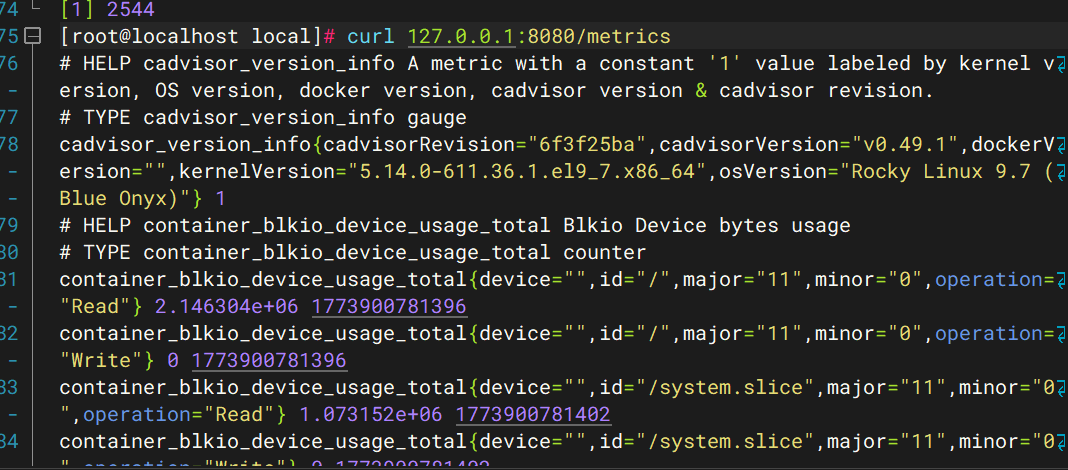
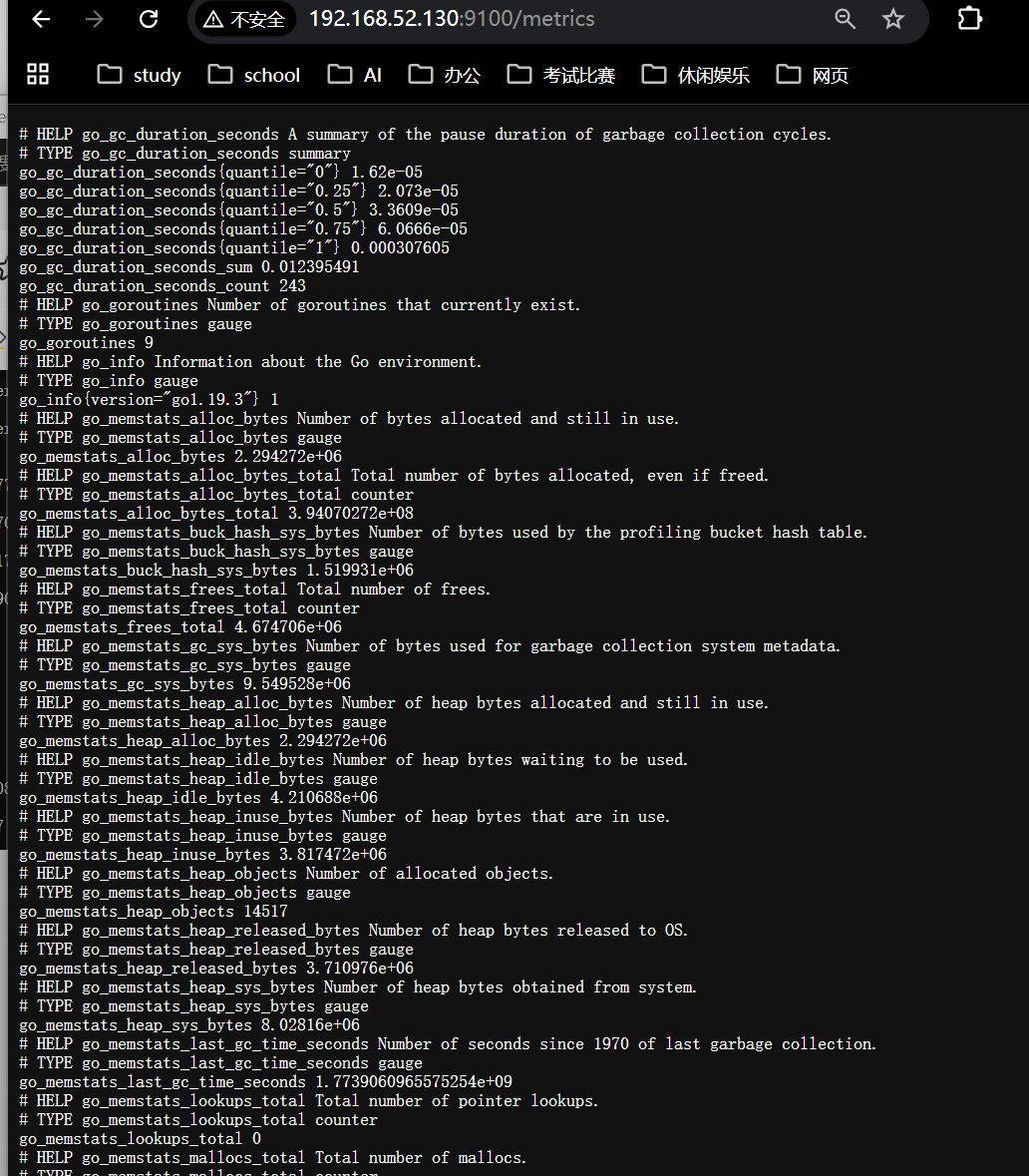
部署完成后,node-exporter服务默认监听在9100端⼝。
三、Prometheus 配置
scrape_configs:
  - job_name: 'docker_host'
    static_configs:
      - targets: ['192.168.52.130:9100']

  - job_name: 'docker_containers'
    static_configs:
      - targets: ['192.168.52.130:8080']
热重载 Prometheus
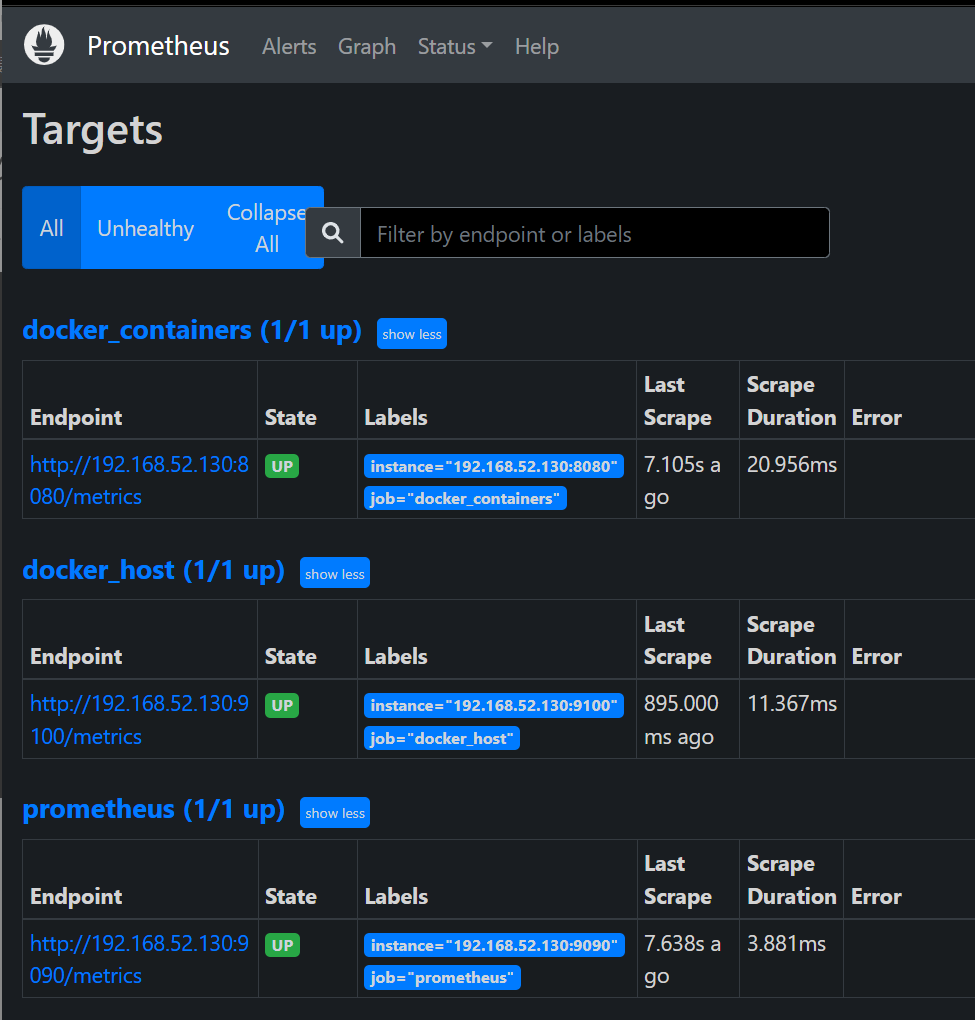
curl -XPOST http://192.168.52.130:9090/-/reloadhttp://192.168.52.130:9090/targets
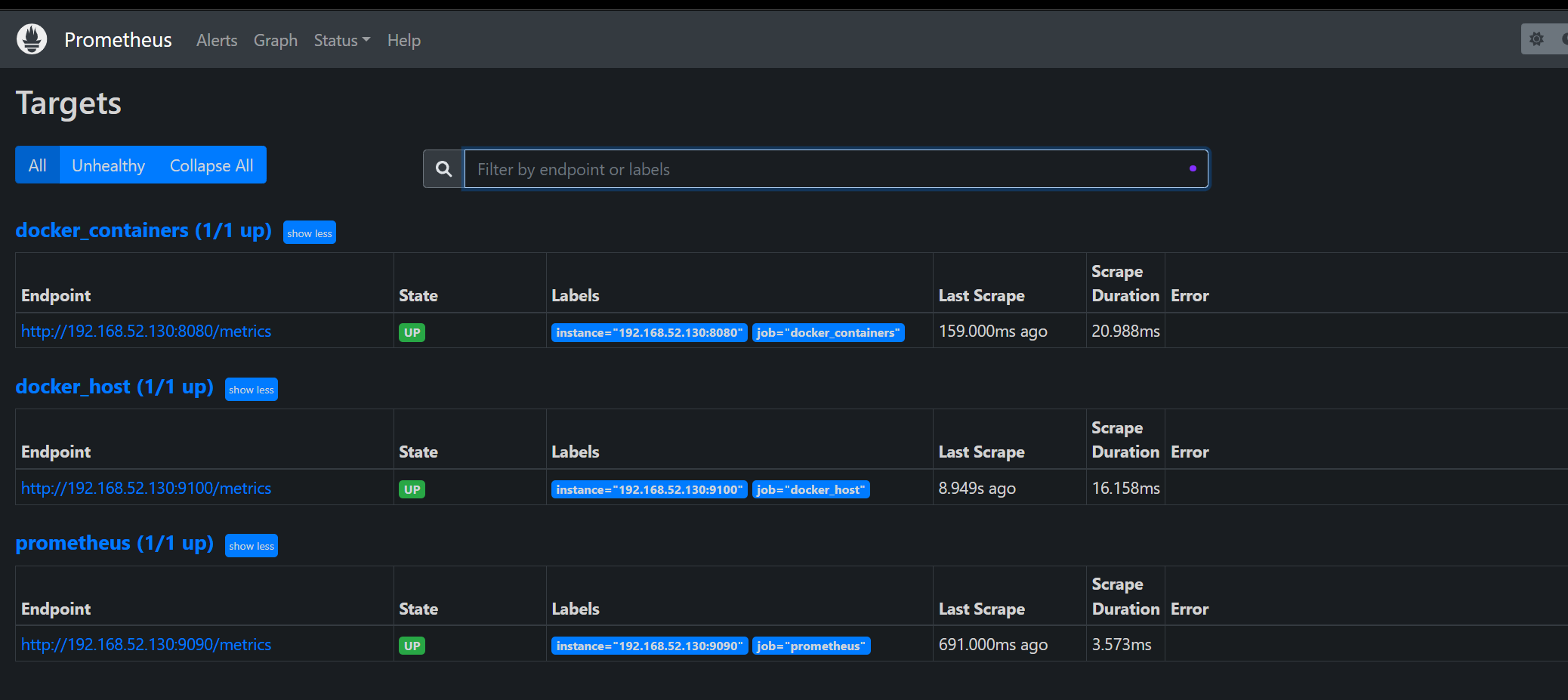
四、Grafana 导入 Docker 面板
ID:10619
你现在只需要按顺序复制这 4 段命令即可
cd /usr/local
wget https://github.com/google/cadvisor/releases/download/v0.49.1/cadvisor-v0.49.1-linux-amd64 -O cadvisor
chmod +x cadvisor
nohup /usr/local/cadvisor --port=8080 --docker=/var/run/docker.sock >/dev/null 2>&1 &

cd /usr/local
wget https://github.com/prometheus/node_exporter/releases/download/v1.5.0/node_exporter-1.5.0.linux-amd64.tar.gz
tar zxvf node_exporter-1.5.0.linux-amd64.tar.gz
mv node_exporter-1.5.0.linux-amd64 node_exporter
nohup /usr/local/node_exporter/node_exporter >/dev/null 2>&1 &
最终效果
- cAdvisor 正常运行:192.168.52.130:8080/metrics
- node_exporter 正常运行:192.168.52.130:9100/metrics
- Prometheus 监控 Docker 容器
- Grafana 面板正常出图(Docker 容器图:10619 Linux 主机图:8919)
下图是docker状态截图:
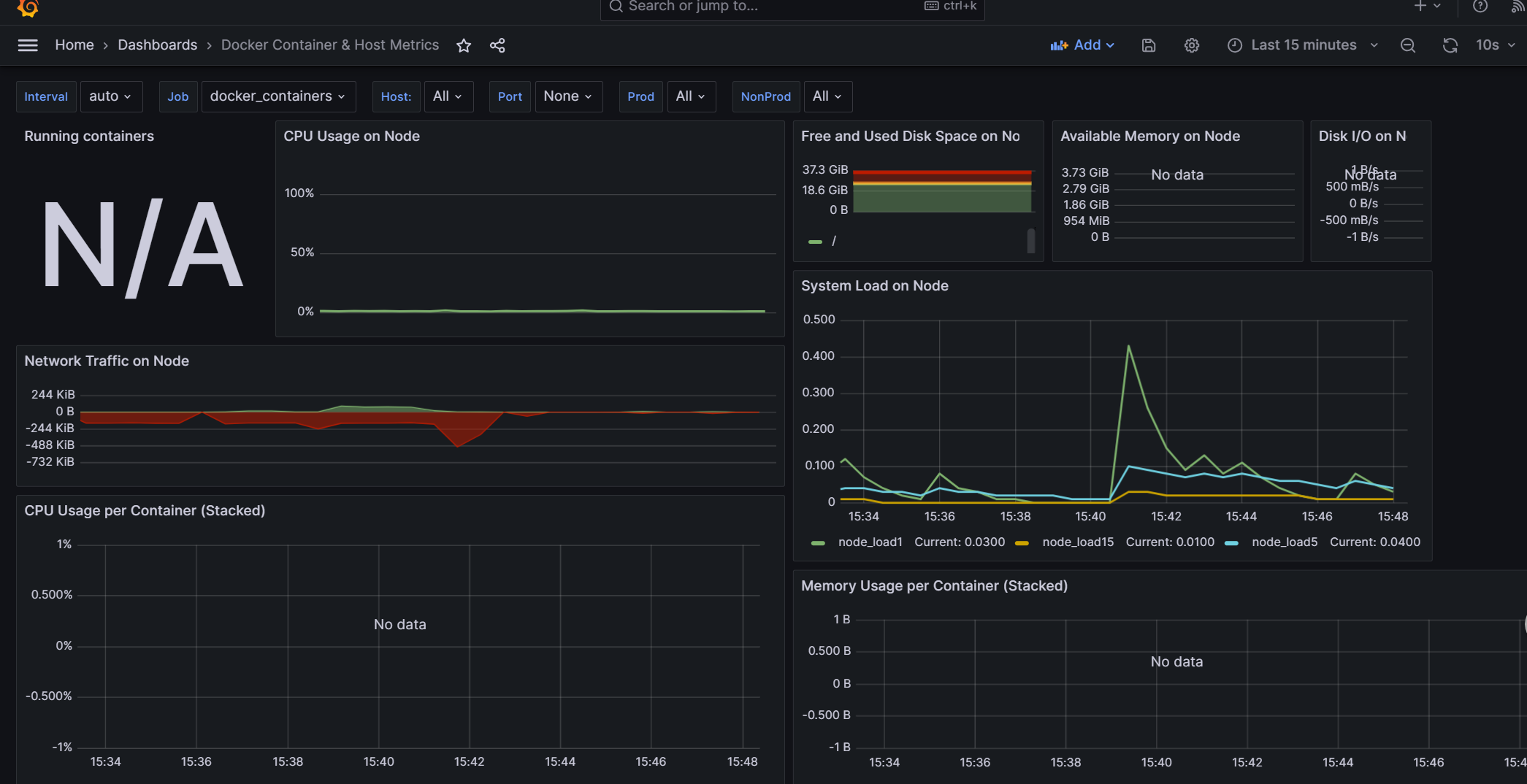
node_export获取的数据截图