效果
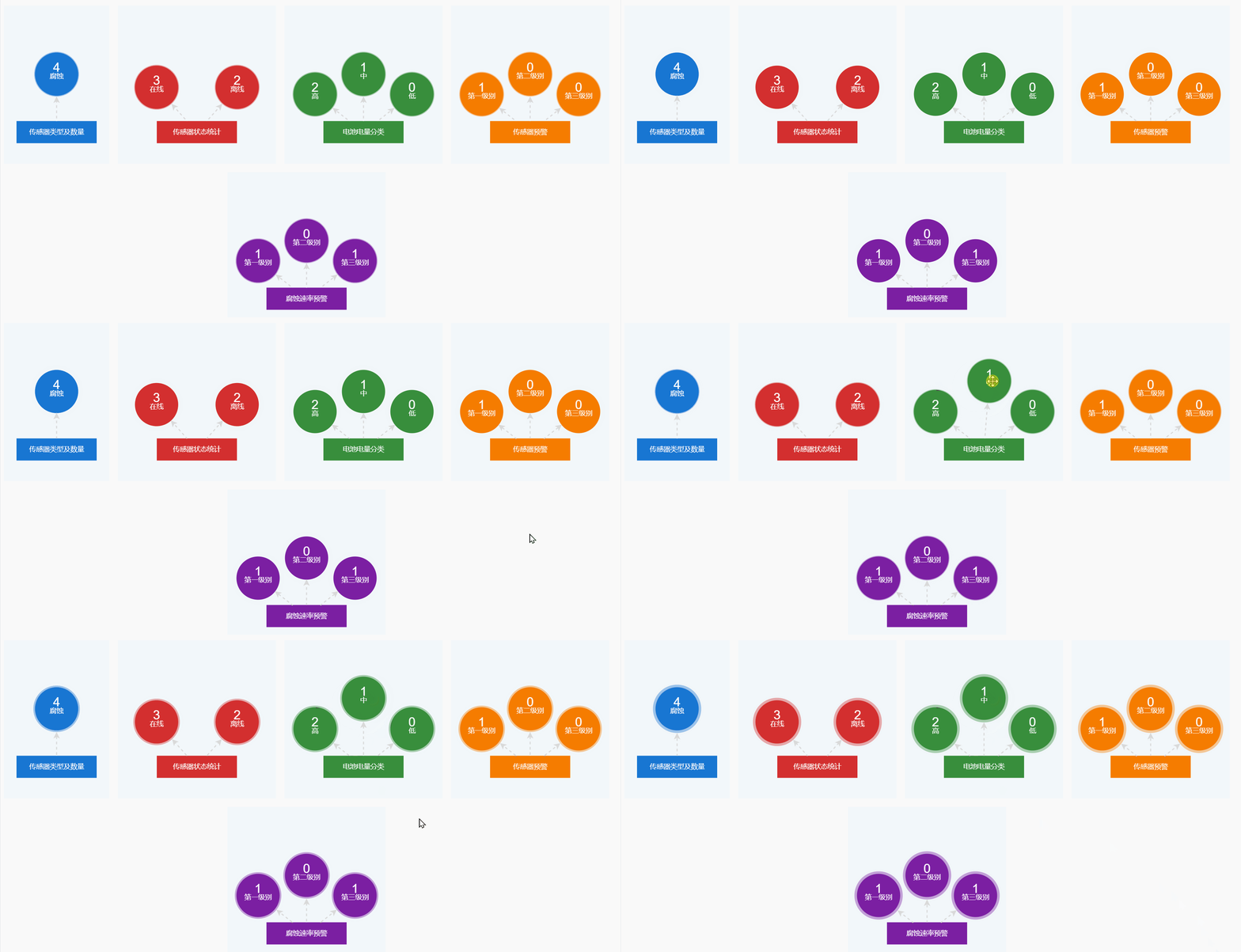
官方文档
https://x6.antv.antgroup.com/tutorial/getting-started
安装
npm install @antv/x6 --save当前所用版本
"@antv/x6": "~3.1.6",初始化画布
在创建画布之前,首先需要在页面中创建一个 画布容器 用于挂载画布:
<div id="container"></div>写一个hook
TypeScript
import { Graph, Model } from "@antv/x6";

export const useGraph = ({
	element,
	centerLabel,
	childLabelArray,
	strokeColor,
	fillColor,
	canvasWidth = 300,
	canvasHeight = 300,
	childRadius = 40,
}: {
	element: HTMLElement;
	centerLabel: string;
	childLabelArray: string[];
	strokeColor: string;
	fillColor: string;
	canvasWidth?: number;
	canvasHeight?: number;
	childRadius?: number;
}) => {
	const centerNodeWidth = 150;
	const centerNodeHeight = 40;

	const data: Model.FromJSONData = {
		nodes: [],
		edges: [],
	};

	// 中心节点
	const centerNode = {
		id: "center",
		shape: "rect",
		width: centerNodeWidth,
		height: centerNodeHeight,
		label: centerLabel,
		attrs: {
			body: {
				stroke: strokeColor,
				fill: fillColor,
				strokeWidth: 2,
			},
			label: {
				fill: "#fff",
				fontSize: 13,
			},
		},
	};
	data.nodes!.push(centerNode);

	childLabelArray.forEach((labelObj, index) => {
		data.nodes!.push({
			id: `inner-${index}`,
			shape: "circle",
			width: childRadius * 2,
			height: childRadius * 2,
			markup: [
				{
					tagName: "circle",
					selector: "wrapper",
					// attrs: { //设置无效
					// 	r: childRadius,
					// 	cx: childRadius,
					// 	cy: childRadius,
					// 	fill: fillColor,
					// 	opacity: 0.4,
					// 	strokeWidth: 0,
					// },
				},
				{
					tagName: "circle",
					selector: "body",
					// attrs: {
					// 	stroke: strokeColor,
					// 	fill: fillColor,
					// 	strokeWidth: 2,
					// },
				},
				{
					tagName: "text",
					selector: "label",
				},
			],
			label: labelObj.num + "\n" + labelObj.label,
			attrs: {
				body: {
					stroke: strokeColor,
					fill: fillColor,
					strokeWidth: 2,
				},
				label: {
					fill: "#fff",
					fontSize: 13,
				},
				wrapper: {
					r: childRadius,
					cx: childRadius,
					cy: childRadius,
					fill: fillColor,
					opacity: 0.4,
					strokeWidth: 0,
				},
			},
			animation: [
				[
					{
						"attrs/wrapper/r": childRadius + 10,
					},
					{
						duration: 1000,
						direction: "alternate",
						iterations: Infinity,
					},
				],
			],
		});
		// 连接到中心节点
		data.edges!.push({
			id: `edge-center-inner-${index}`,
			source: "center",
			target: `inner-${index}`,
			attrs: {
				line: {
					stroke: "#d9d9d9",
					strokeWidth: 2,
					strokeDasharray: 5,
					strokeDashoffset: 0,
				},
			},

			animation: [
				[
					{ "attrs/line/strokeDashoffset": -20 },
					{
						duration: 1000,
						iterations: Infinity,
					},
				],
			],
		});
	});

	const graph = new Graph({
		container: element!,
		// 设置画布大小
		width: canvasWidth,
		height: canvasHeight,
		// 设置画布背景颜色
		background: {
			color: "#F2F7FA",
		},
	});

	// 同心圆布局位置
	const center = [(canvasWidth - centerNodeWidth) / 2, 220]; //rect 长方形的坐标点是以左上角的点为原点的

	// 设置各层节点的位置
	const nodeMap = new Map(data.nodes!.map((node) => [node.id, node]));

	const DEG_TO_RAD = Math.PI / 4;
	const INNER_RADIUS = 130;

	const positionNodesOnCircle = (
		prefix: string,
		count: number,
		radius: number,
	) => {
		const centerX = center[0] + centerNodeWidth / 2 - childRadius; //圆的坐标点是以左边弧线中间点为原点的,所以需要减去半径。并非是圆心点。

		for (let i = 0; i < count; i++) {
			const node = nodeMap.get(`${prefix}-${i}`);

			if (node) {
				let angle = (i + 1) * DEG_TO_RAD; //节点数3个以上,每个节点之间的角度为45度,最多不超过8个节点
				// let x = centerX - radius * Math.cos(angle);
				// let y = center[1] - radius * Math.sin(angle);
				if (count === 1) {
					angle = Math.PI / 2; // 只有1个节点时,角度为90度,直立
					// x = centerX;
					// y = center[1] - childRadius;
				} else if (count === 2) {
					if (i === 0) {
						angle = (Math.PI / 10) * 3; // 只有2个节点时,第一个节点角度为54度
					} else {
						angle = (Math.PI / 10) * 7; // 只有2个节点时,第二个节点角度为126度
					}
				}
				let x = centerX - radius * Math.cos(angle);
				let y = center[1] - radius * Math.sin(angle);

				// console.log("jisuan", Math.cos(angle), count);
				// console.log("画图坐标", x, y, angle, node.label);
				Object.assign(node, {
					x: x,
					y: y,
				});
			}
		}
	};

	// 中心节点
	const centerNodeData = nodeMap.get("center");
	if (centerNodeData) {
		Object.assign(centerNodeData, {
			x: center[0],
			y: center[1],
		});
	}

	// 内层节点
	positionNodesOnCircle("inner", childLabelArray.length, INNER_RADIUS);

	// 渲染图形
	// graph.fromJSON(data);//无法触发动画
	for (const element of data.nodes!) {
		graph.addNode(element);
	}
	for (const edge of data.edges!) {
		graph.addEdge(edge);
	}
	// graph.centerContent();//多图形用该方法,会挤在中央

	return graph;
};
vue SFC调用这个hook
TypeScript
if(graph1){
            graph1.dispose()
            graph1 = null
}
const colors = ['#1976d2', '#d32f2f', '#388e3c', '#f57c00', '#7b1fa2', '#00695c'];

graph1 = useGraph({element: document.getElementById("container1")!, centerLabel:'传感器类型及数量',
            childLabelArray: sjfxList.value.map(item => ({label: item.type, num: item.typeNum})),
            strokeColor: colors[0],fillColor: colors[0],
            canvasWidth: 200, canvasHeight: 300,
});
单独设置数字的字体大小
attrs.label.fontSize是设置文本字体大小,不分数字还是汉字。
要单设置数字变大,而汉字字体大小不变,就只能从样式着手。
x6文字的html如下:
html
<text font-size="13" xml:space="preserve" fill="#fff"
   text-anchor="middle" font-family="Arial, helvetica, sans-serif"
   transform="matrix(1,0,0,1,40,40)">
  <tspan dy="-0.2em" class="v-line">4</tspan>
  <tspan dy="1em" x="0" class="v-line">腐蚀</tspan>
</text>
css
<style>
[dy="-0.2em"]{
    font-size: 24px !important;/*全局设置:x6 graph的数字字体样式*/
    margin-bottom: 6px;
}
</style>