如果centos虚拟机密码忘记了,不要急,按照以下步骤,百分百解决
开机时,默认选中第一项,不要动,然后马上多敲几次e
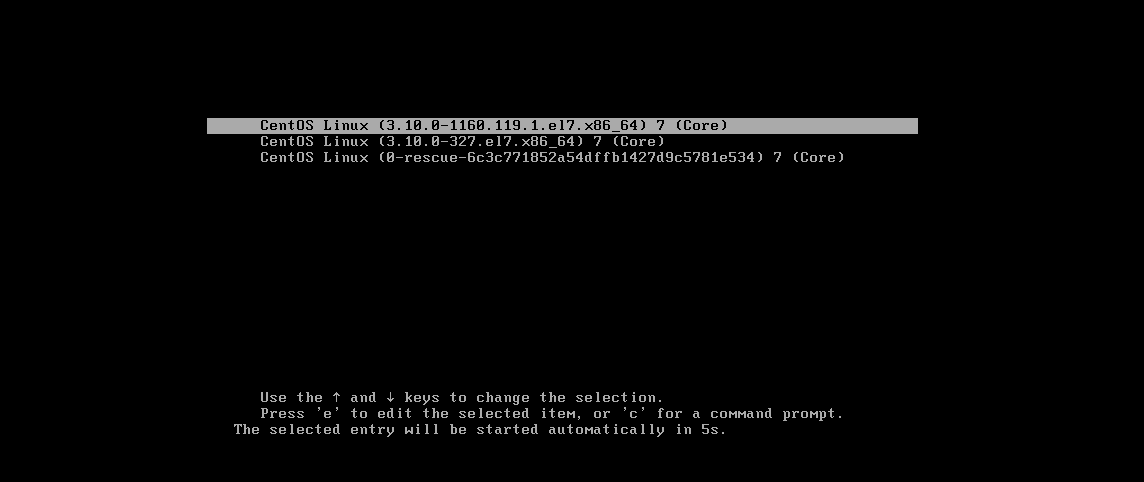
敲e后,如下:
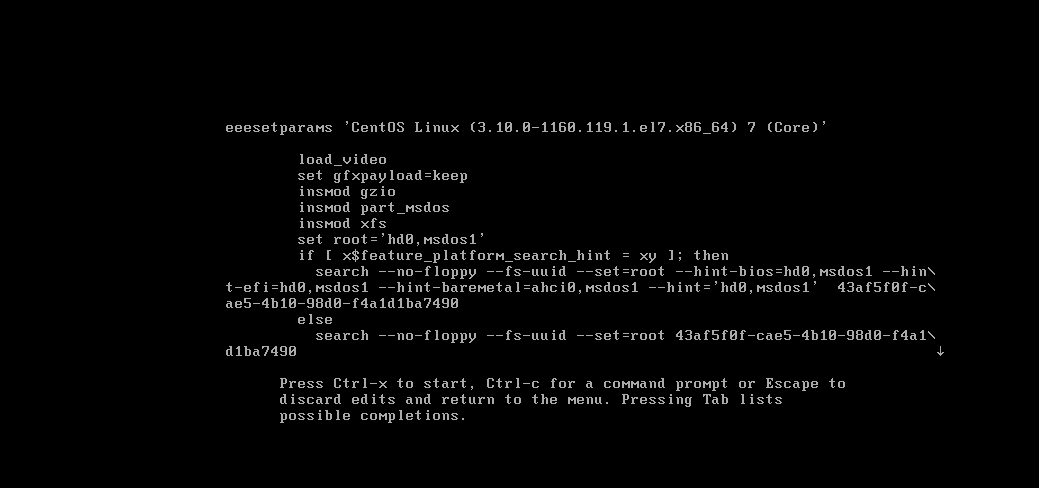
敲键盘向下的箭头,让隐藏的内容全显示出来,如下
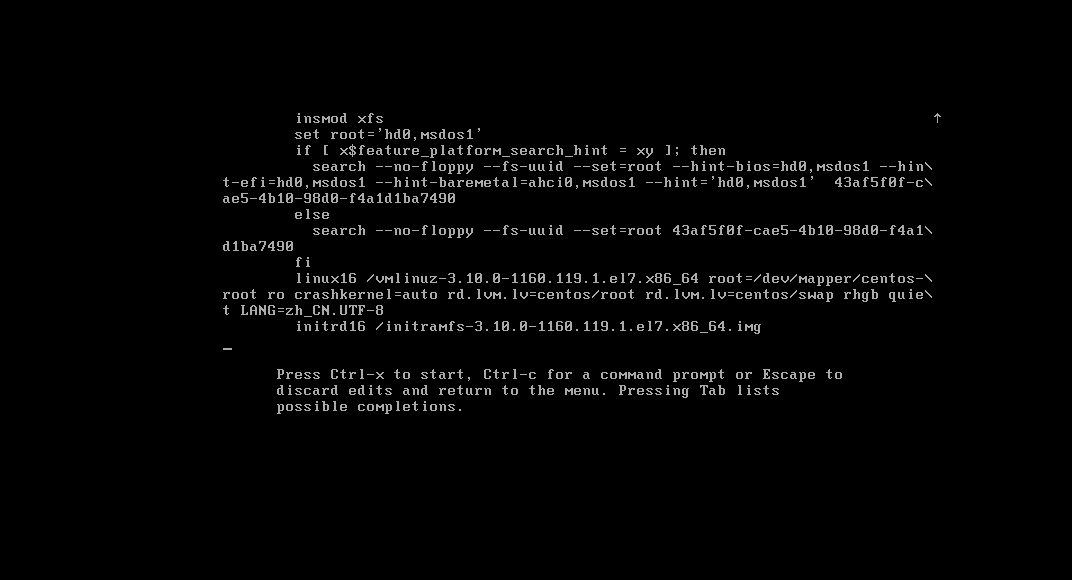
主要这行:
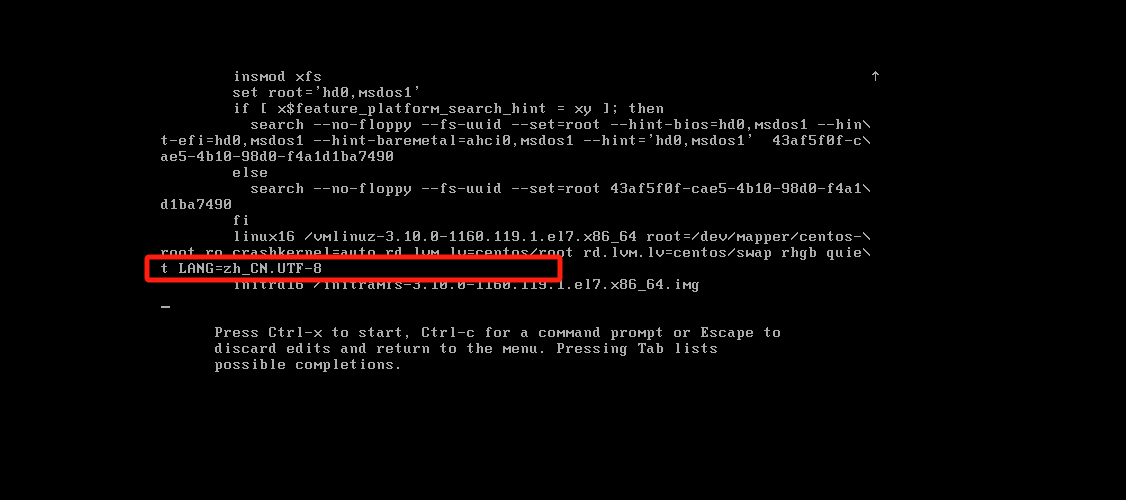
在UTF-8后添加空格后,添加如下内容
bash
rd.break如下:
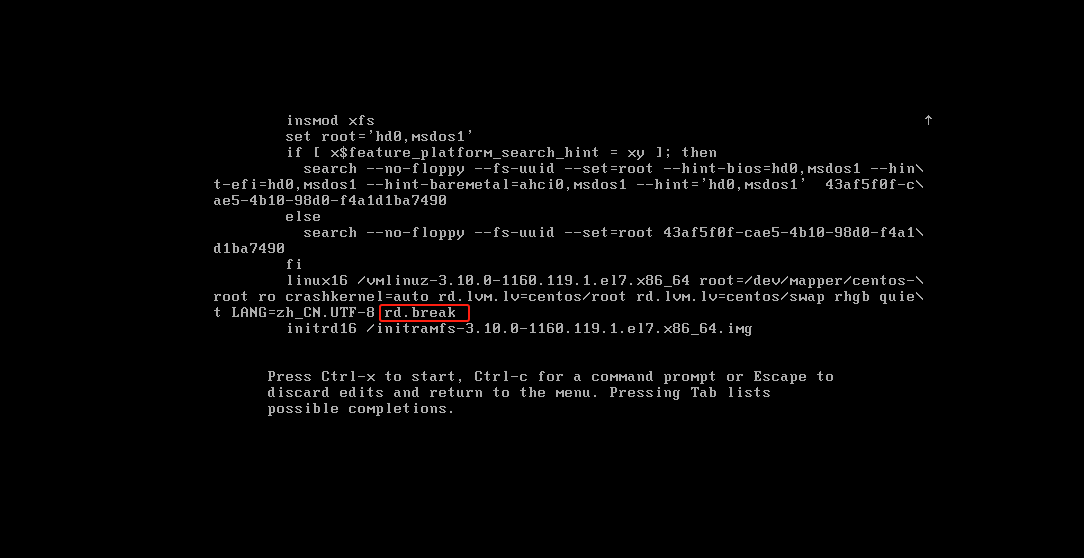
然后注意,不要回车,此时按住ctrl+X键,这样就可以重启
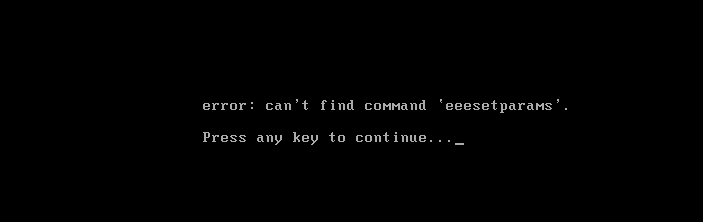
等待一会如下
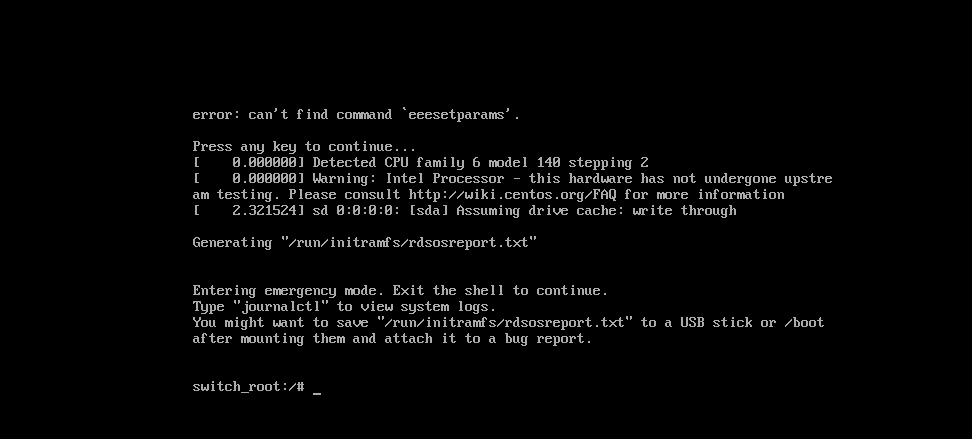
输入:
bash
mount -o remount,rw /sysroot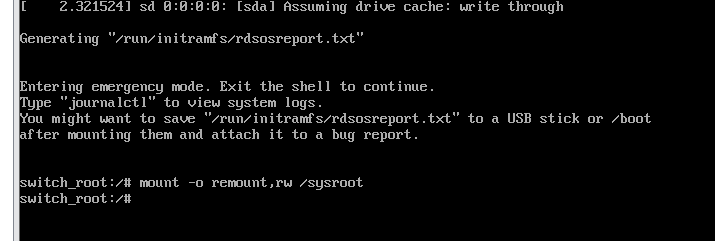
bash
chroot /sysroot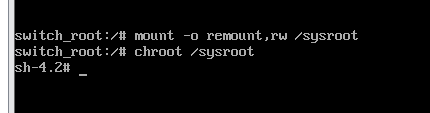
bash
# 修改root用户密码,这里的root是用户,不是密码
passwd root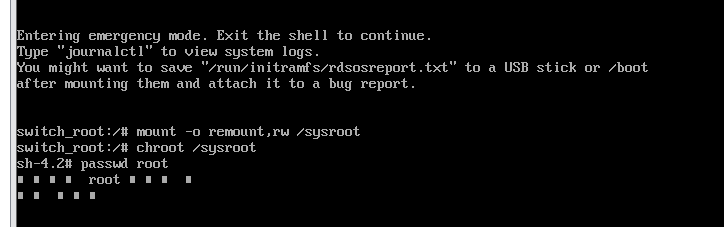
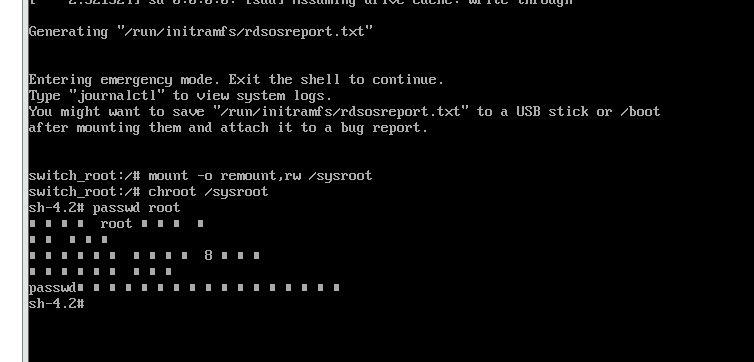
输入新密码(输入一次新密码后回车,再输入一次新密码回车),如下图
最后依次执行如下命令
bash
touch /.autorelabel
# 退出
exit
# 重启
reboot
重启后使用新密码登录即可。此时已经恢复了
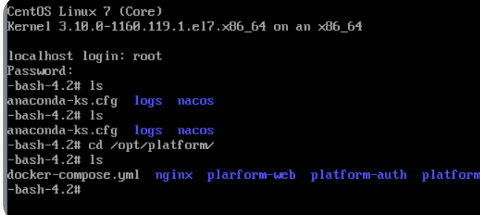
但是命令行是-bash-4.2#开头的,看着不正常,所以需要再做以下工作
检查是否存在 .bash_profile
bash
ls -la /root/.bash_profile如果不存在 → 创建它:
bash
cat > /root/.bash_profile << 'EOF'
# .bash_profile

# Get the aliases and functions
if [ -f ~/.bashrc ]; then
    . ~/.bashrc
fi

# User specific environment and startup programs

PATH=$PATH:$HOME/bin

export PATH
EOF
检查是否存在 .bashrc:
bash
ls -la /root/.bashrc如果不存在 → 创建它:
bash
cat > /root/.bashrc << 'EOF'
# .bashrc

# Source global definitions
if [ -f /etc/bashrc ]; then
    . /etc/bashrc
fi

# Uncomment the following line if you don't like systemctl's autostart
# export SYSTEMD_IGNORE_PAM=1

# Set default prompt
PS1='[\u@\h \W]\$ '
export PS1
EOF
重新加载配置:
bash
source ~/.bash_profile此时,完全恢复
