现有三台虚拟机(ubuntu、centos7、centos8)
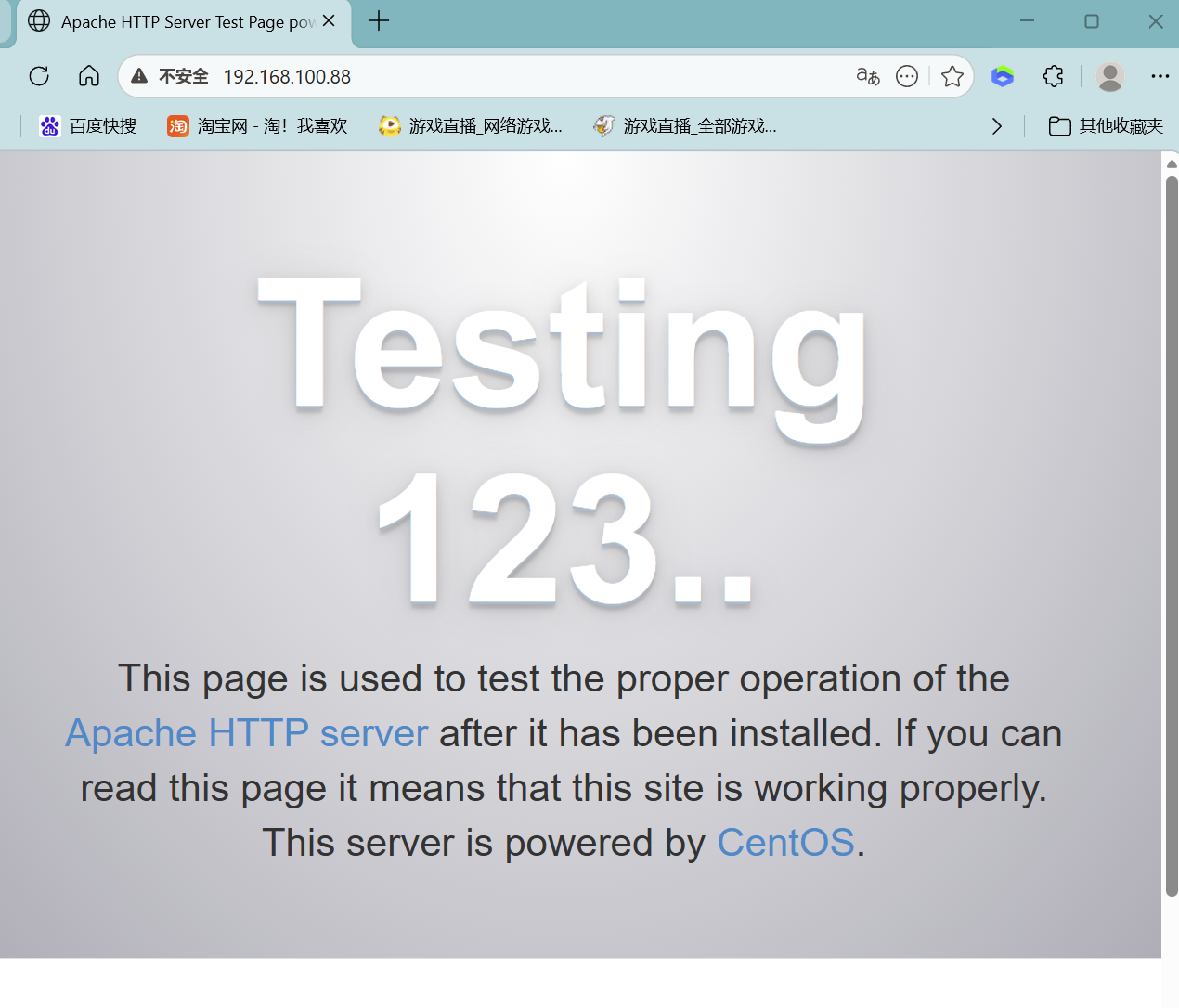
centos 7安装apache(192.168.100.88:80)
yum install -y httpd
启动服务并设置开机自启
systemctl start httpd
systemctl enable httpd
关闭防火墙、关闭沙盒
systemctl stop firewalld
setenforce 0
验证是否运行成功
systemctl status httpd
页面验证
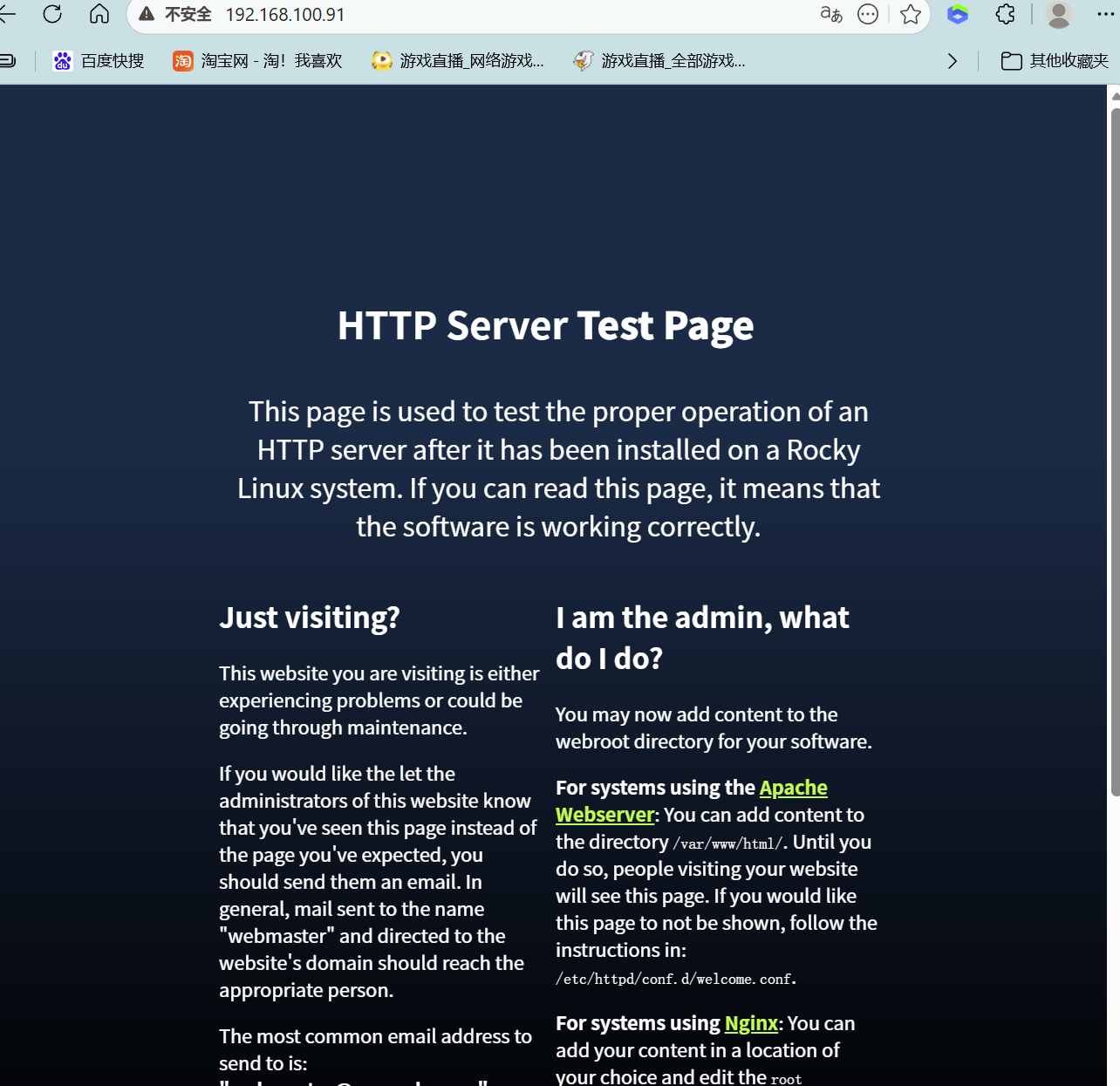
centos8 安装 Apache (192.168.100.91:80)
dnf install -y httpd
启动
httpd systemctl start httpd
设置开机自启
systemctl enable httpd
查看运行状态
systemctl status httpd
关闭防火墙、关闭沙盒
systemctl stop firewalld
setenforce 0
验证
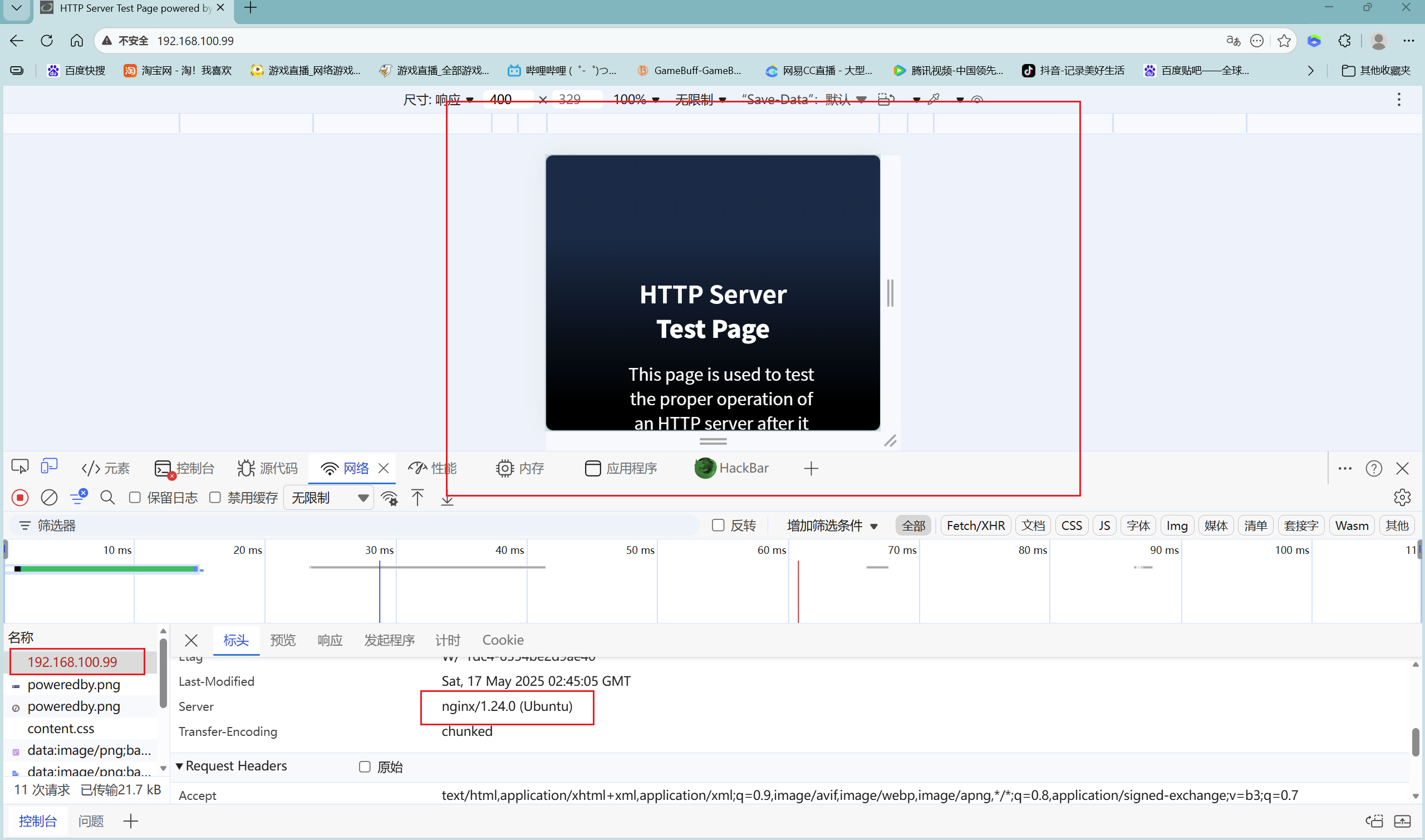
ubuntu安装nginx(192.168.100.99:80)
更新系统软件源
apt update
apt upgrade -y
安装 Nginx
apt install nginx -y
检查 Nginx 是否运行
systemctl status nginx
放行防火墙(或者关闭ufw)
ufw allow 'Nginx Full'
配置代理负载文件(若是其他的系统,寻找相对应的本地配置文件修改)
vim /etc/nginx/sites-available/default
upstream backend_servers {
负载均衡策略
server 192.168.100.88:80; # 后端服务1
server 192.168.100.91:80; # 后端服务2
ip_hash; # IP 绑定(会话保持)
least_conn; # 最少连接
weight 轮询示例
server 127.0.0.1:8080 weight=5;
server 127.0.0.1:8081 weight=3;
}
server {
listen 80;
server_name _;
location / {
proxy_pass http://backend_servers;
传递真实IP
proxy_set_header Host $host;
proxy_set_header X-Real-IP $remote_addr;
proxy_set_header X-Forwarded-For $proxy_add_x_forwarded_for;
超时
proxy_connect_timeout 5s;
proxy_read_timeout 10s;
proxy_send_timeout 10s;
}
}
:wq 保存退出
重启服务
systemctl restart nginx
查看服务