c
git clone https://github.com/mchehab/zbar.git -b 0.23.93

# Debian/Ubuntu
sudo apt-get install autoconf autopoint pkg-config automake libtool gettext

# 运行 autoreconf 生成所有必要文件,包括configure
autoreconf -fiv

# 配置
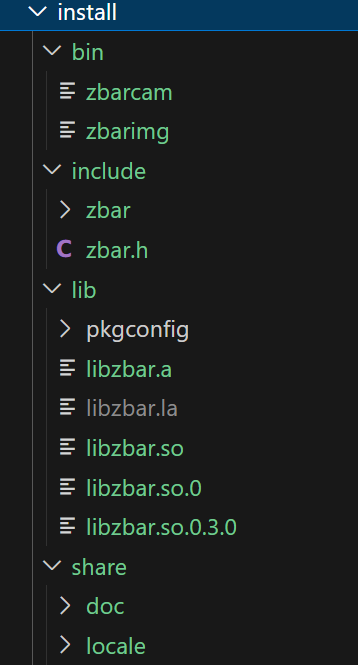
mkdir -p install
./configure --without-gtk --without-python --without-qt --prefix=$(pwd)/install

make
sudo make install


# 测试
export LD_LIBRARY_PATH=$(pwd)/install/lib:$LD_LIBRARY_PATH
./install/bin/zbarimg -q 2.jpg
QR-Code:http://weixin.qq.com/q/02Sg3s8mJFcQG10000007e