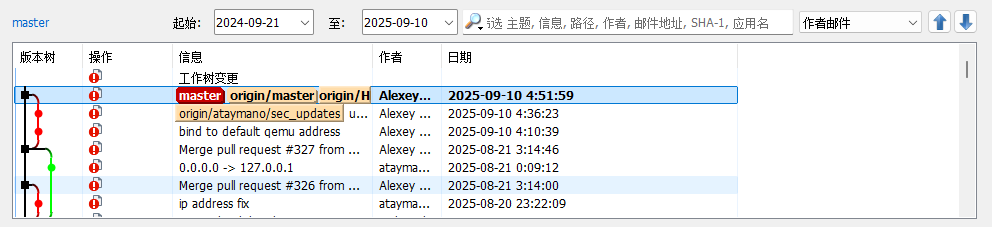
1、克隆项目
在自己定的一个目录D:\OmniParser2\克隆
https://github.com/microsoft/OmniParser.git
2、安装
3、创建环境
conda create -n "omni" python==3.12
conda activate omni
pip install -r requirements.txt
4、进入目录
cd D:\OmniParser2\
5、安装依赖
requirements.txt在D:\OmniParser2\目录下
pip install -r requirements.txt
6、D:\OmniParser2\目录下载模型(Windows PowerShell 中)
pip install --upgrade "huggingface_hubcli"
$env:HF_ENDPOINT = "https://hf-mirror.com"
下载 icon_detect 目录下的文件
hf download microsoft/OmniParser-v2.0 "icon_detect/train_args.yaml" --local-dir weights
hf download microsoft/OmniParser-v2.0 "icon_detect/model.pt" --local-dir weights
hf download microsoft/OmniParser-v2.0 "icon_detect/model.yaml" --local-dir weights
下载 icon_caption 目录下的文件
hf download microsoft/OmniParser-v2.0 "icon_caption/config.json" --local-dir weights
hf download microsoft/OmniParser-v2.0 "icon_caption/generation_config.json" --local-dir weights
hf download microsoft/OmniParser-v2.0 "icon_caption/model.safetensors" --local-dir weights
重命名目录
Rename-Item -Path "weights/icon_caption" -NewName "icon_caption_florence"
然后运行python gradio_demo.py
各种出错,解决很久一直放着,
今天用龙虾自己解决一下
命令
【打开Anaconda Prompt,切换到conda activate omni环境,然后切换到目录D:\OmniParser2
运行命令python gradio_demo.py ,如果遇到问题你自行解决】
然后能运行了
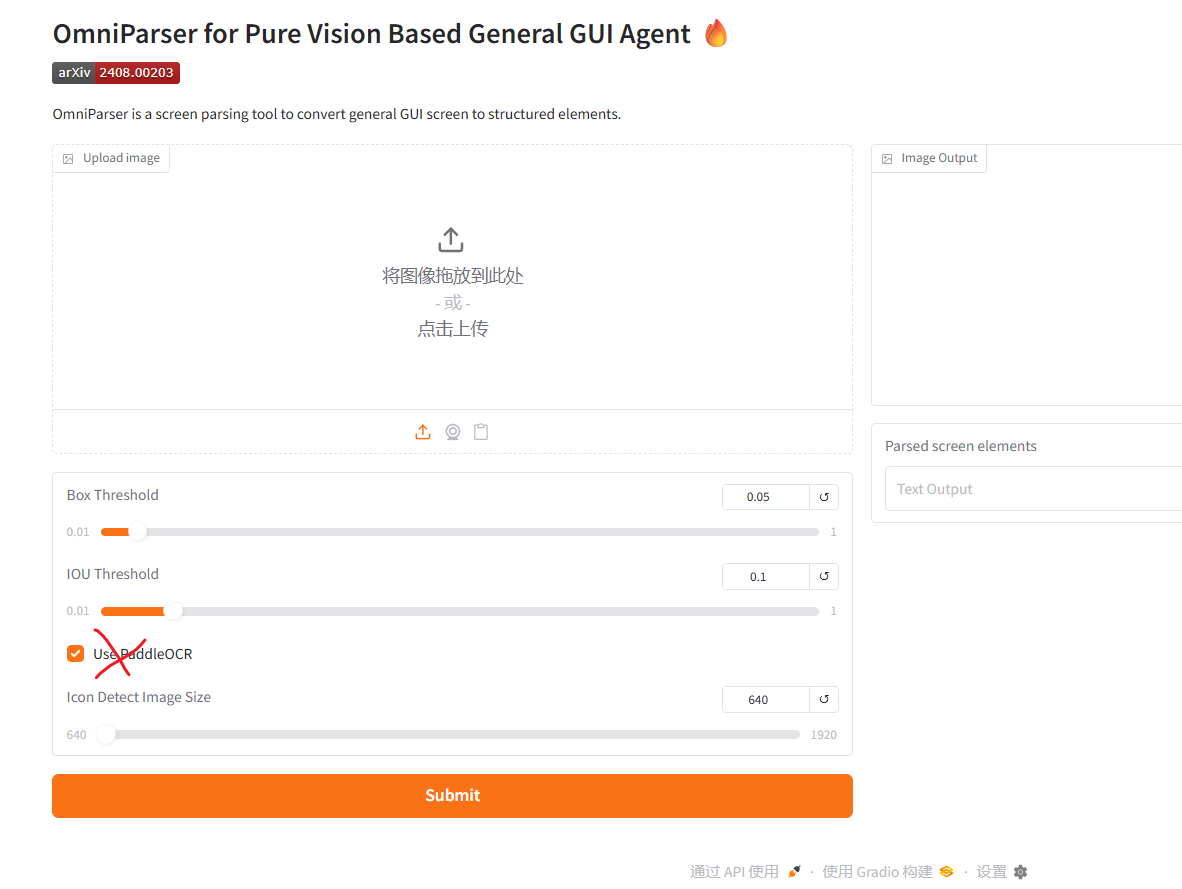
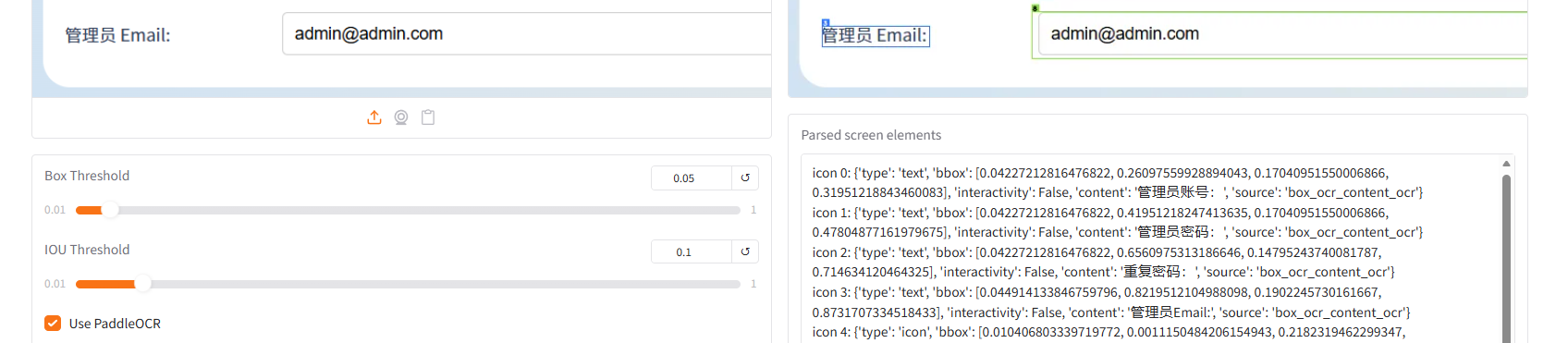
除了用【Use PaddleOCR】会出错,不能用。
但至少不用这个选项还是能运行解析了,暂时这样用吧
今天继续弄:
卸载paddleocr 和paddlepaddle
pip uninstall paddleocr paddlepaddle -y 试了几个版本的,发现这两个组合可以
pip install paddlepaddle==2.6.2
pip install paddleocr==2.7.3
终于完美了
OmniParser使用的版本是