Vite + Vue SPA 在子路径部署(内外网访问+Nginx 反向代理)
- 问题背景
- 一、需求总结
- 二、遇到的问题
-
- [1 刷新页面 404](#1 刷新页面 404)
- [2 静态资源 404](#2 静态资源 404)
- [3 MIME type 错误](#3 MIME type 错误)
- [4 公网刷新变成 "comming soon"](#4 公网刷新变成 "comming soon")
- [5 公网 rewrite 导致 404](#5 公网 rewrite 导致 404)
- 三、最终解决方案
- [四、最终内网 Nginx 配置](#四、最终内网 Nginx 配置)
- [五、最终公网 Nginx 配置](#五、最终公网 Nginx 配置)
- 六、最终访问效果
- 七、经验总结
-
-
- [1 SPA fallback 只在一个地方处理](#1 SPA fallback 只在一个地方处理)
- [2 子路径部署必须处理路径](#2 子路径部署必须处理路径)
- [3 反向代理不要随便 rewrite](#3 反向代理不要随便 rewrite)
-
- 八、最终架构
- 九、适用场景
问题背景
概述
最近部署了一个基于 Vite + Vue.js + Vuetify 的 SPA 项目。
项目并不是部署在根路径,而是部署在子路径:
/product-calculate/同时存在两个访问场景:
我需要内网和外网均能访问系统页面
以下是详细信息
内网访问
http://<内网ip>:<项目端口>/product-calculate/外网访问
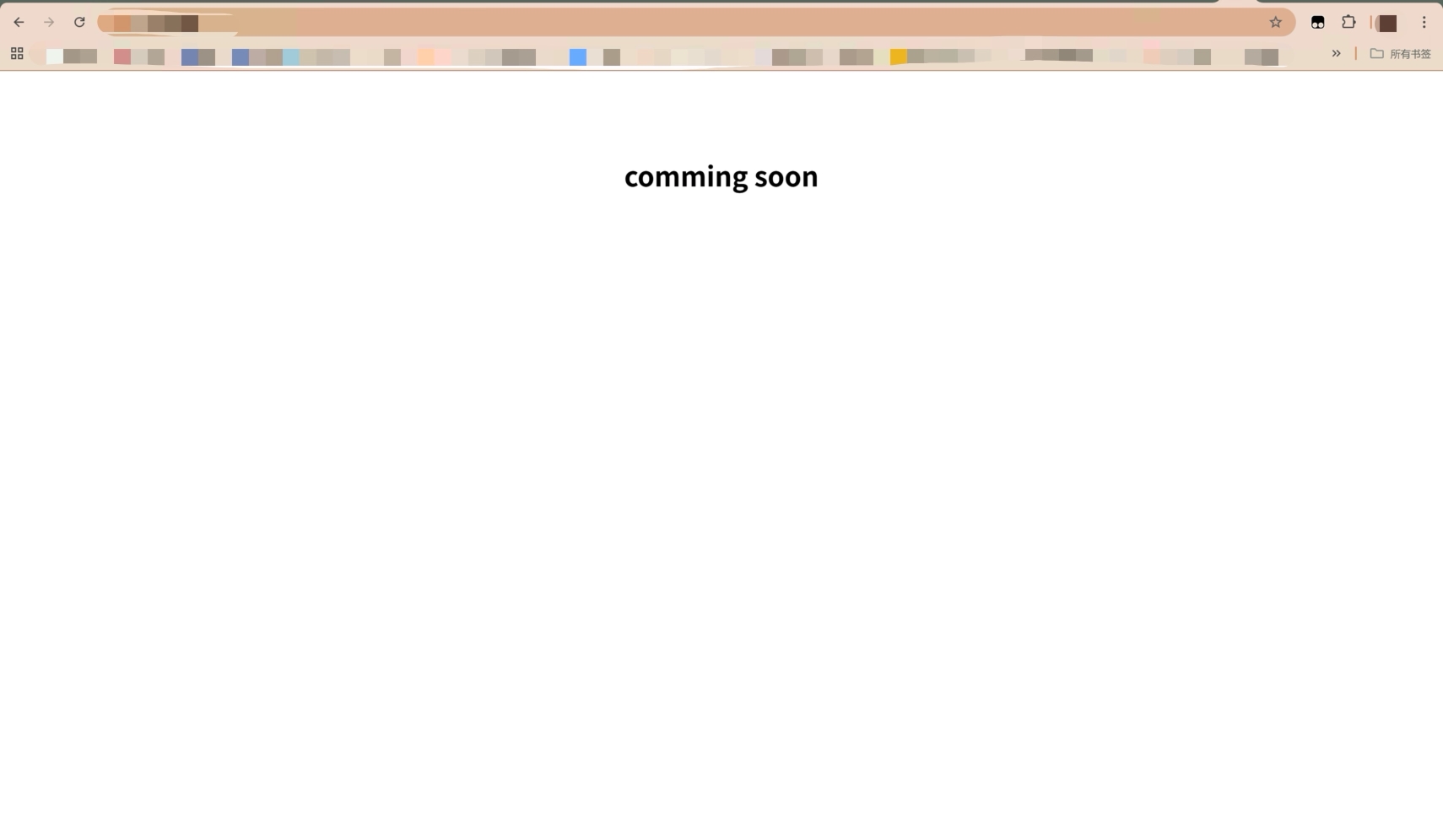
https://<公网域名>/product-calculate/此外,由于我的域名只是用来我个人访问的,所以我希望如果直接访问域名,显示我用于占位的"comming soon"。只有访问特定的路径才会显示我的系统页面。
网络结构
浏览器
   │
   │
公网 Nginx(反向代理)
   │
   │
内网 Nginx(静态资源 + API代理)
   │
   │
Vue 打包产物 dist
并且 API 服务在内网api网关注册了,名称为:
/product-calculate-service/一、需求总结
最终需要实现:
1️⃣ SPA 子路径部署
/product-calculate/2️⃣ 支持 SPA 刷新
例如:
/product-calculate/products刷新不能 404。
3️⃣ 同时支持内网 + 外网访问
内网:
http://<内网ip>:<项目端口>/product-calculate/外网:
https://<公网域名>/product-calculate/4️⃣ API 统一路径
/product-calculate-service/*5️⃣ 公网通过反向代理访问内网服务
二、遇到的问题
在部署过程中,遇到了几个典型 SPA 部署问题。
1 刷新页面 404
例如访问:
/product-calculate/products刷新后:
404 Not Found原因:
SPA 使用 history 模式 ,服务器并没有 /products 这个真实文件。
解决方案:
Nginx 需要使用:
try_files $uri $uri/ /index.html;让所有不存在的路径回退到 index.html。
2 静态资源 404
浏览器报错:
GET /product-calculate/assets/js/index.js 404原因:
Nginx root 路径与子路径不匹配。
解决办法:
使用 rewrite 去掉 /product-calculate 前缀:
rewrite ^/product-calculate/(.*)$ /$1 break;这样:
/product-calculate/assets/js/app.js会映射为:
/assets/js/app.js从而正确找到 dist 中的文件。
3 MIME type 错误
浏览器报错:
Failed to load module script: Expected a JavaScript module but server responded with text/html原因:
JS 文件被 try_files fallback 到 index.html。
本质原因依然是 路径解析错误。
解决办法:
保证 rewrite 后能正确匹配真实文件路径。
4 公网刷新变成 "comming soon"
刷新:
https://<公网域名>/product-calculate/products返回:
comming soon原因:
公网 Nginx 的:
error_page 404 =200 /index.html;会在 公网服务器本地查找 index.html。
但 index.html 在 内网服务器。
导致 fallback 到:
location /返回默认页面。
解决办法:
SPA fallback 只在内网处理。
公网只做 反向代理。
5 公网 rewrite 导致 404
公网配置:
rewrite ^/product-calculate/(.*)$ /$1 break;导致:
/product-calculate/products被转发为:
/products而内网服务实际路径是:
/product-calculate/products最终 404。
解决办法:
公网 不要 rewrite,直接代理。
三、最终解决方案
采用 双层 Nginx 架构:
公网 Nginx
   │
   │ proxy_pass
   │
内网 Nginx
   │
   │ try_files (SPA fallback)
   │
Vue dist
四、最终内网 Nginx 配置
server {
    listen <项目端口>;
    server_name <内网ip>;

    root /www/wwwroot/vue/product-calculate/dist;
    index index.html;

    location /product-calculate/ {

        # 去掉前缀
        rewrite ^/product-calculate/(.*)$ /$1 break;

        try_files $uri $uri/ /index.html;
    }

    location /product-calculate-service/ {
        proxy_pass http://<内网ip>:<后端网关端口>/product-calculate-service/;
        proxy_set_header Host $host;
        proxy_set_header X-Real-IP $remote_addr;
        proxy_set_header X-Forwarded-For $proxy_add_x_forwarded_for;
    }
}
核心逻辑:
rewrite → 去掉子路径前缀
try_files → SPA fallback
五、最终公网 Nginx 配置
公网只做 反向代理。
location ^~ /product-calculate/ {

    proxy_pass http://<内网ip>:<项目端口>;

    proxy_set_header Host $host;
    proxy_set_header X-Real-IP $remote_addr;
    proxy_set_header X-Forwarded-For $proxy_add_x_forwarded_for;

    proxy_http_version 1.1;
    proxy_set_header Upgrade $http_upgrade;
    proxy_set_header Connection $connection_upgrade;
}
API 代理:
location /product-calculate-service/ {
    proxy_pass http://<内网ip>:<后端网关端口>/product-calculate-service/;
}
六、最终访问效果
内网访问:
http://<内网ip>:<项目端口>/product-calculate/
http://<内网ip>:<项目端口>/product-calculate/products
外网访问:
https://<公网域名>/product-calculate/
https://<公网域名>/product-calculate/products
API:
/product-calculate-service/*全部正常。
七、经验总结
部署 SPA 时有三个关键原则:
1 SPA fallback 只在一个地方处理
推荐:
内网 Nginx → try_files
公网 Nginx → proxy
否则容易出现:
- 404
- MIME type 错误
- fallback 错乱
2 子路径部署必须处理路径
两种方式:
方案一:
rewrite 去掉前缀方案二:
alias3 反向代理不要随便 rewrite
如果后端本身已经处理路径:
proxy_pass 直接转发不要额外 rewrite。
八、最终架构
Browser
   │
   │
<公网域名>
   │
   │  (公网 Nginx)
   │
proxy_pass
   │
   │
<内网ip>:<项目端口>
   │
   │  (内网 Nginx)
   │
try_files
   │
   │
Vue dist
九、适用场景
这套方案适用于:
- Vue / Vite SPA
- React SPA
- 子路径部署
- 内外网混合访问
- API 反向代理
- 单页应用刷新
如果以后部署新的 SPA 项目,只需要修改/product-calculate为你的新路径即可复用整套方案。