ArkUI组件导航,可以在一个页面内虚拟出多个组件导航页面,我们通过案例来测试一下基础用法:
TypeScript
@Entry
@Component
struct TestNavigation {
  @State message: string = 'Test Navigation';
  //定义一个页面栈(用于管理页面,记录页面路径信息及访问顺序等)
  navPathStack: NavPathStack = new NavPathStack()

  //自定义构建函数(用来承载多个页面内容)
  @Builder
  builderPages(name: string) {
    if (name === 'pageOne') {
      //页面1内容要放到导航目标内
      NavDestination() {
        //可以直接罗列组件,不用再通过根节点包裹
        Text('页面1').fontColor(Color.Red)
        Text('的内容')
      }
    } else {
      //页面2内容也要放到导航目标内
      NavDestination() {
        //这个我们测试一下横向排布
        Row() {
          Text('页面2').fontColor(Color.Orange)
          Text('的内容')
        }
      }
    }
  }

  build() {
    Column() {
      Text(this.message)
        .fontSize(33)
        .fontWeight(FontWeight.Bold)
        .onClick(() => {
          this.message = 'Welcome';
        })

      //组件导航
      Navigation(this.navPathStack) {
        //这里写根页面
        Button('打开页面1', { stateEffect: true, type: ButtonType.Capsule })
          .width('80%')
          .margin(20)
          .onClick(() => {
            this.navPathStack.pushPath({ name: 'pageOne' });
          })
        Button('打开页面2', { stateEffect: true, type: ButtonType.Capsule })
          .width('80%')
          .onClick(() => {
            this.navPathStack.pushPath({ name: 'pageTwo' });
          })
      }
      .navDestination(this.builderPages)
      .border({ width: 1, color: Color.Black })
      .margin(50)
      .backgroundColor(Color.Gray)
    }
    .height('100%')
    .width('100%')
  }
}
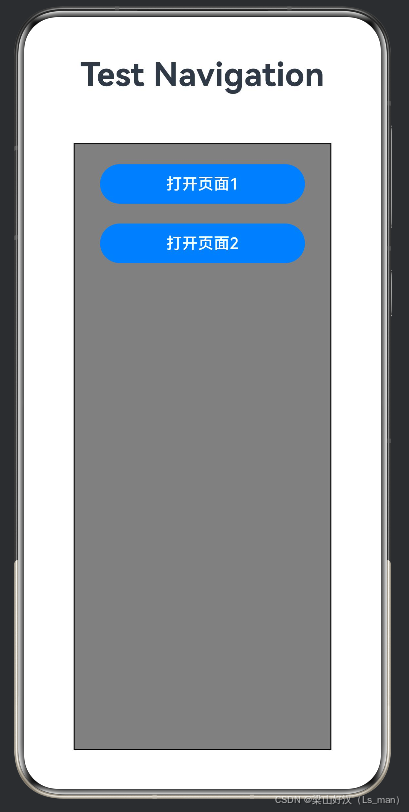
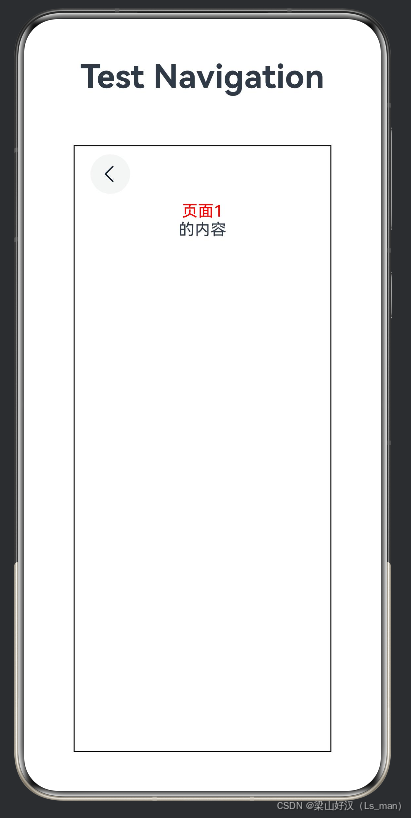
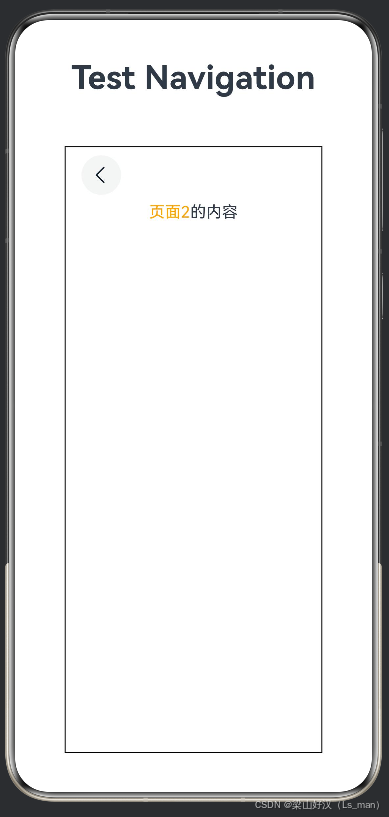
运行效果如下: