目录
[二、样式绑定 class](#二、样式绑定 class)
[2.1 将class属性值绑定为字符串](#2.1 将class属性值绑定为字符串)
[2.2 将class属性值绑定为对象](#2.2 将class属性值绑定为对象)
[2.3 将class属性值绑定为数组](#2.3 将class属性值绑定为数组)
[3.1 将style属性值绑定为对象](#3.1 将style属性值绑定为对象)
[3.2 将style属性绑定为数组](#3.2 将style属性绑定为数组)
[4.1 class 和style的区别](#4.1 class 和style的区别)
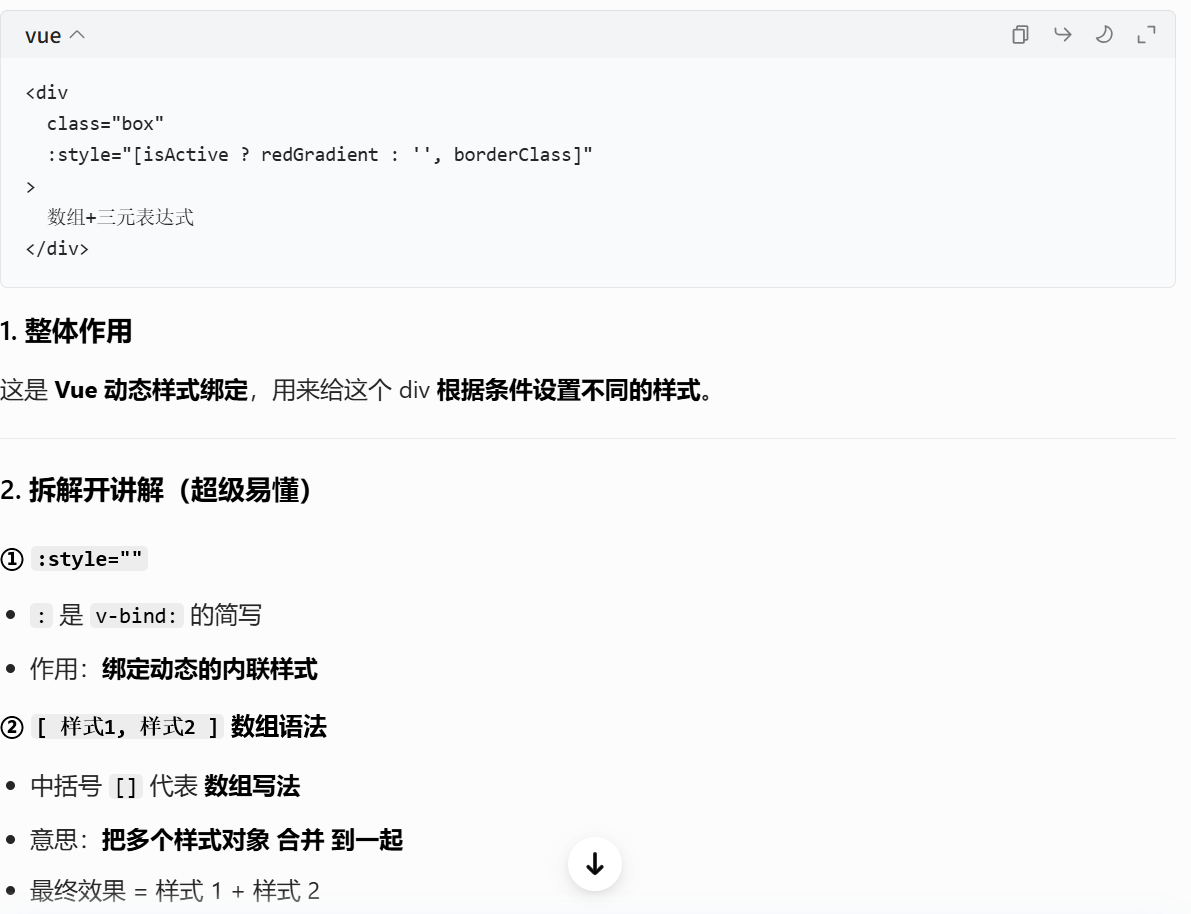
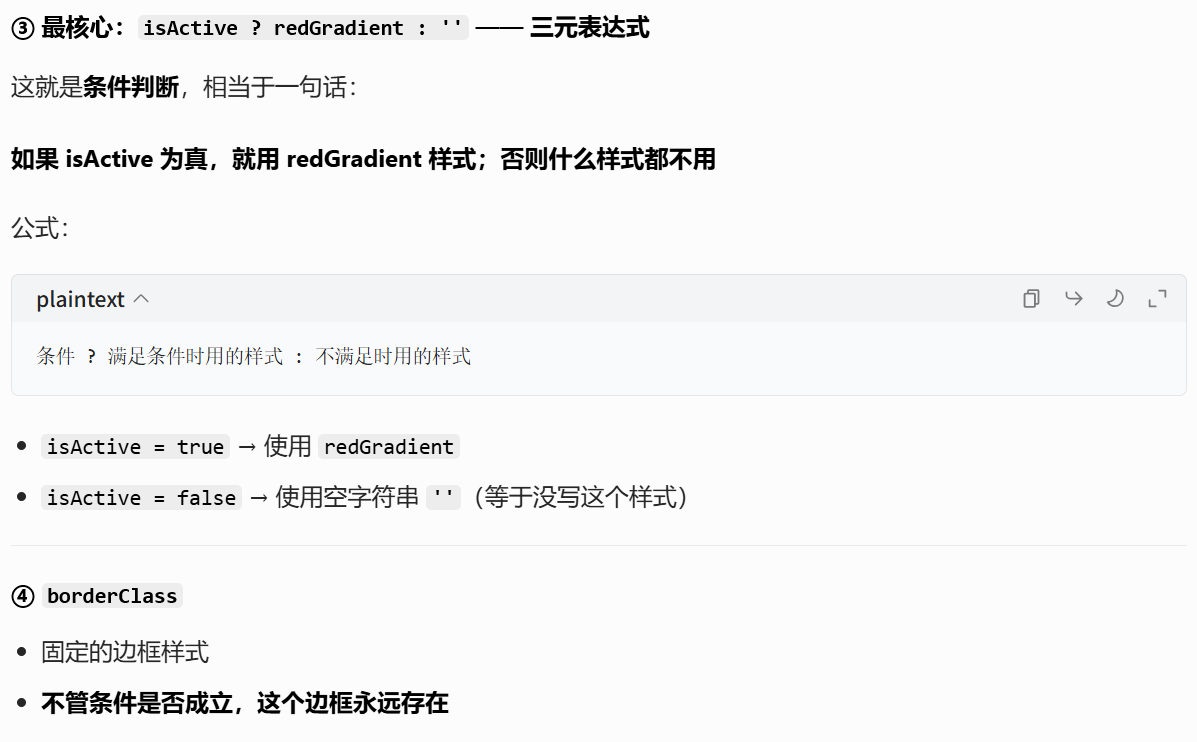
[4.2 三元表达式](#4.2 三元表达式)
一、侦听器
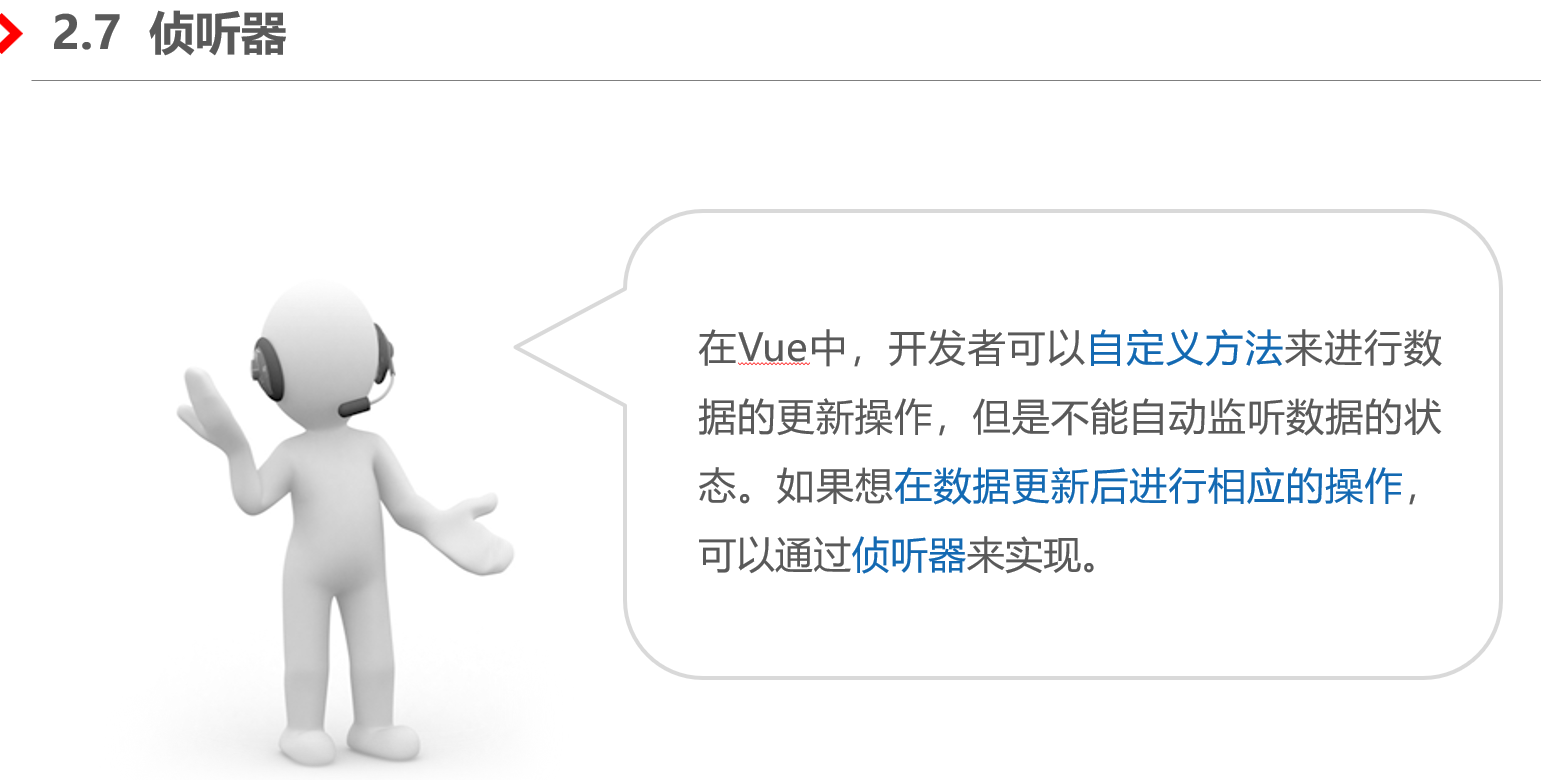
1、什么是侦听器
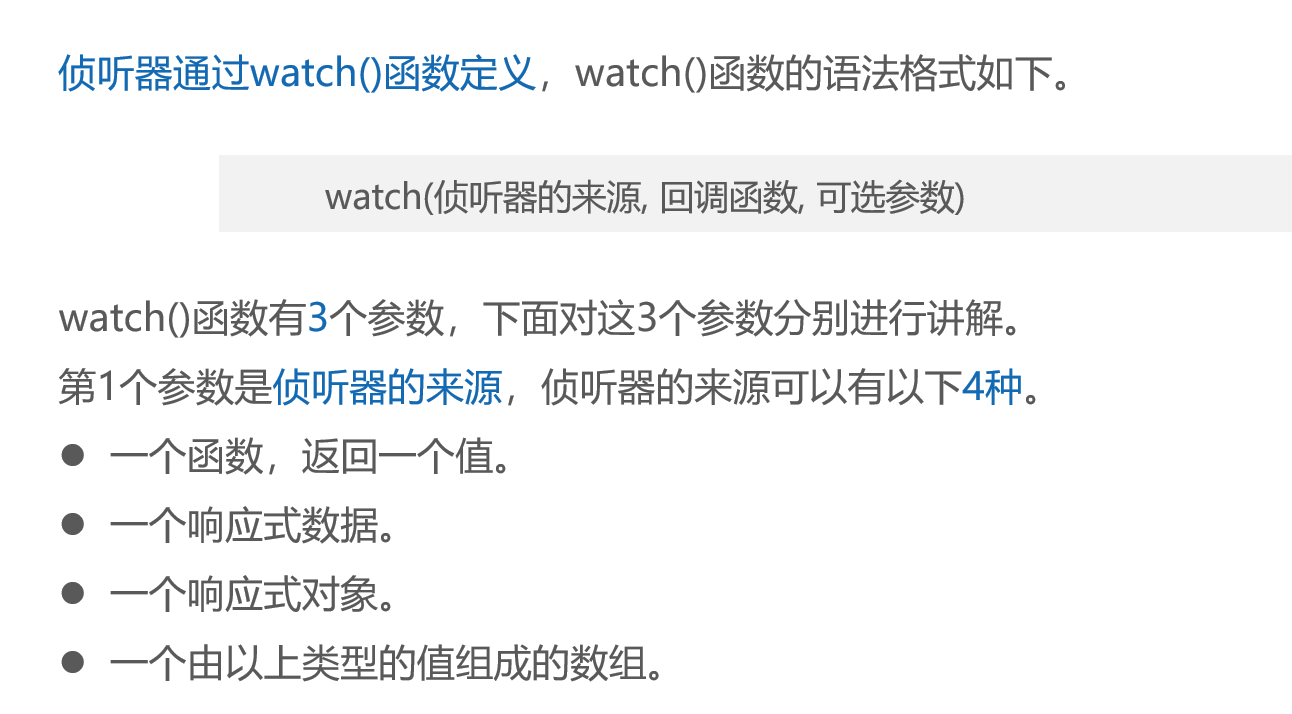
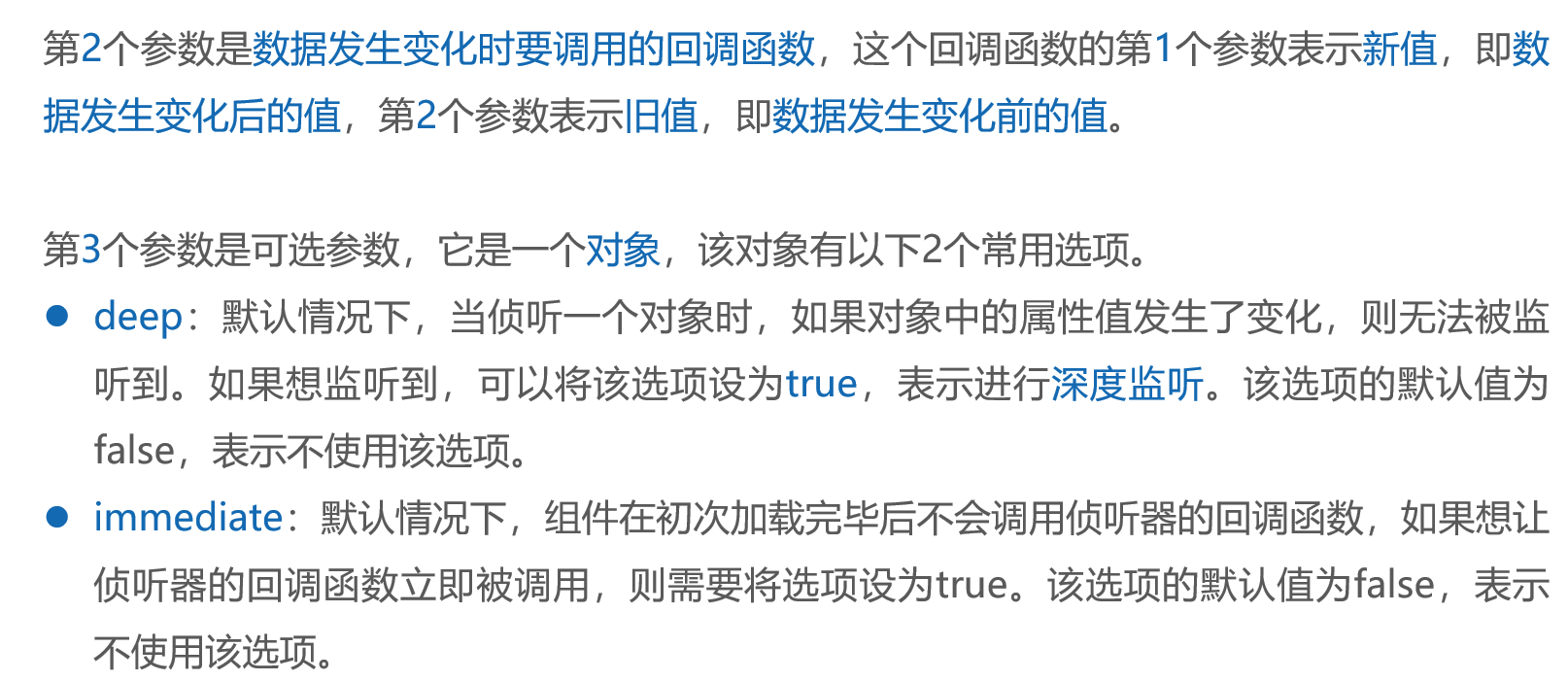
2、用法演示
<template>
  <!-- 输入框,输入内容会自动同步给 cityName -->
  <input type="text" v-model="cityName">
</template>

<script setup>
// 引入需要的 API
import { watch, ref } from 'vue'

// 定义响应式变量,默认值 beijing
const cityName = ref('beijing')

// 监听响应式数据变化
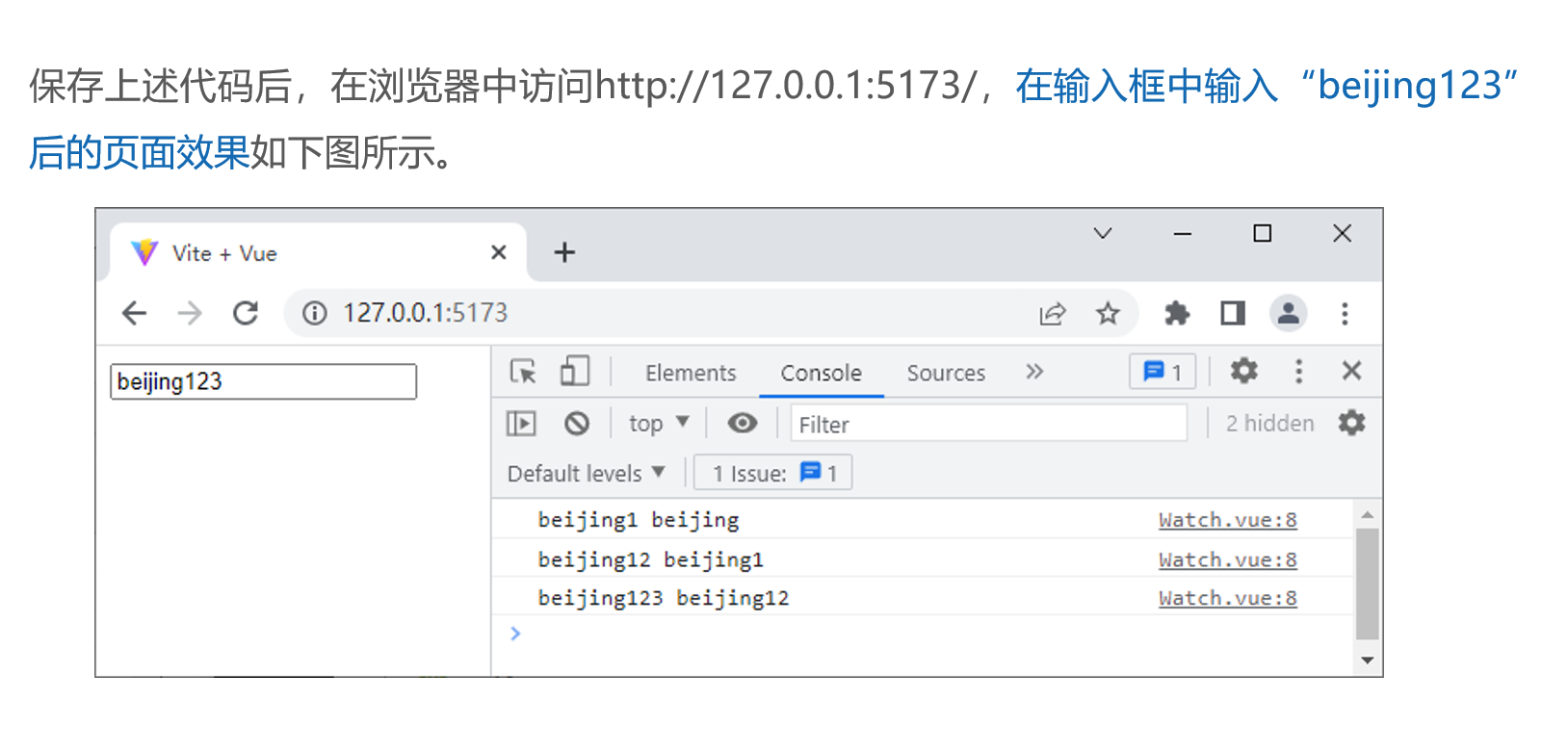
watch(cityName, (newVal, oldVal) => {
  // 新值,旧值
  console.log(newVal, oldVal)
})
</script>
效果
二、样式绑定 class
2.1 将class属性值绑定为字符串
<template>
  <div v-bind:class="className">梦想</div>
</template>
<script setup>
const className = 'box'
</script>

<style>
.box {
  border: 10px solid rgb(234, 18, 18);
}
</style>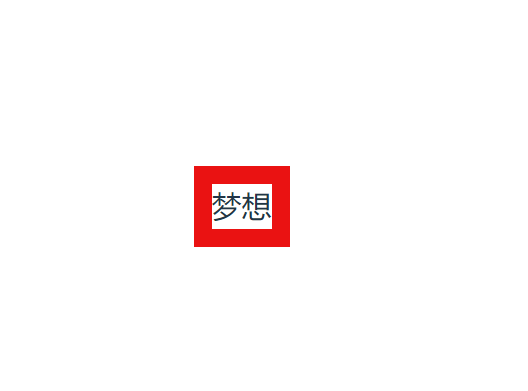
2.2 将class属性值绑定为对象
<template>
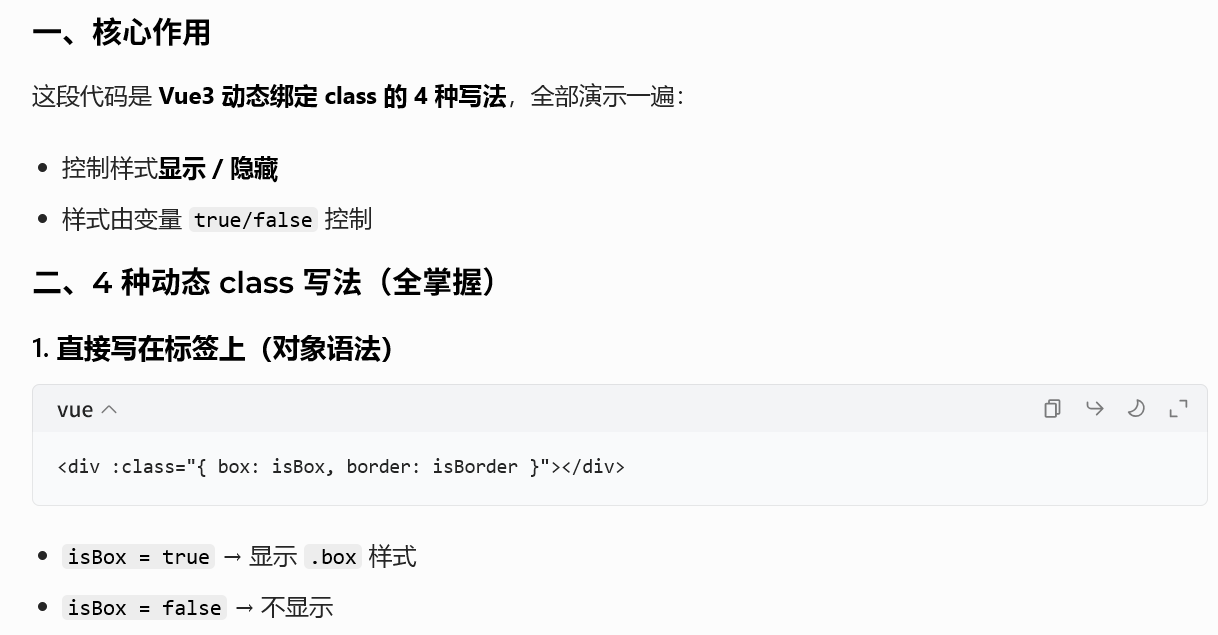
  <div class="text" :class="{ box: isBox, border: isBorder }">
    <div :class="{ inner: isInner }">春夏</div>
    <div :class="classObject">秋冬</div>
    <div :class="classMeal">三餐四季~</div>
  </div>
</template>

<script setup>
import { ref, reactive, computed } from 'vue'
const isBox = ref(true)
const isBorder = ref(true)
const isInner = ref(true)
const isMeal = ref(true)
const classObject = reactive({ inner: true })
const classMeal = computed(() => ({
  meal: isMeal.value
}))
</script>

<style>
.text {
  text-align: center;
  line-height: 30px;
}
.box {
  width: 100%;
  background: linear-gradient(rgb(210, 13, 13), rgb(239, 250, 86));
}
.border {  border: 2px dotted black; }
.inner {
  margin-top: 2px;
  width: 100px; height: 30px;
  border: 2px double black;
}
.meal {
  width: 100px; height: 30px;
  border: 2px dashed rgb(120, 81, 227);
}
</style>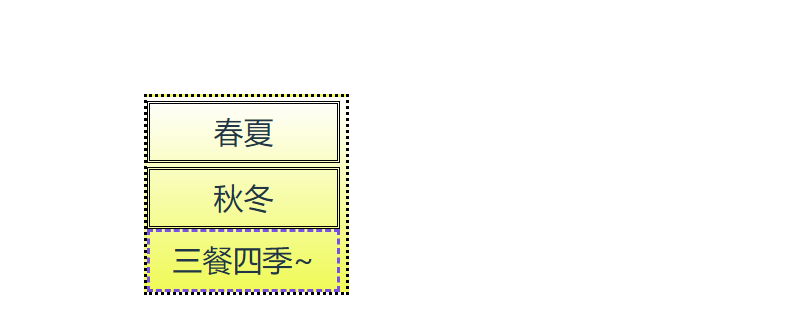
2.3 将class属性值绑定为数组
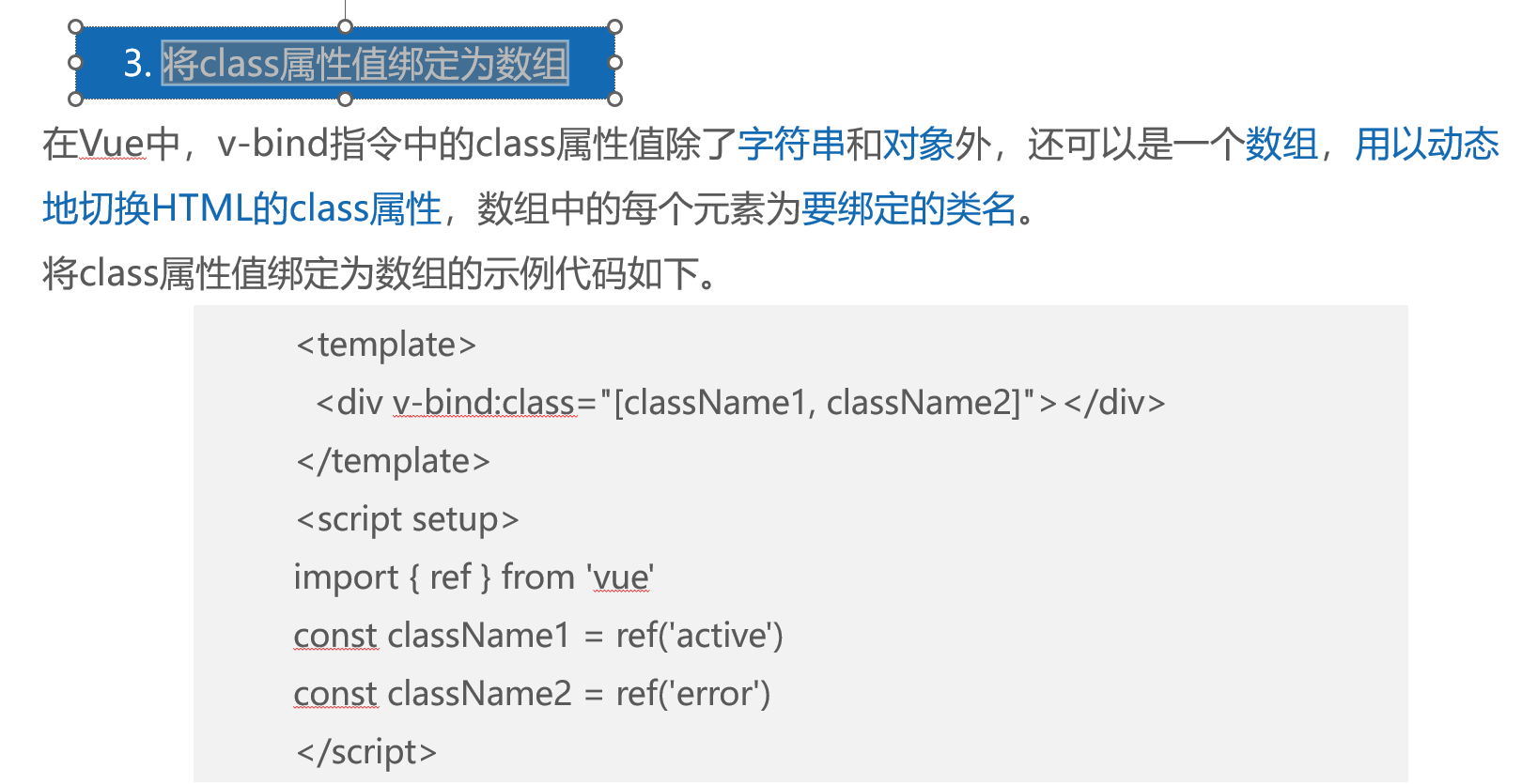
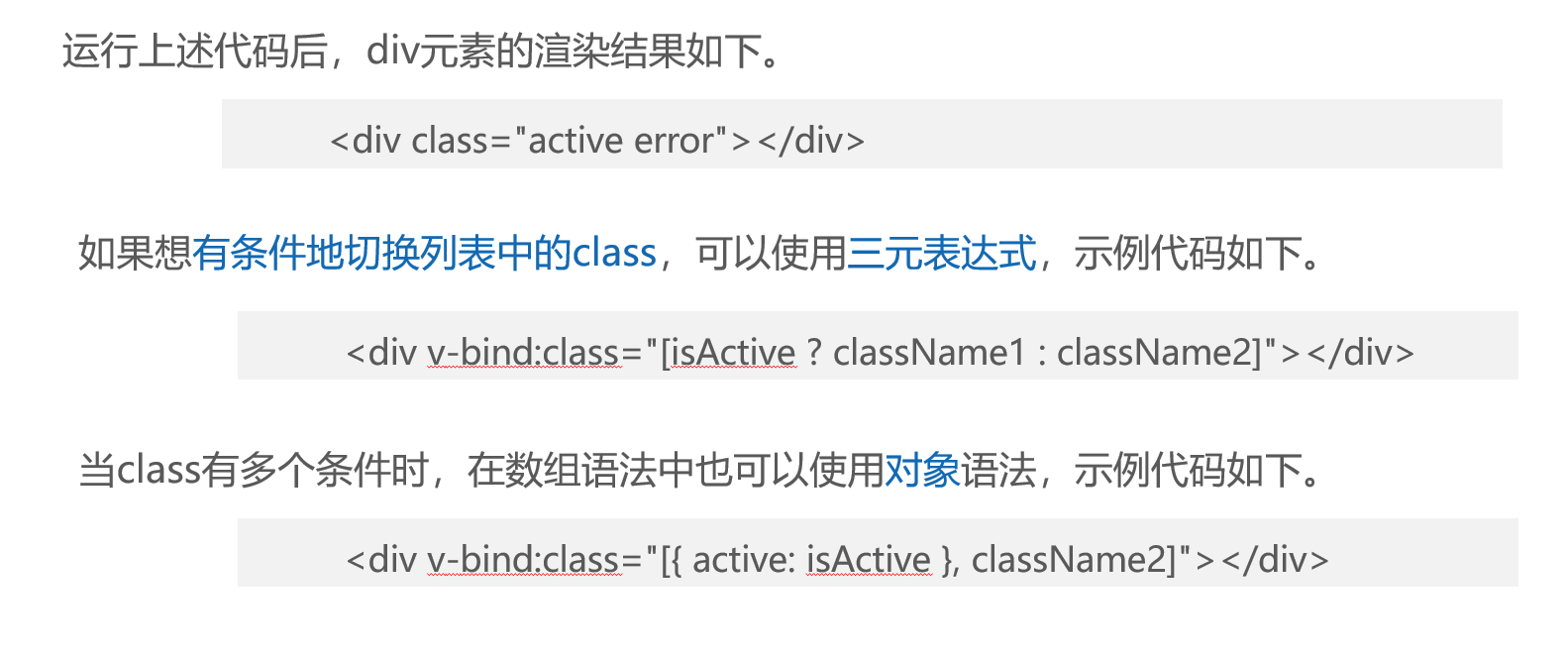
用法演示
<template>
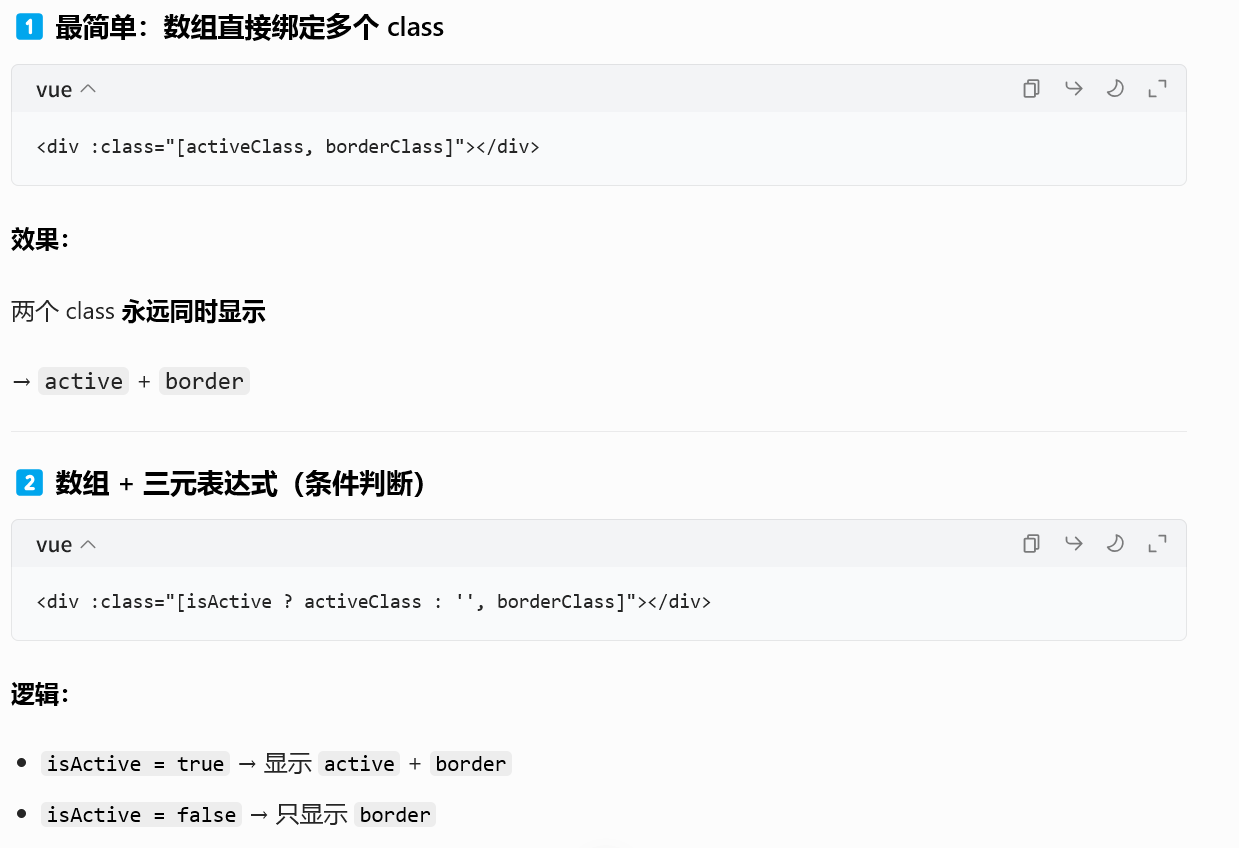
  <div v-bind:class="[activeClass, borderClass]"></div>
  <div v-bind:class="[isActive ? activeClass : '', borderClass]"></div>
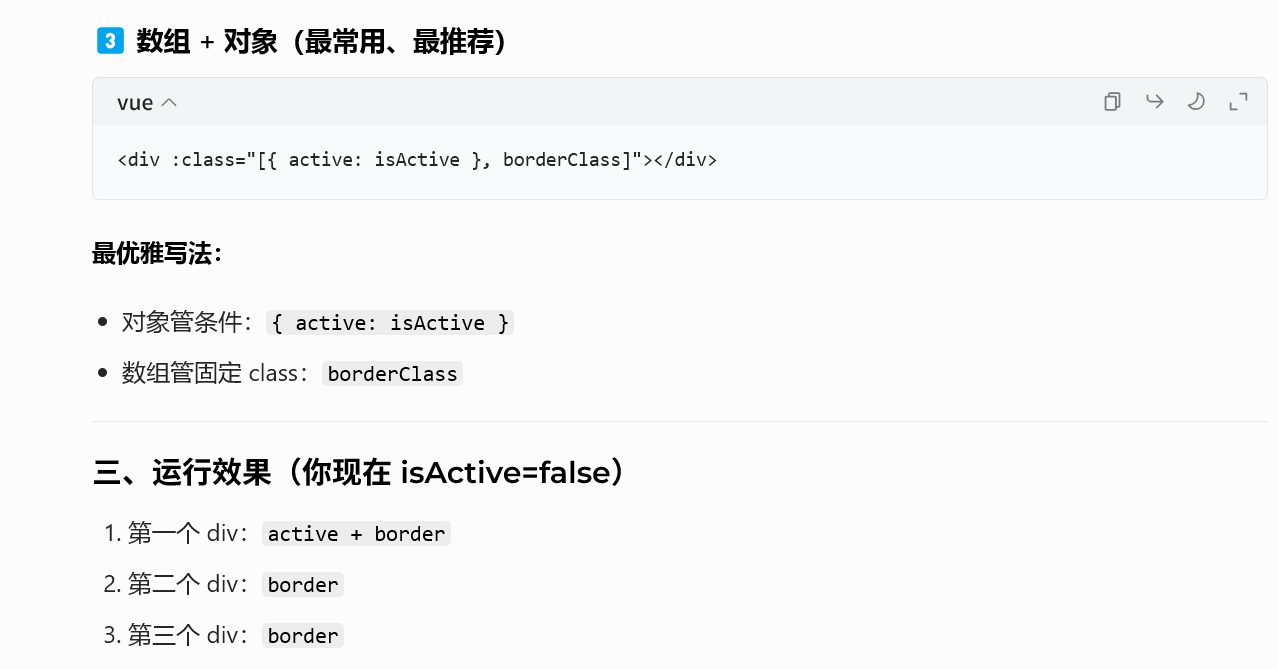
  <div v-bind:class="[{ active: isActive }, borderClass]"></div>
</template>
<script setup>
import { ref } from 'vue'
const isActive = ref(true)
const activeClass = ref('active')
const borderClass = ref('border')
</script>
<style>
.active {
  width: 100px;
  height: 10px;
  margin-bottom: 2px;
  background-color: rgb(59, 192, 241);
}
.border {
  border: 2px solid rgb(0, 0, 0);
}
</style>
效果

讲解
三、样式绑定style
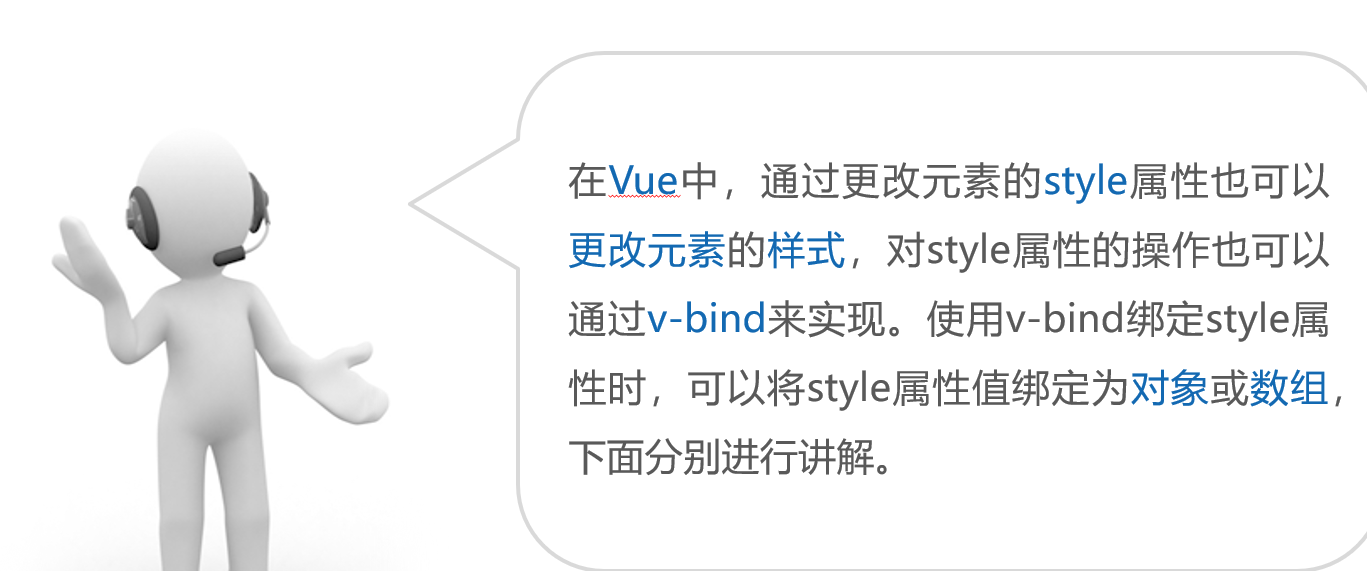
3.1 将style属性值绑定为对象
<template>
  <!-- 最外层必须只有一个根元素 -->
  <div>
    <!-- 绑定样式属性值 -->
    <div :style="{ backgroundColor: pink, width: width, height: height + 'px' }">
      <!-- 三元表达式 -->
      <div :style="{ backgroundColor: isBlue ? blue : 'black', width: '50px', height: '20px' }"></div>
      <!-- 绑定样式对象 -->
      <div :style="myDiv"></div>
    </div>
  </div>
</template>

<script setup>
import { ref, reactive } from 'vue'
const isBlue = ref(false)
const blue = ref('blue')
const pink = ref('pink')
const width = ref('100%')
const height = ref(40)
const myDiv = reactive({
  backgroundColor: 'red',
  width: '50px',
  height: '20px'
})
</script>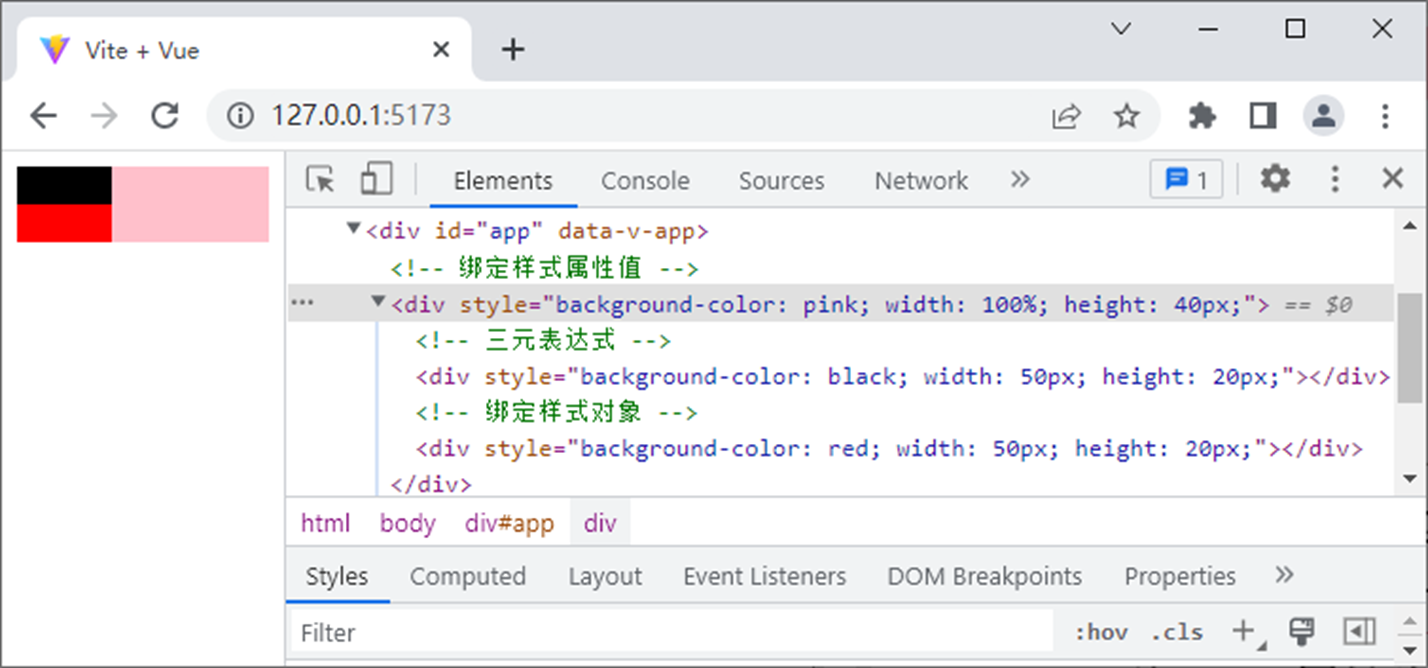
3.2 将style属性绑定为数组
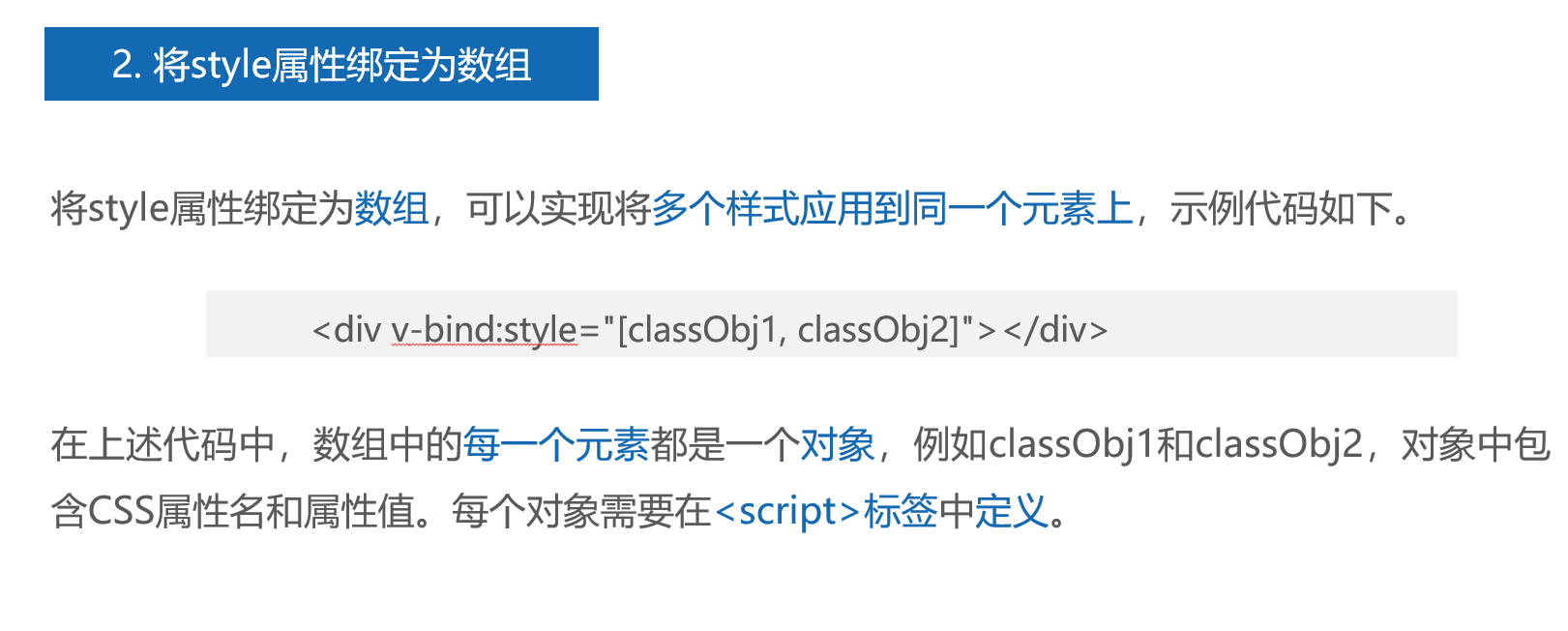
<template>
  <!-- 1. 纯数组:蓝→白渐变 -->
  <div class="box" :style="[activeGradient, borderClass]">纯数组样式</div>

  <!-- 2. 三元表达式:红→粉渐变 -->
   <!-- 这行代码就是:根据开关 isActive,决定要不要给盒子加上红色渐变,边框永远保留。 -->
  <div class="box" :style="[isActive ? redGradient : '', borderClass]">数组+三元表达式</div>

  <!-- 3. 数组+对象:绿→浅绿渐变 -->
  <div class="box" :style="[{ background: 'linear-gradient(to bottom, #52c41a, #b7eb8f)', height: '40px' }, borderClass]">数组+对象</div>
</template>

<script setup>
import { ref, reactive } from 'vue'

const isActive = ref(true)

// 蓝→白渐变
const activeGradient = reactive({
  height: '40px',
  background: 'linear-gradient(to bottom, rgb(59, 192, 241), rgb(200, 240, 255))'
})

// 红→粉渐变
const redGradient = reactive({
  height: '40px',
  background: 'linear-gradient(to bottom, rgb(255, 99, 71), rgb(255, 182, 193))'
})

const borderClass = reactive({
  border: '2px solid rgb(0, 0, 0)',
  margin: '10px 0'
})
</script>

<style>
.box {
  width: 200px;
  line-height: 40px;
  text-align: center;
}
</style>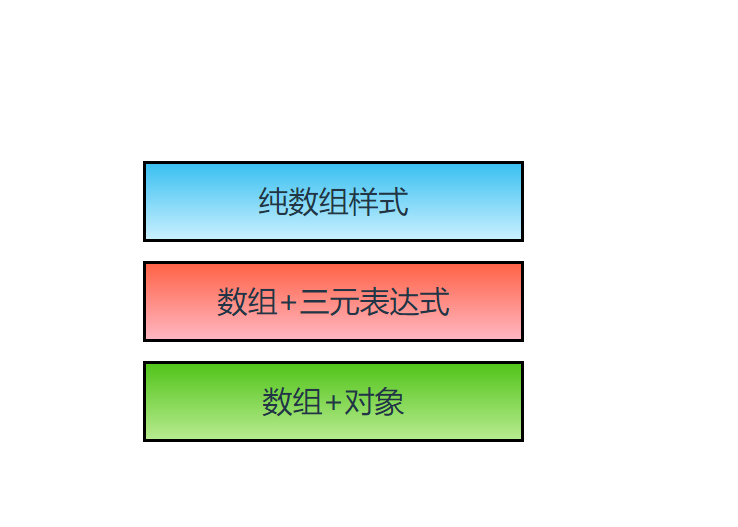
四、知识点补充
4.1 class 和style的区别
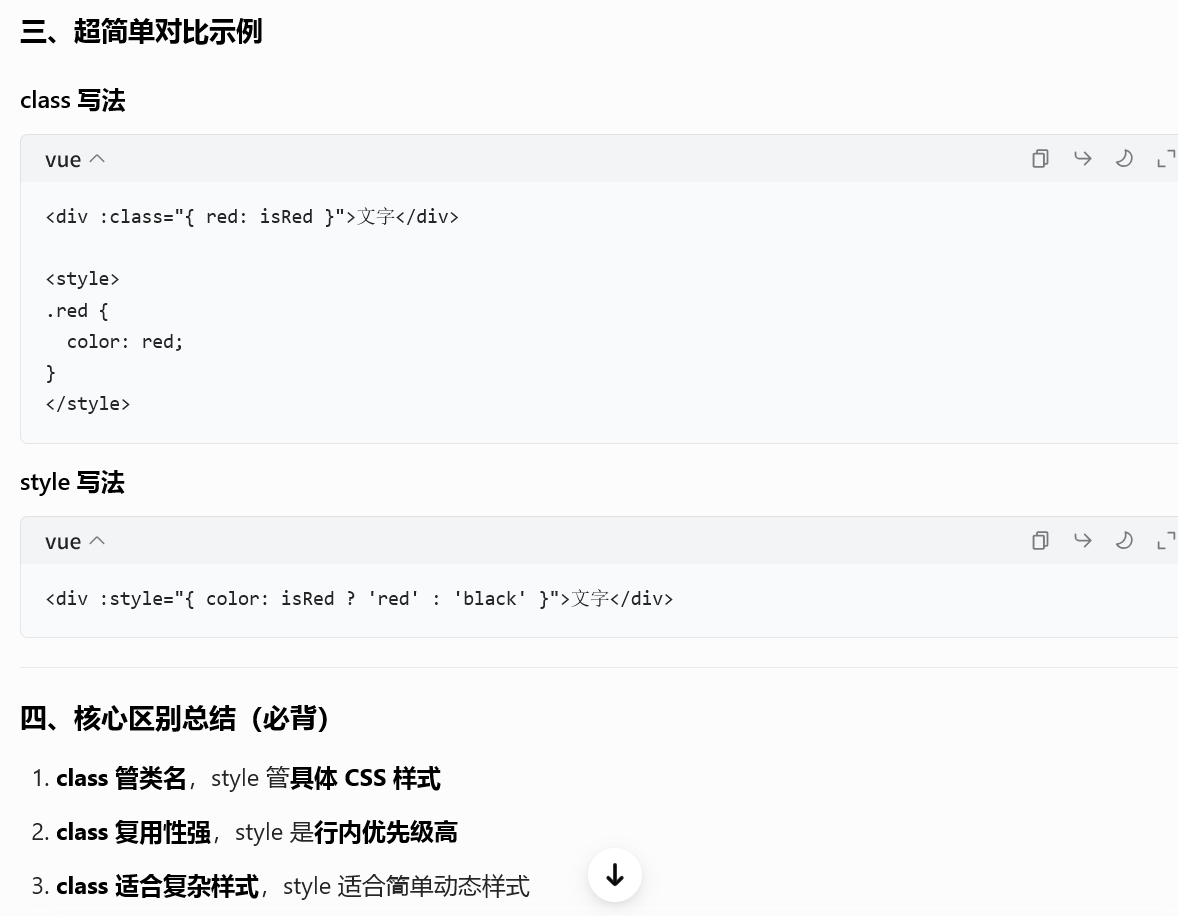
Vue 中 class 和 style 的核心区别
一、先一句话记住
-
class :绑定类名,样式写在 CSS 里
-
style :绑定行内样式,直接写 CSS 属性
二、详细对比
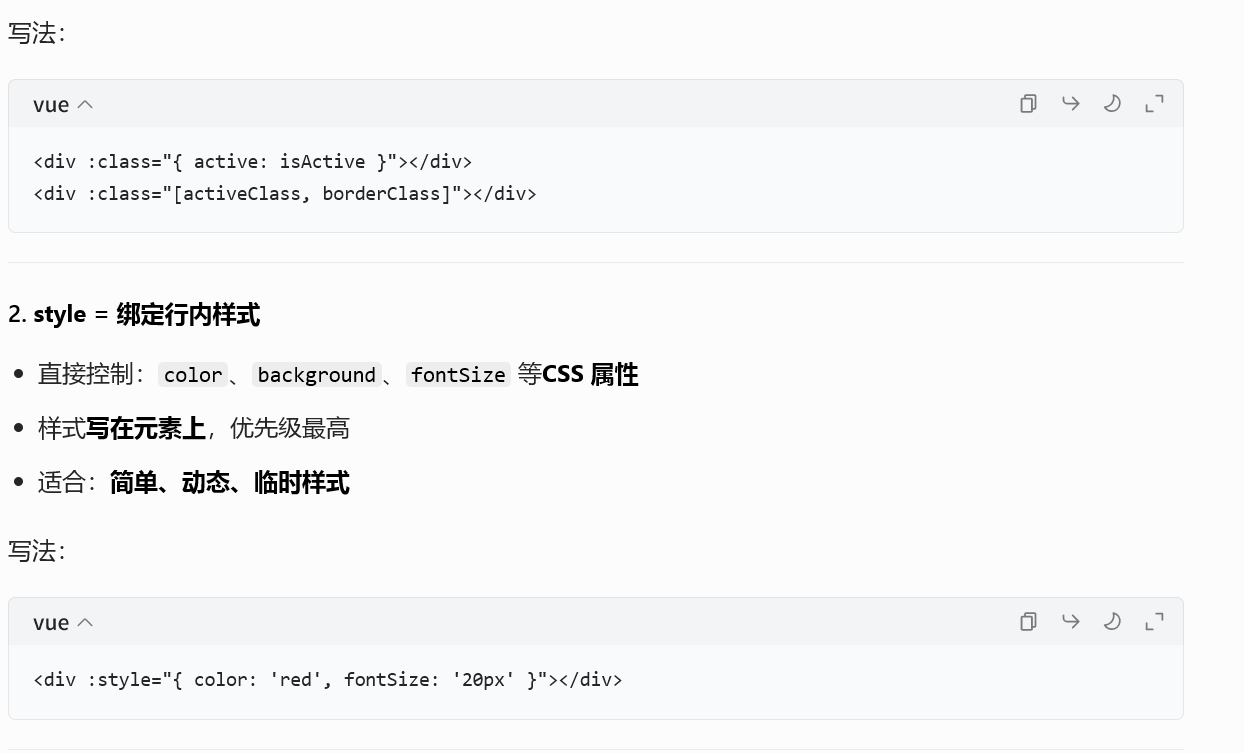
- class = 绑定类名
-
控制:
active、box、border这种类名 -
样式写在
<style>里 -
适合:常用、复用、复杂样式
4.2 三元表达式