先到官方下载驱动包

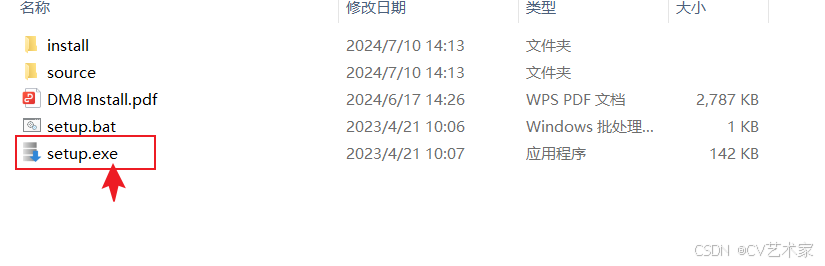
打开点击setup.exe
下一步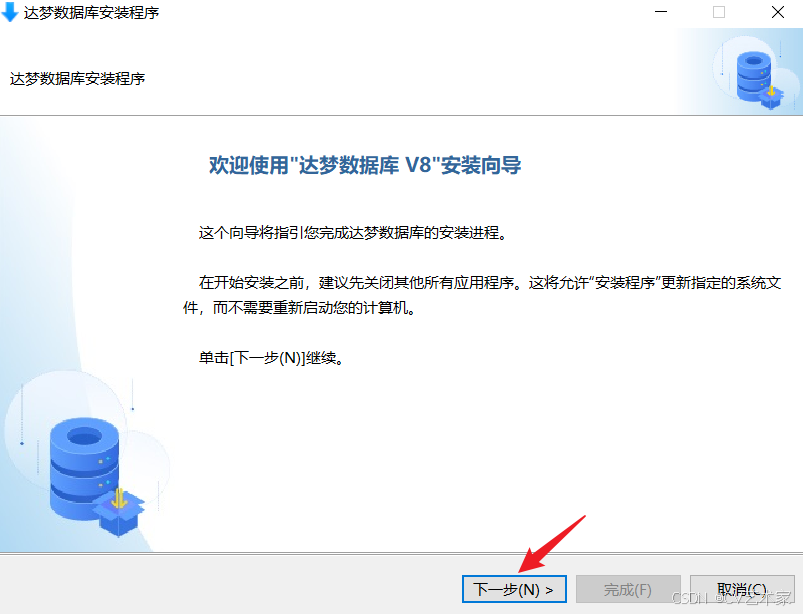
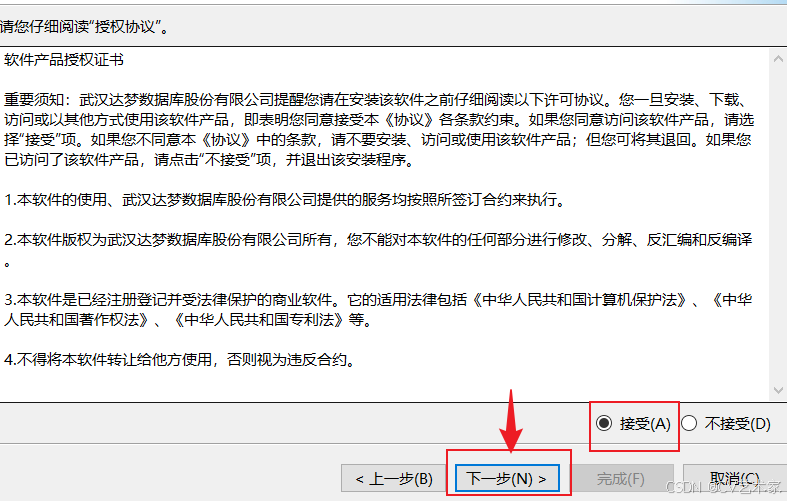
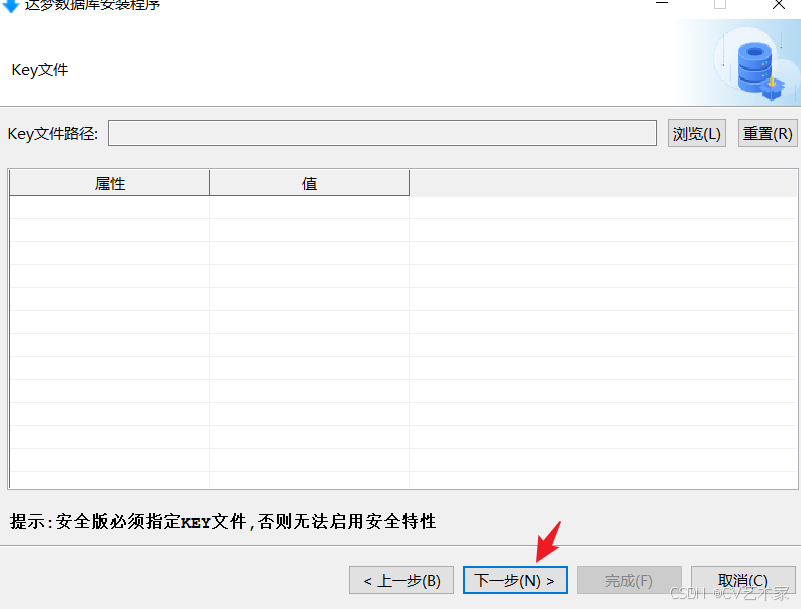
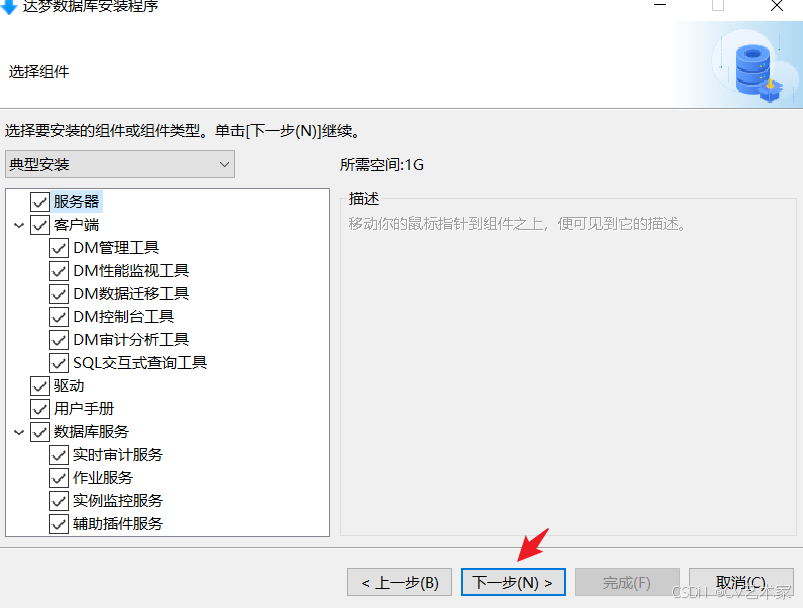
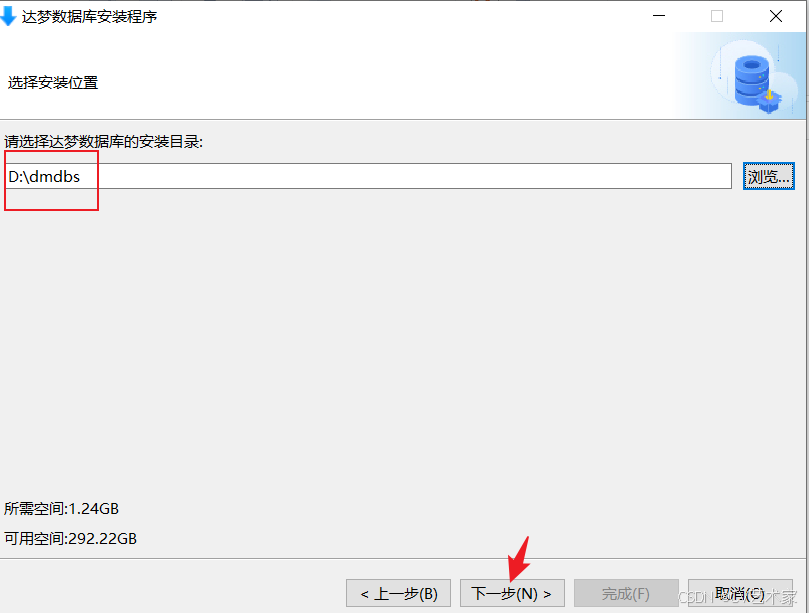
这里初始化的文件位置不建议在c盘,可以换到其他盘符。默认在c盘
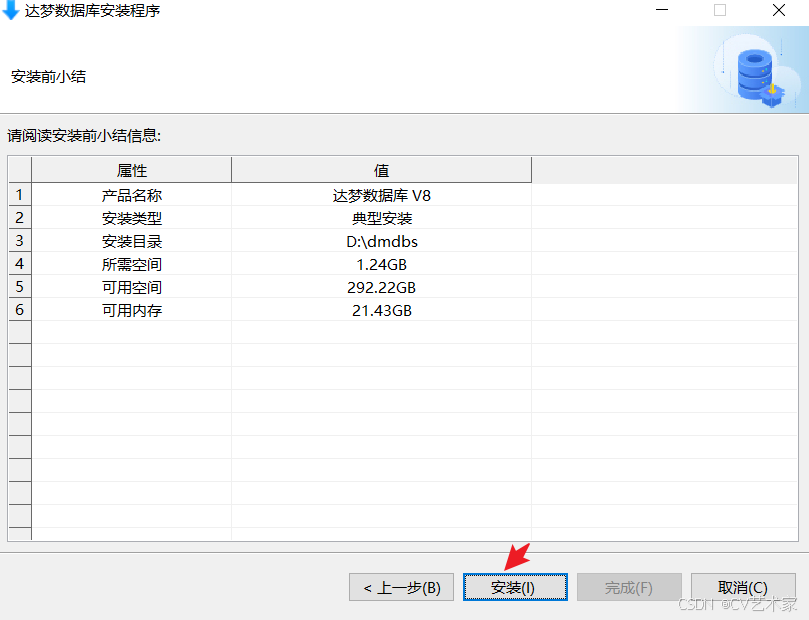
安装
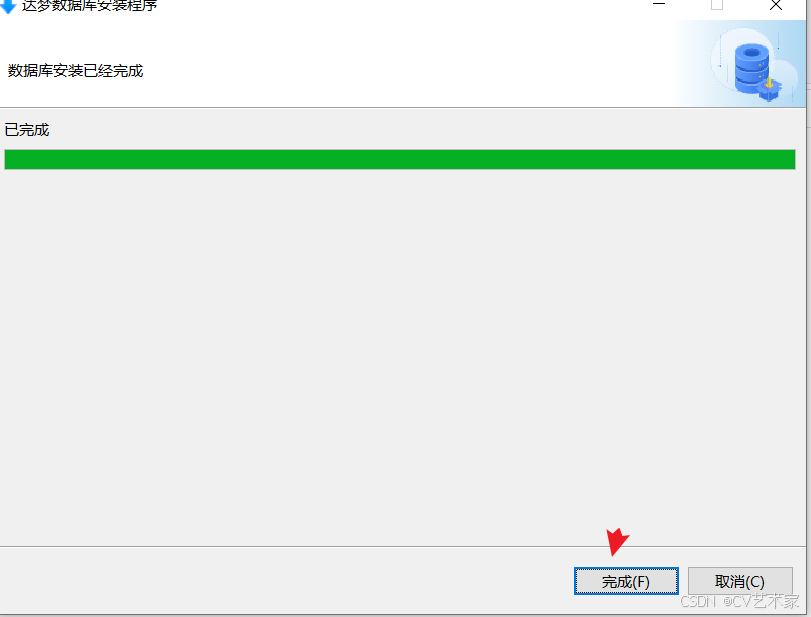
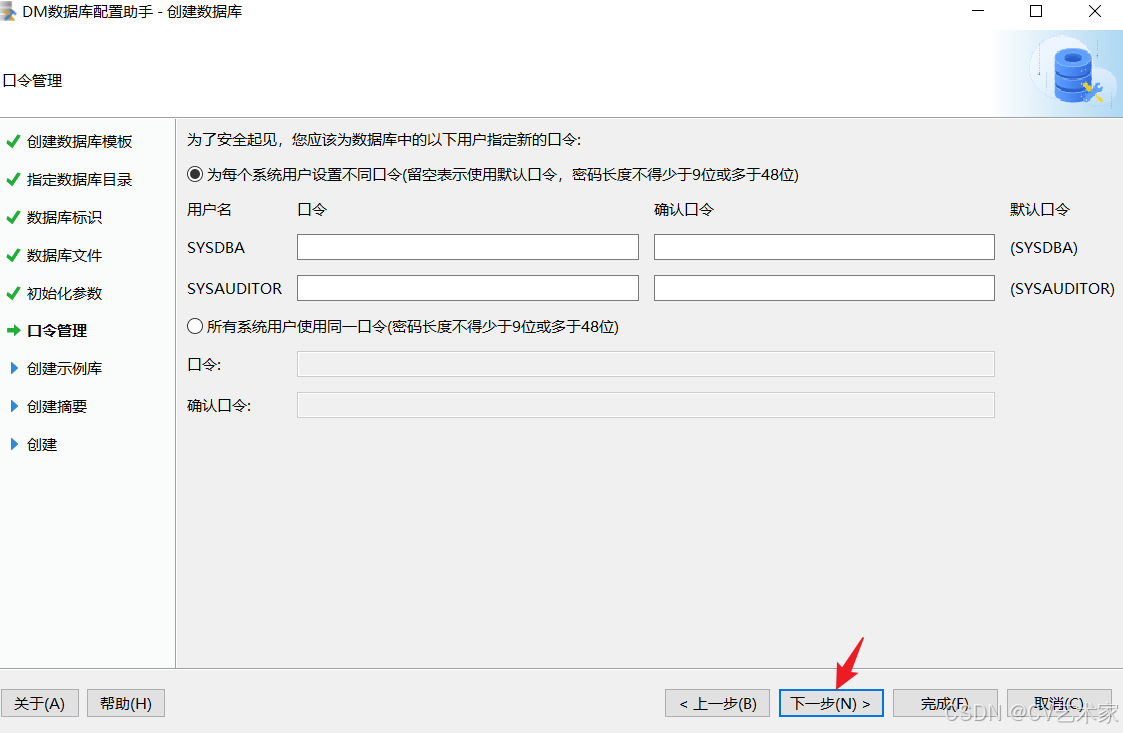
初始化
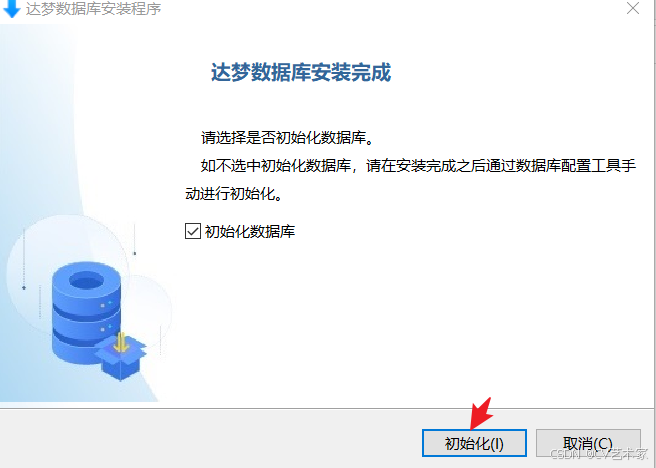
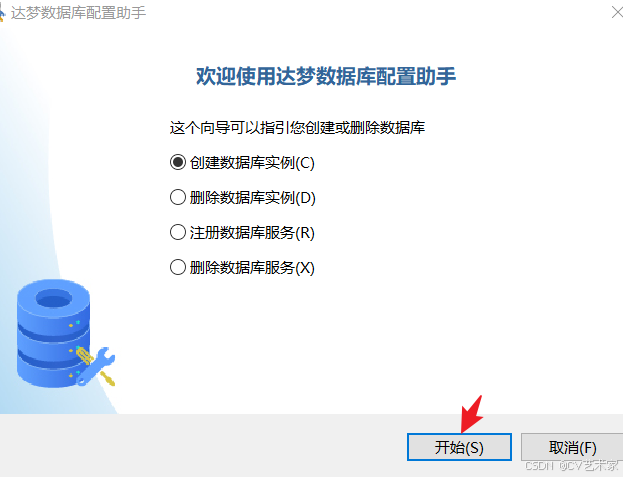
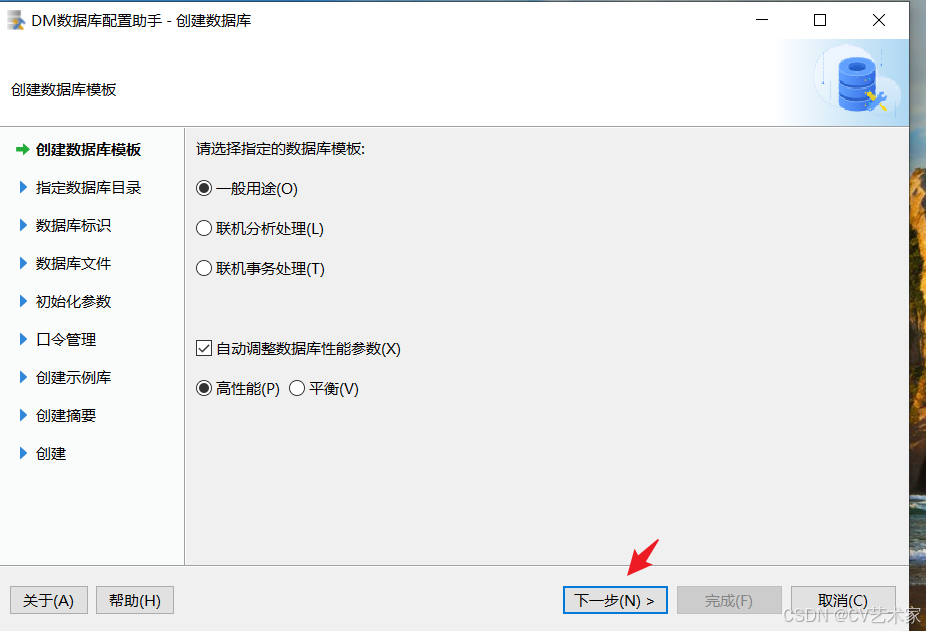
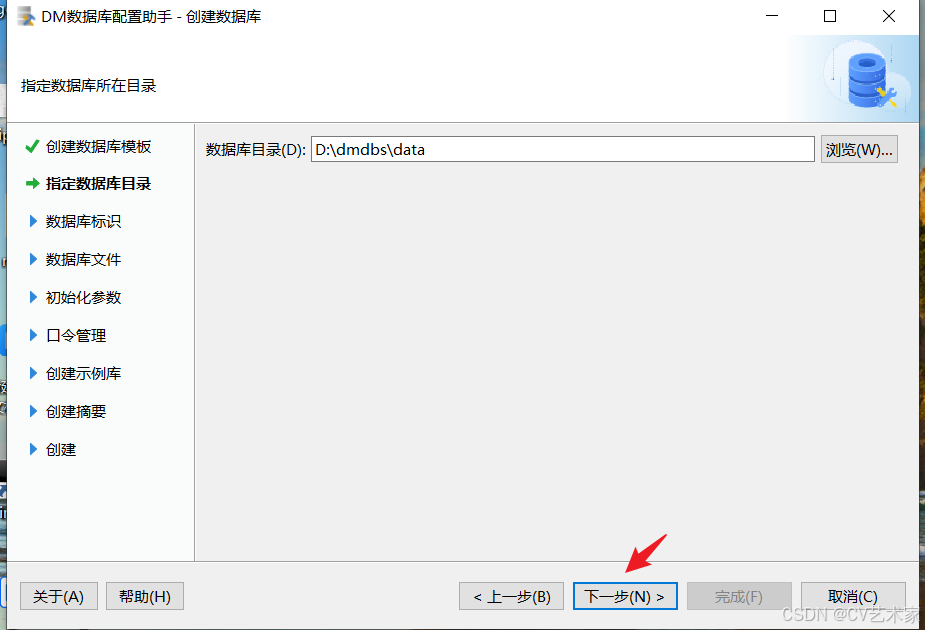
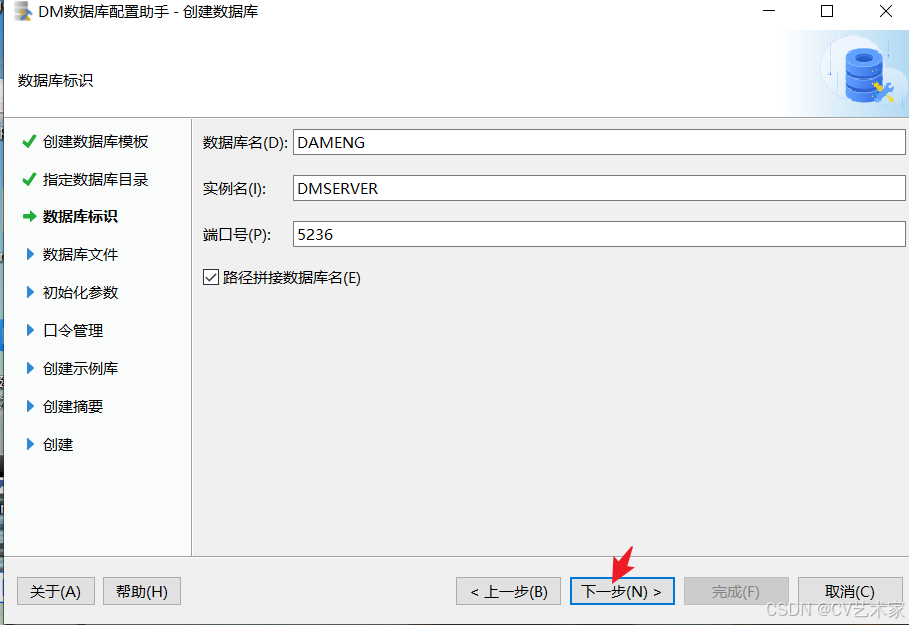
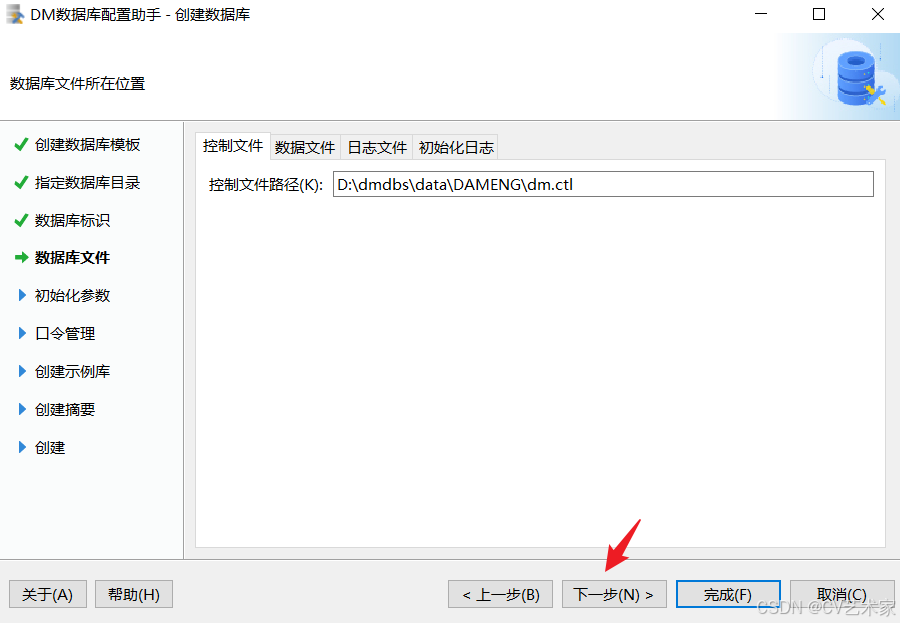
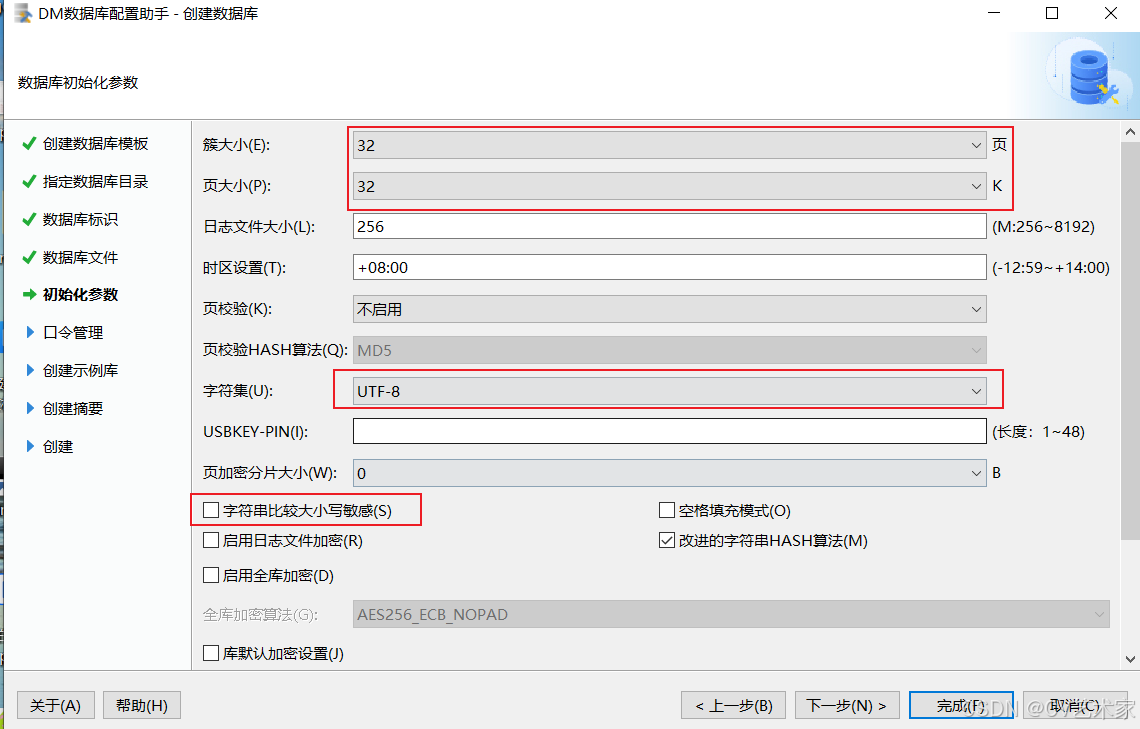
这里默认不要选大小写敏感
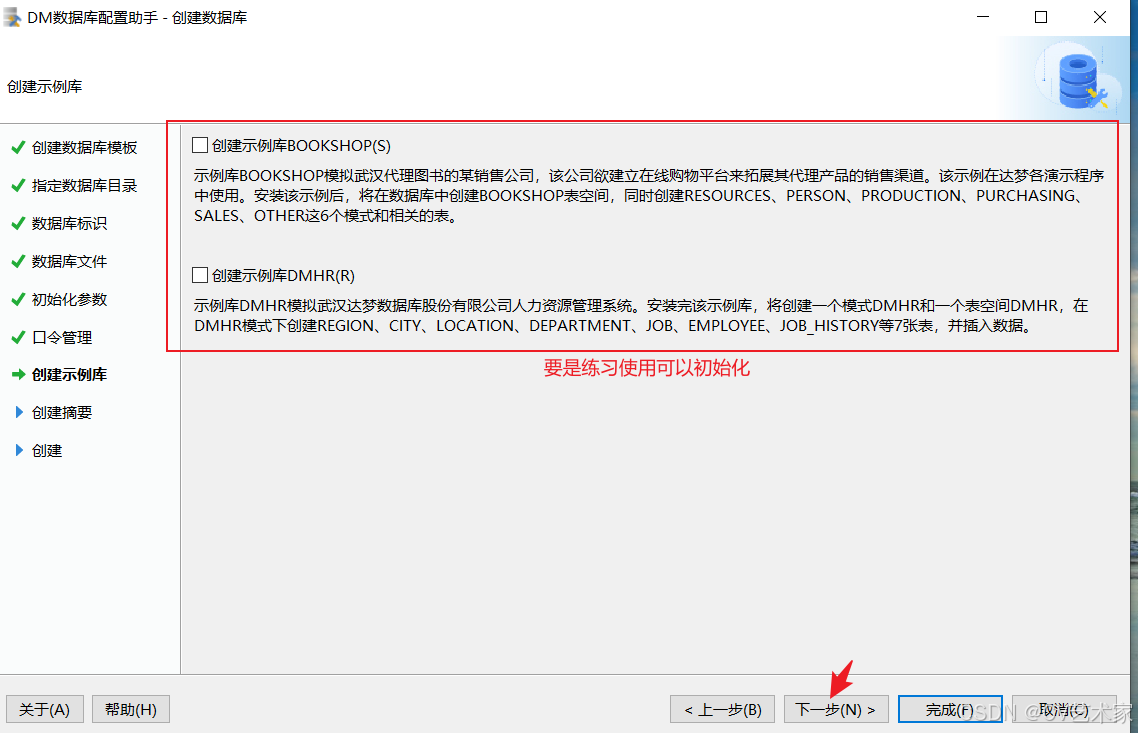
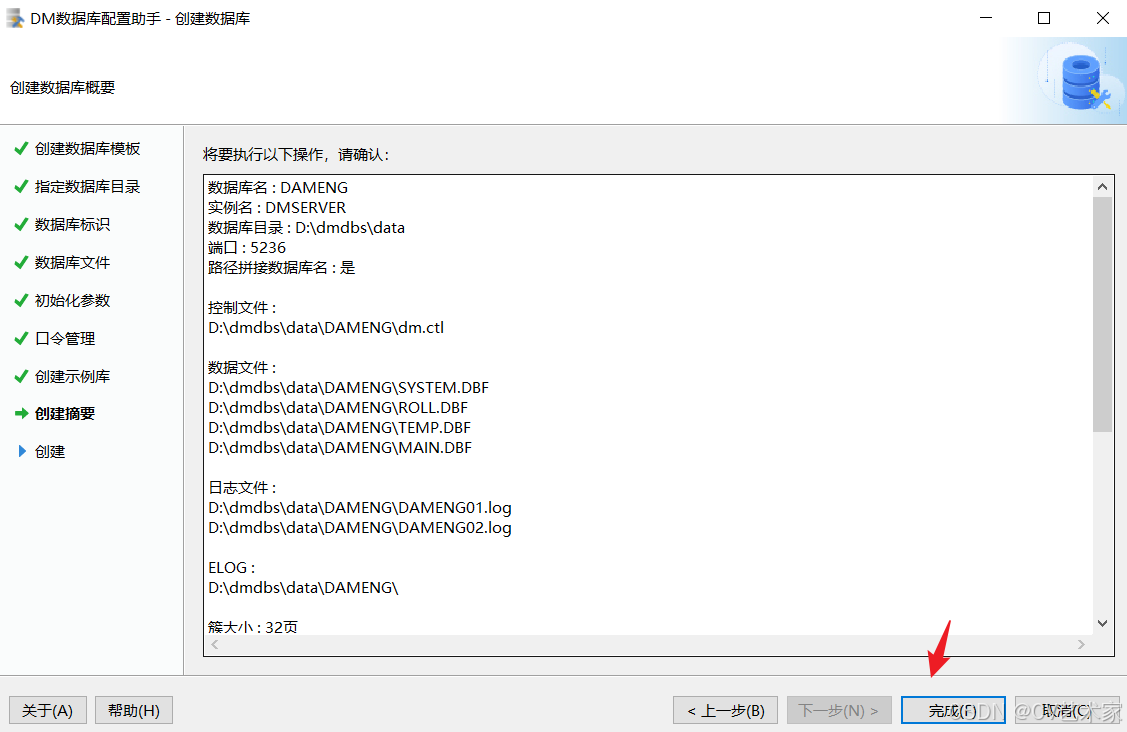
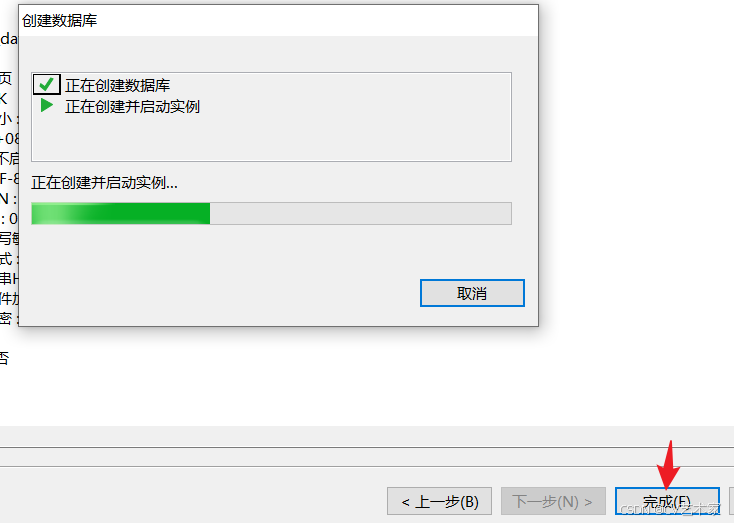
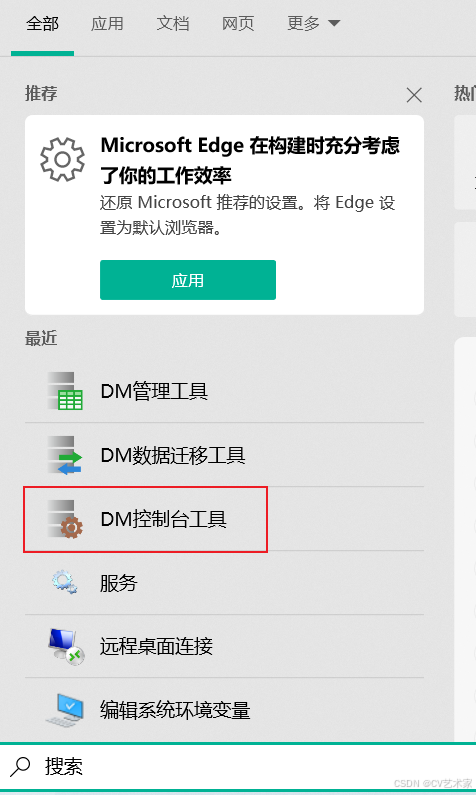
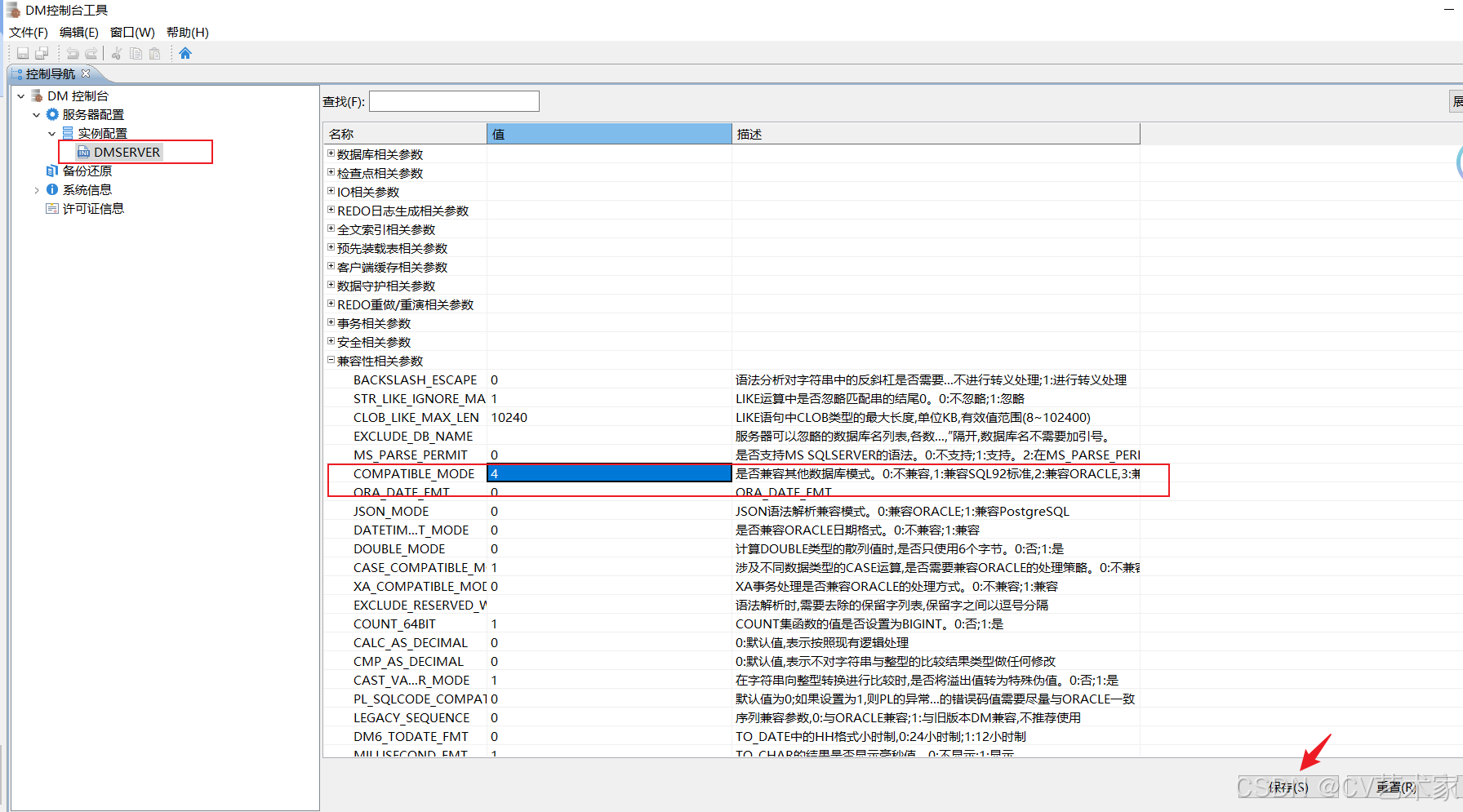
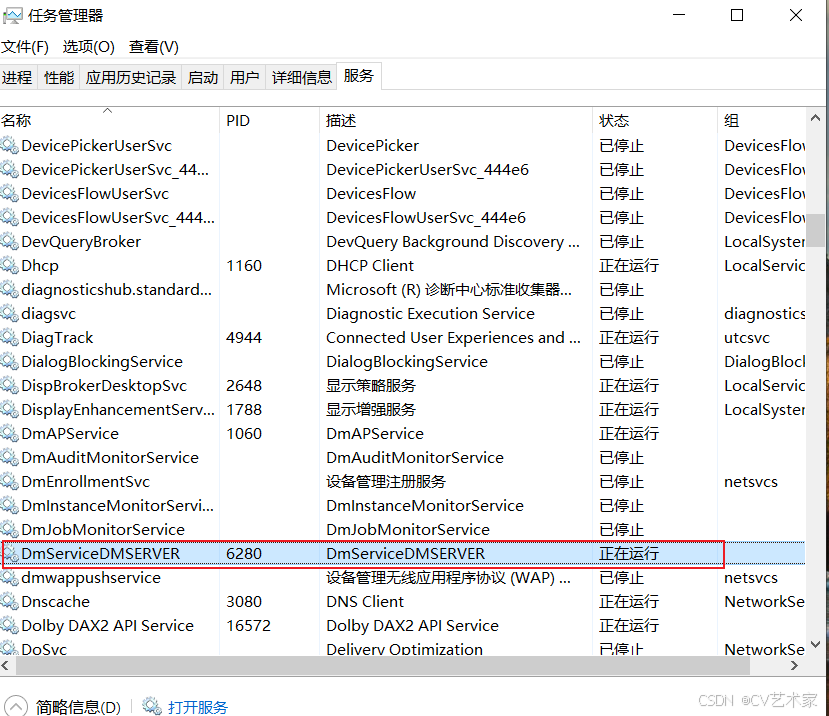 在服务中重启
迁移数据
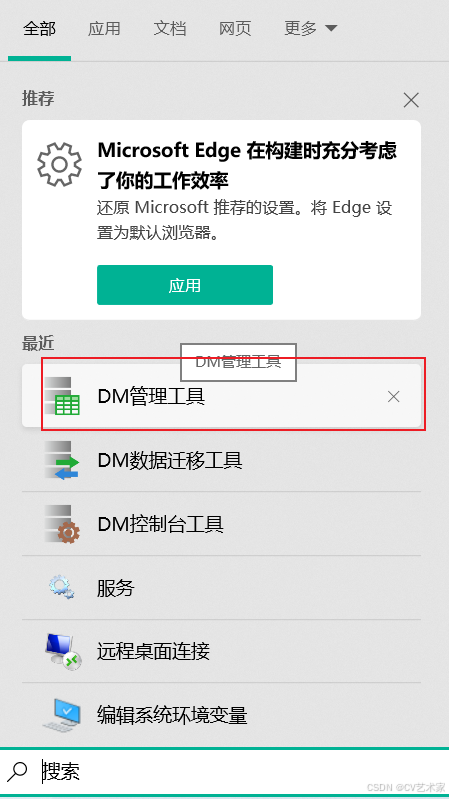
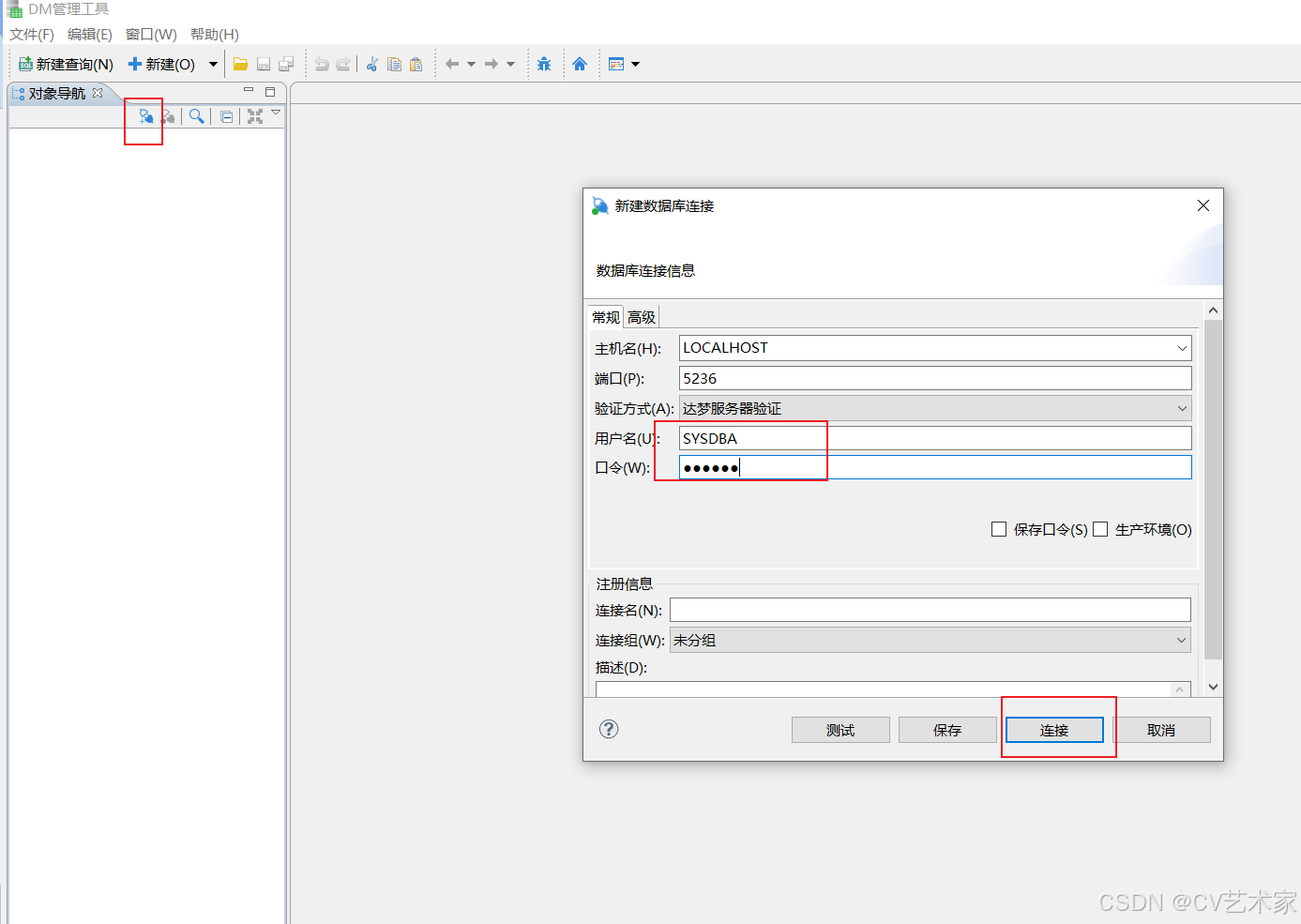
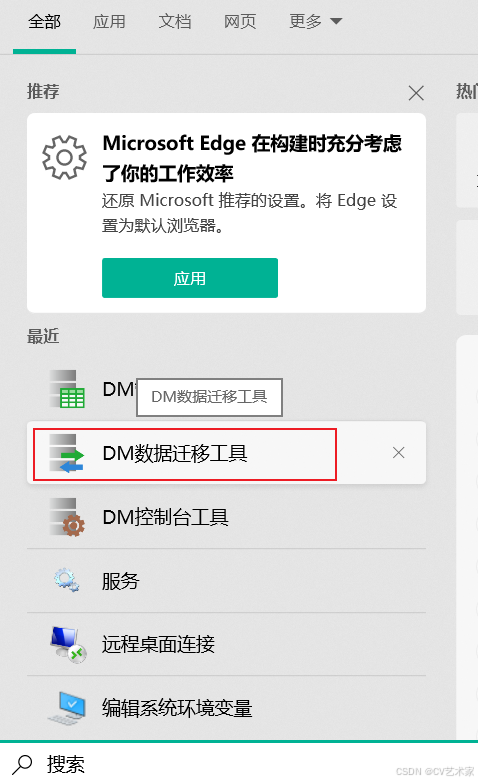
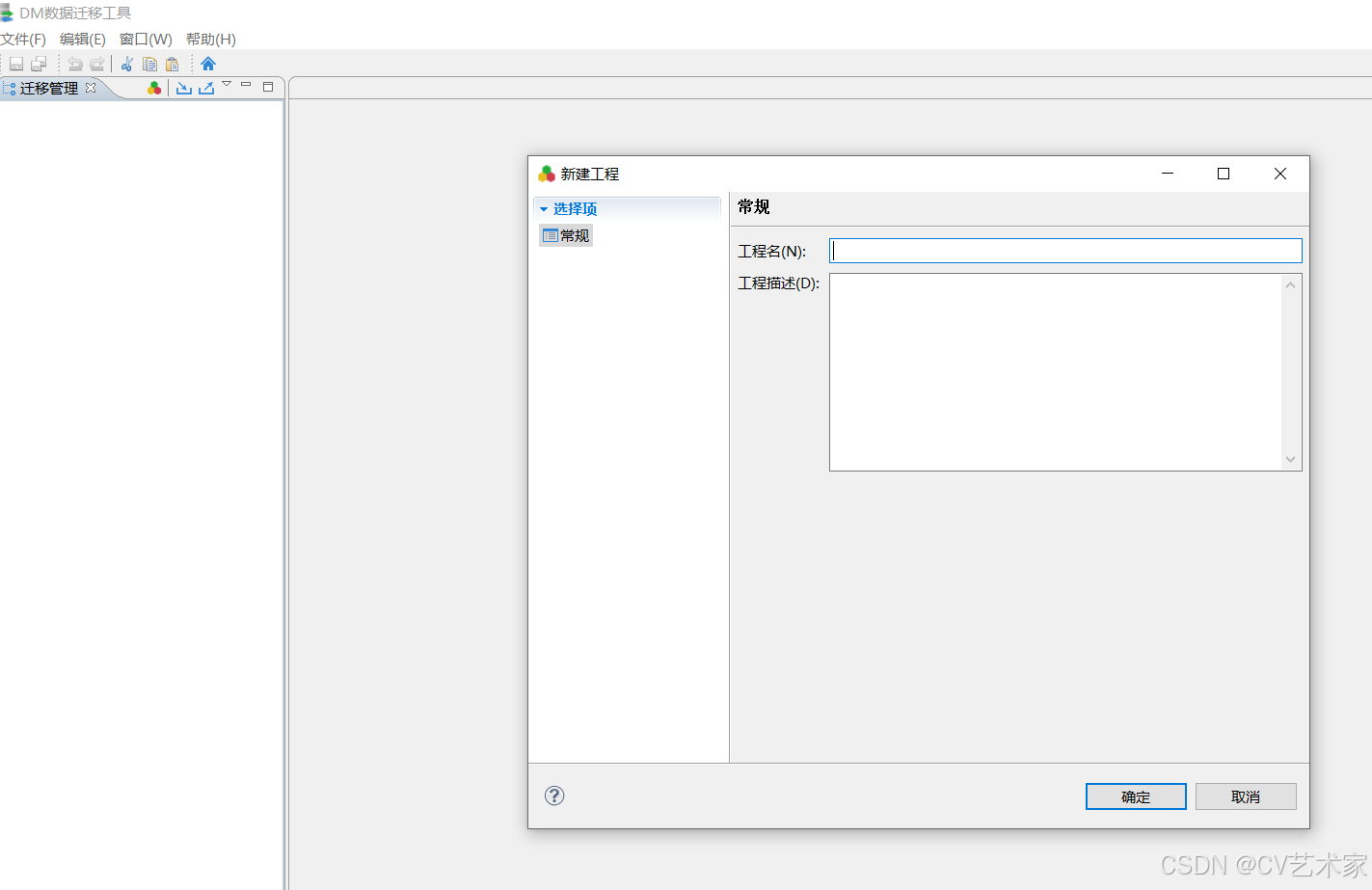
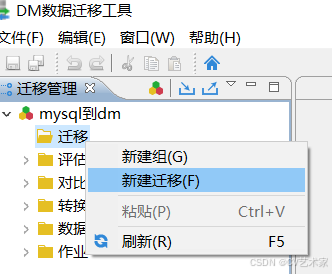
数据迁移
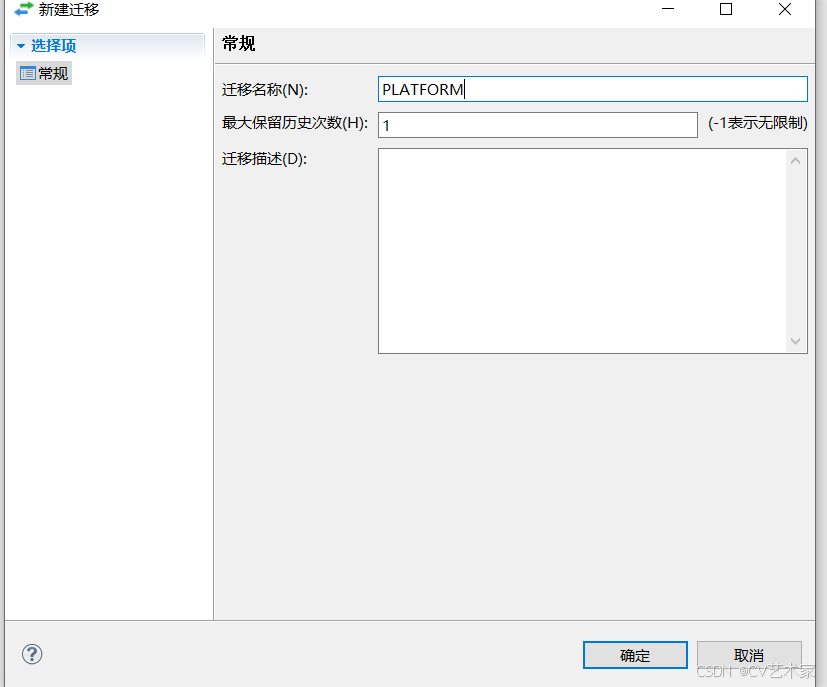
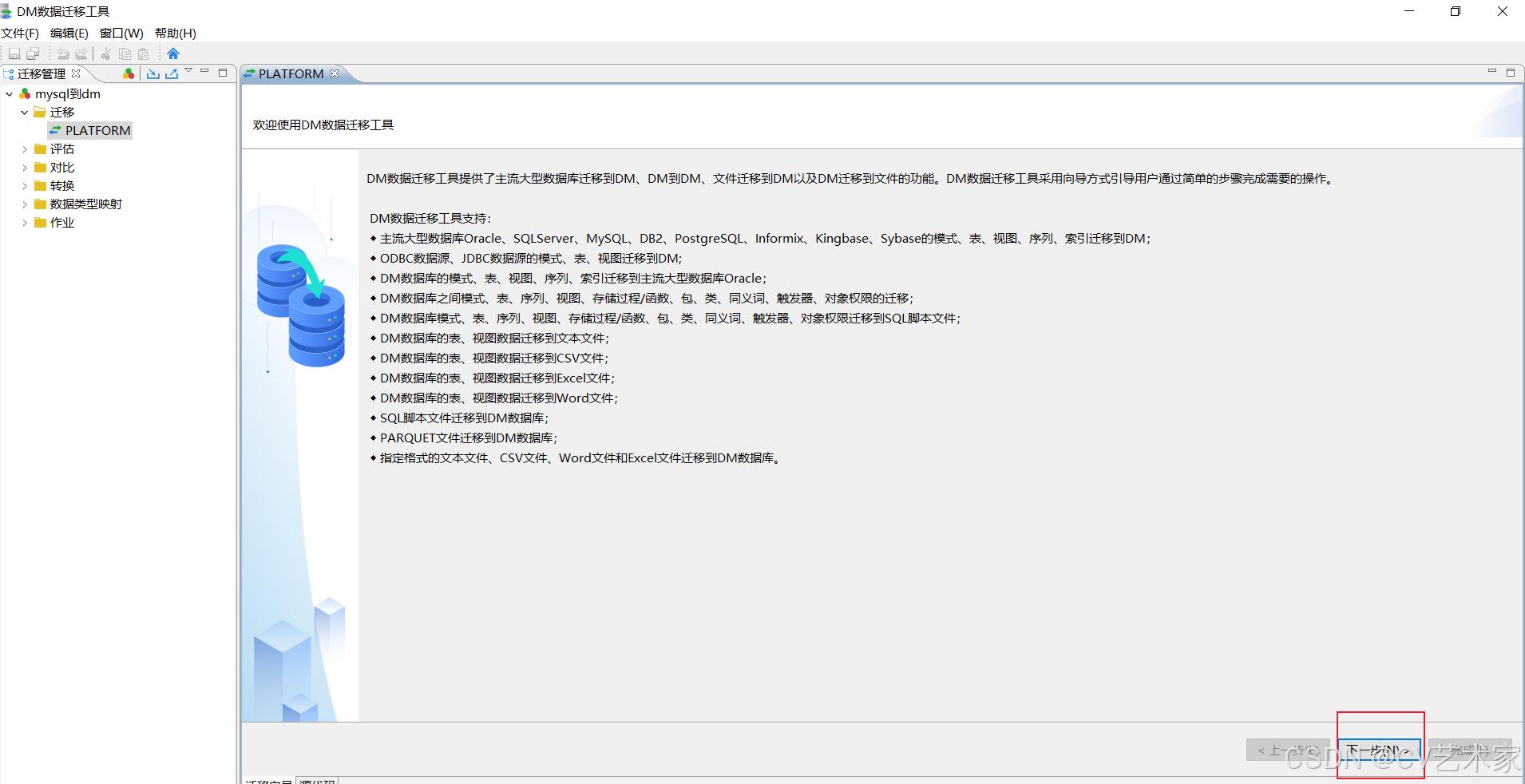
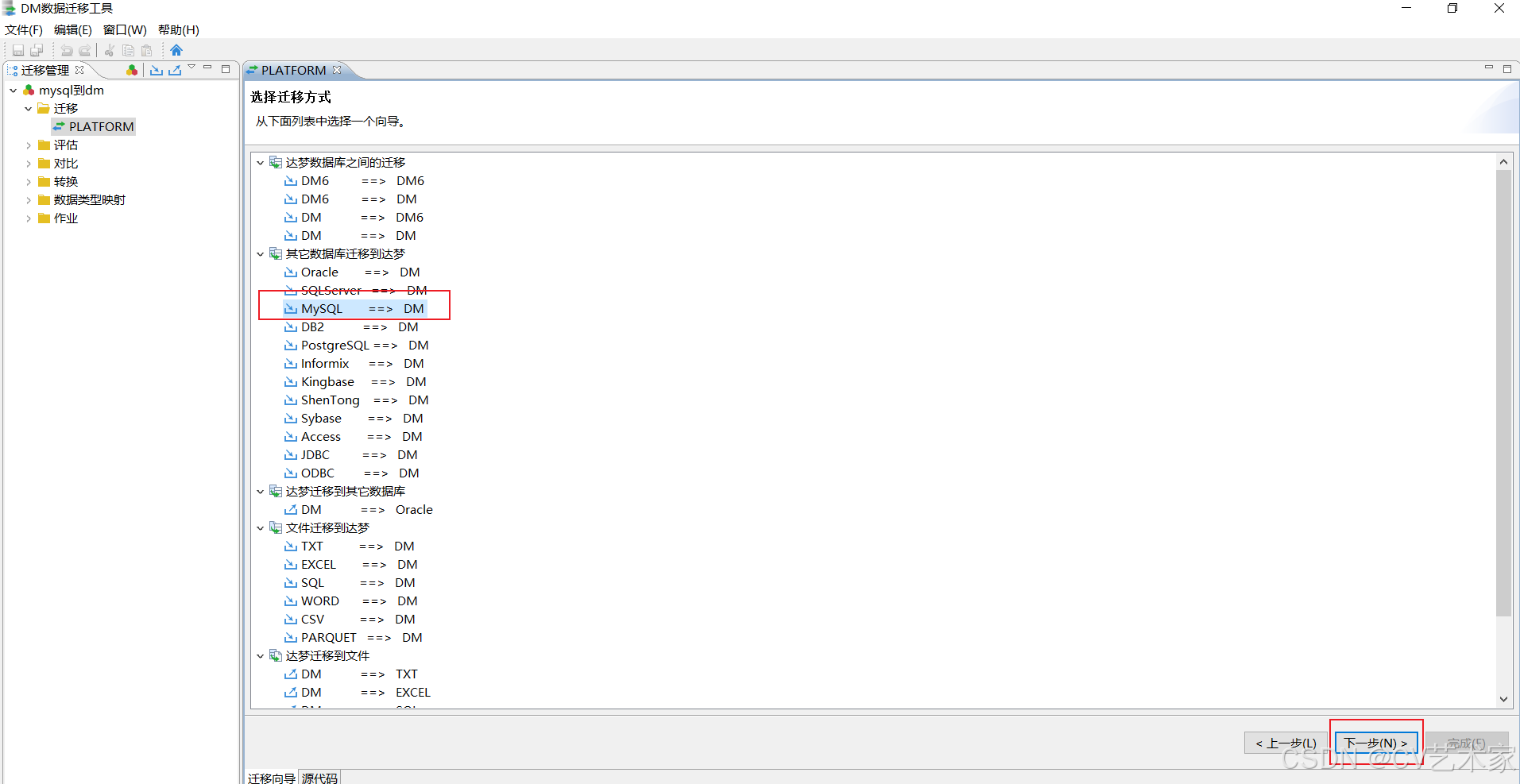
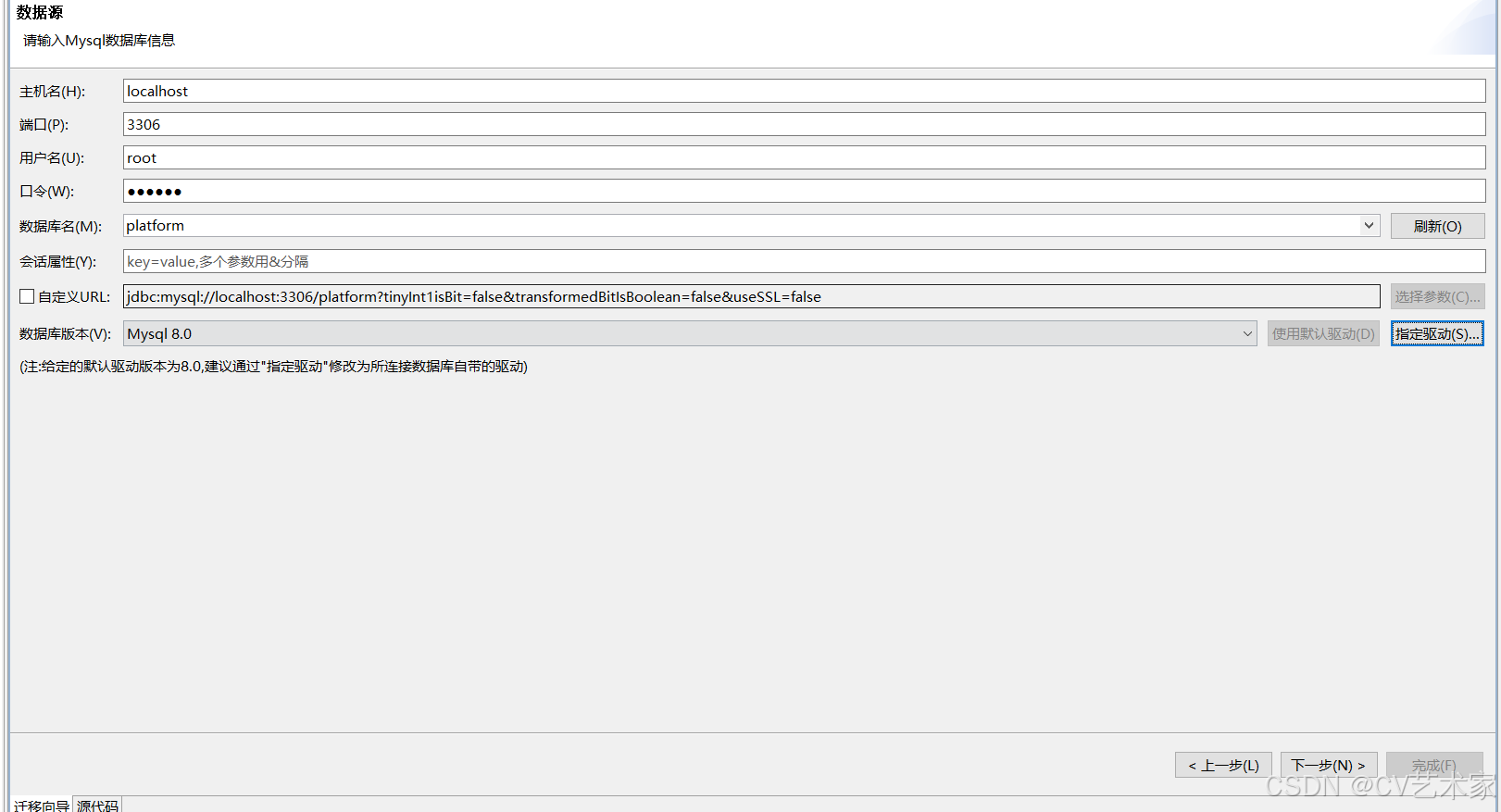
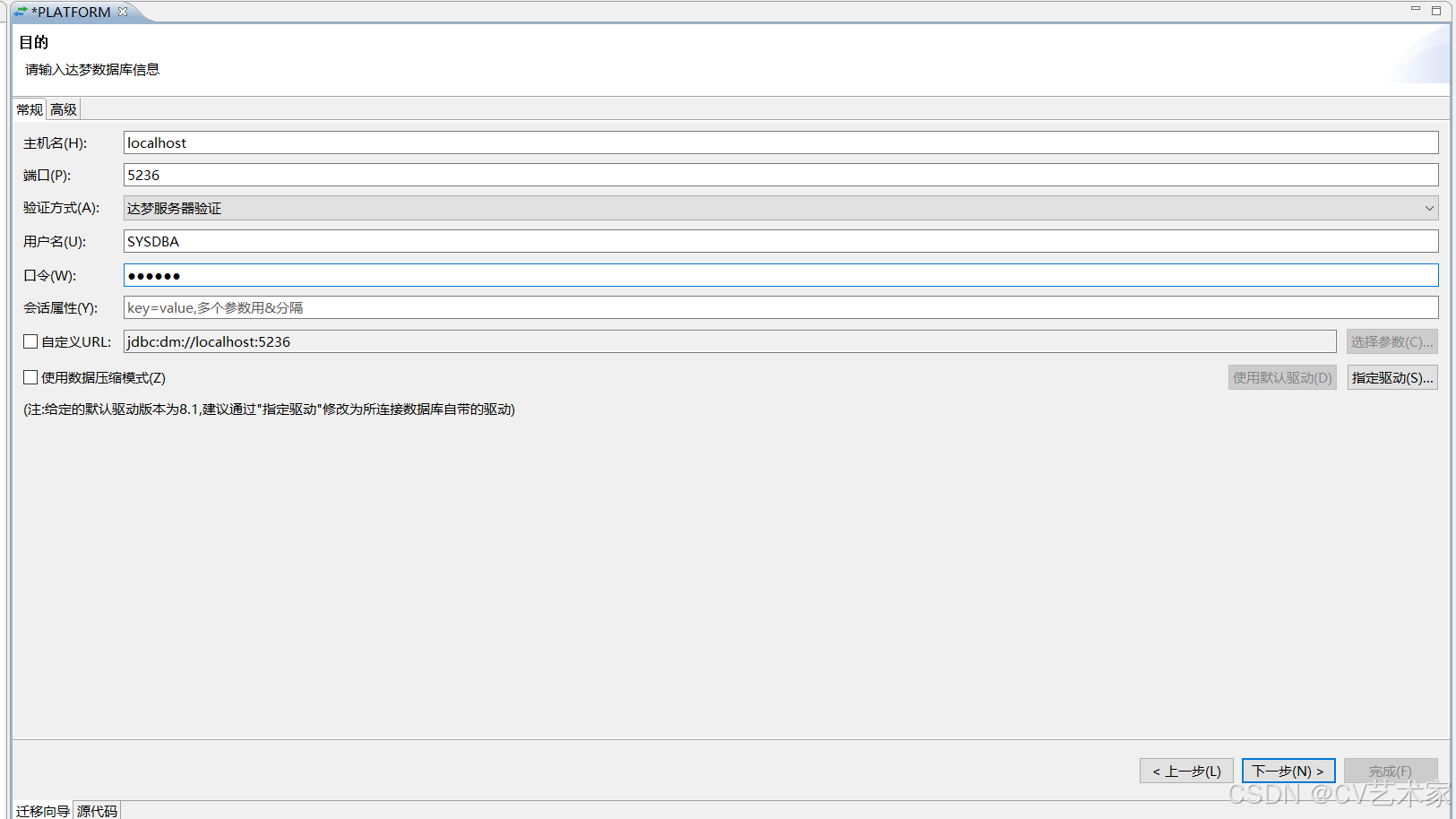
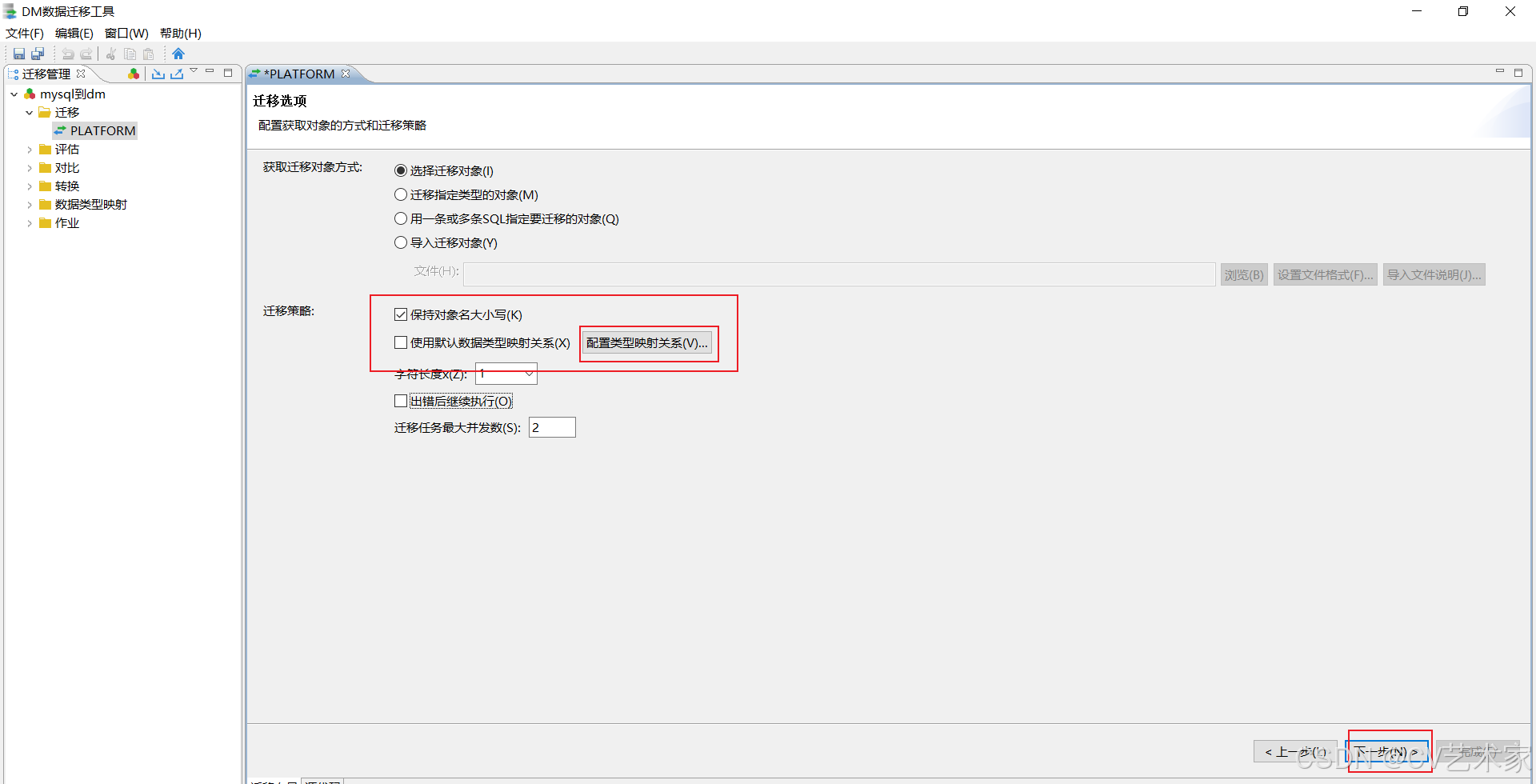
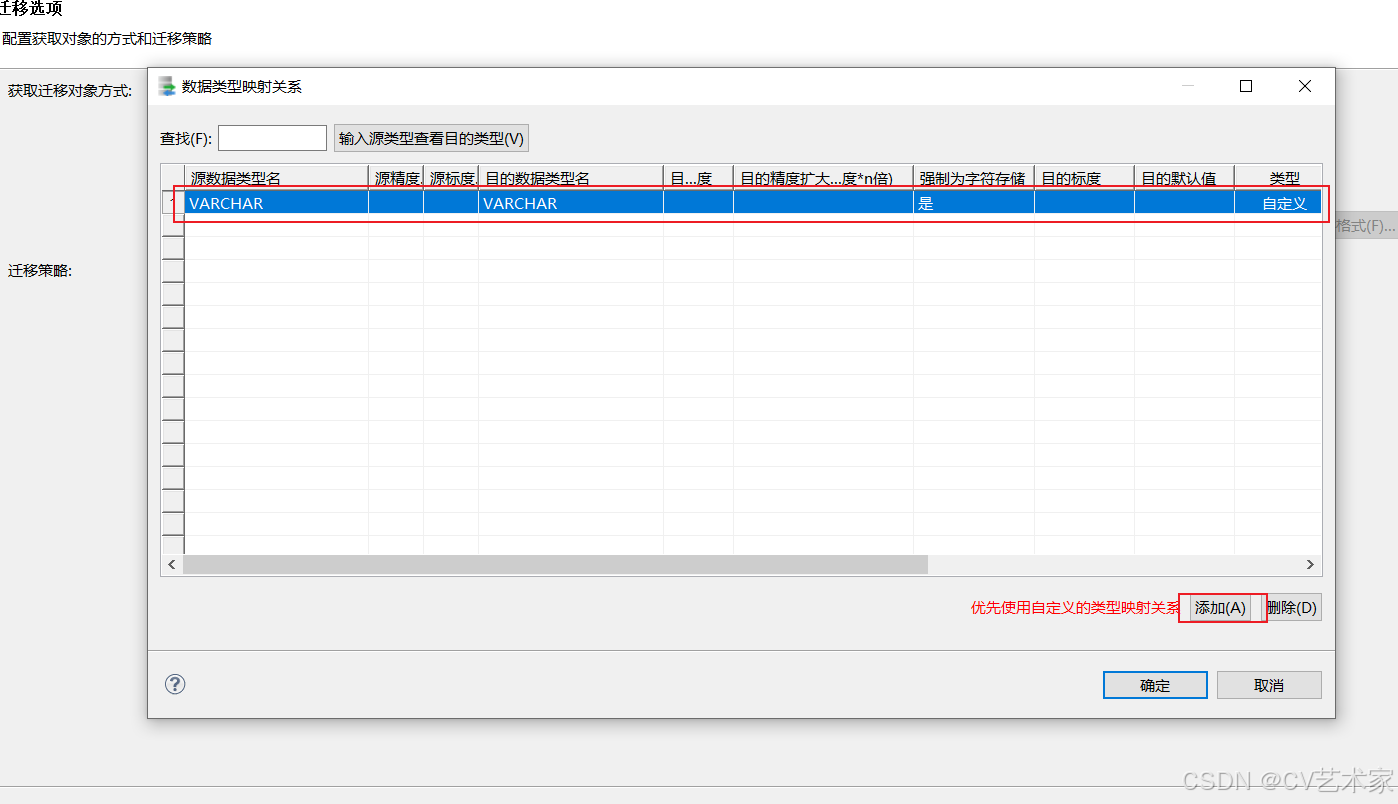
添加字符配置
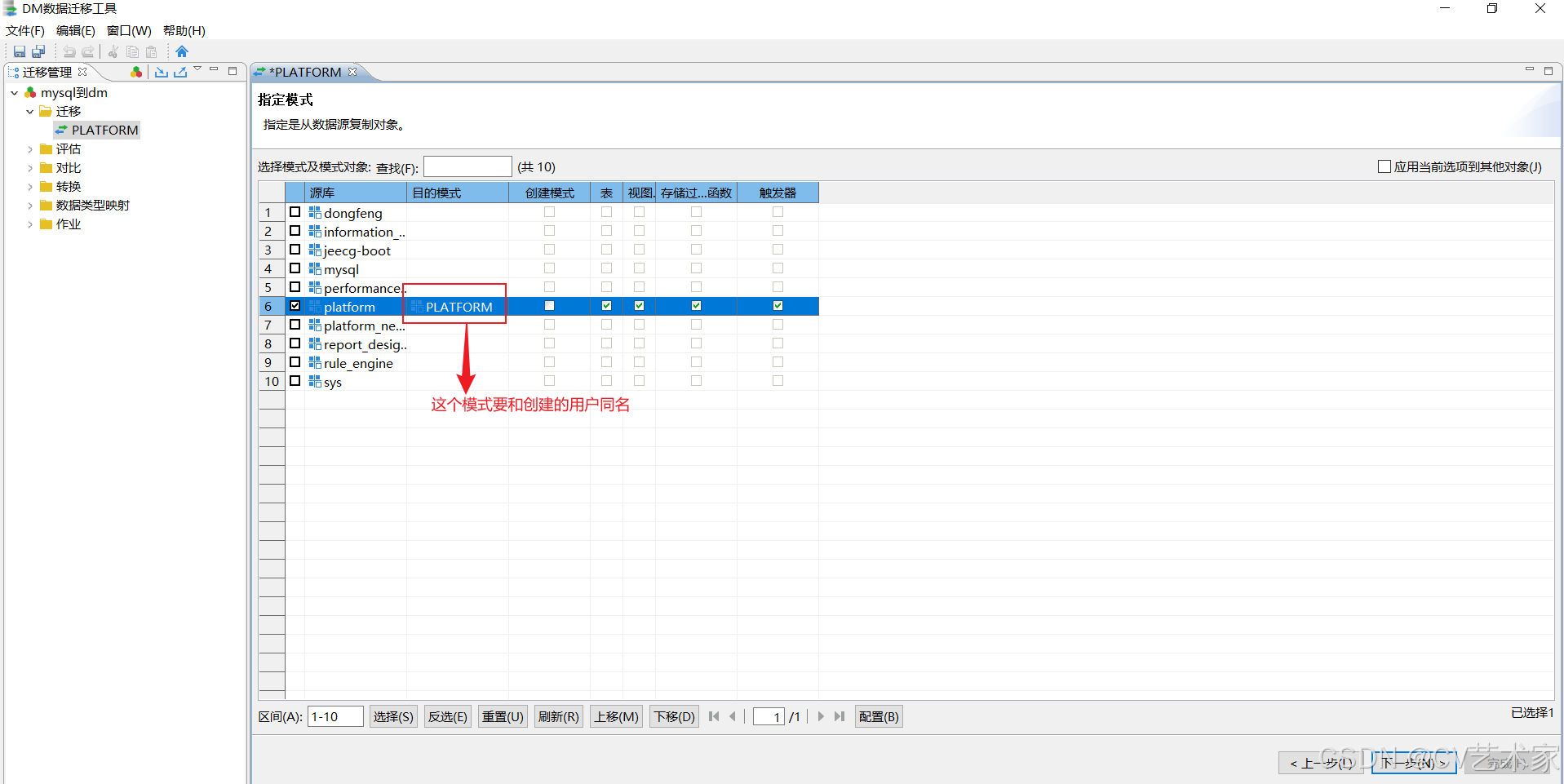
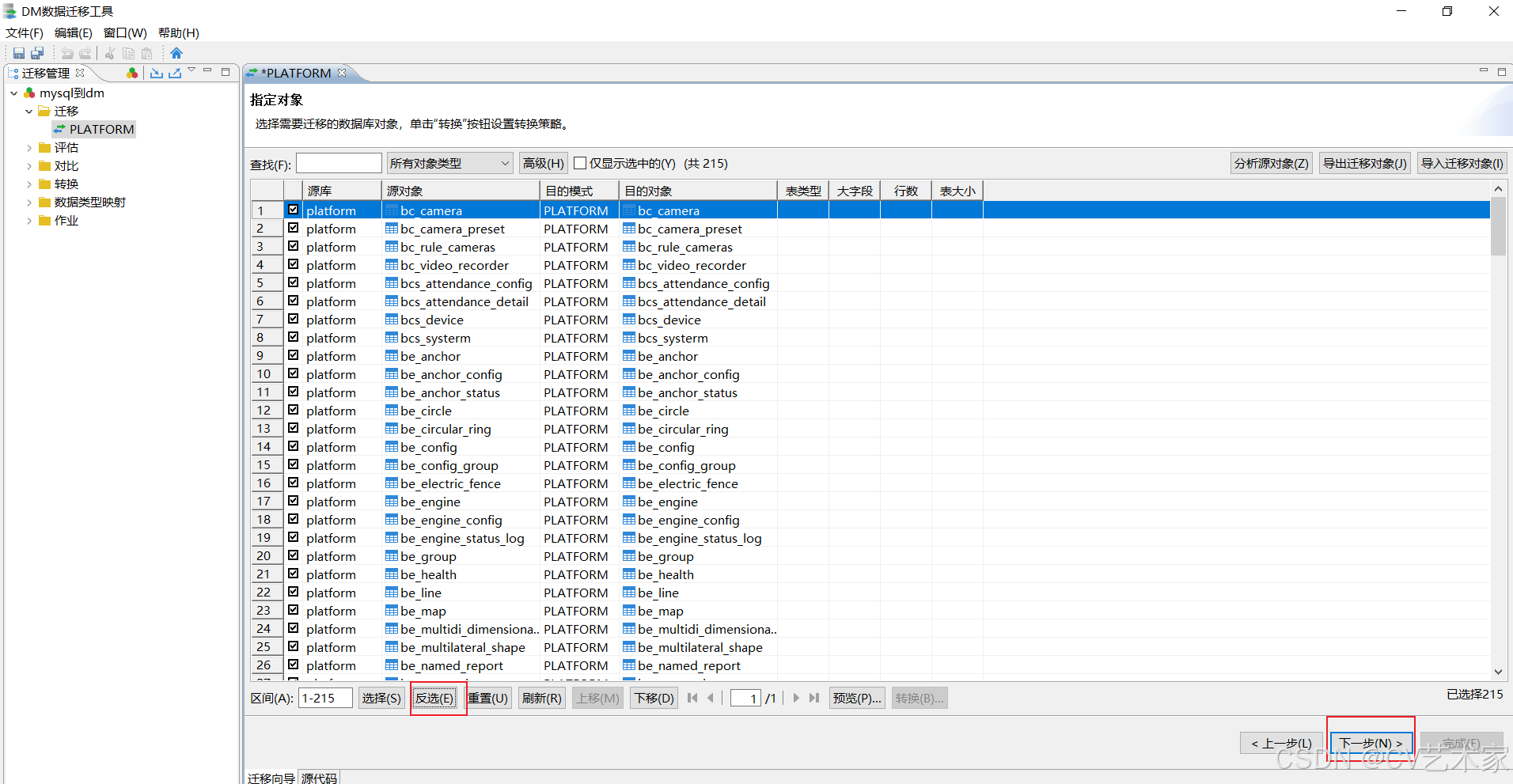
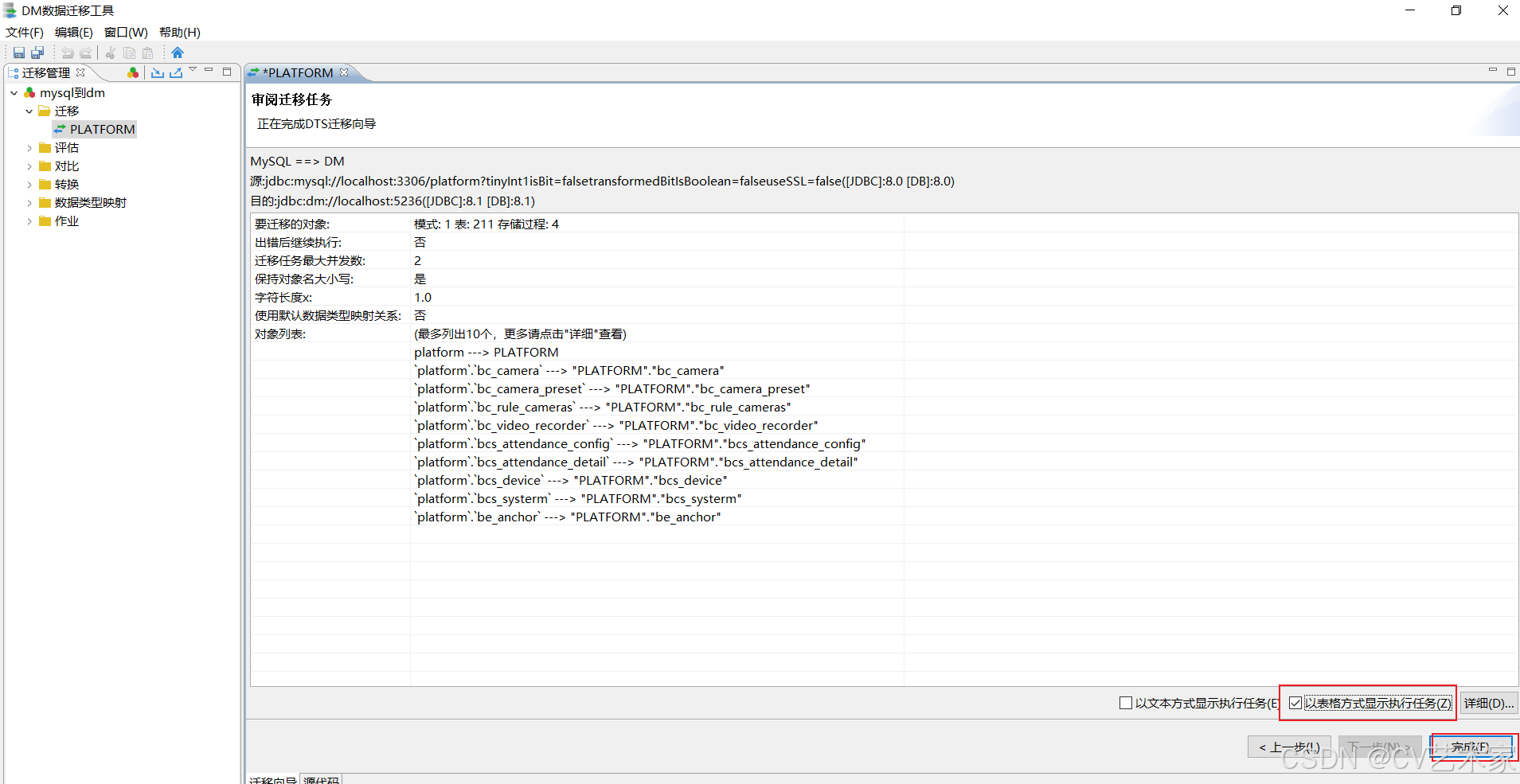
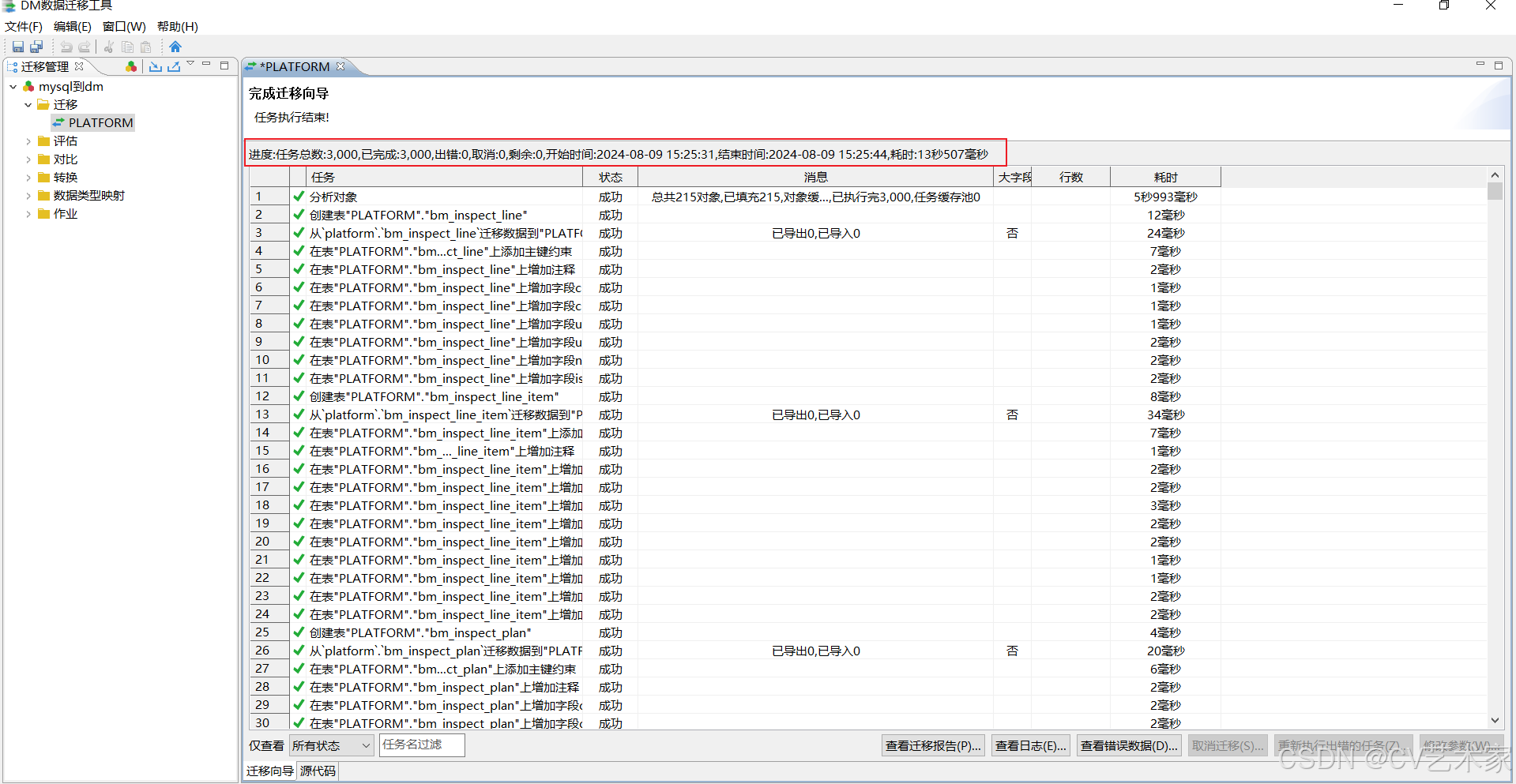
迁移完成
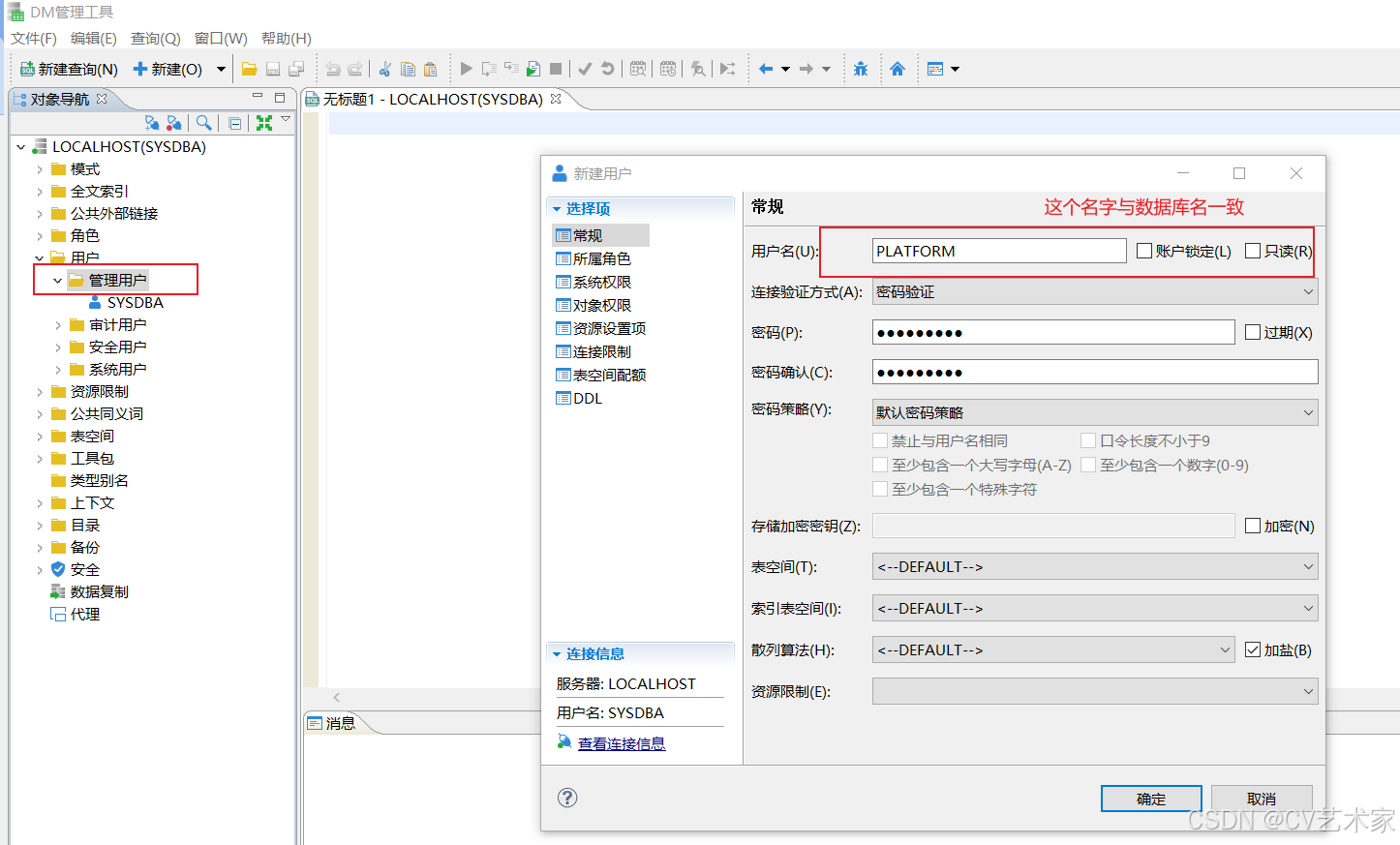
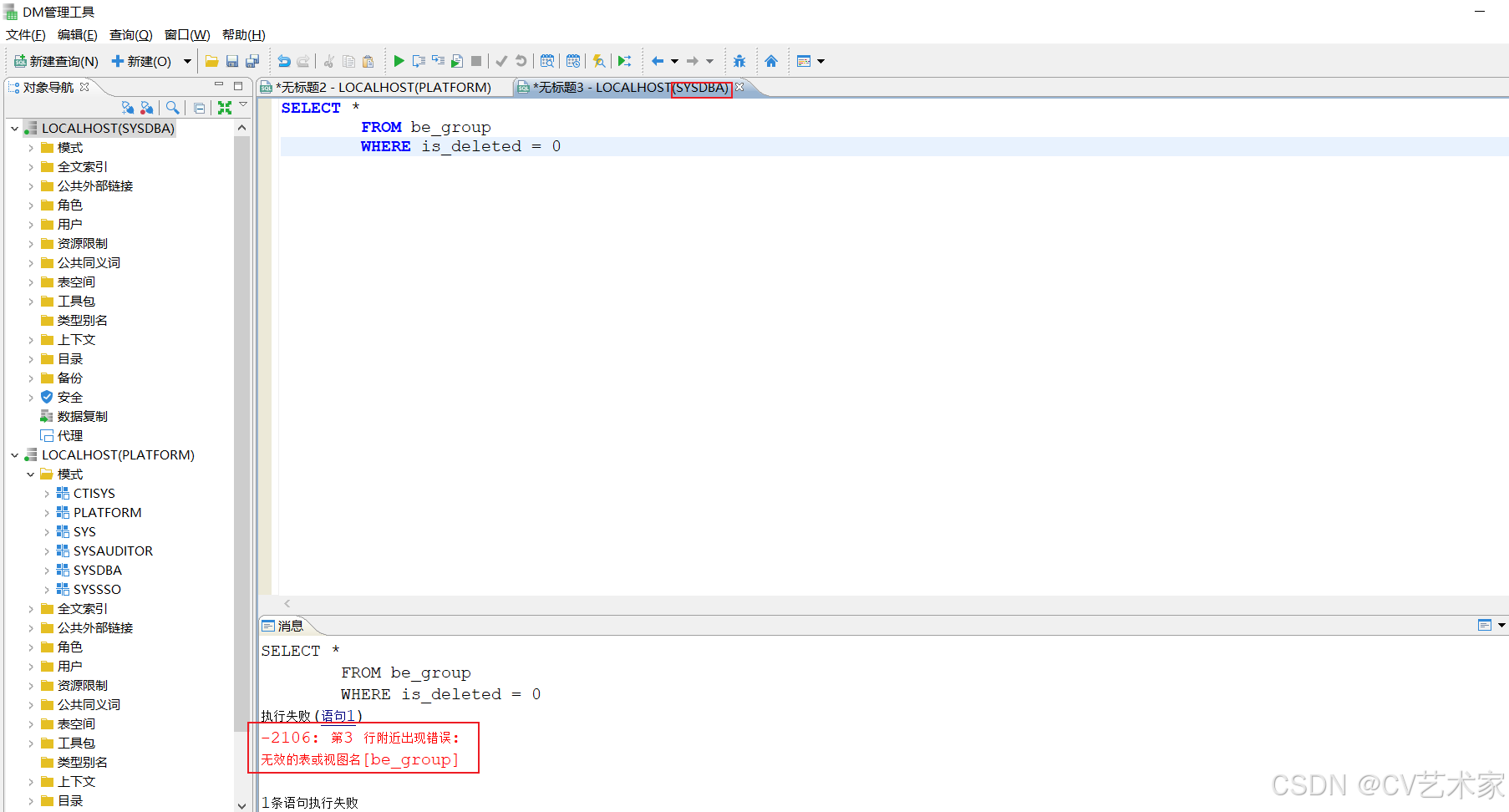
切换为创建的用户登录PLATFORM,查询时不需要添加模式名了。
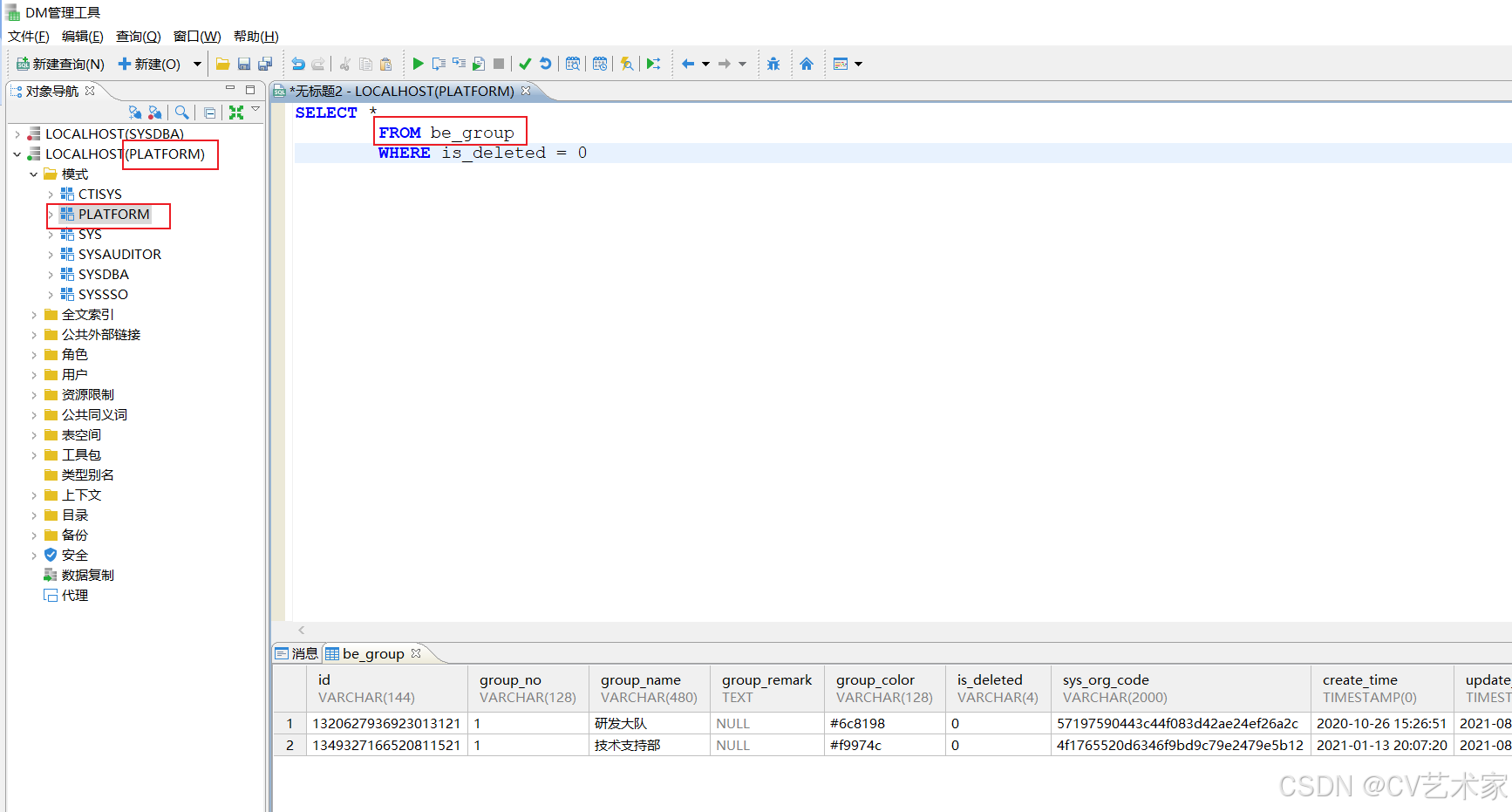
java代码配置
添加依赖
XML
        <dependency>
            <groupId>com.dameng</groupId>
            <artifactId>DmJdbcDriver18</artifactId>
            <version>8.1.2.141</version>
        </dependency>
修改配置
XML
          driver-class-name: dm.jdbc.driver.DmDriver
          url: jdbc:dm://localhost:5236/platform?useUnicode=true&characterEncoding=utf8&tinyInt1isBit=false&allowPublicKeyRetrieval=true&useSSL=false&serverTimezone=Asia/Shanghai
          username: SYSDBA
          password: SYSDBA
          type: com.alibaba.druid.pool.DruidDataSource
错误现象解决1.1
dbType not support : dm, url jdbc:dm://localhost:5236/platform?useUnicode=true&characterEncoding=utf8&tinyInt1isBit=false&allowPublicKeyRetrieval=true&useSSL=false&serverTimezone=Asia/Shanghai
解决方法:
这个是启动的时候加了wall过滤,在application.yml 里把在配置中filters: stat,wall,slf4j,中的wall去掉就好了
错误现象解决1.2
dm.jdbc.driver.DMException: 第1 行附近出现错误: 无效的表或视图名be_config_group

这个在链接的时候换为刚刚创建的和模式一样的用户