CSS 动画(如 @keyframes rotate)由浏览器渲染引擎执行,JavaScript 无法直接读取动画的"当前帧"状态,但可以通过 getComputedStyle() 获取元素应用后的最终 transform 样式。该样式返回的是一个 matrix() 或 matrix3d() 函数字符串,需解析其矩阵参数来计算角度。
核心代码:
javascript
/**
 * 获取元素的当前 CSS 旋转角度(单位:度)
 * @param {HTMLElement} element - 目标 DOM 节点
 * @returns {number} - 当前旋转角度
 */
function getCurrentRotation(element) {
  const style = window.getComputedStyle(element);
  const transform = style.getPropertyValue("transform");

  if (transform === "none") return 0;

  // 解析 matrix 字符串,例如 "matrix(0.86, 0.5, -0.5, 0.86, 0, 0)"
  const values = transform.split("(")[1].split(")")[0].split(",");
  const a = values[0];
  const b = values[1];

  // 使用 Math.atan2(b, a) 计算弧度,再转为角度
  // 公式:angle = round(atan2(b, a) * (180 / PI))
  let angle = Math.round(Math.atan2(b, a) * (180 / Math.PI));

  // 确保角度在 0-360 范围内
  return angle < 0 ? angle + 360 : angle;
}
动画截图演示:
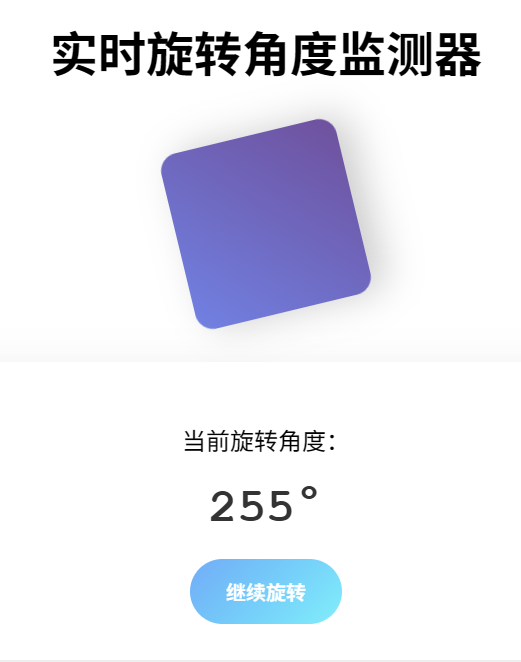
附上codesandbox链接:
get-rotate-angle