deepin25.10安装claude
| 软件 | 备注 |
|---|---|
| nodejs | cladue运行环境 |
| git | 版本控制 |
| 国产大模型api-key | 商业策略 |
| cc switch | 管理大模型 |
| cladue | |
| vscode | 如果不习惯命令行操作可以选择一个图画工具 |
准备
创建软件安装目录
bash
mkdir ~/optnodejs
下载nodejs
bash
wget https://nodejs.org/dist/v24.14.1/node-v24.14.1-linux-x64.tar.xz解压到指定目录
bash
tar -xvf node-v24.14.1-linux-x64.tar.xz -C ~/opt配置环境变量
临时环境变量
bash
export NODE_HOME=/home/lhz/opt/nodejs永久环境变量
bash
sudo vim /etc/profile末尾追加以下内容
bash
export PATH=$PATH:$NODE_HOME/bin在当前 shell 会话中重新加载系统级的环境配置文件 /etc/profile。
简单说,就是让系统全局的环境变量设置立刻生效,不需要注销重新登录
bash
source /etc/profile修改nodejs安装目录名称
mv ~/opt/node-v24.14.1-linux-x64 ~/opt/nodejs配置国内镜像源
bash
npm config set registry http://registry.npmmirror.com --globalnpx 工具却换为淘宝源
npx nrm use taobao升级npm
bash
npm install -g npm全局安装以下工具并配置国内镜像源
yarn
bash
npm install yarn -g
bash
yarn config set registry https://registry.npmmirror.compnpm
bash
npm install pnpm -g
bash
pnpm config set registry https://registry.npmmirror.comgit
bash
sudo apt -y install gitcc-switch
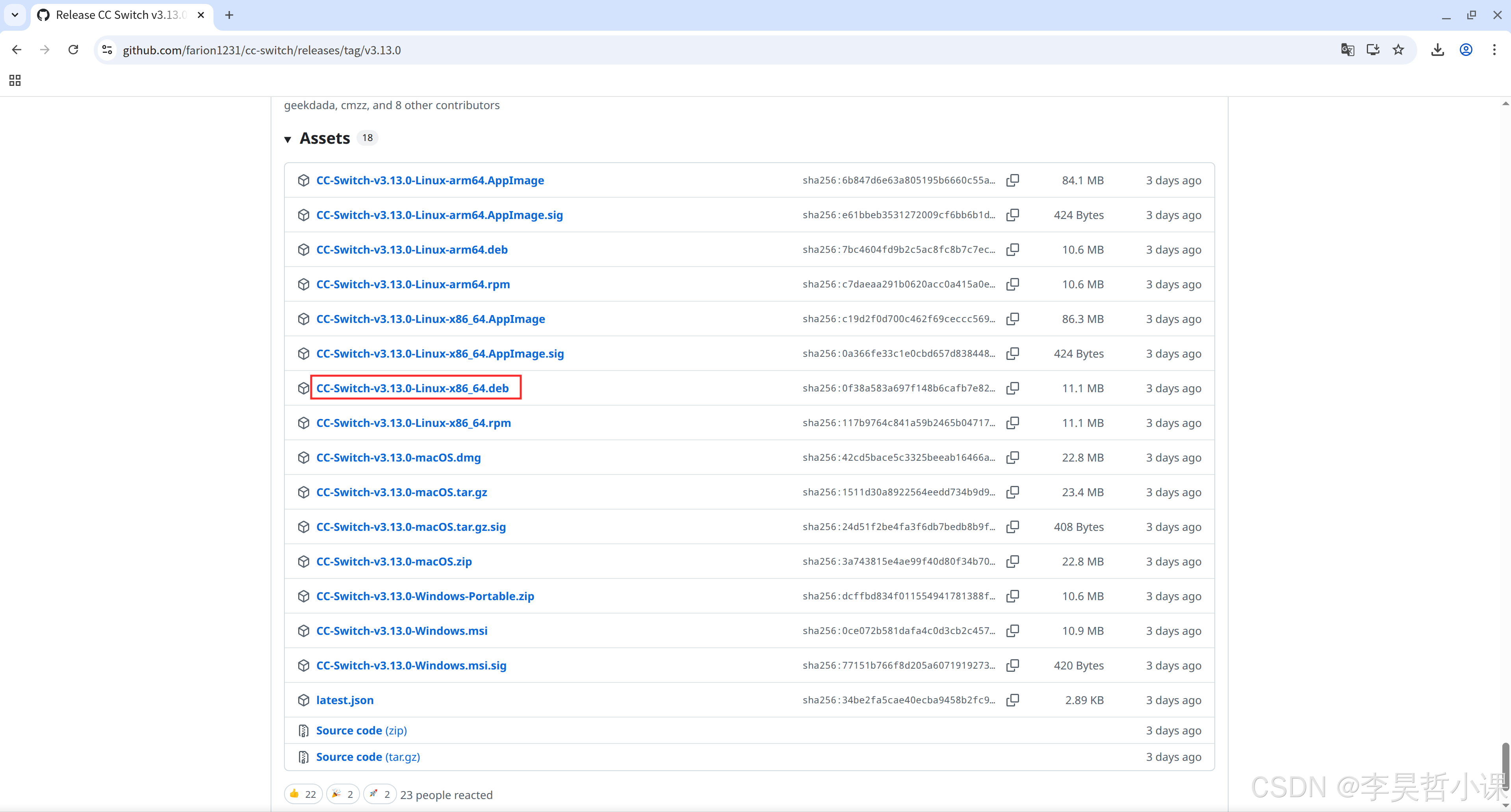
github地址: https://github.com/farion1231/cc-switch/
下载页面: https://github.com/farion1231/cc-switch/releases
bash
sudo apt -y install libayatana-indicator3-7 libdbusmenu-glib4 libdbusmenu-gtk3-4
sudo apt -y install libayatana-appindicator3-1
bash
sudo dpkg -i CC-Switch-v3.13.0-Linux-x86_64.deb启动 cc-switch
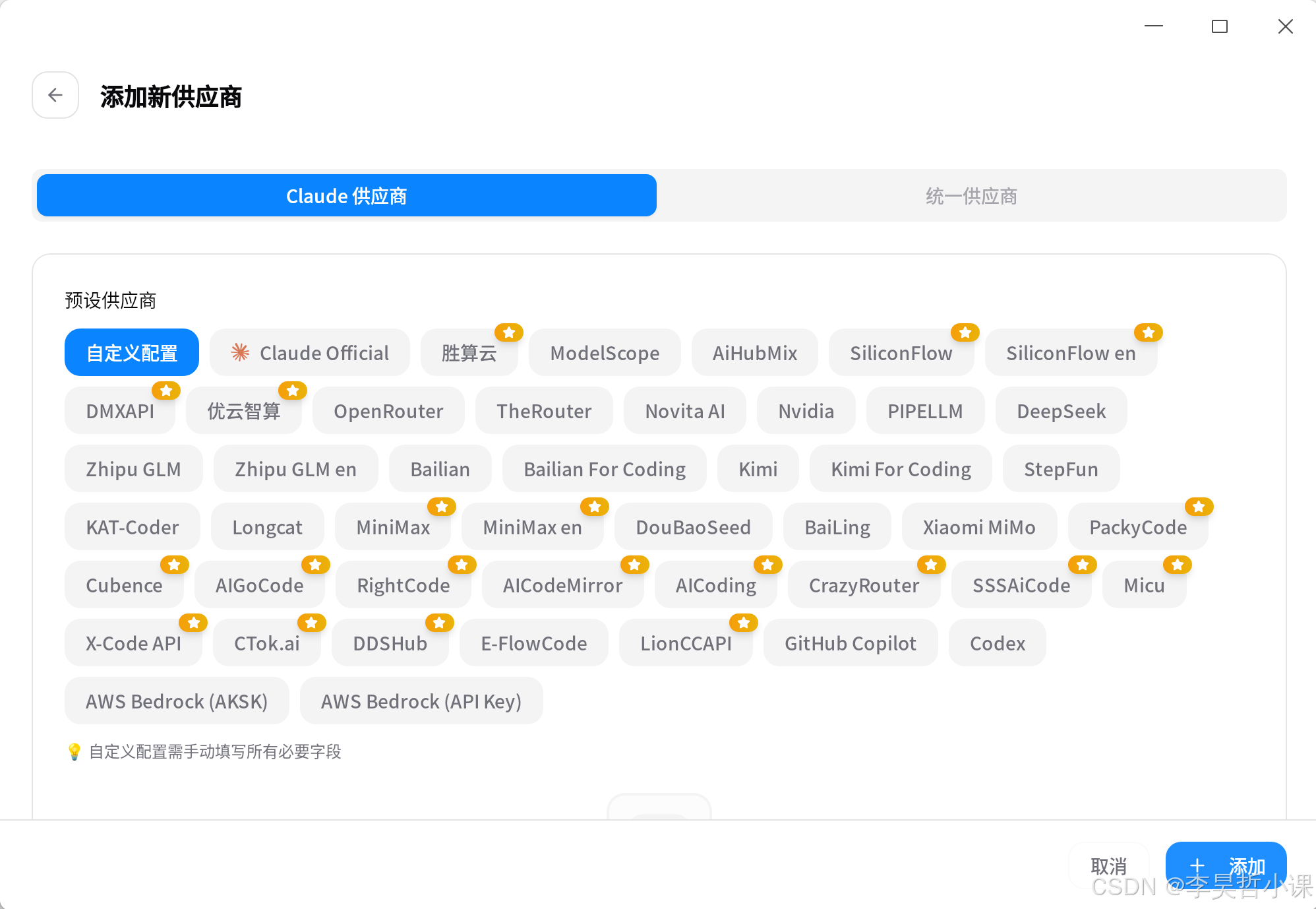
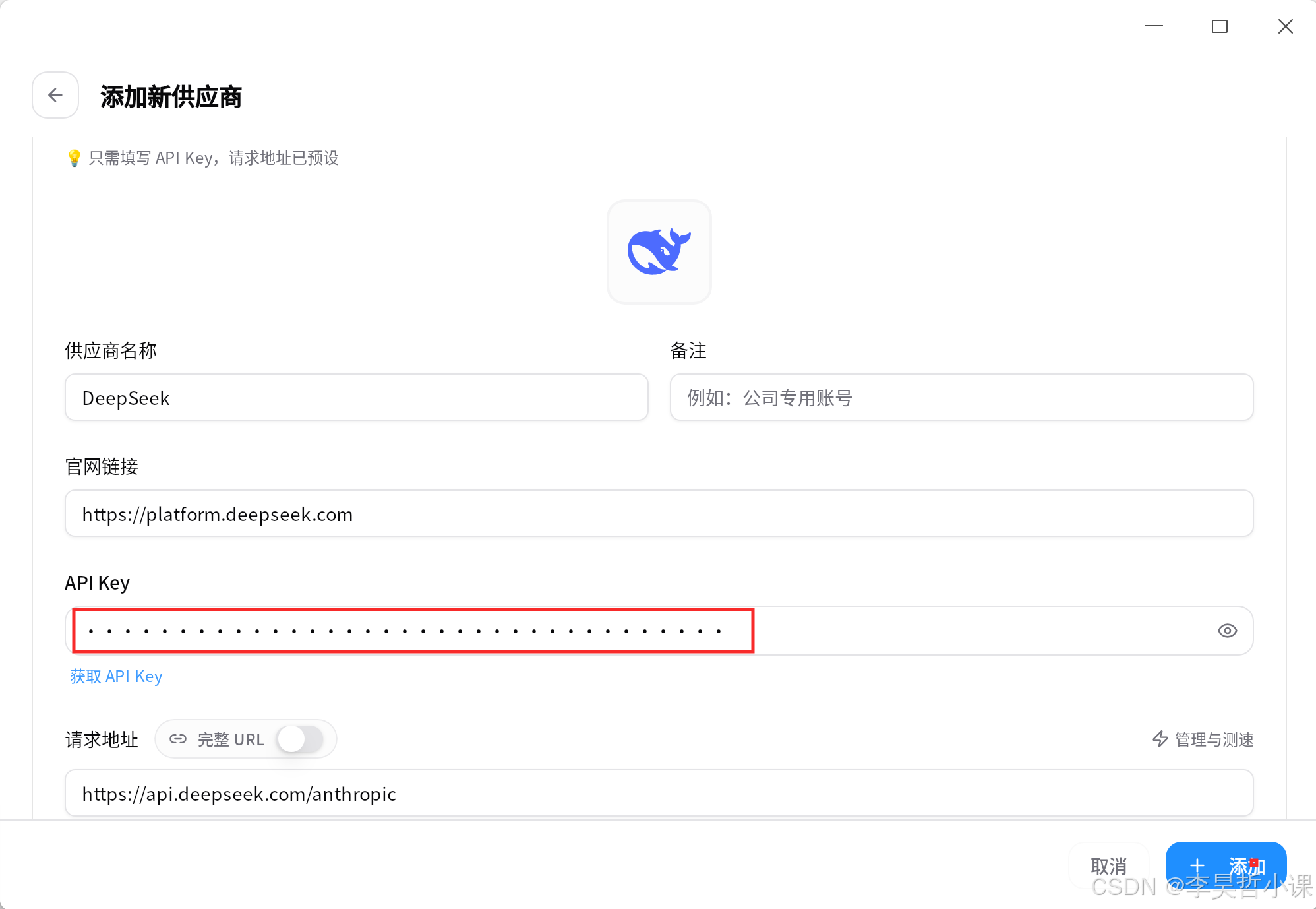
选择大模型
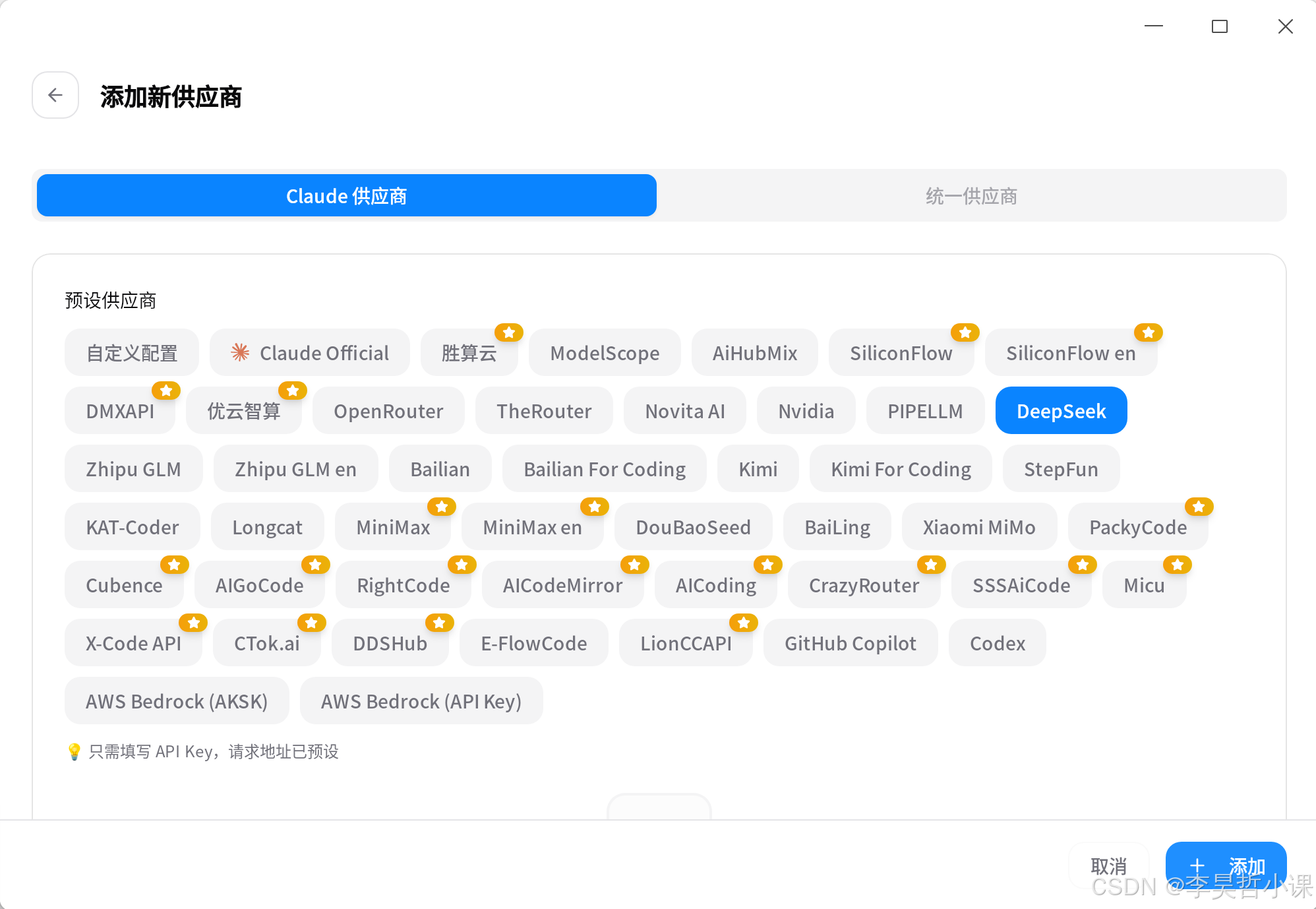
输入 API-KEY
claude
安装
npm install -g @anthropic-ai/claude-code**加速下载 (可选):**如果网络下载缓慢,可使用国内镜像源,例如淘宝镜像:
npm install -g @anthropic-ai/claude-code --registry=https://registry.npmmirror.com创建工作目录
bash
mkdir ~/claude-code启动 claude
-
进入工作目录
cd ~/claude-code -
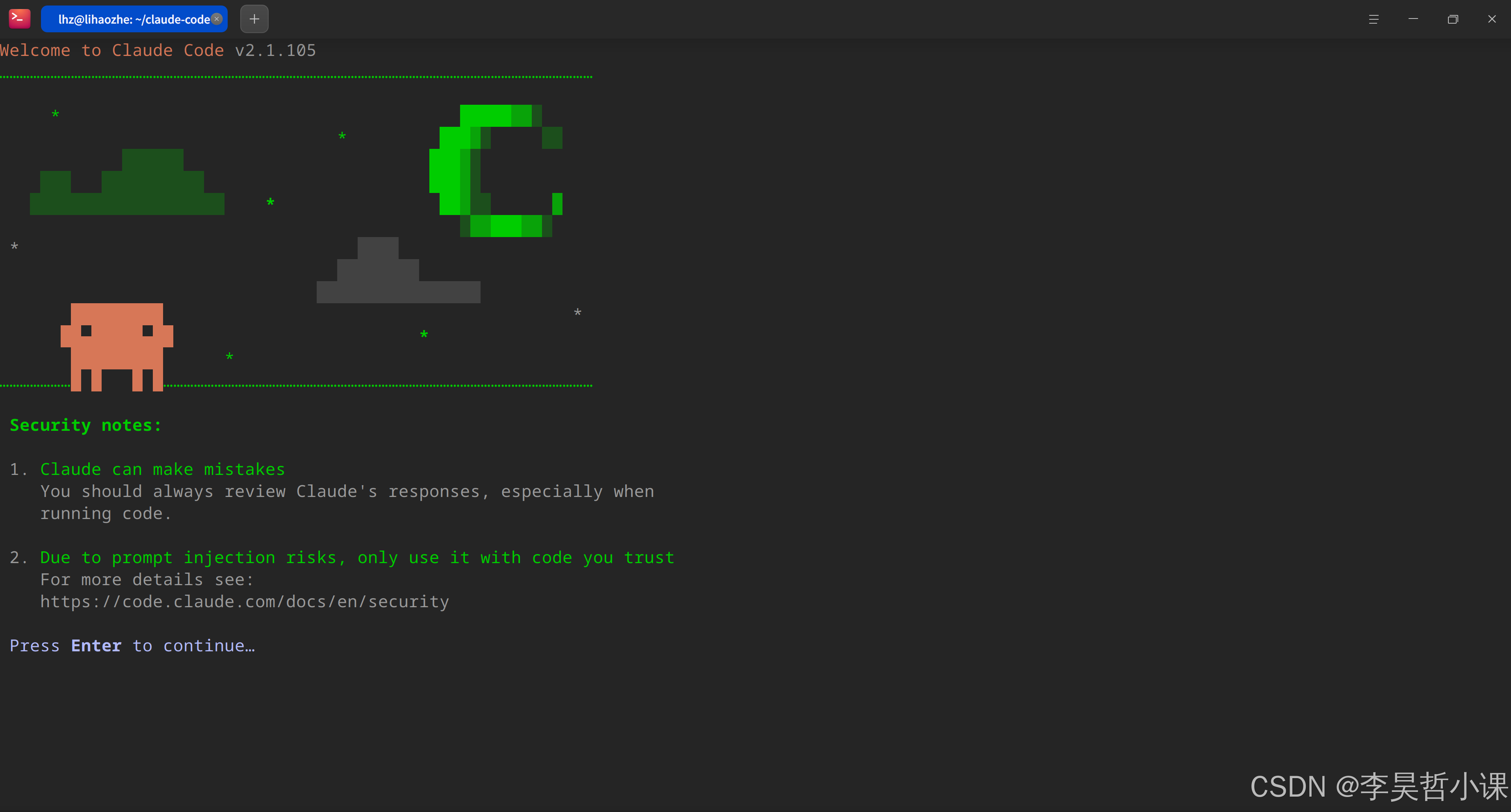
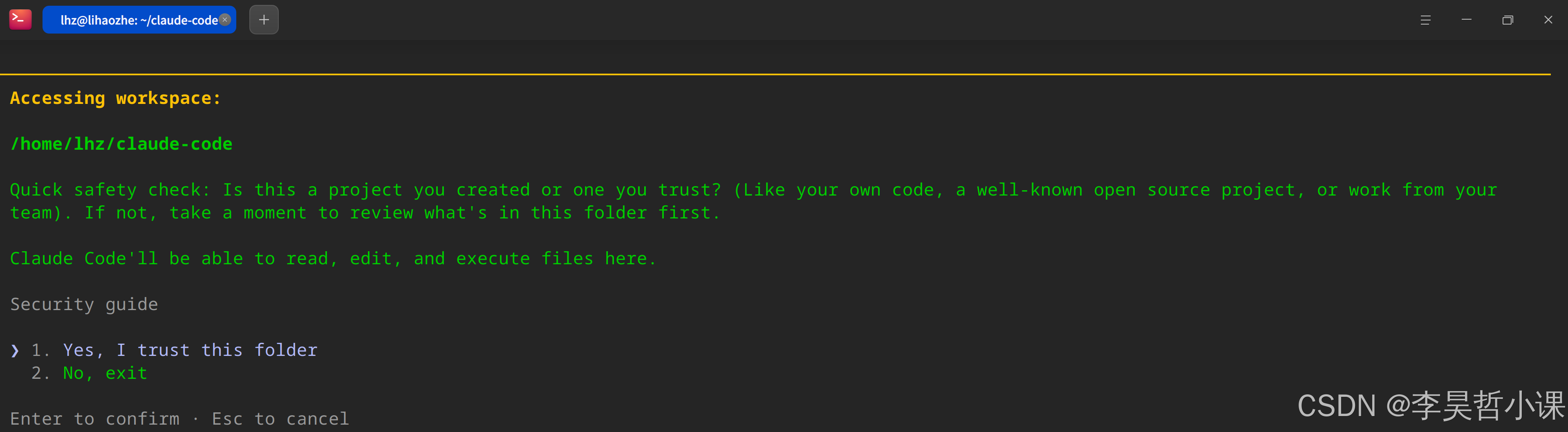
启动claude
claude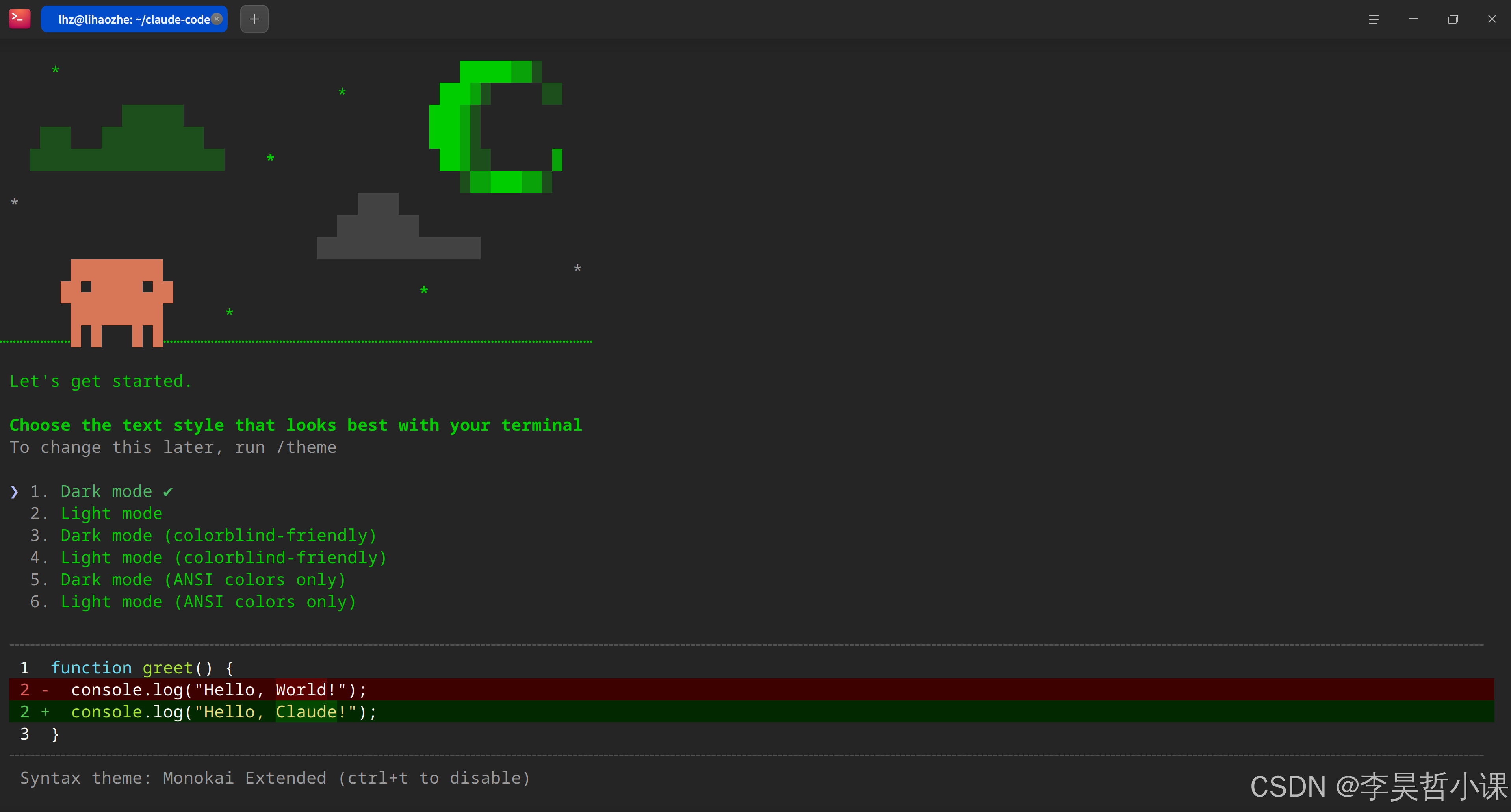
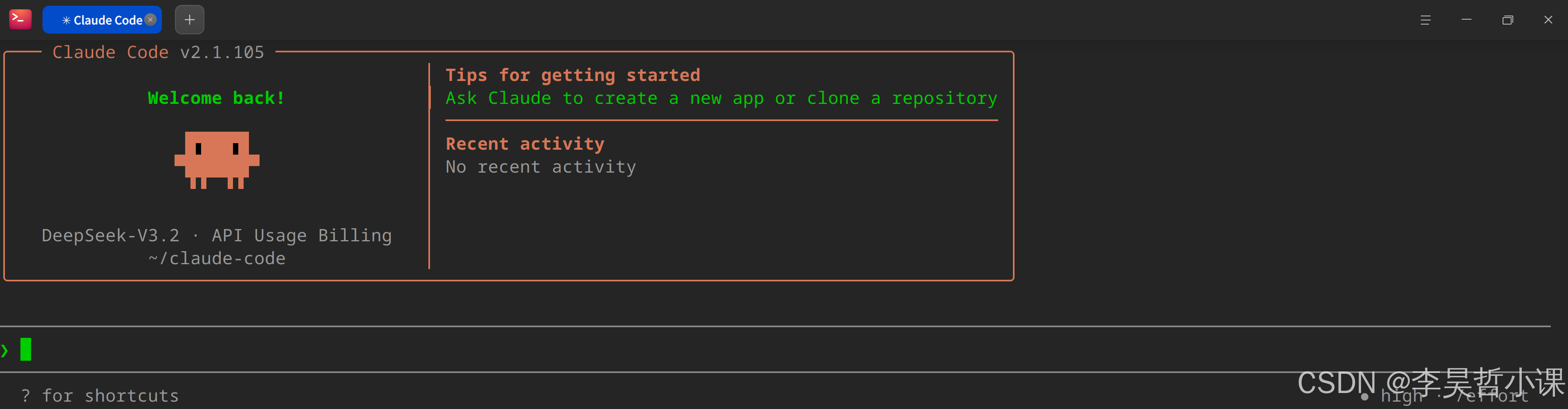
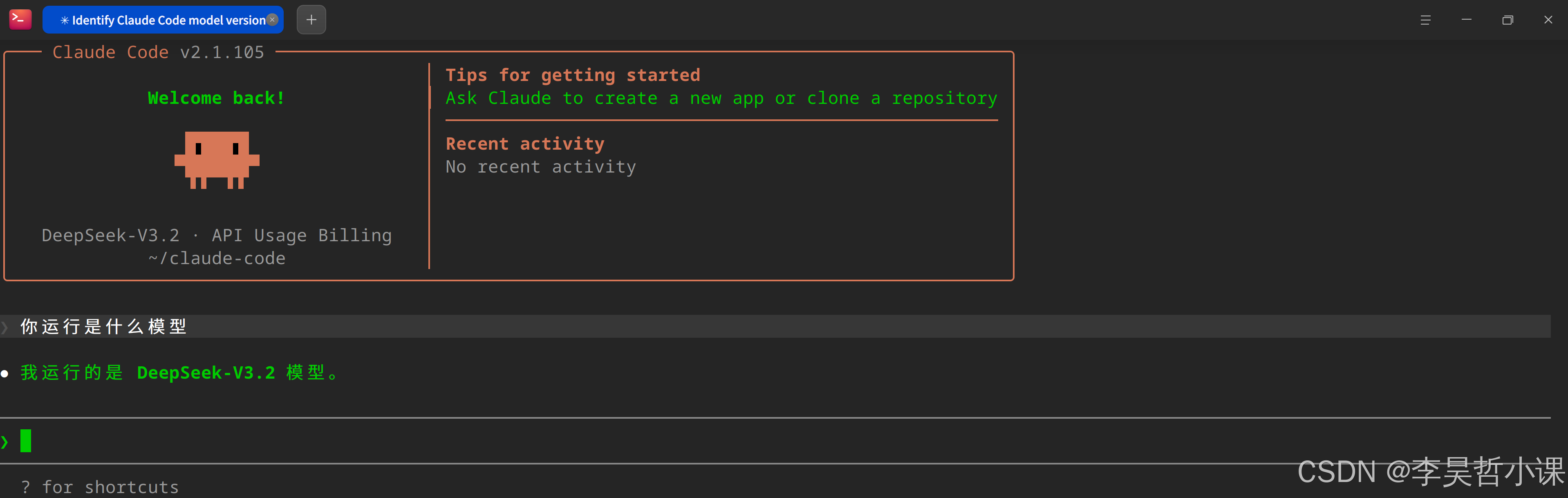
vscode
下载安装
下载页面: https://code.visualstudio.com/Download
bash
sudo dpkg -i code_1.115.0-1775600353_amd64.deb配置插件
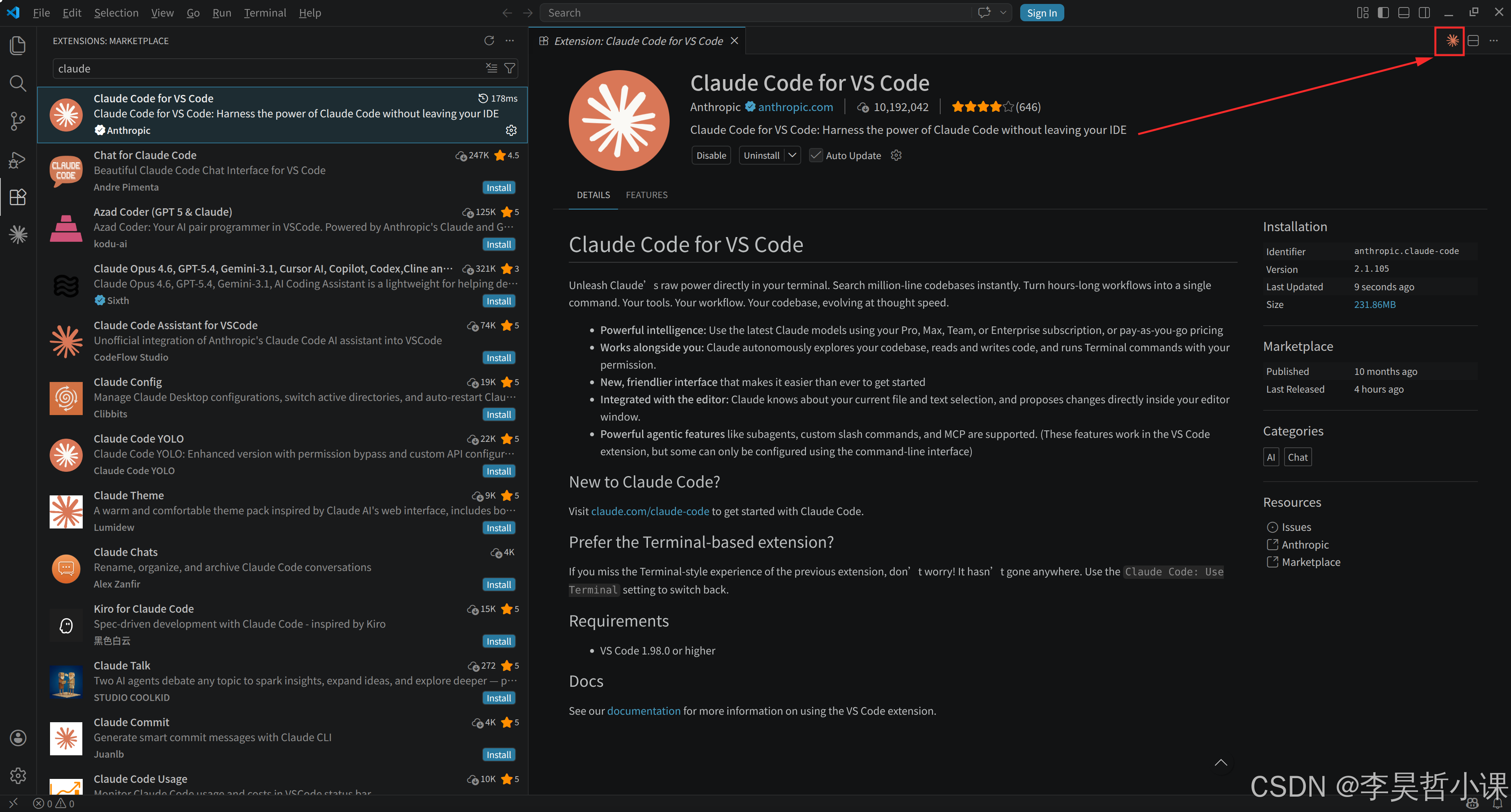
在插件市场搜索 claude并安装
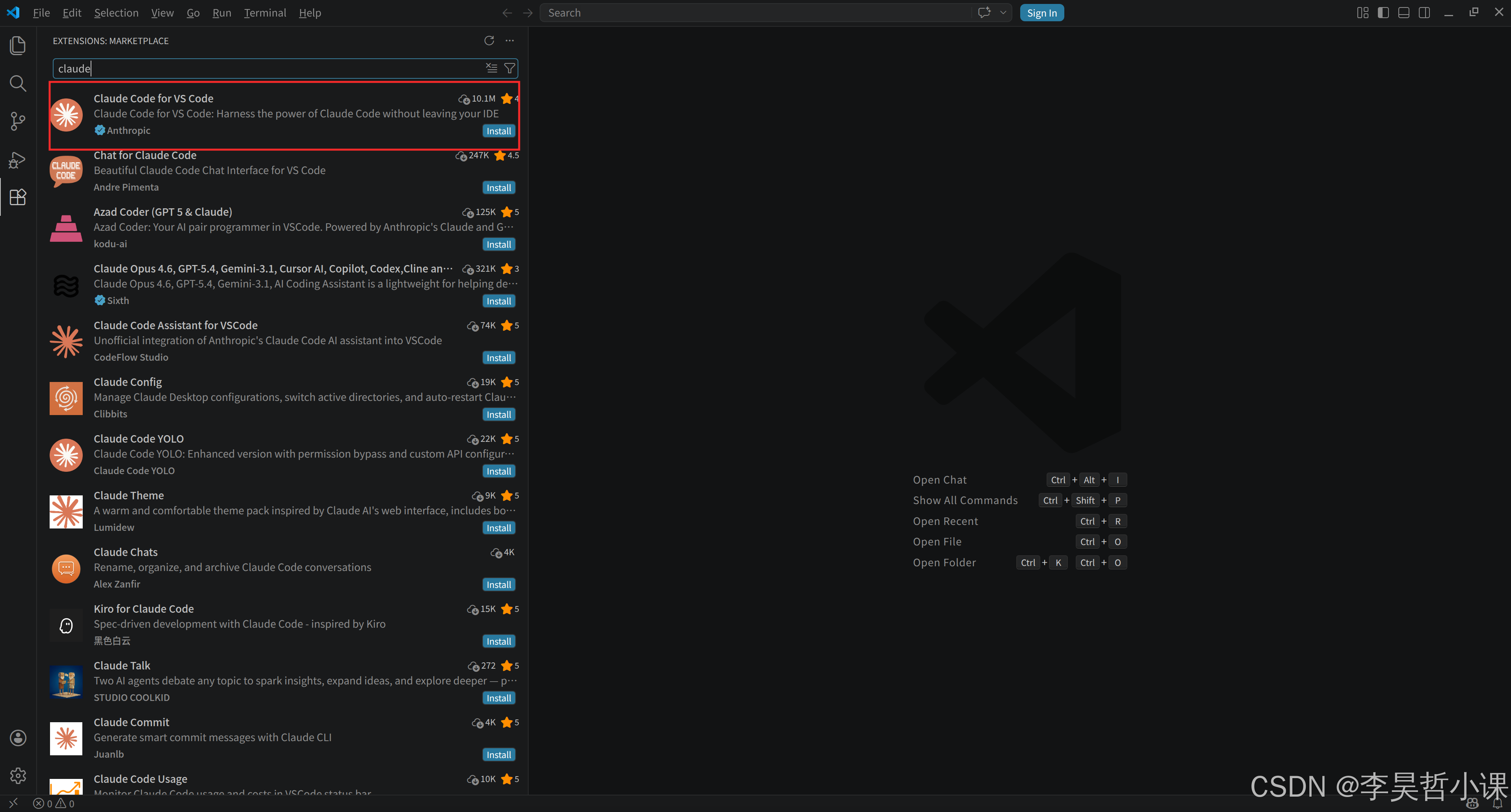
启动插件