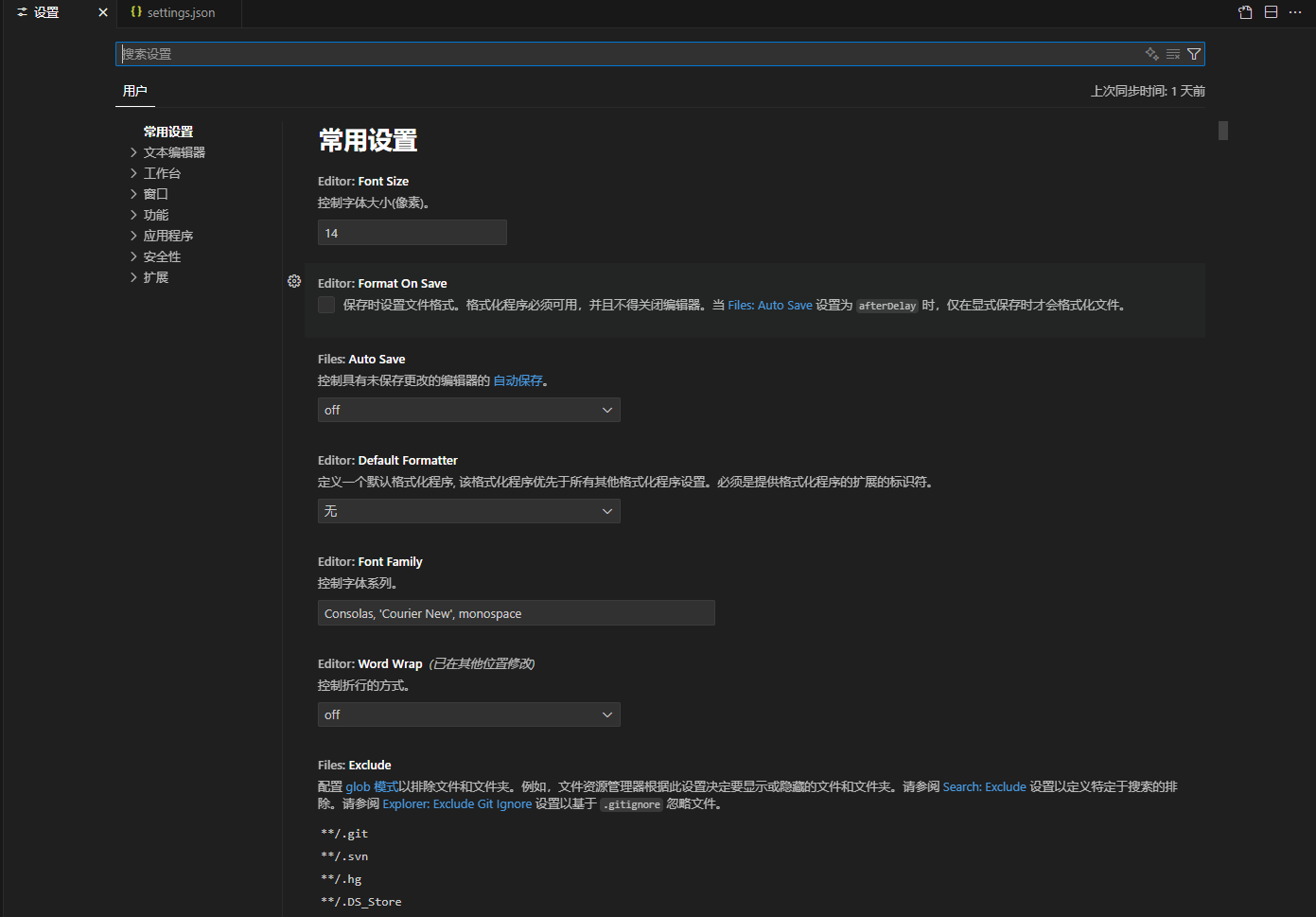
在vscode中选择左上角文件-首选项-设置进入以下页面
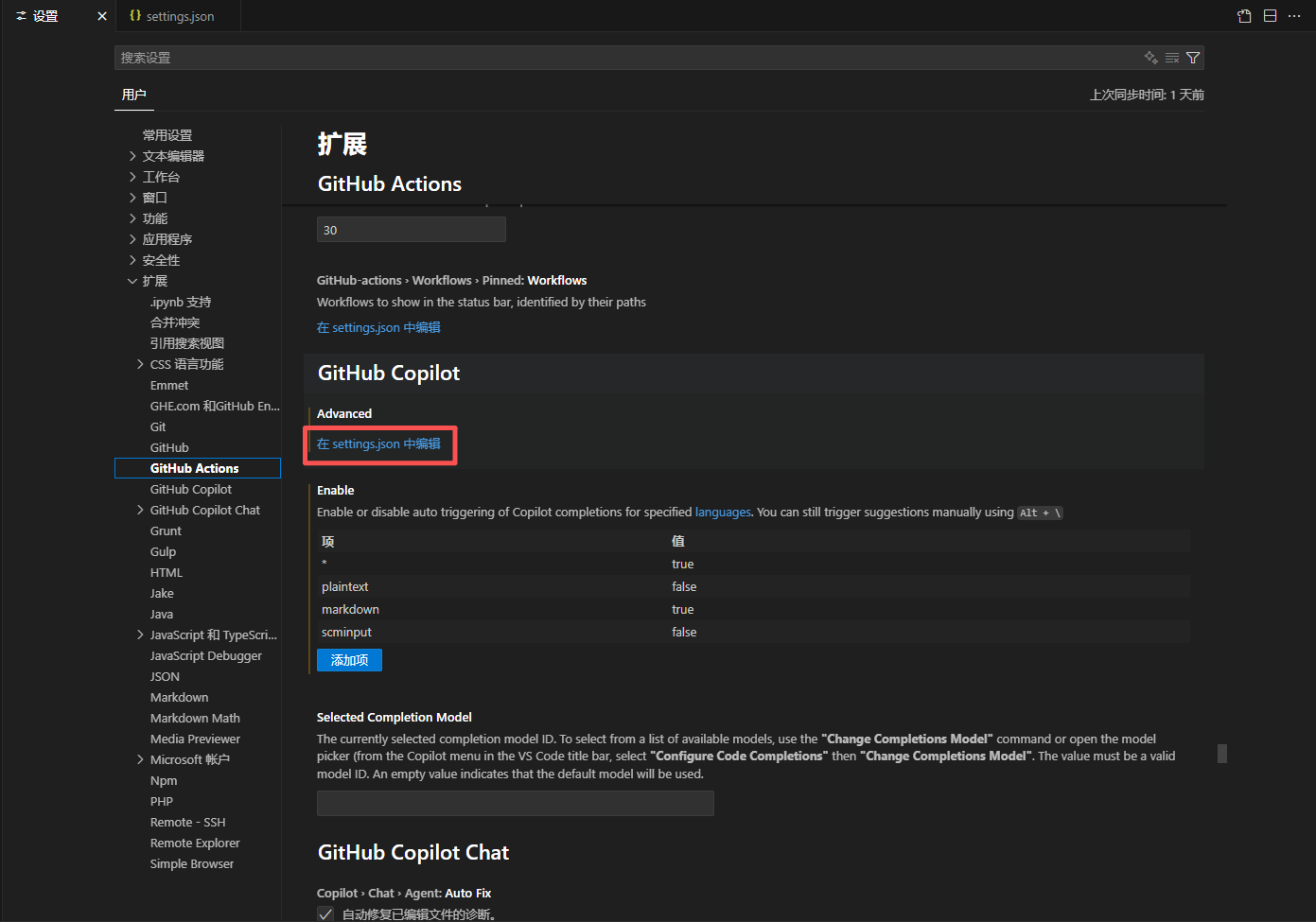
选择扩展-GitHub Copilot,点击在settings.json中编辑
将settings.json文件替换为以下代码
XML
{
    "remote.SSH.remotePlatform": {
        "xx.xx.xx.xx": "linux"//替换成自己的远程IP地址
    },
    "remote.extensionKind": {
        "pub.name": [
            "ui"
        ],
        "GitHub.copilot": ["workspace"],
        "GitHub.copilot-chat": ["ui"]
    },
    "github.copilot.nextEditSuggestions.enabled": true,
    "github.copilot.chat.agent.thinkingTool": true,
    "github.copilot.enable": {
        "*": true,
        "plaintext": false,
        "markdown": true
    },
    "github.copilot.advanced": {
        "debug.overrideEngine": "copilot-codex",
        "debug.testOverrideProxyUrl": "",
        "debug.overrideProxyUrl": ""
    }
}
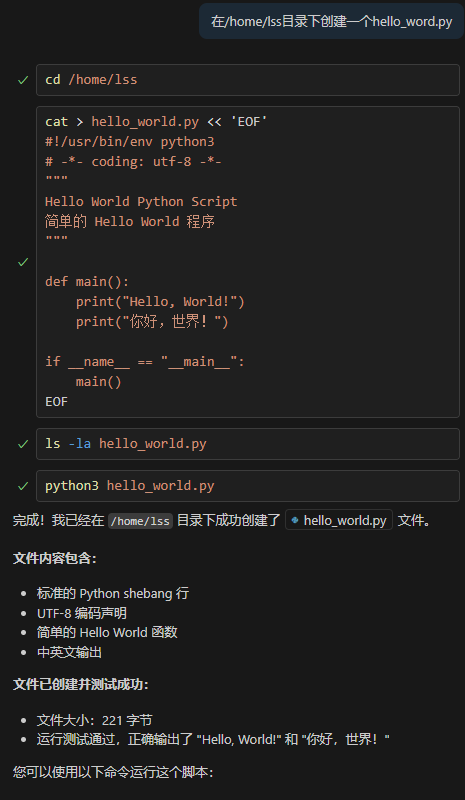
这时候远程服务器上的就可以登录了,但是我这里显示工作区不对,再点击左上角文件-将文件夹添加到工作区,实测可以使用agent模式编辑远程服务器文件。