参考视频:基于EasyCode插件的Spring boot、Mybatis框架快速整合搭建以及PostMan的使用 点击观看
文章目录
- [1 创建项目](#1 创建项目)
- [2 创建数据库](#2 创建数据库)
- [3 导包](#3 导包)
- [4 配置application.yaml文件](#4 配置application.yaml文件)
- [5 使用插件EasyCode](#5 使用插件EasyCode)
- [6 验证项目是否运行成功](#6 验证项目是否运行成功)
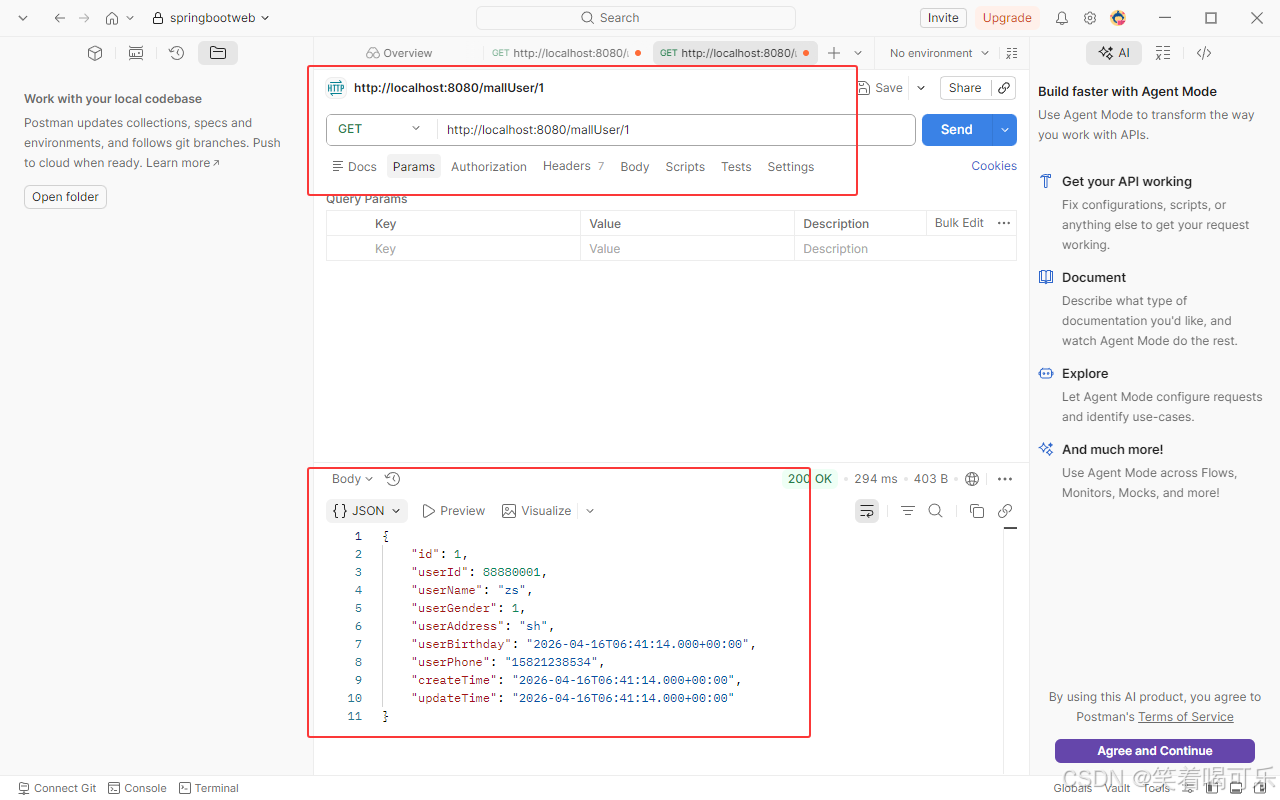
- [7 使用PostMan测试工具测试接口](#7 使用PostMan测试工具测试接口)
1 创建项目
pom.xml
xml
<?xml version="1.0" encoding="UTF-8"?>
<project xmlns="http://maven.apache.org/POM/4.0.0" xmlns:xsi="http://www.w3.org/2001/XMLSchema-instance"
         xsi:schemaLocation="http://maven.apache.org/POM/4.0.0 https://maven.apache.org/xsd/maven-4.0.0.xsd">
    <modelVersion>4.0.0</modelVersion>
    <parent>
        <groupId>org.springframework.boot</groupId>
        <artifactId>spring-boot-starter-parent</artifactId>
        <version>2.5.6</version>
        <relativePath/> <!-- lookup parent from repository -->
    </parent>
    <groupId>com.findx</groupId>
    <artifactId>springboot-mybatis-demo</artifactId>
    <version>0.0.1-SNAPSHOT</version>
    <name>springboot-mybatis-demo</name>
    <description>springboot-mybatis-demo</description>
    <url/>
    <licenses>
        <license/>
    </licenses>
    <developers>
        <developer/>
    </developers>
    <scm>
        <connection/>
        <developerConnection/>
        <tag/>
        <url/>
    </scm>
    <properties>
        <java.version>1.8</java.version>
    </properties>
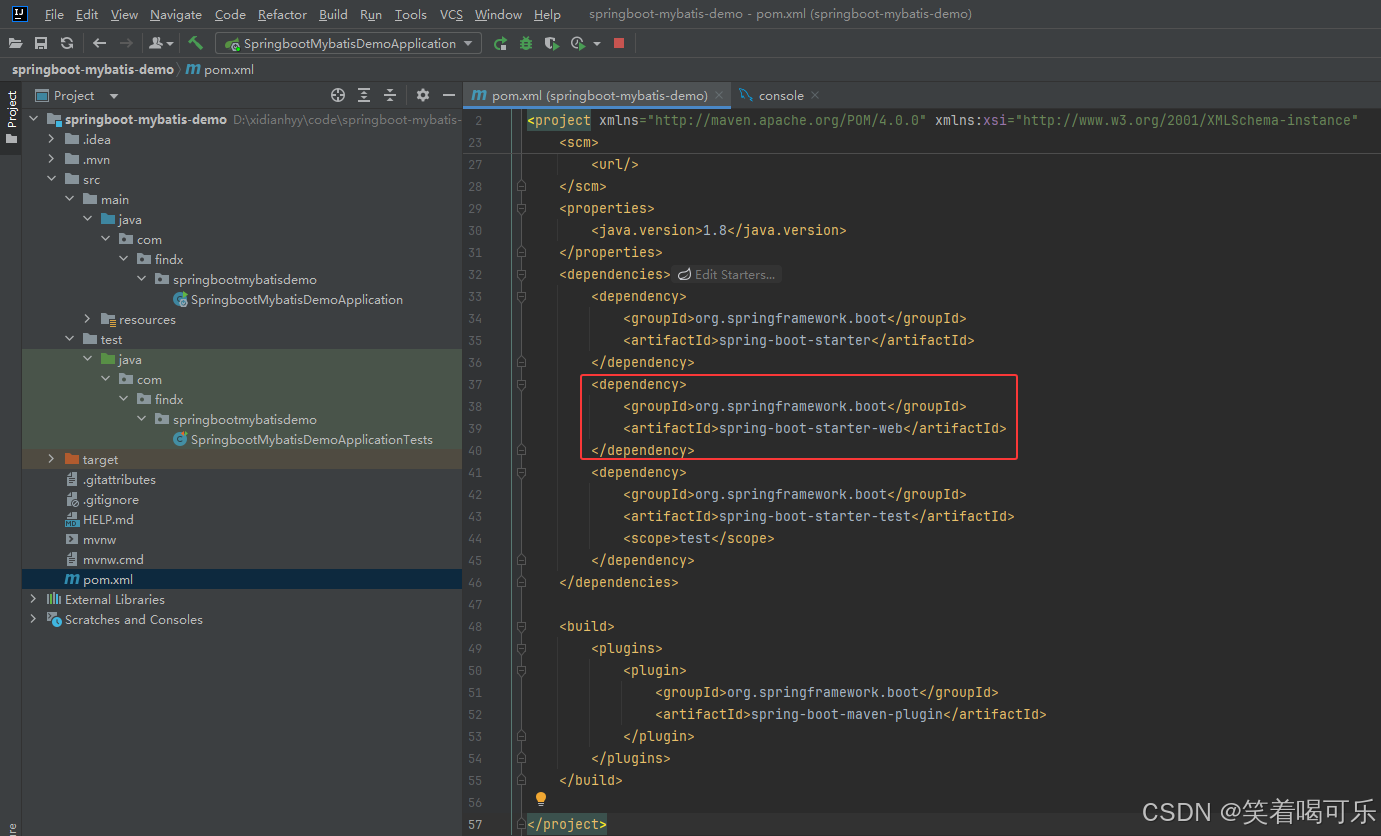
    <dependencies>
        <dependency>
            <groupId>org.springframework.boot</groupId>
            <artifactId>spring-boot-starter</artifactId>
        </dependency>
        <dependency>
            <groupId>org.springframework.boot</groupId>
            <artifactId>spring-boot-starter-web</artifactId>
        </dependency>
        <dependency>
            <groupId>org.springframework.boot</groupId>
            <artifactId>spring-boot-starter-test</artifactId>
            <scope>test</scope>
        </dependency>
    </dependencies>

    <build>
        <plugins>
            <plugin>
                <groupId>org.springframework.boot</groupId>
                <artifactId>spring-boot-maven-plugin</artifactId>
            </plugin>
        </plugins>
    </build>

</project>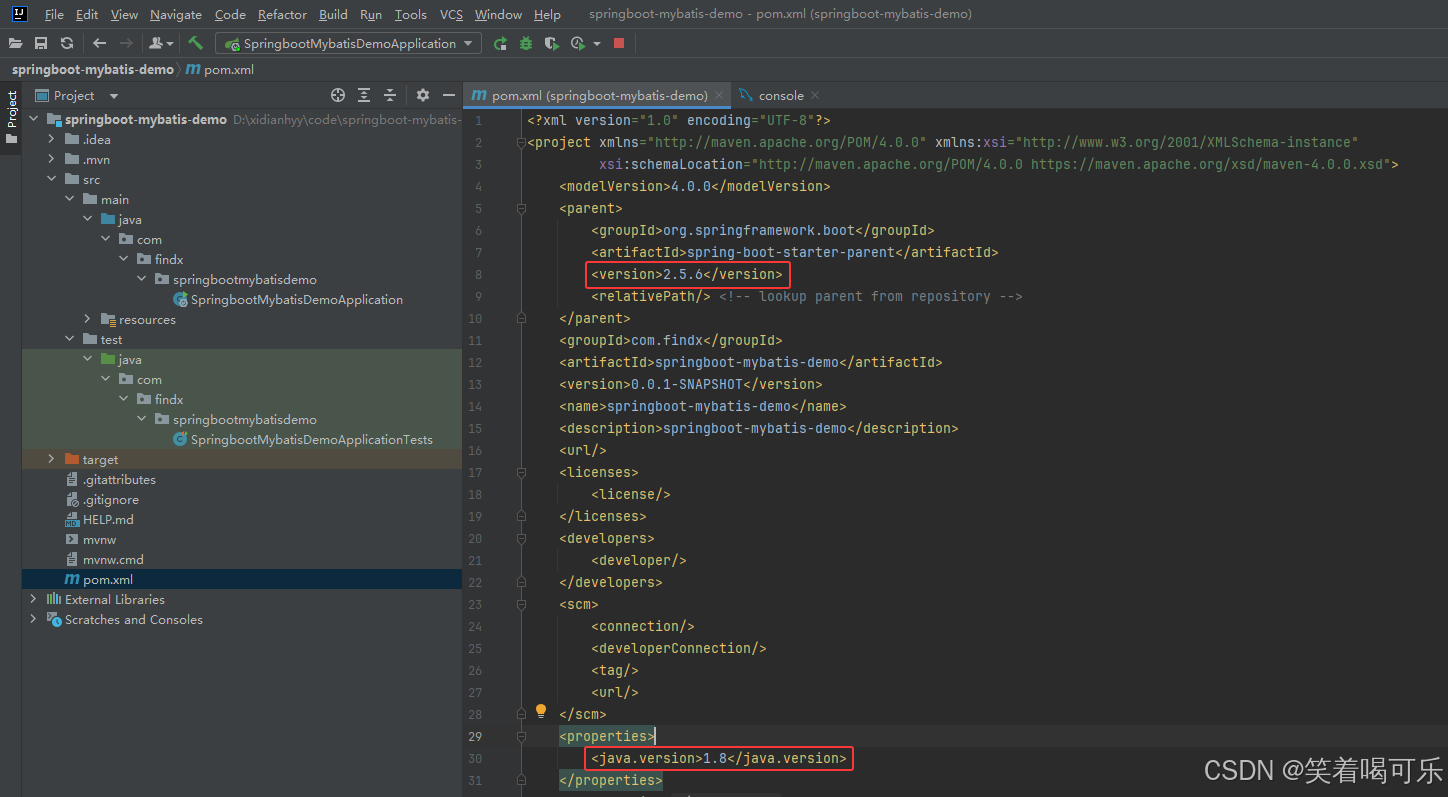
2 创建数据库
sql
create database malldb default character set utf8mb4 collate utf8mb4_unicode_ci;
# 使用数据库
use malldb;
-- 建表sql
create table mall_user
(
    id            int auto_increment comment '主键id'
        primary key,
    user_id       bigint  default 0                       null comment '用户id',
    user_name     varchar(8)   default ''                null comment '用户姓名',
    user_gender   int          default 0                 null comment '性别',
    user_address  varchar(256) default ''                null comment '用户地址',
    user_birthday timestamp      default CURRENT_TIMESTAMP  null comment '用户生日',
    user_phone    varchar(20)  default ''                null comment '用户手机号',
    create_time   timestamp      default CURRENT_TIMESTAMP  null COMMENT '创建时间',
    update_time   timestamp      default CURRENT_TIMESTAMP  null ON update  CURRENT_TIMESTAMP   COMMENT '更新时间'
)
    comment '用户表';
-- 建立唯一索引
create unique index idx_user_id on mall_user(user_id);
-- 插入数据
INSERT INTO mall_user (user_id, user_name, user_gender, user_address, user_birthday, user_phone, create_time, update_time) VALUES (88880001, 'zs', 1, 'sh', DEFAULT, '15821238534', DEFAULT, DEFAULT);
INSERT INTO mall_user (user_id, user_name, user_gender, user_address, user_birthday, user_phone, create_time, update_time) VALUES (88880002, 'ls', 0, 'bj', DEFAULT, '15821238588', DEFAULT, DEFAULT);
INSERT INTO mall_user (user_id, user_name, user_gender, user_address, user_birthday, user_phone, create_time, update_time) VALUES (88880003, 'ww', 1, 'sh', DEFAULT, '15821238577', DEFAULT, DEFAULT);
# 查看数据库
select  * from mall_user;
3 导包
pom.xml
xml
<?xml version="1.0" encoding="UTF-8"?>
<project xmlns="http://maven.apache.org/POM/4.0.0" xmlns:xsi="http://www.w3.org/2001/XMLSchema-instance"
         xsi:schemaLocation="http://maven.apache.org/POM/4.0.0 https://maven.apache.org/xsd/maven-4.0.0.xsd">
    <modelVersion>4.0.0</modelVersion>
    <parent>
        <groupId>org.springframework.boot</groupId>
        <artifactId>spring-boot-starter-parent</artifactId>
        <version>2.5.6</version>
        <relativePath/> <!-- lookup parent from repository -->
    </parent>
    <groupId>com.findx</groupId>
    <artifactId>springboot-mybatis-demo</artifactId>
    <version>0.0.1-SNAPSHOT</version>
    <name>springboot-mybatis-demo</name>
    <description>springboot-mybatis-demo</description>
    <url/>
    <licenses>
        <license/>
    </licenses>
    <developers>
        <developer/>
    </developers>
    <scm>
        <connection/>
        <developerConnection/>
        <tag/>
        <url/>
    </scm>
    <properties>
        <java.version>1.8</java.version>
    </properties>
    <dependencies>
        <dependency>
            <groupId>org.springframework.boot</groupId>
            <artifactId>spring-boot-starter</artifactId>
        </dependency>
        <dependency>
            <groupId>org.springframework.boot</groupId>
            <artifactId>spring-boot-starter-web</artifactId>
        </dependency>
        <dependency>
            <groupId>org.springframework.boot</groupId>
            <artifactId>spring-boot-starter-test</artifactId>
            <scope>test</scope>
        </dependency>
        <!--mybatis-->
        <dependency>
            <groupId>org.mybatis.spring.boot</groupId>
            <artifactId>mybatis-spring-boot-starter</artifactId>
            <version>2.3.2</version>
        </dependency>
        <!--mysql驱动-->
        <dependency>
            <groupId>com.mysql</groupId>
            <artifactId>mysql-connector-j</artifactId>
            <version>8.0.31</version>
        </dependency>
    </dependencies>

    <build>
        <plugins>
            <plugin>
                <groupId>org.springframework.boot</groupId>
                <artifactId>spring-boot-maven-plugin</artifactId>
            </plugin>
        </plugins>
    </build>

</project>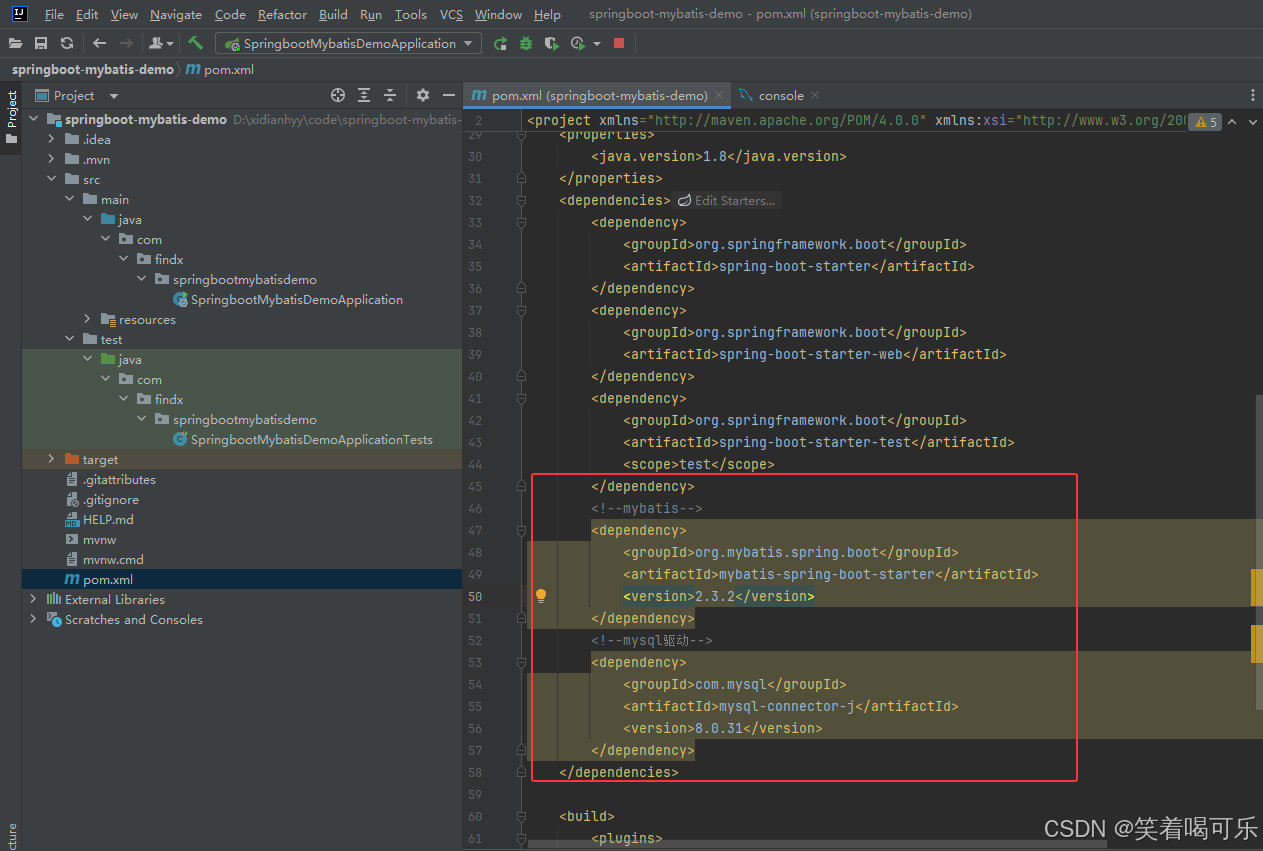
4 配置application.yaml文件
yaml
spring:
  datasource:
    url: jdbc:mysql://localhost:3306/malldb?useUnicode=true&characterEncoding=utf-8&useSSL=false&allowPublicKeyRetrieval=true&serverTimezone=Asia/Shanghai
    username: root
    password: root
    driver-class-name: com.mysql.cj.jdbc.Driver
5 使用插件EasyCode
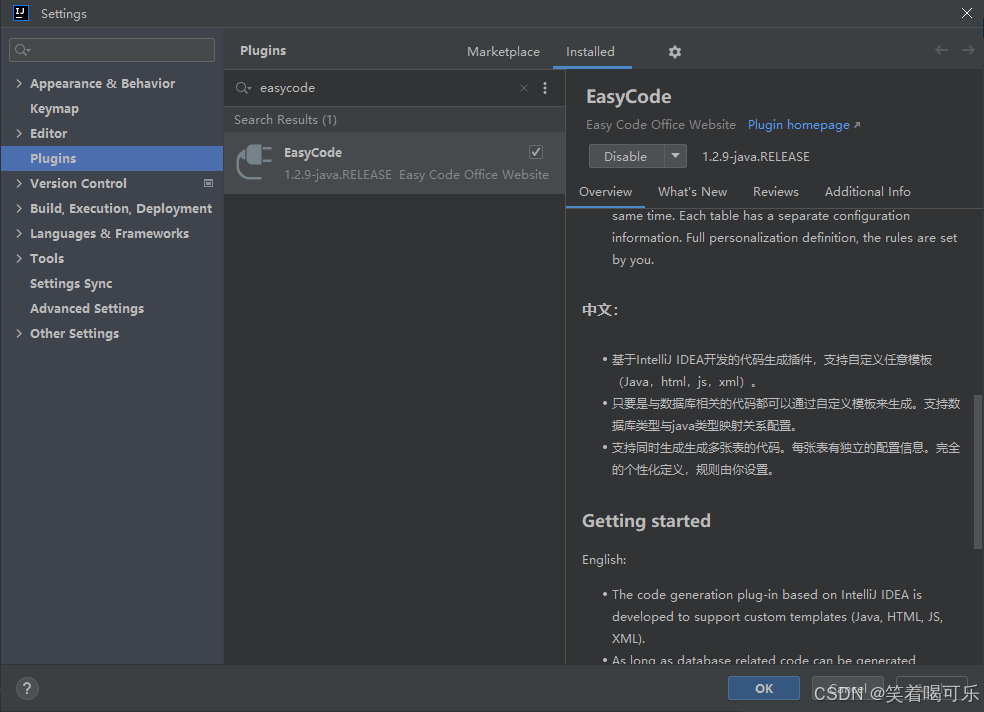
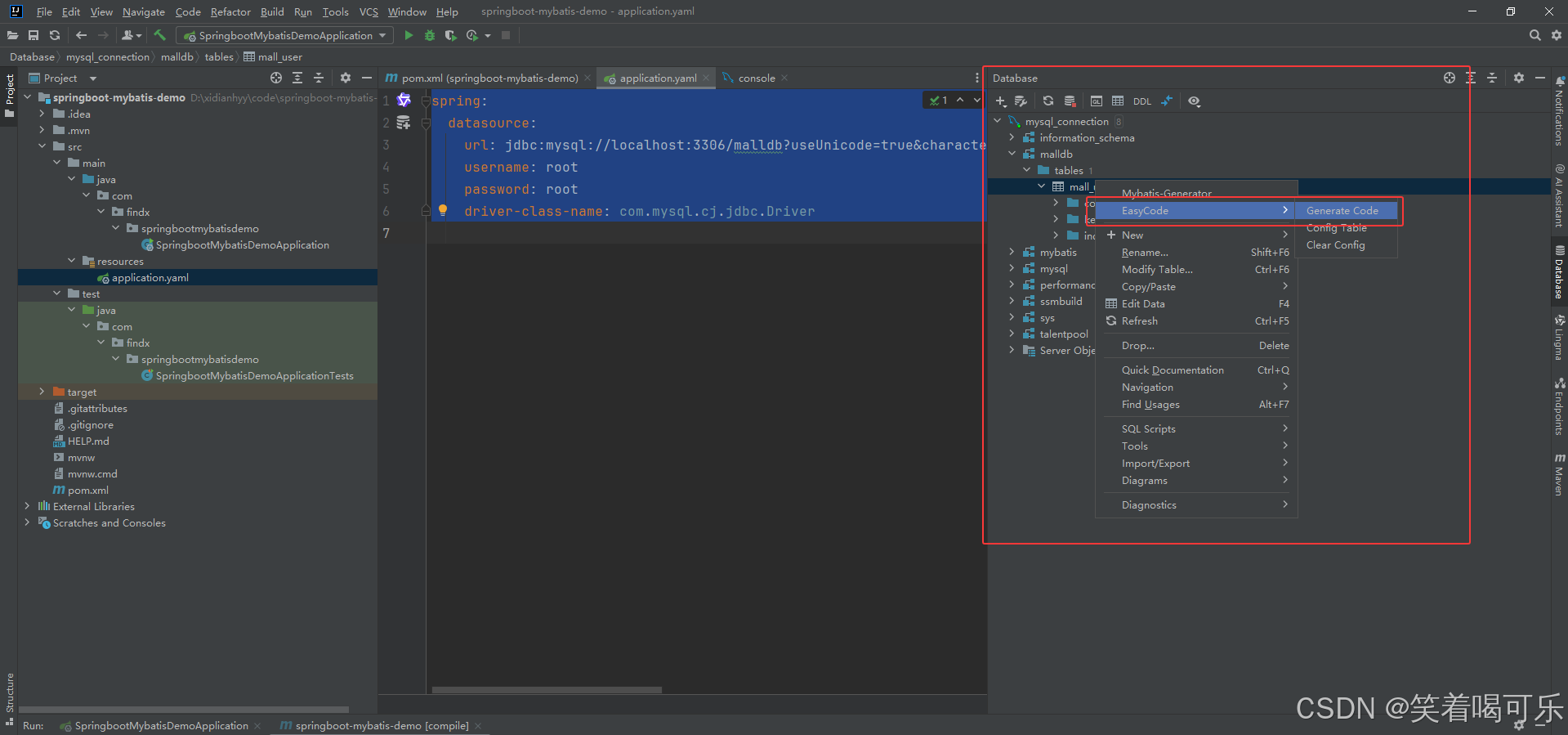
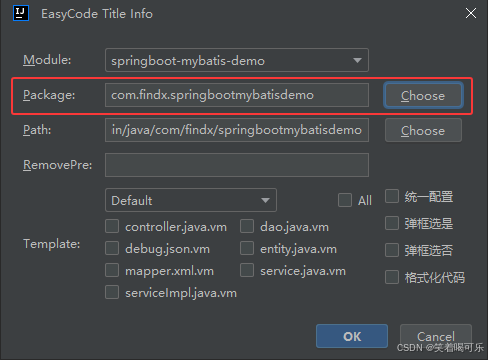
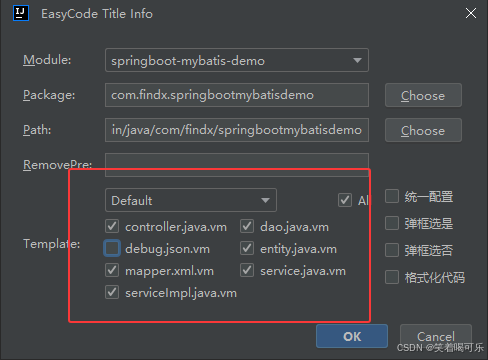
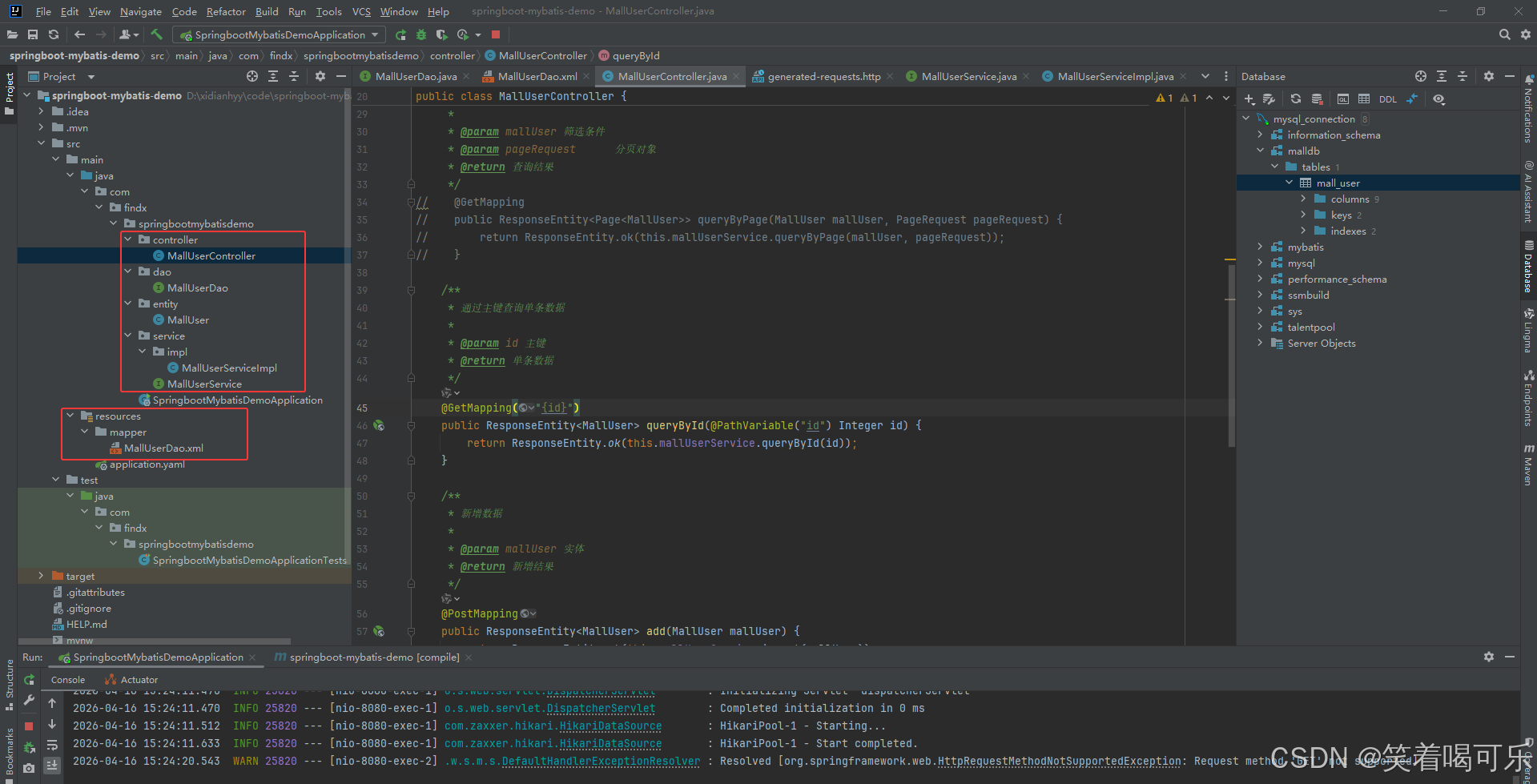
6 验证项目是否运行成功

7 使用PostMan测试工具测试接口