一、选项式API和组合式API
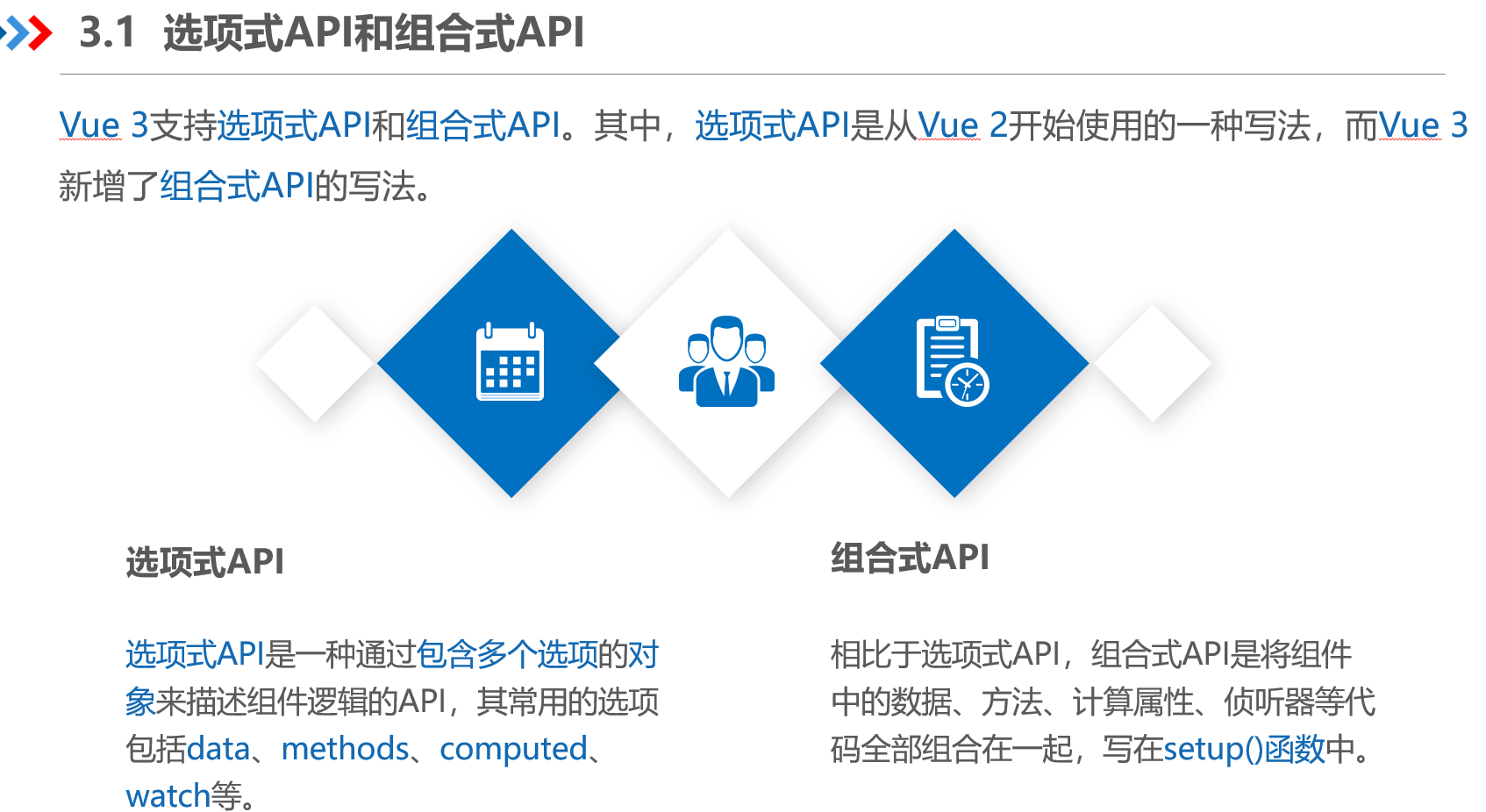
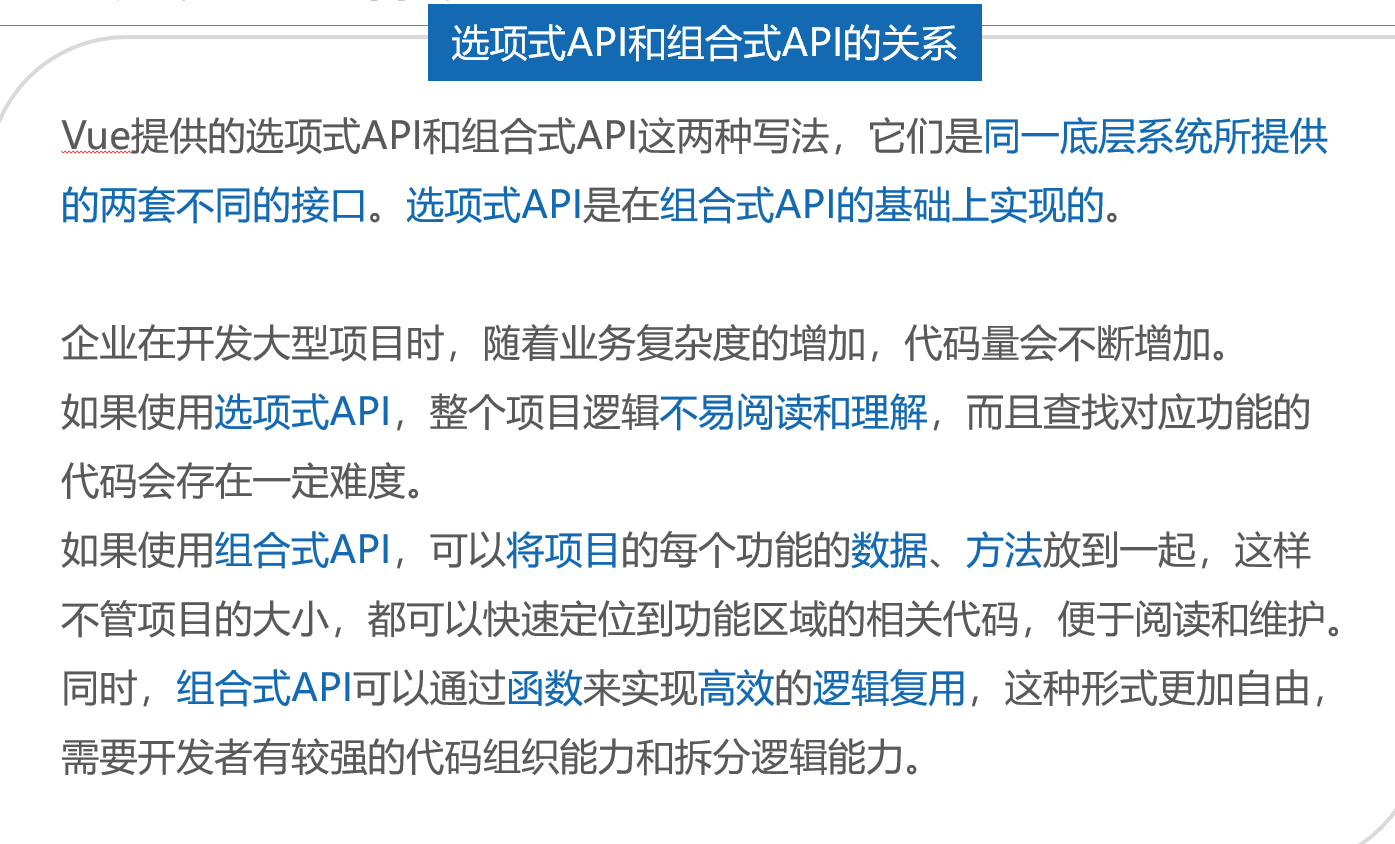
1、基本概念
2、代码示例及演示效果
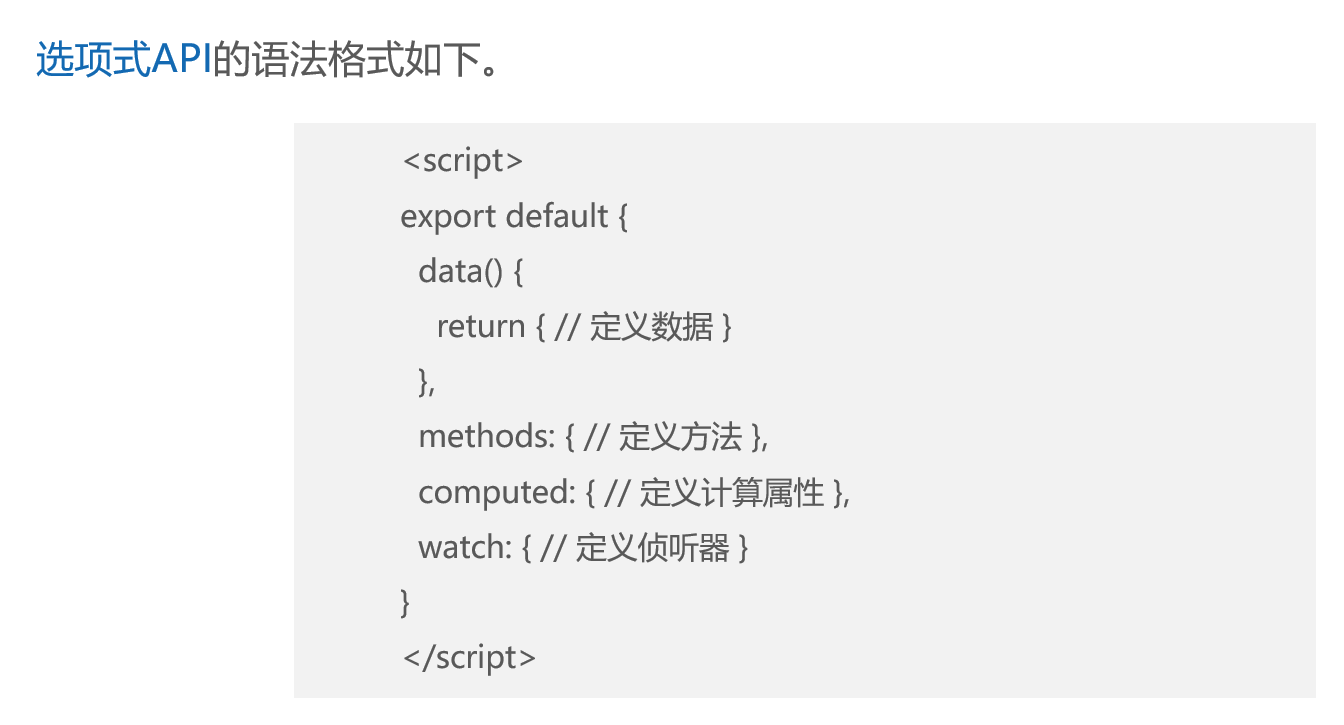
选项式API
<template>
  <div>数字:{{ number }}</div>
  <button @click="addNumber">+1</button>
</template>
<script>
export default {
  data() { return { number: 1 } },
  methods: { addNumber() { this.number++ } }
}
</script>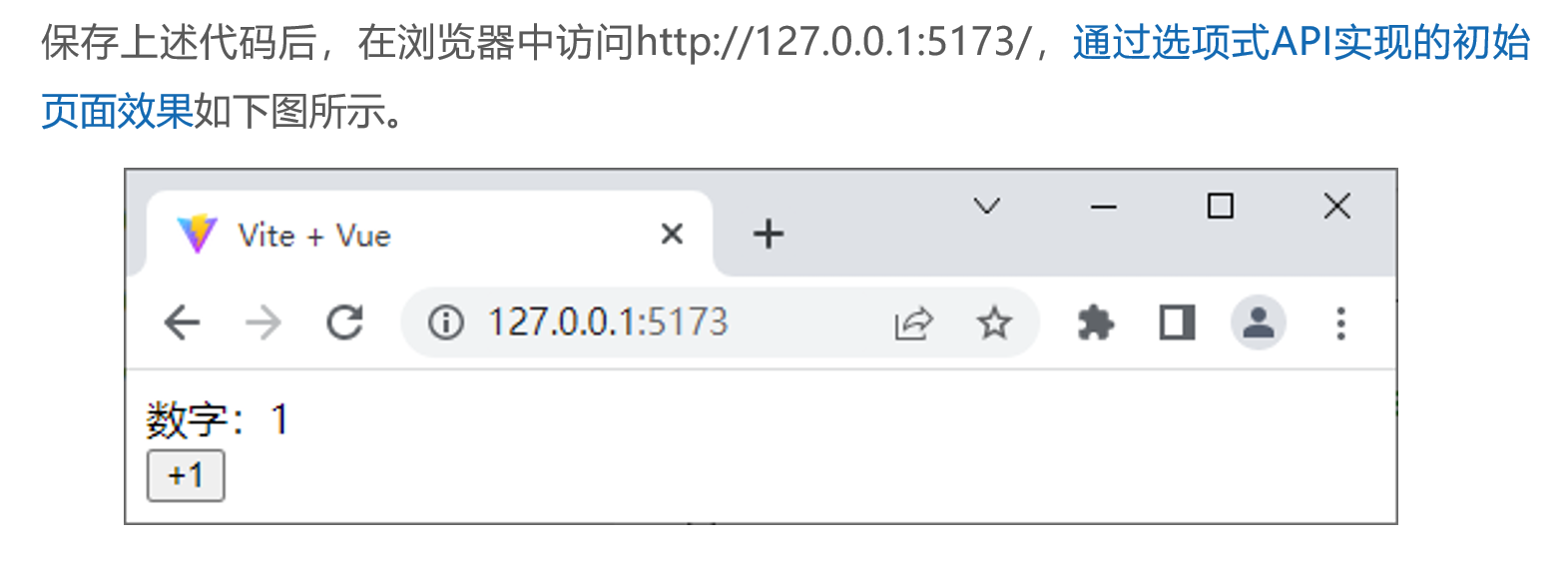
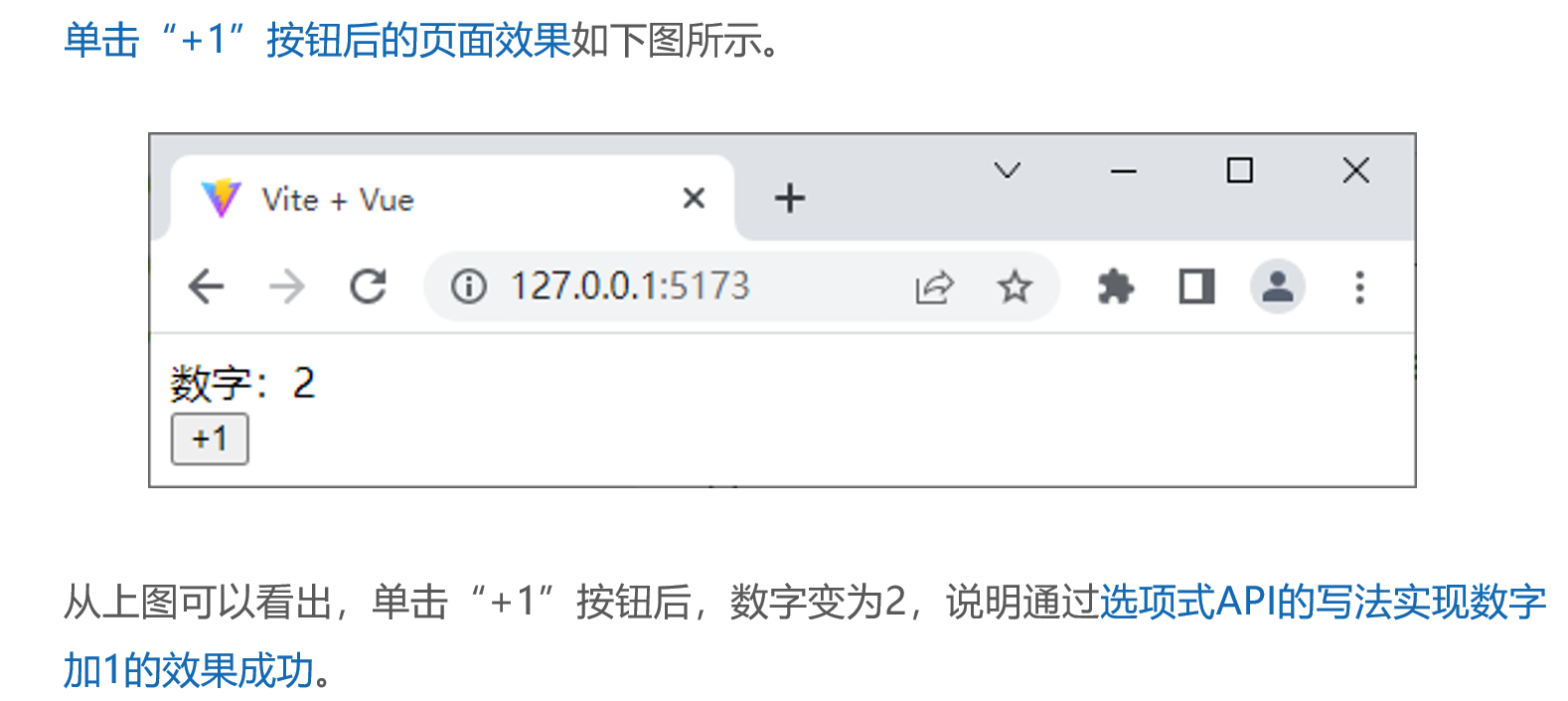
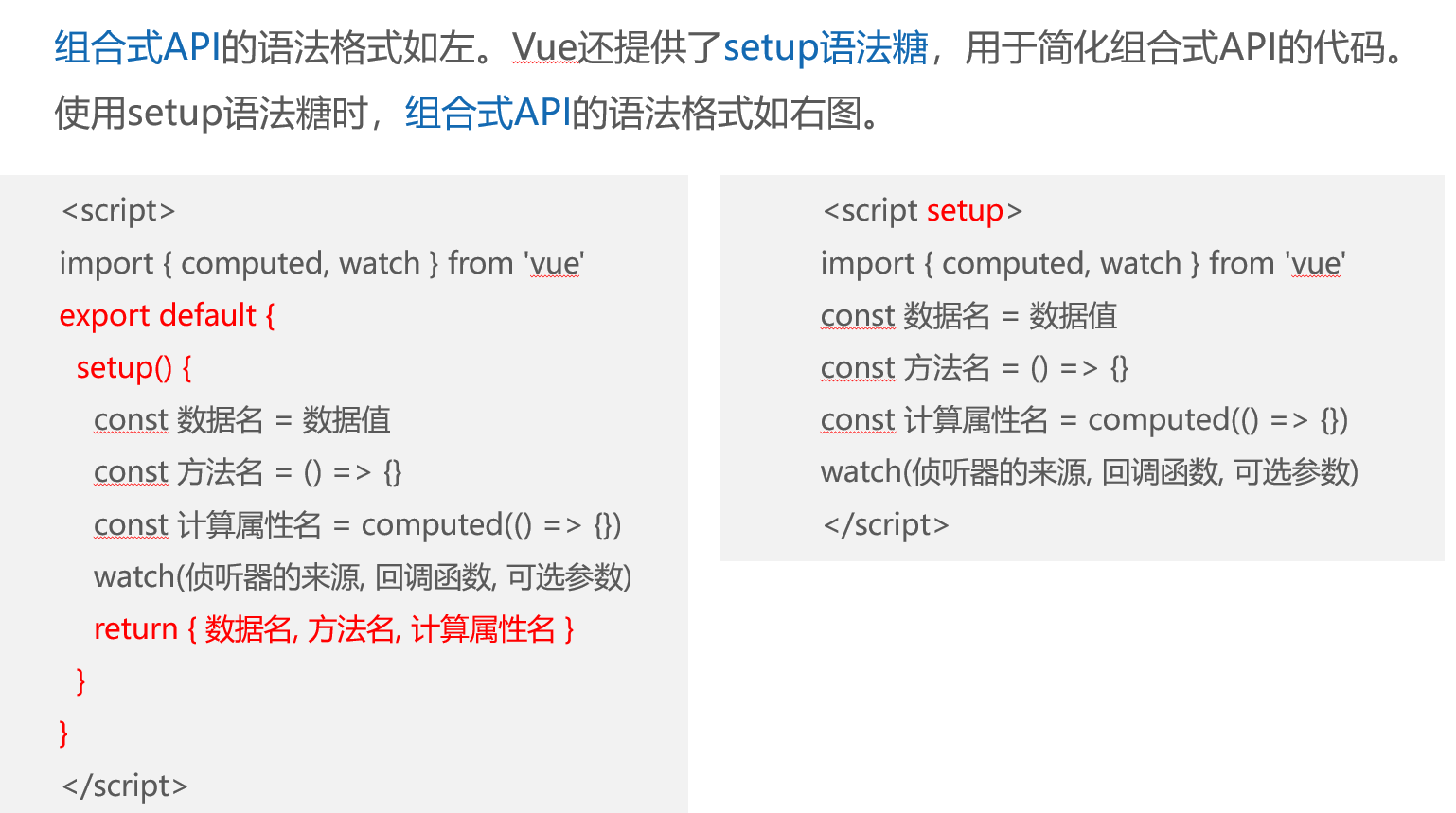
组合式API
<template>
  <div>数字:{{ number }}</div>
  <button @click="addNumber">+1</button>
</template>
<script setup>
import { ref } from 'vue'
let number = ref(1)
const addNumber = () => { number.value ++ }
</script>
效果和上面的选项是API 一样
二、生命周期函数
1、基本概念
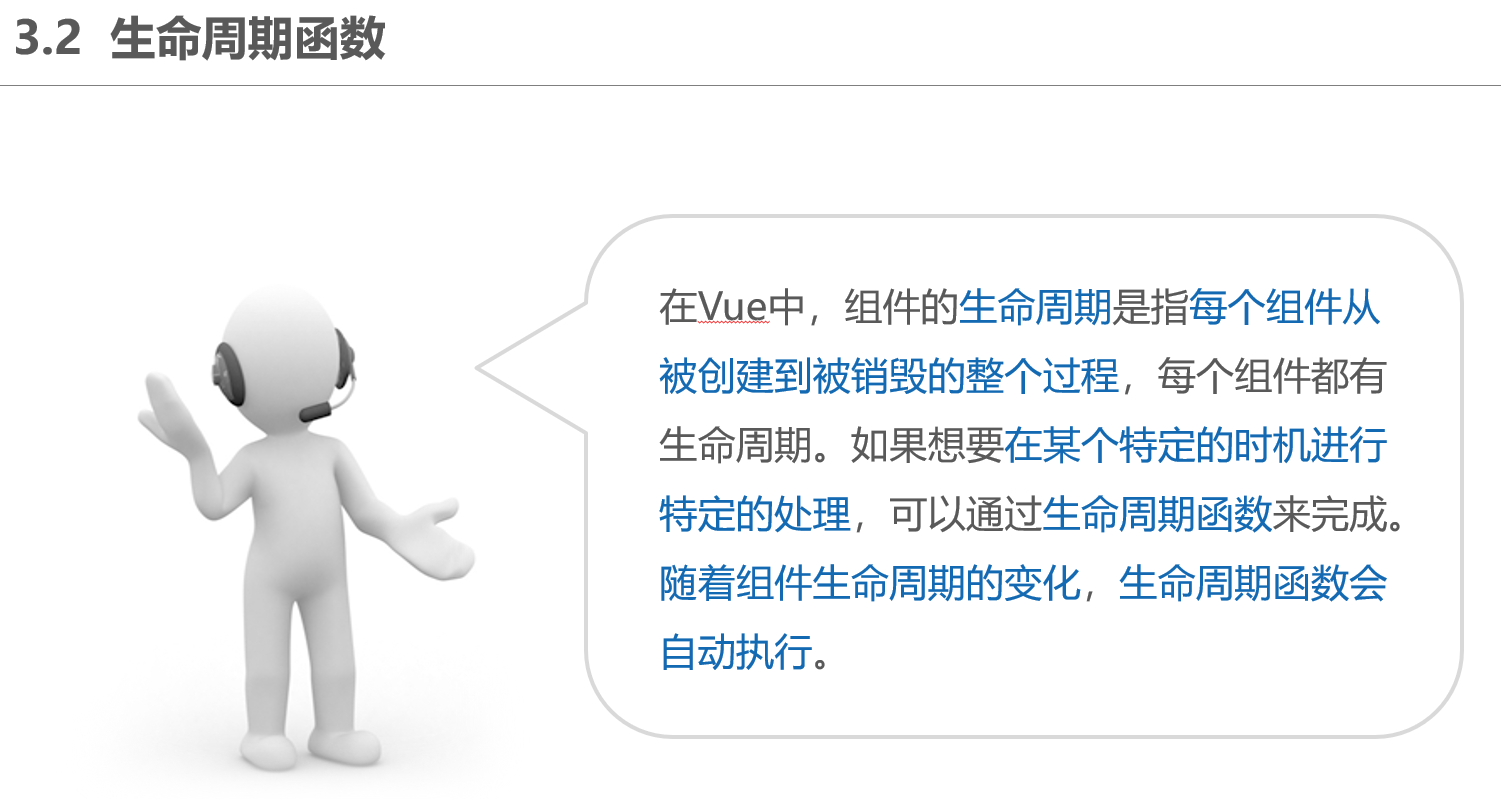
什么是生命周期?
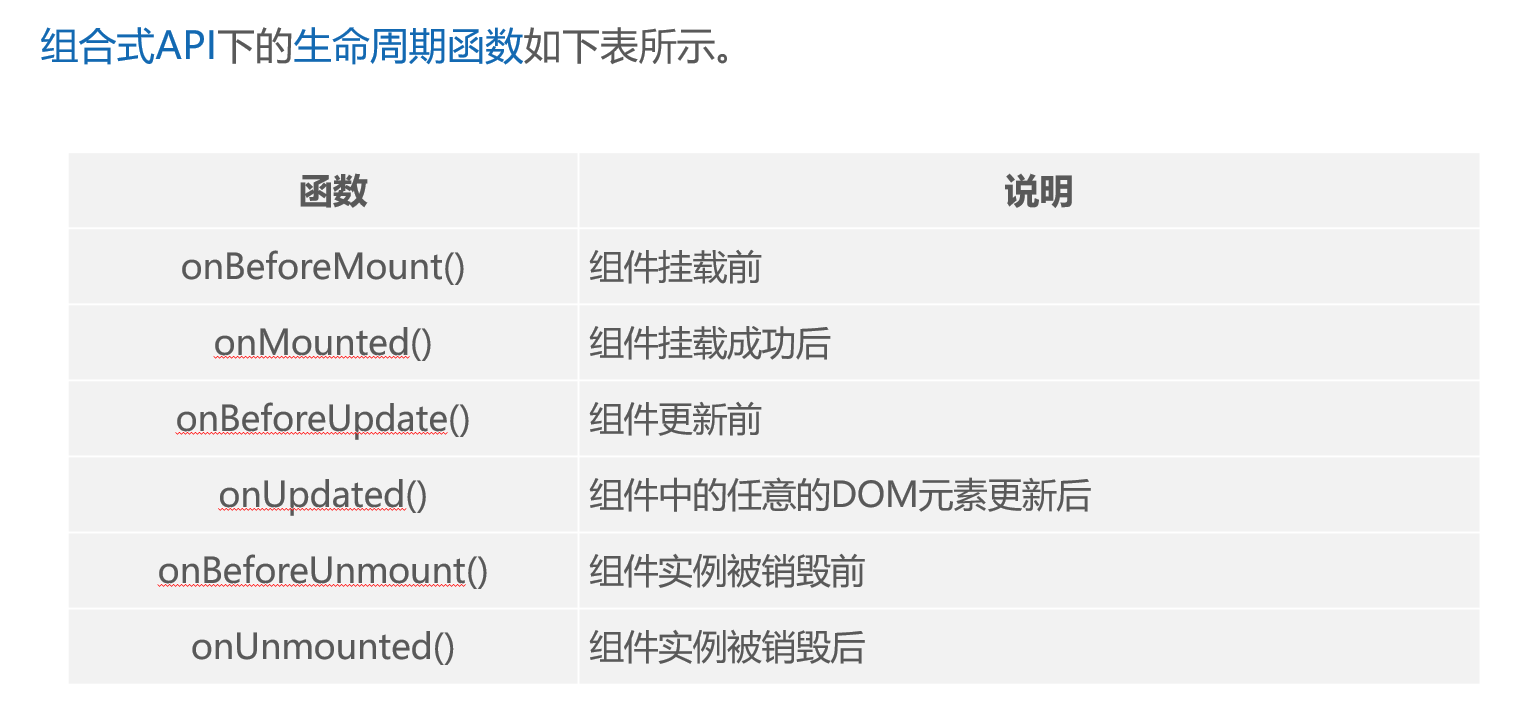
2、代码示例及演示效果
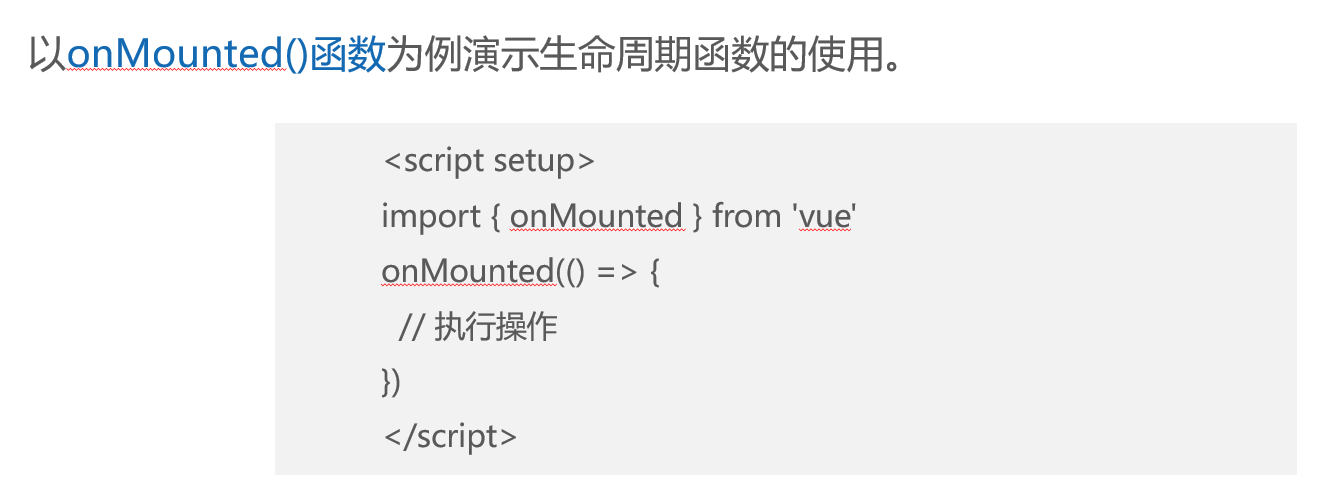
创建src\components\LifecycleHooks.vue文件,用于通过生命周期函数查看在特定时间点下的DOM元素。
<template>  <div class="container">container</div> </template>
<script setup>
import { onBeforeMount, onMounted } from 'vue'
onBeforeMount(() => {
  console.log('DOM元素渲染前', document.querySelector('.container'))
})
onMounted(() => {
  console.log('DOM元素渲染后', document.querySelector('.container'))
})
</script>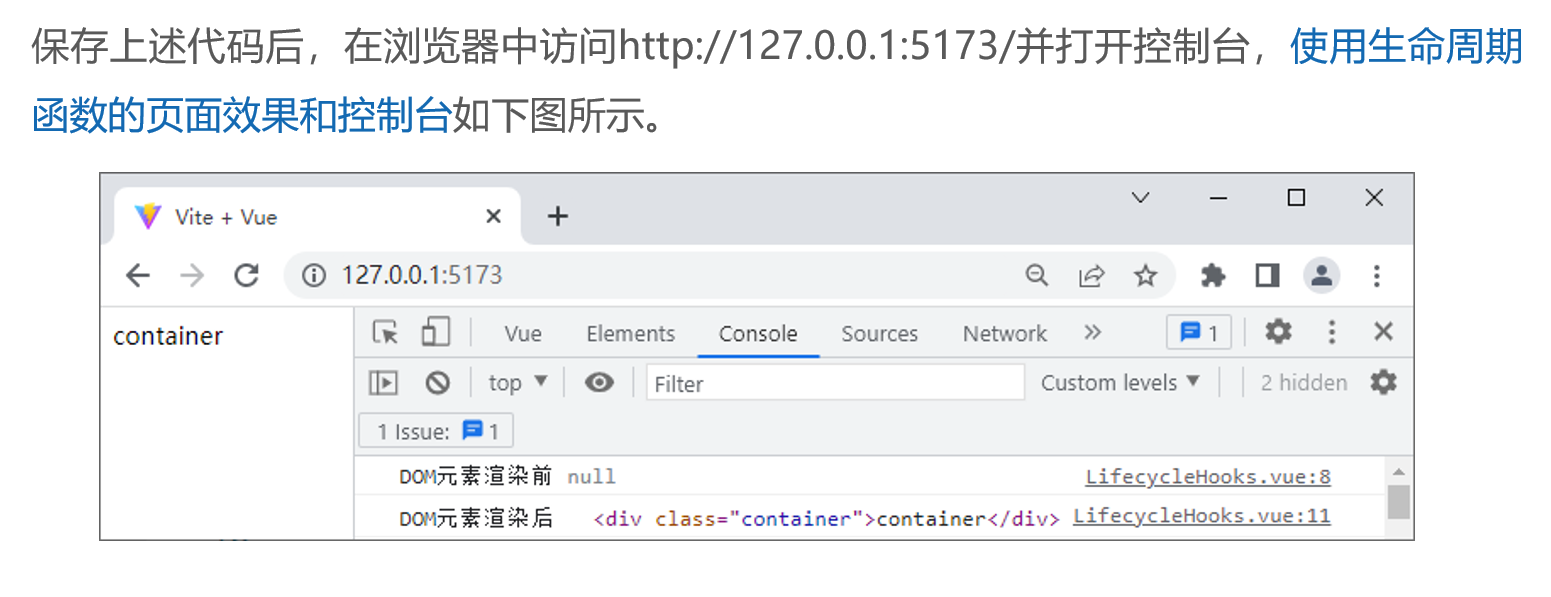
三、组件的注册和引用
1、基本概念
为什么需要注册组件
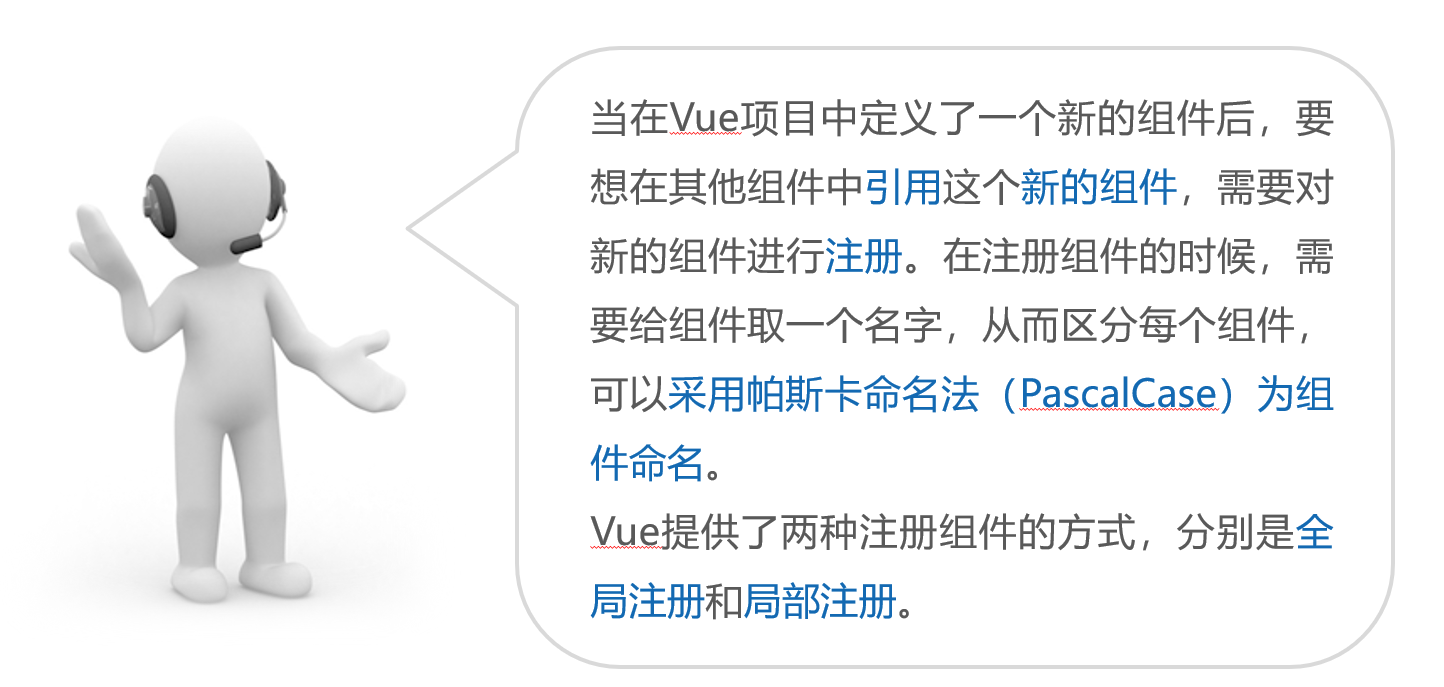
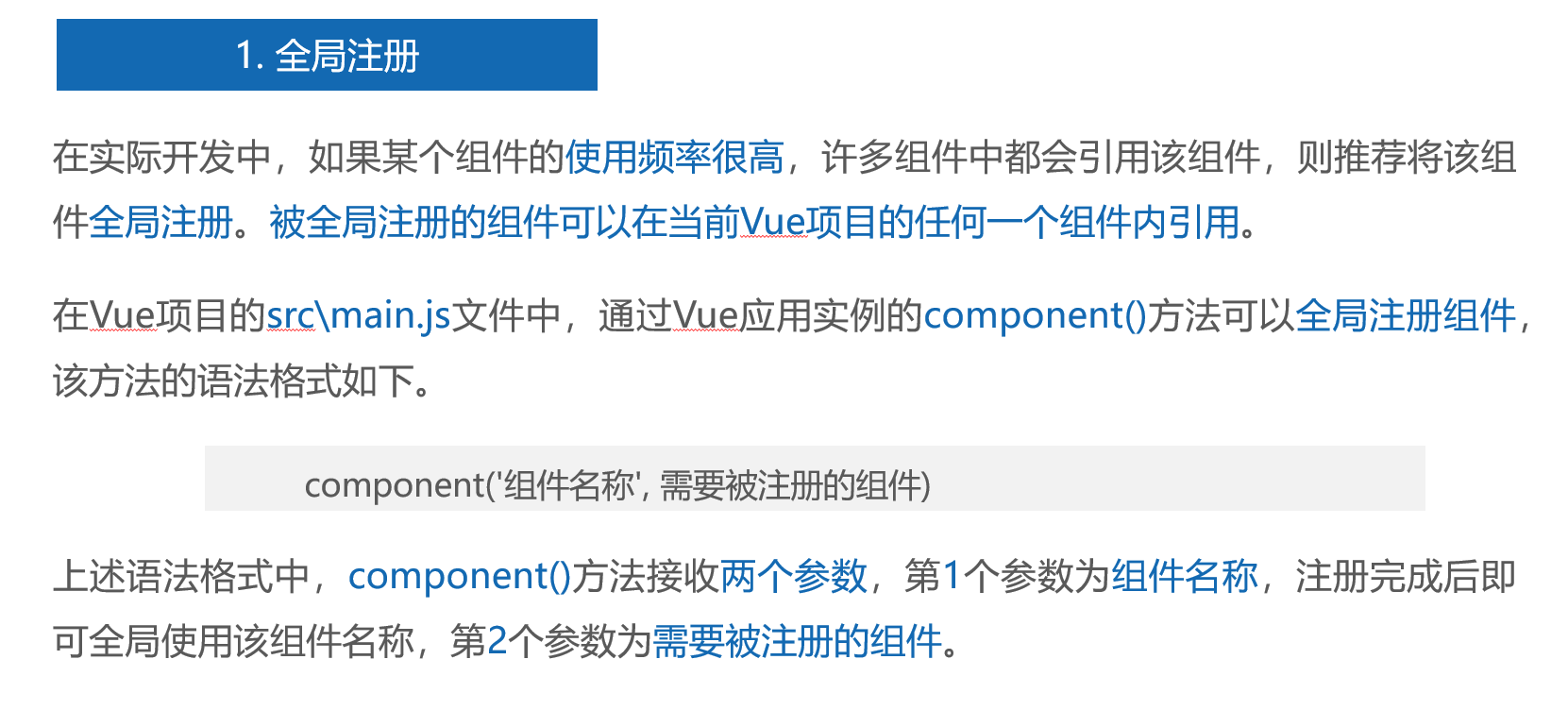
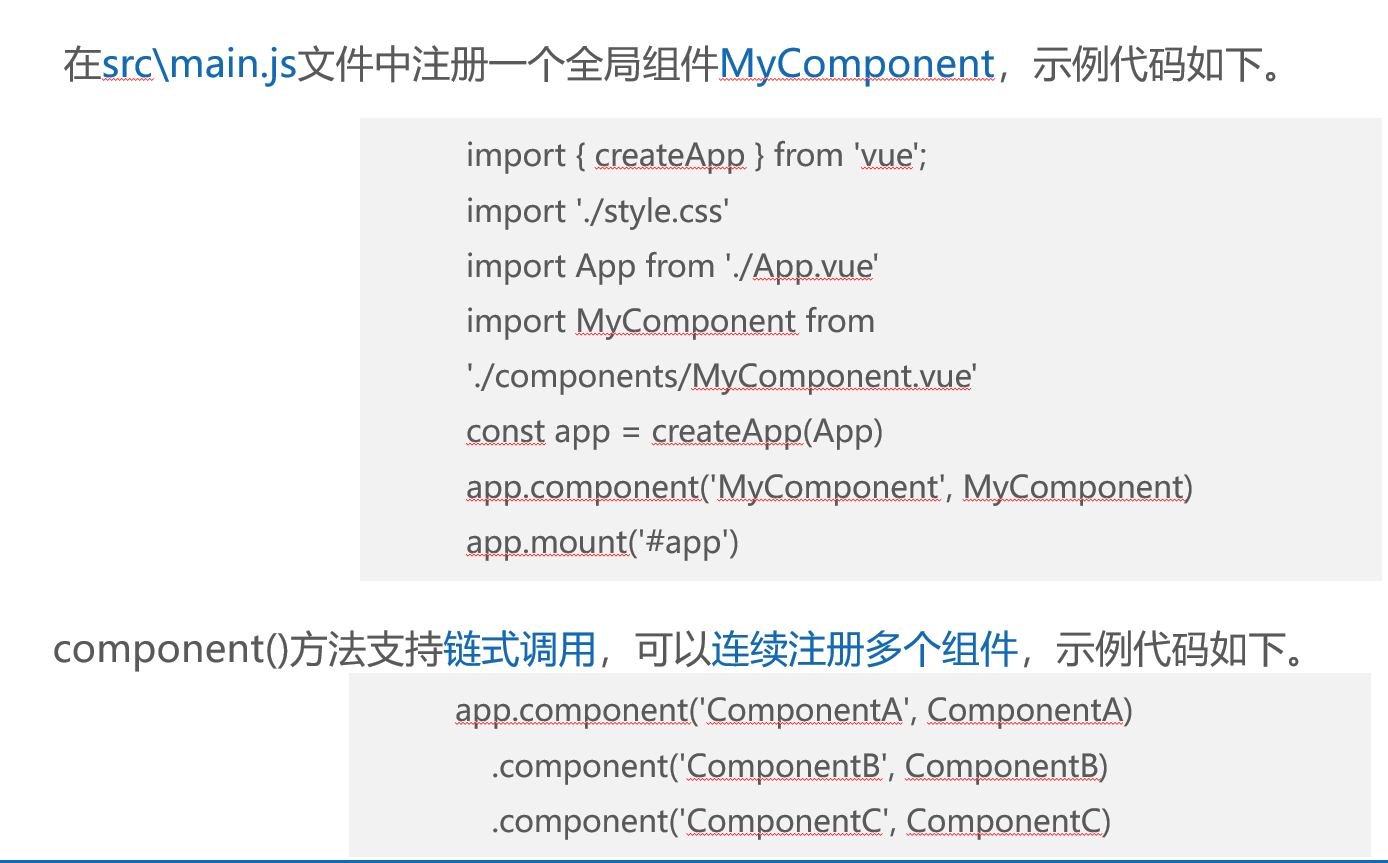
1.1、全局注册
1.2、局部注册
1.3、注意
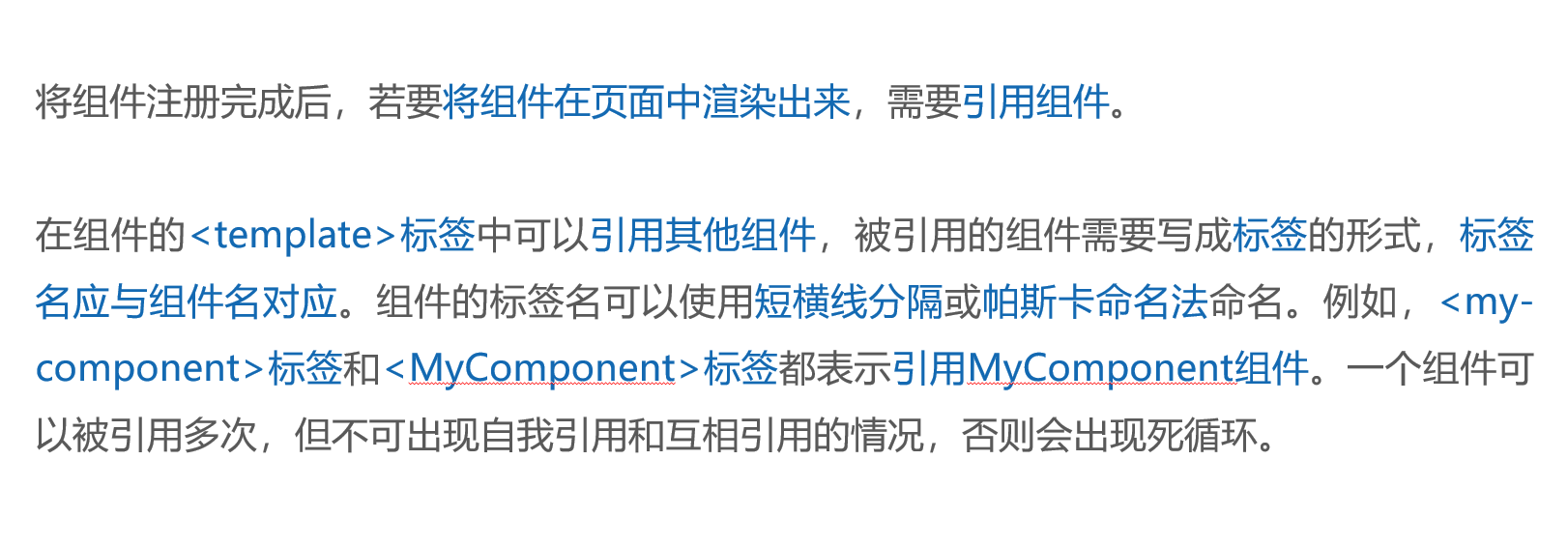
2、引用组件
2.1基本概念
3、代码示例演示效果
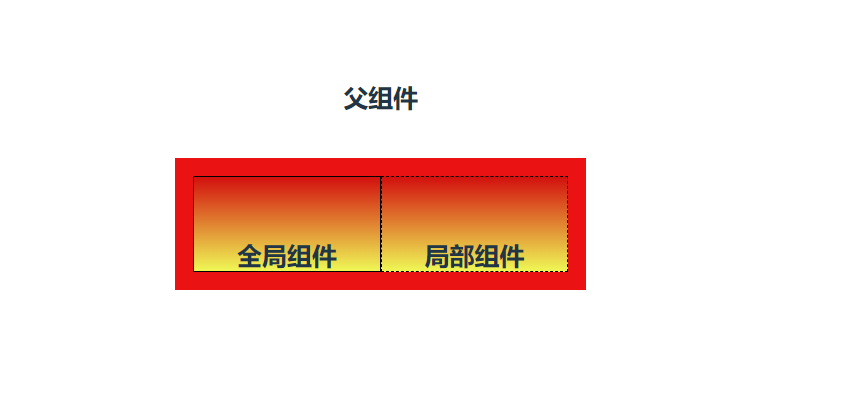
创建src\components\GlobalComponent.vue文件,表示全局组件。
<template>
  <div class="global-container"><h5>全局组件</h5></div>
</template>
<style>
.global-container {
  border: 1px solid black;
  height: 50px;
  flex: 1;
}
</style>
创建src\components\LocalComponent.vue文件,表示局部组件。
<template>
  <div class="local-container">
    <h5>局部组件</h5>
  </div>
</template>
<style>
.local-container {
  border: 1px dashed black;
  height: 50px;
  flex: 1;
}
</style>
创建src\components\ComponentUse.vue文件。 该文件用于使用组件进行演示
<template>
  <h5>父组件</h5>
  <div class="box">
       <GlobalComponent />
  <LocalComponent />

  </div>
</template>
<style>
.box {
  display: flex;
}
</style>
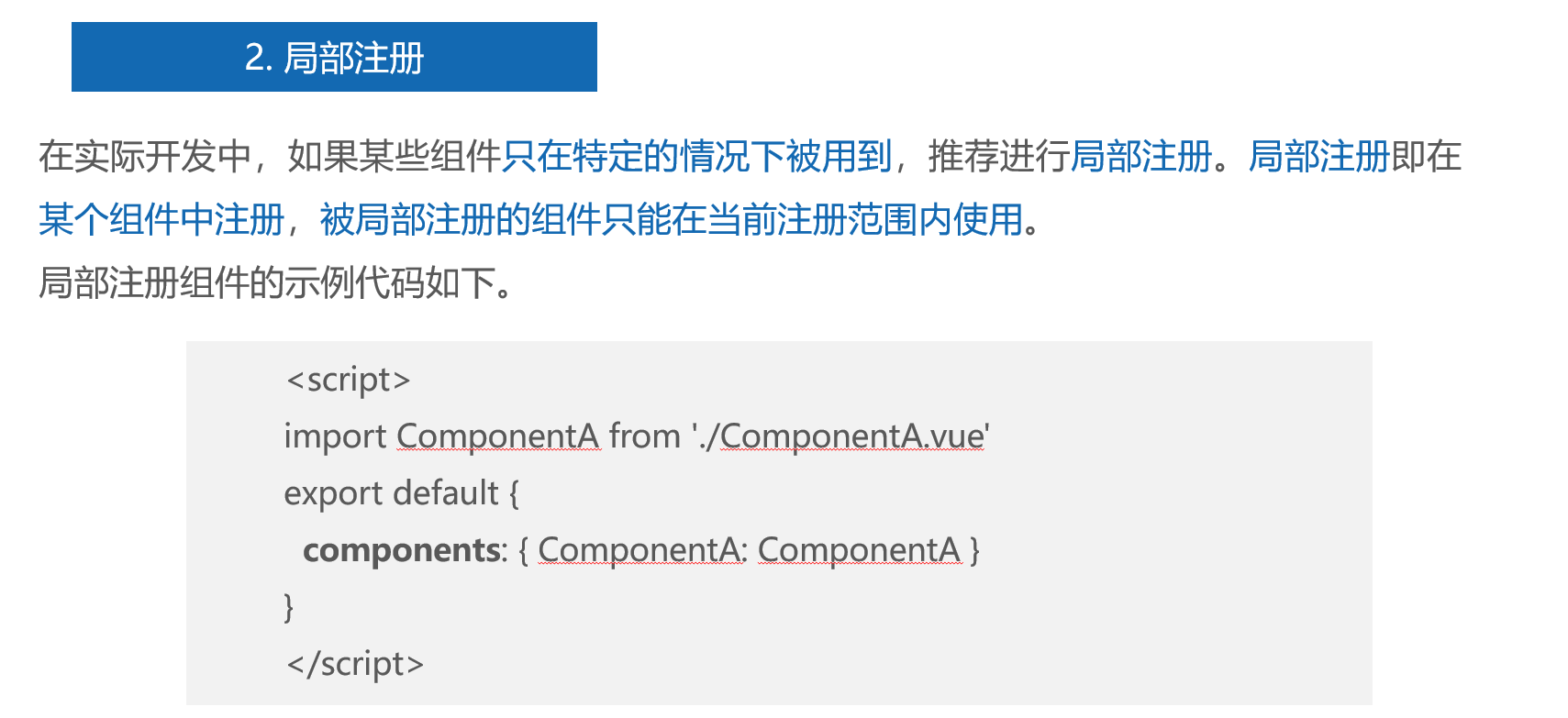
<!-- 注册局部组件 -->
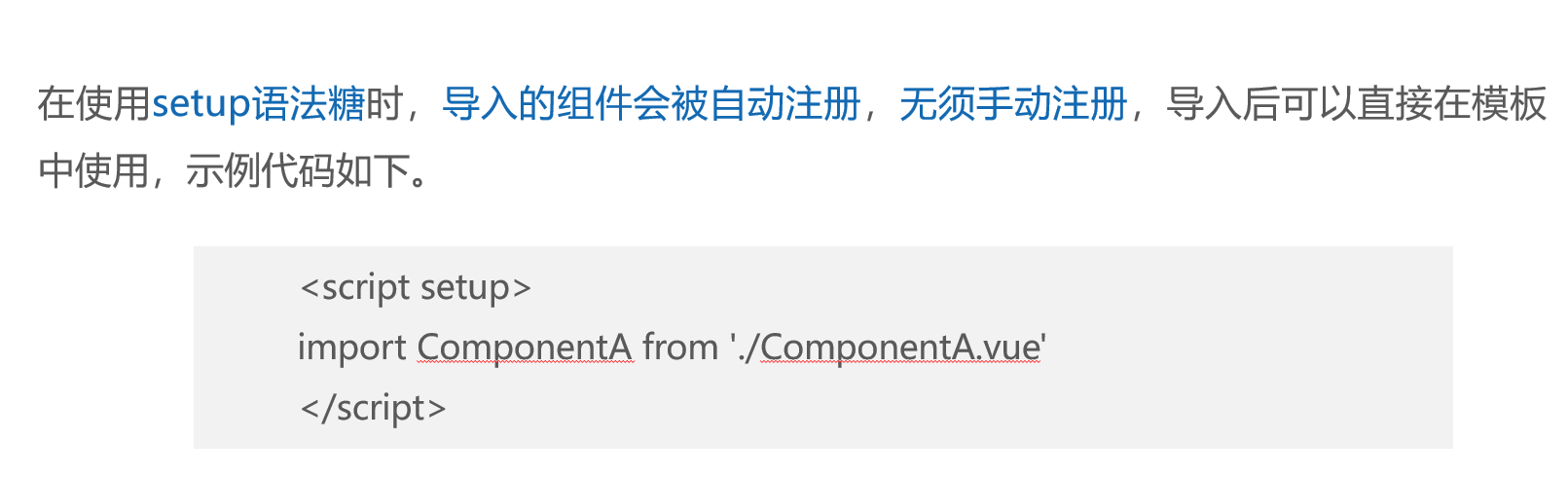
<script setup>
import LocalComponent from './LocalComponent.vue'
</script>
修改src\main.js文件,导入GlobalComponent组件并调用component()方法全局注册GlobalComponent组件。
import './style.css'
import ComponentUse from './components/ComponentUse.vue'
import GlobalComponent from './components/GlobalComponent.vue'
const app = createApp(ComponentUse)
app.component('GlobalComponent', GlobalComponent)
app.mount('#app')
演示效果
四、解决组件之间的样式冲突
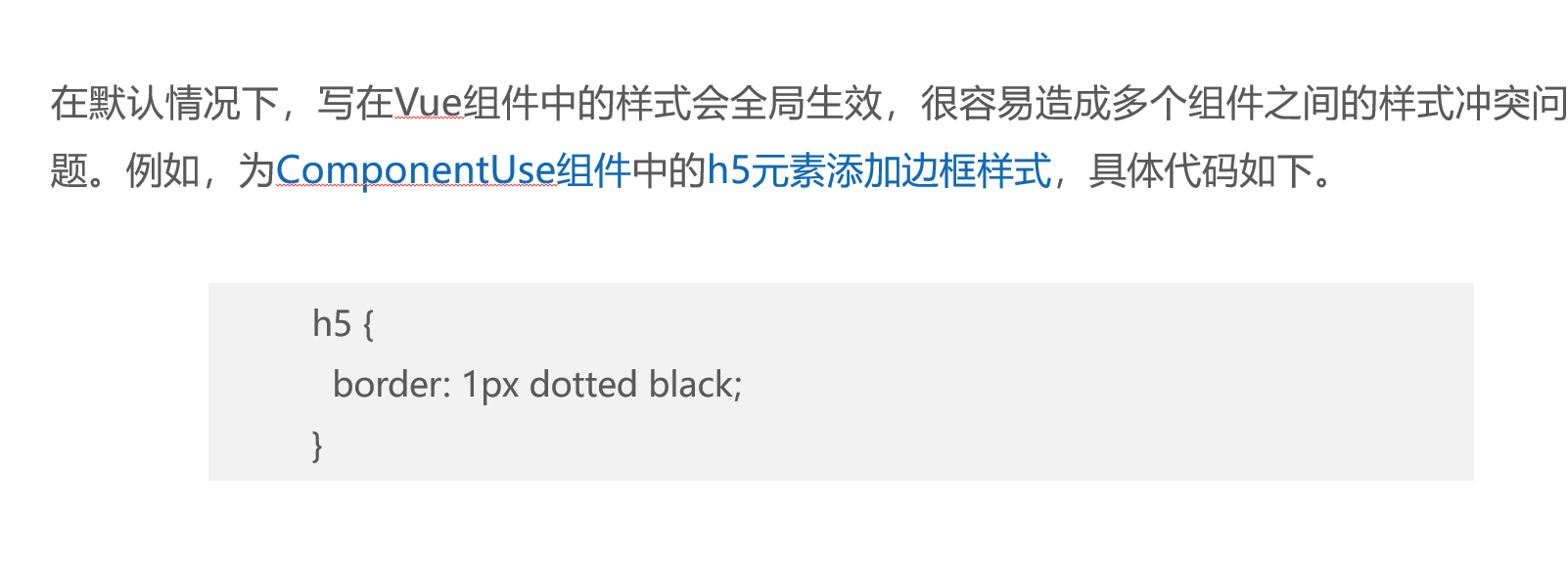
1、基本概念
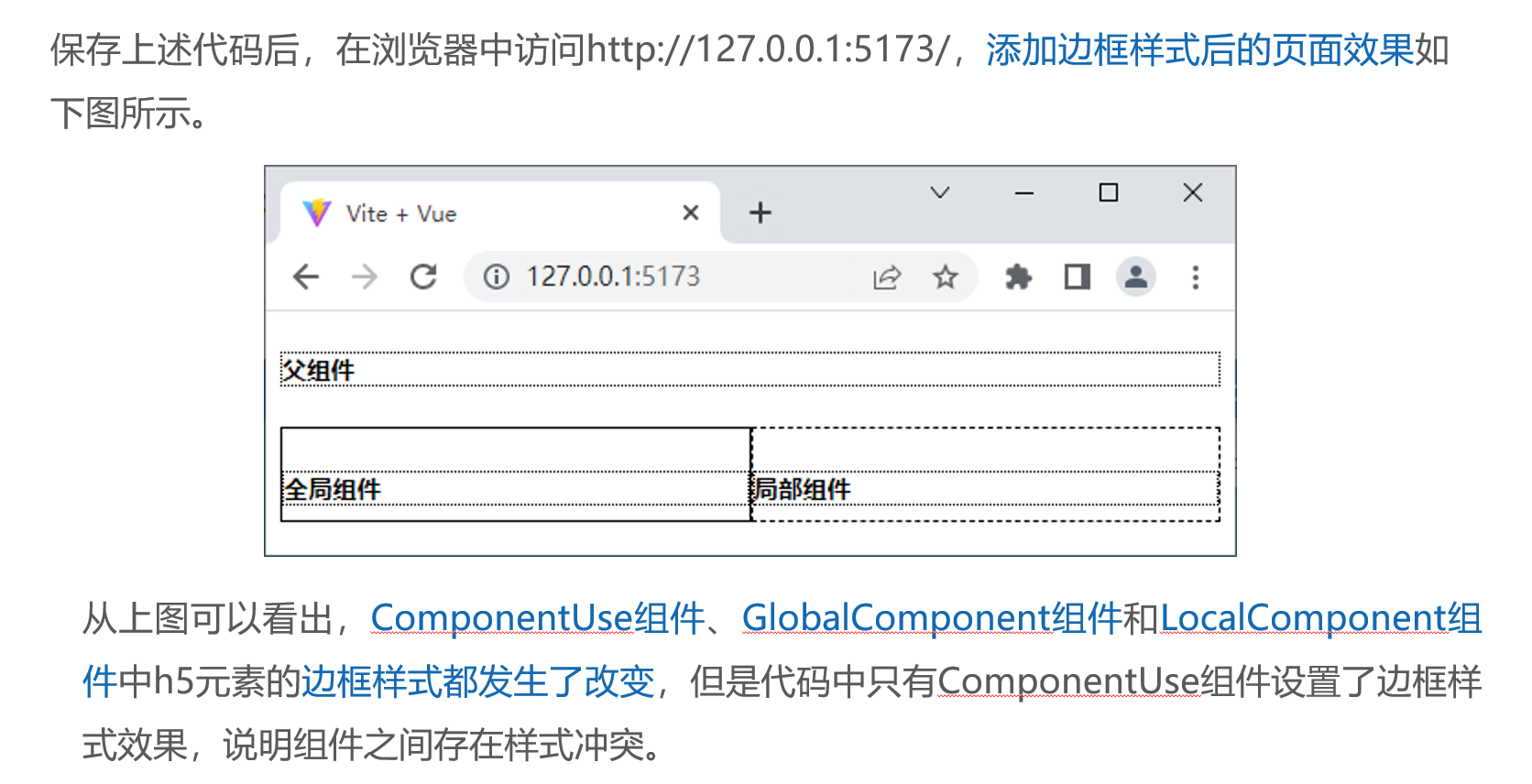
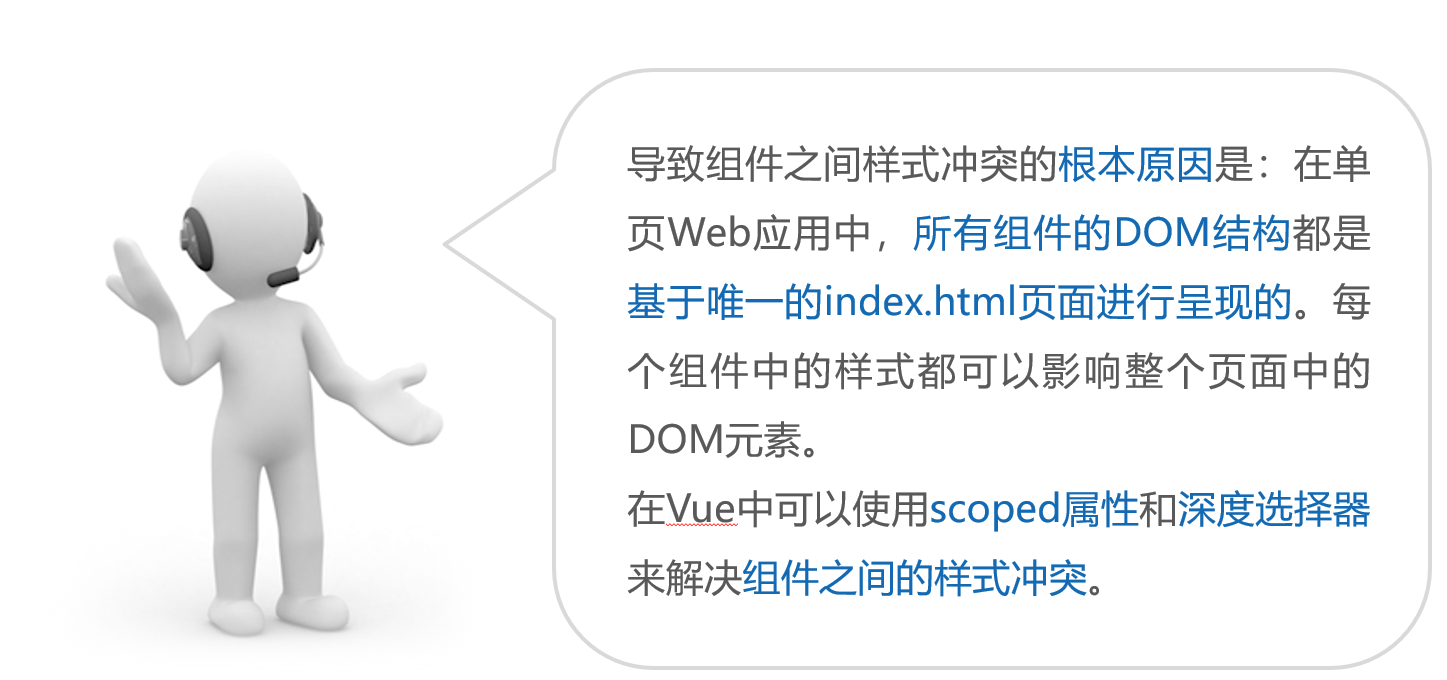
2、代码示例
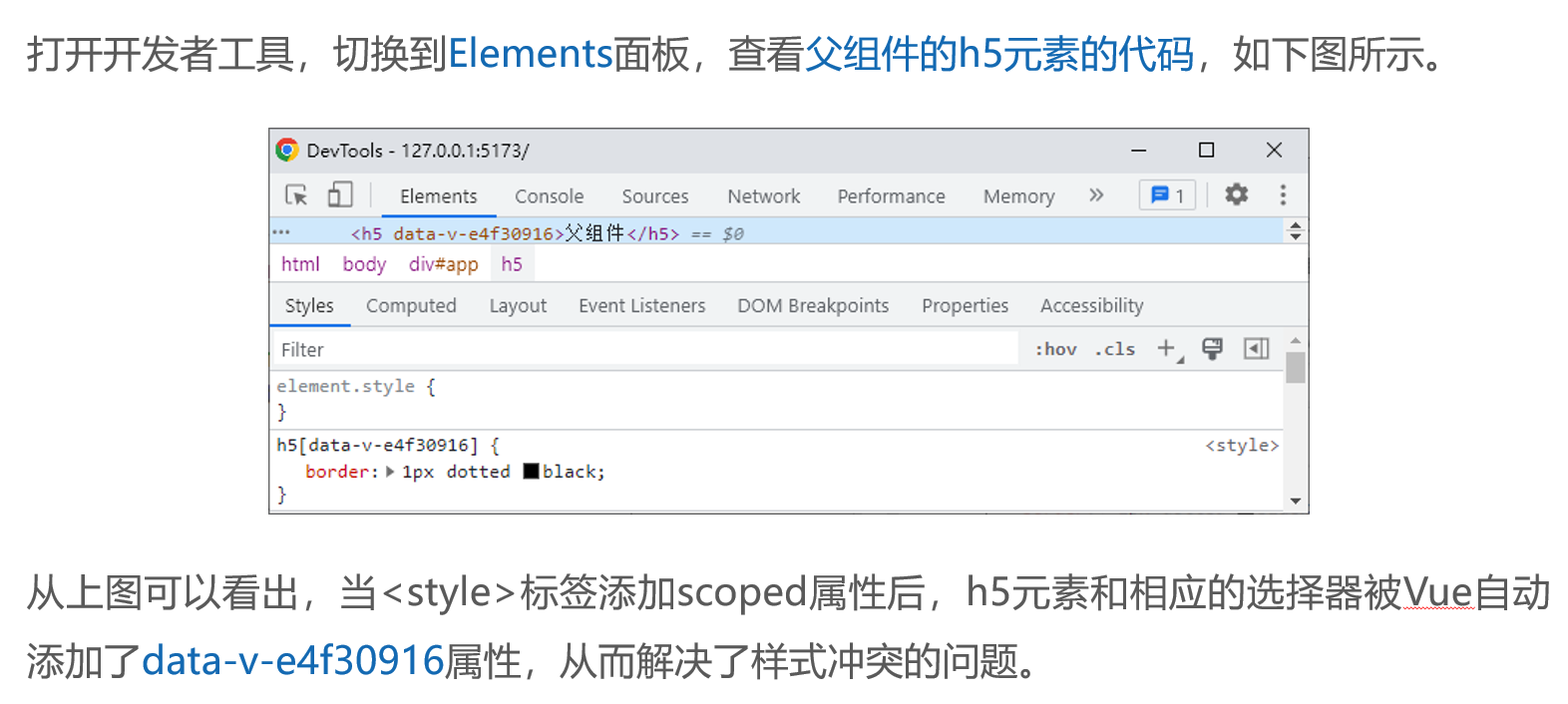
2.1 scoped属性解决样式冲突
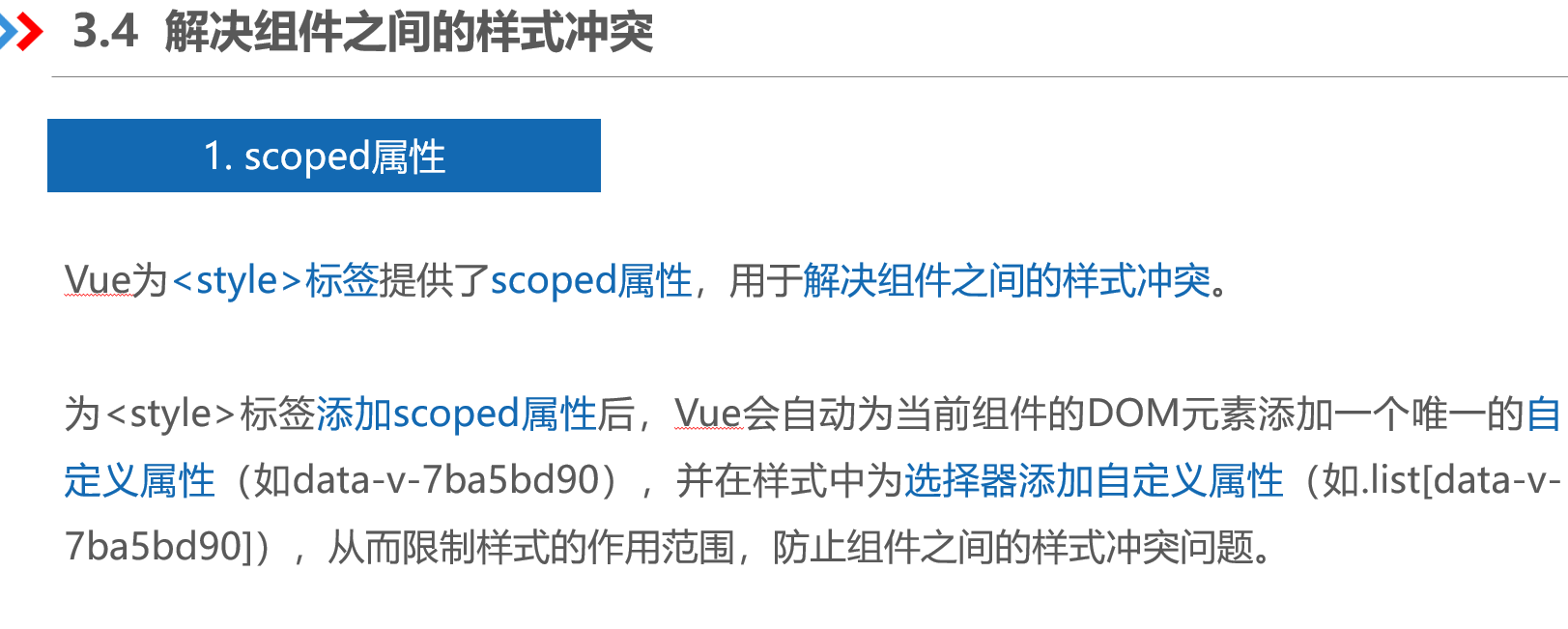
<template>
  <h5>父组件</h5>
  <div class="box">
       <GlobalComponent />
  <LocalComponent />

  </div>
</template>
<style scoped>
.box {
  display: flex;
}
h5 {
  border: 5px dotted black;
}

</style>
<!-- 注册局部组件 -->
<script setup>
import LocalComponent from './LocalComponent.vue'
</script>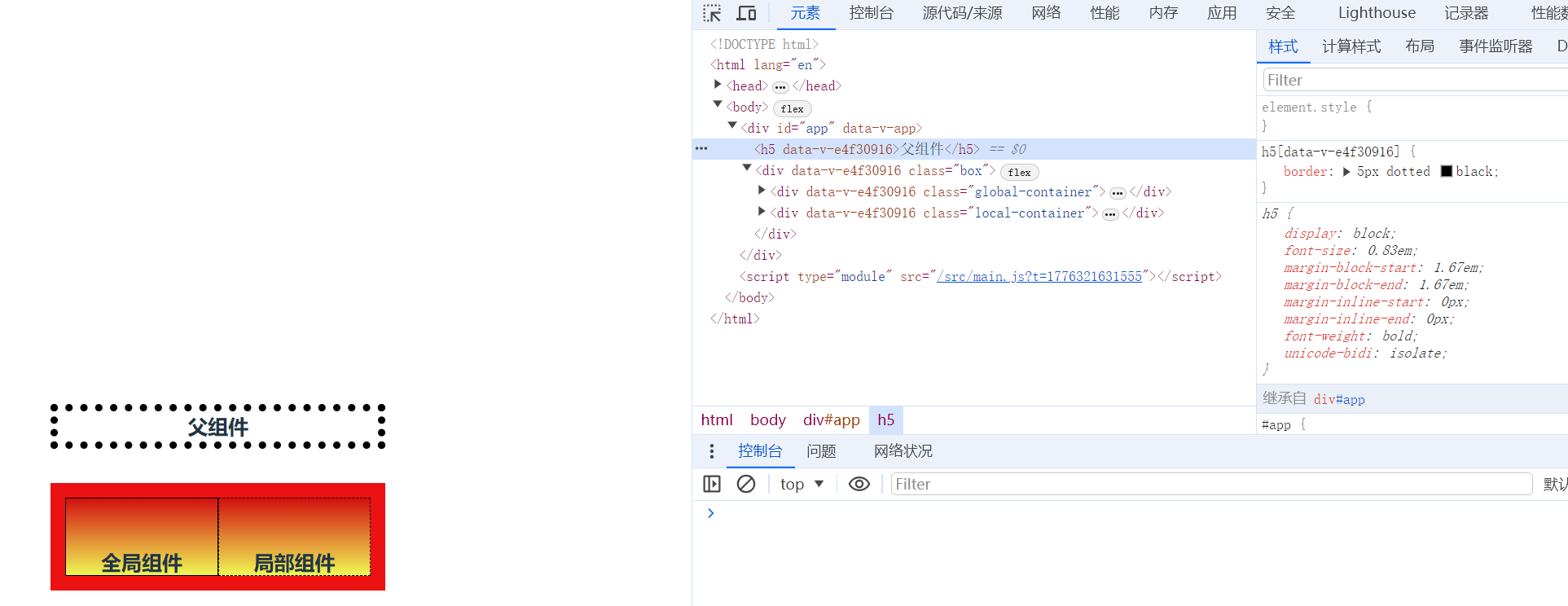
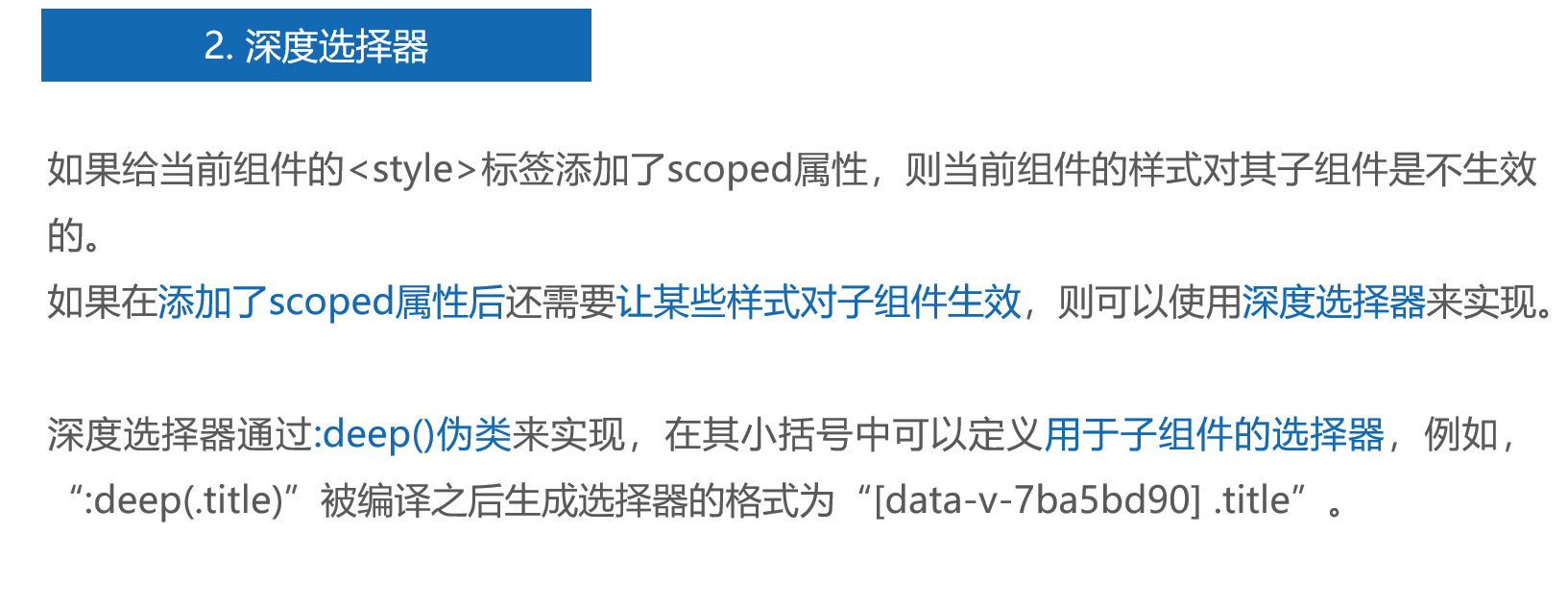
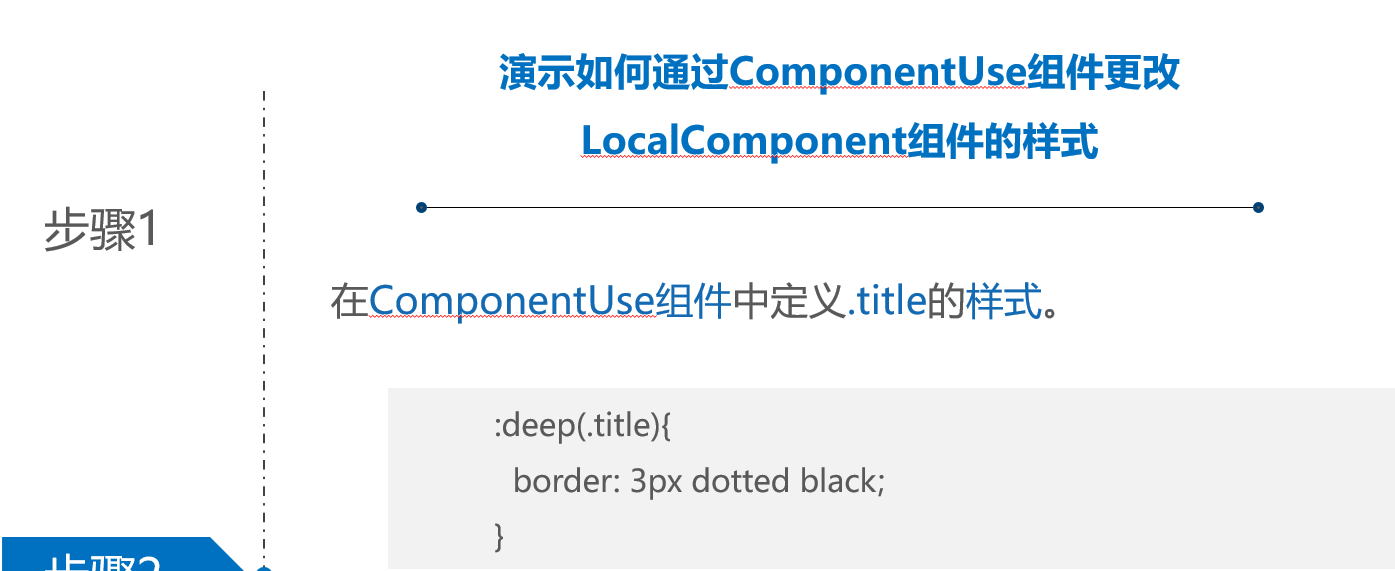
2.2 深度选择器解决样式冲突
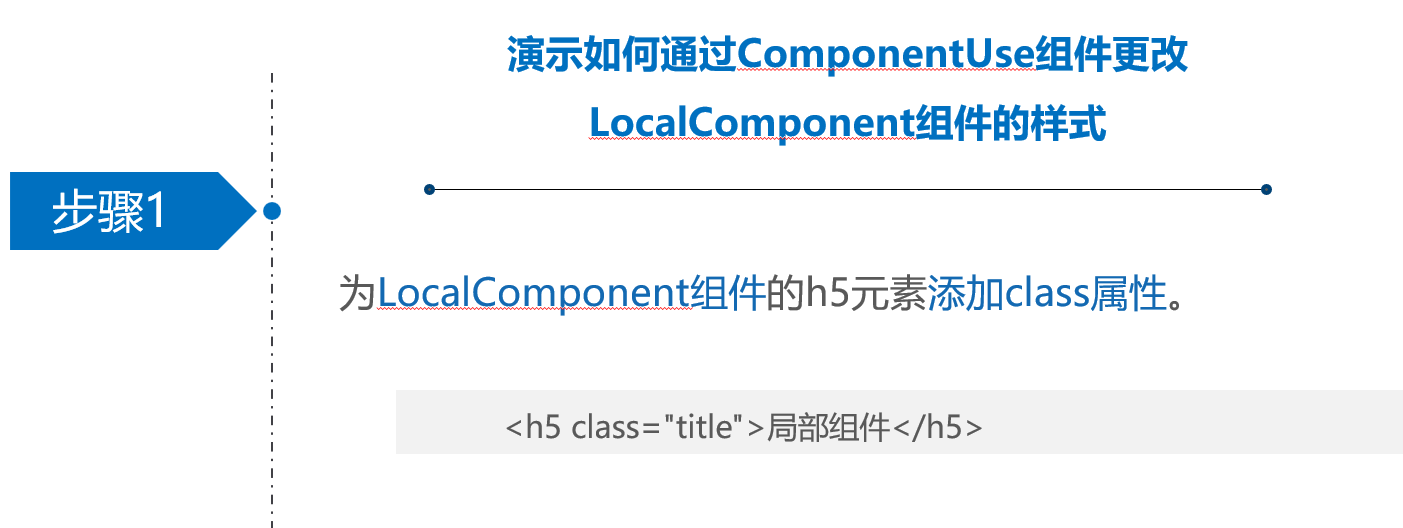
<template>
  <h5>父组件</h5>
  <div class="box">
       <GlobalComponent />
  <LocalComponent />

  </div>
</template>
<style scoped>
.box {
  display: flex;
}
h5 {
  border: 5px dotted rgb(221, 6, 6);
}

:deep(.title){
  border: 3px dotted rgb(208, 13, 13);
}


</style>
<!-- 注册局部组件 -->
<script setup>
import LocalComponent from './LocalComponent.vue'
</script>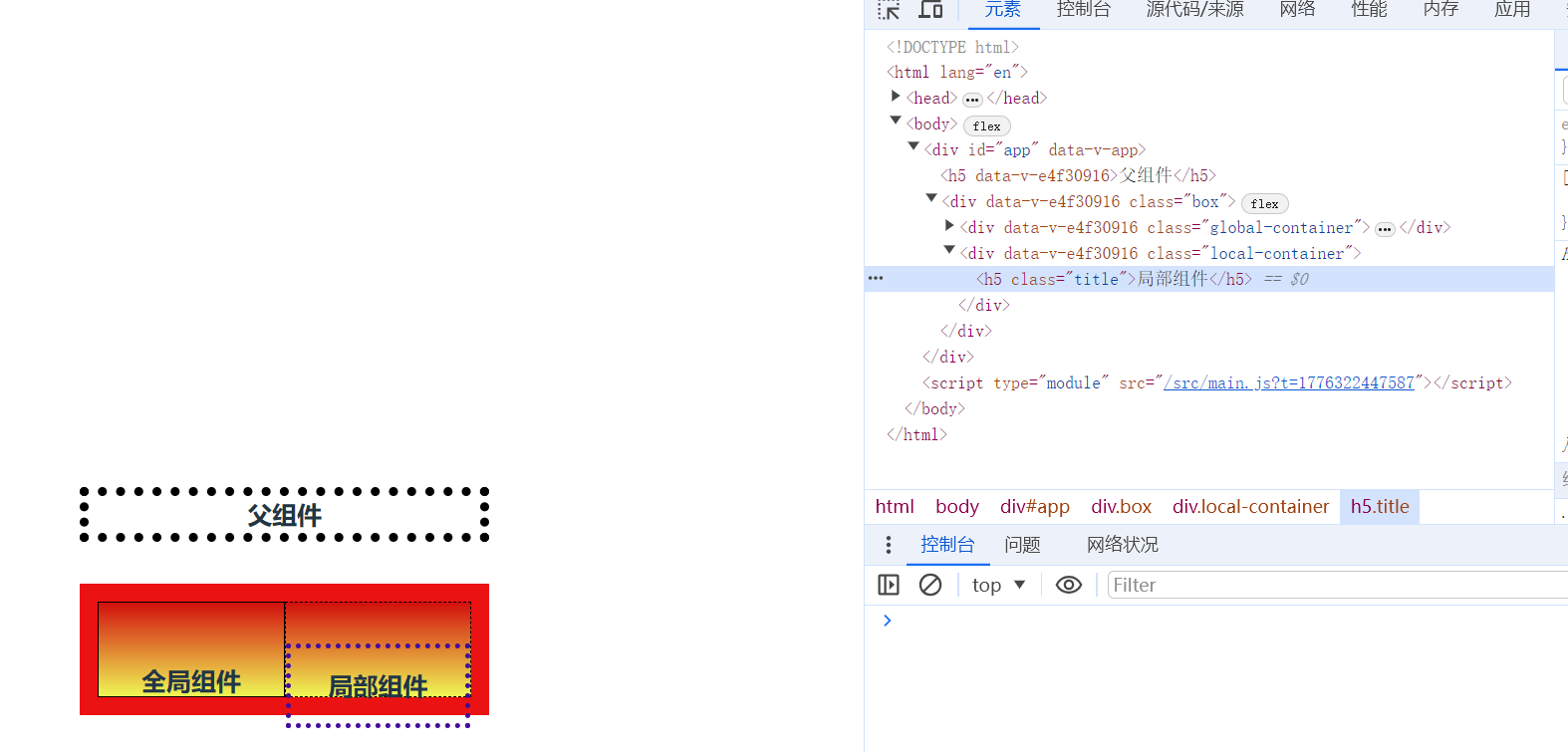
五、父组件向子组件传递数据
1、静态绑定porps代码及演示效果
父组件代码
<template>
<!-- 使用局部组件,并且向局部组件的num传递数据 -->
  <Count num="1" />
</template>
<script setup>
// 注册局部组件
import Count from './Count.vue'
</script>
子组件代码
<template>
  初始值为:{{ num }}
</template>
<script setup>
const props = defineProps({
  num: String
})

</script>
main.js 切换演示
import Props from './components/Props.vue'
 createApp(Props).mount('#app')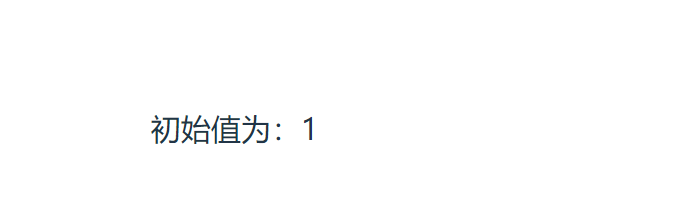
2、动态绑定porps代码及演示效果
父组件代码
<template>
  <Child :init="username" />
</template>
<script setup>
import Child from './Child.vue'
import { ref } from 'vue'
const username = ref('小圆')
</script>
子组件代码
<template></template>
<script setup>
const props = defineProps(['init'])
console.log(props)
</script>
main.js 切换演示
import father from './components/father.vue'
 createApp(father).mount('#app')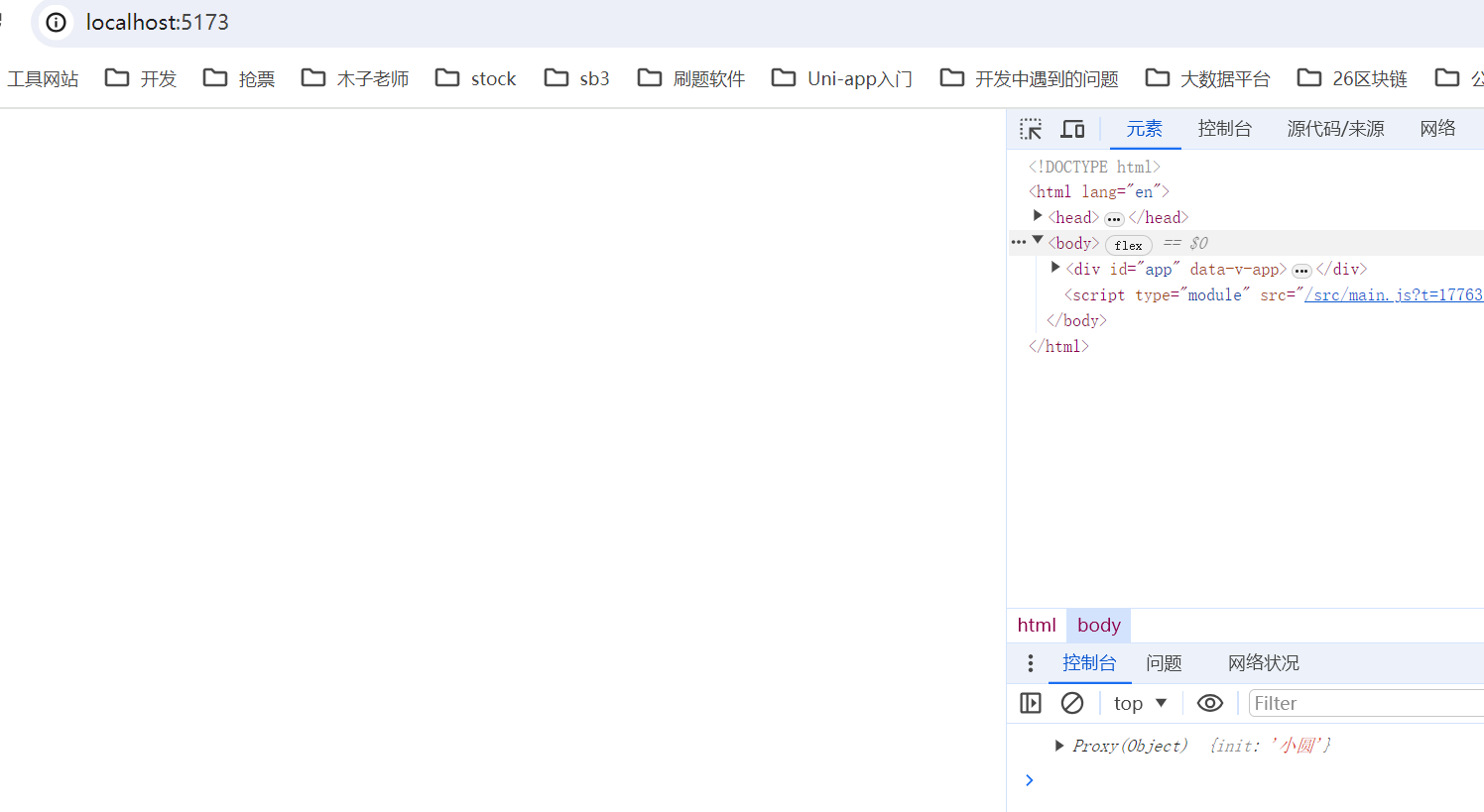
3、基本概念