一、CrewAI 开发框架简介
1、简介
CrewAI 是一个开源的多智能体框架,支持工具集成,用于构建一组协作完成任务的智能体(Agents)。它的设计理念是:每个 Agent 都具备特定角色、工具和目标,通过任务分工与信息共享共同解决复杂问题。
CrewAI 能够提供类人团队的任务执行方式,不但可以构建单智能体助手,更可以构建"项目经理 + 设计师 + 执行者"这样的模拟团队。CrewAI 的另一个优势是可扩展性和生产级部署,因此其实可以广泛应用于你的数据分析、内容创作、自动化流程等场景。
demo
1、简单demo
from crewai import Agent, Crew, Task, LLM
import os

# 你的 gateway key
os.environ["OPENAI_API_KEY"] = "******"

llm = LLM(
    model="gpt-5.1",
    base_url="https://llm-gatewa.xxx.xxx/v1",
    api_key=os.getenv("OPENAI_API_KEY"),
)

researcher = Agent(
    role="研究员",
    goal="搜索并总结最新 AI 趋势",
    backstory="你是一位热衷于探索 AI 技术的专家",
    llm=llm,
    verbose=True
)

task = Task(
    description="查找并总结 2025 年 AI 领域的最新发展",
    agent=researcher,
    expected_output="一份简短的 AI 趋势总结"
)

crew = Crew(
    agents=[researcher],
    tasks=[task],
    verbose=True
)

result = crew.kickoff()
print(result)
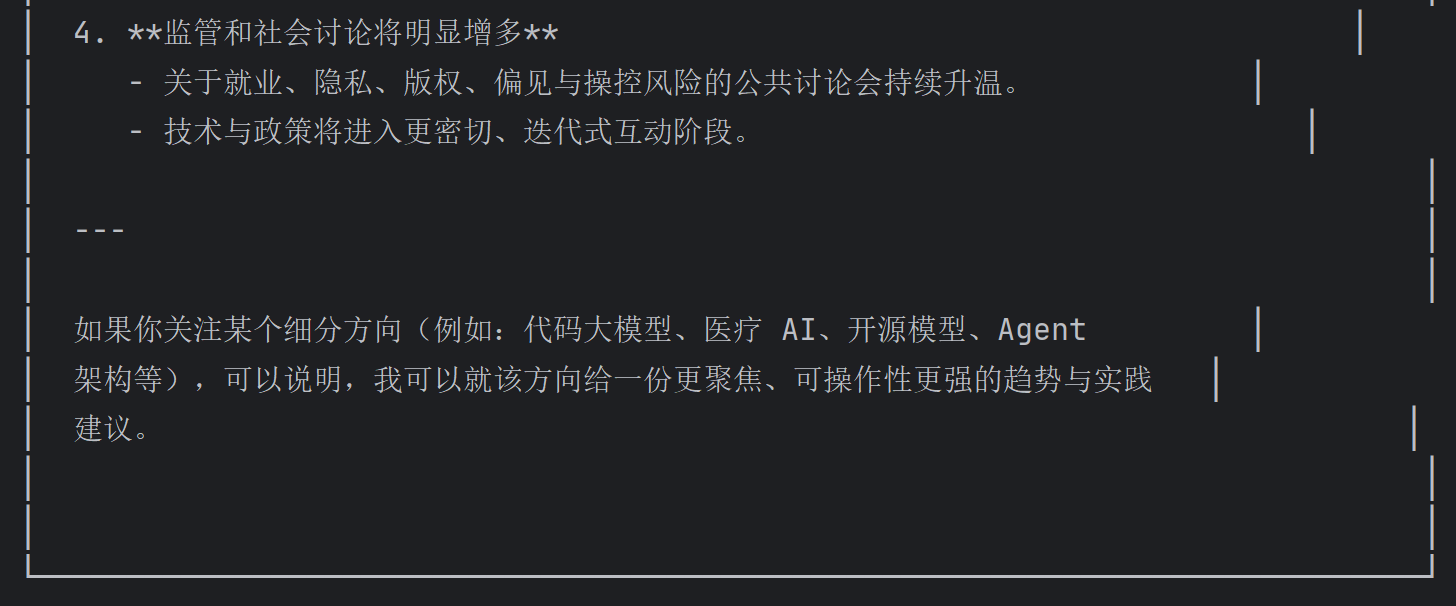
输出:
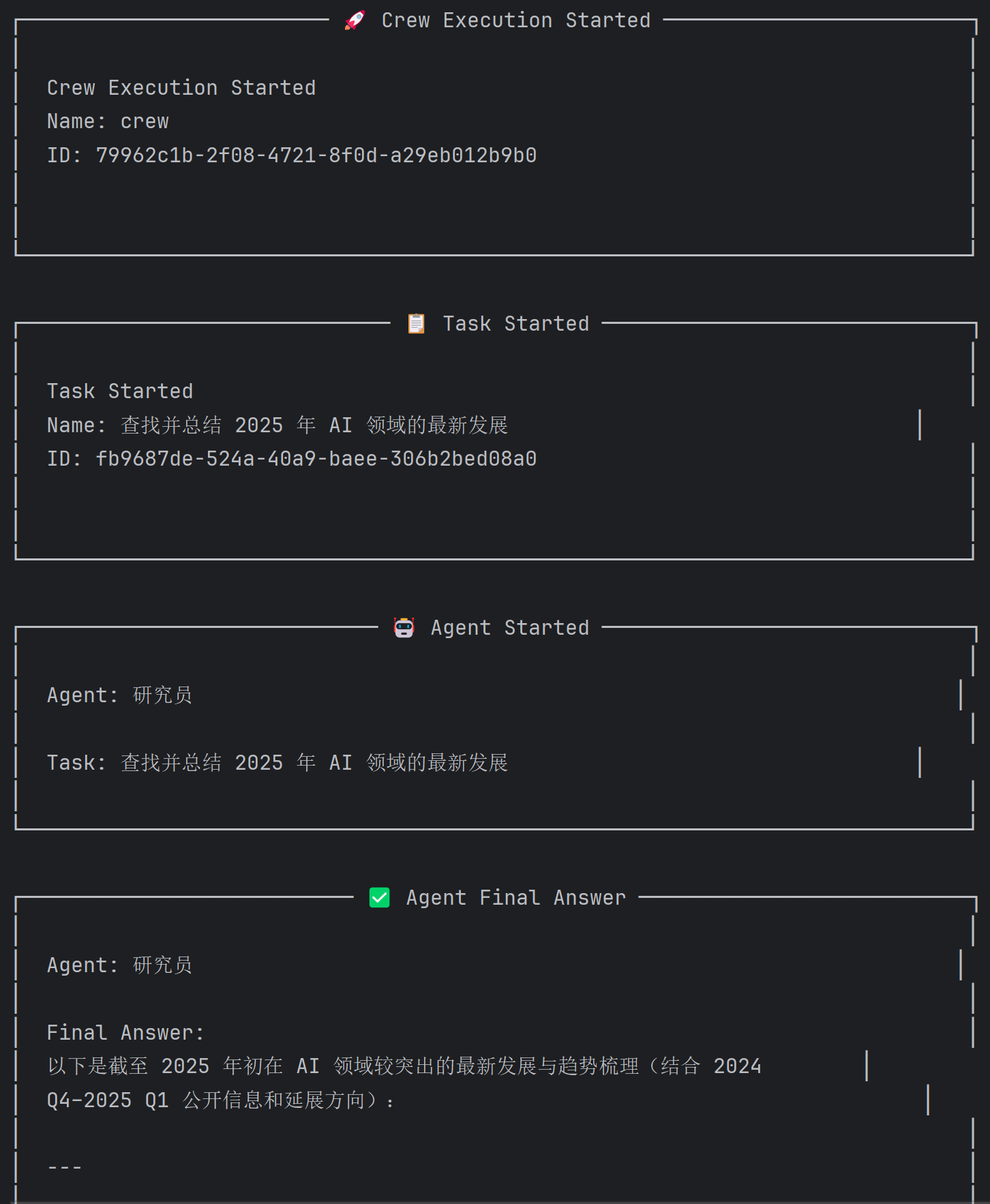
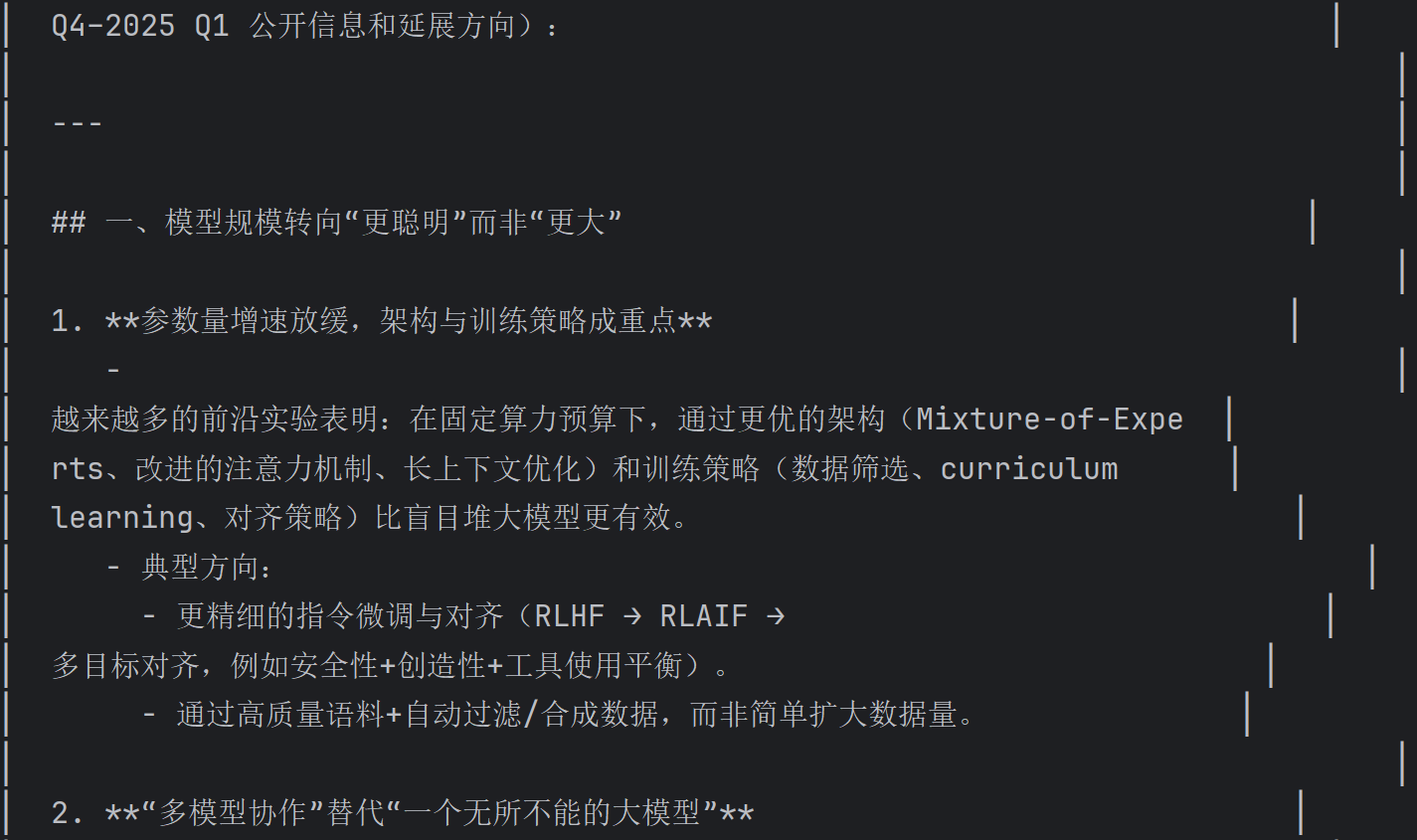
......省略很长的一段.
2、单机版
import base64
import logging
import os
from io import BytesIO
from uuid import uuid4

import requests
from PIL import Image
from crewai import Agent, Crew, Task
from crewai.process import Process
from crewai.tools import tool
from crewai.llms.base_llm import BaseLLM
from pydantic import BaseModel

# ================== 配置 ==================
os.environ["LLM_GATEWAY_API_KEY"] = "*****"

logging.basicConfig(level=logging.INFO)
logger = logging.getLogger(__name__)


# ================== 自定义 LLM ==================
class MyLLM(BaseLLM):
    def call(self, messages, **kwargs):
        url = "https://llm-gatewayxxx.xxx.xxx/v1/chat/completions"

        headers = {
            "Content-Type": "application/json",
            "X-Api-Key": os.getenv("LLM_GATEWAY_API_KEY"),
        }

        data = {
            "model": "gpt-5.1",
            "messages": messages,
        }

        res = requests.post(url, headers=headers, json=data, timeout=120)
        res.raise_for_status()

        return res.json()["choices"][0]["message"]["content"]

    def get_context_window_size(self):
        return 128000


# ================== 数据结构 ==================
class ImageData(BaseModel):
    id: str | None = None
    name: str | None = None
    mime_type: str | None = None
    bytes: str | None = None
    error: str | None = None


class SimpleImageCache:
    def __init__(self):
        self._cache = {}

    def get(self, session_id: str):
        return self._cache.get(session_id, {})

    def set(self, session_id: str, data: dict):
        self._cache[session_id] = data


image_cache = SimpleImageCache()


# ================== Tool ==================
@tool("ImageGenerationTool")
def generate_image_tool(prompt: str, session_id: str, artifact_file_id: str = "") -> str:
    """根据提示词生成图像,并返回图像ID"""

    if not prompt:
        raise ValueError("提示词不能为空")

    try:
        client = genai.Client()

        contents = prompt

        response = client.models.generate_content(
            model="gemini-2.0-flash-exp",
            contents=contents,
            config=types.GenerateContentConfig(
                response_modalities=["Text", "Image"]
            ),
        )

        for part in response.candidates[0].content.parts:
            if part.inline_data is not None:
                image_data = ImageData(
                    bytes=base64.b64encode(part.inline_data.data).decode("utf-8"),
                    mime_type=part.inline_data.mime_type,
                    name="generated_image.png",
                    id=uuid4().hex,
                )

                session_data = image_cache.get(session_id) or {}
                session_data[image_data.id] = image_data
                image_cache.set(session_id, session_data)

                return image_data.id

        return "生成失败"

    except Exception as e:
        return f"错误: {str(e)}"


# ================== Agent ==================
class SimpleCrewAIAgent:
    def __init__(self):
        self.image_creator_agent = Agent(
            role="图像创作专家",
            goal="根据提示词生成图像",
            backstory="你是一个AI艺术家",
            verbose=True,
            allow_delegation=False,
            tools=[generate_image_tool],
            llm=MyLLM(model="gpt-5.1"),
        )

        self.image_creation_task = Task(
            description=(
                "用户提示词:'{user_prompt}'\n"
                "必须调用 ImageGenerationTool 工具生成图像\n"
                "传入参数:prompt={user_prompt}, session_id={session_id}, artifact_file_id={artifact_file_id}"
            ),
            expected_output="图像ID",
            agent=self.image_creator_agent,
        )

        self.image_crew = Crew(
            agents=[self.image_creator_agent],
            tasks=[self.image_creation_task],
            process=Process.sequential,
            verbose=True,
        )

    def generate_image(self, prompt: str, session_id: str = None) -> str:
        if not session_id:
            session_id = uuid4().hex

        inputs = {
            "user_prompt": prompt,
            "session_id": session_id,
            "artifact_file_id": "",
        }

        result = self.image_crew.kickoff(inputs)

        return str(result.raw) if hasattr(result, "raw") else str(result)


# ================== main ==================
def main():
    agent = SimpleCrewAIAgent()

    prompt = "一只赛博朋克风格的猫,霓虹灯背景"
    session_id = "test_123"

    result = agent.generate_image(prompt, session_id)

    print("\n生成结果:", result)


if __name__ == "__main__":
    main()
解读
这段代码看起来很长,但并不难理解,它的内核是主要 Agent 类 (SimpleCrewAIAgent),这个类中的关键元素包括:
LLM 模型:
图像创作 Agent:专门负责图像生成的 AI 角色。
任务定义:描述如何处理用户提示词。
Crew:协调 Agent 和任务的执行。
此外,ImageData 复杂创建图像的数据模型 ,而 SimpleImageCache 类则创建了一个简单的内存缓存系统,复制存储生成的图像数据,但程序重启后数据会丢失,优点是快速访问,不占用磁盘空间。在聊天机器人的场景中,有这个缓存机制就足够了。如有存盘需要可以通过 Agent 的 save_image_to_file 功能保存它。
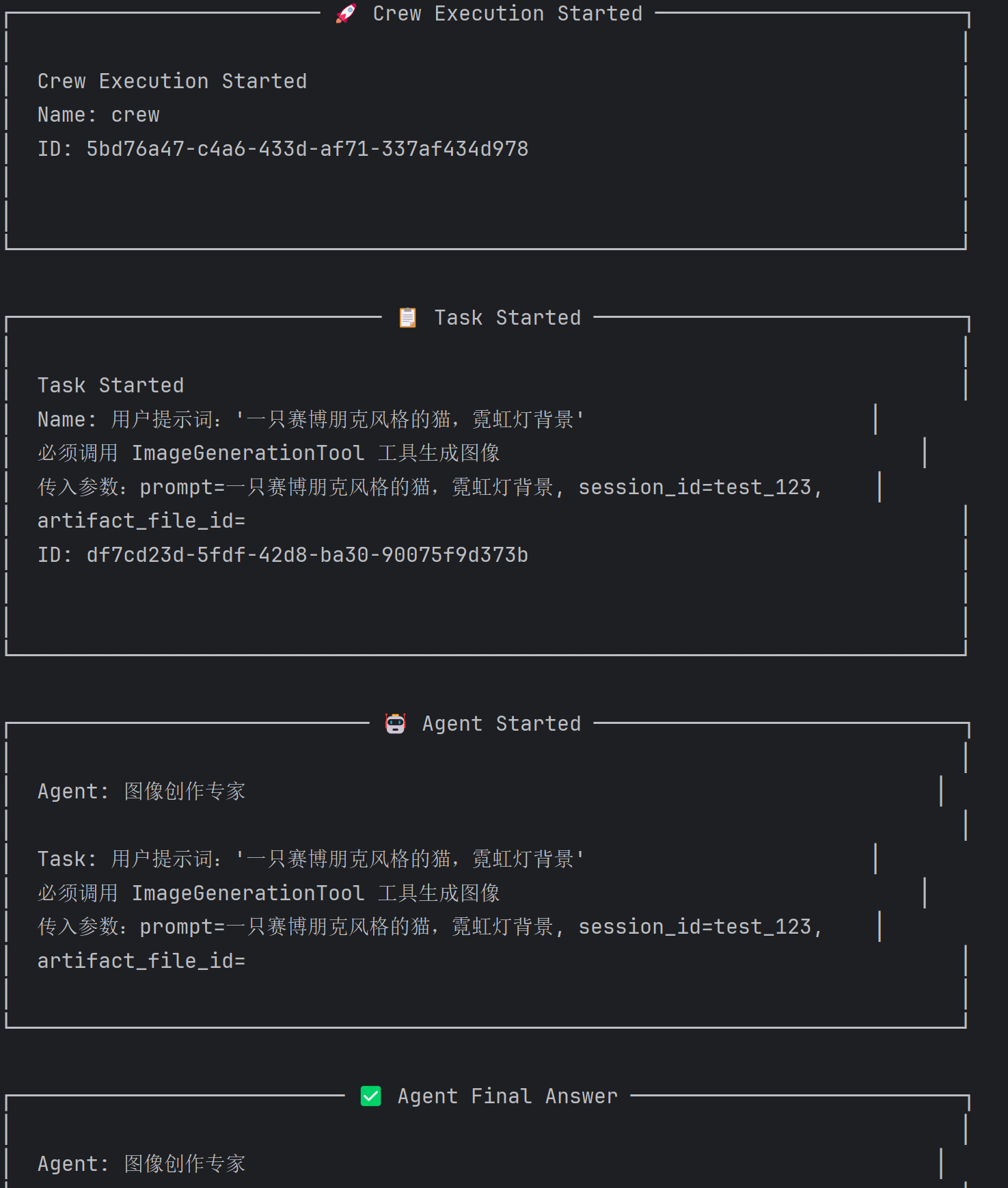
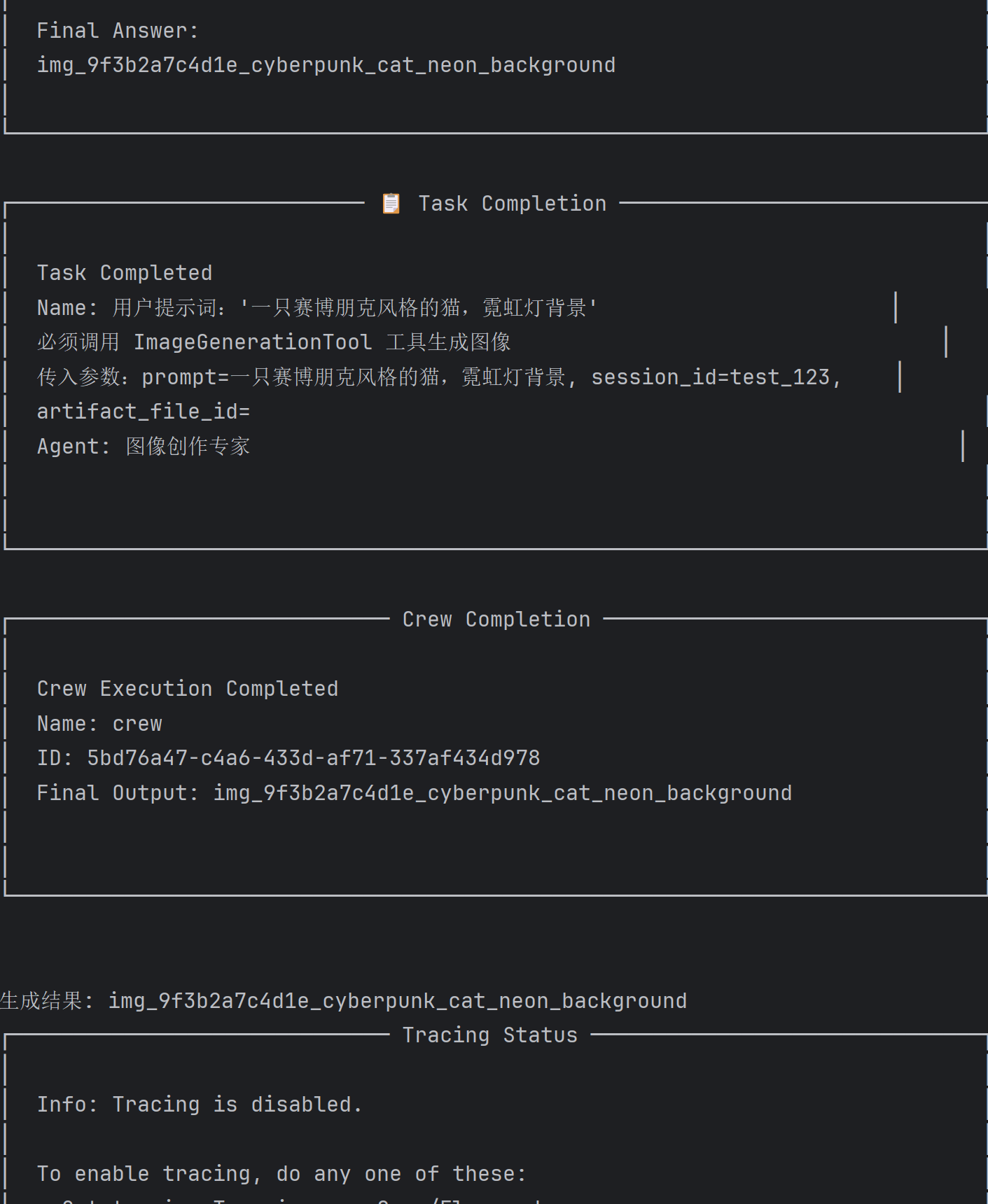
输出:
3、a2a版
self.image_creator_agent = Agent(
    role='Image Creation Expert',
    goal='Generate an image based on the user\'s text prompt...',
    backstory='You are a digital artist powered by AI...',
    tools=[generate_image_tool],
    llm=self.model,
)


self.image_creation_task = Task(
    description='Receive a user prompt: {user_prompt}...',
    expected_output='The id of the generated image',
    agent=self.image_creator_agent,
)

有了 Agent 和 Task,就可以通过 Crew 把 Agent 组装起来:
self.image_crew = Crew(
    agents=[self.image_creator_agent],
    tasks=[self.image_creation_task],
    process=Process.sequential,
    verbose=False,
)