简介
Conda 是一个主打解决 Python/R 安装、版本冲突与环境隔离问题的包管理器,如果你的操作系统手动安装 Python 非常困难和麻烦,可以考虑使用它来安装。
本文介绍如何在 CentOS 上安装 Conda,以及使用它来安装一个自定义版本的 Python。
安装
敲下面的命令,下载安装脚本
shell
wget https://repo.anaconda.com/miniconda/Miniconda3-latest-Linux-x86_64.sh如果没有 wget 程序,可以敲下面的命令安装一个
shell
yum install -y wget如果有网络问题,可以像我一样,将地址拷贝到浏览器/迅雷上下载
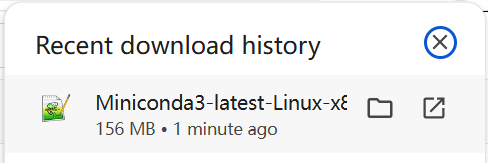
下载下来后,上传到服务器,敲下面的命令执行
shell
bash Miniconda3-latest-Linux-x86_64.sh我这个 GLIBC 版本不支持安装最新的

换下面这个版本
shell
wget https://repo.anaconda.com/miniconda/Miniconda3-py39_4.10.3-Linux-x86_64.sh安装
shell
bash Miniconda3-py39_4.10.3-Linux-x86_64.sh如下
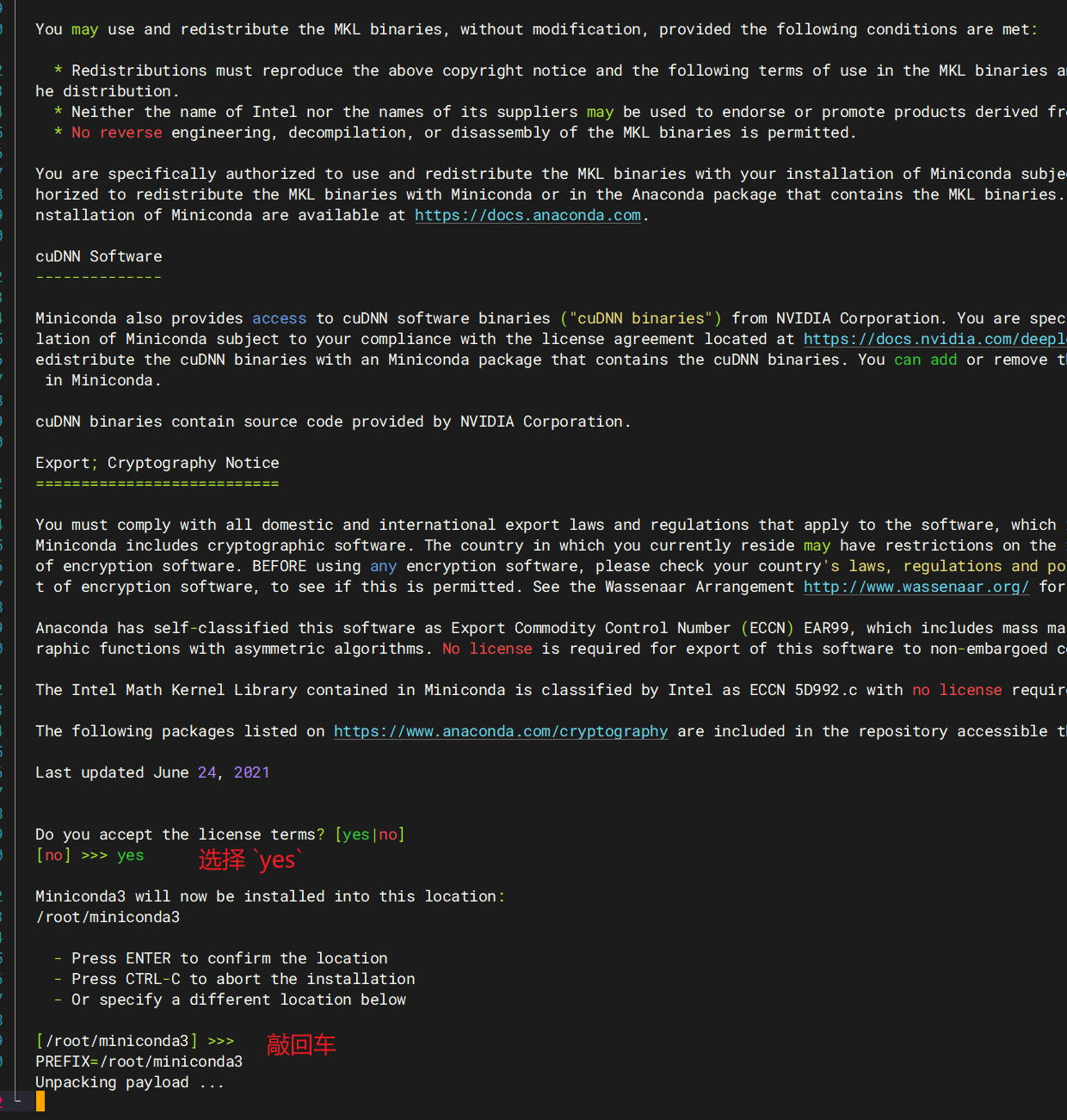
是否需要初始化,选择 yes
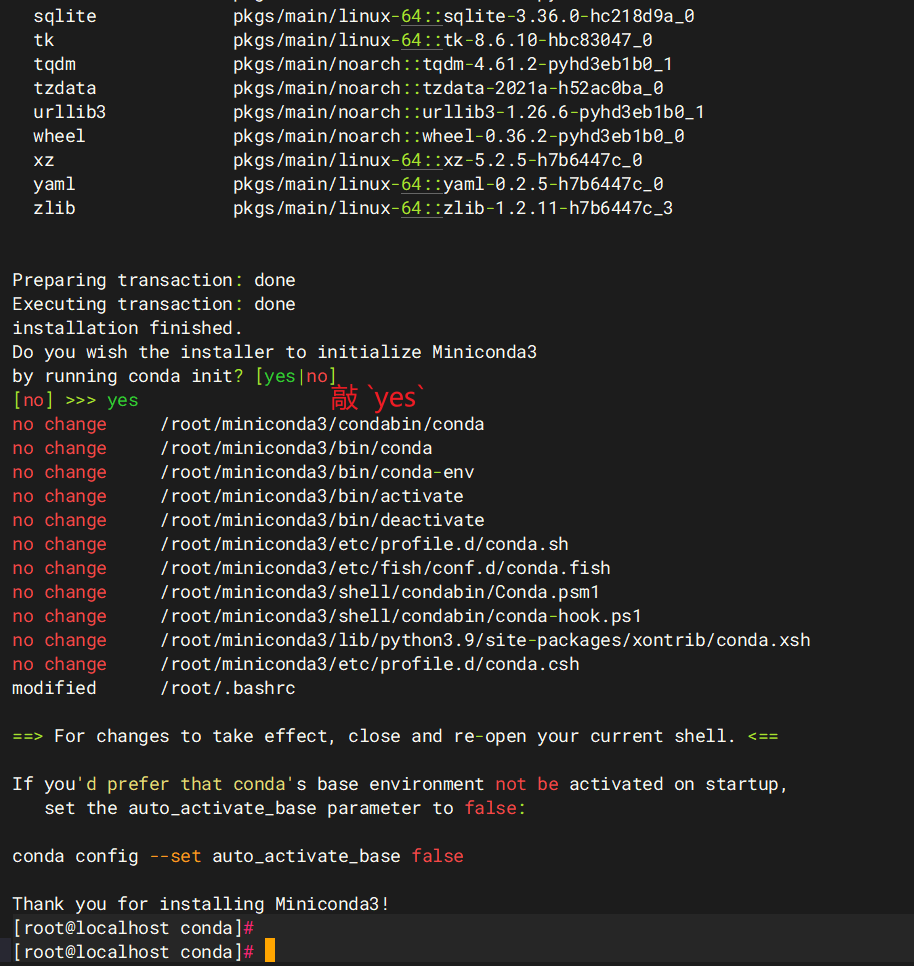
安装完,敲下面的命令验证
shell
source ~/.bashrc
conda --version
如下,出现版本号说明安装完成
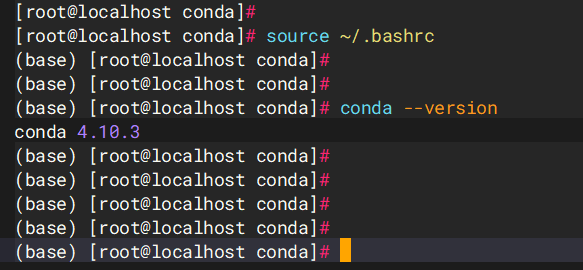
再配置一些国内的镜像,方便后面下载库
shell
conda config --add channels https://mirrors.tuna.tsinghua.edu.cn/anaconda/pkgs/main/
conda config --add channels https://mirrors.tuna.tsinghua.edu.cn/anaconda/pkgs/r/
conda config --add channels https://mirrors.tuna.tsinghua.edu.cn/anaconda/pkgs/msys2/
conda config --set show_channel_urls yes
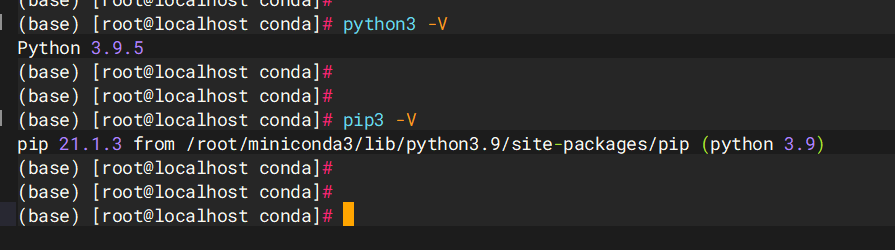
安装完 Conda 自带就有了 Python 环境,可以敲下面的命令查看
shell
python3 -V
pip -V
如下
使用
如果想要其他 Python 版本的环境,可以敲下面的命令安装切换
如下,创建一个 Python-3.11.15 版本的环境,其中 py-3.11.15 是环境名称
shell
conda create -n py-3.11.15 python=3.11.15如下,创建好了
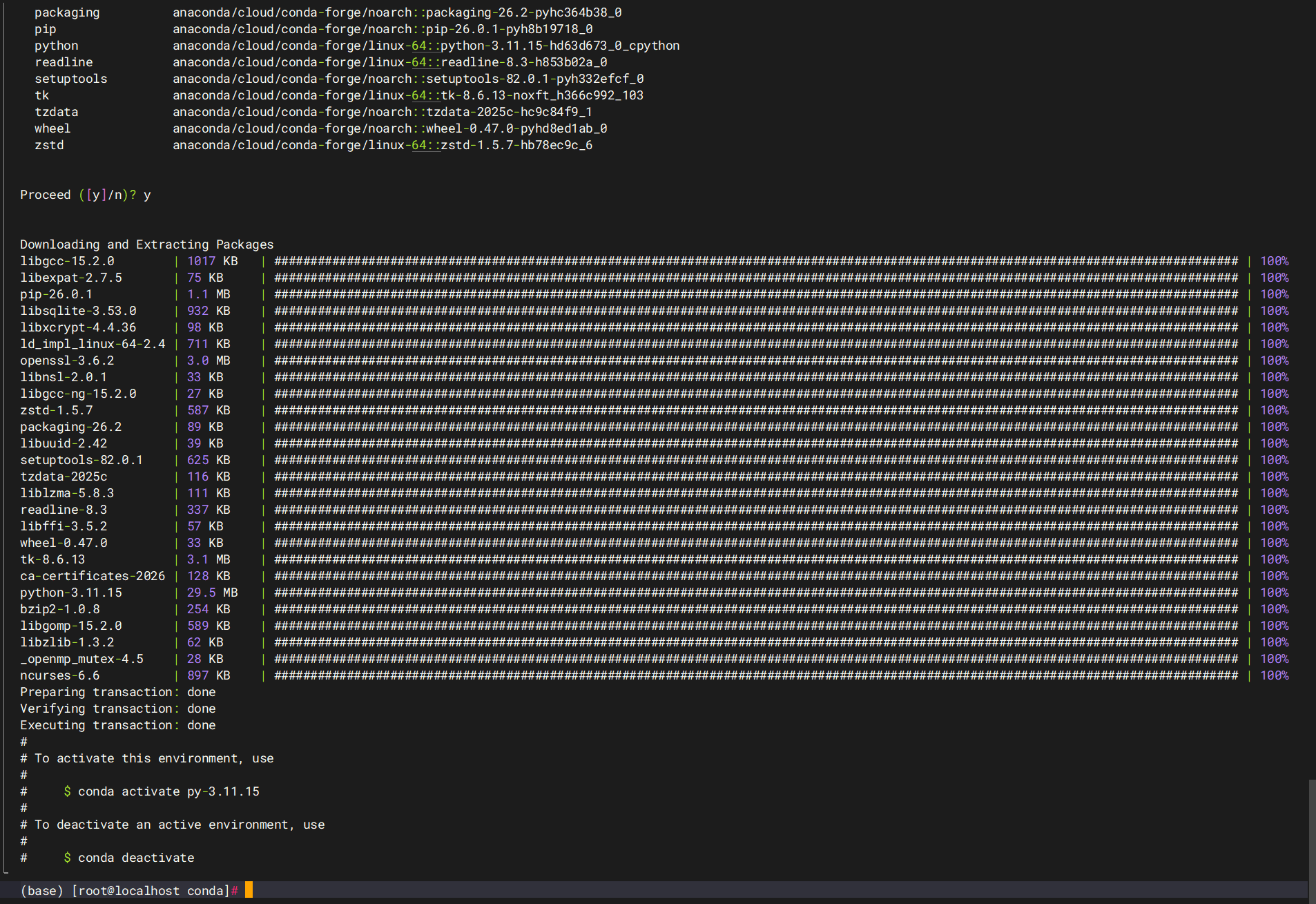
如果失败了,敲下面的命令,重新设置一下镜像源
powershell
# 清空旧配置
conda config --remove-key channels
# 添加清华源
conda config --add channels https://mirrors.tuna.tsinghua.edu.cn/anaconda/pkgs/main/
conda config --add channels https://mirrors.tuna.tsinghua.edu.cn/anaconda/pkgs/r/
conda config --add channels https://mirrors.tuna.tsinghua.edu.cn/anaconda/pkgs/msys2/
conda config --add channels https://mirrors.tuna.tsinghua.edu.cn/anaconda/cloud/conda-forge/
# 显示包的来源
conda config --set show_channel_urls yes
敲下面的命令激活该环境
shell
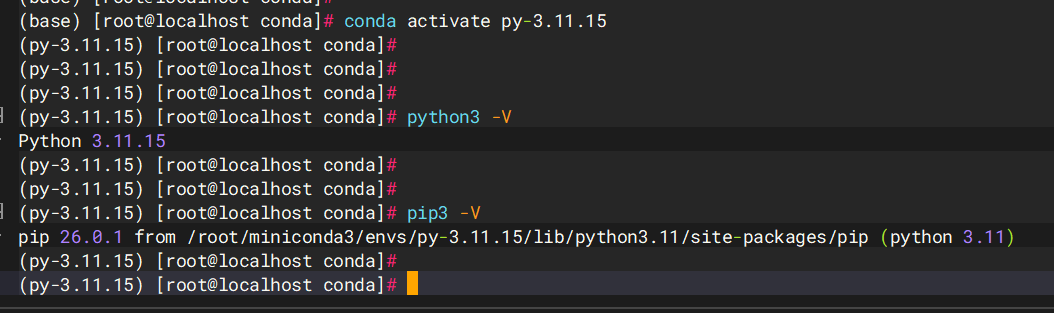
conda activate py-3.11.15如下,激活后就是前面设置的 Python 版本了,是不是非常方便